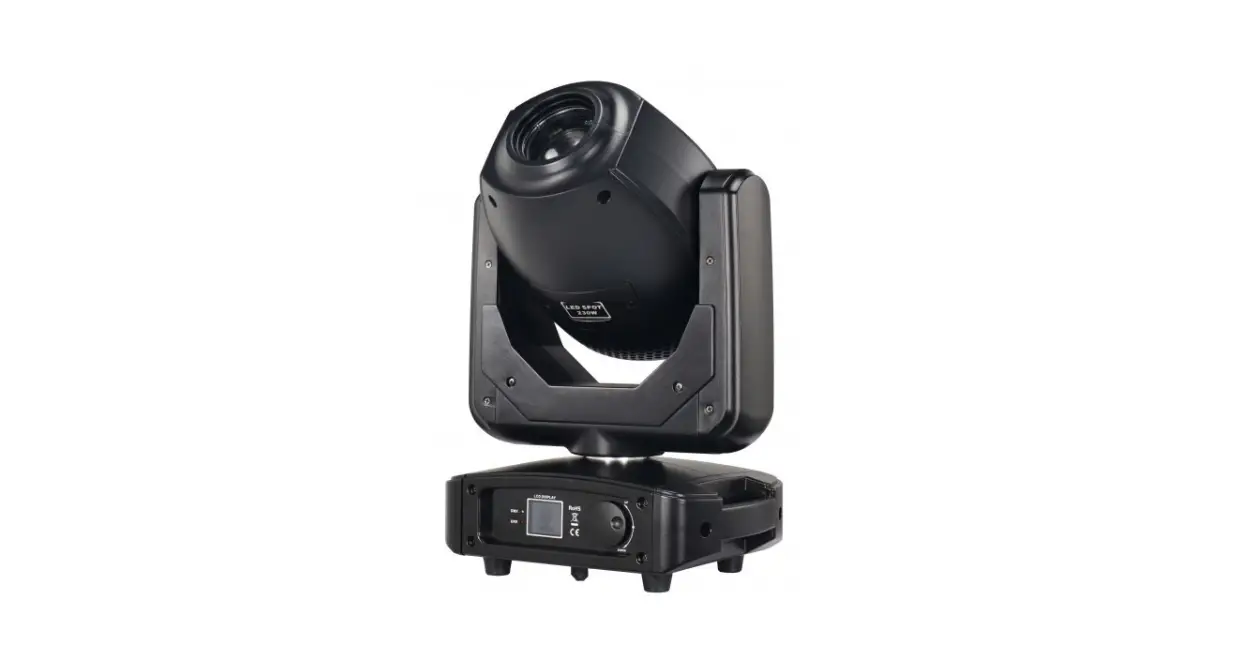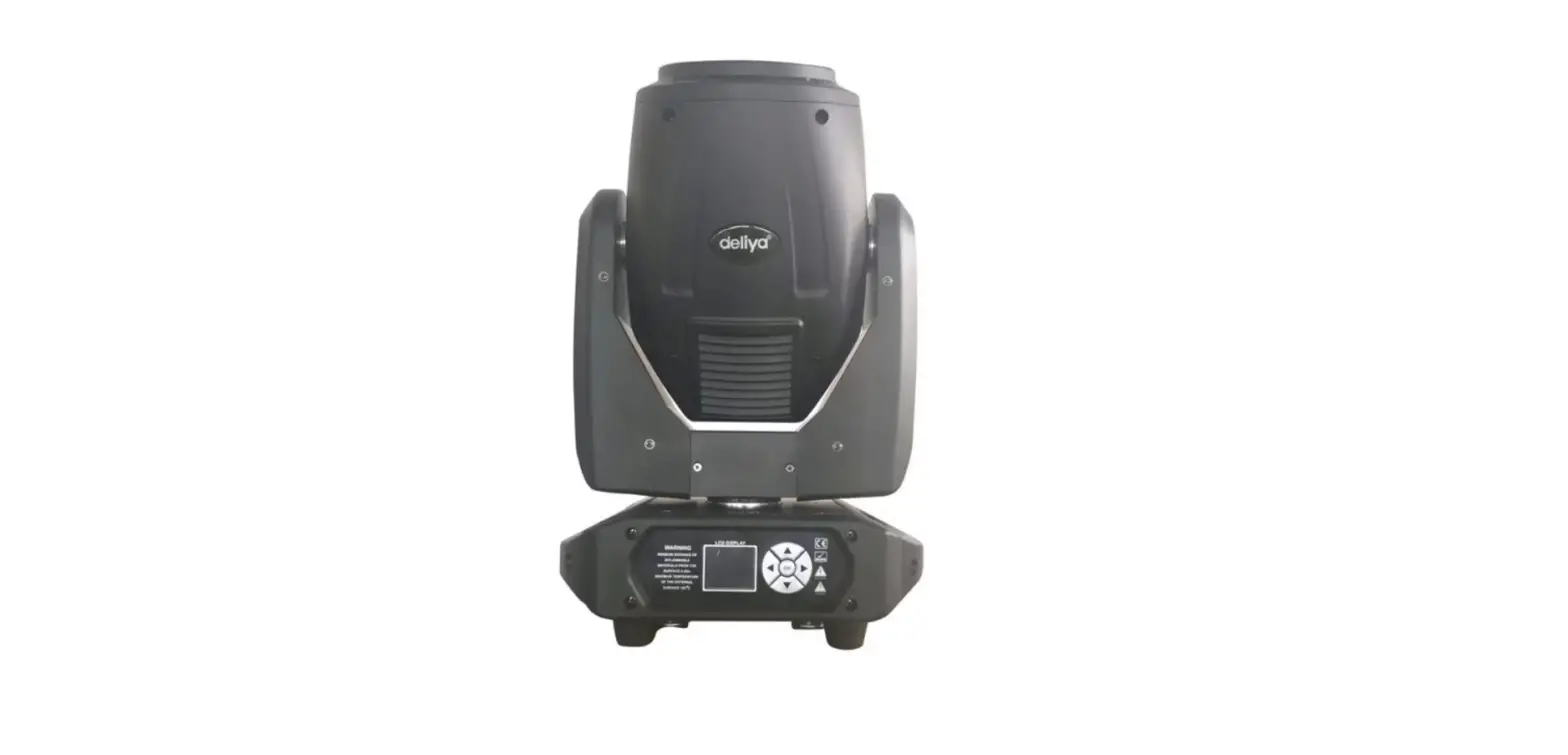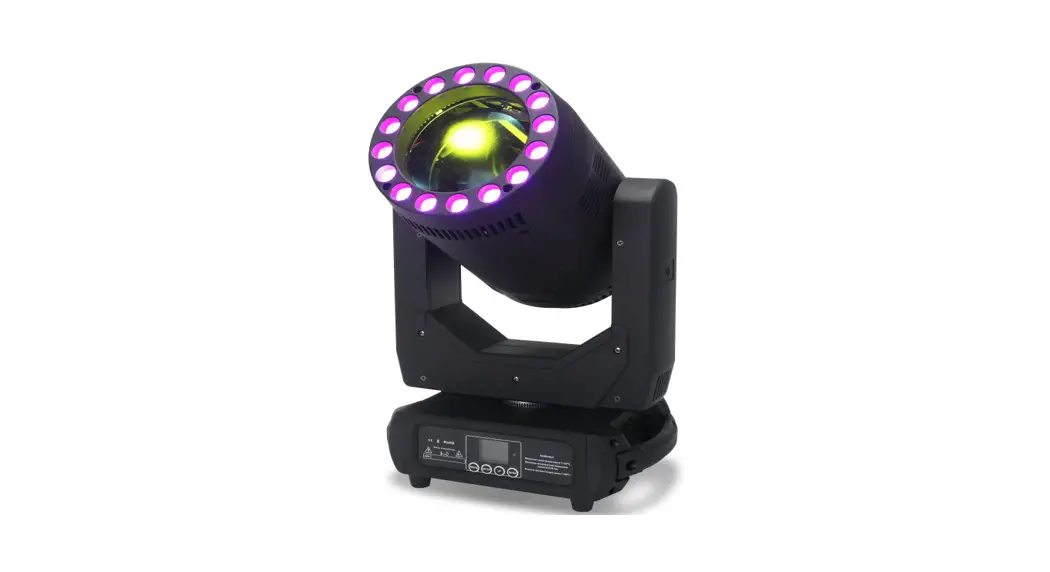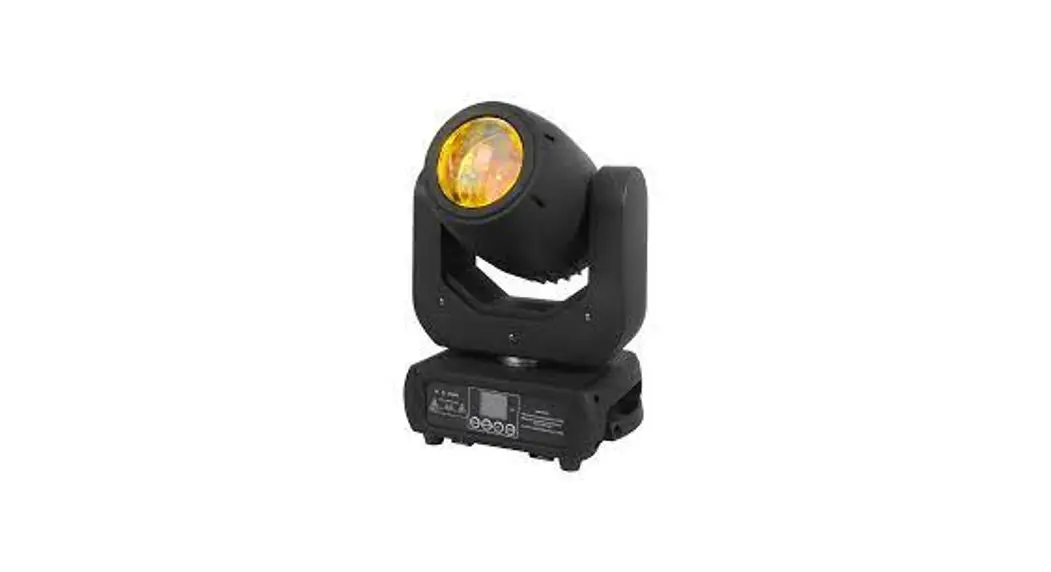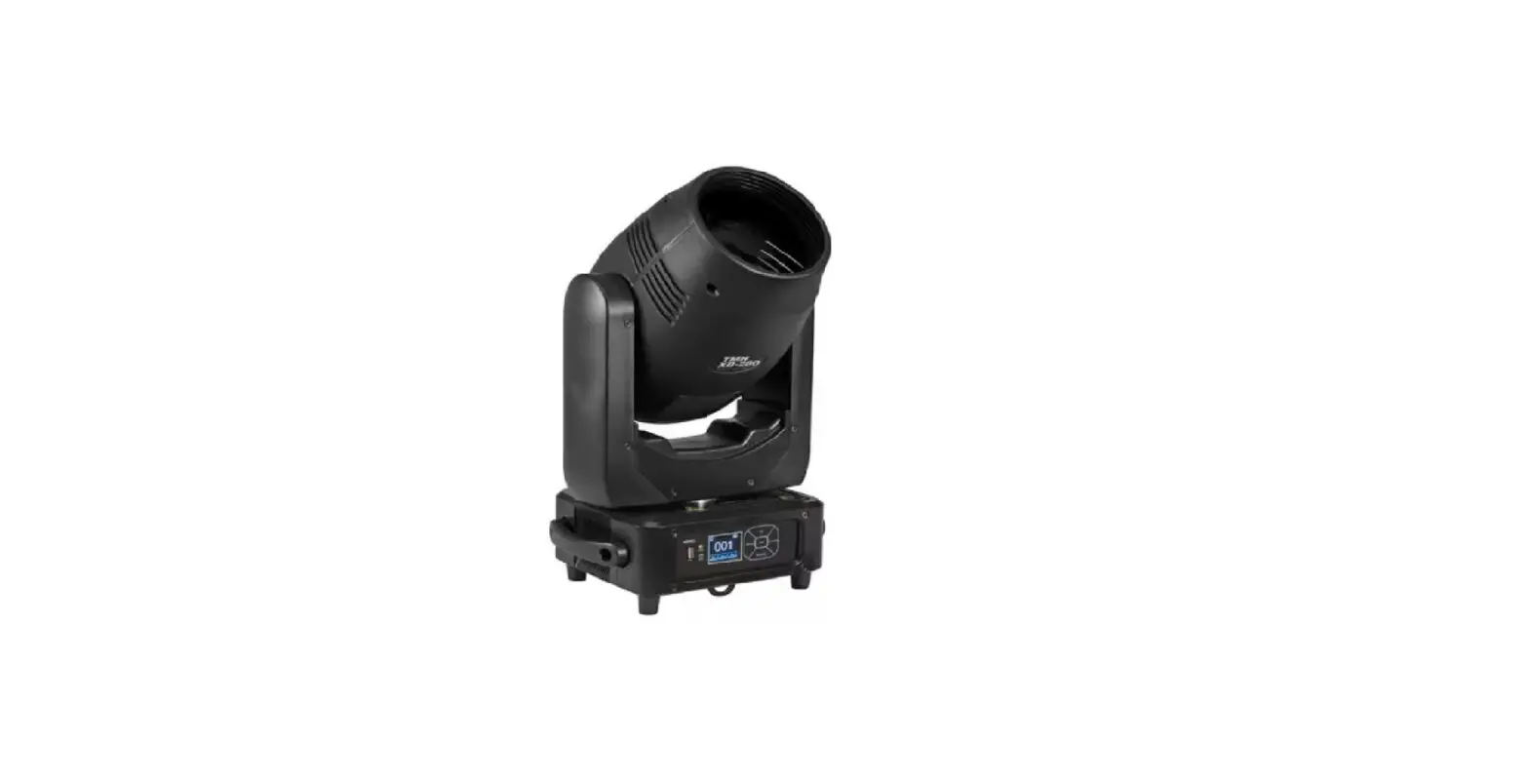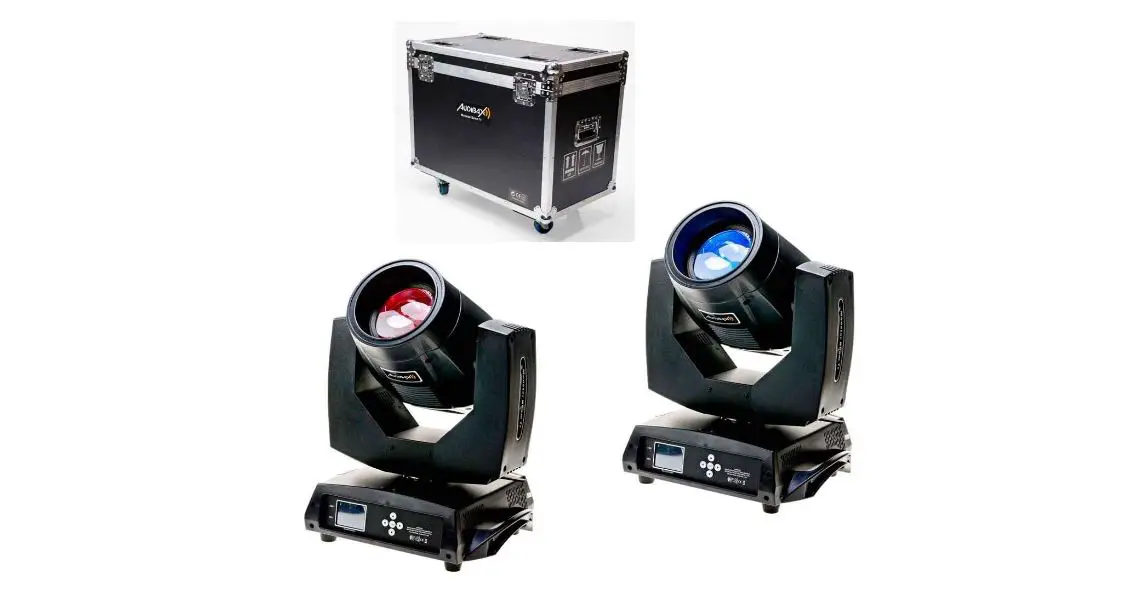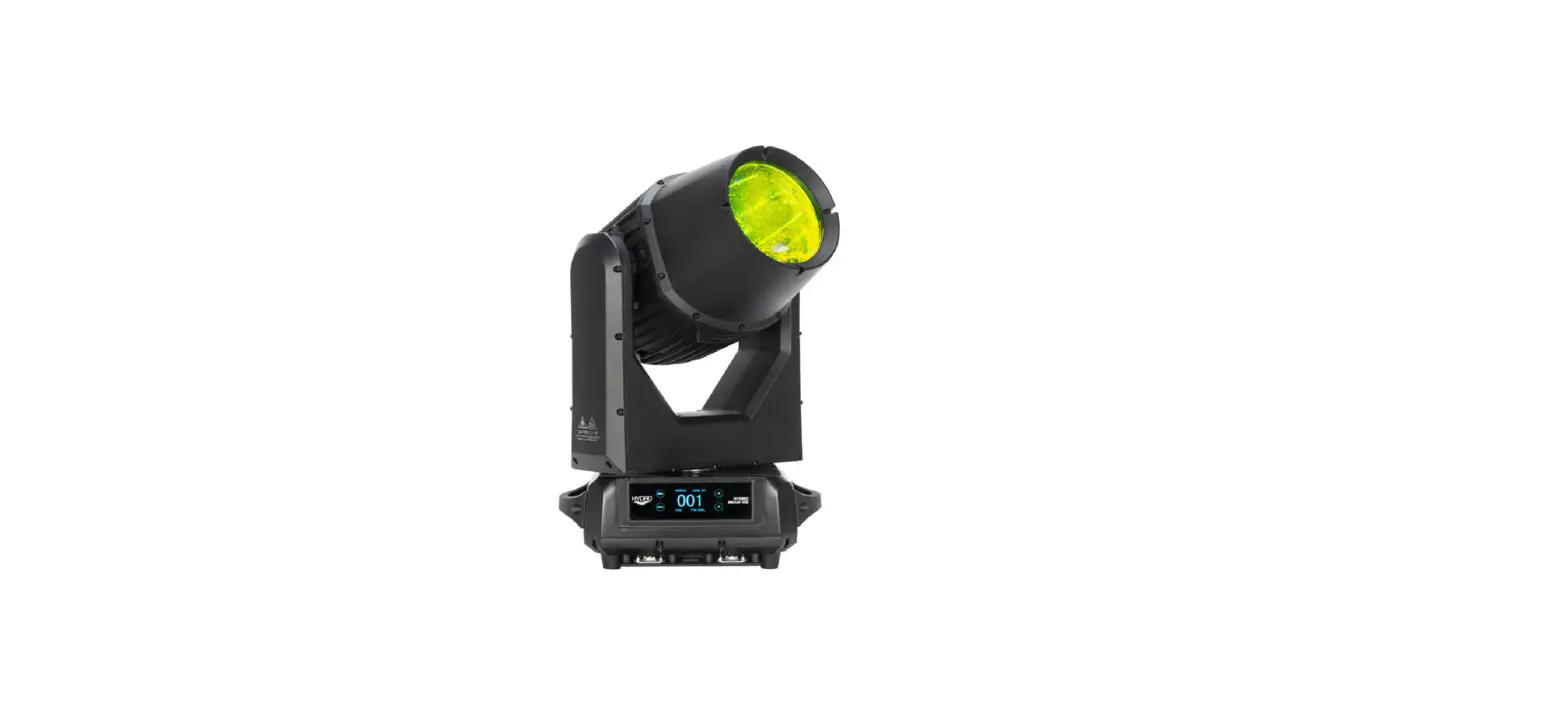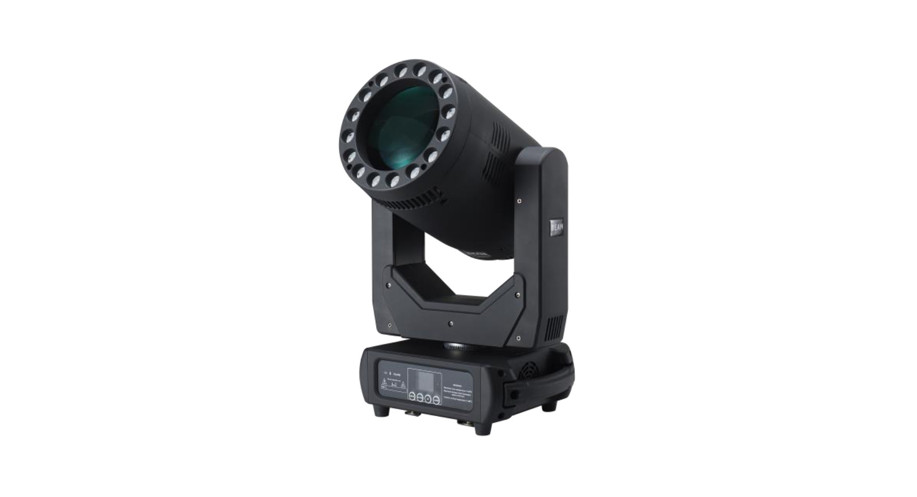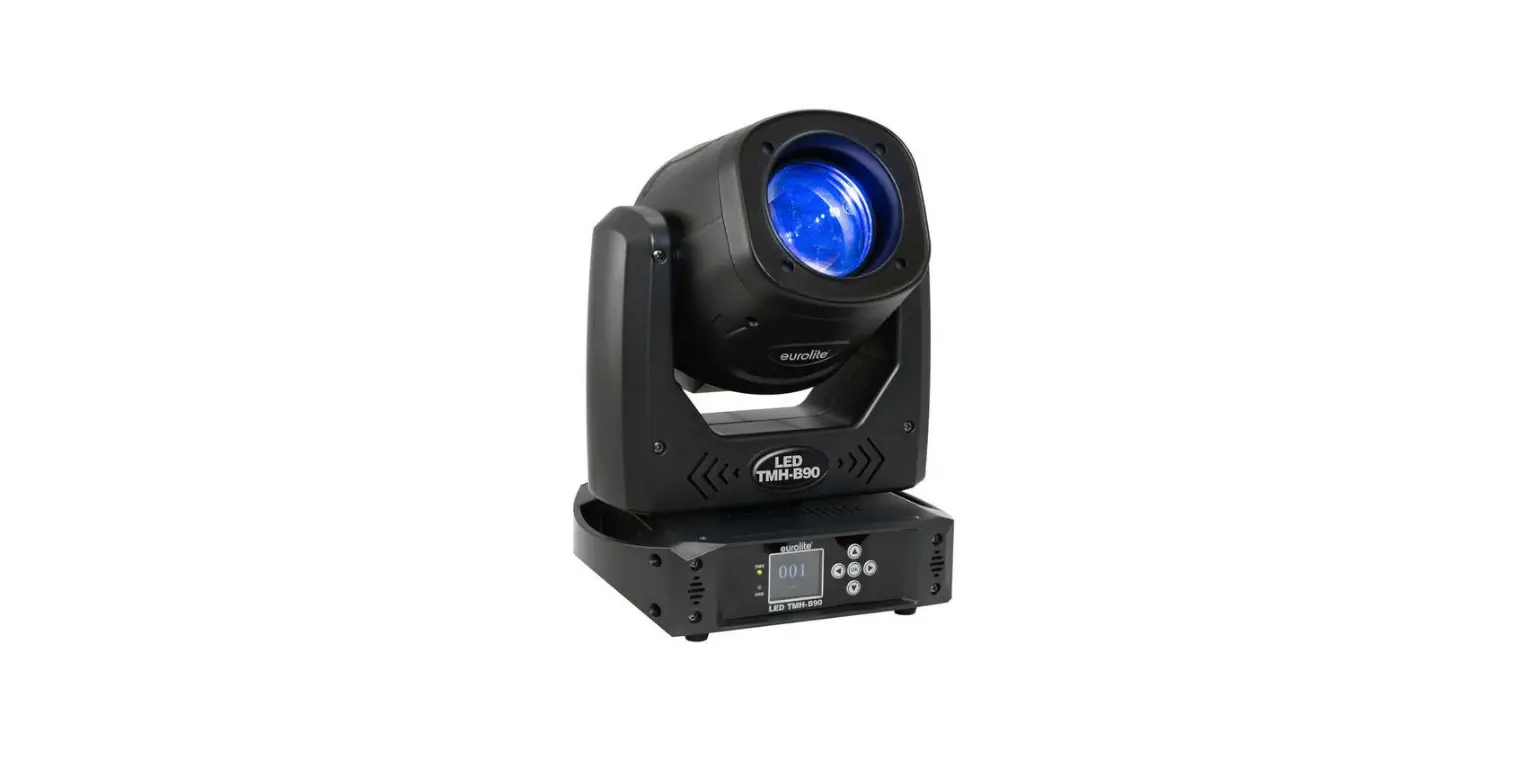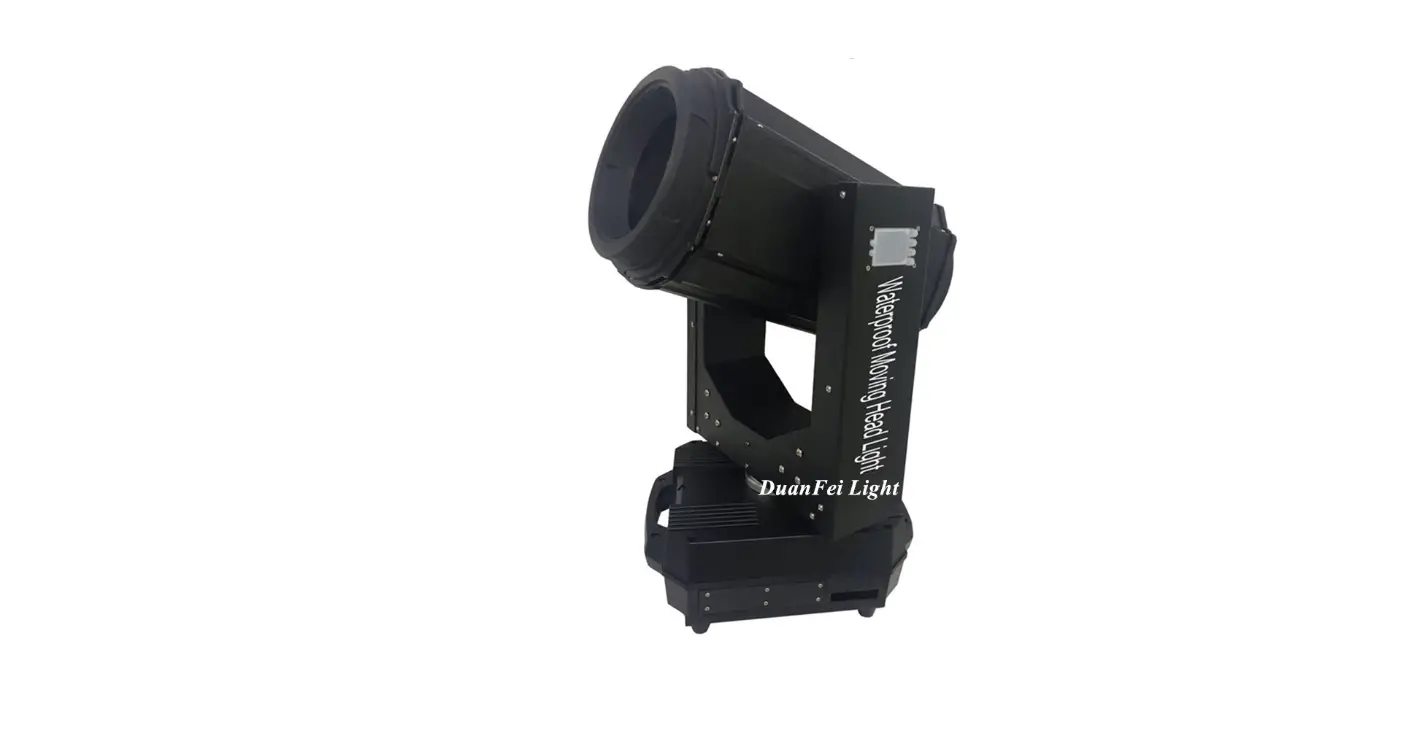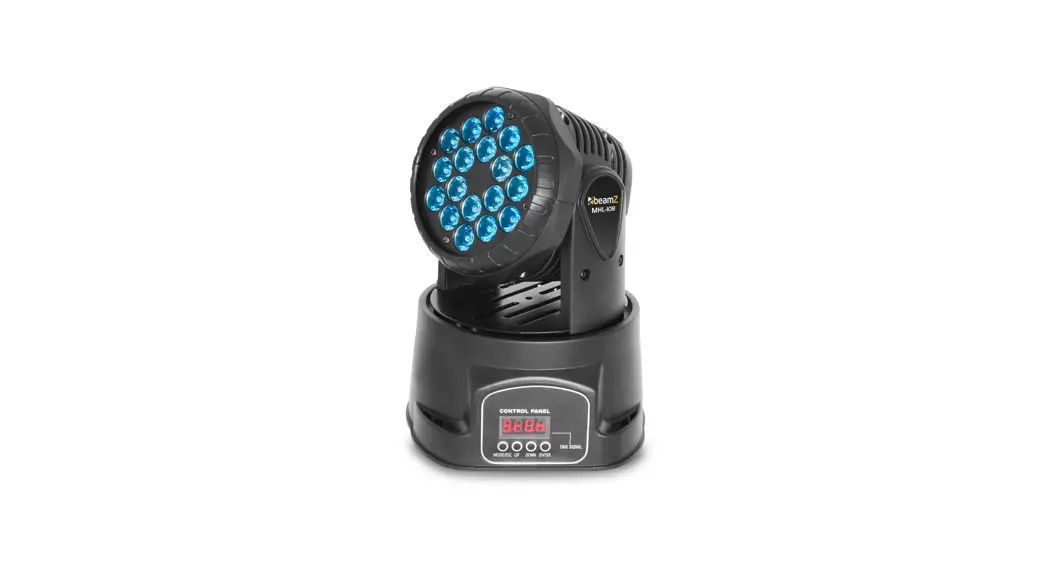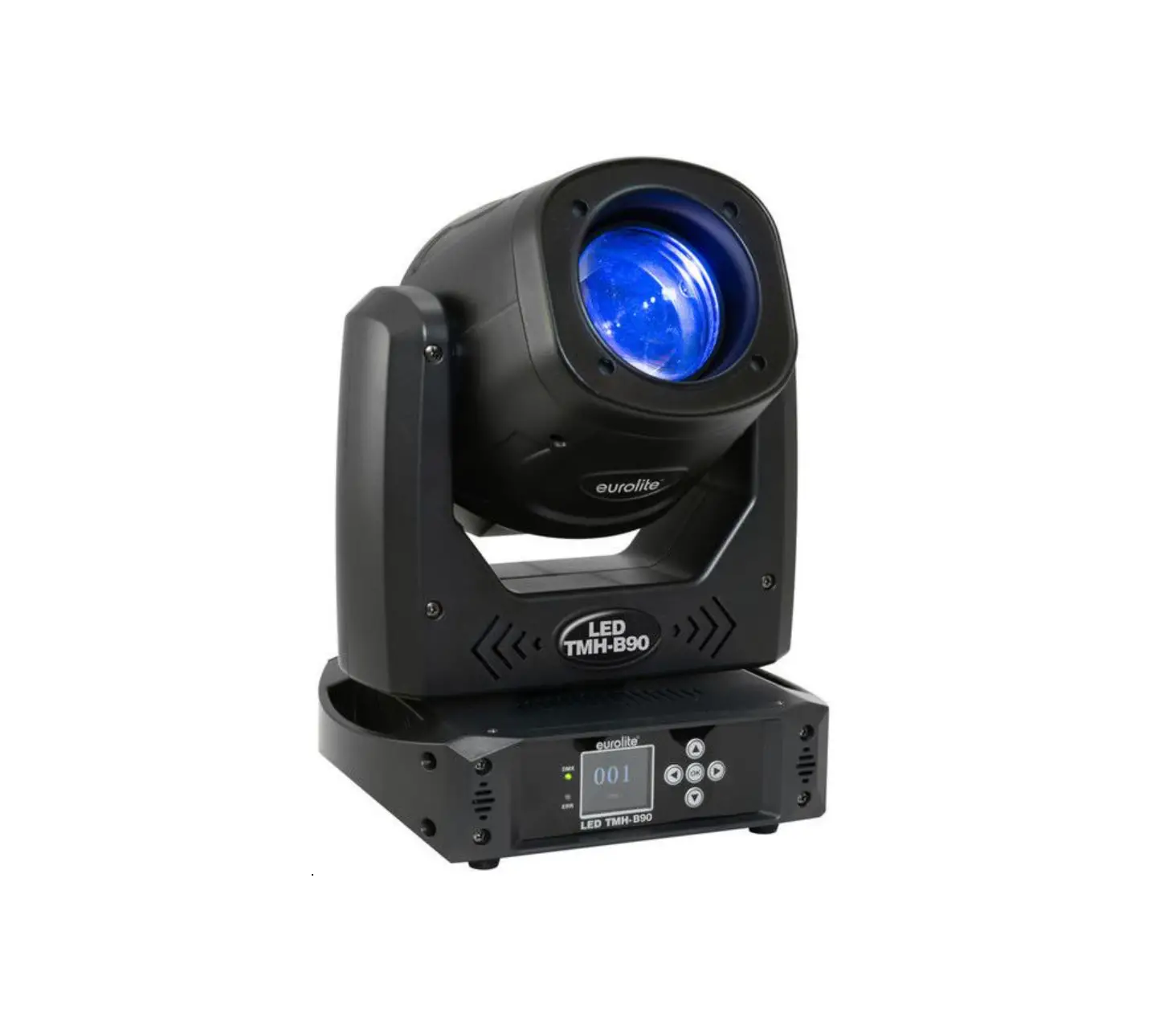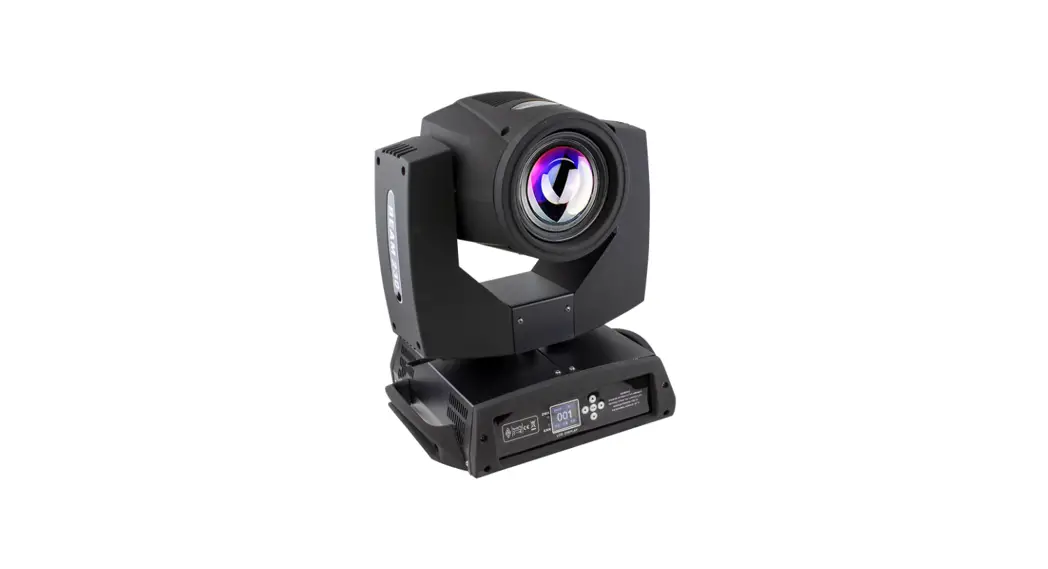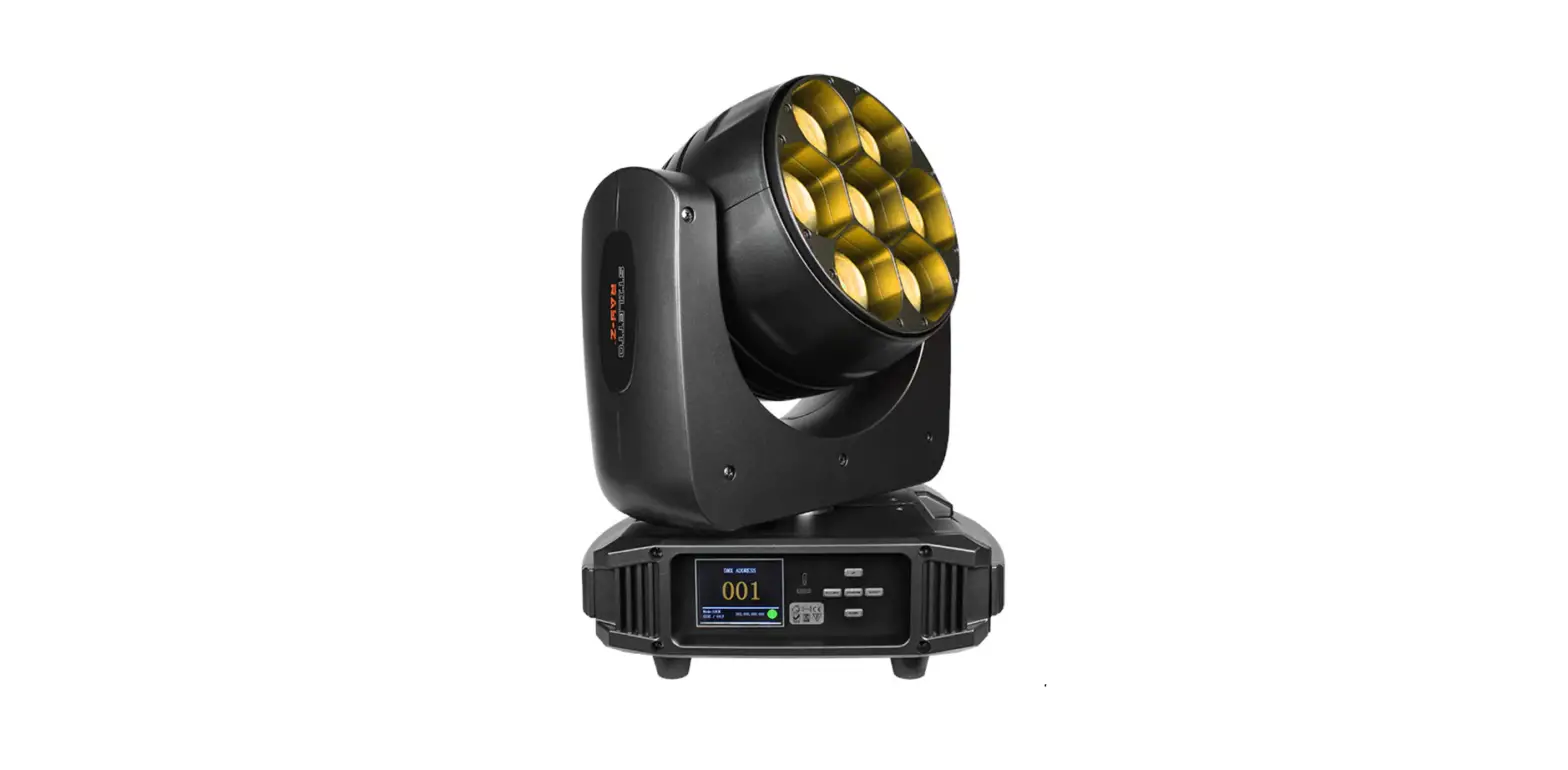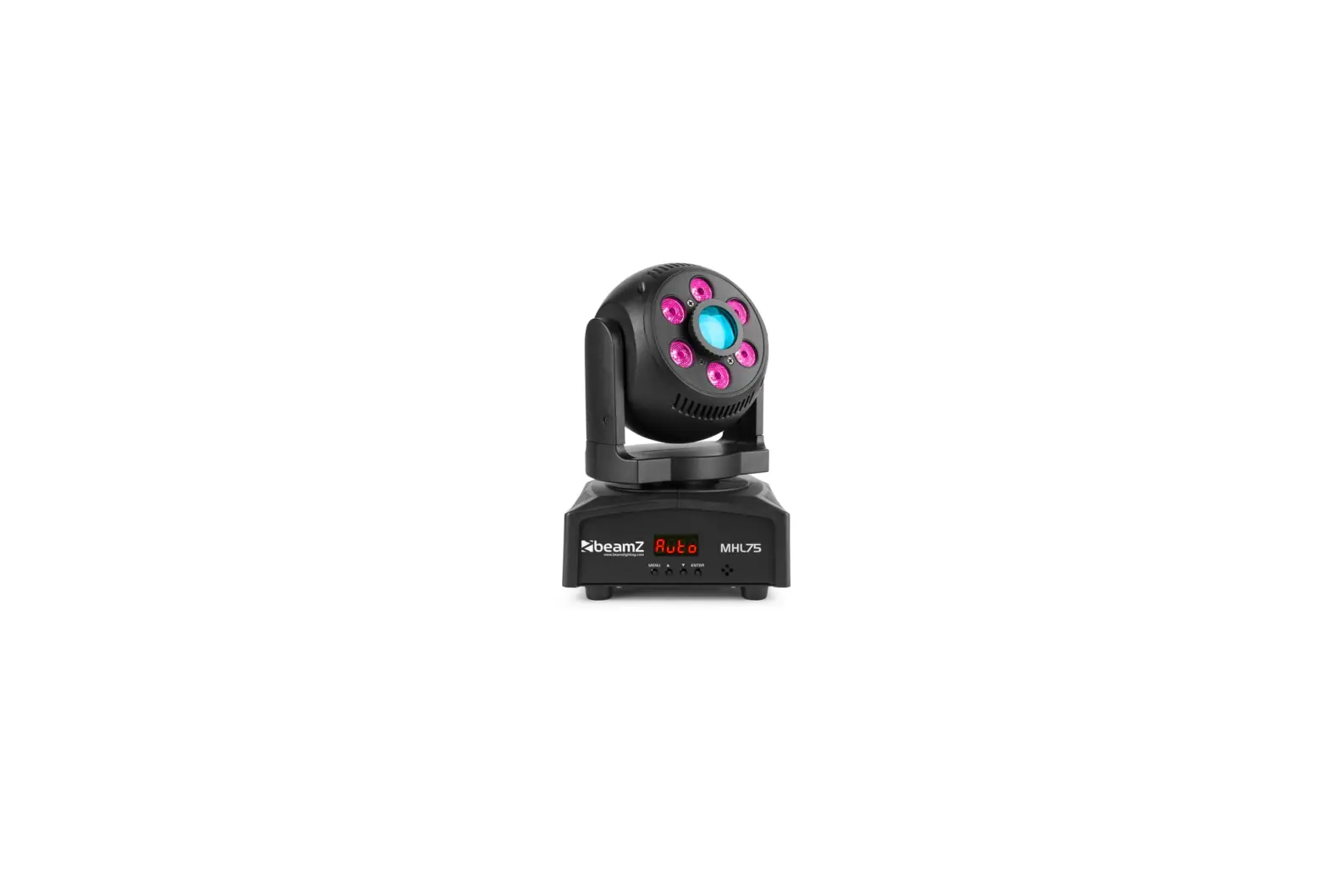
280W Beam Move Head Light
User Manual
280W BEAM MOVE HEAD LIGHT
USER MANUAL
(TFT DISPLAY & TOUCH)
Please read this manual before operating the light
Chapter 1 Installation and attention
1.1 Maintenance
- To reduce the risk of electrical shock or fire, do not expose this unit to rain or moisture.
- Intermittently using will extend this item’s service life.
- Please clear the fan ,fan net , and optical lens in order to keep good work state.
- Do not use the alcohol or any other organic solvent to wipe the shell.
1.2 Statement
The product has perfect performance and integrity packing. All users should be strictly complying with the warning and operating instructions as stated. Or we aren’t in charge of any result by misusing. Any damage resulting by misuse is not within the Company’s warranty. Any fault or problem caused by neglecting the manual is also not in the charge of dealers.
Note: All information is subject to change without prior notice.
1.3 Safety Precaution
- In order to guarantee the product’s life, please don’t put it in the damp places or even the environment over 60degress.
- Always mount this unit in safe and stable matter.
- Install or dismantle should operate by professional engineer.
- Using lamp the change rate of power voltage should be within±10% If the voltage is too high it will shorten the light’s life; If it’s not enough, will influence the effect.
- Please restart it 20 minutes later after turning off light , until full-cooling. Frequent switching will reduce the life span of lamps and bulbs; intermittent using will improve the life of bulbs and lamps.
- In order to make sure the product is used well, please read the Manual carefully.
1.4 Product Instruction
- lamp: Philips MSD Platinum 5R or YODN 5R (life:2200 hours Color temperature: 8000K)
- Channel mode:20 DMX512 Channel
- Pan scan:540°(16bit) Electric correction
- Tilt scan:270° (16bit) Electric correction
- Amazing dot matrix, four tact switch, 180° turning show
- Color wheel: one color wheel, 14 kinds of color chips in one color wheel
- Gobo: 17 gobos
- Effect Wheel: Rotation eight prism, effect move , frost
- 0-100% mechanical dimming, mechanical dimming and free dimming available.
- strobe macro control available.
- Lens optical system achenial Fouke .beam angle 0~4°
- Over heat protection
- Power Input: 100-240V,50/60Hz
- Power Dissipation:350W
- IP level :IP20
- Magnetic ballast and AC/Dc power supply
- Product Size:523×337×511mm
- Packing Size: 635X440X725
- Net weight:19.5KG
1.5 Cable connection(DMX)
Use a cable conforming to specifications EIA RS-485: 2-pole twisted, shielded, 120Ohm characteristic impedance, 22-24 AWG, low capacity. Do not use microphone cable or other cable with characteristics differing from those specified. The end connections must be made using XLR type 3 or 5-pin male/female connectors. A terminating plug must be inserted into the last projector with a resistance of 120Ohm (minimum 1/4 W) between terminals 2 and 3.
IMPORTANT: The wires must not make contact with each other or with the metal casing of the connectors.
The casing itself must be connected to the shield braid and to pin 1 of the connectors.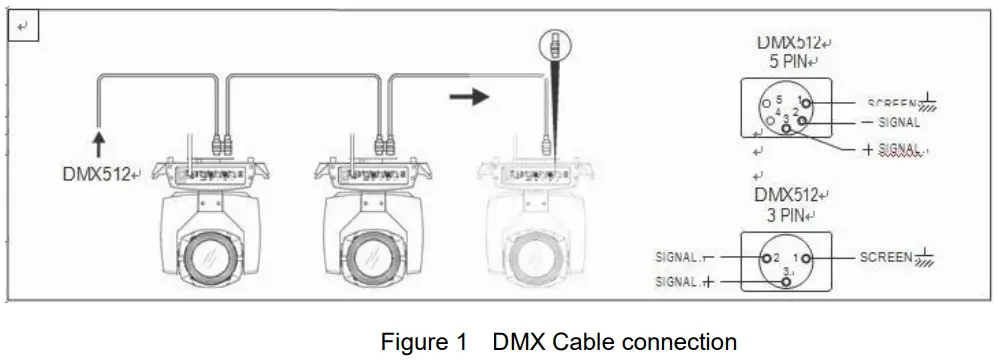
1.6 Rigging (Optional)
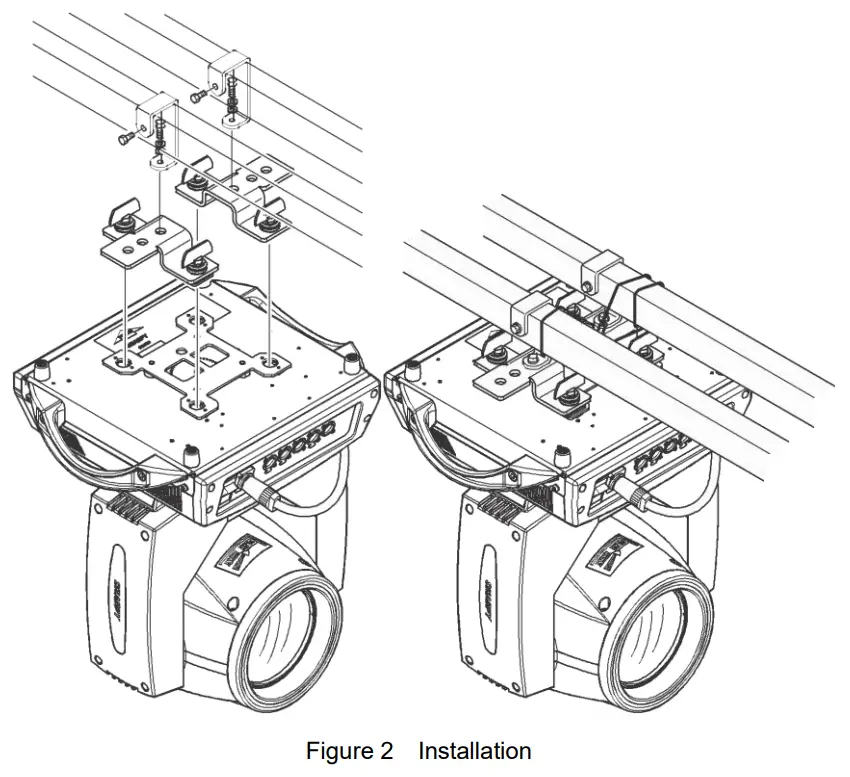
This equipment can be positioned and fixed by clamp in every direction of the stage. Locking system makes it easy to fasten to the bracket.
Attention! Two clamps is needed to fix the equipment. Every clamp is locked by fastener of 1/4 kind. Fastener can only be locked clockwise.
Attention! Fasten a safety string to the additional hole of side aluminum piece. The secondary
accessory can not hang on the delivery handle. Nip the equipment on bracket.
- Check if rigging clamp (not including the one inside) damaged or not? If stand ten times weight as the equipment. Make sure the architecture can stand ten times weight as all the equipment’s, clamps, wirings and other additional fixtures.
- Screws for clamping must be fixed firmly. Take one M12 screw (Grade 8.8 or higher) to clamp bracket, and then screw the nuts.
- Level the two hanging points at the bottom of clamp. Insert fastener to the bottom, lock the two levers by 1/4 rotating clockwise; then install another clamp.
- Install on safety string which stands at least ten times weight as equipment. Terminal of the accessory is designed for clamps.
- Make sure pan/tilt lock unlocked or not. Keep the distance more than 1M from equipment to flammable material or lighting source.
Chapter 2 Panel operation
2.1 Brief
The light panel diagram show as Figure 3, Left area is TFT Displayer, support touch, and right area is KEY, both of touch and KEY can operate light and setting.
Display & operation just like ‘Android operation system’, touch the item will set or modify setting.
Note: Prevent damage the touch or TFT displayer, Can not use sharp objects chick displayer. 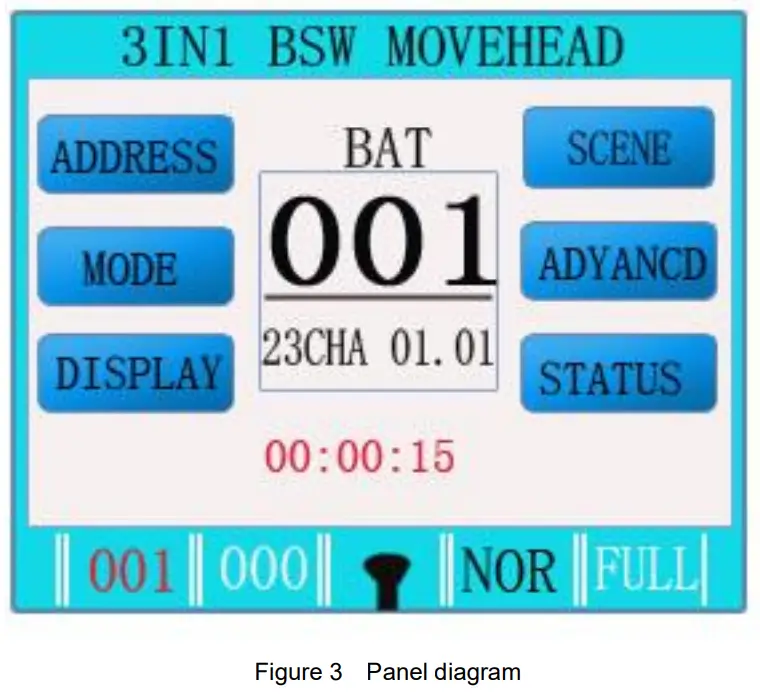
2.2 Operation
2.2.1 Operate light with touch or KEY
- The left area is TFT Displayer and touch, chick item or value with finger will to complete operation of set light setting(parameters) or view light state.
- The area on the right hand side is 4 KEY, As auxiliary input interface, if disable touch function,, the Key can been choose to set the parameter.
2.2.2 Parameter value setting
When the selected item is value need to been modified, the dialog shown in Figure 4 will popup.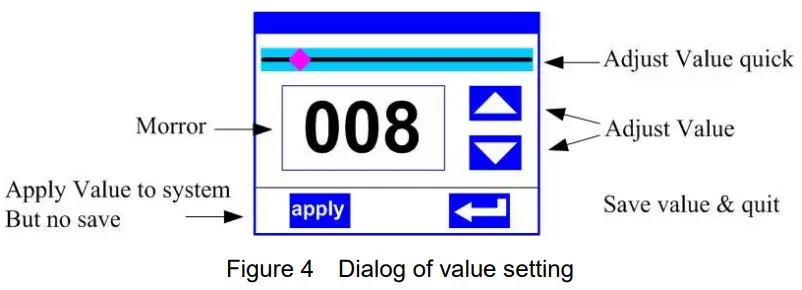
- Modify value Can quickly modify value via pull the slider to the desired position, or click the button of ‘up’ or ‘down’ whit finger on the right side to set the exact desired value, another way is roll encoder on the right hand side of panel.
- Apply value When Value had been modified, Then press the bottom of ‘apply’ in the left corner to apply to the light, but have’s saved;
- Save Value Any time, click on the lower right corner of the “OK” button, the setting will been saved into internal memory.
2.2.3 Boolean parameter setting
- when the selected parameters is a Boolean value (such as ON or OFF), can directly modify setting by chick corresponding item, the setting will been saved right now.
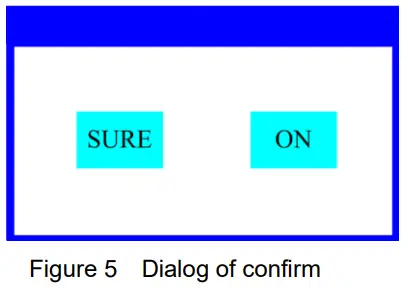
- When the parameter is a key item, chick corresponding item, a dialog shown in Figure 5 will been popup ask for the confirm. Chick ‘sure’ to confirm.
2.2.4 Sub Menu Parameter)
Chick item of main menu, enter corresponding sub menu, shown in Figure 6, total 6 sub menu, includes class of parameter and status:
- ADDRESS Set light DMX address.
- WORKMOD:Set light work mode, master or slave mode when in auto run mode.
- DISPLAY: Set display parameter, eg. select language.
- TEST:Used for test light, modify DMX channel data to test function, the corresponding function of reference channel function table.
- ADVANCE:Set light running parameter.
- STATUS:view light current status.

2.3 Operation and parameter instruction
Via following operation, enter sub menu(parameter menu) shown in Figure 6
- In main menu, chick 1/6 function button into corresponding parameter menu.
- In sub menu(page), chick main item on the left side of displayer, can shift to corresponding sub menu(page) quickly.
2.3.1 ADDR–> Address: Set DMX Address
Click and select the “ADDR”, can enter the page of DMX address setting, range from 1 to 512, the address code shouldn’t is not greater than (512- channels quantity), otherwise the light will not been controlled. Following is the operation:
Enter the page of DMX address, as shown in Figure 7, click the blank area in right side of display will pop-up diglot as in Fig. 4, modify value, then click ‘ENTER’ to confirm and save DMX address code. 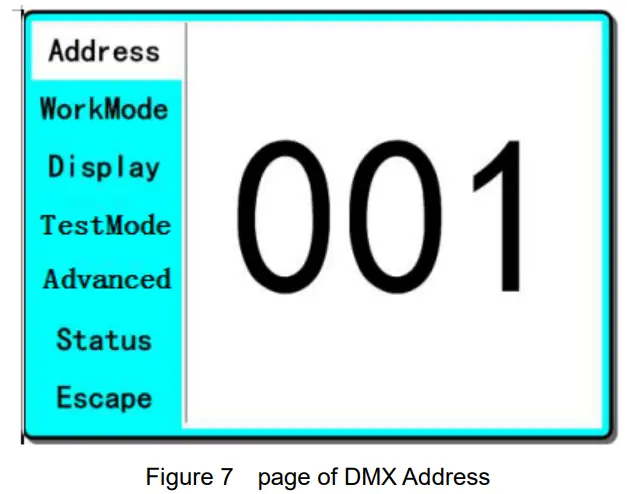
2.3.2 MODE–> Work Mode: Set Light work mode
Enter the page of ‘Work Mode’ as shown in Figure 8 and modify setting. Can set light work mode, control lamp and DMX channel mode. 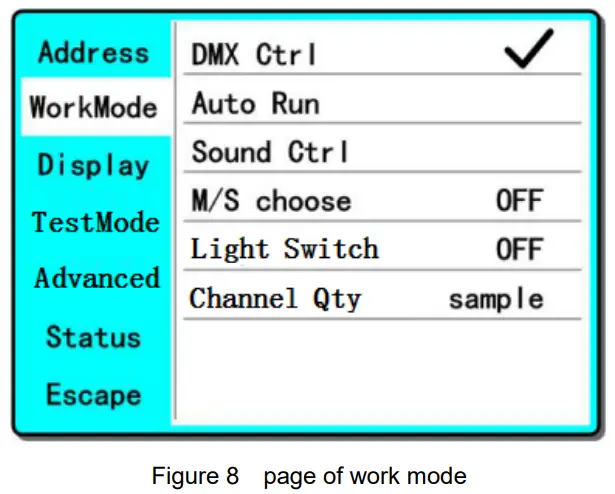
- DMX Ctrl: Choose to set DMX Mode,
- Auto Run: Choose to set Auto Mode,
- Sound Ctrl: Choose to set Sound Mode,
- M/S Choose: Available just in ‘AUTO RUN’ or ‘SOUND Ctrl’ mode.
ON–> Master. (Data will be send to other slave lamp immediately.)
OFF–> Slaver.(NOT send data to other lamp via DMX Cable).(Default) - Light Switch:
ON–> Turn on the light,
OFF–> Turn off the light. - Channel Qty: Light support 2 DMX Channel mode: sample or extend。
Simple –> 16CH.(Default)
Expand–> 20CH(or null).
2.3.3 DISP–>DISPLAY: Set display
Light support 2 language, rotation display Enter page as shown in Figure9 to set parameter following: 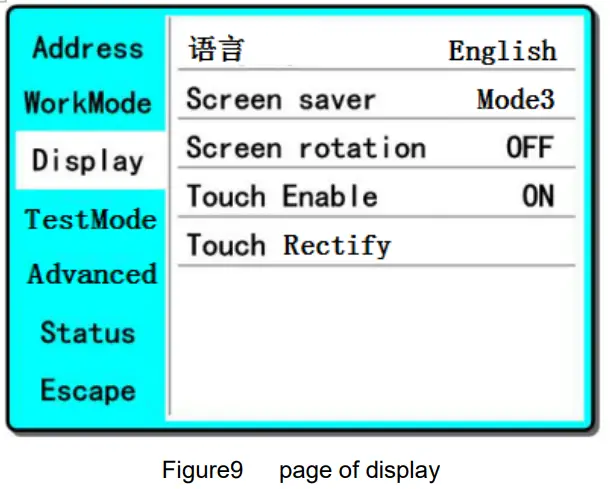
◆ Language: English .
◆ Screen Saver: when panel is idle(these is no operation in 10 second), displayer will enter saver status.
OFF–> No screen saver.
Mode1–> Power-saving mode, turn off the display.
Mode2–> Displays the current address.
Mode3–> Displays the icon and the current working mode.(Default)
◆ Screen Ration: To turning display.
ON–> Normal display.(Default)
OFF–> 180° turning display.
◆ Touch enable Disable or enable touch function,.
ON–> Enable touch function.(Default)
OFF–> Disable touch function.
◆ Touch adjust Adjust touch function. Normally, not enter this item.
2.3.4 TEST–> Textmodes
Enter the page as shown in Figure 10, Light will into test mode, in this mode, the light does not receive the data for DMX controller.: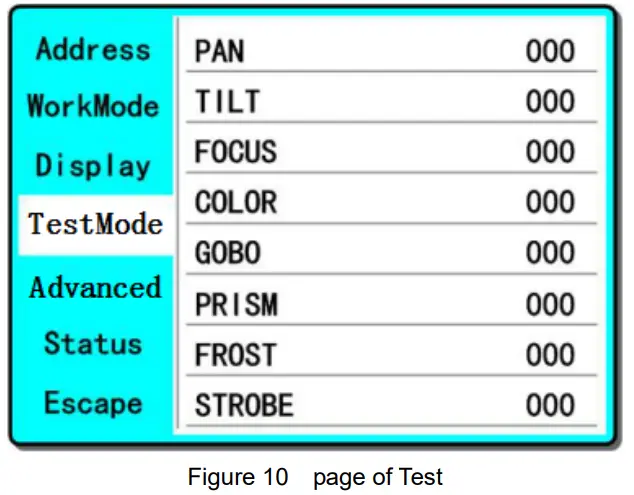
- PAN: range for 0 to 255;
- TILT: range for 0 to 255;
- FOCUS: range for 0 to 255;
- COLOR: range for 0 to 255;
- GOBO: range for 0 to 255;
- PRISM: range for 0 to 255;
- FROST: range for 0 to 255;;
- STROBE: range for 0 to 255;
2.3.5 ADVA–>Advanced: Set light run parameter
Enter the page as shown in Figure 10, set the parameter of light: 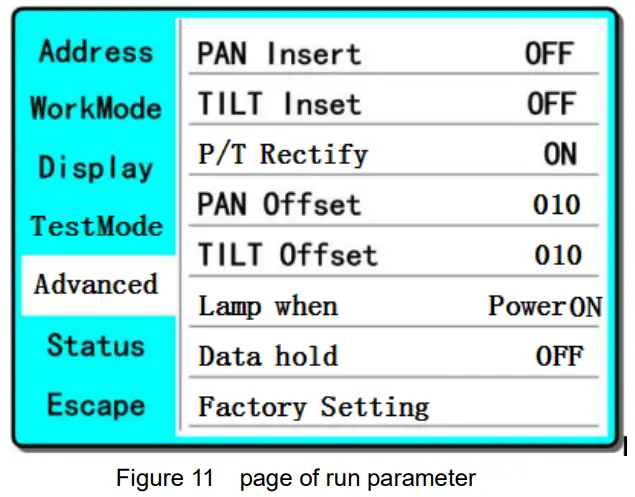
- Pan Invert: Reverse PAN move
OFF–> Pan Normal move.(Default)
ON–> Reverse PAN move. - Tilt Invert: Reverse TILT move
OFF–> Tilt Normal move.(Default)
ON–> Reverse Tilt move. - P/T Rectify: Disable or enable position rectify function.
OFF–> Disable P/T rectify
ON–> Enable P/T rectify-(Default) - Pan Offset: Set PAN original position. Default: 10
- Tilt Offset: Set TILT original position. Default: 10
- Lamp when:
Power ON–> Turn on the lamp when power on.(Default)
Stone–> Turn on the lamp after reset.
Manual–> Manually turn on the lamp. - Data hold:
OFF–> When no DMX signal, return to middle position.(Default)
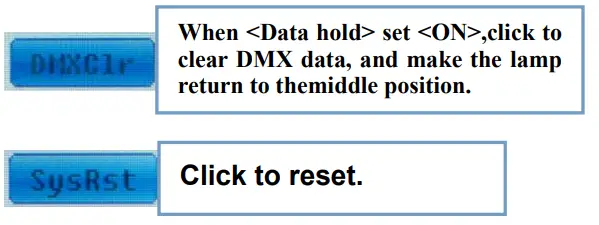
ON–> When no DMX signal, stop in the final position. - Factory Setting: Restore all parameter to factory setting.
2.3.6 STAT–>Status: View status
Enter the page as shown in Figure 12:
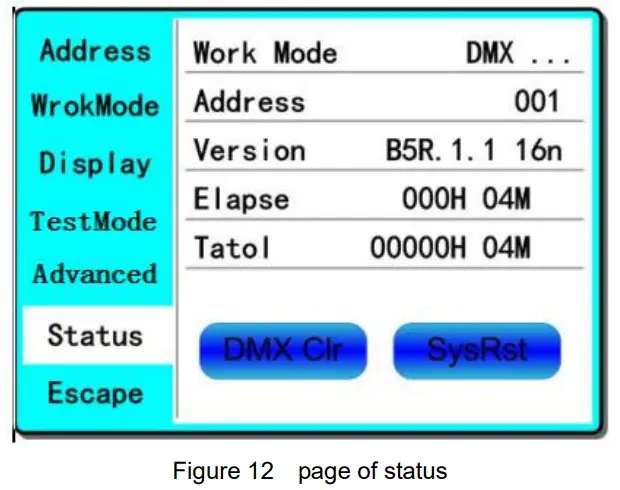
- Work Mode: Show the current working mode.
- Address: Show the current address.
- Version: Show the version of the lamp.
- Elapse: Working hours after turn on.
- Taxol: Cumulative hours of operation
Chapter 3 Channel description
3.1 Channel table
Table 1 Channel brief
| CH1 | PAN | 0-255 | 0-540° |
| CH2 | TILT | 0-255 | 0-270° |
| CH3 | PAN 16bit | 0-255 | |
| CH4 | TILT 16bit | 0-255 | |
| CH5 | XY Speed | 0-255 | Fast to slow |
| CH6 | Amplify | 0-255 | From big to small |
| CH7 | Strobe | 0-3 | Drake |
| 4-103 | Slow strobe to fast strobe | ||
| 104-107 | White | ||
| 108-207 | Slow strobe to fast strobe(mode 2) | ||
| 208-212 | White | ||
| 213-251 | Free strobe | ||
| 252-255 | White | ||
| CH8 | Dimmer | 0-255 | 0-100% |
|
CH9 |
Color | 0-4 | White |
| 5-9 | White+COLOR1 | ||
| 10-14 | COLOR1 | ||
| 15-19 | COLOR1+COLOR2 | ||
| 20-24 | COLOR2 | ||
| 25-29 | COLOR2+COLOR3 | ||
| 30-34 | COLOR3 | ||
| 35-39 | COLOR3+COLOR4 | ||
| 40-44 | COLOR4 | ||
| 45-49 | COLOR4+COLOR5 | ||
| 50-54 | COLOR5 | ||
| 55-59 | COLOR5+COLOR6 | ||
| 60-64 | COLOR6 | ||
| 65-69 | COLOR6+COLOR7 | ||
| 70-74 | COLOR7 | ||
| 75-79 | COLOR7+COLOR8 | ||
| 80-84 | COLOR8 | ||
| 85-89 | COLOR8+COLOR9 | ||
| 90-94 | COLOR9 | ||
| 95-99 | COLOR9+COLOR10 | ||
| 100-104 | COLOR10 | ||
| 105-109 | COLOR10+COLOR11 | ||
| 110-114 | COLOR11 |
|
|
| 115-119 | COLOR11+COLOR12 |
| 120-124 | COLOR12 | ||
| 125-129 | COLOR12+COLOR13 | ||
| 130-134 | COLOR13 | ||
| 135-139 | COLOR13+COLOR14 | ||
| 140-144 | COLOR14 | ||
| 145-149 | COLOR14+White | ||
| 150-199 | Rotate forward (fast to slow) | ||
| 200-255 | Rotate reverse (slow to fast) | ||
|
CH10 |
Gobo | 0-6 | White |
| 44390 | GOBO1 | ||
| 14-20 | GOBO2 | ||
| 21-27 | GOBO3 | ||
| 28-34 | GOBO4 | ||
| 35-41 | GOBO5 | ||
| 42-48 | GOBO6 | ||
| 49-55 | GOBO7 | ||
| 56-62 | GOBO8 | ||
| 63-69 | GOBO9 | ||
| 70-76 | GOBO10 | ||
| 77-83 | GOBO11 | ||
| 84-90 | GOBO12 | ||
| 91-97 | GOBO13 | ||
| 98-104 | GOBO14 | ||
| 105-111 | GOBO15 | ||
| 112-118 | GOBO16 | ||
| 119-127 | GOBO17 | ||
| 128-191 | Rotate forward (fast to slow) | ||
| 192-255 | Rotate reverse (slow to fast) | ||
|
CH11 |
Gobo Revolve | 0-9 | White |
| 10-19 | GOBO1 | ||
| 20-29 | GOBO2 | ||
| 30-39 | GOBO3 | ||
| 40-49 | GOBO4 | ||
| 50-59 | GOBO5 | ||
| 60-69 | GOBO6 | ||
| 70-79 | GOBO7 | ||
| 80-127 | Rotate forward (fast to slow) | ||
| 128-185 | Rotate reverse (slow to fast) | ||
| 186-195 | Shake slow to fast GOBO1 | ||
| 196-205 | Shake slow to fast GOBO2 | ||
| 206-215 | Shake slow to fast GOBO3 |
| 216-225 | Shake slow to fast GOBO4 | ||
| 226-235 | Shake slow to fast GOBO5 | ||
| 236-245 | Shake slow to fast GOBO6 | ||
| 246-255 | Shake slow to fast GOBO7 | ||
| CH12 | Gobo Rot | 0-127 | 0-400 degrees |
| 128-187 | Rotate forward (fast to slow) | ||
| 188-195 | Stop | ||
| 196-255 | Rotate reverse (slow to fast) | ||
| CH13 | Focus | 0-255 | From far to near |
| CH14 | Prism | 0-63 | None |
| 64-127 | Prism1 | ||
| 128-191 | Prism2 | ||
| 192-255 | Prism1+Prism2 | ||
| CH15 | Prism1 Rot | 0-127 | 0-400 degrees |
| 128-187 | Rotate forward (fast to slow) | ||
| 188-195 | Stop | ||
| 196-255 | Rotate reverse (slow to fast) | ||
|
CH16 |
Reset | 100-105 | Close 6 seconds |
| 200-205 | Open 6 seconds | ||
| 210-215 | Reset XY 6 seconds | ||
| 220-235 | Reset over 6 seconds | ||
| 240-255 | Reset all 6 seconds |