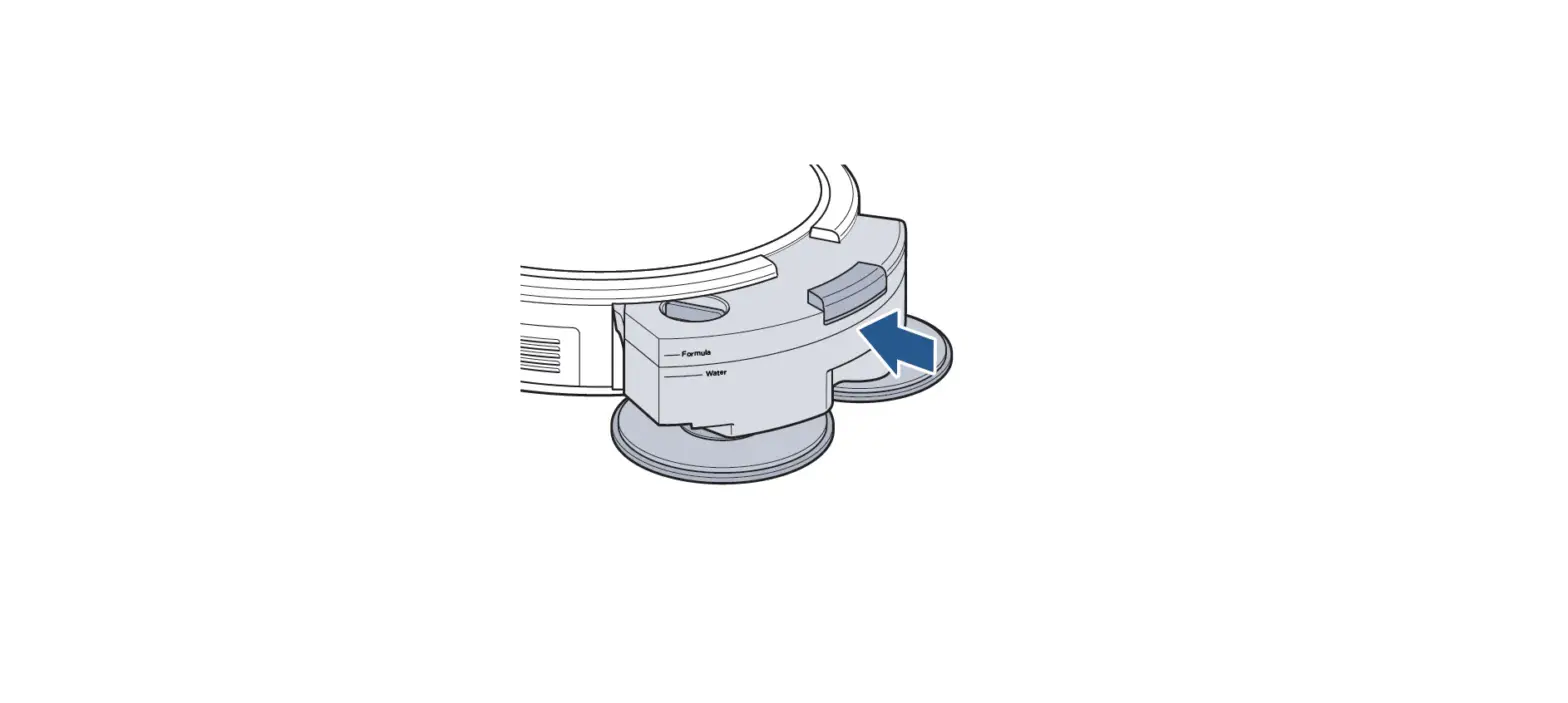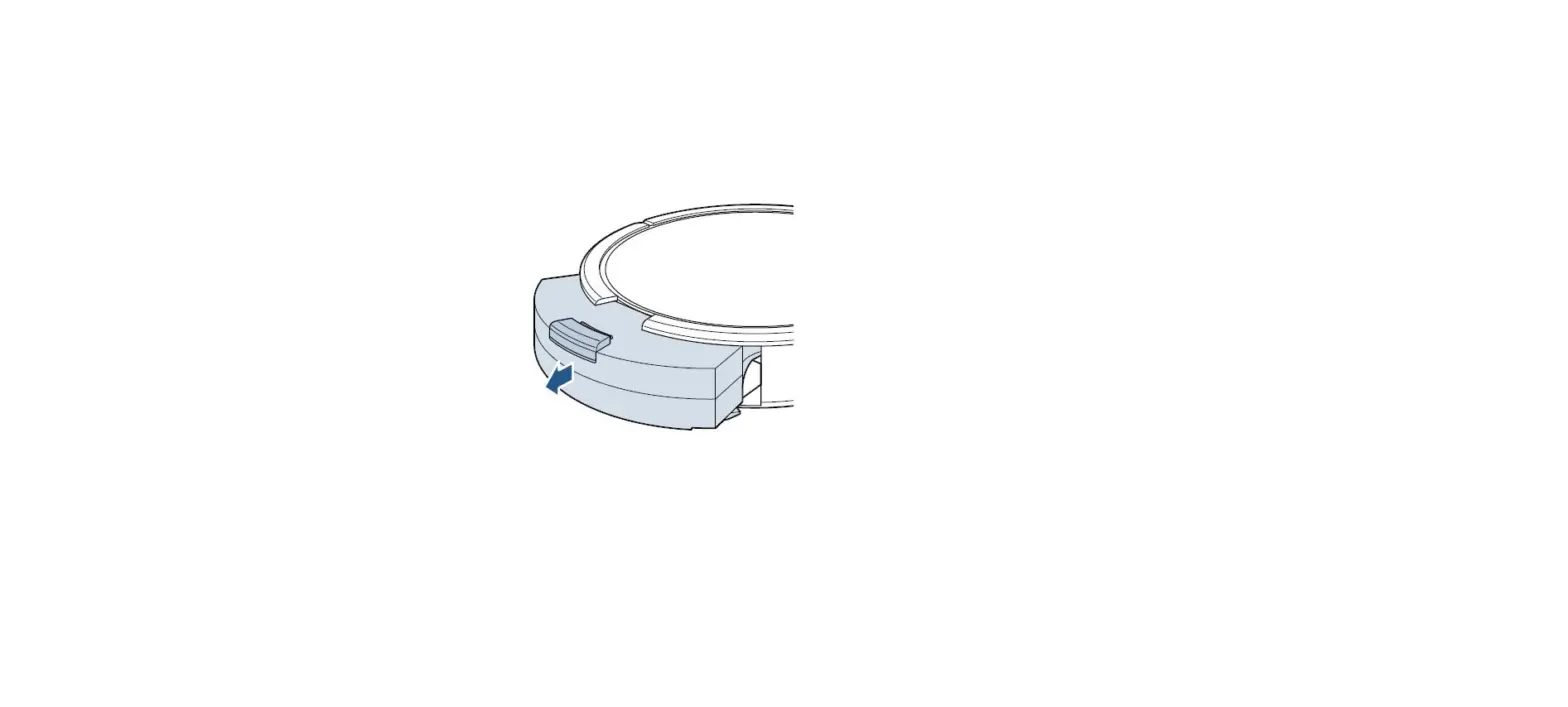
- Turn the Power Switch OFF
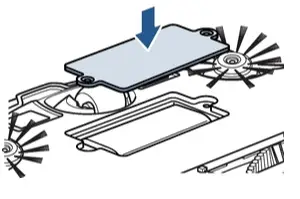
- Use a Phillips-head screwdriver to remove the two screws and battery cover
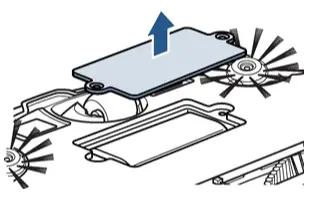
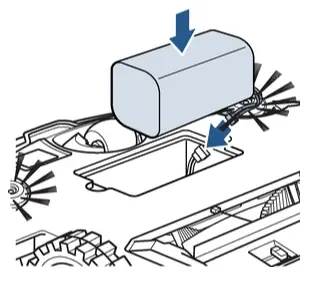
- Gently lift the battery out of the Robot
- Squeeze the tabs on the connection wire to disconnect the battery
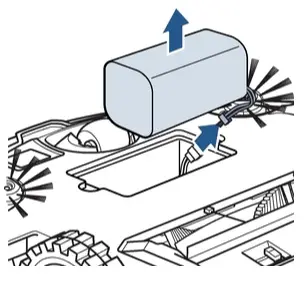
- Connect the new battery and install into battery compartment
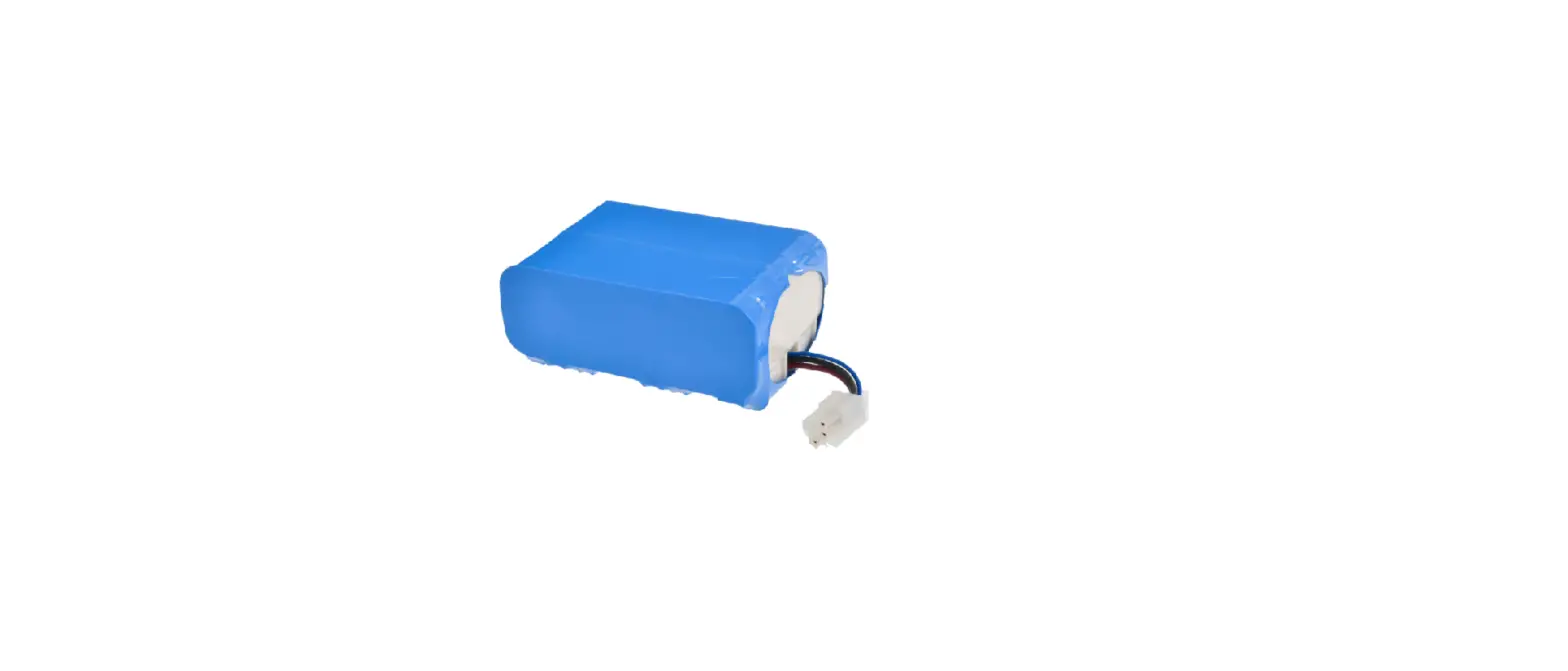
- Do not remove the plastic shrink sleeve from battery pack
- Use a Phillips-head screwdriver to secure the battery cover