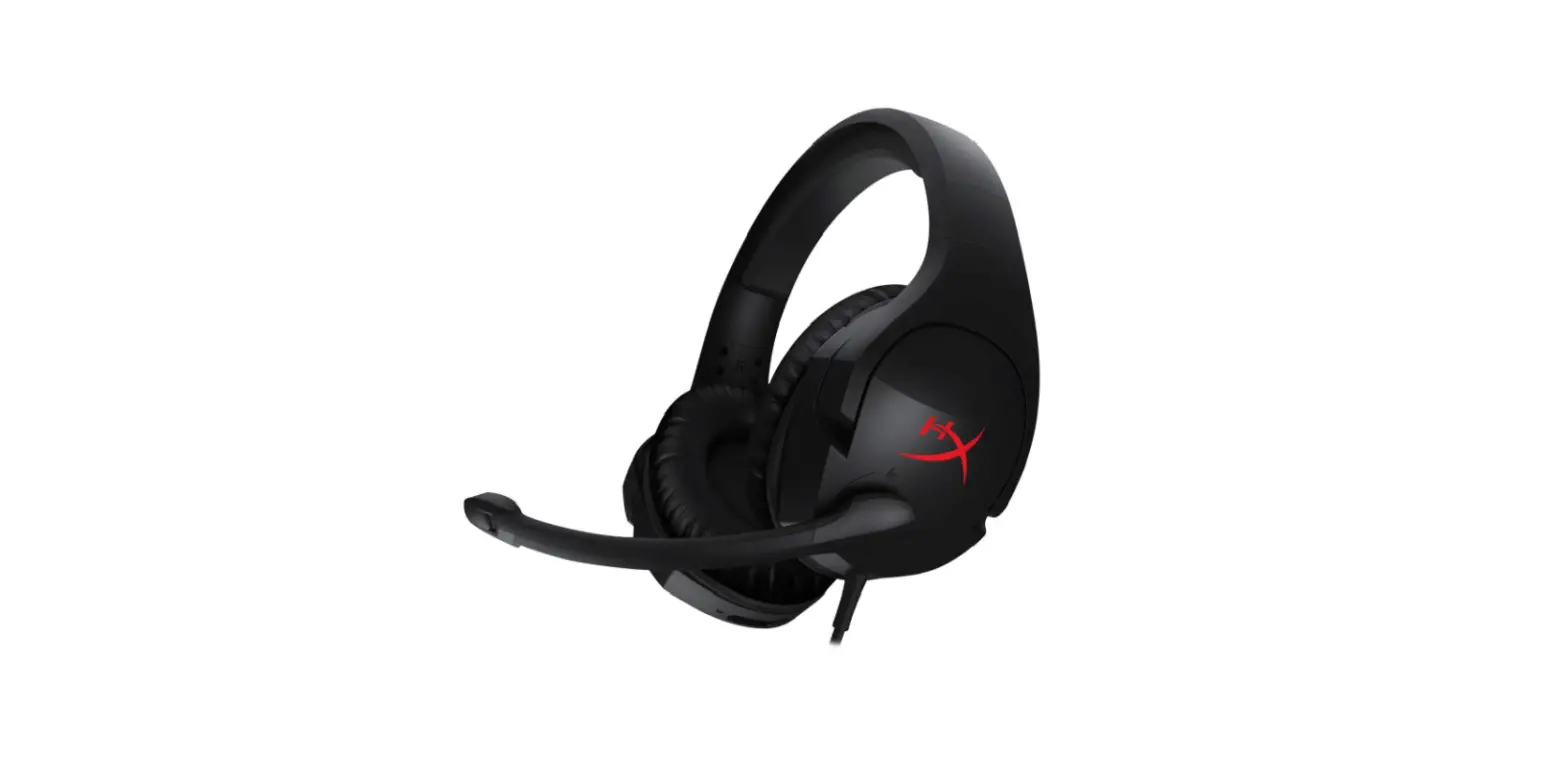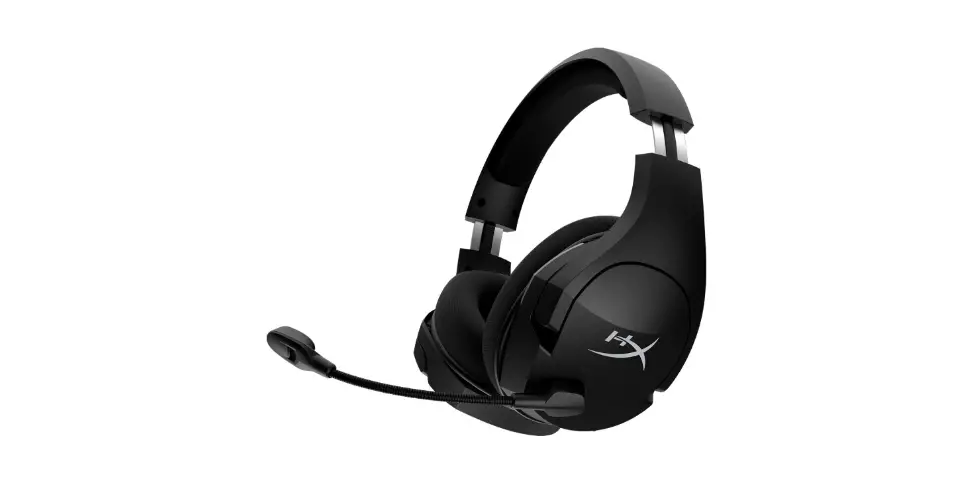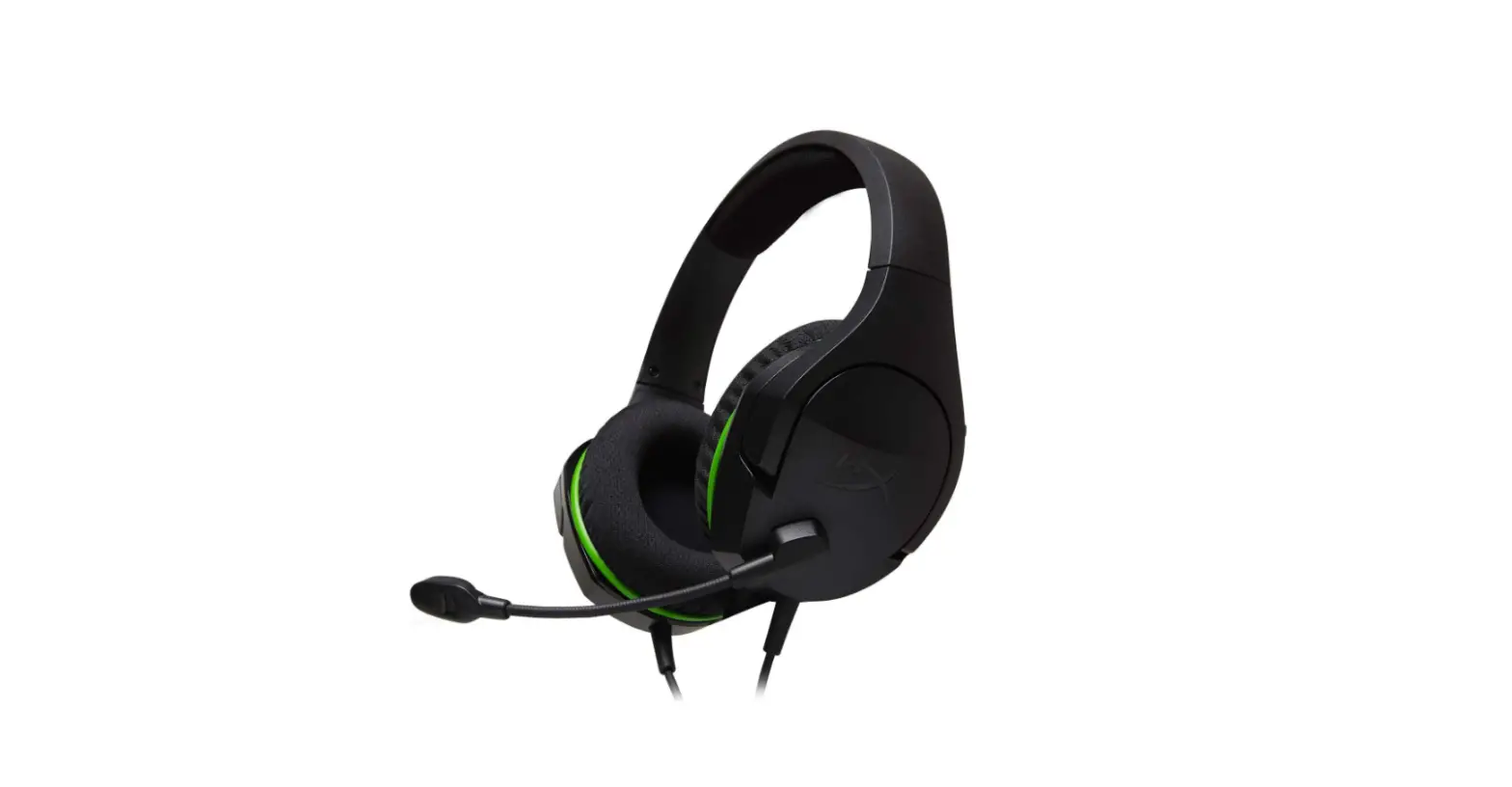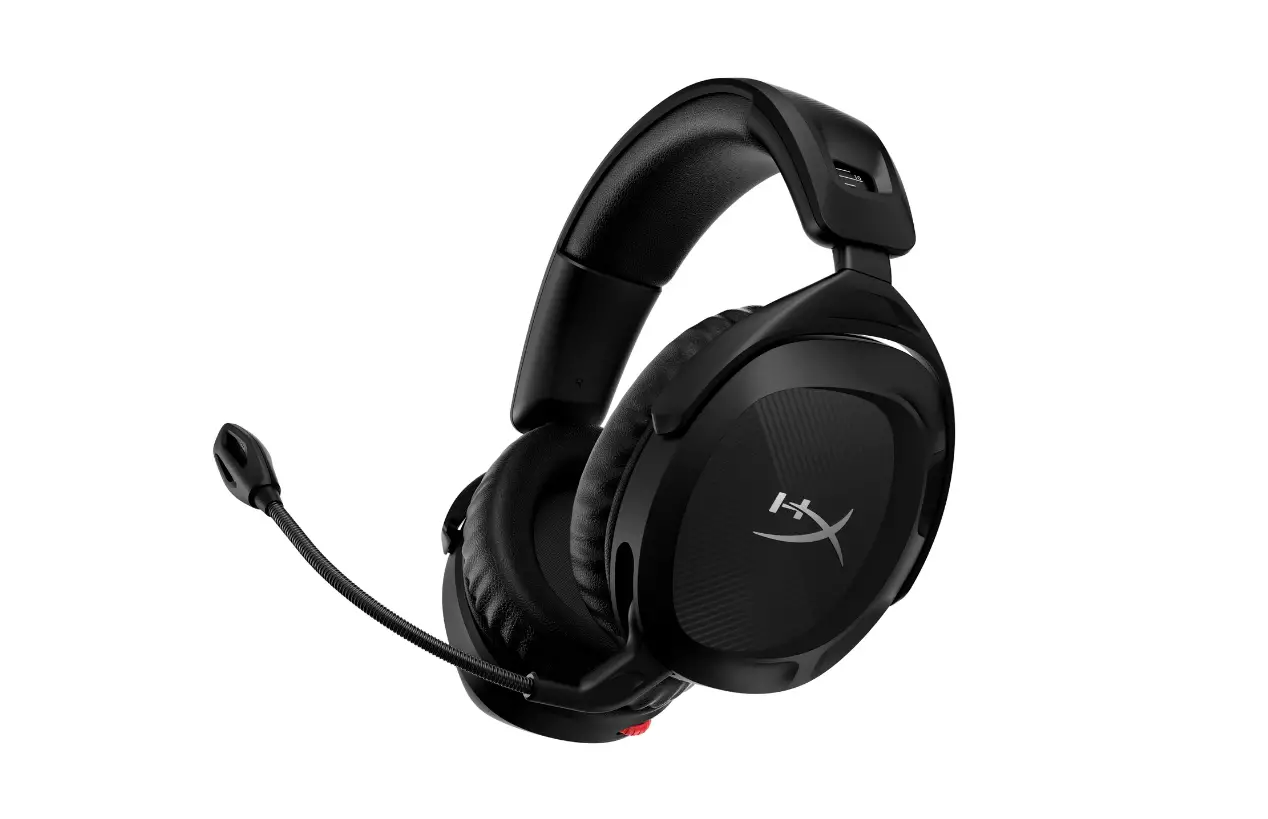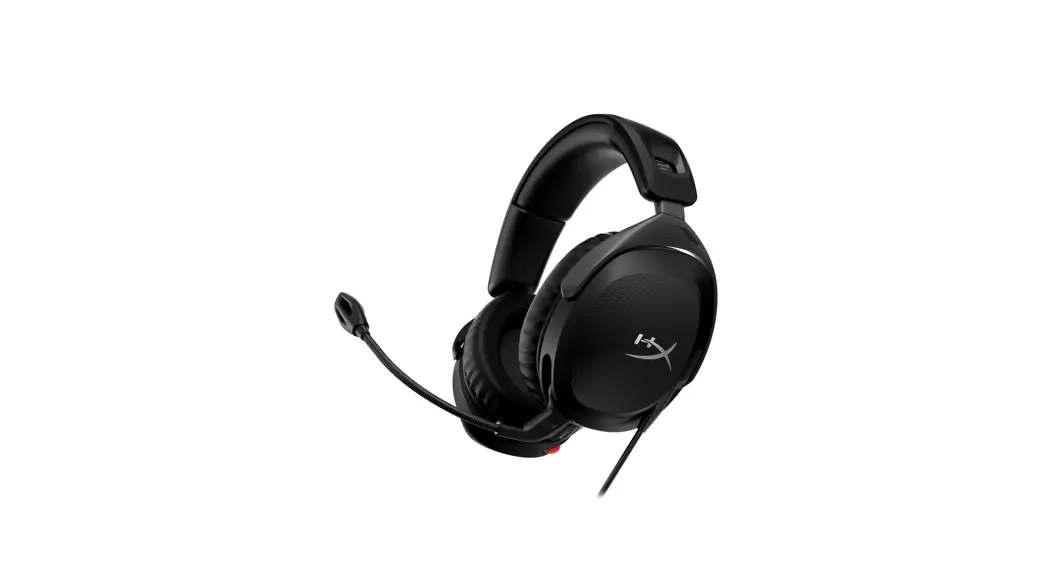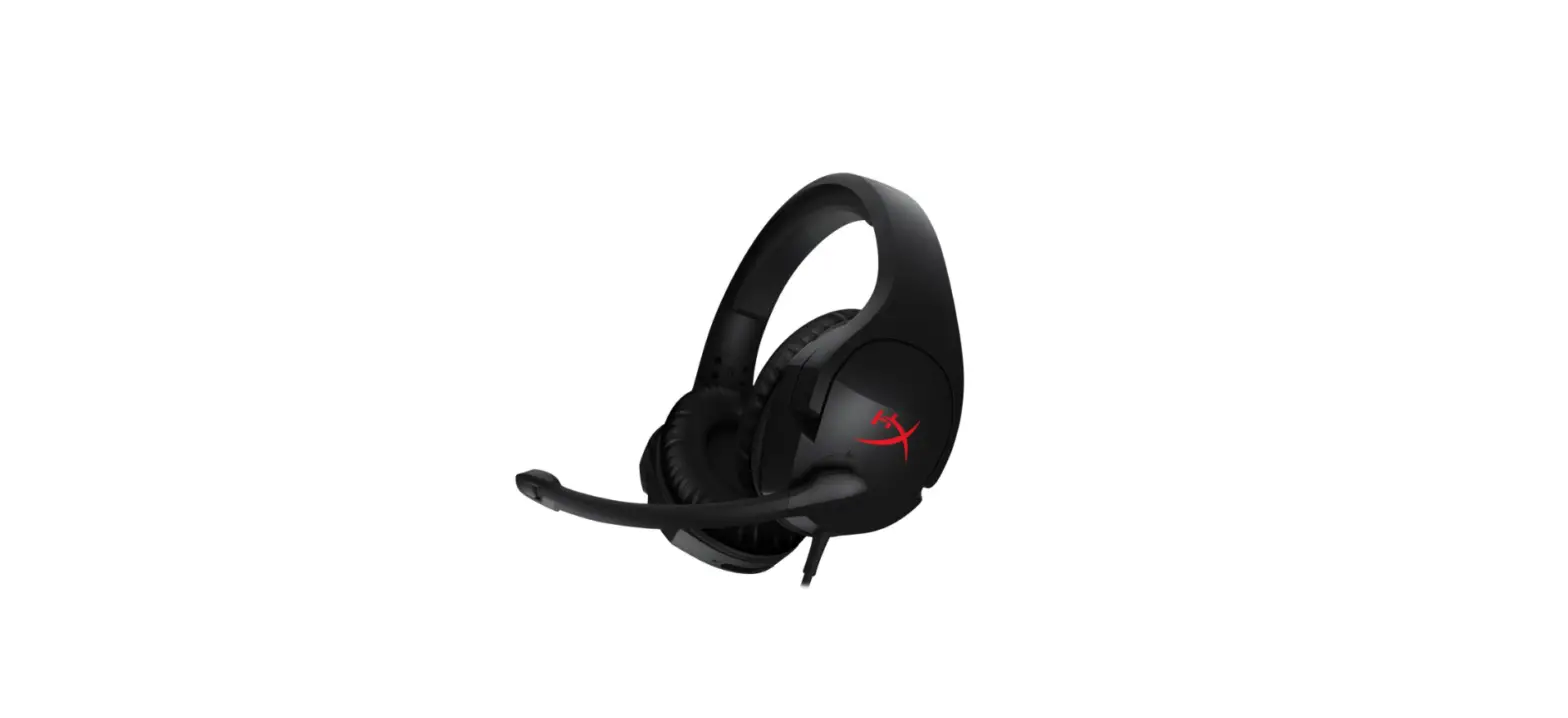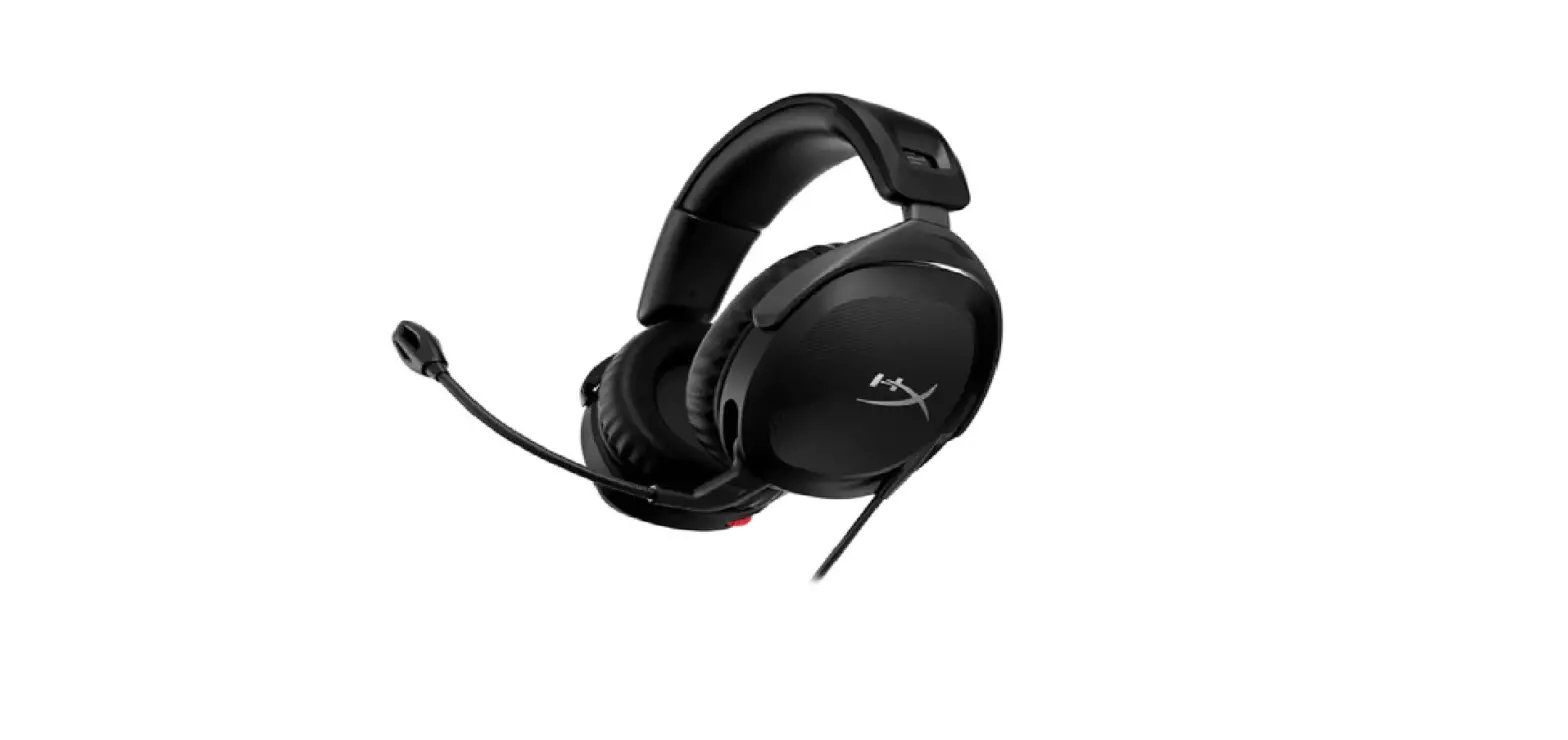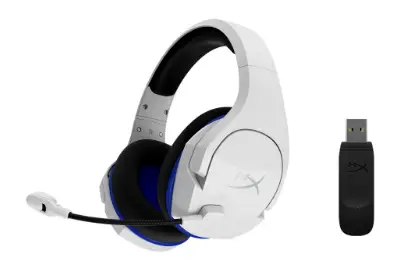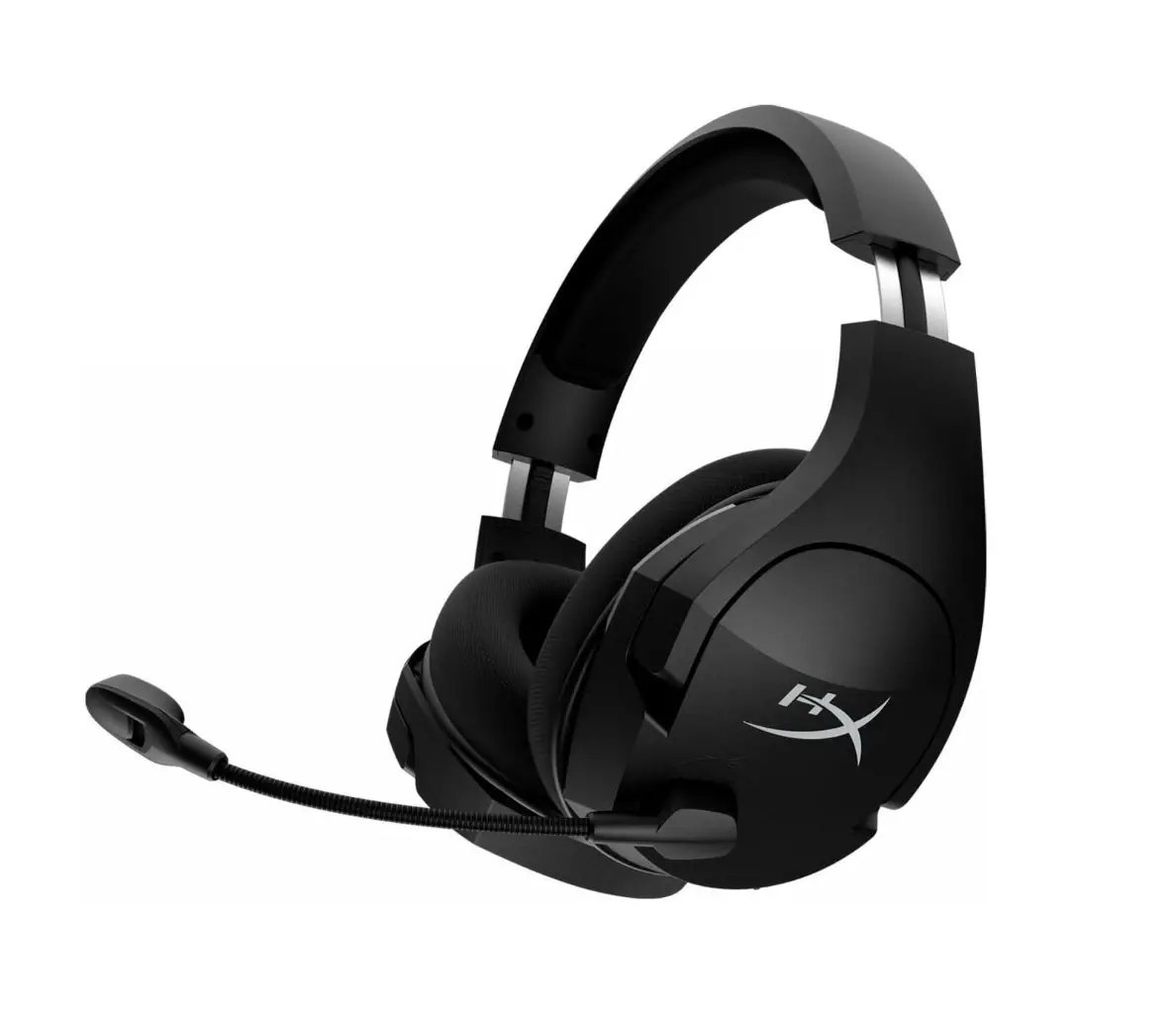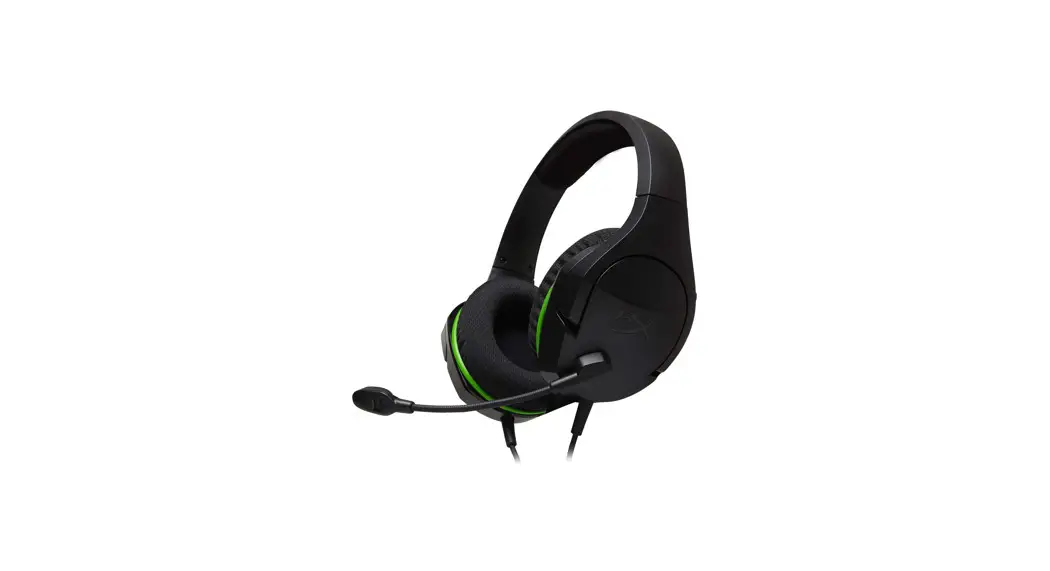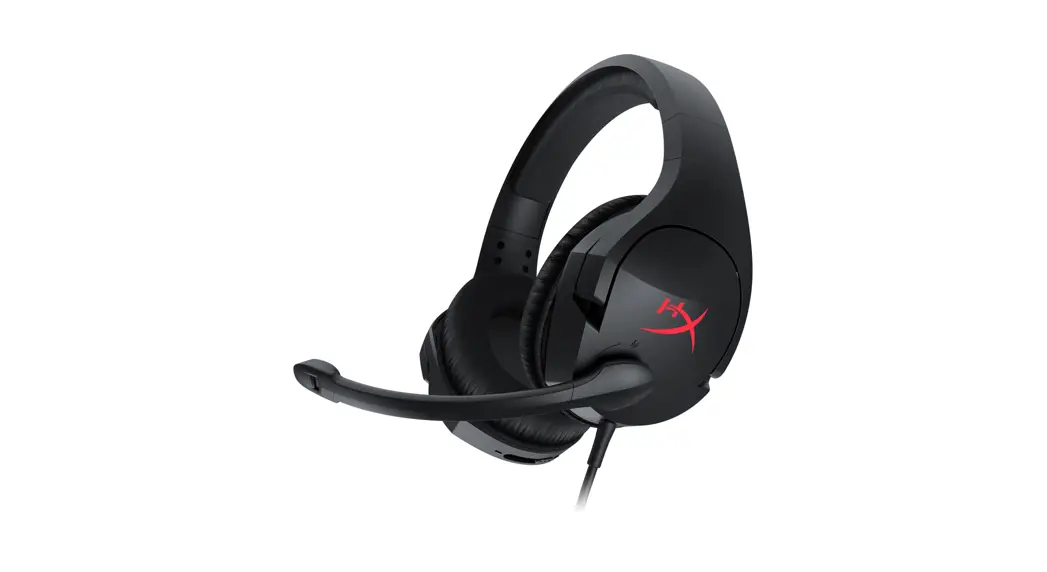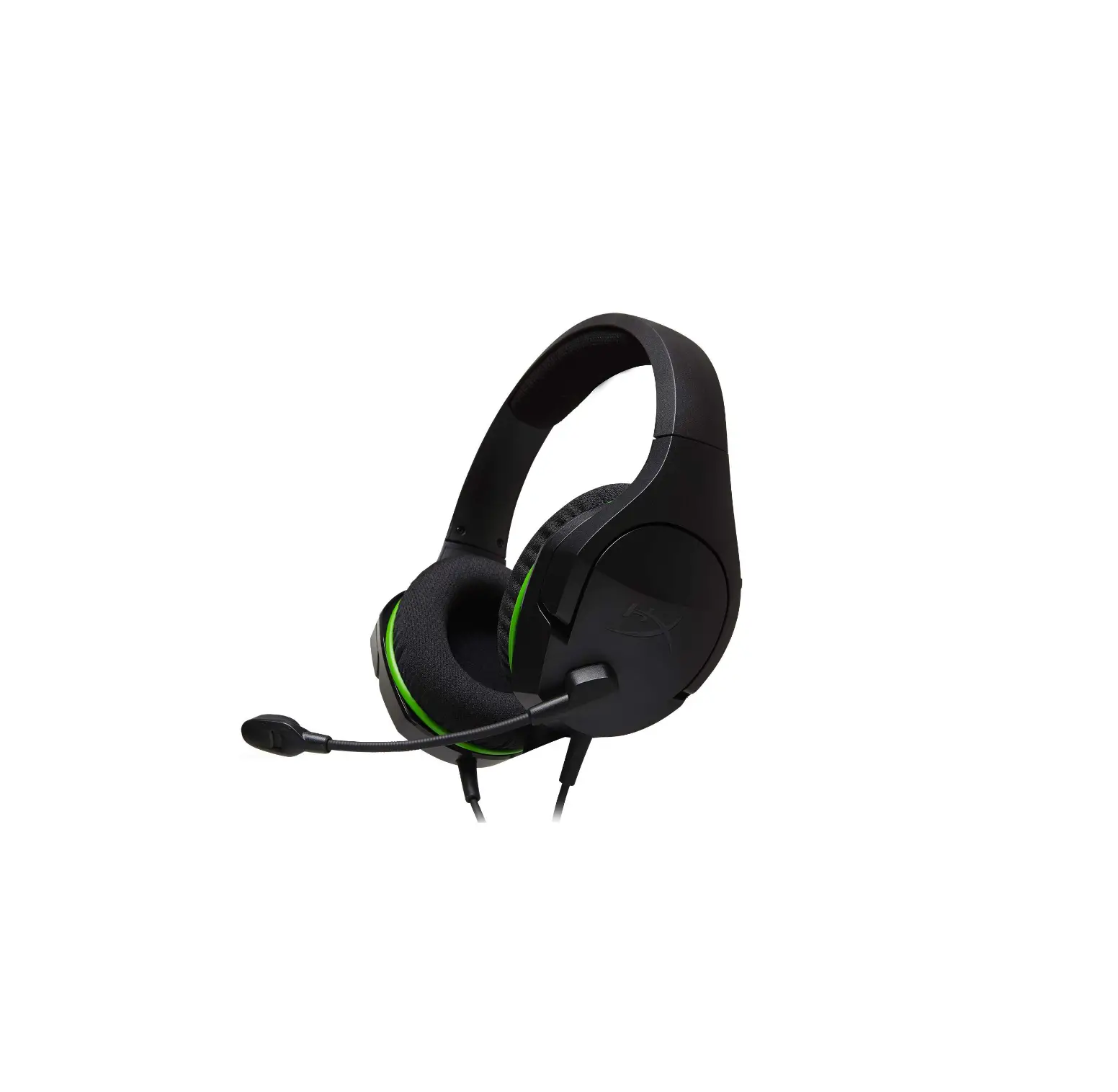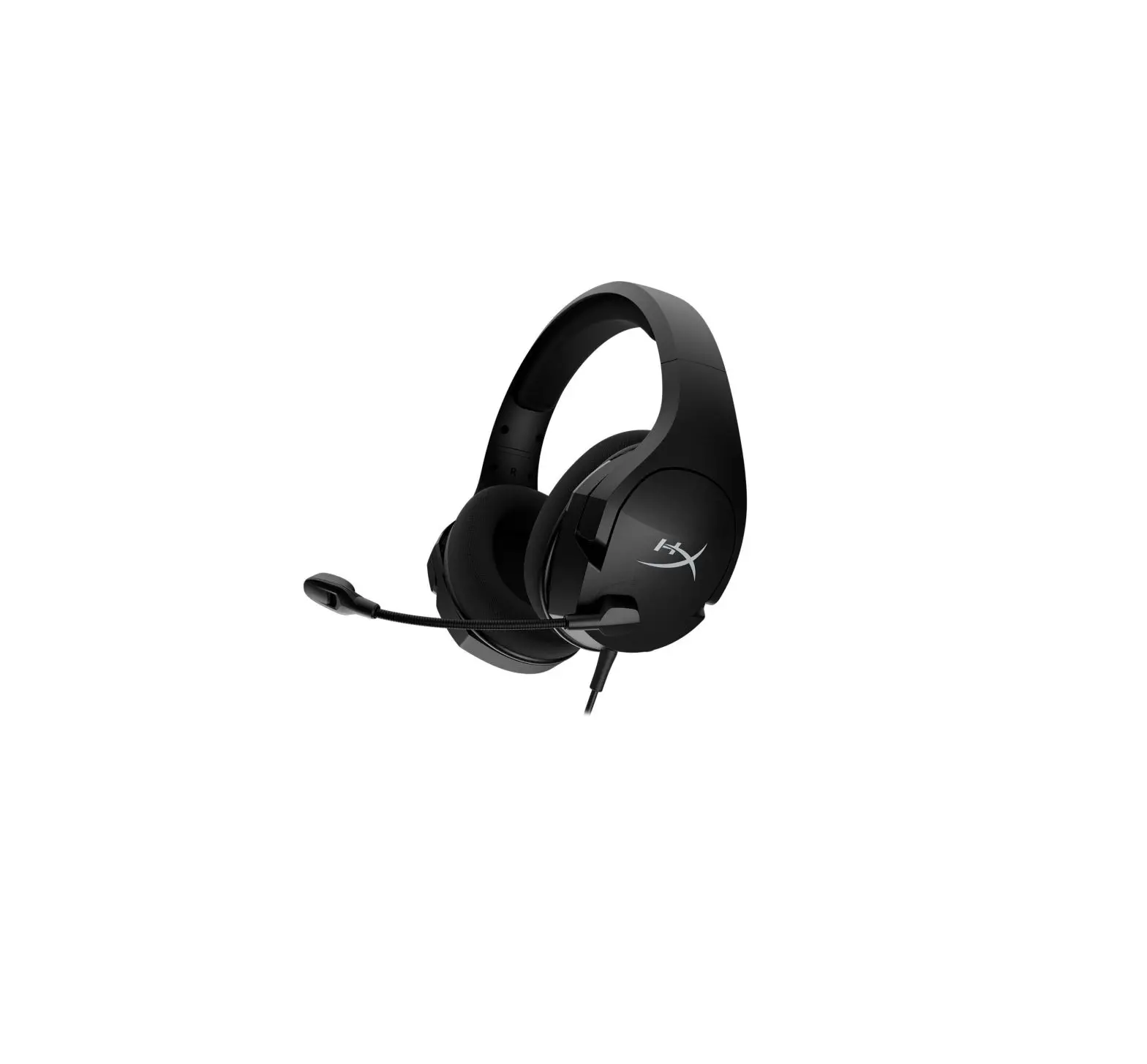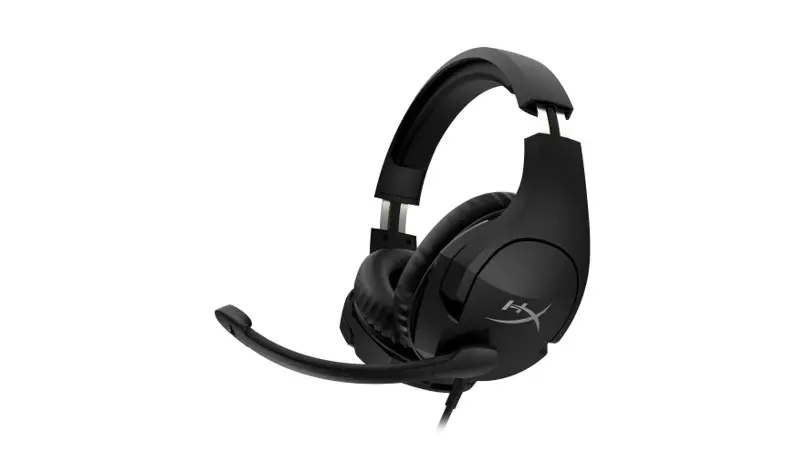
HyperX Cloud Stinger S Quick Start Guide
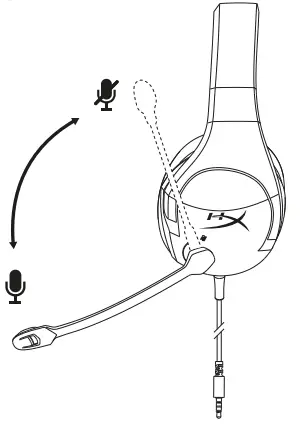
Swivel to Mute Microphone
Questions or Setup Issues?
Contact the HyperX support team at hyperxgaming.com/support/
WARNING: Permanent hearing damage can occur if a headset is used at high volumes for extended periods of time.
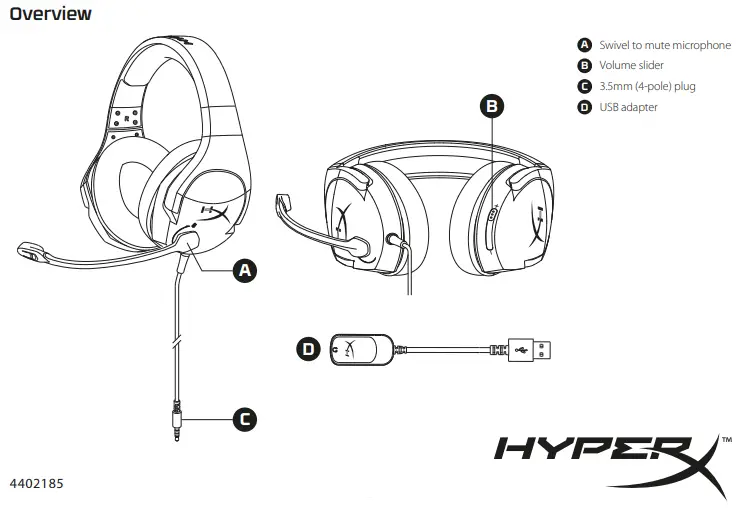
Overview
A – Swivel to mute microphone
B – Volume slider
C – 3.5mm (4-pole) plug
D – USB adapter
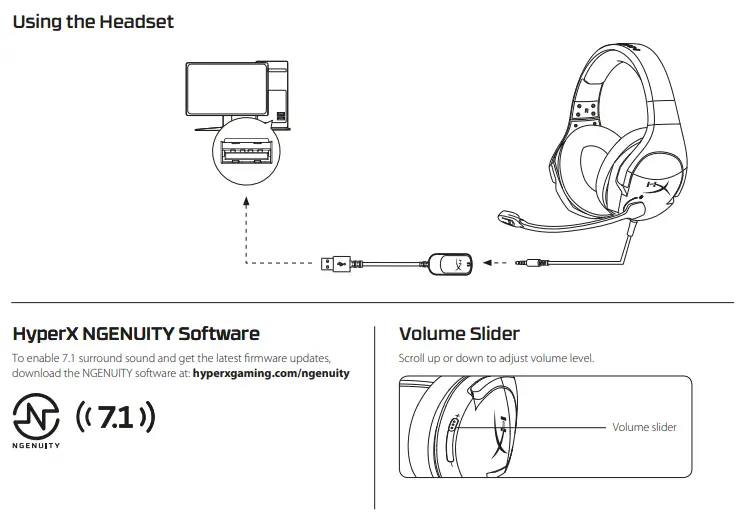
Using the Headset
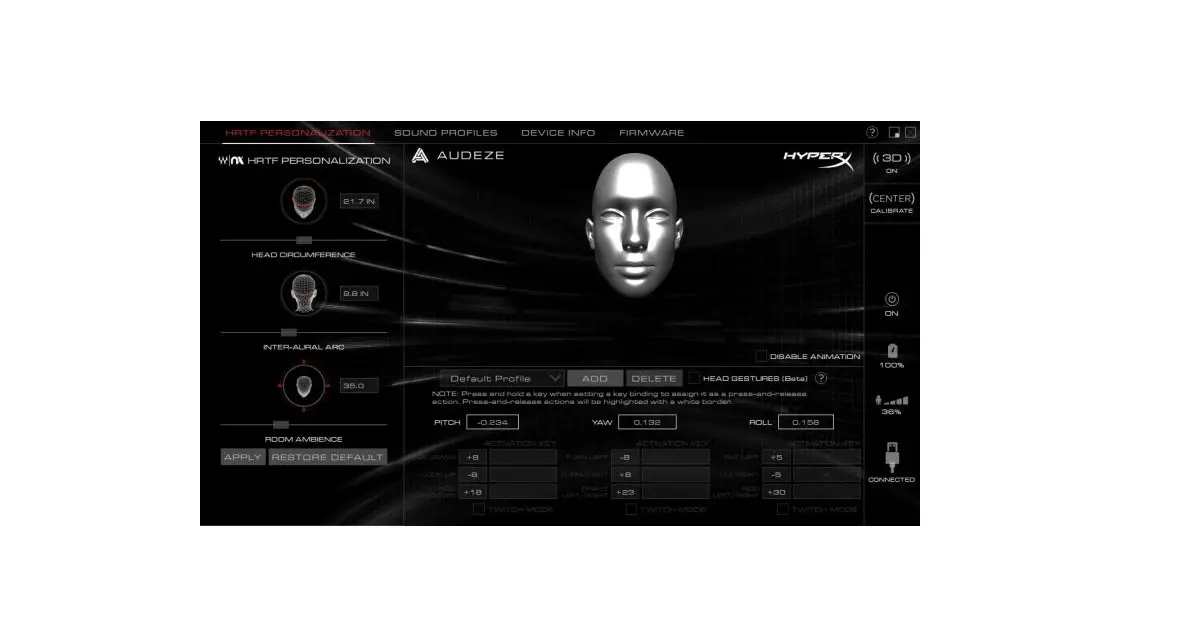
HyperX NGENUITY Software
Virtual 7.1 surround sound enabled via HyperX NGENUITY Software.
Download software and latest firmware updates at: hyperxgaming.com/ngenuity
Volume Slider
Scroll up or down to adjust volume level.
Swivel to Mute Microphone
Questions or Setup Issues?
Contact the HyperX support team at hyperxgaming.com/support/
WARNING: Permanent hearing damage can occur if a headset is used at high volumes for extended periods of time.
HyperX is a division of Kingston.
THIS DOCUMENT SUBJECT TO CHANGE WITHOUT NOTICE
©2020 Kingston Technology Corporation, 17600 Newhope Street, Fountain Valley, CA 92708 USA.
All rights reserved. All registered trademarks and trademarks are the property of their respective owners.
 HyperX | High Quality Gaming Gear