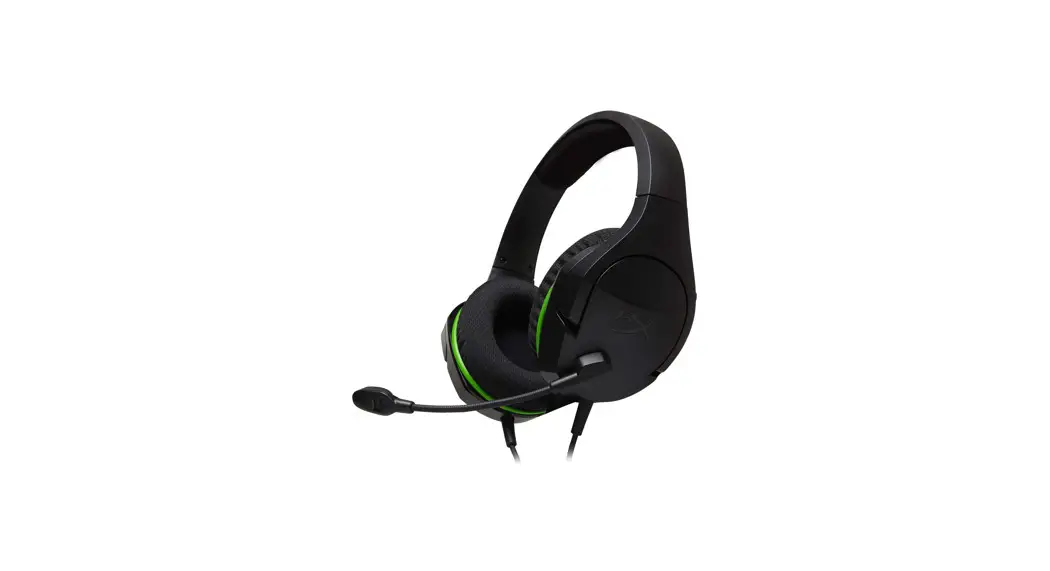
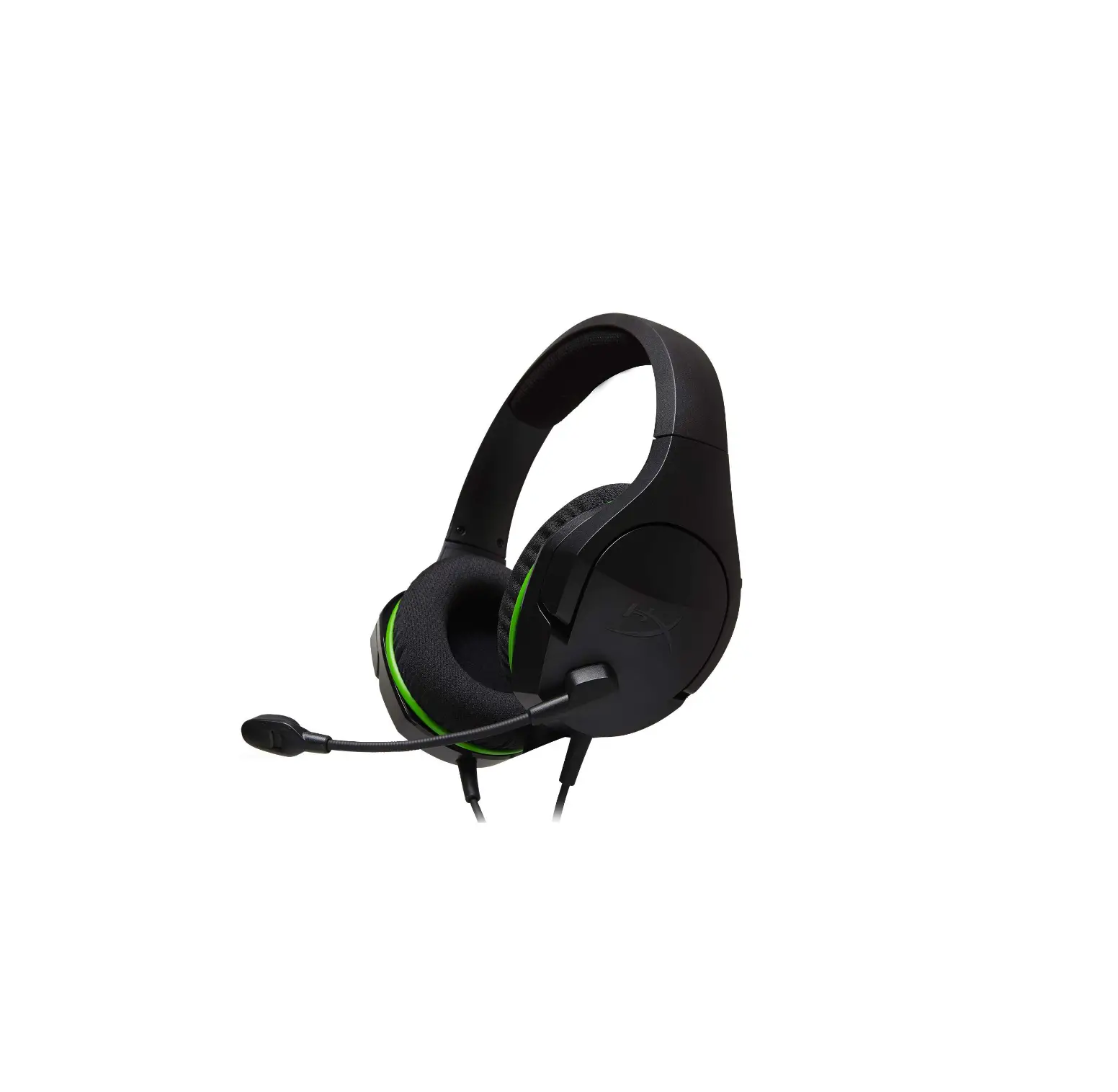
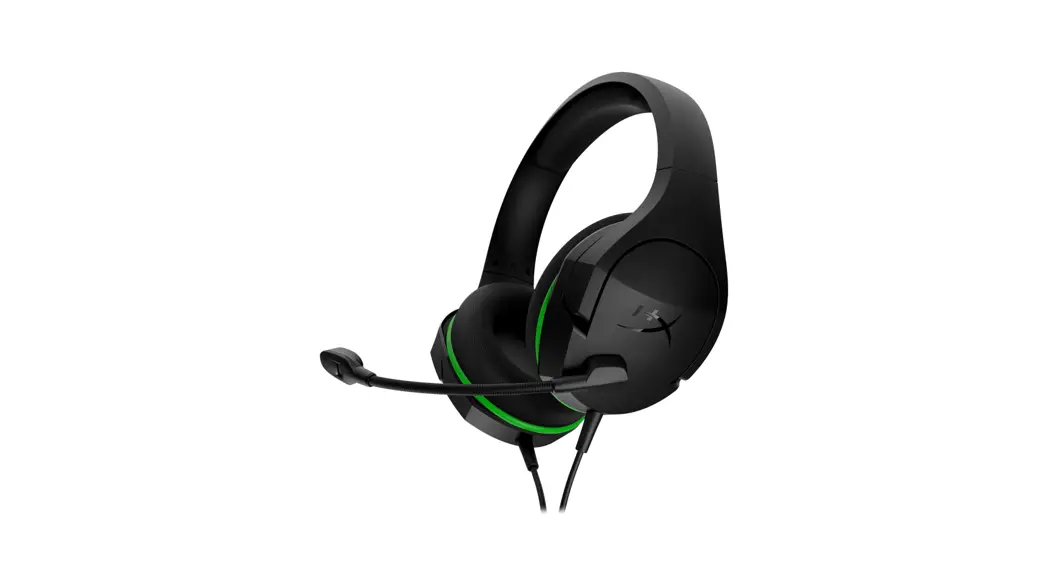
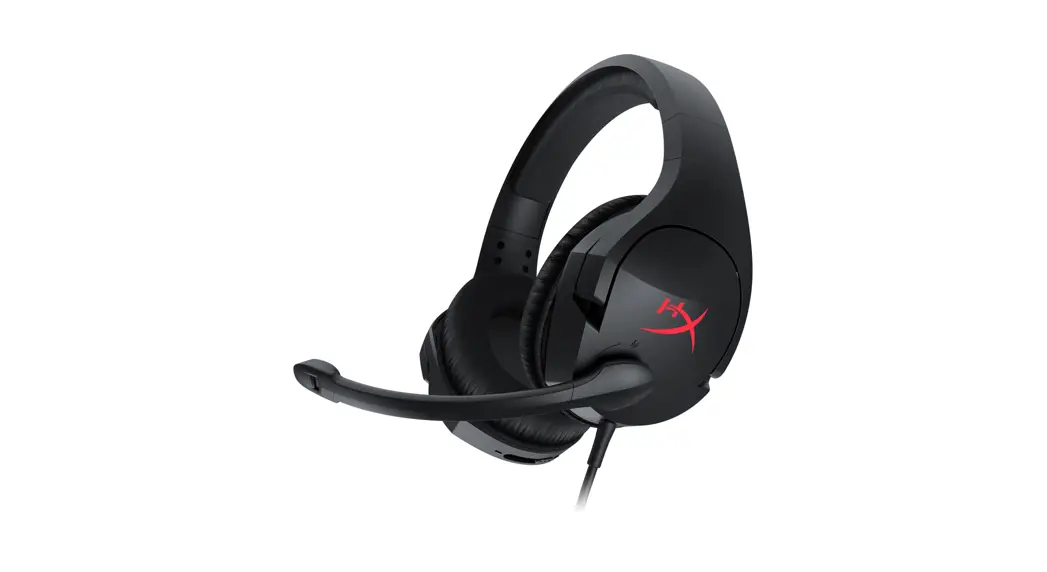
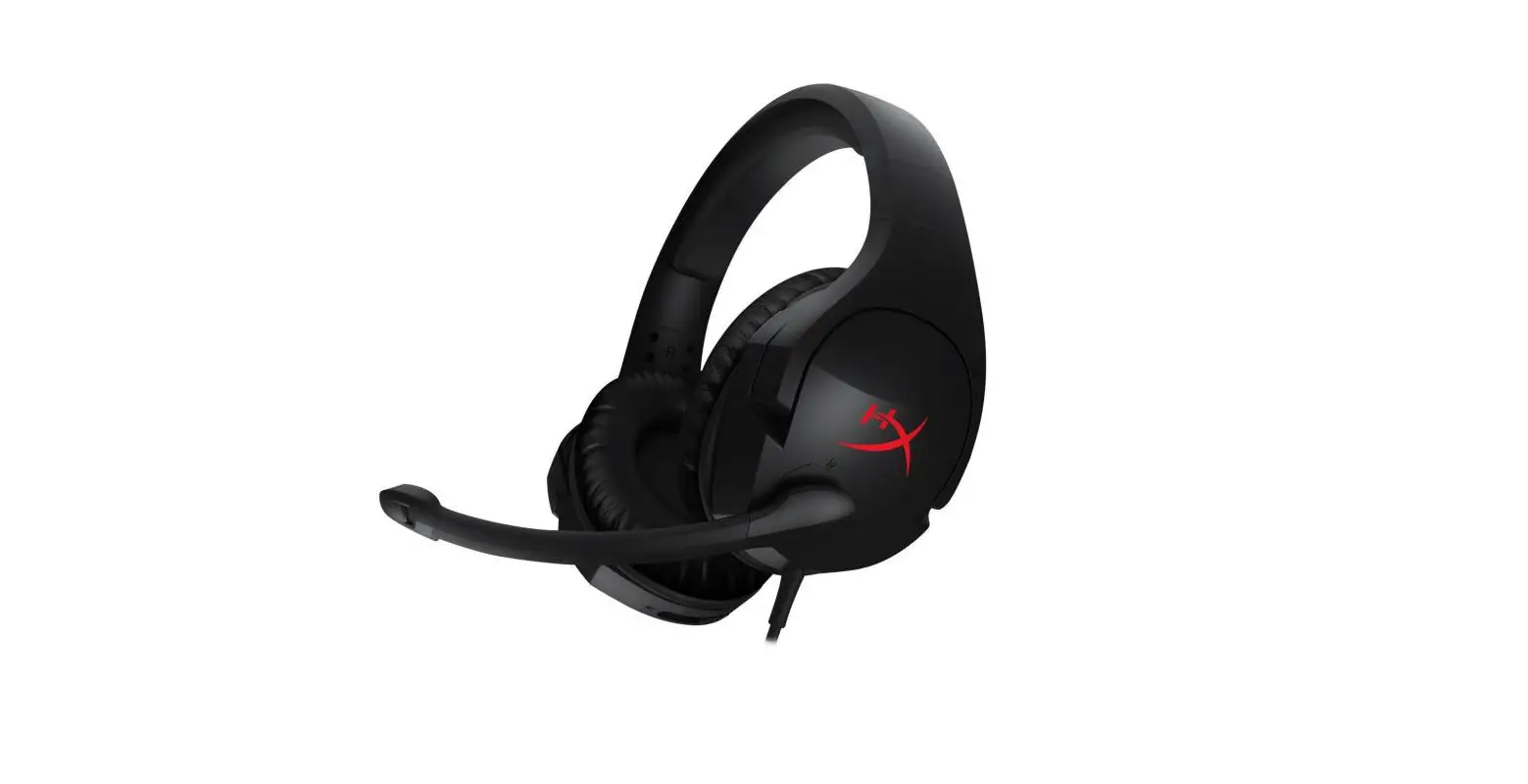
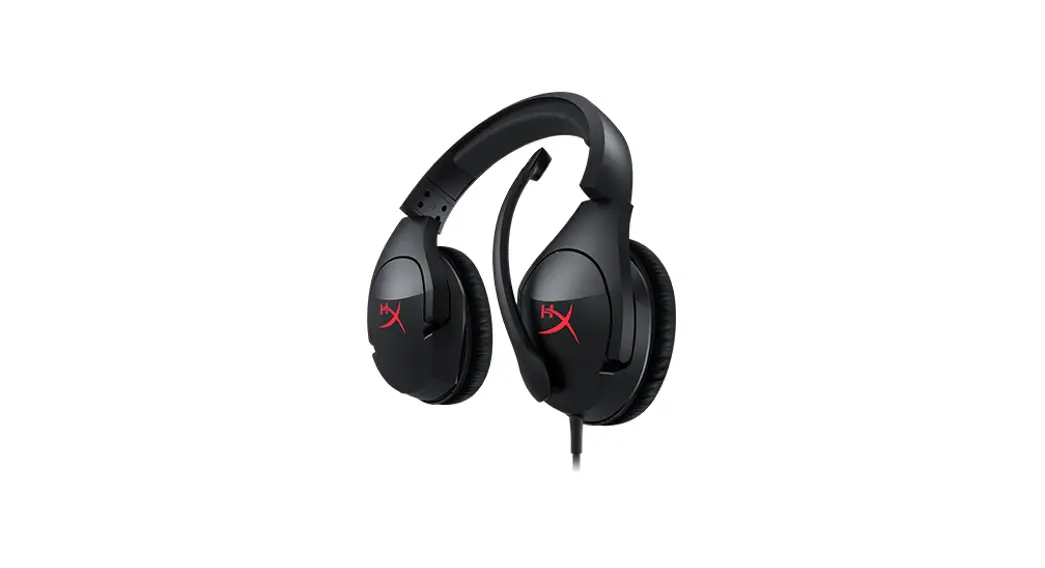
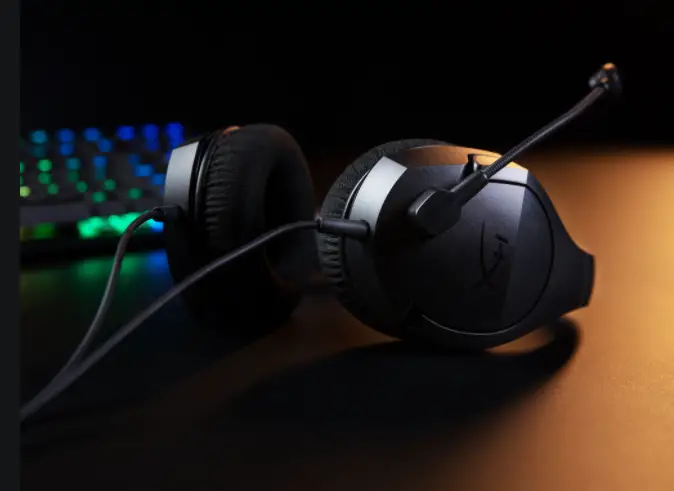
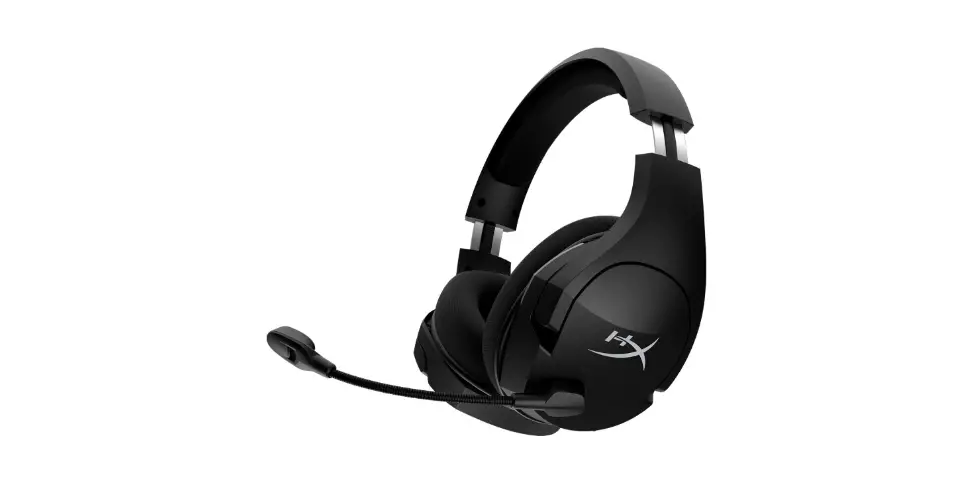
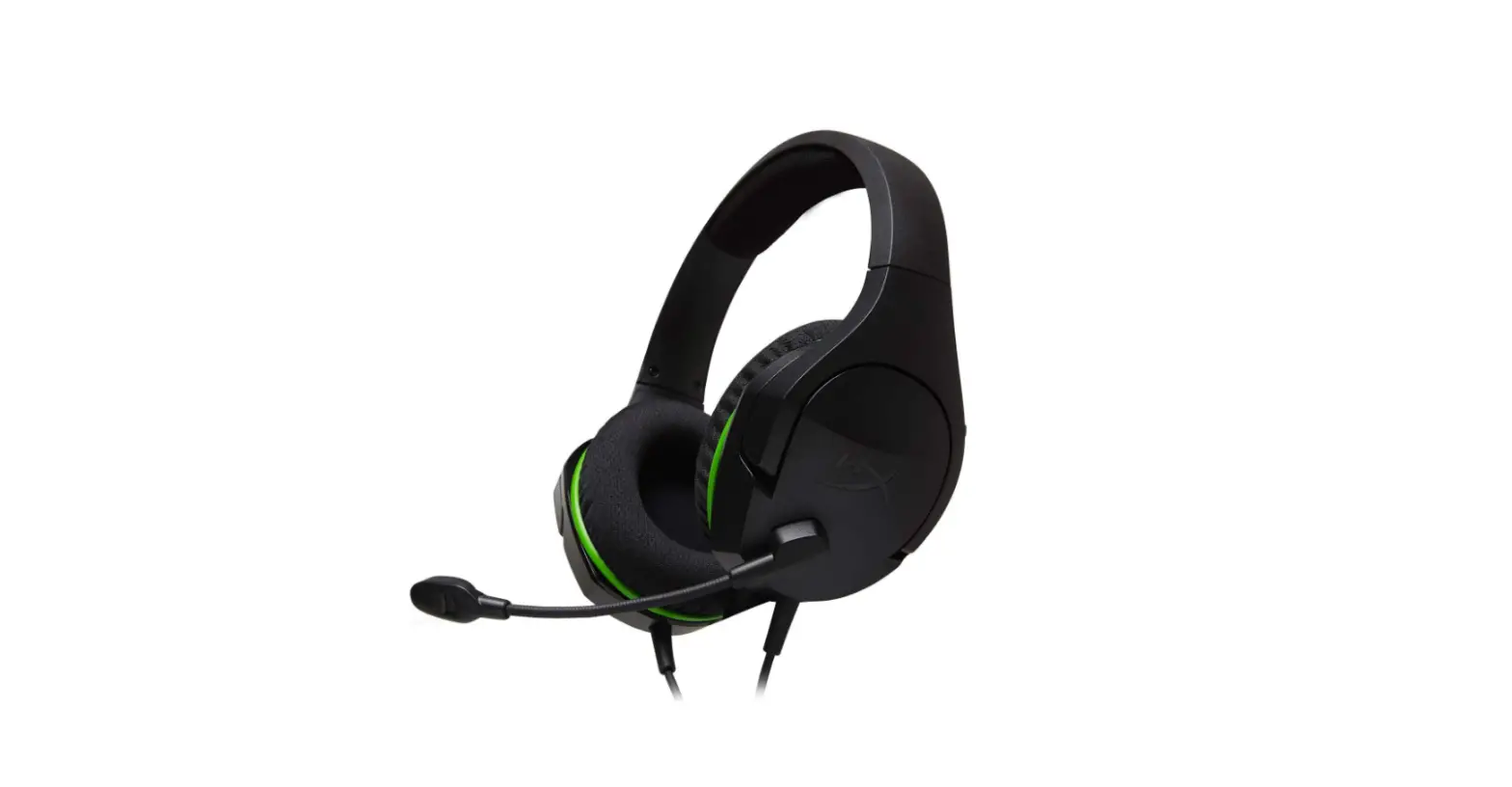
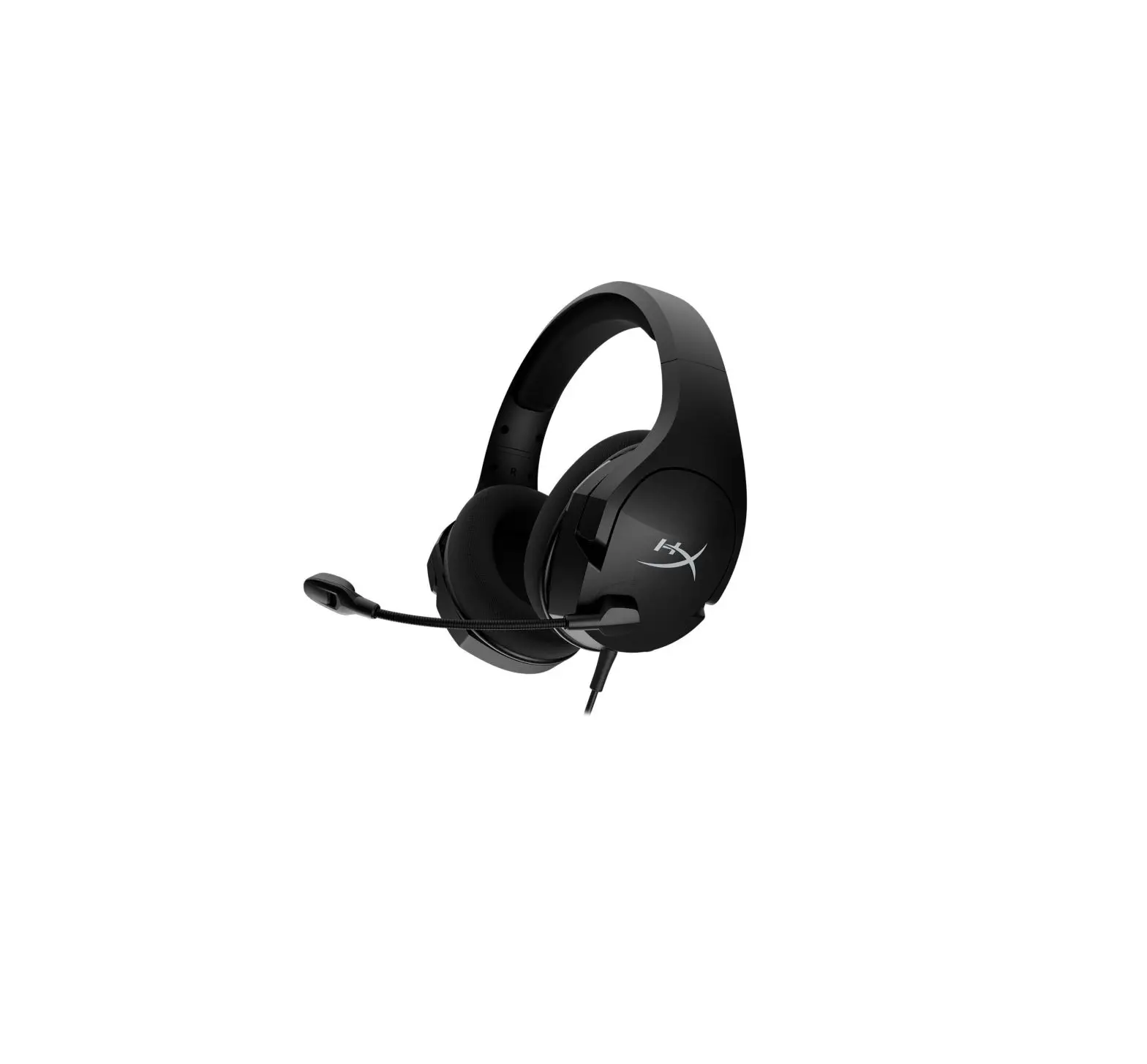
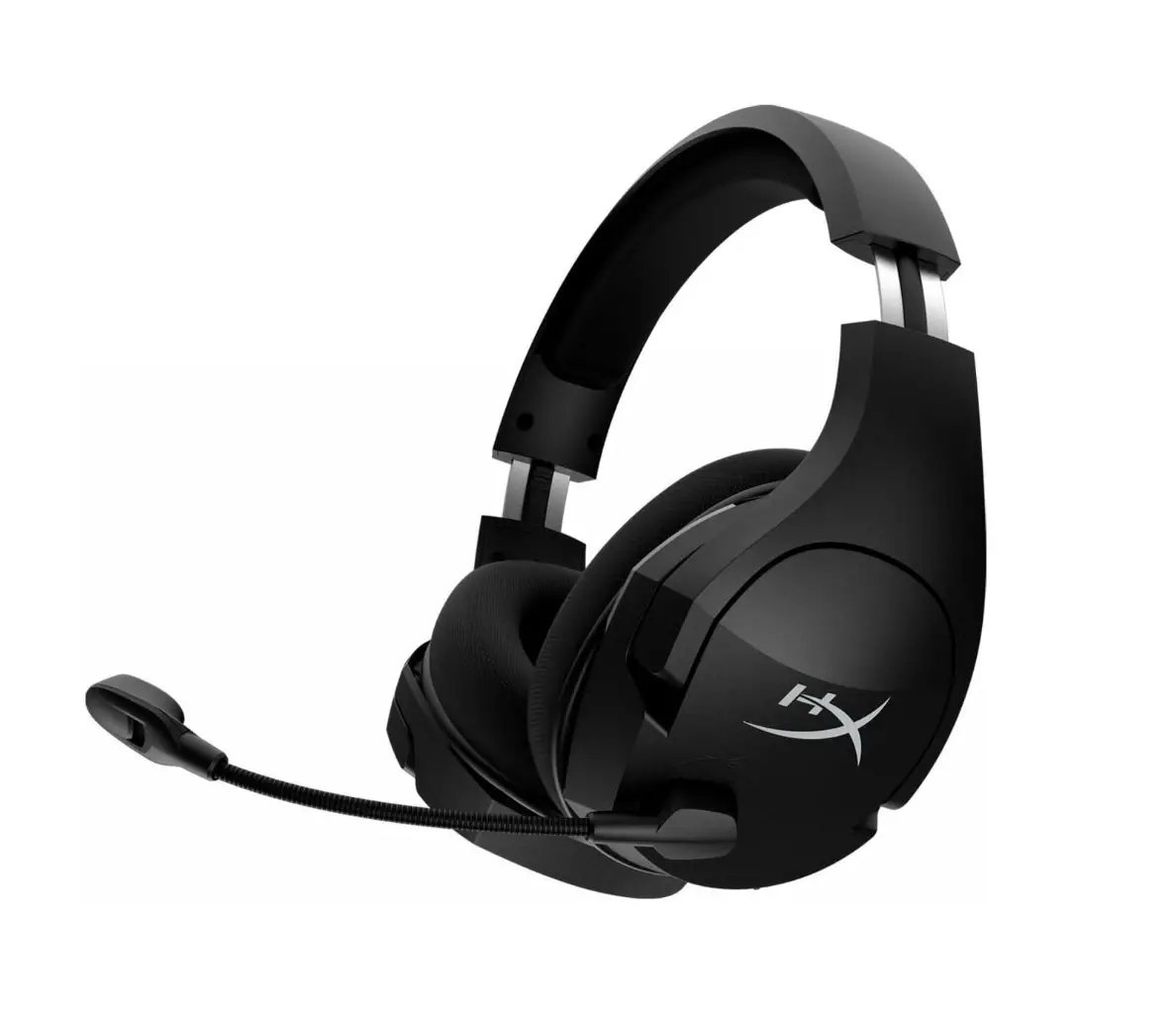
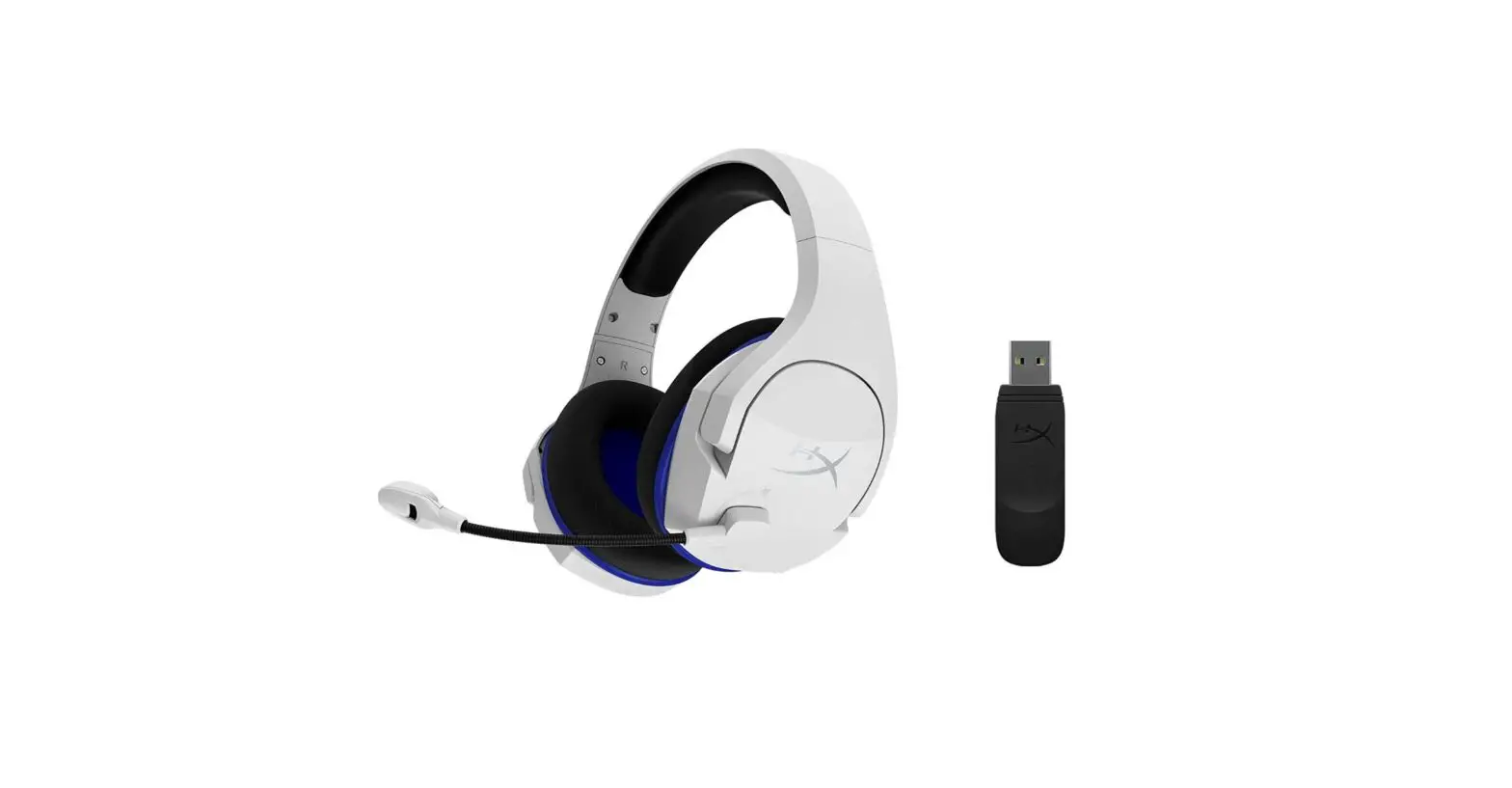
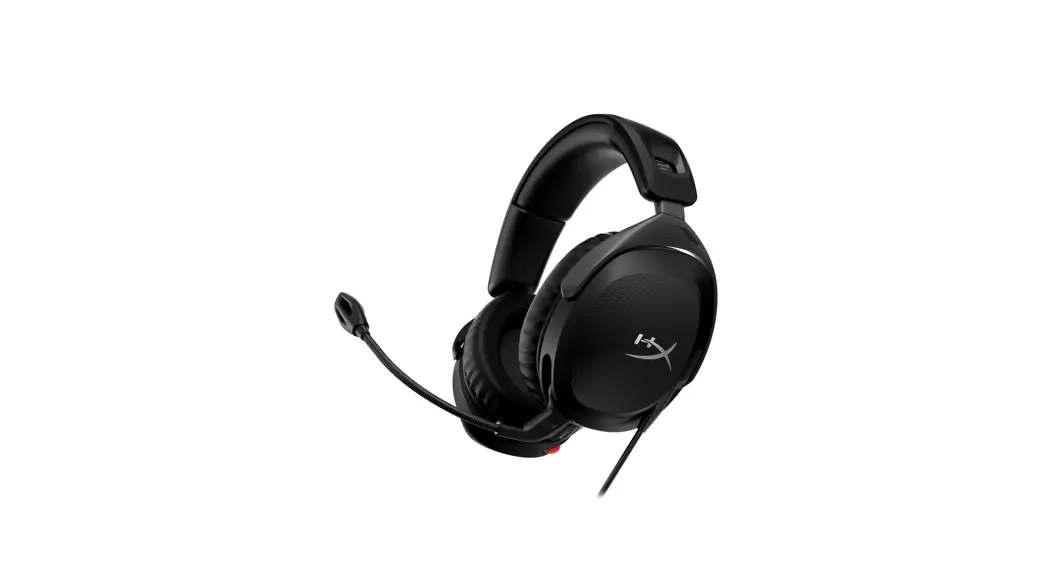
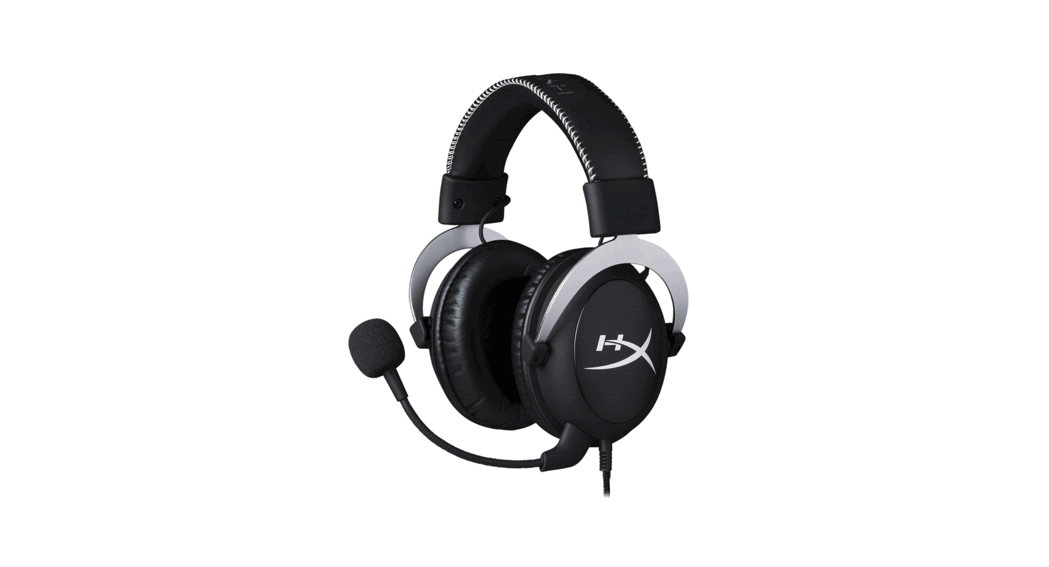
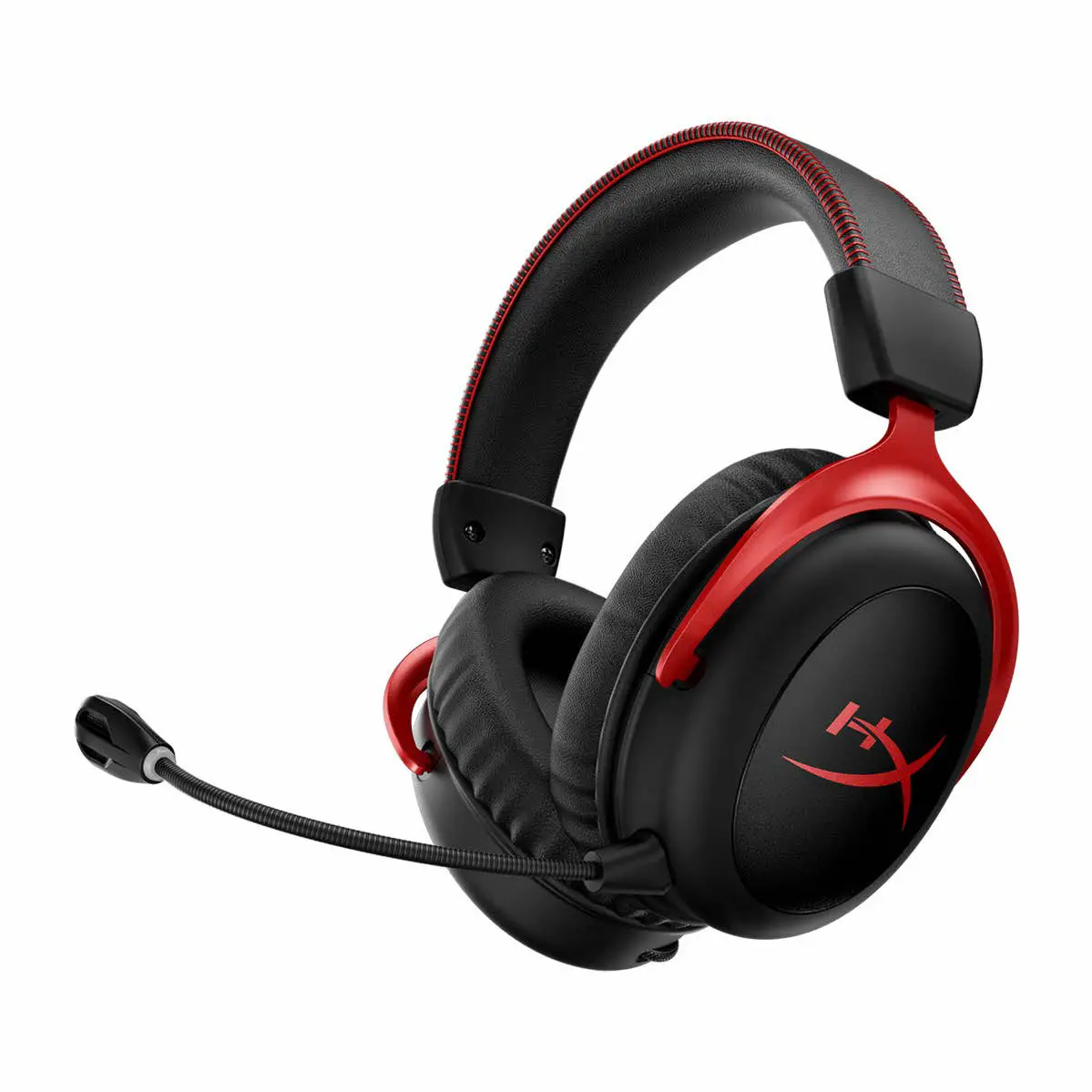
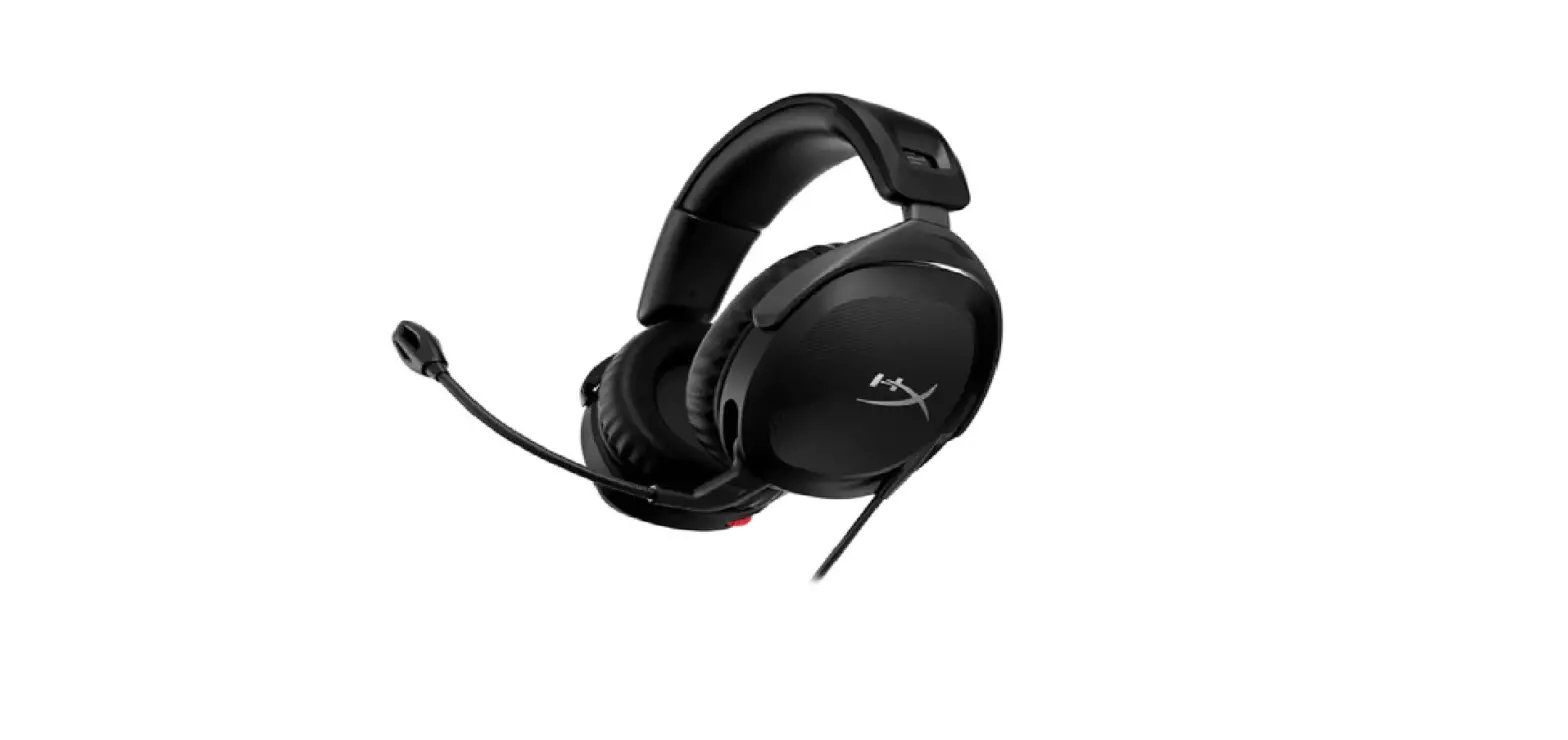
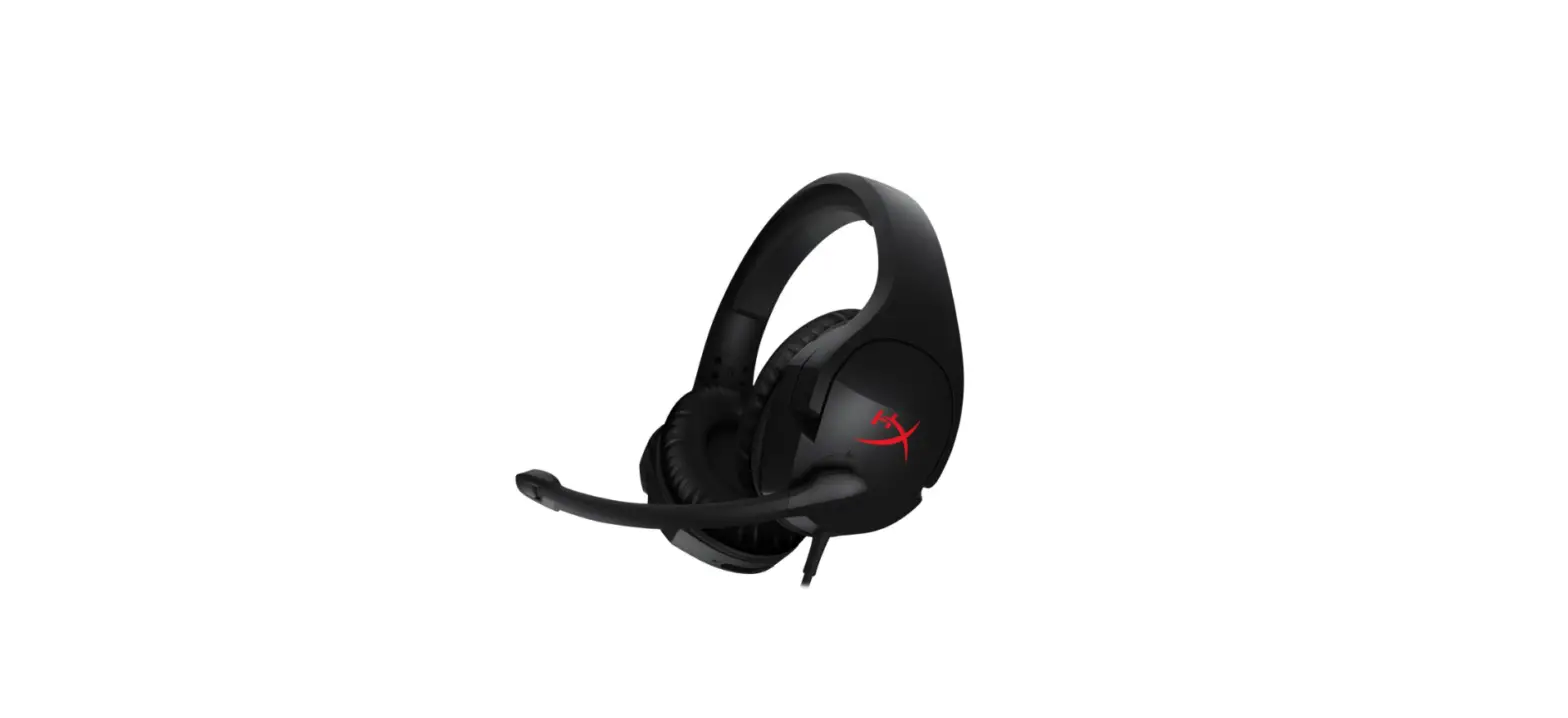
HX-HSCSC-BK Cloud Stinger Core Headset
Product Information:
The HyperX Cloud Stinger Core Headset is a high-quality gaming
headset designed for comfortable and immersive audio experience. It
features a headband adjustment slider, a rotating noise
cancellation microphone, and an in-line audio control for
convenient volume and microphone adjustments. The headset is
compatible with various devices including PlayStation 4 (PS4), Xbox
One, Nintendo Switch, and mobile devices.
Headset Specifications:
- Headphone Driver: Dynamic, 40mm with neodymium magnets
- Type: Circumaural, closed back
- Frequency response: 20Hz-20,000Hz
- Impedance: 16
- Sound pressure level: 99dBSPL/mW at 1kHz
- THD: < 2%
- Weight: 215g
- Cable length and type: Headset (1.3m)
- Connection: Headset – 3.5mm plug (4 pole)
- Microphone Element: Electret condenser microphone
- Polar pattern: Noise-cancelling
- Frequency response: 50Hz-18,000 Hz
- Sensitivity: -41.5dBV (0dB=1V/Pa,1kHz)
Product Usage Instructions:
Usage with PlayStation 4 (PS4) and PS4 Pro:
- Turn on your PS4 game console.
- Navigate to the “Settings” menu and select it.
- Highlight the “Devices” menu option and select it.
- Scroll down to “Audio Devices” and select it.
- Choose “Output to Headphones” and select “All Audio”.
- Connect the 3.5mm plug on the headset directly to the PS4 game
controller.
Usage with Xbox One:
If your Xbox One controller has a 3.5mm jack:
- Connect the 3.5mm plug on the headset directly to the 3.5mm
jack on the Xbox One controller.
If your Xbox One controller does not have a 3.5mm jack:
- Purchase the Xbox One Stereo Headset adapter (sold
separately). - Plug the Xbox One Stereo Headset adapter into the Xbox One
controller. - Connect the 3.5mm plug on the headset directly to the Xbox One
Stereo Headset adapter.
Usage with Nintendo Switch:
- Connect the 3.5mm plug on the headset directly to the 3.5mm
jack on the Nintendo Switch.
Usage with Mobile Devices:
- Connect the 3.5mm plug on the headset directly into the headset
jack on your mobile device (phone, tablet, or notebook) with a
headset jack (4 pole CTIA).
Note: For detailed installation instructions and further
information, refer to the user manual provided with your HyperX
Cloud Stinger Core Headset.
User Manual
HyperX Cloud Stinger Core Headset
Find the language and latest documentation for your HyperX Cloud Stinger Core Headset here.
HyperX Cloud Stinger Core Headset Installation Guide
. . . . . . . . . . . . For instructions in English . . . . . . . . . . . . . . . . . . Para instrucciones en Español
. . . . . . . . . Für Anleitungen in Deutsch . . . . . . . . . . . . . . . . . . Pour des instructions en Français . . . . . . . . . . . . . . . . . . Per le istruzioni in Italiano
. . . . . . . . . . . . Por as instruções em Português . . . . . . . . . . . . . . . . . . Instrukcje w jezyku Polskim . . . . . . . . . . . . . . . . . . P . . . . . . . . . . . . . . . . . . Turkce talimatlar icin . . . . . . . . . . . . . . . . . . Japanese . . . . . . . . . . . . . . . . . . Korean . . . . . . . . . . . . . . . . . . Thai . . . . . . . . . . . . . . . . . . Vietnamese Simplified Chinese . . . . . Traditional Chinese . . . .
HyperX Cloud Stinger Core Headset
Part Numbers: HX-HSCSC-BK
Document No. 480HX-HSCSC001.A01
HyperX Cloud Stinger Core Headset
Page 1 of 9
TABLE OF CONTENTS
Overview ………………………………………………………………………………………………………………….3 In-line audio control operation……………………………………………………………………………………..4 Usage (PS4TM & PS4TM Pro)……………………………………………………………………………………….5 Usage (Xbox OneTM)………………………………………………………………………………………………….6 Usage (Nintendo SwitchTM)…………………………………………………………………………………………7 Usage (mobile device) ……………………………………………………………………………………………….8 Headset Specifications……………………………………………………………………………………………….9
Document No. 480HX-HSCSC001.A01
HyperX Cloud Stinger Core Headset
Page 2 of 9
Overview A. Headband adjustment slider B. Rotating noise cancellation mic C. In-line audio control
Document No. 480HX-HSCSC001.A01
HyperX Cloud Stinger Core Headset
Page 3 of 9
In-line audio control operation
The in-line audio control contains a volume wheel to adjust the headphone output volume and a microphone mute slider to mute the microphone.
To increase the headset volume, rotate the volume wheel clockwise (towards the + sign). To reduce the volume, rotate the volume wheel anticlockwise (towards the sign).
To mute the microphone, slide the microphone mute button to the down position. To activate the microphone, slide the microphone mute button to the up position.
Headphone Volume
Microphone Active
Microphone Mute
Document No. 480HX-HSCSC001.A01
HyperX Cloud Stinger Core Headset
Page 4 of 9
Usage (PS4TM & PS4TM Pro)
To use the headset with PlayStationTM 4 (PS4TM), connect the 3.5mm plug on the headset directly to the PS4TM game controller and follow these steps:
1. Turn on your PS4TM game console. 2. Navigate to the `Settings’ menu and select it. 3. Highlight the `Devices’ menu option and select it. 4. Scroll down to `Audio Devices’ and select it. 5. Choose `Output to Headphones’ and select `All Audio”.
Using with PS4TM
Document No. 480HX-HSCSC001.A01
HyperX Cloud Stinger Core Headset
Page 5 of 9
Usage (Xbox OneTM) To use the headset with Xbox OneTM, connect the 3.5mm plug on the headset directly to the 3.5mm jack on the XboxTM One controller
* If your Xbox OneTM controller does not have a 3.5mm jack, you will need the Xbox OneTM Stereo
Headset adapter (sold separately) that plugs into the Xbox OneTM controller (pictured below).
*
Using with Xbox OneTM
Document No. 480HX-HSCSC001.A01
HyperX Cloud Stinger Core Headset
Page 6 of 9
Usage (Nintendo SwitchTM) To use the headset with Nintendo SwitchTM, connect the 3.5mm plug on the headset directly to the 3.5mm jack on the Nintendo SwitchTM.
Using with Nintendo SwitchTM
Document No. 480HX-HSCSC001.A01
HyperX Cloud Stinger Core Headset
Page 7 of 9
Usage (mobile device)
To use the headset with a mobile device (or other device) with a headset jack (4 pole CTIA), connect the 3.5mm plug directly into the headset jack on your device.
Using with mobile device (phone, tablet or notebook)
Document No. 480HX-HSCSC001.A01
HyperX Cloud Stinger Core Headset
Page 8 of 9
Headset Specifications
Headphone Driver: Dynamic, 40mm with neodymium magnets Type: Circumaural, closed back Frequency response: 20Hz-20,000Hz Impedance: 16 Sound pressure level: 99dBSPL/mW at 1kHz THD: < 2% Weight: 215g Cable length and type: Headset (1.3m) Connection: Headset – 3.5mm plug (4 pole)
Microphone Element: Electret condenser microphone Polar pattern: Noise-cancelling Frequency response: 50Hz-18,000 Hz Sensitivity: -41.5dBV (0dB=1V/Pa,1kHz)
Document No. 480HX-HSCSC001.A01
HyperX Cloud Stinger Core Headset
Page 9 of 9
Auriculares HyperX Cloud Stinger Core
Números de referencia: HX-HSCSC-BK
N.º de documento 480HX-HSCSC001.A01
Auriculares HyperX Cloud Stinger Core
Página 1 de 9
ÍNDICE
Visión general …………………………………………………………………………………………………………..3 Modo de control de audio integrado en el cable …………………………………………………………….4 Uso (PS4TM & PS4TM Pro)…………………………………………………………………………………………..5 Uso (Xbox OneTM)……………………………………………………………………………………………………..6 Uso (Nintendo SwitchTM)…………………………………………………………………………………………….7 Uso (dispositivos móviles)…………………………………………………………………………………………..8 Especificaciones de los auriculares ……………………………………………………………………………..9
N.º de documento 480HX-HSCSC001.A01
Auriculares HyperX Cloud Stinger Core
Página 2 de 9
Visión general
A. Ajuste deslizante de la diadema B. Micrófono giratorio con cancelación del
ruido C. Control de audio integrado en el cable
N.º de documento 480HX-HSCSC001.A01
Auriculares HyperX Cloud Stinger Core
Página 3 de 9
Modo de control de audio integrado en el cable
La caja de control de audio incluye una rueda de control de volumen para ajustar el volumen emitido por los auriculares y un silenciador del micrófono para silenciar el micrófono.
Para aumentar el volumen de los auriculares, gira la rueda de volumen hacia el signo más “+” (hacia la derecha). Para bajar el volumen, gira la rueda de volumen hacia el signo menos “” (hacia la izquierda).
Para silenciar el micrófono, desliza el botón de silencio del micro hacia abajo. Para activar el micrófono, desliza el botón de silencio del micro hacia arriba.
Auriculares Volumen
Micrófono Activo
Micrófono Silencio
N.º de documento 480HX-HSCSC001.A01
Auriculares HyperX Cloud Stinger Core
Página 4 de 9
Uso (PS4TM & PS4TM Pro)
Para usar los auriculares con un sistema PlayStationTM 4 (PS4TM), conecta la clavija de 3,5 mm de los auriculares directamente con el mando de juego PS4TM y sigue estos pasos:
1. Enciende tu videoconsola PS4TM. 2. Ve al menú Settings (Ajustes) y selecciónalo. 3. Resalta la opción de menú Devices (Dispositivos) y selecciónala. 4. Desplázate hacia abajo hasta Audio Devices (Dispositivos de audio) y selecciónalo. 5. Selecciona Output to Headphones (Salida a auriculares) y selecciona All Audio (Todo
el audio).
Uso con PS4TM
N.º de documento 480HX-HSCSC001.A01
Auriculares HyperX Cloud Stinger Core
Página 5 de 9
Uso (Xbox OneTM) Para usar los auriculares con un sistema Xbox OneTM, conecta el conector de 3,5 mm de los auriculares directamente en la entrada de 3,5 mm del mando de XboxTM One
* Si tu mando de Xbox OneTM no tiene una entrada de 3,5 mm, necesitarás el adaptador para
auriculares estéreo de Xbox OneTM (se vende por separado) que se conecta al mando de Xbox OneTM (que se ve en la imagen siguiente).
*
Uso con Xbox OneTM
N.º de documento 480HX-HSCSC001.A01
Auriculares HyperX Cloud Stinger Core
Página 6 de 9
Uso (Nintendo SwitchTM) Para usar los auriculares con un sistema Nintendo SwitchTM, conecta el conector de 3,5 mm de los auriculares directamente en la entrada de 3,5 mm del mando de Nintendo SwitchTM.
Uso con Nintendo SwitchTM
N.º de documento 480HX-HSCSC001.A01
Auriculares HyperX Cloud Stinger Core
Página 7 de 9
Uso (dispositivos móviles)
Para usar los auriculares con un dispositivo móvil (o con otro dispositivo) con una clavija para auriculares (CTIA de 4 polos), conecta la clavija de 3,5 mm directamente con la clavija para auriculares del dispositivo.
Uso con un dispositivo móvil (teléfono, tableta o portátil)
N.º de documento 480HX-HSCSC001.A01
Auriculares HyperX Cloud Stinger Core
Página 8 de 9
Especificaciones de los auriculares
Auriculares Controlador: Dinámico de 40 mm, con imanes de neodimio Tipo: Circumaural, cerrado por la parte trasera Respuesta de frecuencia: 20 Hz-20 000 Hz Impedancia: 16 Nivel de presión acústica: 99 dBSPL/mW a 1 kHz Distorsión armónica total: < 2% Peso: 215 g Longitud y tipo de cable: Auriculares (1,3 m) Conexión: Auriculares: conexión de 3,5 mm (4 polos)
Micrófono Elemento: Micrófono de condensador electret Patrón polar: Cancelación de ruido Respuesta de frecuencia: 50 Hz-18 000 Hz Sensibilidad: 41,5 dBV (0 dB = 1 V/Pa, 1 kHz)
N.º de documento 480HX-HSCSC001.A01
Auriculares HyperX Cloud Stinger Core
Página 9 de 9
HyperX Cloud Stinger Core Headset
Artikelnummern: HX-HSCSC-BK
Dokument Nr. 480HX-HSCSC001.A01
HyperX Cloud Stinger Core Headset
Seite 1 von 9
INHALT
Übersicht…………………………………………………………………………………………………………………………………………………………….. 3 Bedienung der In-line-Audiosteuerung …………………………………………………………………………………………………………………… 4 Nutzung (PS4TM & PS4TM Pro) ……………………………………………………………………………………………………………………………… 5 Nutzung (Xbox OneTM) ………………………………………………………………………………………………………………………………………… 6 Nutzung (Nintendo SwitchTM)……………………………………………………………………………………………………………………………….. 7 Nutzung (mobiles Gerät) ………………………………………………………………………………………………………………………………………. 8 Kopfhörerspezifikationen ……………………………………………………………………………………………………………………………………… 9
Dokument Nr. 480HX-HSCSC001.A01
HyperX Cloud Stinger Core Headset
Seite 2 von 9
Übersicht
A. Schieber zum Anpassen des Kopfbügels
B. Drehbares Mikrofon mit Rauschunterdrückung
C. Integrierte Audiosteuerung
Dokument Nr. 480HX-HSCSC001.A01
HyperX Cloud Stinger Core Headset
Seite 3 von 9
Bedienung der In-line-Audiosteuerung
Die Ausgabelautstärke des Kopfhörers kann über einen Drehregler der In-line-Audiosteuerung angepasst werden. Diese bietet außerdem die Funktion zum Stummschalten des Mikrofons.
Zum Erhöhen der Kopfhörerlautstärke den Regler im Uhrzeigersinn drehen (Richtung +). Zum Reduzieren der Kopfhörerlautstärke den Regler gegen den Uhrzeigersinn drehen (Richtung -).
Zum Stummschalten des Mikrofons den Aufnahmeschieber ganz nach unten schieben. Zum Aktivieren des Mikrofons den Aufnahmeschieber ganz nach oben schieben.
Kopfhörer Lautstärke
Mikrofon Aktiv
Mikrofon Stumm
Dokument Nr. 480HX-HSCSC001.A01
HyperX Cloud Stinger Core Headset
Seite 4 von 9
Nutzung (PS4TM & PS4TM Pro)
Um das Headset mit der PlayStationTM 4 (PS4TM) zu verwenden, steckst du den 3,5-mmStecker direkt in die 3,5-mm-Buchse am PS4-ControllerTM ein und führst die folgenden Schritte durch:
1. Schalte deine PS4TMein. 2. Navigiere zum Menü ,,Einstellungen” und öffne es. 3. Wähle die Menüoption ,,Geräte”. 4. Scrolle nach unten und wähle ,,Audiogeräte”. 5. Wähle ,,Ausgabe über Kopfhörer” und ,,Gesamtes Audio”.
Nutzung mit PS4TM
Dokument Nr. 480HX-HSCSC001.A01
HyperX Cloud Stinger Core Headset
Seite 5 von 9
Nutzung (Xbox OneTM) Zum Verwenden des Headsets mit der Xbox OneTM, steckst du den 3,5-mm-Stecker direkt in die 3,5-mm-Buchse am XboxTM One-Controller ein.
* Wenn dein Xbox OneTM-Controller nicht über eine 3,5-mm-Buchse verfügt, benötigst du einen Xbox
OneTM Stereo-Headset-Adapter (separat erhältlich), der mit dem Xbox OneTM-Controller verbunden wird (siehe nachstehende Abbildung).
*
Nutzung mit Xbox OneTM
Dokument Nr. 480HX-HSCSC001.A01
HyperX Cloud Stinger Core Headset
Seite 6 von 9
Nutzung (Nintendo SwitchTM) Zum Verwenden des Headsets mit Nintendo SwitchTM, steckst du den 3,5-mm-Stecker direkt in die 3,5-mm-Buchse am Nintendo SwitchTM ein.
Mit Nintendo SwitchTM
Dokument Nr. 480HX-HSCSC001.A01
HyperX Cloud Stinger Core Headset
Seite 7 von 9
Nutzung (mobiles Gerät)
Um die Kopfhörer mit einem Mobilgerät (oder einem anderen Gerät) mit Kopfhörerbuchse (vierpolig CTIA) zu verwenden, verbinde den 3,5 mm Stecker direkt mit der Kopfhörerbuchse an deinem Gerät.
Verwendung mit mobilen Geräten (Smartphone, Tablet oder Notebook)
Dokument Nr. 480HX-HSCSC001.A01
HyperX Cloud Stinger Core Headset
Seite 8 von 9
Kopfhörerspezifikationen
Kopfhörer Treiber: Dynamic, 40mm mit Neodymium-Magneten Typ: Ohrumschließend, hinten verschlossen Frequenzbereich: 20 Hz20.000 Hz Impedanz: 16 Schalldruckpegel: 98 dB SPL/mW bei 1 kHz T.H.D.: < 2% Gewicht: 215g Kabellänge und -typ: Headset (1,3 m) Anschluss: Headset – 3,5-mm-Klinkenstecker (4-polig)
Mikrofon Element: Elektrolytkondensator Mikrofon Polarisationscharakteristik: Rauschunterdrückung Frequenzbereich: 5018.000 Hz Empfindlichkeit: -41,5 dBV (0 dB = 1 V/Pa,1 kHz)
Dokument Nr. 480HX-HSCSC001.A01
HyperX Cloud Stinger Core Headset
Seite 9 von 9
Casque-micro HyperX Cloud Stinger Core
Références : HX-HSCSC-BK
Document No. 480HX-HSCSC001.A01
Casque-micro HyperX Cloud Stinger Core
Page 1 sur 9
TABLE DES MATIÈRES
Présentation ………………………………………………………………………………………………………………………………………………………… 3 Fonctionnement du contrôle audio en ligne …………………………………………………………………………………………………………….. 4 Utilisation (PS4TM & PS4TM Pro) …………………………………………………………………………………………………………………………… 5 Utilisation (Xbox OneTM) ……………………………………………………………………………………………………………………………………… 6 Utilisation (Nintendo SwitchTM)…………………………………………………………………………………………………………………………….. 7 Utilisation (dispositif mobile)………………………………………………………………………………………………………………………………… 8 Spécifications du casque-micro ……………………………………………………………………………………………………………………………… 9
Document No. 480HX-HSCSC001.A01
Casque-micro HyperX Cloud Stinger Core
Page 2 sur 9
Présentation A. Ajustement par glissière de l’arceau B. Microphone rotatif à réduction du bruit C. Contrôle audio en ligne
Document No. 480HX-HSCSC001.A01
Casque-micro HyperX Cloud Stinger Core
Page 3 sur 9
Fonctionnement du contrôle audio en ligne
Le contrôle audio en ligne est doté d’une roulette de réglage du volume sonore du casque et d’une glissière de coupure du microphone.
Pour augmenter le volume du casque, tournez la roulette de réglage dans le sens horaire (vers le signe +). Pour baisser le volume du casque, tournez la roulette de réglage dans le sens antihoraire (vers le signe -).
Pour désactiver le microphone, mettez sa glissière de coupure sur la position basse. Pour activer le microphone, mettez sa glissière de coupure sur la position haute.
Casque audio Volume
Microphone Activé
Microphone Désactivé
Document No. 480HX-HSCSC001.A01
Casque-micro HyperX Cloud Stinger Core
Page 4 sur 9
Utilisation (PS4TM & PS4TM Pro)
Pour utiliser le casque-micro avec une PlayStationTM4 (PS4TM), branchez le connecteur 3,5mm du casque directement sur la console PS4TM et suivez les instructions ci-dessous :
1. Allumez votre console de jeu PS4TM. 2. Ouvrez le menu Paramètres. 3. Sélectionnez l’option de menu Périphériques. 4. Faites défiler et sélectionnez Périphériques audio. 5. Choisissez Sortie casque et sélectionnez Tout Audio.
Utilisation avec une PS4TM
Document No. 480HX-HSCSC001.A01
Casque-micro HyperX Cloud Stinger Core
Page 5 sur 9
Utilisation (Xbox OneTM) Pour utiliser le casque-micro avec une Xbox OneTM, branchez le connecteur 3,5mm du casque directement dans la prise 3,5mm de la console XboxTM One.
* Si votre console Xbox OneTM n’a pas de prise 3,5mm, vous devez utiliser l’adaptateur de casque
stéréo Xbox OneTM (vendu séparément) qui se branche sur la console Xbox OneTM (illustrée ci-dessous).
*
Utilisation avec une Xbox OneTM
Document No. 480HX-HSCSC001.A01
Casque-micro HyperX Cloud Stinger Core
Page 6 sur 9
Utilisation (Nintendo SwitchTM) Pour utiliser le casque-micro avec Nintendo SwitchTM, branchez le connecteur 3,5mm du casque directement dans la prise 3,5mm de Nintendo SwitchTM.
Utilisation avec Nintendo SwitchTM
Document No. 480HX-HSCSC001.A01
Casque-micro HyperX Cloud Stinger Core
Page 7 sur 9
Utilisation (dispositif mobile)
Pour utiliser le casque-micro avec un dispositif mobile (ou un autre dispositif) doté d’un connecteur de casque (CTIA à quatre broches), branchez son connecteur 3,5mm directement dans la prise casque de votre dispositif.
Utilisation avec un dispositif mobile (téléphone, tablette ou ordinateur portable)
Document No. 480HX-HSCSC001.A01
Casque-micro HyperX Cloud Stinger Core
Page 8 sur 9
Spécifications du casque-micro
Casque audio Pilote : dynamique, 40mm avec aimants en néodyme Type: circumaural, fermé Réponse en fréquence : 20Hz 20 000MHz Impédance : 16 Niveau de pression acoustique : 99dBSPL/mW à 1kHz Taux de distorsion harmonique inférieure à 2% Poids : 215g Type et longueur du câble : Casque avec micro (1,3m) Connexion : Casque Prise 3,5 mm (4 broches)
Microphone Élément : microphone électrostatique à électret Diagramme polaire : réduction du bruit Réponse en fréquence : 50Hz 18 000MHz Sensibilité : -41,5dBV (0dB=1V/Pa,1kHz)
Document No. 480HX-HSCSC001.A01
Casque-micro HyperX Cloud Stinger Core
Page 9 sur 9
Cuffie HyperX Cloud Stinger Core
Numeri di parte: HX-HSCSC-BK
Documento N.: 480HX-HSCSC001.A01
Cuffie HyperX Cloud Stinger Core
Pagina 1 di 9
INDICE
Panoramica …………………………………………………………………………………………………………………………………………………………. 3 Regolazione del canale audio in ingresso………………………………………………………………………………………………………………… 4 Uso (PS4™ & PS4™ Pro) ……………………………………………………………………………………………………………………… 5 Utilizzo con Xbox One™………………………………………………………………………………………………………………………………. 6 Utilizzo con Nintendo Switch™ …………………………………………………………………………………………………………………….. 7 Utilizzo con dispositivi mobili ………………………………………………………………………………………………………………………………. 8 Caratteristiche cuffie ……………………………………………………………………………………………………………………………………………. 9
Documento N.: 480HX-HSCSC001.A01
Cuffie HyperX Cloud Stinger Core
Pagina 2 di 9
Panoramica
A. Cursore di regolazione della fascia B. Microfono con cancellazione del
rumore C. Controlli audio sul cavo
Documento N.: 480HX-HSCSC001.A01
Cuffie HyperX Cloud Stinger Core
Pagina 3 di 9
Regolazione del canale audio in ingresso
Nel modulo di controllo audio sono presenti una rotellina per la regolazione del volume dell’audio emesso dalle cuffie e un cursore che permette di silenziare il microfono.
Per aumentare il volume delle cuffie, ruotare la manopola del volume in senso orario (verso il segno +). Per ridurre il volume, ruotare la manopola del volume in senso antiorario (verso il segno ).
Per silenziare il microfono, far scorrere il pulsante di disattivazione audio verso il basso. Al contrario, per attivare l’audio del microfono, far scorrere il pulsante verso l’alto.
Volume cuffie
Volume
Volume microfono
attivo
Volume microfono disattivato
Documento N.: 480HX-HSCSC001.A01
Cuffie HyperX Cloud Stinger Core
Pagina 4 di 9
Uso (PS4TM; & PS4TM; Pro)
Per utilizzare le cuffie con la console PlayStationTM; 4 (PS4TM;), collegare il jack da 3,5mm delle cuffie direttamente al controller di gioco della console PS4™. Quindi procedere come descritto di seguito:
1. Accendere la console PS4TM;. 2. Accedere al menu “Settings” (impostazioni) e selezionarlo. 3. Evidenziare la voce del menu “Devices” (dispositivi) e selezionarla. 4. Scorrere fino alla voce “Audio Devices” (dispositivi audio) e selezionarla. 5. Scegliere “Output to Headphones” (riproduci l’audio tramite cuffie) e selezionare “All
Audio” (tutto l’audio).
Utilizzo con la console PS4TM;
Documento N.: 480HX-HSCSC001.A01
Cuffie HyperX Cloud Stinger Core
Pagina 5 di 9
Utilizzo con Xbox OneTM; Per utilizzare le cuffie con la console Xbox OneTM;, collegare il jack da 3,5mm delle cuffie direttamente al connettore da 3,5mm presente sul controller della console XboxTM; One.
* Se il controller della console Xbox OneTM; non è dotato di connettore da 3,5mm, è necessario
procurarsi un adattatore cuffie stereo per Xbox One™ (venduto separatamente), che andrà collegato al controller della console Xbox OneTM; (come illustrato di seguito).
*
Utilizzo con la console Xbox OneTM;
Documento N.: 480HX-HSCSC001.A01
Cuffie HyperX Cloud Stinger Core
Pagina 6 di 9
Utilizzo con Nintendo SwitchTM; Per utilizzare le cuffie con la console Nintendo SwitchTM;, collegare il jack da 3,5mm delle cuffie direttamente al connettore da 3,5mm presente sulla console Nintendo SwitchTM;.
Utilizzo con la console Nintendo SwitchTM;
Documento N.: 480HX-HSCSC001.A01
Cuffie HyperX Cloud Stinger Core
Pagina 7 di 9
Utilizzo con dispositivi mobili
Per utilizzare le cuffie con un dispositivo mobile (o altro dispositivo) tramite un connettore per cuffie (CTIA a 4 poli), inserire il jack da 3,5mm direttamente nella presa cuffie del dispositivo.
Utilizzo con dispositivo mobile (smartphone, tablet o notebook)
Documento N.: 480HX-HSCSC001.A01
Cuffie HyperX Cloud Stinger Core
Pagina 8 di 9
Caratteristiche cuffie
Volume cuffie Driver: dinamici da 40mm con magneti al neodimio Tipo: circumaurale, chiuso sul retro Risposta in frequenza: 20Hz-20.000Hz Impedenza: 16 Livello di pressione sonora: 99dBSPL/mW a 1kHz T.H.D.: < 2% Peso: 215g Tipo e lunghezza del cavo: Cuffie (1,3m) Connessione: Cuffie – Jack da 3,5mm (4 poli)
Volume microfono Componente: microfono con condensatore a elettrete Pattern polare: cancellazione del rumore Risposta in frequenza: 50Hz-18.000 Hz Sensibilità: -41,5dBV (0dB=1V/Pa,1kHz)
Documento N.: 480HX-HSCSC001.A01
Cuffie HyperX Cloud Stinger Core
Pagina 9 di 9
Headset HyperX Cloud Stinger Core
Código do Produto: HX-HSCSC-BK
Document No. 480HX-HSCSC001.A01
Headset HyperX Cloud Stinger Core
Página 1 do 9
ÍNDICE
Visão geral………………………………………………………………………………………………………………………………………………………….. 3 Operação de controle de áudio no fio……………………………………………………………………………………………………………………… 4 Uso (PS4TM e PS4TM Pro) ……………………………………………………………………………………………………………………………………… 5 Uso (Xbox OneTM) ………………………………………………………………………………………………………………………………………………. 6 Uso (Nintendo SwitchTM) ……………………………………………………………………………………………………………………………………… 7 Uso (Dispositivo Móvel) ………………………………………………………………………………………………………………………………………. 8 Especificações do headset …………………………………………………………………………………………………………………………………….. 9
Document No. 480HX-HSCSC001.A01
Headset HyperX Cloud Stinger Core
Página 2 do 9
Visão geral
A. Ajuste do arco da cabeça B. Microfone giratório com cancelamento
de ruído C. Controle de áudio no fio
Document No. 480HX-HSCSC001.A01
Headset HyperX Cloud Stinger Core
Página 3 do 9
Operação de controle de áudio no fio
O controle de áudio no fio contém uma roda de volume para ajustar o volume de som do fone de ouvido e um botão para colocar o microfone em mudo.
Para aumentar o volume do headset, gire a roda de volume no sentido horário (em direção ao sinal de +). Para reduzir o volume, gire a roda de volume no sentido anti-horário (em direção ao sinal de -).
Para colocar o microfone em mudo, mova o botão do microfone em mudo para baixo. Para ativar o som do microfone, mova o botão do microfone em mudo para cima.
Fone de ouvido Volume
Microfone Ativo
Microfone Mudo
Document No. 480HX-HSCSC001.A01
Headset HyperX Cloud Stinger Core
Página 4 do 9
Uso (PS4TM e PS4TM Pro)
Para usar o headset com o PlayStationTM 4 (PS4TM), conecte o plugue de 3,5 mm do headset diretamente ao controle de jogo do PS4TM e siga as etapas a seguir:
1. Ligue seu console de jogosTM PS4. 2. Navegue até o Menu `Configurações’ e selecione. 3. Destaque a opção do menu `Dispositivos’ e selecione. 4. Vá para baixo e selecione `Dispositivos de Áudio. 5. Escolha `Saída para fones de ouvido e selecione `Todo Áudio.”
Utilizando com o PS4TM
Document No. 480HX-HSCSC001.A01
Headset HyperX Cloud Stinger Core
Página 5 do 9
Uso (Xbox OneTM) Para usar o headset com o Xbox OneTM, conecte o plugue de 3,5 mm do headset diretamente na entrada de 3,5 mm do controle do XboxTM One
* Se o seu controle do Xbox OneTM não tiver uma entrada de 3,5 mm você precisará do adaptador de
headset estéreo Xbox OneTM (vendido separadamente) que se conecta ao controle do Xbox OneTM (figura abaixo).
*
Utilizando com o Xbox OneTM
Document No. 480HX-HSCSC001.A01
Headset HyperX Cloud Stinger Core
Página 6 do 9
Uso (Nintendo SwitchTM) Para usar o headset com o Nintendo SwitchTM, conecte o plugue de 3,5 mm do headset diretamente na entrada de 3,5 mm do Nintendo SwitchTM.
Utilizando com o Nintendo SwitchTM
Document No. 480HX-HSCSC001.A01
Headset HyperX Cloud Stinger Core
Página 7 do 9
Uso (Dispositivo Móvel)
Para usar o headset com um dispositivo móvel (ou outro dispositivo) que tenha uma entrada para headset (4 polos CTIA), conecte o plugue de 3,5 mm diretamente na entrada para headset do seu dispositivo.
Utilizando com o dispositivo móvel (telefone, tablet ou notebook)
Document No. 480HX-HSCSC001.A01
Headset HyperX Cloud Stinger Core
Página 8 do 9
Especificações do headset
Fone de ouvido Driver: Dinâmico, 40 mm com imãs de neodímio Tipo: Circumaural, fechado Resposta de frequência: 20Hz20.000Hz Impedância: 16 Nível de pressão sonora: 98dBSPL/mW a 1kHz T.H.D.: < 2% Peso: 215 g Tipo e comprimento do cabo: Headset (1,3 m) Conexão: Headset – Plugue de 3,5 mm (4 polos)
Microfone Elemento: Microfone condensador Electret Padrão polar: Cancelamento de ruído Resposta de frequência: 50Hz-18.000 Hz Sensibilidade: -41.5dBV (0dB=1V/Pa,1kHz)
Document No. 480HX-HSCSC001.A01
Headset HyperX Cloud Stinger Core
Página 9 do 9
Zestaw sluchawkowy HyperX Cloud Stinger Core
Nr dokumentu 480HX-HSCSC001.A01
Zestaw sluchawkowy HyperX Cloud Stinger Core
Strona 1 z 10
Numery katalogowe: HX-HSCSC-BK
Nr dokumentu 480HX-HSCSC001.A01
Zestaw sluchawkowy HyperX Cloud Stinger Core
Strona 2 z 10
SPIS TRECI
Prezentacja………………………………………………………………………………………………………………………………………………………….. 4 Sterowanie zintegrowanym pilotem ……………………………………………………………………………………………………………………….. 5 Uytkowanie zestawu z konsolami PS4 i PS4 Pro……………………………………………………………………………………………….. 6 Uytkowanie zestawu z konsol Xbox One ………………………………………………………………………………………………………….. 7 Uytkowanie zestawu z konsol Nintendo Switch …………………………………………………………………………………………………. 8 Uytkowanie zestawu z urzdzeniami mobilnymi ……………………………………………………………………………………………………. 9 Dane techniczne zestawu sluchawkowego …………………………………………………………………………………………………………….. 10
Nr dokumentu 480HX-HSCSC001.A01
Zestaw sluchawkowy HyperX Cloud Stinger Core
Strona 3 z 10
Prezentacja A. Regulacja wysokoci palka suwakiem B. Obracany mikrofon z redukcj szumów C. Pilot zintegrowany z przewodem
Nr dokumentu 480HX-HSCSC001.A01
Zestaw sluchawkowy HyperX Cloud Stinger Core
Strona 4 z 10
Sterowanie zintegrowanym pilotem
Zintegrowany pilot posiada pokrtlo regulacji glonoci dwiku w sluchawkach oraz suwak slucy do wyciszenia mikrofonu.
Aby zwikszy glono, pokrtlo naley obraca zgodnie z ruchem wskazówek zegara, w stron znaku plus (+). Aby zmniejszy glono, pokrtlo naley obraca przeciwnie do ruchu wskazówek zegara, w stron znaku minus ().
Aby wylczy mikrofon, wystarczy przesun suwak do poloenia dolnego. Aby wlczy mikrofon, suwak naley przesun do poloenia górnego.
Glono sluchawek
Mikrofon wlczony
Mikrofon wylczony
Nr dokumentu 480HX-HSCSC001.A01
Zestaw sluchawkowy HyperX Cloud Stinger Core
Strona 5 z 10
Uytkowanie zestawu z konsolami PS4 i PS4 Pro
Aby uywa zestawu sluchawkowego z konsol PlayStation 4 (PS4 ), naley podlczy wtyczk 3,5 mm zestawu sluchawkowego bezporednio do kontrolera konsoli PS4 i wykona ponisze czynnoci:
1. Wlcz konsol PS4 . 2. Przejd do menu Ustawienia i otwórz je. 3. W menu przejd do opcji Urzdzenia i wybierz j. 4. Przewi w dól do pozycji Urzdzenia audio i wybierz j. 5. Wybierz opcj Wyjcie na sluchawki, a nastpnie pozycj Calo dwiku.
Uytkowanie zestawu z konsol PS4
Nr dokumentu 480HX-HSCSC001.A01
Zestaw sluchawkowy HyperX Cloud Stinger Core
Strona 6 z 10
Uytkowanie zestawu z konsol Xbox One Aby uywa zestawu sluchawkowego z konsol Xbox One , naley podlczy wtyk 3,5 mm zestawu sluchawkowego bezporednio do gniazda jack 3,5 mm w kontrolerze konsoli Xbox One.
* Jeli kontroler konsoli Xbox One nie posiada gniazda jack 3,5 mm, konieczne jest zastosowanie
adaptera stereo kontrolera konsoli Xbox One (sprzedawanego oddzielnie). Adapter podlcza si do kontrolera konsoli Xbox One (patrz niej).
*
Uytkowanie zestawu z konsol Xbox One
Nr dokumentu 480HX-HSCSC001.A01
Zestaw sluchawkowy HyperX Cloud Stinger Core
Strona 7 z 10
Uytkowanie zestawu z konsol Nintendo Switch
Aby uywa zestawu sluchawkowego z konsol Nintendo Switch , naley podlczy wtyk 3,5 mm zestawu sluchawkowego bezporednio do gniazda jack 3,5 mm w konsoli Nintendo Switch .
Uytkowanie zestawu z konsol Nintendo Switch
Nr dokumentu 480HX-HSCSC001.A01
Zestaw sluchawkowy HyperX Cloud Stinger Core
Strona 8 z 10
Uytkowanie zestawu z urzdzeniami mobilnymi
Aby uywa zestawu sluchawkowego z urzdzeniem mobilnym (lub innym urzdzeniem) posiadajcym gniazdo jack typu CTIA (4 pola), naley podlczy wtyk 3,5 mm bezporednio do gniazda jack urzdzenia.
Uytkowanie zestawu z urzdzeniami mobilnymi (telefonami, tabletami lub notebookami)
Nr dokumentu 480HX-HSCSC001.A01
Zestaw sluchawkowy HyperX Cloud Stinger Core
Strona 9 z 10
Dane techniczne zestawu sluchawkowego
Sluchawki Przetwornik: dynamiczny, o rednicy 40 mm, z magnesami neodymowymi Typ: wokóluszne, zamknite Pasmo przenoszenia: 2020000 Hz Impedancja: 16 Poziom cinienia akustycznego: 99 dBSPL/mW przy 1 kHz Calkowite znieksztalcenia harmoniczne (THD): < 2% Waga: 215 g Dlugo i typ przewodu: Zestaw sluchawkowy (1,3 m) Zlcza: Zestaw sluchawkowy wtyk 3,5 mm (4 pola)
Mikrofon Element: elektretowy mikrofon pojemnociowy Wzorzec polaryzacji: redukcja szumów Pasmo przenoszenia: 5018000 Hz Czulo: -41,5 dBV (0 dB=1 V/Pa, 1 kHz)
Nr dokumentu 480HX-HSCSC001.A01
Zestaw sluchawkowy HyperX Cloud Stinger Core
Strona 10 z 10
HyperX Cloud Stinger Core
: HX-HSCSC-BK
Document No. 480HX-HSCSC001.A01
HyperX Cloud Stinger Core
Page 1 of 9
…………………………………………………………………………………………………………………………………………………………………. 3 ………………………………………………………………………………………………………………………….. 4 (PS4TM PS4TM Pro) ……………………………………………………………………………………………………………………. 5 (Nintendo SwitchTM)…………………………………………………………………………………………………………………….. 7 ( ) …………………………………………………………………………………………………………….. 8 ………………………………………………………………………………………………………………………………….. 9
Document No. 480HX-HSCSC001.A01
HyperX Cloud Stinger Core
Page 2 of 9
A. B.
C.
Document No. 480HX-HSCSC001.A01
HyperX Cloud Stinger Core
Page 3 of 9
.
( +). ( ).
. .
Document No. 480HX-HSCSC001.A01
HyperX Cloud Stinger Core
Page 4 of 9
(PS4TM PS4TM Pro)
PlayStationTM 4 (PS4TM) 3,5 PS4TM :
1. PS4TM. 2. . 3. . 4. . 5. .
PS4TM
Document No. 480HX-HSCSC001.A01
HyperX Cloud Stinger Core
Page 5 of 9
(Xbox OneTM) Xbox OneTM 3,5 3,5 XboxTM One
* Xbox OneTM 3,5 ,
Xbox OneTM ( ), Xbox OneTM (. . ).
*
Xbox OneTM
Document No. 480HX-HSCSC001.A01
HyperX Cloud Stinger Core
Page 6 of 9
(Nintendo SwitchTM) Nintendo SwitchTM 3,5 3,5 Nintendo SwitchTM.
Nintendo SwitchTM
Document No. 480HX-HSCSC001.A01
HyperX Cloud Stinger Core
Page 7 of 9
( )
(4-. CTIA) 3,5 .
(, )
Document No. 480HX-HSCSC001.A01
HyperX Cloud Stinger Core
Page 8 of 9
: , 40 : , : 20 20 000 : 16 : 99 SPL/ 1 : < 2% : 215 : (1,3 ) : — 3,5 (4-.)
: : : 5018 000 : -41 (0 = 1 /, 1 )
Document No. 480HX-HSCSC001.A01
HyperX Cloud Stinger Core
Page 9 of 9
HyperX Cloud Stinger Core Kulaklik
Parça Numaralari: HX-HSCSC-BK
Document No. 480HX-HSCSC001.A01
HyperX Cloud Stinger Core Kulaklik
Page 1 of 9
ÇINDEKILER
Genel Özellikler…………………………………………………………………………………………………………………………………………………… 3 Kablo üzeri ses kontrolü kullanimi…………………………………………………………………………………………………………………………. 4 Kullanim (PS4TM& PS4TMPro) ……………………………………………………………………………………………………………………………….. 5 Kullanim (Xbox OneTM ………………………………………………………………………………………………………………………………………… 6 Kullanim (Nintendo SwitchTM……………………………………………………………………………………………………………………………….. 7 Kullanim (Mobil Cihaz) ……………………………………………………………………………………………………………………………………….. 8 Kulaklik Teknik Özellikleri…………………………………………………………………………………………………………………………………… 9
Document No. 480HX-HSCSC001.A01
HyperX Cloud Stinger Core Kulaklik
Page 2 of 9
Genel Özellikler A. Kafa bandi ayar sürgüsü B. Dönen gürültü önleyici mikrofon C. Kablo üzeri ses kontrolü
Document No. 480HX-HSCSC001.A01
HyperX Cloud Stinger Core Kulaklik
Page 3 of 9
Kablo üzeri ses kontrolü kullanimi
Kablo üzeri ses kontrolünde, kulaklik çikii ses seviyesini ayarlamak için bir ses seviyesi tekerlei ve mikrofonu sessize almak için bir mikrofon sessize alma kaydirmali dümesi bulunur.
Kulaklik ses seviyesini artirmak için, ses seviyesi tekerleini saat yönünde (+ iaretine doru) döndürün. Ses seviyesini azaltmak için, ses seviyesi tekerleini saat yönünün tersine ( iaretine doru) döndürün.
Mikrofonu sessize almak için, mikrofon sessize alma dümesini aai konuma kaydirin. Mikrofonu etkinletirmek için, mikrofon sessize alma dümesini yukari konuma kaydirin.
Kulaklik Ses
seviyesi
Mikrofon Etkin
Mikrofon Sessiz
Document No. 480HX-HSCSC001.A01
HyperX Cloud Stinger Core Kulaklik
Page 4 of 9
Kullanim (PS4TM& PS4TMPro)
Kulaklii PlayStationTM4 (PS4TMile kullanmak için, kulakliktaki 3,5 mm fii dorudan PS4TMoyun kumandasina balayin ve u adimlari uygulayin:
1. PS4TMoyun konsolunuzu açin. 2. Ayarlar Menüsü’ne gidip bu menüyü seçin. 3. Aygitlar menü seçeneini vurgulayip bu seçenei belirleyin. 4. Ses Aygitlari öesine inip bu öeyi seçin. 5. Kulaklik Çikii öesini ve ardindan Tüm Sesler öesini seçin.
PS4 ile kullanim
Document No. 480HX-HSCSC001.A01
HyperX Cloud Stinger Core Kulaklik
Page 5 of 9
Kullanim (Xbox OneTM Kulaklii Xbox OneTM ile kullanmak için, kulakliktaki 3,5 mm’lik fii dorudan XboxTM kumandasi üzerindeki 3,5 mm’lik jaka balayin.
* Xbox OneTM kumandasinda 3,5 mm’lik jak bulunmuyorsa, Xbox OneTM kumandasiyla uyumlu Xbox
OneTM Stereo Kulaklik adaptörü (ayri satilir) gerekecektir (aaidaki resimde gösterildii gibi).
*
Xbox One ile kullanimTM
Document No. 480HX-HSCSC001.A01
HyperX Cloud Stinger Core Kulaklik
Page 6 of 9
Kullanim (Nintendo SwitchTM) Kulaklii Nintendo SwitchTM ile kullanmak için, kulakliktaki 3,5 mm’lik fii dorudan Nintendo SwitchTM kumandasi üzerindeki 3,5 mm’lik jaka balayin.
Nintendo Switch ile kullanimTM
Document No. 480HX-HSCSC001.A01
HyperX Cloud Stinger Core Kulaklik
Page 7 of 9
Kullanim (Mobil Cihaz)
Kulaklii, kulaklik jaki (4 kutuplu CTIA) bulunan bir mobil cihaz (veya dier bir cihaz) ile kullanmak için 3,5 mm’lik fii dorudan cihazinizdaki kulaklik jakina takin.
Mobil cihaz ile kullanim (telefon, tablet veya dizüstü bilgisayar)
Document No. 480HX-HSCSC001.A01
HyperX Cloud Stinger Core Kulaklik
Page 8 of 9
Kulaklik Teknik Özellikleri
Kulaklik Sürücü: Dinamik, neodim miknatislarla birlikte 40 mm Tip: Çevresel, Geri dönü kapali Frekans yaniti: 20 Hz20.000 Hz Empedans: 16 Ses basinç seviyesi: 99 dBSPL/mW, 1 kHz frekansta T.H.D.: < 2% Airlik: 215 g Kablo uzunluu ve tipi: Kulaklik (1,3 m) Balanti: Kulaklik – 3,5 mm fi (4 kutuplu)
Mikrofon Eleman: Elektret kondansatör tipi mikrofon Kutup düzeni: Gürültü önleyici Frekans yaniti: 50 Hz-18.000 Hz Hassasiyet: -41.5 dBV (0dB=1 V/Pa,1 kHz)
Document No. 480HX-HSCSC001.A01
HyperX Cloud Stinger Core Kulaklik
Page 9 of 9
HyperX Cloud Stinger Core
: HX-HSCSC-BK
480HX-HSCSC001.A01
HyperX Cloud Stinger Core
1 / 9
………………………………………………………………………………………………………………………. 3 ………………………………………………………………… 4 PS4TM PS4TM Pro …………………………………………………………………… 5 Xbox OneTM …………………………………………………………………………………….. 6 Nintendo SwitchTM …………………………………………………………………………….. 7 ……………………………………………………………………………… 8 ………………………………………………………………………………………………… 9
480HX-HSCSC001.A01
HyperX Cloud Stinger Core
2 / 9
A. B. C.
480HX-HSCSC001.A01
HyperX Cloud Stinger Core
3 / 9
(+ ) (- )
480HX-HSCSC001.A01
HyperX Cloud Stinger Core
4 / 9
PS4TM PS4TM Pro
PlayStationTM 4 (PS4TM) 3.5mm PS4TM
1. PS4TM 2. [] 3. [] 4. [] 5. [][]
PS4 TM
480HX-HSCSC001.A01
HyperX Cloud Stinger Core
5 / 9
Xbox OneTM Xbox OneTM 3.5mm XboxTM One 3.5mm
* Xbox OneTM 3.5mm Xbox OneTMTM
()()
*
Xbox OnTMTM
480HX-HSCSC001.A01
HyperX Cloud Stinger Core
6 / 9
Nintendo SwitchTM
Nintendo SwitchTM 3.5mm Nintendo SwitchTM 3.5mm
Nintendo SwitchTMTM
480HX-HSCSC001.A01
HyperX Cloud Stinger Core
7 / 9
(4 CTIA)( )3.5mm
( PC)
480HX-HSCSC001.A01
HyperX Cloud Stinger Core
8 / 9
: 40mm : :20Hz20,000Hz :16 :99dBSPL/mW (1kHz ) T.H.D.:2% :215g : (1.3m) : – 3.5mm (4 )
: : :50Hz18,000 Hz :-41.5dBV (0dB=1V/Pa1kHz )
480HX-HSCSC001.A01
HyperX Cloud Stinger Core
9 / 9
HyperX Cloud Stinger Core
480HX-HSCSC001.A01
: HX-HSCSC-BK
HyperX Cloud Stinger Core
1/9
………………………………………………………………………………………………………………………………………………………………….. 3 ……………………………………………………………………………………………………………………………………4 (PS4TM PS4TMPro)…………………………………………………………………………………………………………………………….5 (Xbox OneTM)……………………………………………………………………………………………………………………………………….6 (Nintendo SwitchTM) ……………………………………………………………………………………………………………………………..7 ( ) ……………………………………………………………………………………………………………………………………..8 ……………………………………………………………………………………………………………………………………………………….9
480HX-HSCSC001.A01
HyperX Cloud Stinger Core
2/9
A. B. C.
480HX-HSCSC001.A01
HyperX Cloud Stinger Core
3/9
.
, +( ) . , -( ) .
, . , .
480HX-HSCSC001.A01
HyperX Cloud Stinger Core
4/9
(PS4TM PS4TM Pro)
PlayStationTM 4(PS4TM) , 3.5mm PS4TM .
1. PS4TM . 2. ‘ . 3. ‘ . 4. ` ‘ . 5. ‘ ‘ .
480HX-HSCSC001.A01
PS4TM
HyperX Cloud Stinger Core
5/9
(Xbox OneTM) Xbox OneTM , 3.5mm XboxTM One 3.5mm .
* Xbox OneTM 3.5mm , Xbox OneTM ( )
Xbox OneTM ( ).
*
Xbox OneTM
480HX-HSCSC001.A01
HyperX Cloud Stinger Core
6/9
(Nintendo SwitchTM)
Nintendo SwitchTM , 3.5mm Nintendo SwitchTM 3.5mm .
Nintendo SwitchTM
480HX-HSCSC001.A01
HyperX Cloud Stinger Core
7/9
( )
(4 CTIA) ( ) , 3.5mm .
(, , )
480HX-HSCSC001.A01
HyperX Cloud Stinger Core
8/9
: , 40mm : , : 20Hz-20,000Hz : 16 : 1kHz 99dBSPL/mW T.H.D.: < 2% : 215g : (1.3m) : – 3.5mm (4 )
: : : 50Hz-18,000 Hz : -41.5dBV(0dB=1V/Pa,1kHz)
480HX-HSCSC001.A01
HyperX Cloud Stinger Core
9/9
HyperX Cloud Stinger Core
: HX-HSCSC-BK
480HX-HSCSC001.A01
HyperX Cloud Stinger Core
1 9
……………………………………………………………………………………………………………………………………………………………..3 In Line……………………………………………………………………………………………………………………………………..4 (PS4TM & PS4TM Pro) ……………………………………………………………………………………………………………………….5 (Xbox OneTM) ……………………………………………………………………………………………………………………………………6 (Nintendo SwitchTM) ………………………………………………………………………………………………………………………….7 () …………………………………………………………………………………………………………………………………..8 ………………………………………………………………………………………………………………………………9
480HX-HSCSC001.A01
HyperX Cloud Stinger Core
2 9
A. B. C.
480HX-HSCSC001.A01
HyperX Cloud Stinger Core
3 9
In Line
in line
( +) ( -)
480HX-HSCSC001.A01
HyperX Cloud Stinger Core
4 9
(PS4TM & PS4TM Pro)
PlayStationTM 4 (PS4TM) 3.5 . PS4TM
1. PS4TM 2. `Settings’ 3. `Devices’ 4. `Audio Devices’ 5. `Output to Headphones’ `All Audio”
480HX-HSCSC001.A01
PS4TM
HyperX Cloud Stinger Core
5 9
(Xbox OneTM) Xbox OneTM 3.5 . 3.5 . XboxTM One
* Xbox OneTM 3.5 .
Xbox OneTM () Xbox OneTM ( )
*
Xbox OneTM
480HX-HSCSC001.A01
HyperX Cloud Stinger Core
6 9
(Nintendo SwitchTM)
Nintendo SwitchTM 3.5 . 3.5 . Nintendo SwitchTM
Nintendo SwitchTM
480HX-HSCSC001.A01
HyperX Cloud Stinger Core
7 9
( )
() (4 CTIA) 3.5 .
( )
480HX-HSCSC001.A01
HyperX Cloud Stinger Core
8 9
: 40 . : : 20Hz-20,000Hz : 16 : 99dBSPL/mW 1kHz T.H.D.: < 2% : 215 . : (1.3 .) : – 3.5 . (4 )
: : : 50Hz-18,000 Hz : -41.5dBV (0dB=1V/Pa,1kHz)
480HX-HSCSC001.A01
HyperX Cloud Stinger Core
9 9
Tai nghe HyperX Cloud Stinger Core
Mã sn phm: HX-HSCSC-BK
S tài liu: 480HX-HSCSC001.A01
Tai nghe HyperX Cloud Stinger Core
Trang 1 / 9
MC LC
Gii thiu……………………………………………………………………………………………………………………………………………………………3 Hot ng ca b iu khin âm thanh trên dây …………………………………………………………………………………………………….4 S dng (PS4TM & PS4TM Pro)………………………………………………………………………………………………………………………………5 S dng (Xbox OneTM) ………………………………………………………………………………………………………………………………………..6 S dng (Nintendo SwitchTM) ……………………………………………………………………………………………………………………………….7 S dng (Thit b di ng) ……………………………………………………………………………………………………………………………………8 Thông s k thut tai nghe ……………………………………………………………………………………………………………………………………9
S tài liu: 480HX-HSCSC001.A01
Tai nghe HyperX Cloud Stinger Core
Trang 2 / 9
Gii thiu A. Thanh trt iu chnh dây eo âu B. Micro kh nhiu có th xoay C. Bô iu khin âm thanh trên dây
S tài liu: 480HX-HSCSC001.A01
Tai nghe HyperX Cloud Stinger Core
Trang 3 / 9
Hot ng ca b iu khin âm thanh trên dây Bô iu khin âm thanh trên dây có núm xoay âm lng iu chnh âm lng ra ca tai nghe và thanh trt tt ting micro tt ting micro. tng âm lng ca tai nghe, xoay núm âm lng theo chiu kim ng h (v phia dâu +). gim âm lng, xoay núm âm lng ngc chiu kim ng h (v phia dâu ). tt ting micro, trt nút tt ting micro xung di. bt micrô, trt nút tt ting micro lên trên.
Tai nghe Âm lng
Micro Hot ông
Micro Tt ting
S tài liu: 480HX-HSCSC001.A01
Tai nghe HyperX Cloud Stinger Core
Trang 4 / 9
S dng (PS4TM & PS4TM Pro)
s dng tai nghe vi PlayStationTM 4 (PS4TM), cm gic 3,5mm trên tai nghe trc tip vào bô iu khin game ca PS4TM và làm theo các bc sau:
1. Bt máy chi game PS4TM.
2. Di chuyn ti menu `Settings’ (Thit lp) ri chn nó. 3. Chiu sáng mc menu `Devices’ (Thit b) ri chn nó. 4. Cuôn ti `Audio Devices’ (Thit b âm thanh) ri chn nó. 5. Chn `Output to Headphones’ (Xuât ra tai nghe) và `All Audio” (Tât c âm thanh).
S dng vi PS4TM
S tài liu: 480HX-HSCSC001.A01
Tai nghe HyperX Cloud Stinger Core
Trang 5 / 9
S dng (Xbox OneTM) dung tai nghe vi Xbox OneTM, cm gic 3,5mm trc tip vào lô gic 3,5mm trên bô iu khin ca máy XboxTMOne
* Nu bô iu khin Xbox OneTM không có gic 3,5mm, bn s cân bô chuyn Tai nghe Stereo dùng
cho Xbox OneTM (c bán riêng) cm vào bô iu khin Xbox OneTM (nh hình minh ha di ây.)
*
S dng vi Xbox OneTM
S tài liu: 480HX-HSCSC001.A01
Tai nghe HyperX Cloud Stinger Core
Trang 6 / 9
S dng (Nintendo SwitchTM) s dng tai nghe vi Nintendo SwitchTM, cm gic 3,5mm trên tai nghe trc tip vào lô gic 3,5mm trên Nintendo SwitchTM.
S dng vi Nintendo SwitchTM
S tài liu: 480HX-HSCSC001.A01
Tai nghe HyperX Cloud Stinger Core
Trang 7 / 9
S dng (Thit b di ng) s dng tai nghe vi thit b di ông (hoc thit b khác) có gic tai nghe (CTIA 4 cc), cm gic 3,5mm trc tip vào lô gic tai nghe trên thit b ca bn.
S dng vi thit b di ng (in thoi, máy tính bng hoc máy tính xách tay)
S tài liu: 480HX-HSCSC001.A01
Tai nghe HyperX Cloud Stinger Core
Trang 8 / 9
Thông s k thut tai nghe
Tai nghe Màng loa: ng, 40mm vi nam châm t him Loi: Chp u, óng kín áp tuyn tn s: 20Hz-20.000Hz Tr kháng: 16 Mc áp sut âm: 99dBSPL/mW 1kHz Tng bin dng sóng hài (T.H.D): < 2% Trng lng: 215g Chiu dài cáp và loi cáp: Tai nghe (1,3m) Kt ni: Tai nghe – gic cm 3,5mm (4 cc)
Micro Thành phn: Micrô t in dung Loi cc: Kh nhiu áp tuyn tn s: 50Hz-18.000 Hz nhy: -41,5dBV (0dB=1V/Pa,1kHz)
S tài liu: 480HX-HSCSC001.A01
Tai nghe HyperX Cloud Stinger Core
Trang 9 / 9
HyperX Cloud Stinger Core
480HX-HSCSC001.A01
HX-HSCSC-BK
HyperX Cloud Stinger Core
1 9
………………………………………………………………………………………………………………………………………………………………….. 3 ………………………………………………………………………………………………………………………………………….4 PS4TMPS4TMPro …………………………………………………………………………………………………………………………………5 (Xbox OneTM)………………………………………………………………………………………………………………………………………………6 Nintendo TM ……………………………………………………………………………………………………………………………………7 ……………………………………………………………………………………………………………………………………………..8 …………………………………………………………………………………………………………………………………………………………… 9
480HX-HSCSC001.A01
HyperX Cloud Stinger Core
2 9
A. B. C.
480HX-HSCSC001.A01
HyperX Cloud Stinger Core
3 9
“+” “-”
480HX-HSCSC001.A01
HyperX Cloud Stinger Core
4 9
PS4TMPS4TM Pro
PlayStationTM 4 (PS4TM) 3.5mm PS4TM
1. PS4TM 2. “” 3. “” 4. “” 5. “”””
480HX-HSCSC001.A01
PS4 TM
HyperX Cloud Stinger Core
5 9
(Xbox OneTM) Xbox OneTM 3.5 XboxTM One 3.5
* Xbox OneTM 3.5 XboxTM One XboxTM One
*
Xbox One TM
480HX-HSCSC001.A01
HyperX Cloud Stinger Core
6 9
Nintendo
Nintendo TM 3.5 Nintendo TM 3.5
Nintendo
480HX-HSCSC001.A01
HyperX Cloud Stinger Core
7 9
4 CTIA 3.5
480HX-HSCSC001.A01
HyperX Cloud Stinger Core
8 9
40 20Hz20,000Hz 16 1kHz 99dBSPL/mW (T.H.D.) < 2% 215 1.3 – 3.5 4
50Hz-18,000 Hz -41.5dBV (0dB=1V/Pa,1kHz)
480HX-HSCSC001.A01
HyperX Cloud Stinger Core
9 9
HyperX Cloud Stinger Core
480HX-HSCSC001.A01
HX-HSCSC-BK
HyperX Cloud Stinger Core
1 9
…………………………………………………………………………………………………………………………………………………………… 3 …………………………………………………………………………………………………………………………………………………….4 (PS4TM PS4TM Pro) …………………………………………………………………………………………………………………………..5 (Xbox OneTM) ………………………………………………………………………………………………………………………………………6 ………………………………………………………………………………………………………………………………………8 …………………………………………………………………………………………………………………………………………………………… 9
480HX-HSCSC001.A01
HyperX Cloud Stinger Core
2 9
A. B. C.
480HX-HSCSC001.A01
HyperX Cloud Stinger Core
3 9
( + ) ( – )
480HX-HSCSC001.A01
HyperX Cloud Stinger Core
4 9
(PS4TM PS4TM Pro)
PlayStationTM 4 (PS4TM) 3.5mm PS4TM
1. PS4TM
2.
3. 4. 5.
480HX-HSCSC001.A01
PS4TM
HyperX Cloud Stinger Core
5 9
(Xbox OneTM) Xbox OneTM TM 3.5mm XboxTM One 3.5mm
* Xbox OneTM 3.5mm Xbox OneTM
Xbox OneTM
*
Xbox OneTM
480HX-HSCSC001.A01
HyperX Cloud Stinger Core
6 9
(Nintendo SwitchTM)
Nintendo SwitchTM 3.5mm Nintendo SwitchTM 3.5mm
Nintendo Switch TM
480HX-HSCSC001.A01
HyperX Cloud Stinger Core
7 9
(4 CTIA) () 3.5mm
480HX-HSCSC001.A01
HyperX Cloud Stinger Core
8 9
40mm 20Hz-20,000Hz 16 99dBSPL/mW (1kHz) T.H.D: < 2% 215g 1.3 3.5mm (4 )
50Hz-18,000 Hz -41.5dBV (0dB=1V/Pa,1kHz)
480HX-HSCSC001.A01
HyperX Cloud Stinger Core
9 9