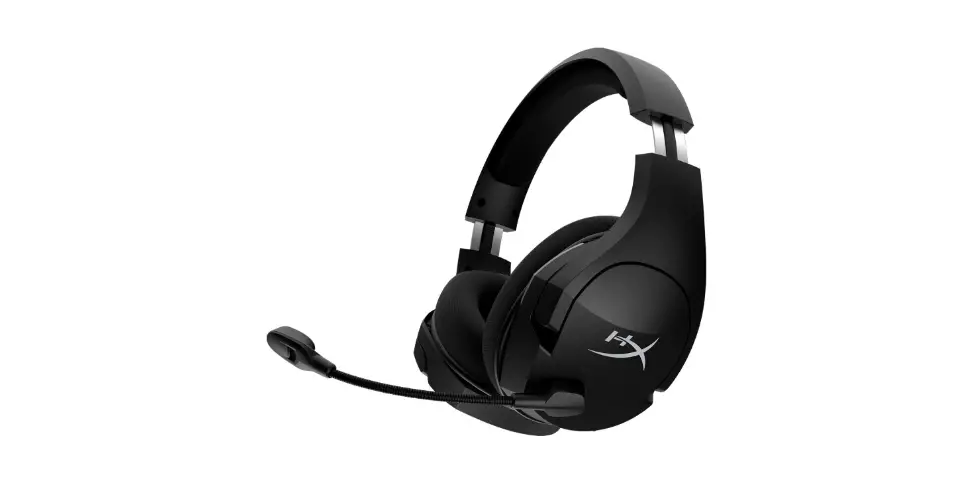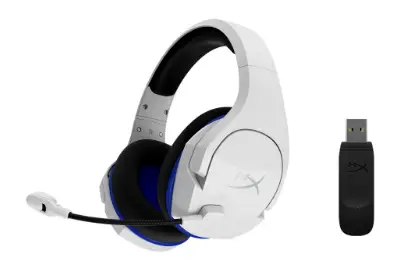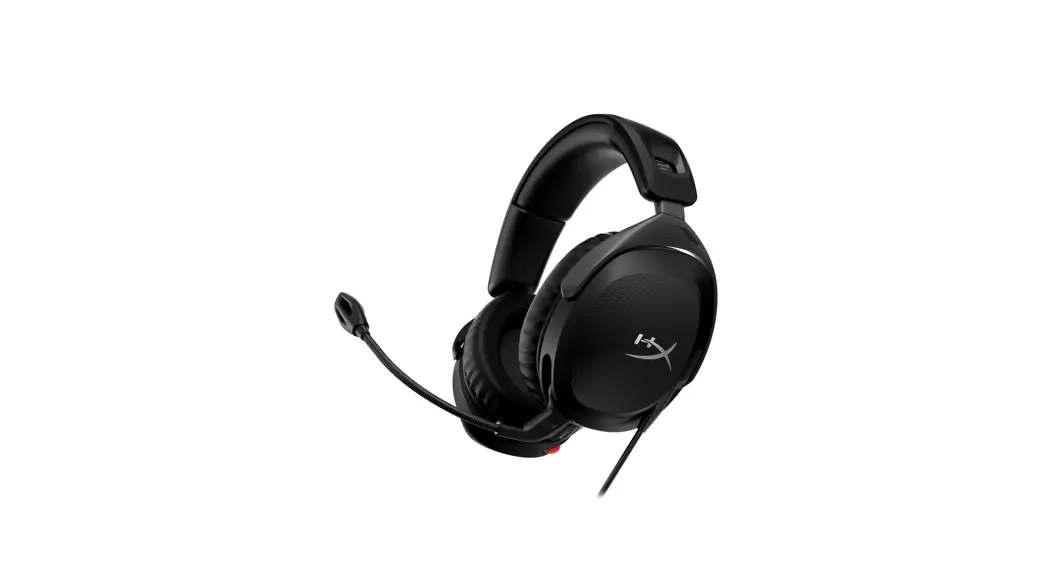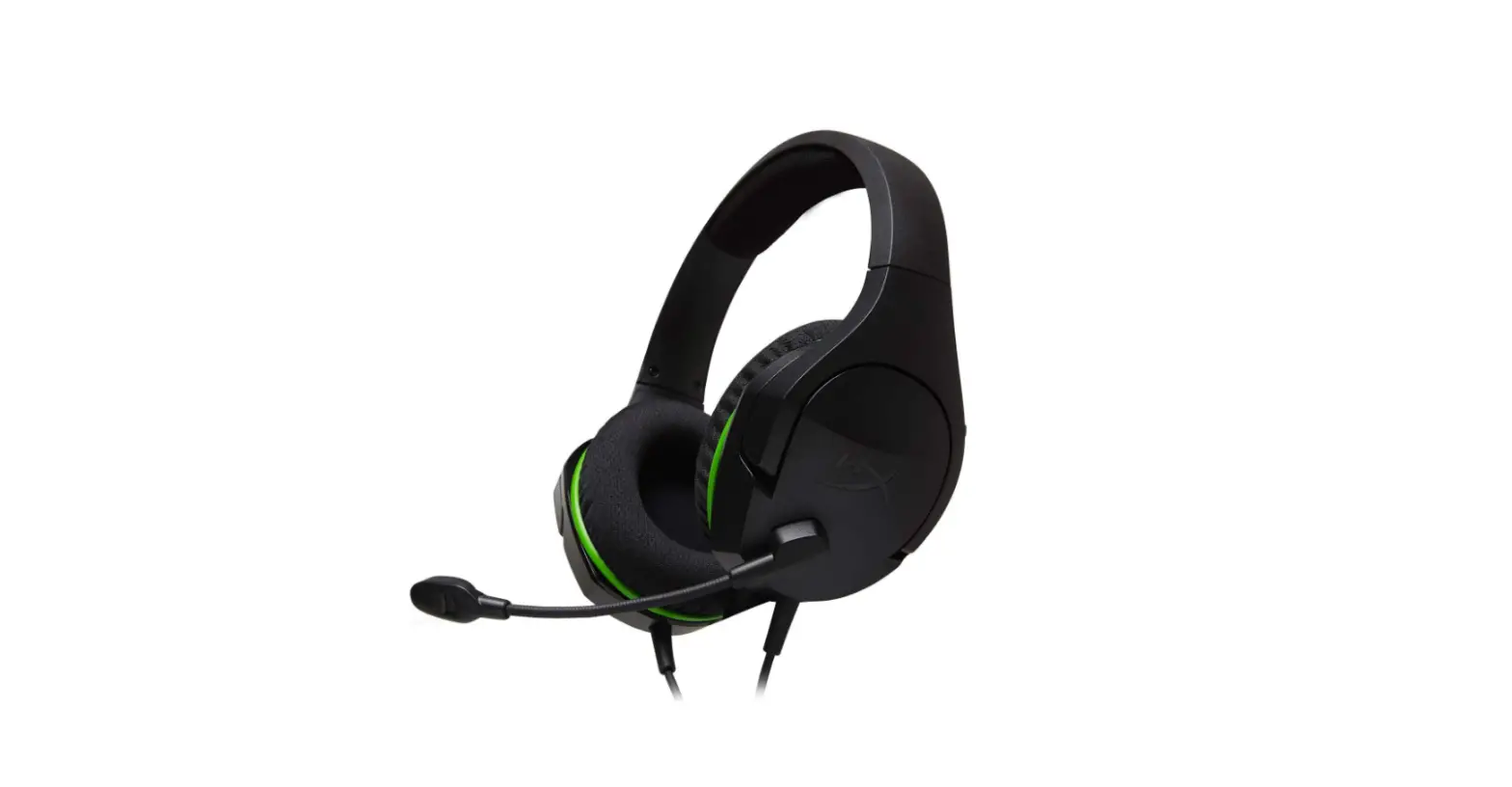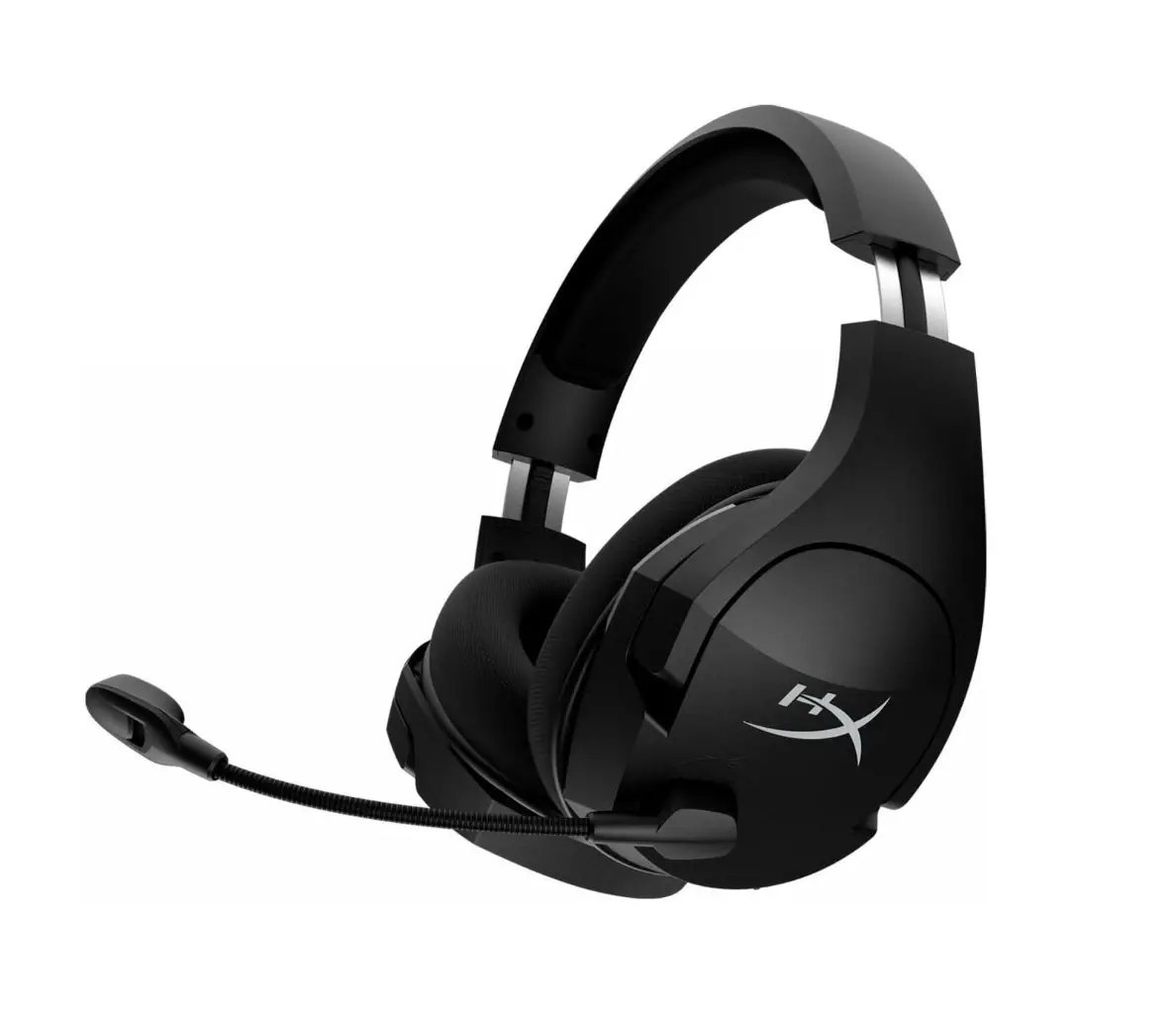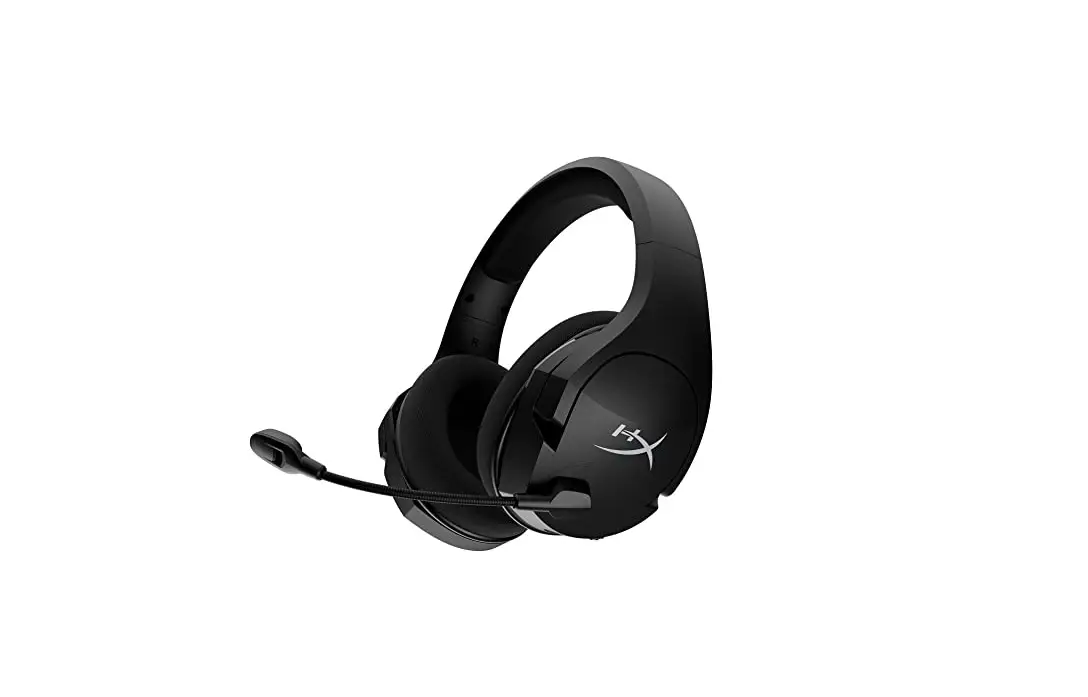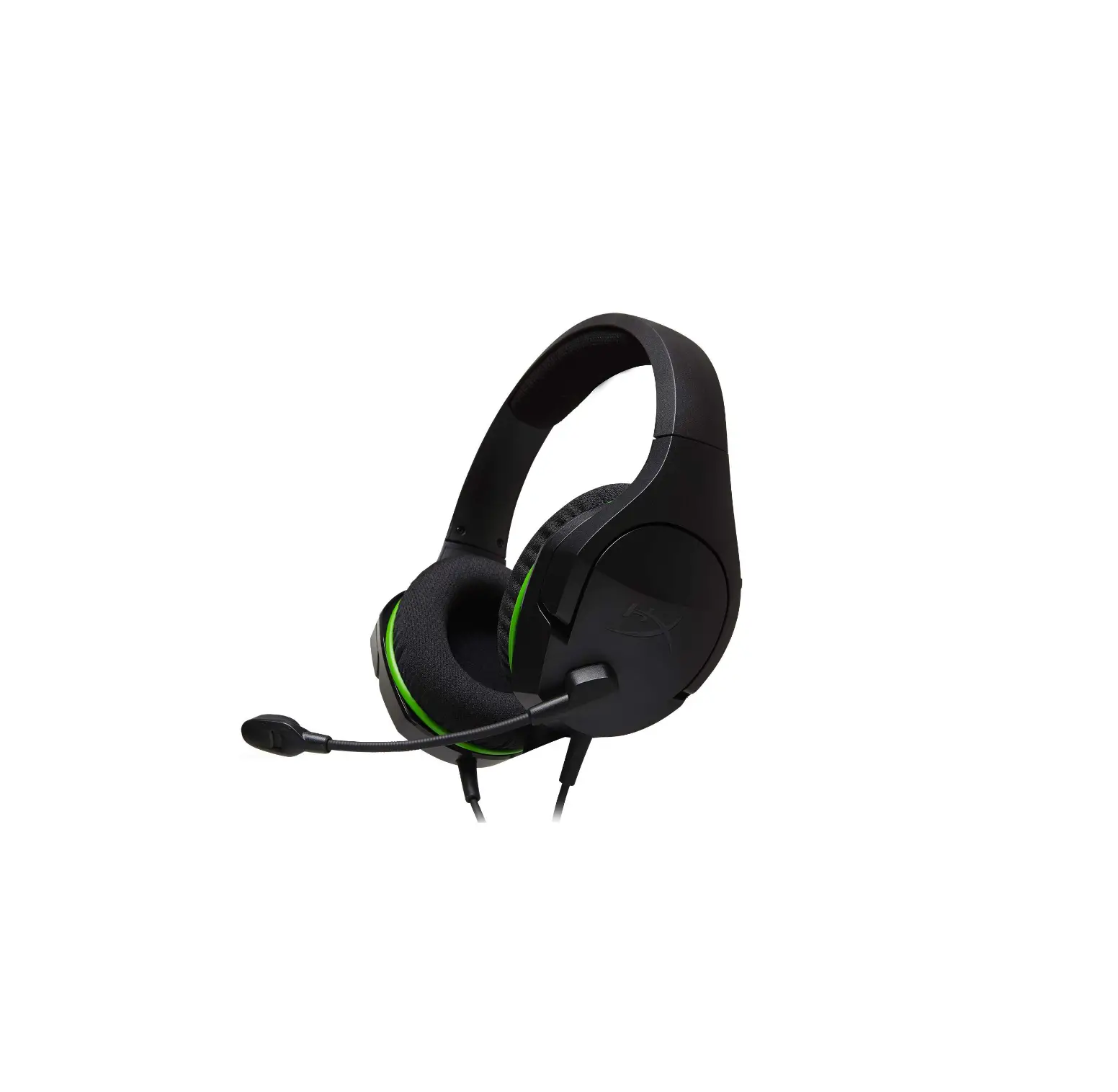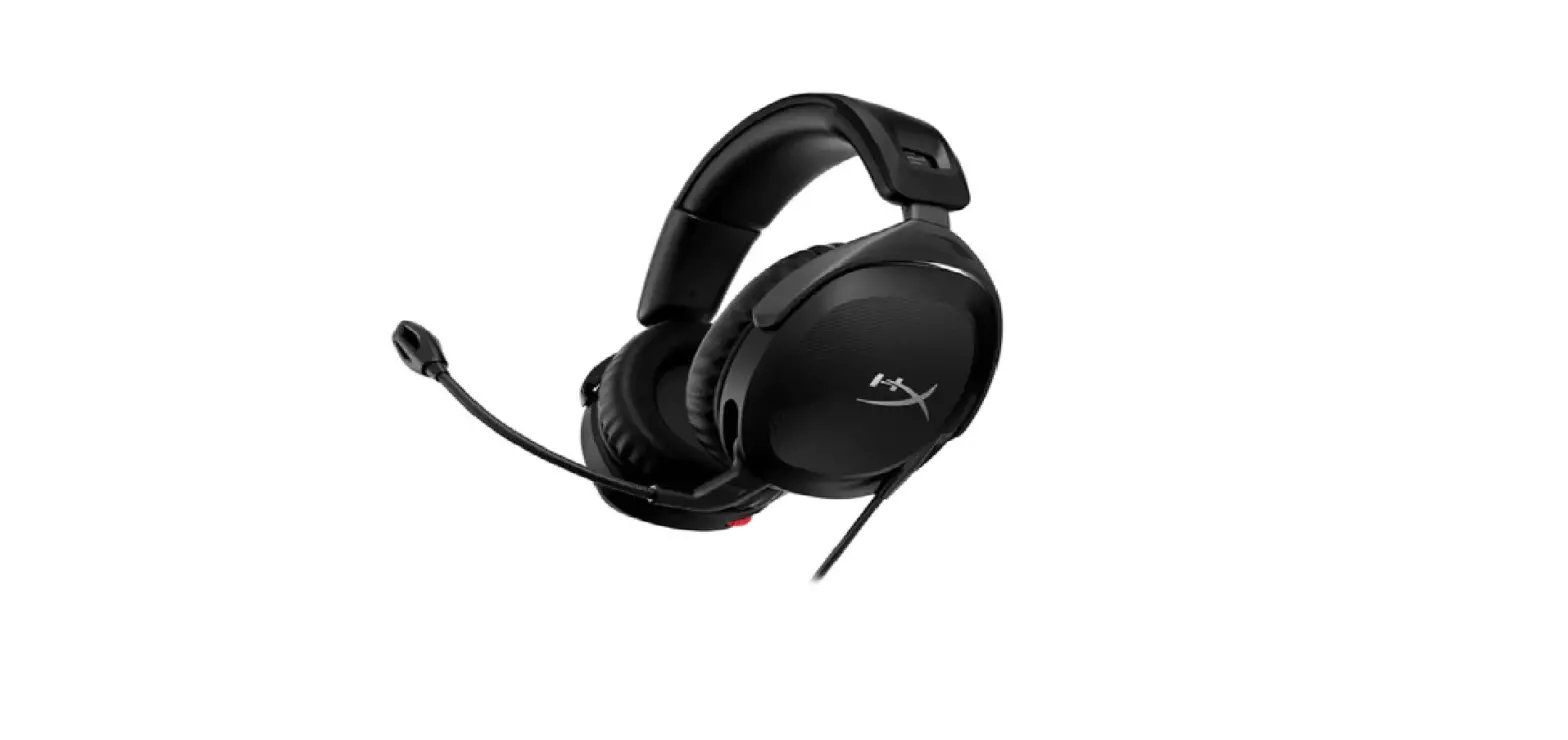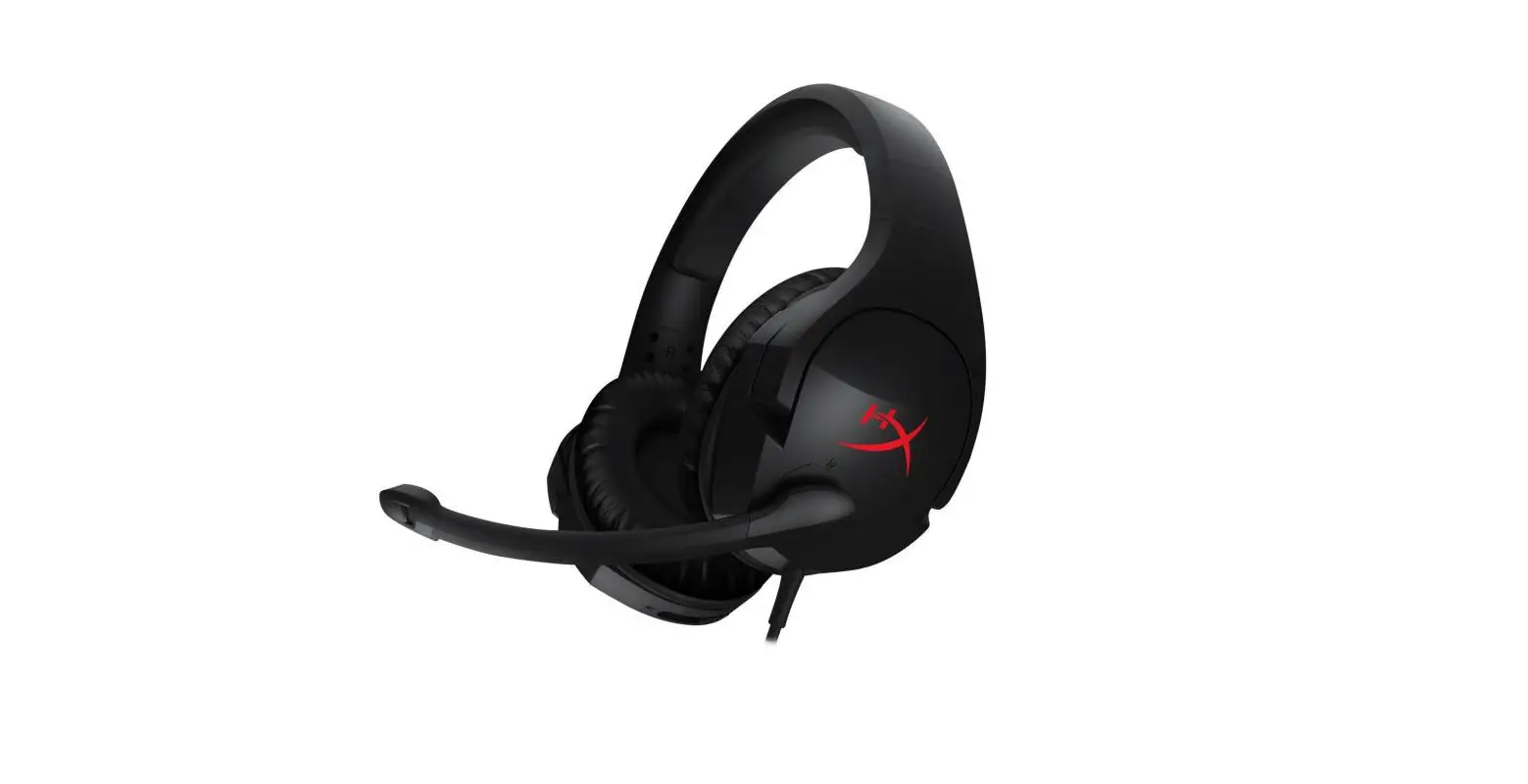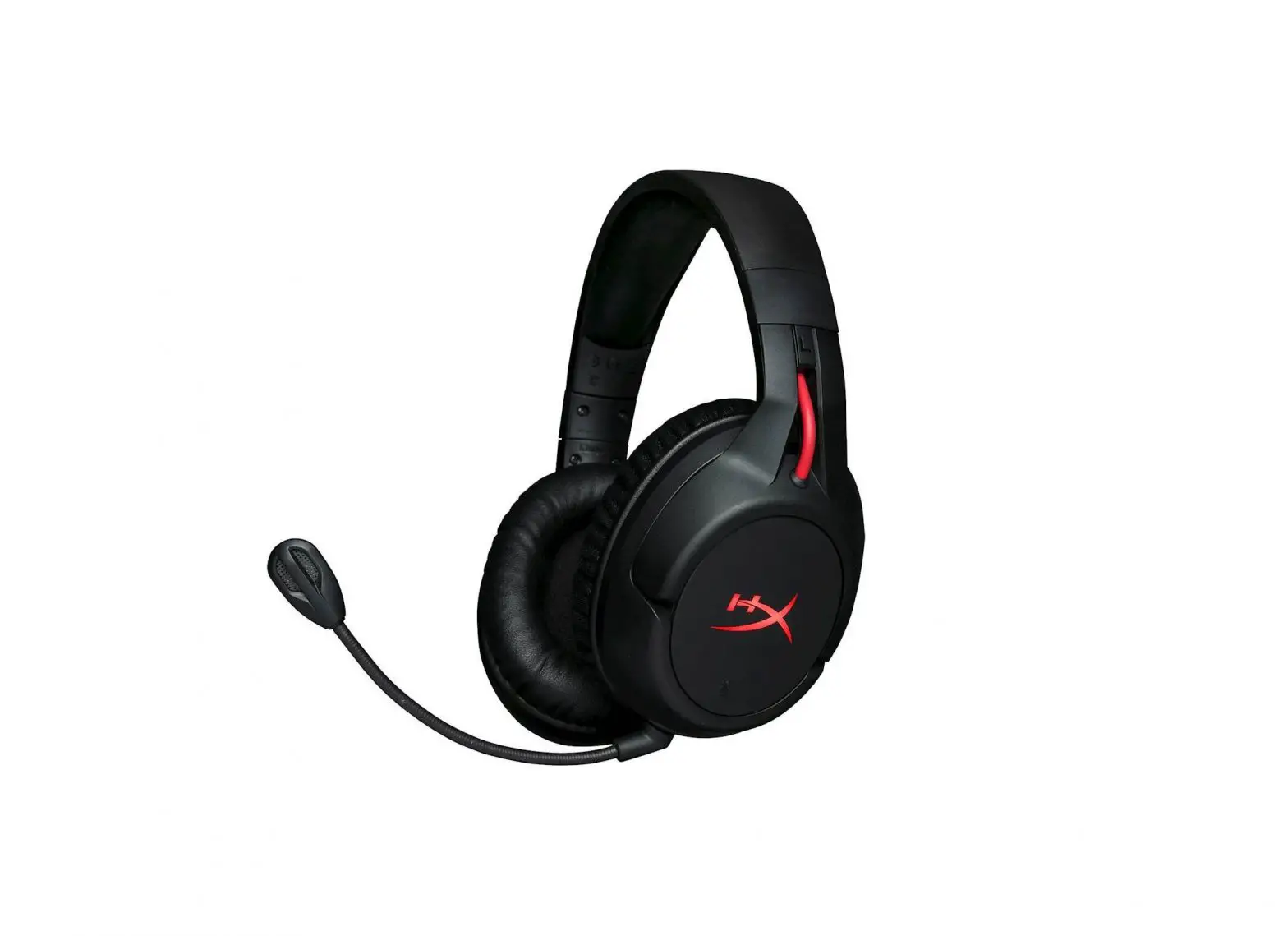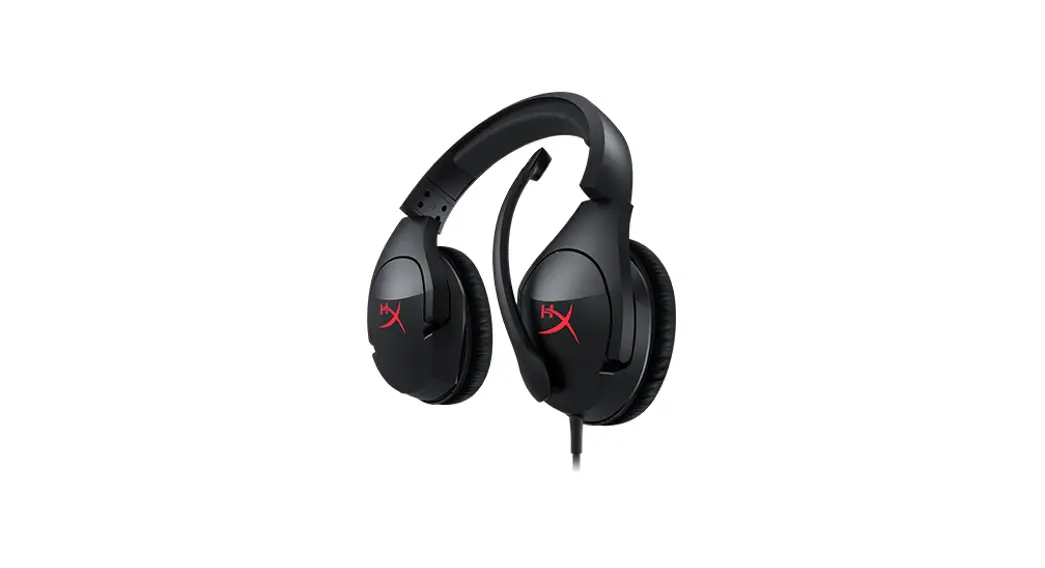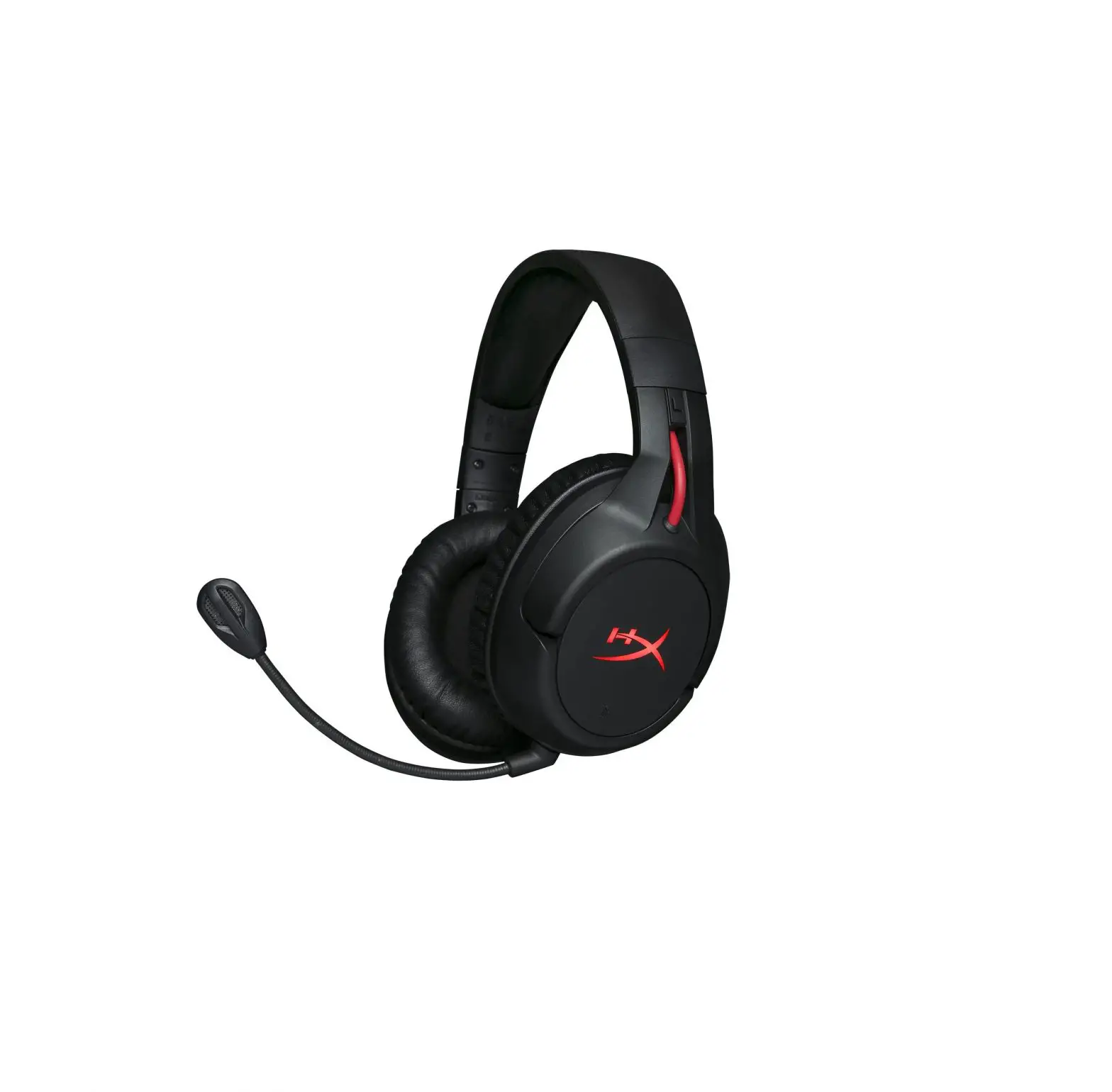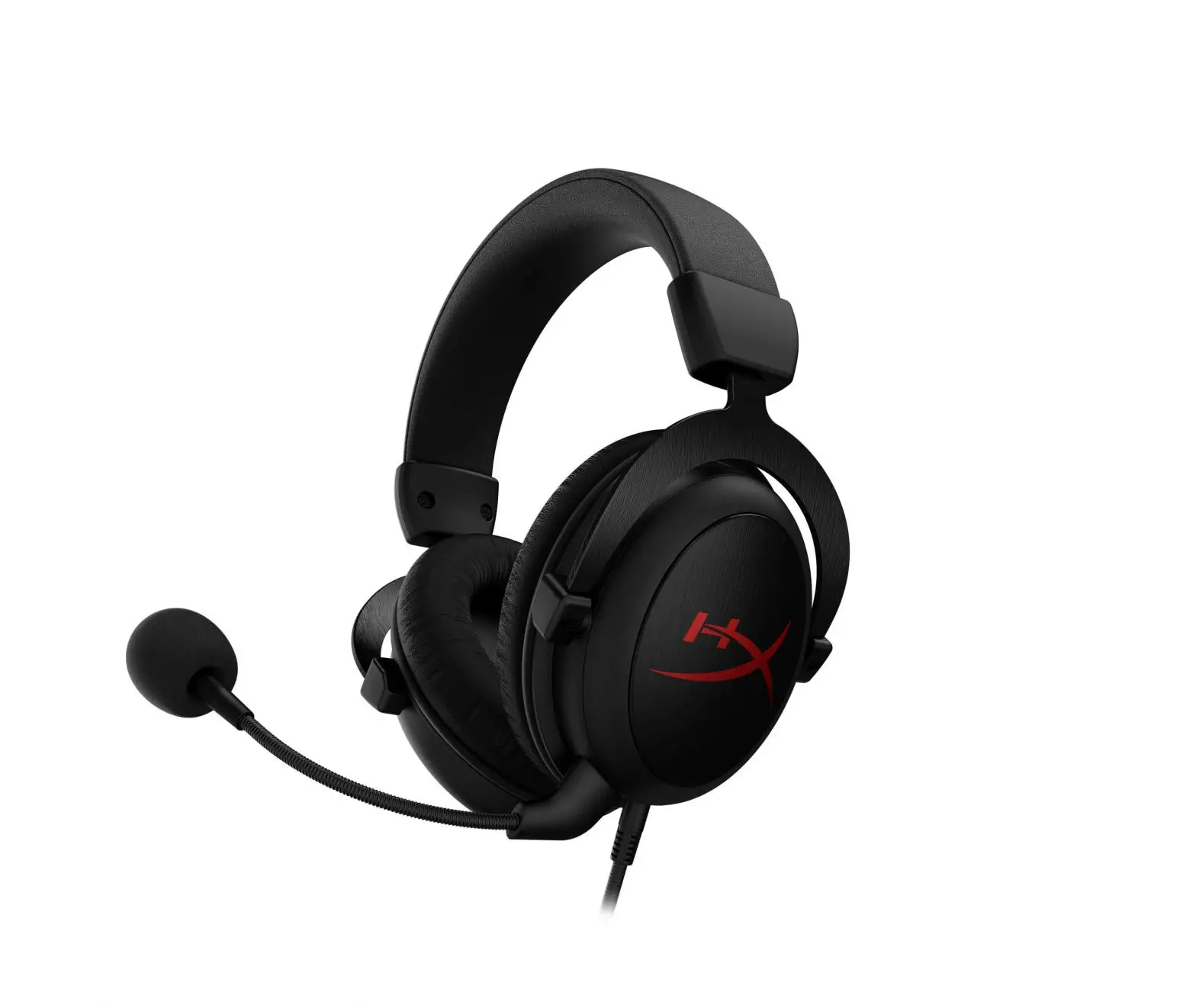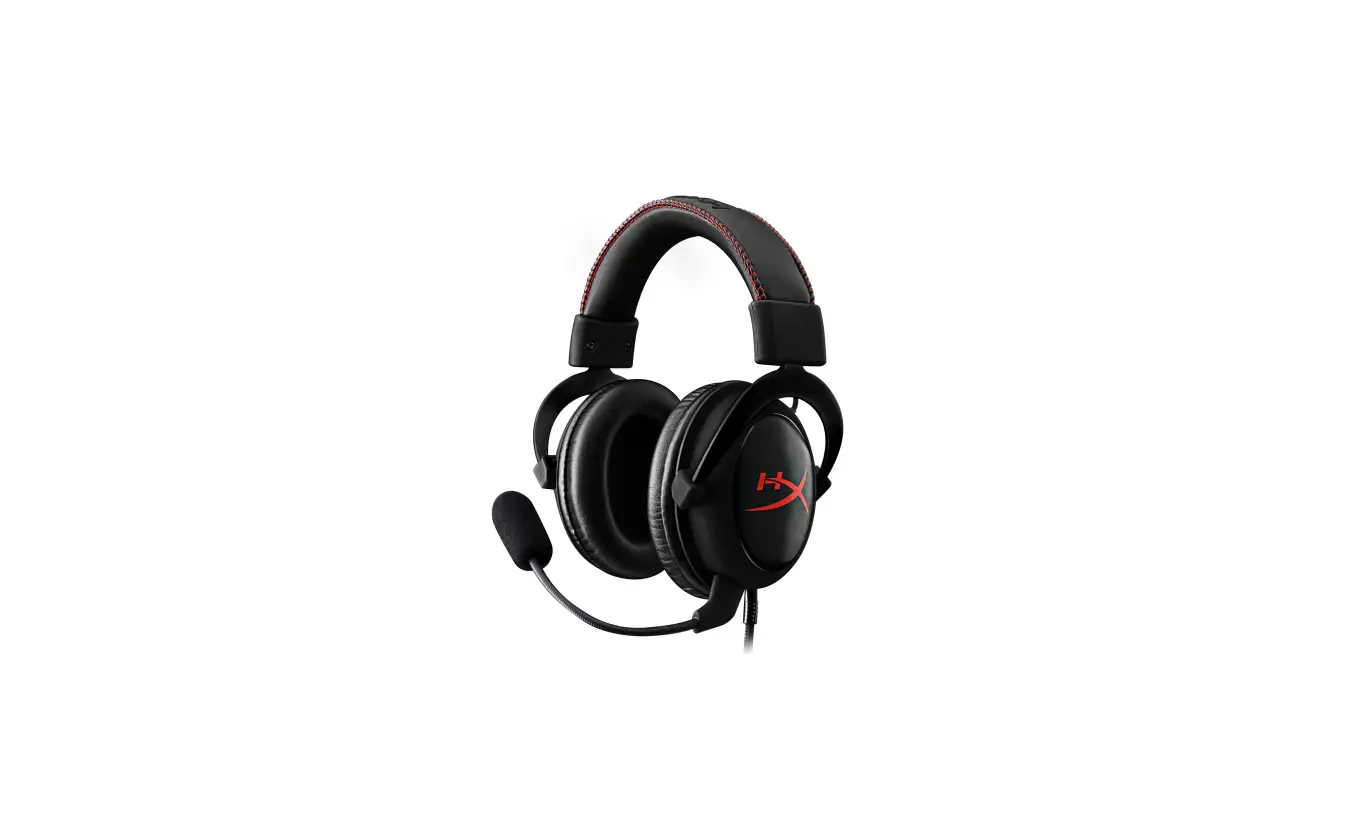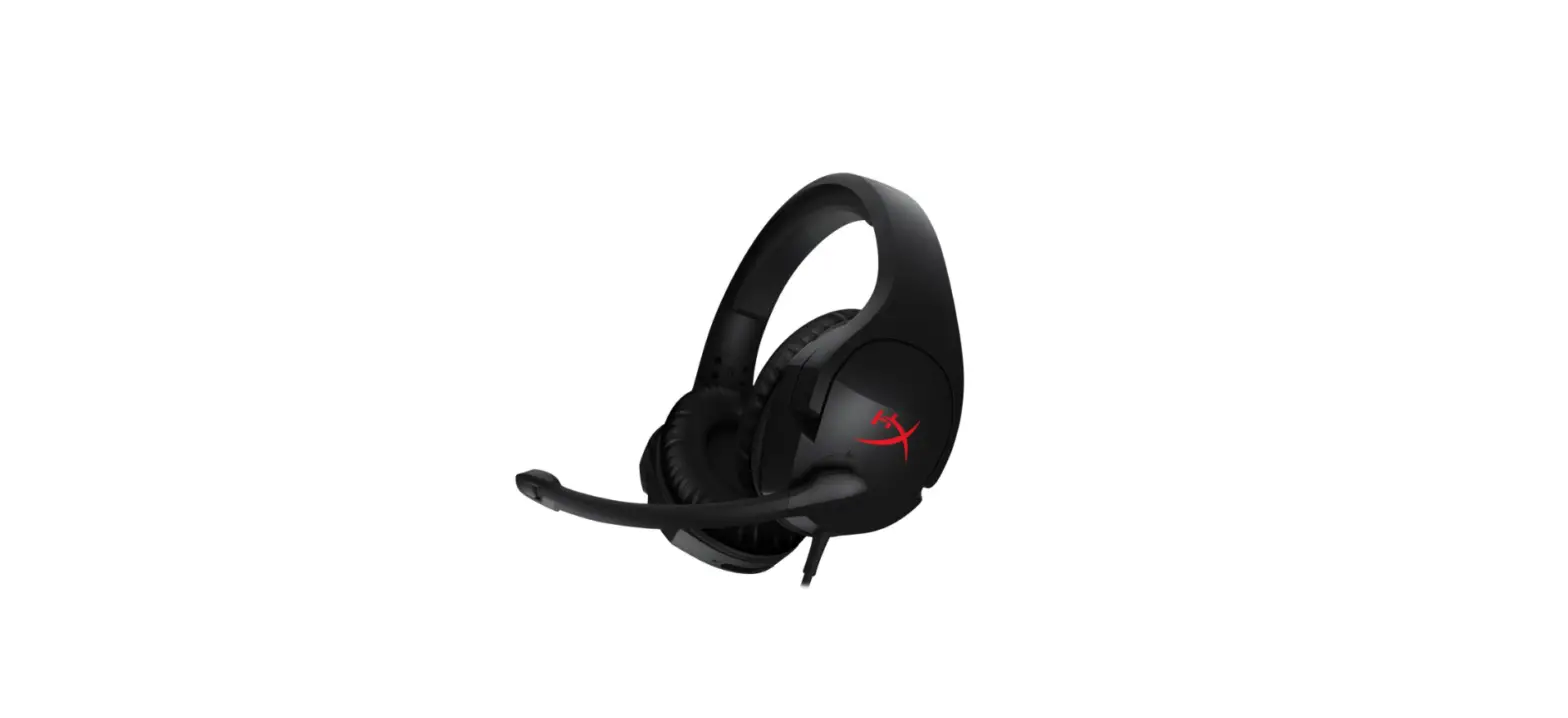

HYPERX Cloud Stinger Stereo Gaming Headset
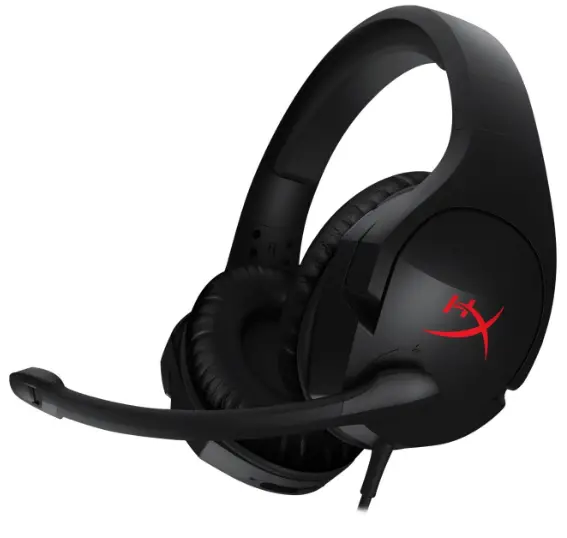
Quick Start Guide
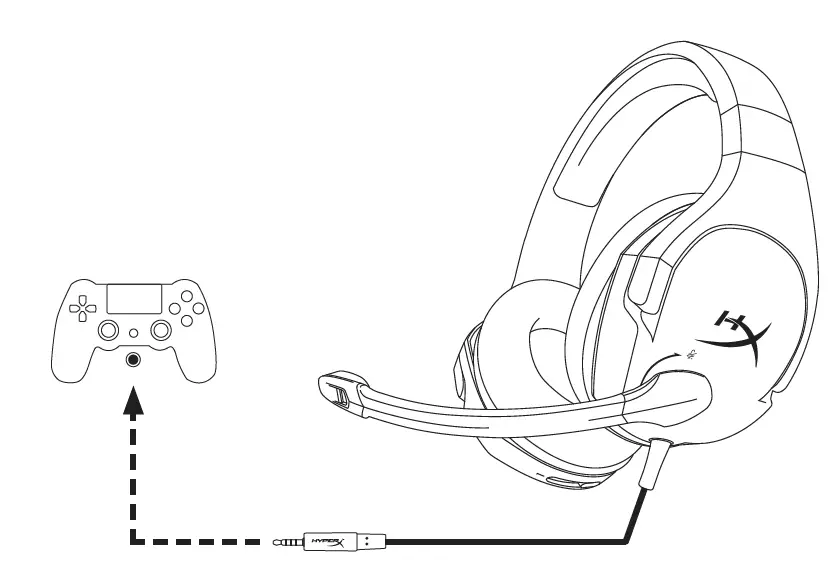
Audio Devices
Questions or Setup Issues?
Contact the HyperX support team or see user manual at
hyperxgaming.com/support/headset
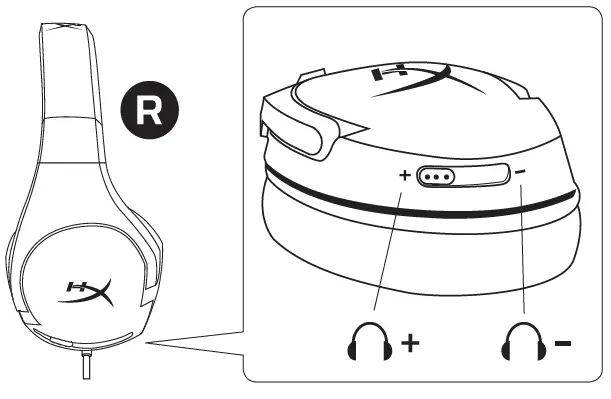
Volume control
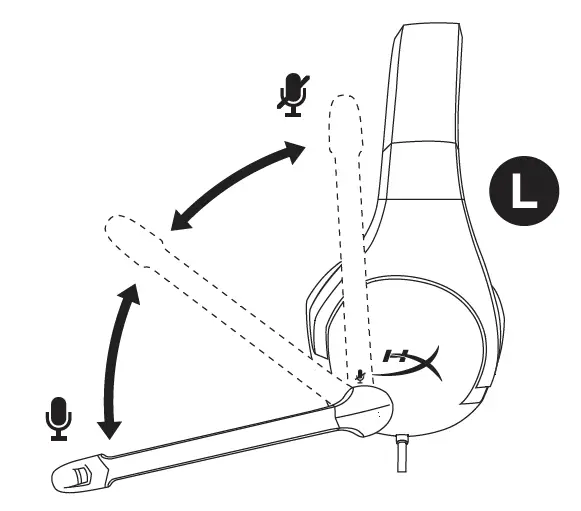
Microphone mute
PC or Notebook
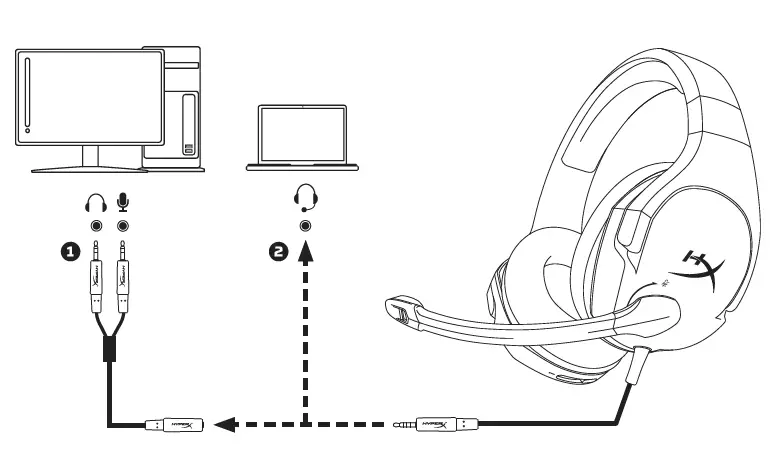
- Separate headphone/ mic jacks
- Single 4 pole headset jack (CTIA)
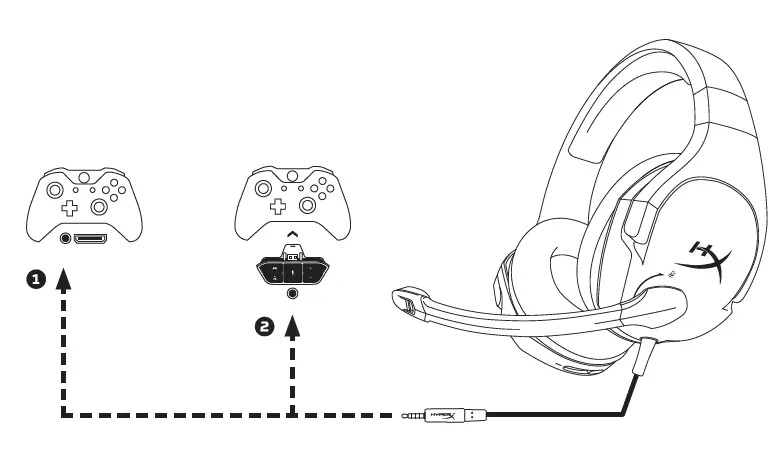
- Controller with a 3.5mm port
- Controller with Stereo Headset Adapter
Adapter required for Xbox One controllers with no 3.5mm port.
HyperX isa division of Kingston.
THIS DOCUMENT SUBJECT TO CHANGE WITHOUT NOTICE O2016 Kingston Technology Corporation, 17600 Newhope Street, Fountain Valley, CA 92708 USA. All rights reserved. All registered trademarks and trademarks are the property of their respective Owners. 4460233B