
User Manual
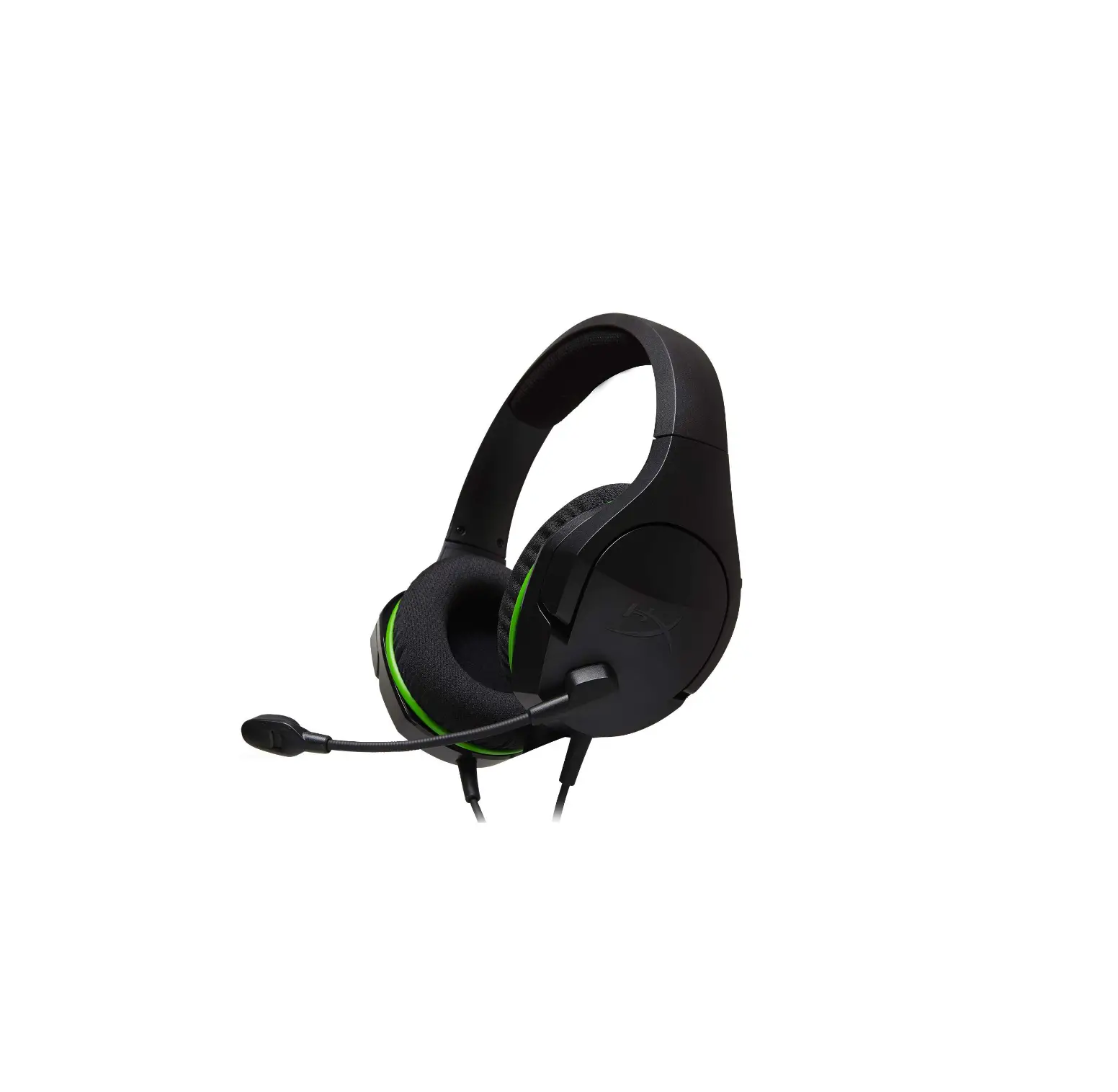
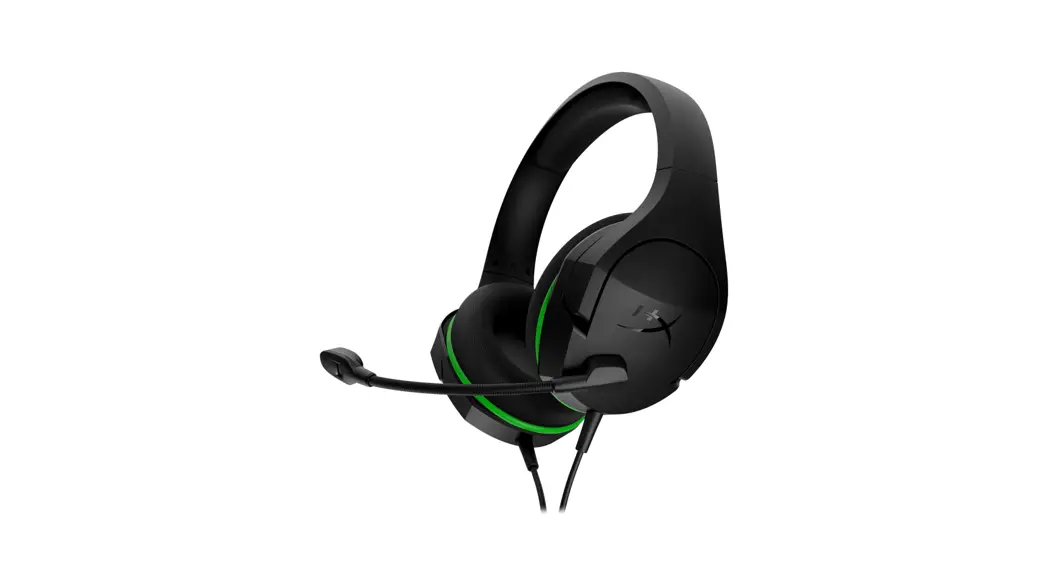
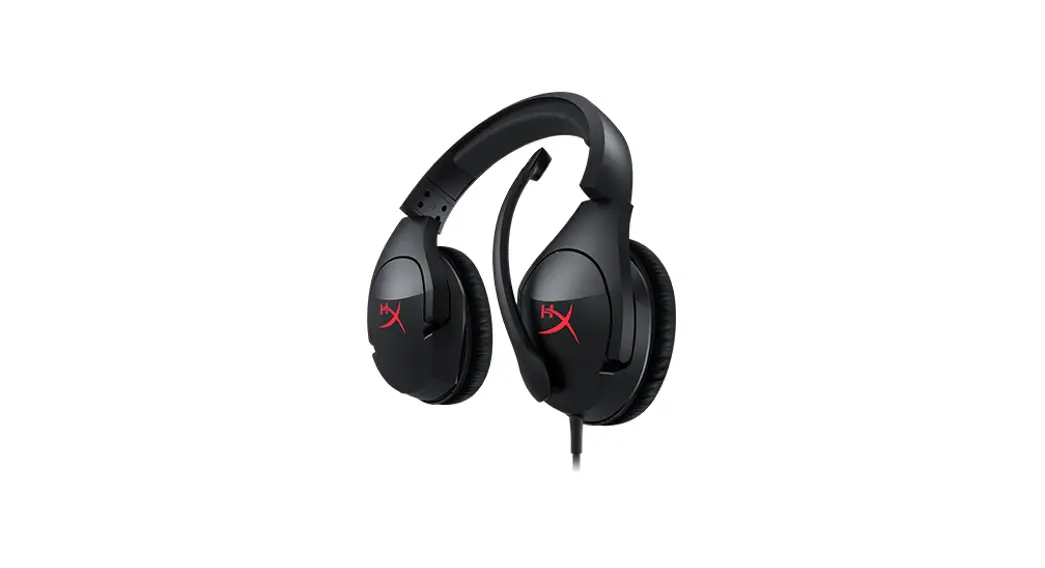
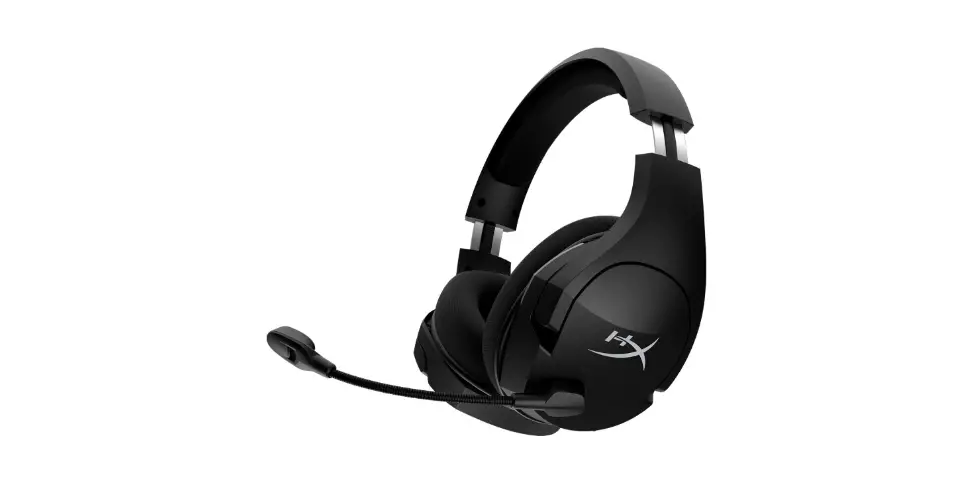
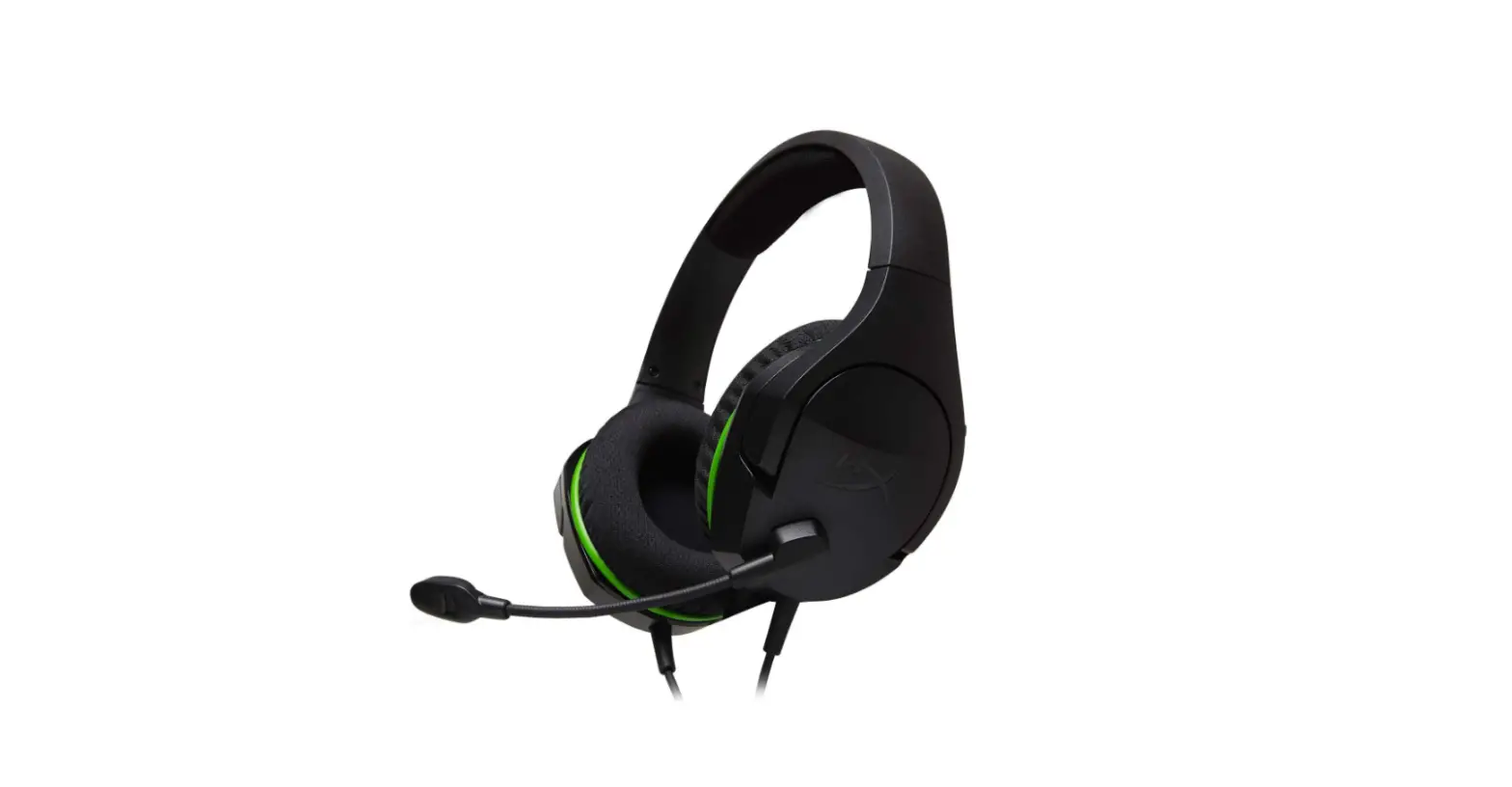
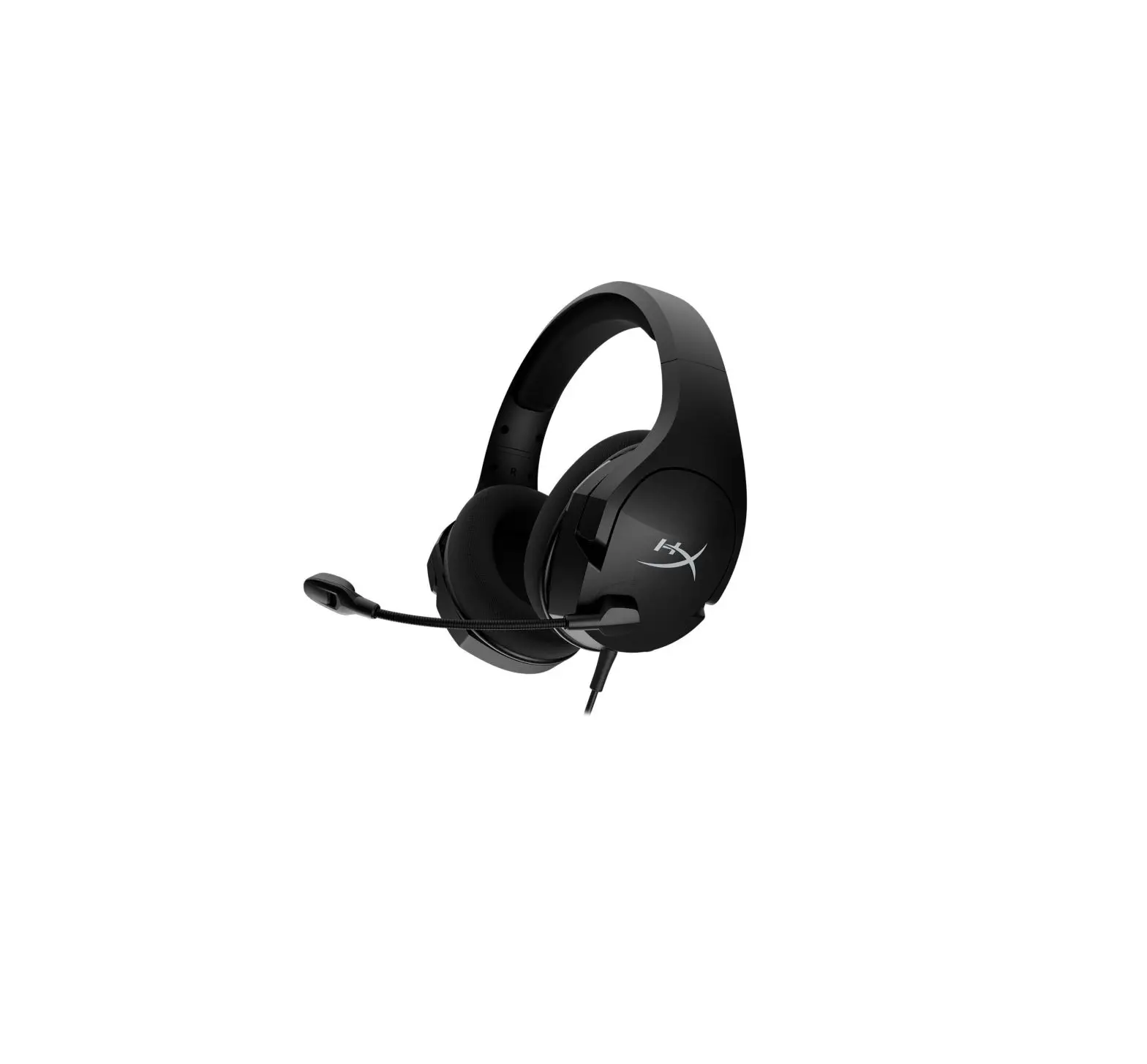
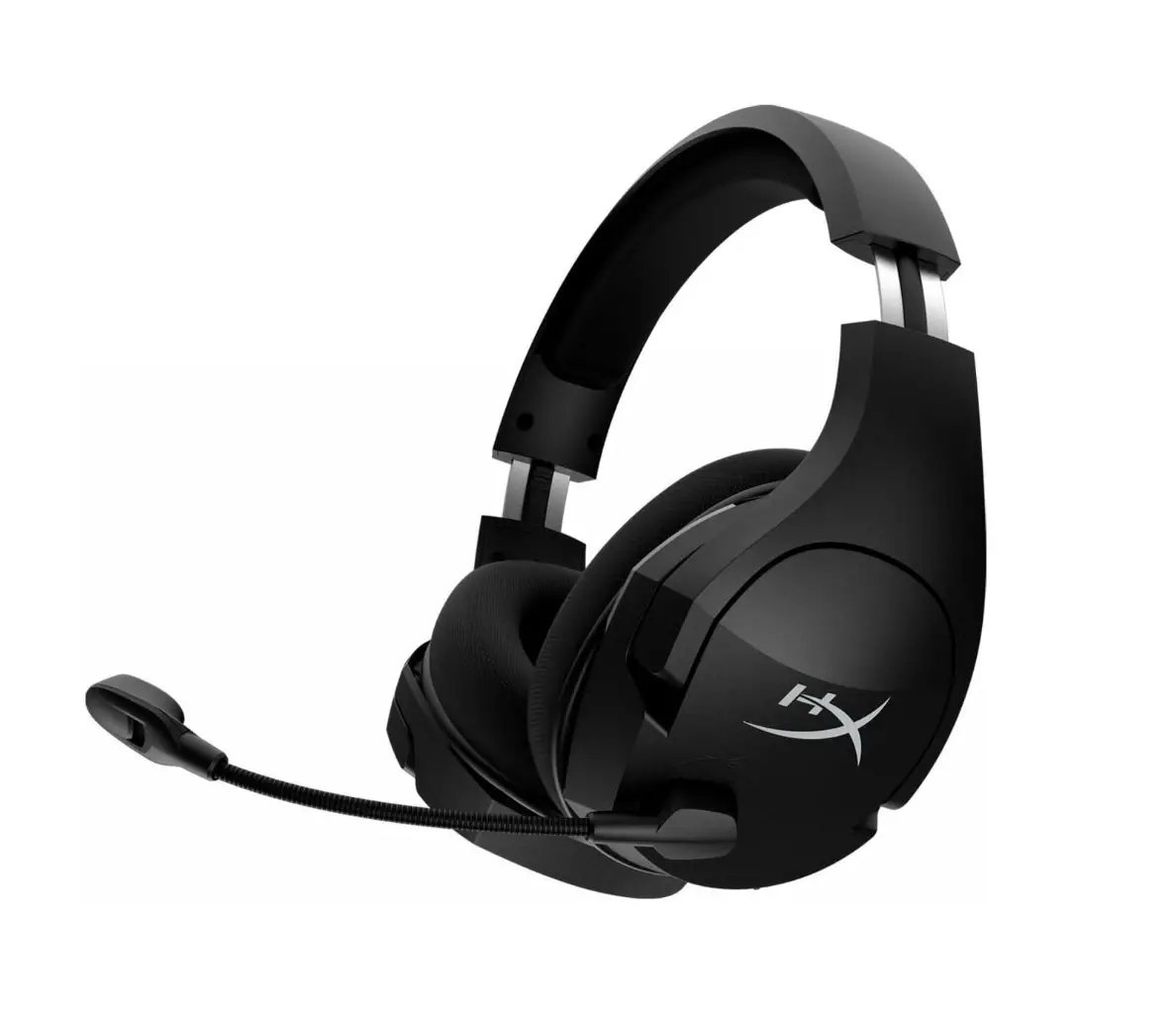
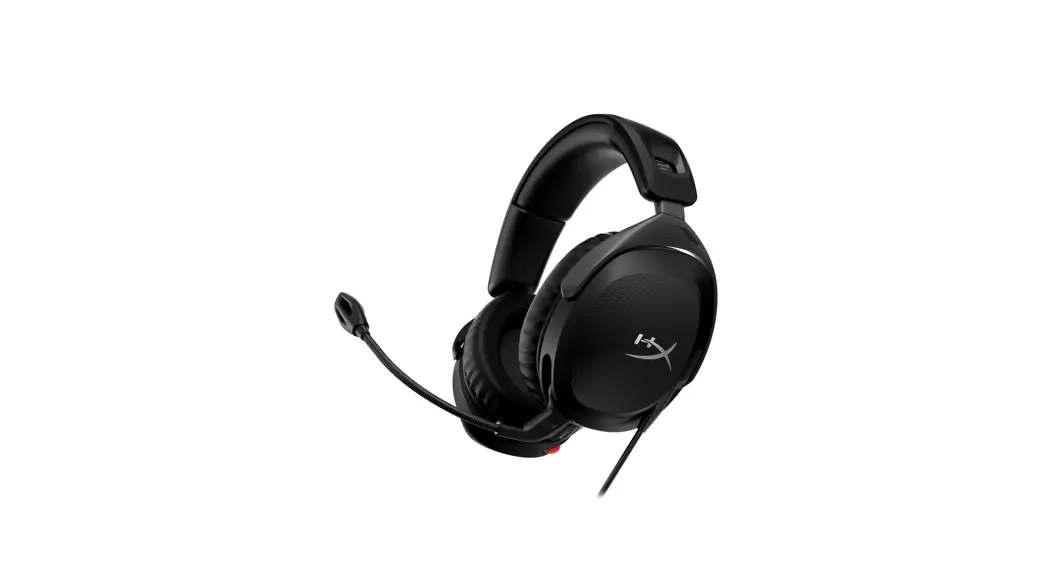
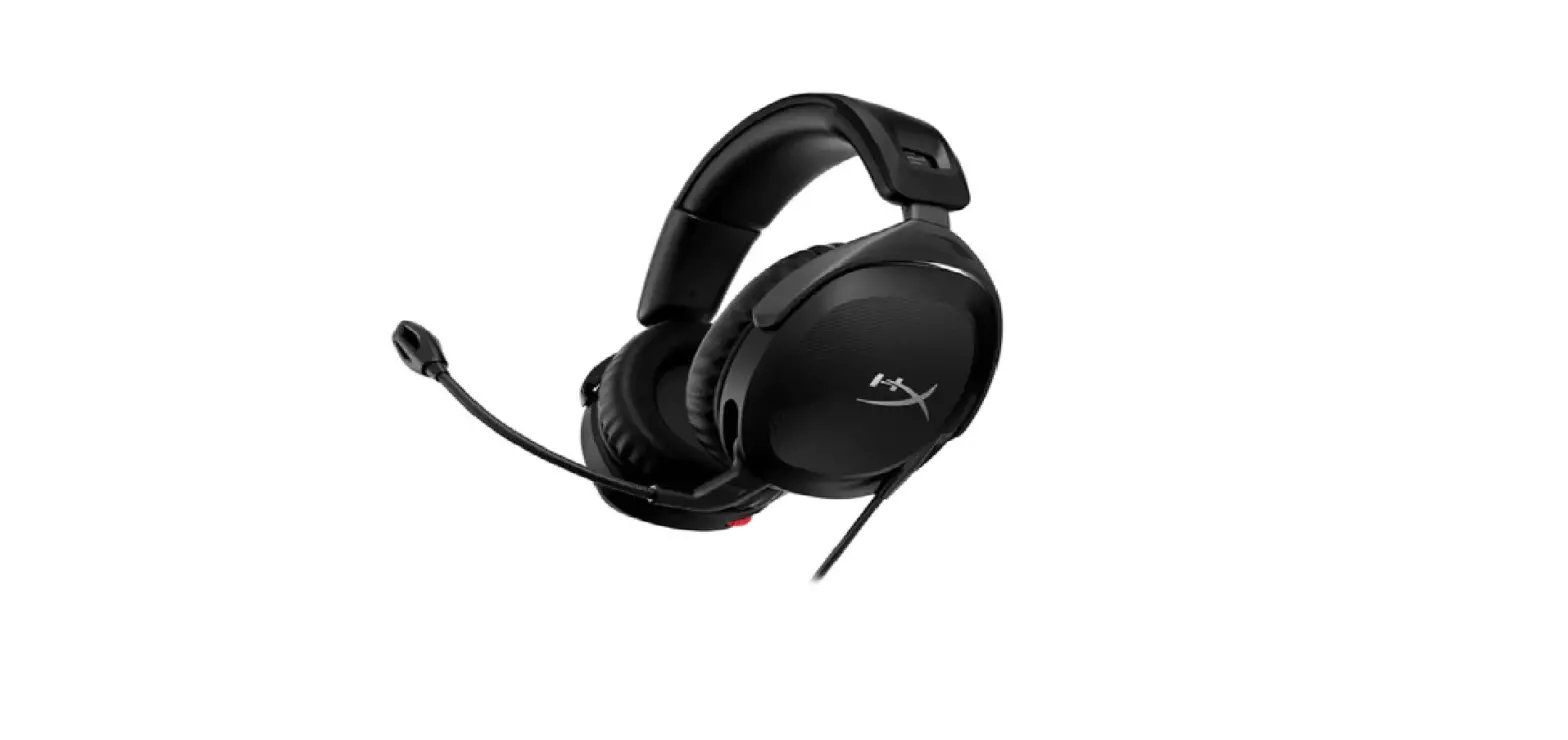
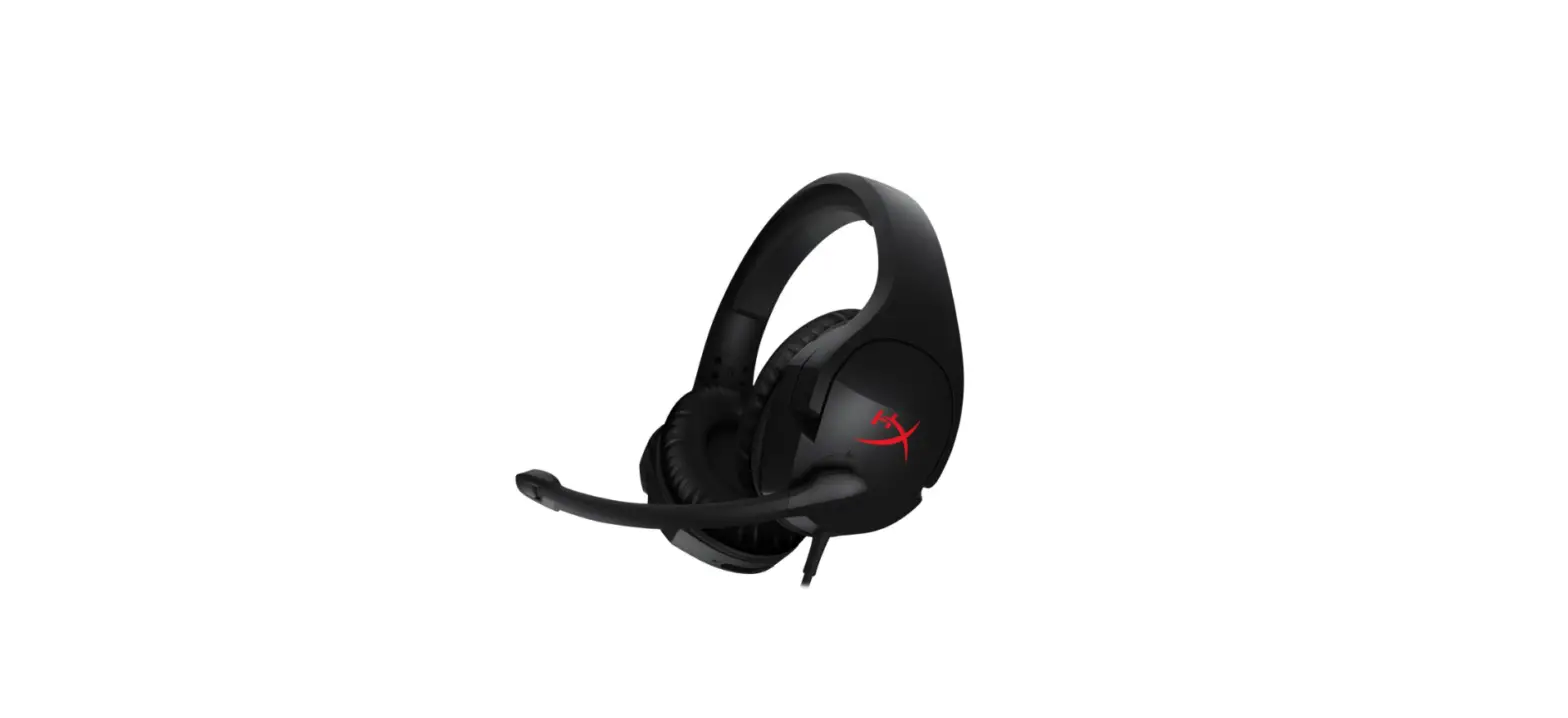
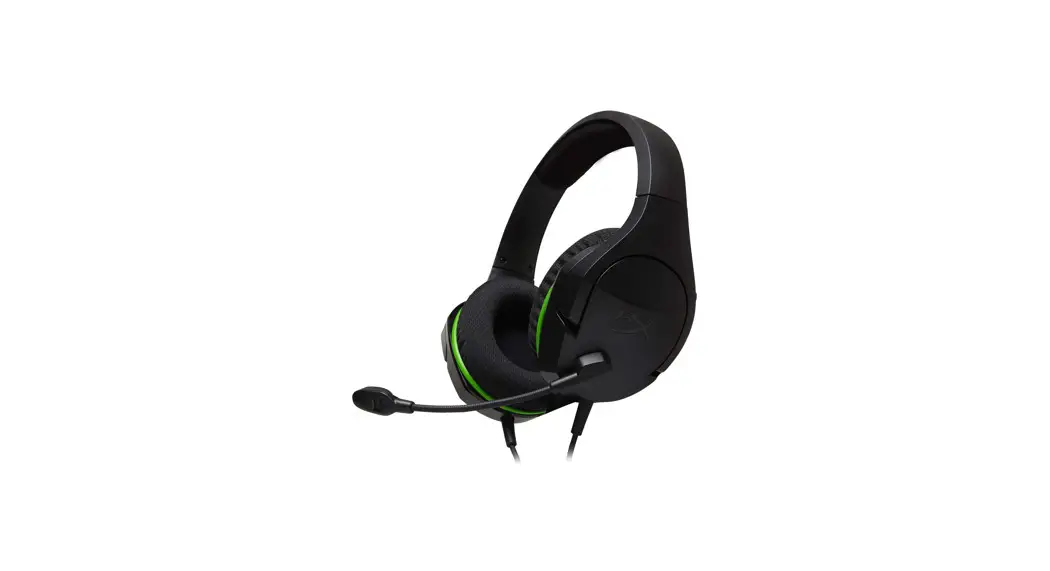
HyperX Cloud Stinger Core Headset
Find the language and latest documentation for your HyperX Cloud Stinger Core Headset here.
HyperX Cloud Stinger Core Headset Installation Guide
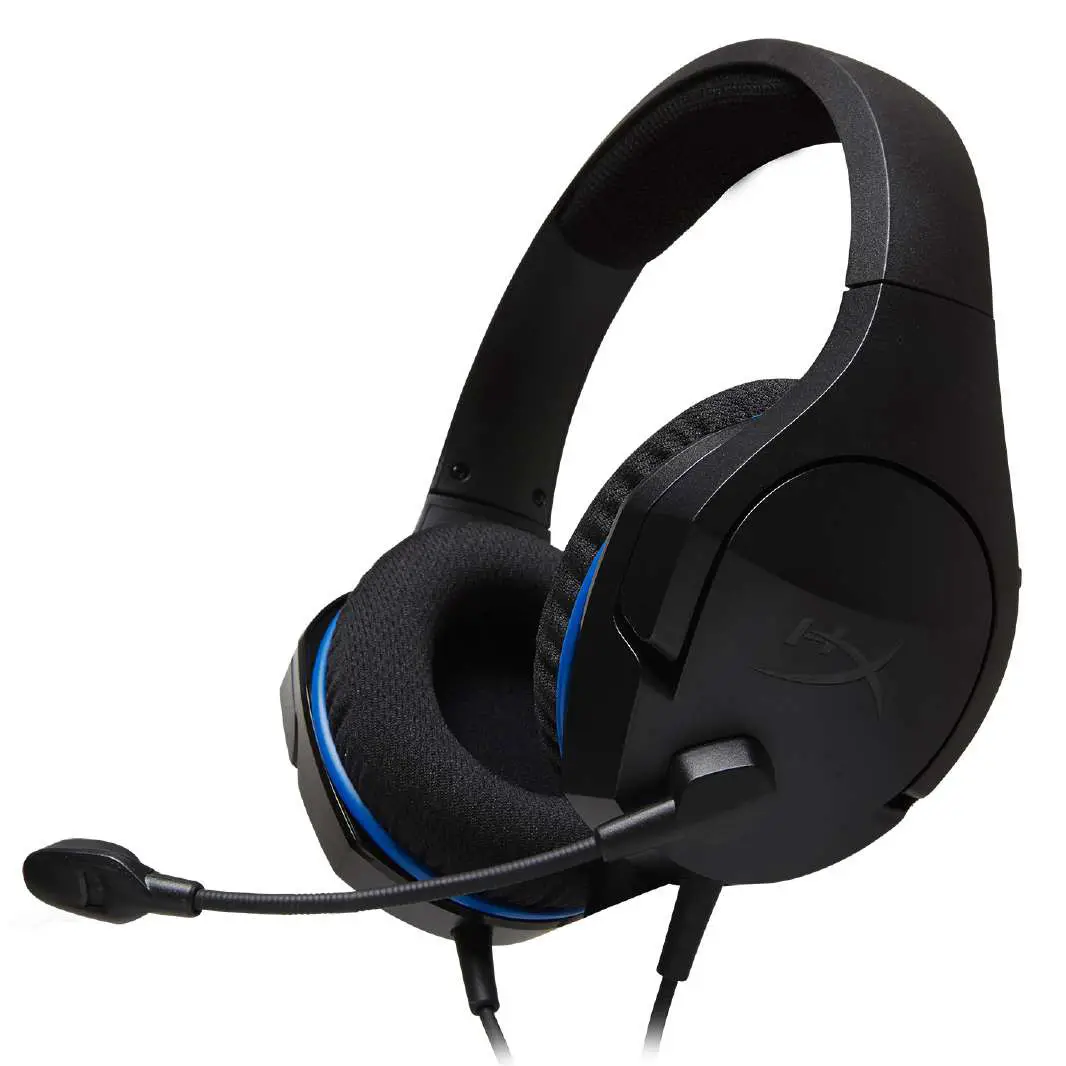
Part Numbers: HX-HSCSC-BK
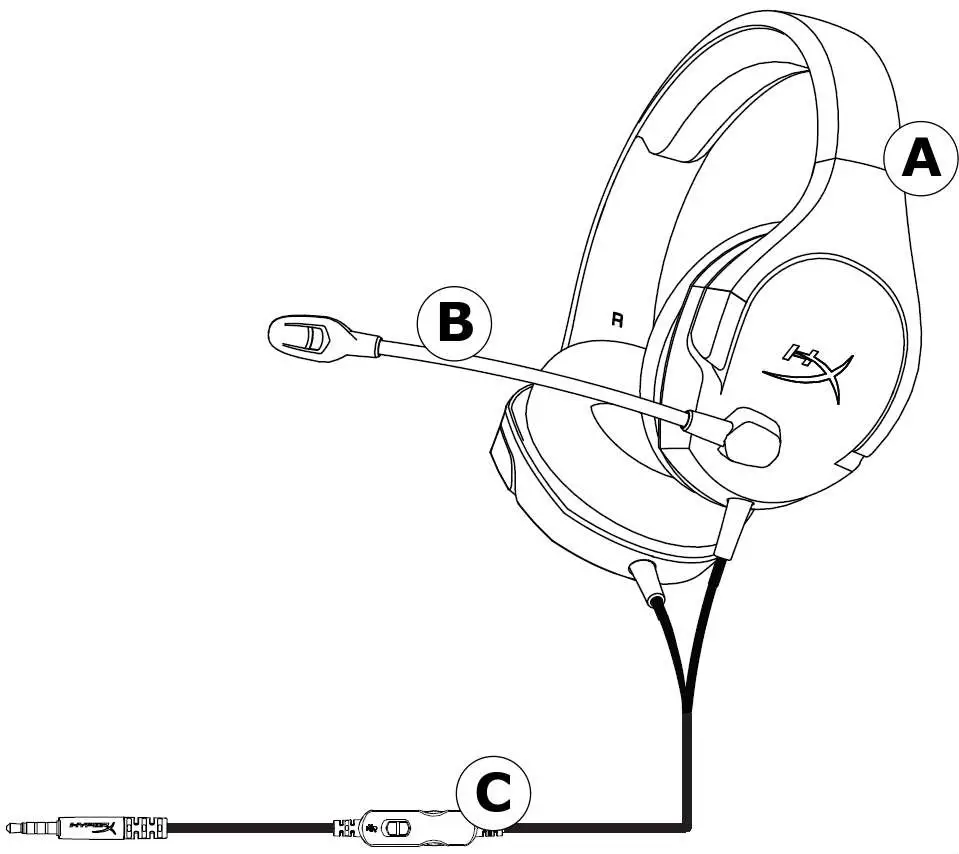
Overview
A. Headband adjustment slider
B. Rotating noise cancellation mic
C. In-line audio control
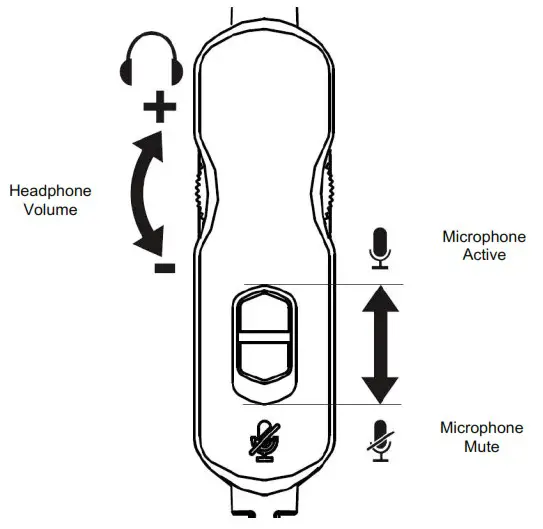
In-line audio control operation
The in-line audio control contains a volume wheel to adjust the headphone output volume and a microphone mute slider to mute the microphone.
To increase the headset volume, rotate the volume wheel clockwise (towards the + sign). To reduce the volume, rotate the volume wheel anticlockwise (towards the – sign).
To mute the microphone, slide the microphone mute button to the down position. To activate the microphone, slide the microphone mute button to the up position.
Usage (PS4™ & PS4™ Pro)
To use the headset with PlayStation™ 4 (PS4™), connect the 3.5mm plug on the headset directly to the PS4™ game controller and follow these steps:
- Turn on your PS4™ game console.
- Navigate to the ‘Settings’ menu and select it.
- Highlight the ‘Devices’ menu option and select it.
- Scroll down to ‘Audio Devices’ and select it.
- Choose ‘Output to Headphones’ and select ‘All Audio’’.
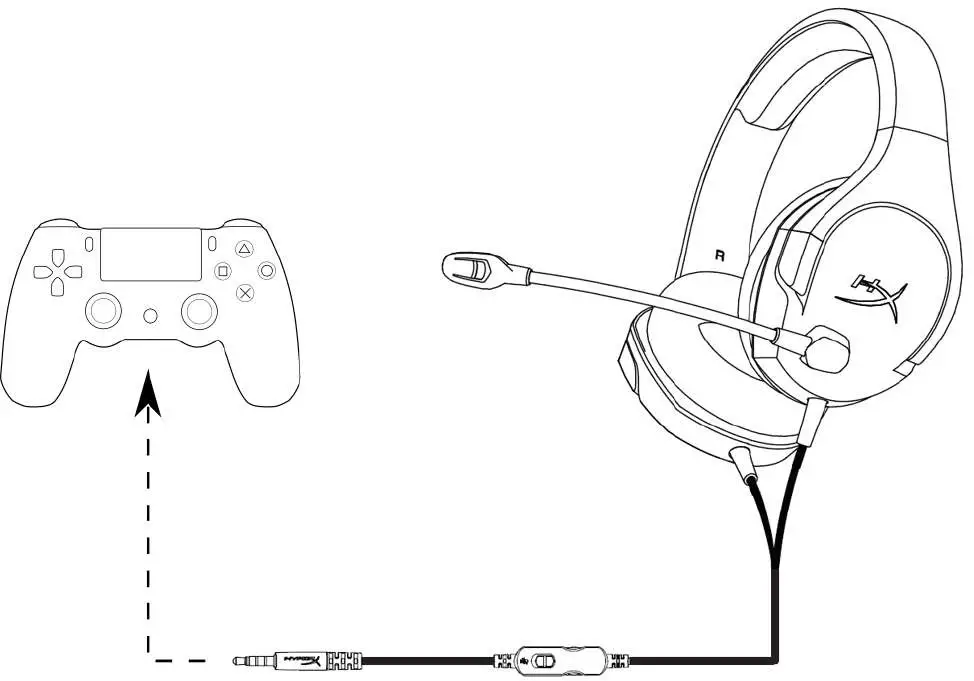
Using with PS4™
Usage (Xbox One™)
To use the headset with Xbox One™ , connect the 3.5mm plug on the headset directly to the 3.5mm jack on the Xbox ™ One controller
* If your Xbox One ™ controller does not have a 3.5mm jack, you will need the Xbox One ™ Stereo Headset adapter (sold separately) that plugs into the Xbox One ™ controller (pictured below).
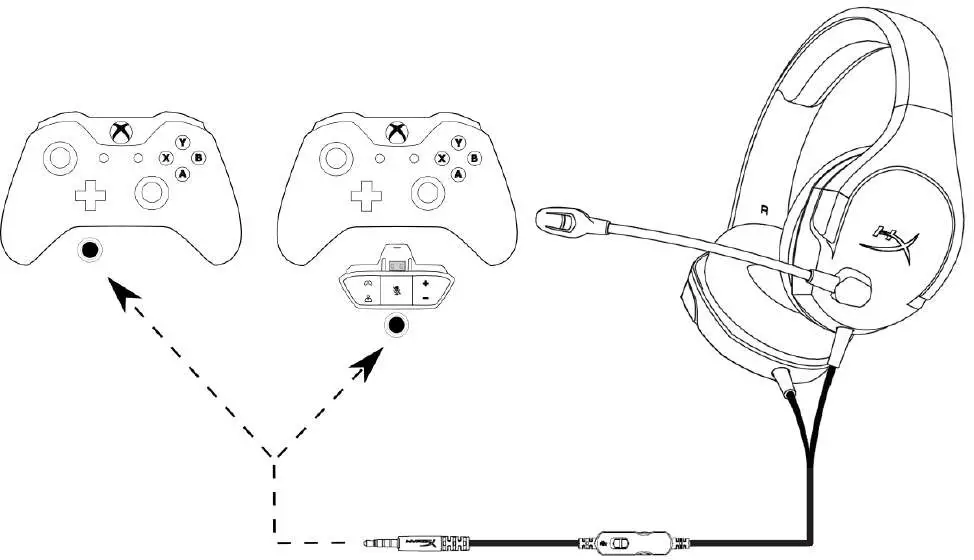
Using with Xbox One™
Usage (Nintendo Switch™)
To use the headset with Nintendo Switch™ , connect the 3.5mm plug on the headset directly to the 3.5mm jack on the Nintendo Switch ™
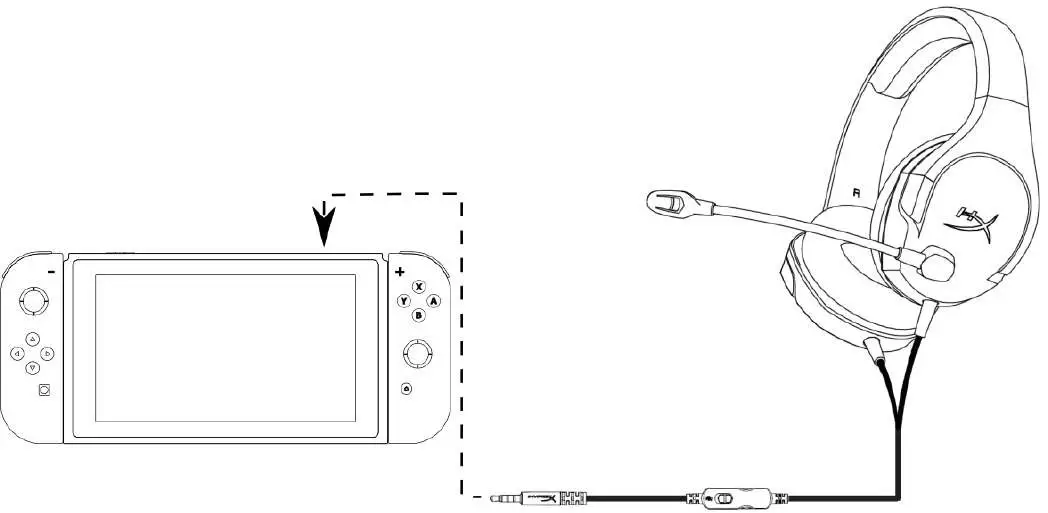 Using with Xbox One™
Usage (mobile device)
To use the headset with a mobile device (or other device) with a headset jack (4 pole CTIA), connect the 3.5mm plug directly into the headset jack on your device.
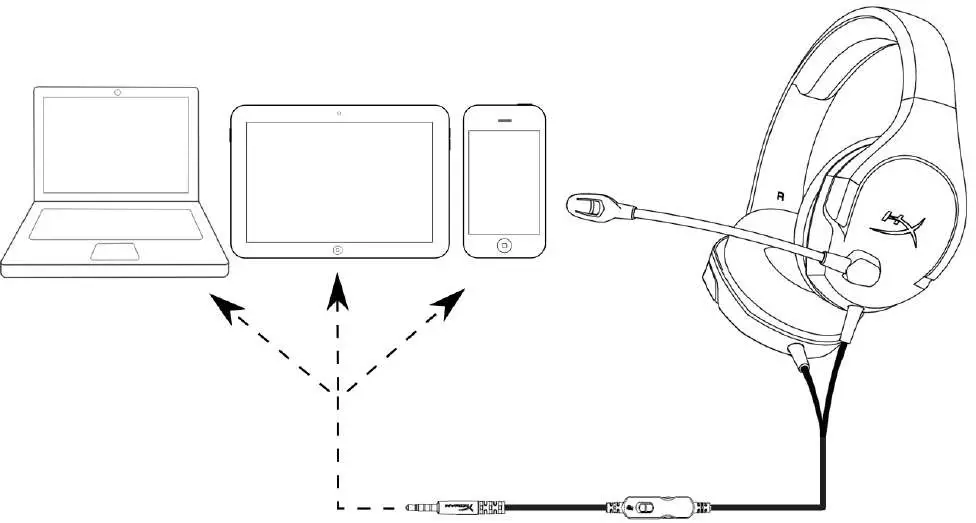
Using with mobile device (phone, tablet or notebook)
Headset Specifications
Headphone
Driver: Dynamic, 40mm with neodymium magnets
Type: Circumaural, closed back
Frequency response: 20Hz-20,000Hz
Impedance: 16 Ω
Sound pressure level: 99dBSPL/mW at 1kHz
THD: < 2%
Weight: 215g
Cable length and type: Headset (1.3m)
Connection: Headset – 3.5mm plug (4 pole)
Microphone
Element: Electret condenser microphone
Polar pattern: Noise-cancelling
Frequency response: 50Hz-18,000 Hz
Sensitivity: -41.5dBV (0dB=1V/Pa,1kHz)
Document No. 480HX-HSCSC001.A01
HyperX Cloud Stinger Core Headset