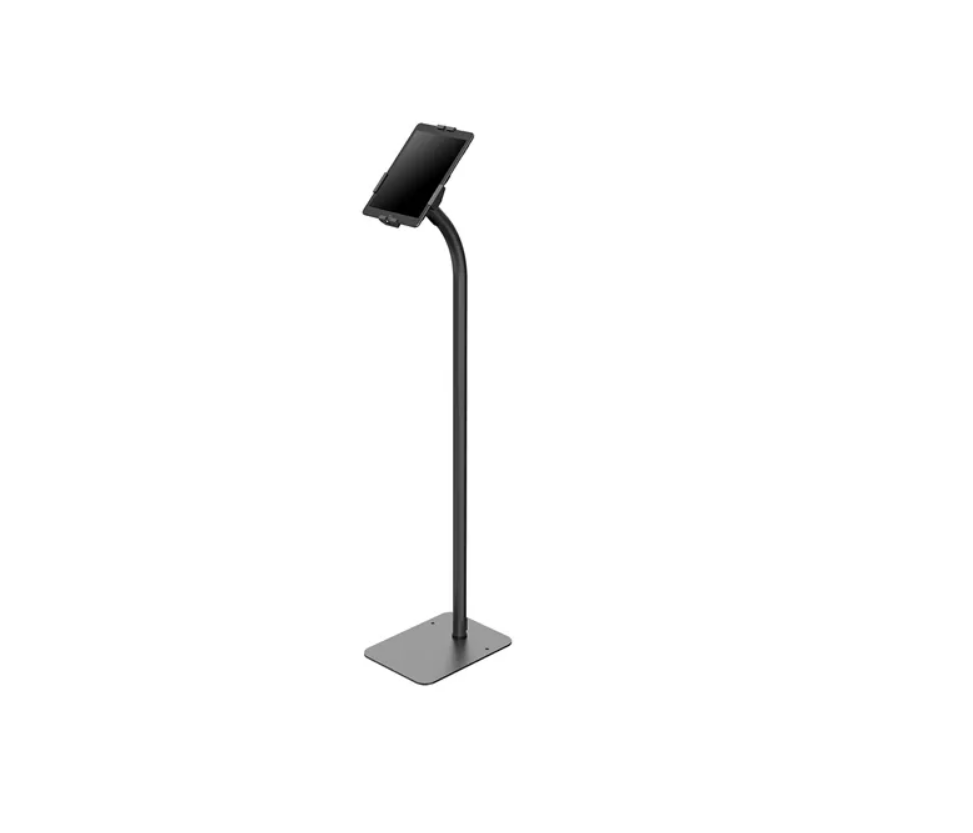
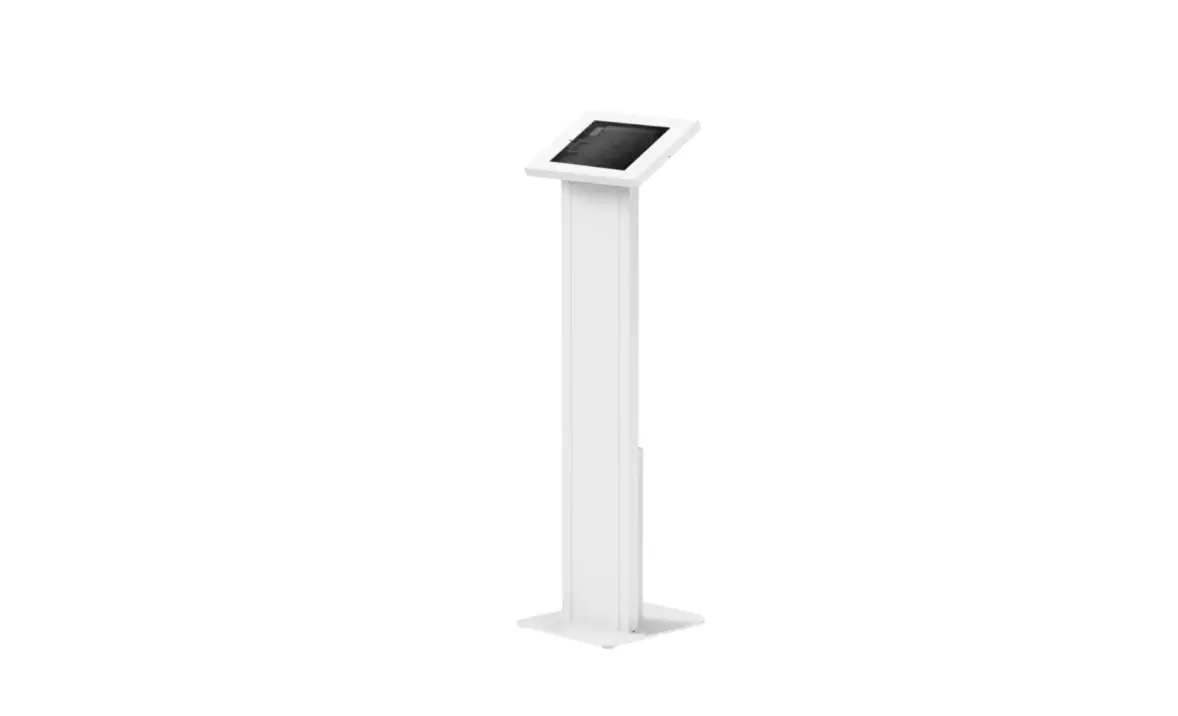
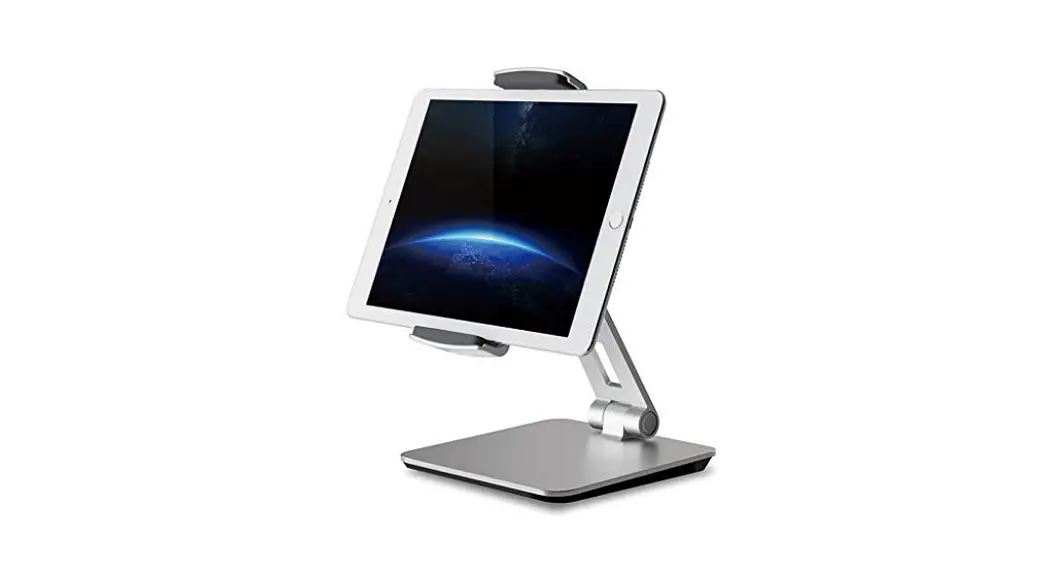
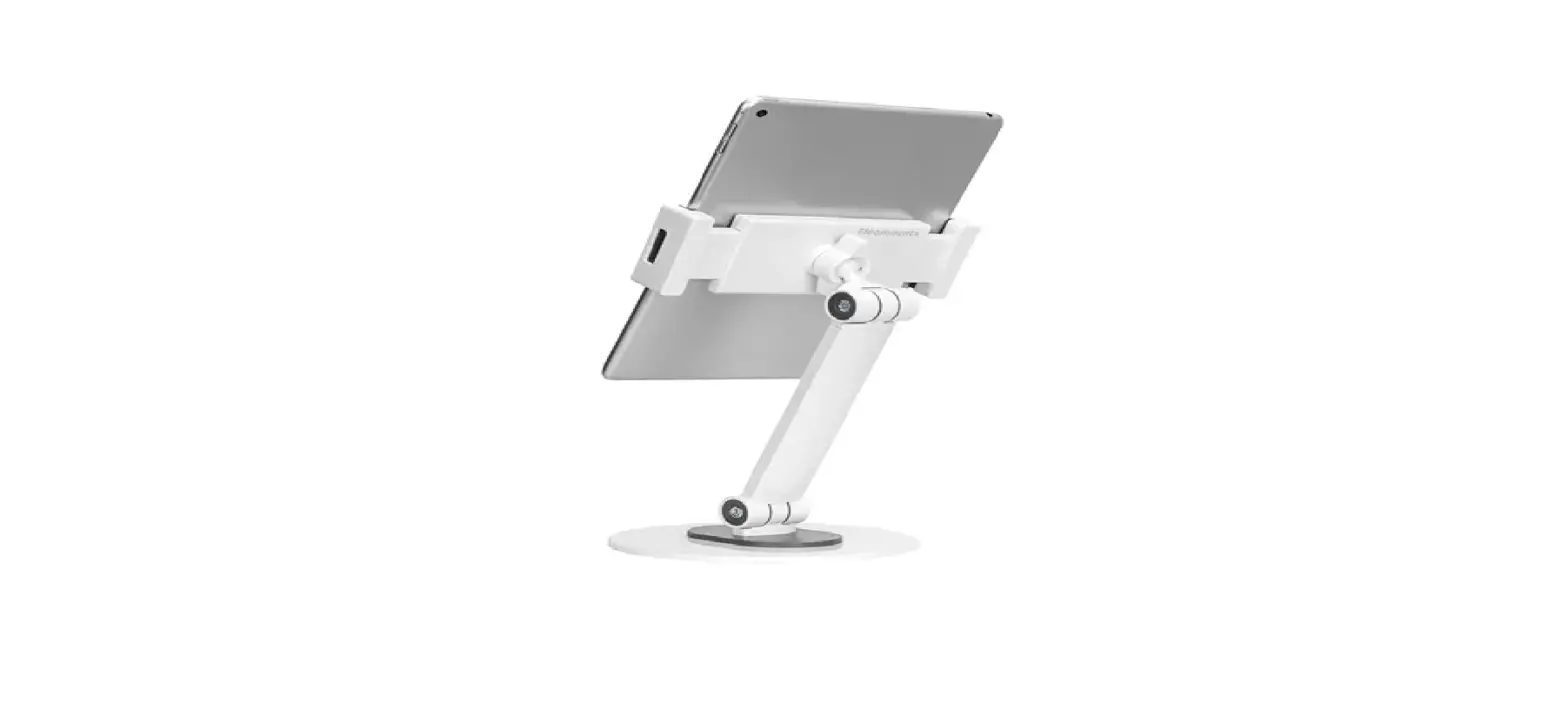
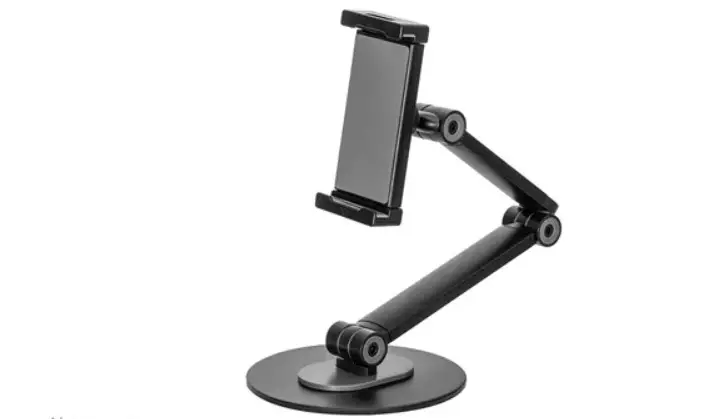
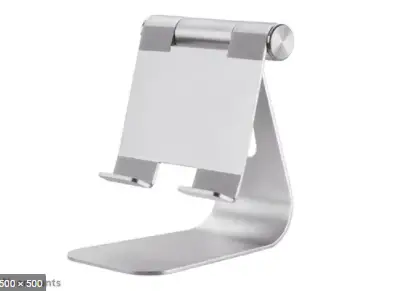
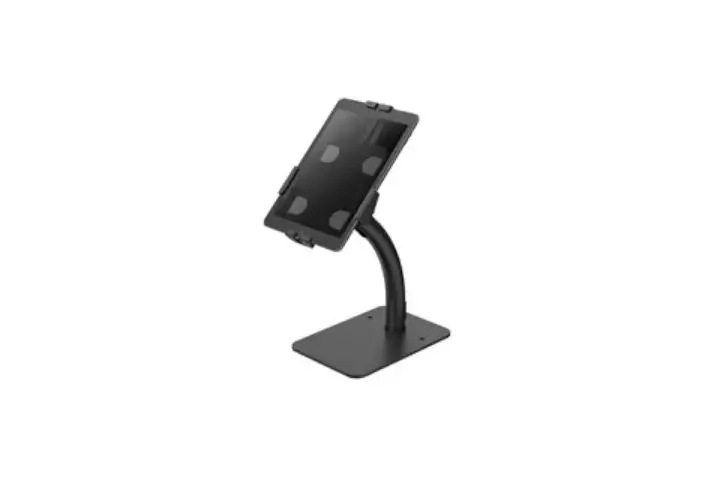
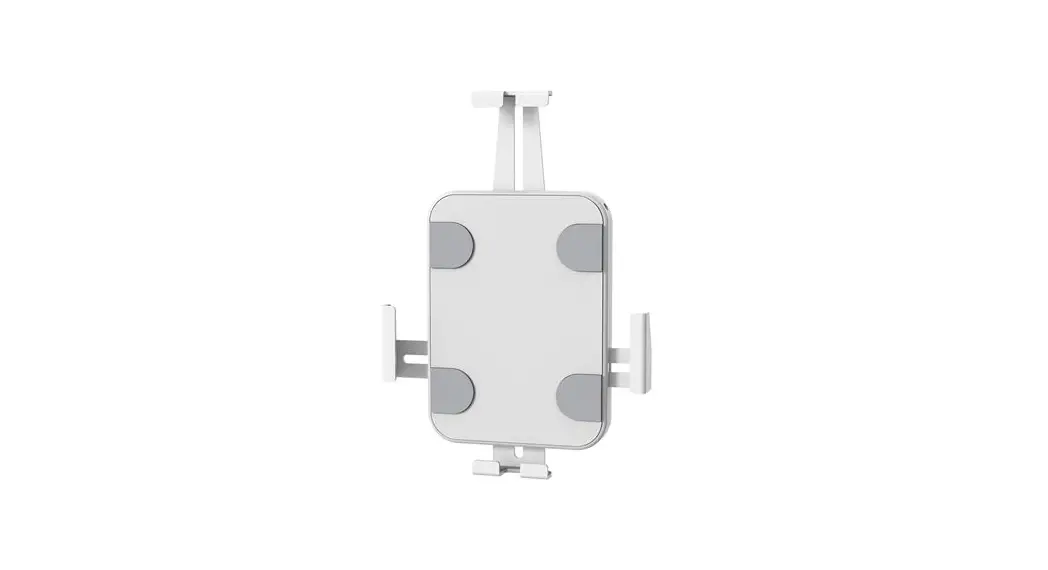
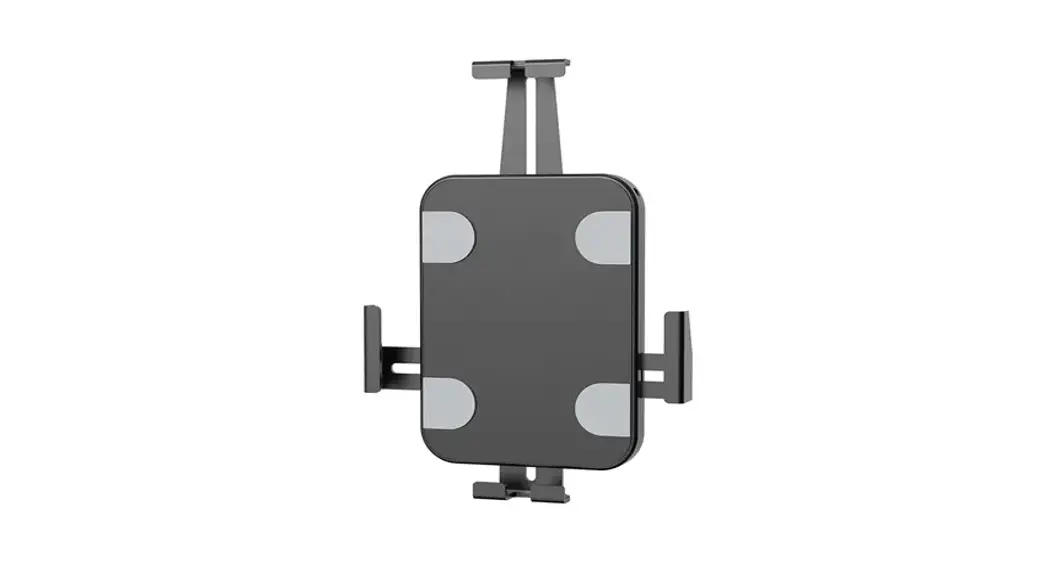
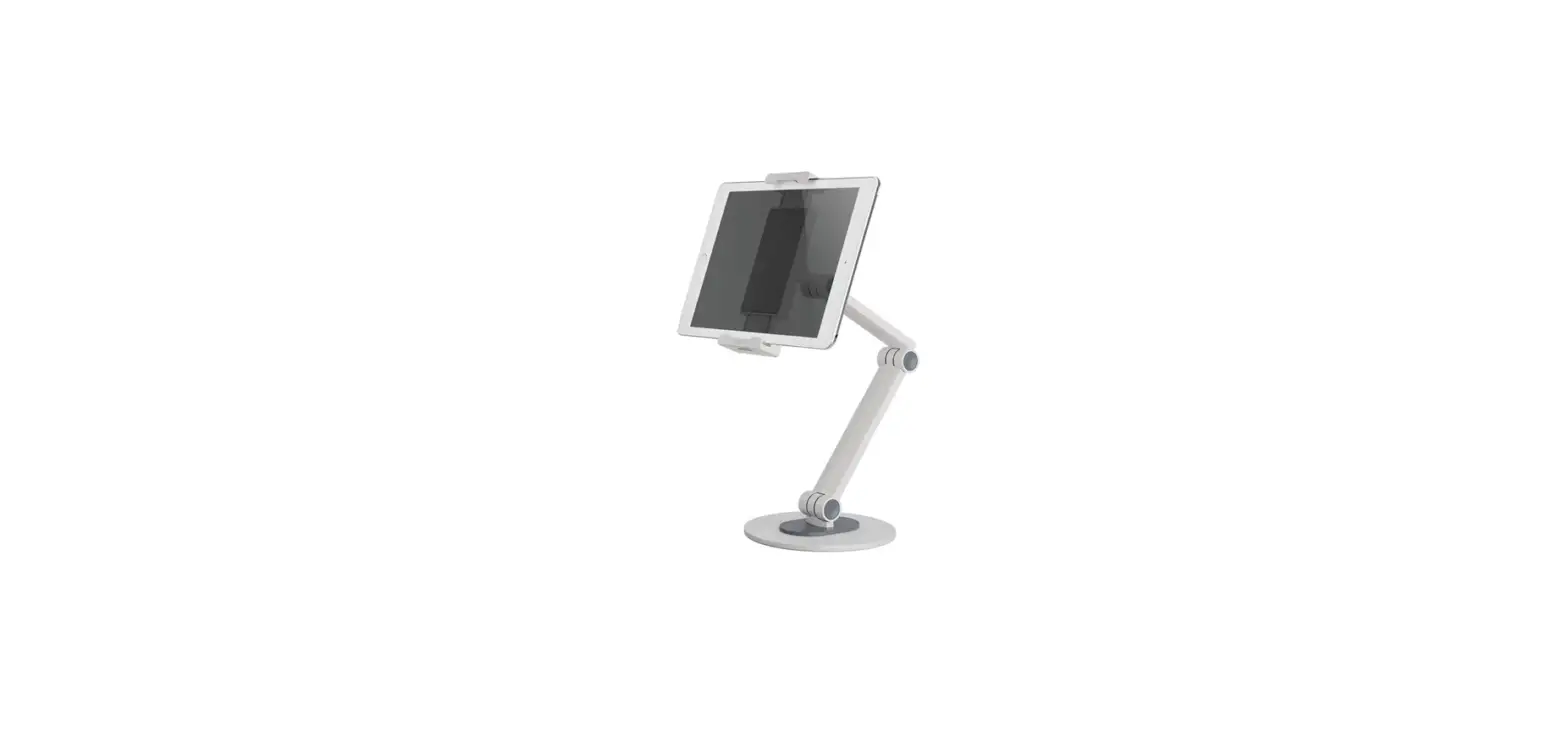
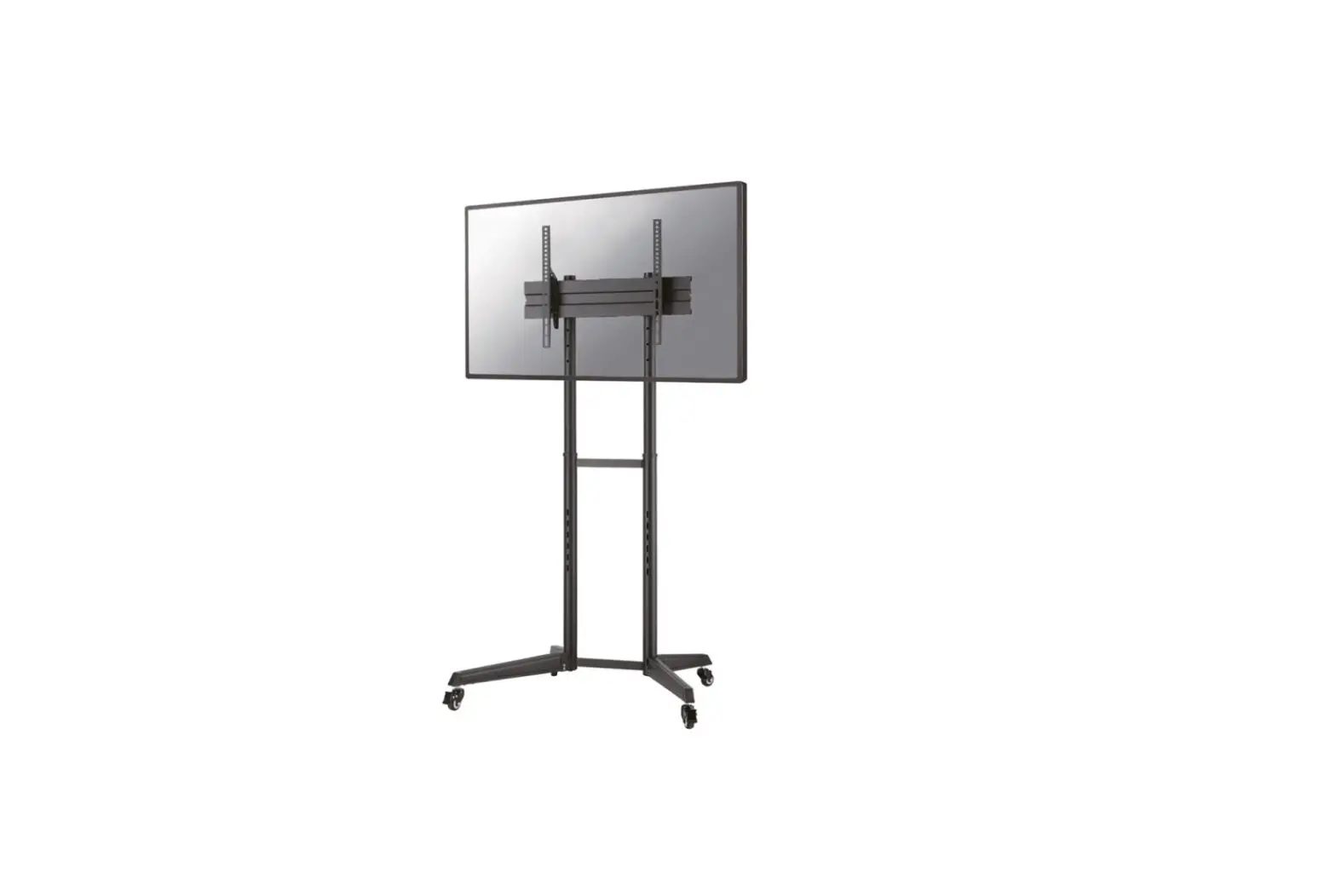
FL15-650WH1 Tablet Stand
Product Information:
The FL15-650WH1 is a wall-mounted tablet holder designed to
securely hold tablets of various sizes. It comes with a set of
parts and tools required for installation.
Parts Included:
- A. (x1)
- B. (x1)
- C. (x1)
- D. (x1)
- E. (x1)
- F. (x1)
- G. (x1)
- H. (x1)
- J. (x1)
- K. (x4)
- L. M4x12 (x4)
- M. M5x6 (x4)
- N. M8x20 (x4)
- Q. (x1)
- R. 4mm (x1)
- S. 5mm (x1)
- O. (x2)
- P. (x2)
Compatible Tablet Panels:
- Panel 1: For 9,7 iPad 5/6, iPad Air 1/2 & iPad Pro (Gen
1) - Panel 2: For 10,2 iPad 7/8/9 & 10,5 iPad Air 3, iPad Pro
(Gen 2) - Panel 3: For 11 iPad Pro (Gen 3/4/5) & 10,9 iPad Air 4
- Panel 4: For 10,4 Samsung Galaxy Tab A7
- Panel 5: For 10,1 Samsung Galaxy Tab A
- Panel 6: For 10,4 Samsung Galaxy Tab S6
Product Usage Instructions:
Step 1:
Attach the adhesive pads (O) to the bottom of the base.
Step 2:
Route the cable and attach the pole (J) to the base.
Step 3A:
Install the mount on a concrete brick floor with a minimum
height of 55mm (2.2 inches).
Step 3B:
Make sure the mount is properly aligned and secured on the
floor.
Step 4:
Attach the holder (Q) to the pole and unlock it.
Step 5:
Remove the cover and place the tablet in the holder.
Note:
Remove any foam parts before installation.
Step 6:
Attach the compatible tablet panel to the holder using 4 screws
(L). Adjust the clamps for proper alignment and placement of the
tablet before fully tightening the screws. The panel number is
indicated on the panel itself.
Step 7:
The installation is now complete. Ensure that the tablet is
securely held in the holder and adjust the viewing angle as
desired.
INSTRUCTION MANUAL
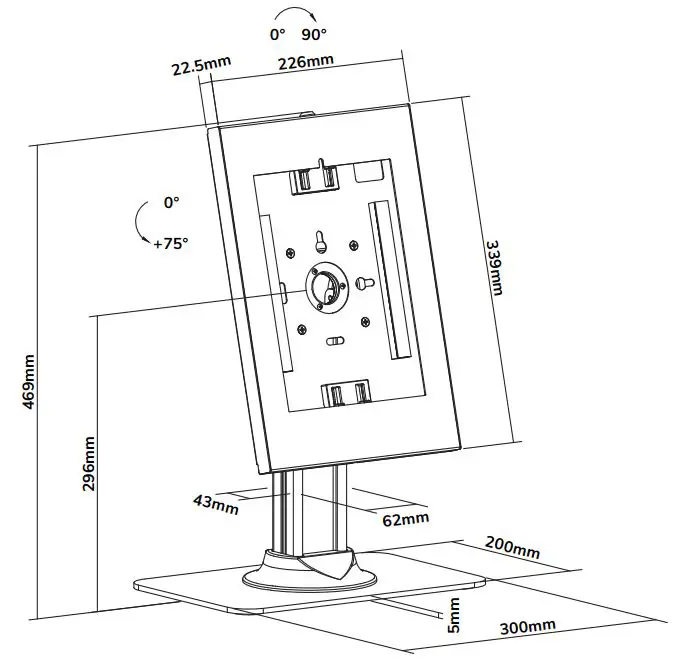
0° +90° 22.5mm 226mm 0° +75°
339mm
5mm 1086mm
min1111~max1260mm
43mm 300mm
62mm 400mm
FL15-650WH1
EN Tablet stand NL Tablet stand DE Tablet-Ständer FR Support de tablette IT Supporto per tablet ES Soporte para tableta PT Suporte para tablet DK Stå til tablet
NO Nettbrett holder SE Ställ för surfplatta FI Tablettiteline PL Stojak na tablet CS Stojan na tablet SK Drziak na tablet RO Suport tablet
WWW.NEOMOUNTS.COM
FL15-650WH1 PARTS
Tool
Drill
A. (x1)
B. (x1)
C. (x1)
D. (x1)
E. (x1)
F. (x1)
G. (x1)
H. (x1)
J. (x1)
K. (x4)
L. M4x12 (x4)
M. M5x6 (x4)
N. M8x20 (x4)
Q. (x1)
R. 4mm (x1)
S. 5mm (x1)
STEP 1
EN Attach the adhesive pads to the bottom of the base NL Breng de zelfklevende pads aan op de onderzijde van
de voet DE Befestigen Sie die Klebepads an der Unterseite FR Fixez les pieds adhésifs sous la base du support IT Attaccare i cuscinetti adesivi sul fondo della base ES Coloque las almohadillas adhesivas en la parte inferior
de la base PT Anexe as pastilhas adesivas ao fundo da base PL Przymocuj podkladki samoprzylepne do dolnej czci
podstawy
O. (x2)
J
I. (x1) P. (x2)
K
STEP 2
EN Route the cable and attach the pole to the base NL Geleid de kabel en bevestig de stang aan de voet DE Verlegen Sie das Kabel und befestigen Sie die Stange
an der Basis FR Positionnez le câble et vissez le tube sur la base IT Far passare il cavo e fissare il palo alla base ES Pase el cable y adjunte el poste a la base PT Passe o cabo e anexe o poste à base PL Przeprowad kabel i przymocuj slupek do podstawy
I
N S
STEP 3 A
EN Install the mount on a wooden floor NL Installeer de steun op een houten vloer DE Montieren Sie die Halterung auf einem Holzfußboden FR Installation du support sur un plancher en bois IT Installa il supporto su un pavimento di legno ES Instalar el soporte sobre un suelo de madera PT Instale o suporte em um piso de madeira PL Zainstaluj uchwyt na drewnianej podlodze
55mm (2.2″)
Ø4.5mm (Ø3/16″)
STEP 3 B
EN Install the mount on a concrete brick floor NL Installeer de steun op een betonnen of stenen vloer DE Montieren Sie die Halterung auf einem Beton- oder
Steinboden FR Installation du support sur un sol en béton IT Installare il supporto su un pavimento di cemento o
di mattoni pieni ES Instale el soporte en un piso de concreto o de ladrillo
sólido PT Instale o suporte em um piso de concreto ou sólido PL Zainstaluj uchwyt na betonowej lub solidnej ceglanej
posadzce
O
60mm (2.4″)
Ø10mm (Ø3/8″)
O P
STEP 4
EN Attach the holder to the pole and unlock the holder NL Bevestig de houder aan de stang en ontgrendel de
houder DE Befestigen Sie die Halterung an der Stange und ent-
riegeln Sie die Halterung FR Fixez le support au poteau et déverrouillez le support IT Collegare il supporto all’asta e sbloccare il supporto ES Fije el soporte en el poste y desbloquea el soporte PT Anexar o suporte ao poste e desbloqueie o suporte PL Przymocuj uchwyt do wspornika i odblokuj uchwyt
* Not Included
Q
STEP 5
EN Remove the cover and place the tablet in the holder NL Verwijder de afdekkap en plaats de tablet in de houder DE Entfernen Sie die Abdeckung und legen Sie das Tablet
in die Halterung FR Retirez le capuchon et placez la tablette dans le support IT Rimuovere le coperte e posiziona il tablet nel supporto ES Retire la tapa de la cubierta y coloque la tableta en el
soporte PT Remova a tampa e coloque o tablet no suporte PL Zdejmij oslon i umie tablet w uchwycie
* Not Included
Note: Remove foam parts before installation.
BCDE FG
Attach the panel to the holder with 4 screws (L). Adjust the two clamps for solid placement and correct alignment of the tablet before fully tightening the screws.
L
The panel number is indicated on the panel itself.
Choose the corresponding panel according to the tablet: Panel 1: For 9,7″ iPad 5/6, iPad Air 1/2 & iPad Pro (Gen 1) Panel 2: For 10,2″ iPad 7/8/9 & 10,5″ iPad Air 3, iPad Pro (Gen 2) Panel 3: For 11″ iPad Pro (Gen 3/4/5) & 10,9″ iPad Air 4 Panel 4: For 10,4″ Samsung Galaxy Tab A7 Panel 5: For 10,1″ Samsung Galaxy Tab A Panel 6: For 10,4″ Samsung Galaxy Tab S6
STEP 6
EN Adjust the torque NL Stel het koppel in DE Einstellen des Drehmoments FR Réglagez les couples IT Regolazione della coppia ES Ajuste el tornillo PT Ajustar os parafusos PL Dostosuj sil docisku regulacji
R
STEP 7
EN Adjust the mount to the desired position NL Stel de steun in op de gewenste positie DE Positionieren die Halterung in der gewünschten
Position FR Ajustez le support à la position souhaitée IT Regolare il supporto nella posizione desiderata ES Ajuste el soporte a la posición deseada PT Ajuste o suporte na posição desejada PL Dostosuj pozycj uchwytu do twoich wymaga
 Neomounts