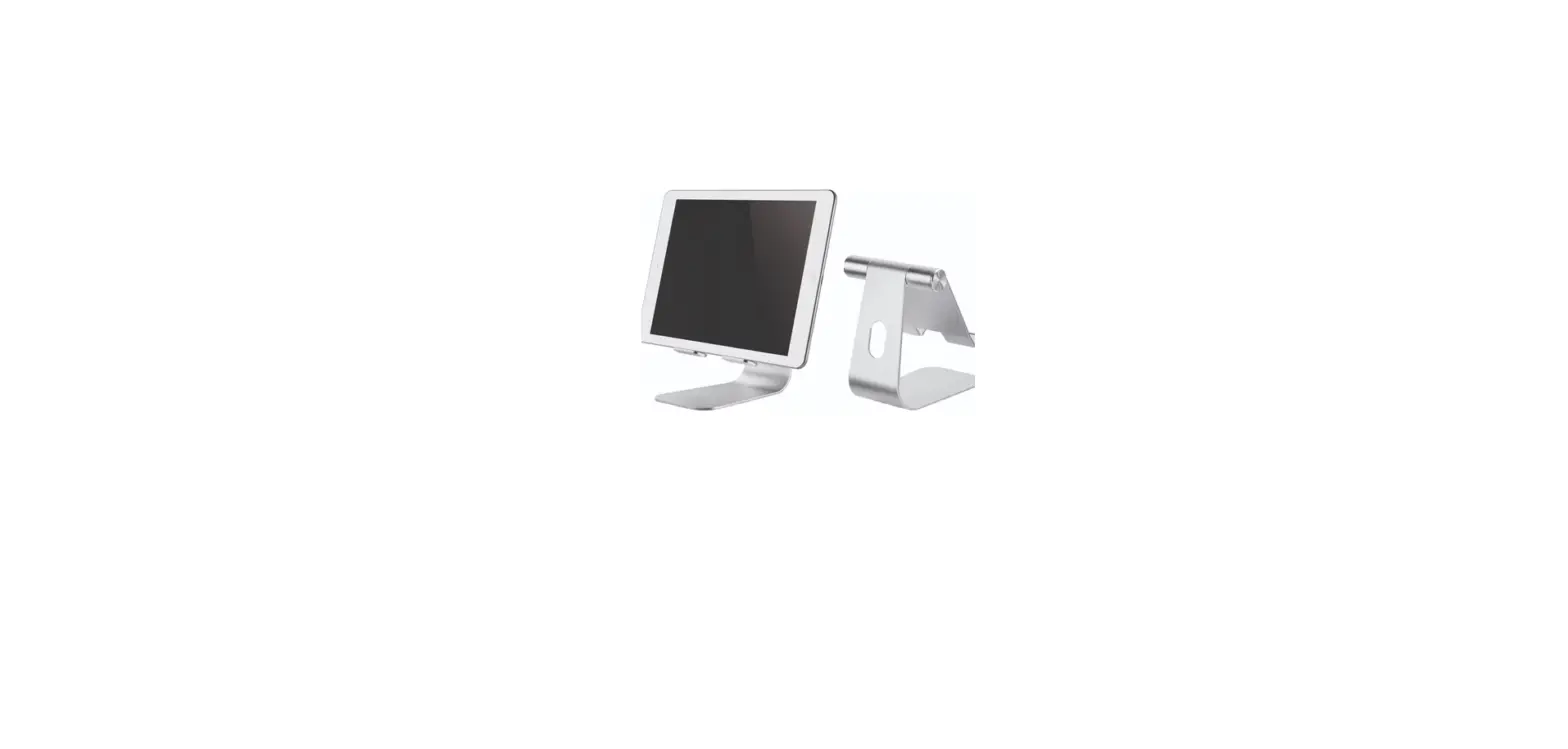
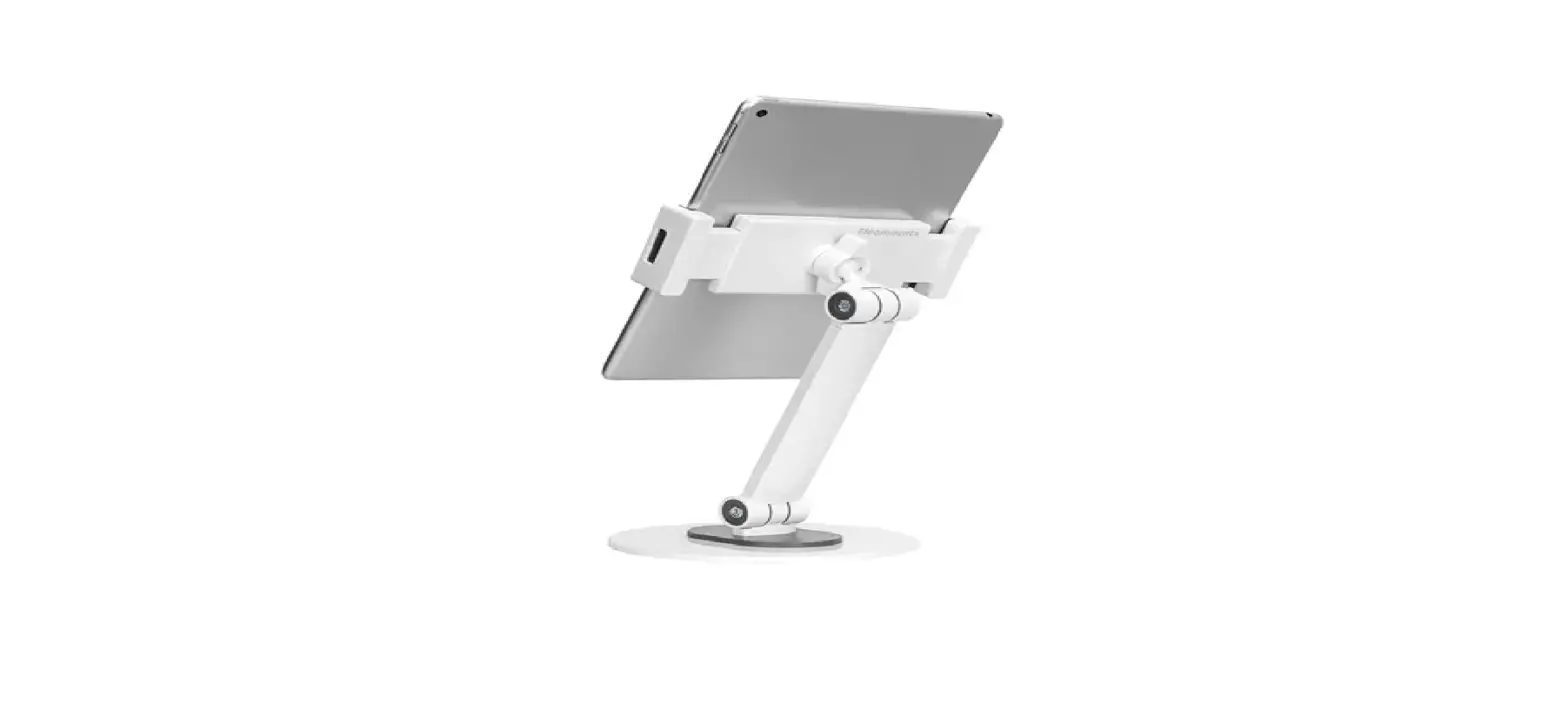
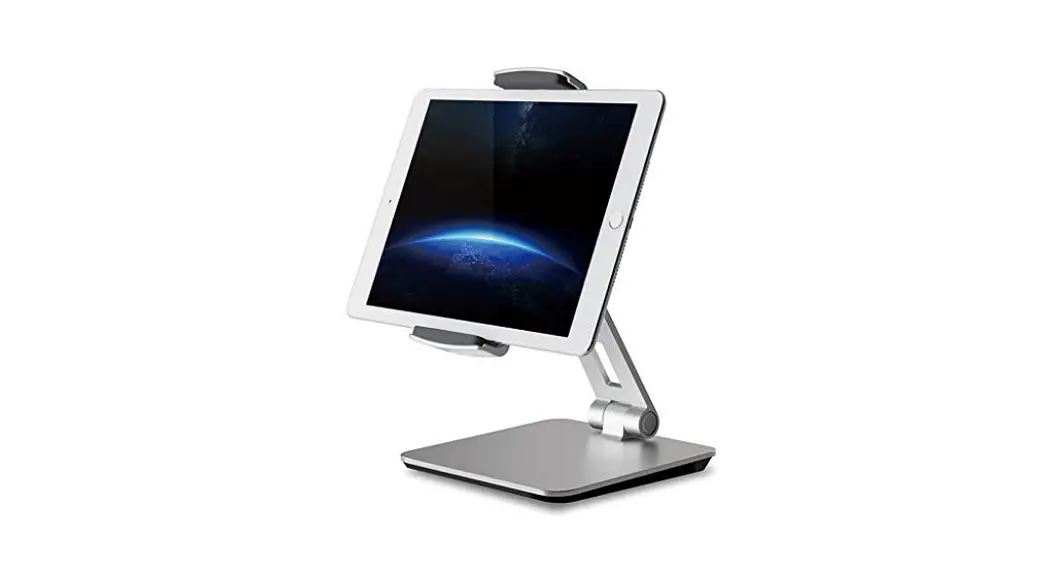
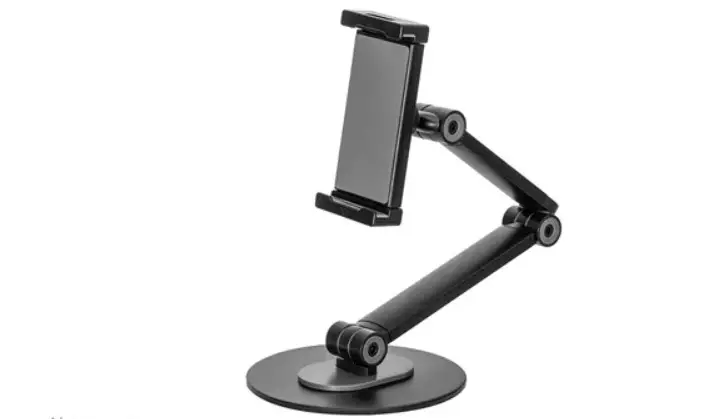
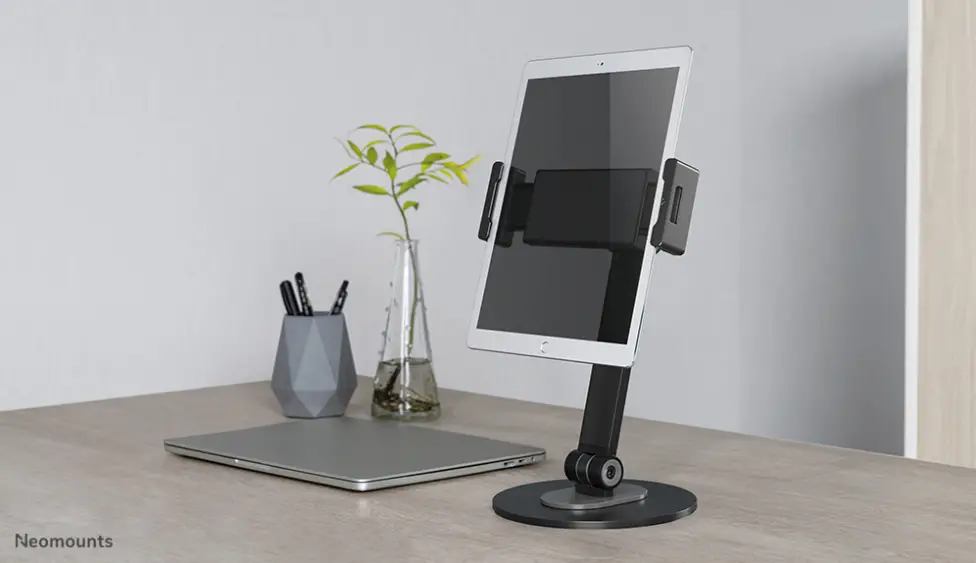
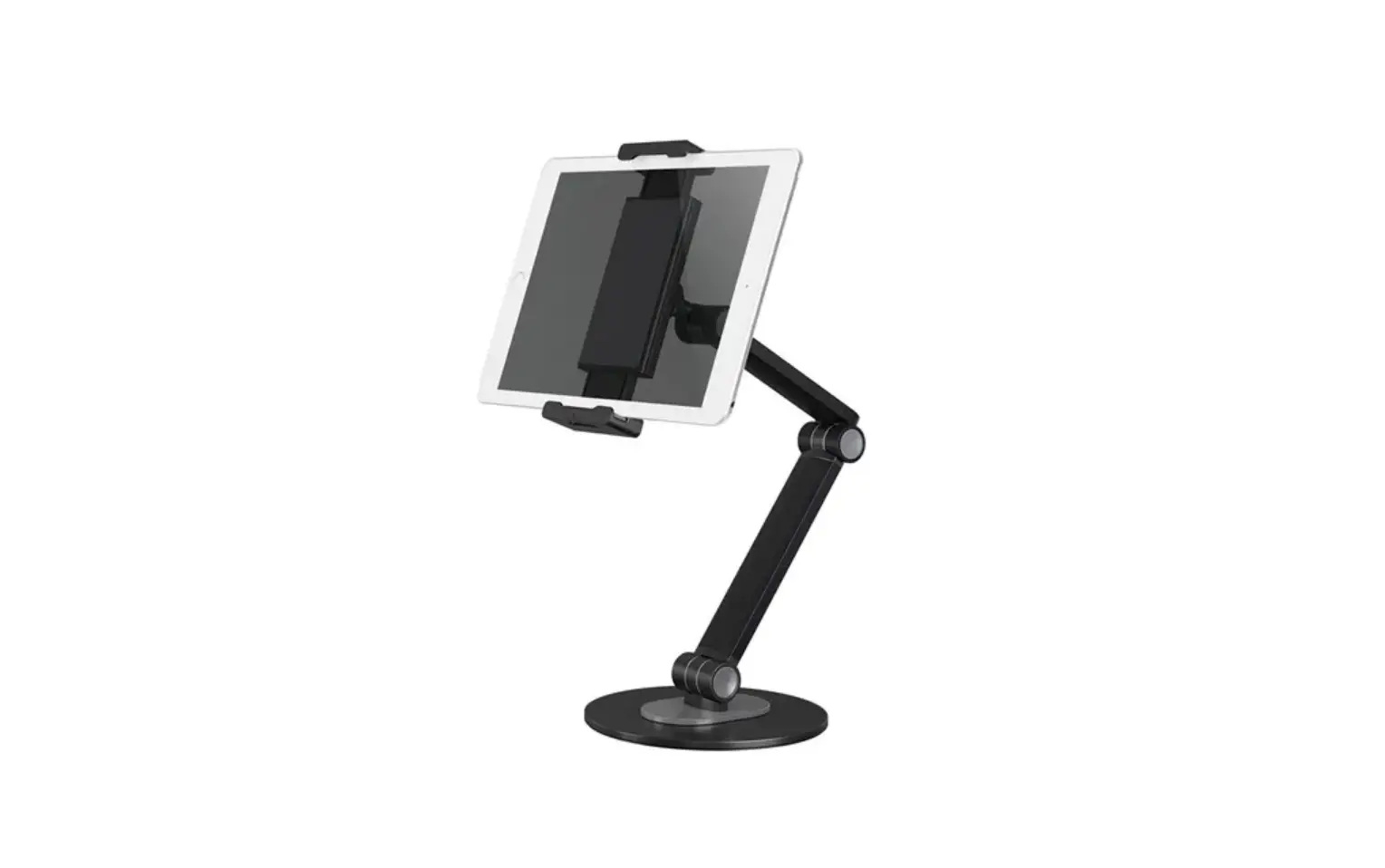
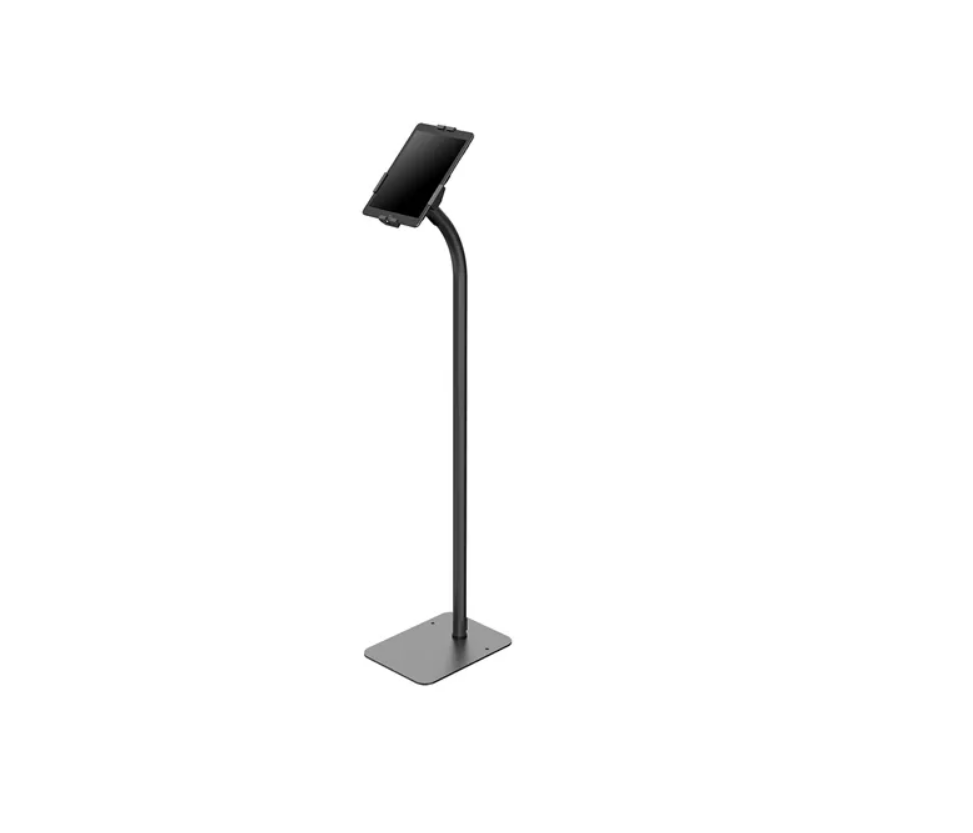
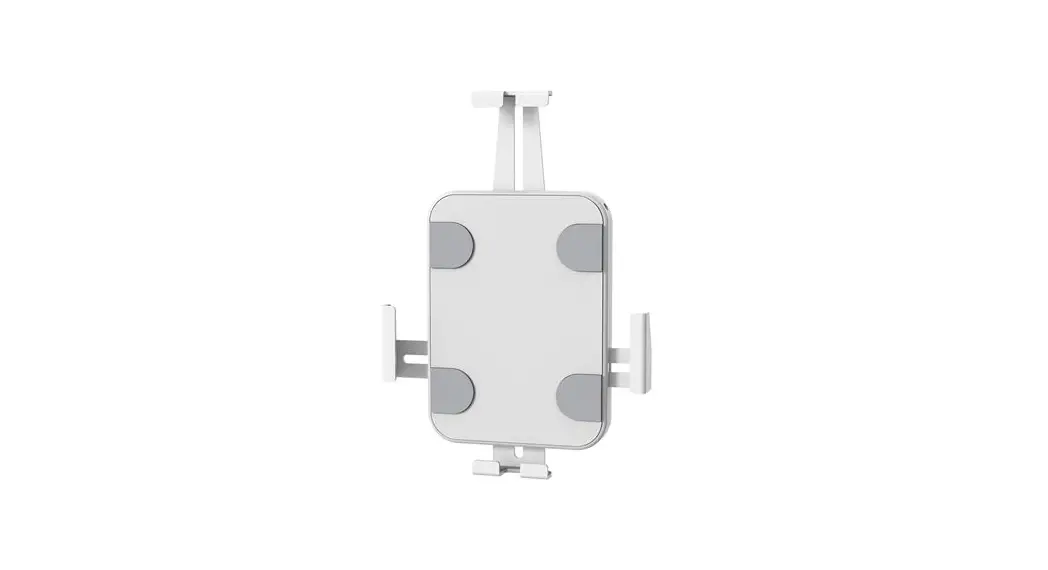
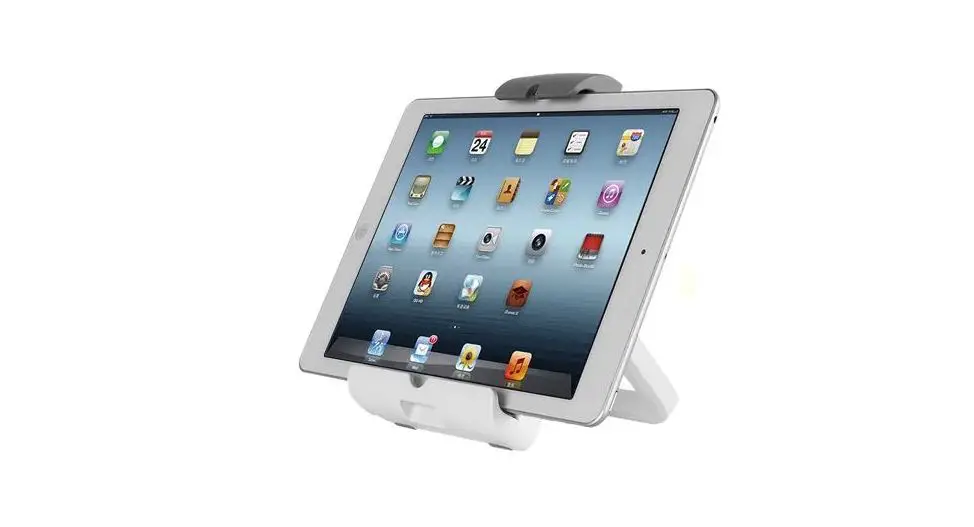
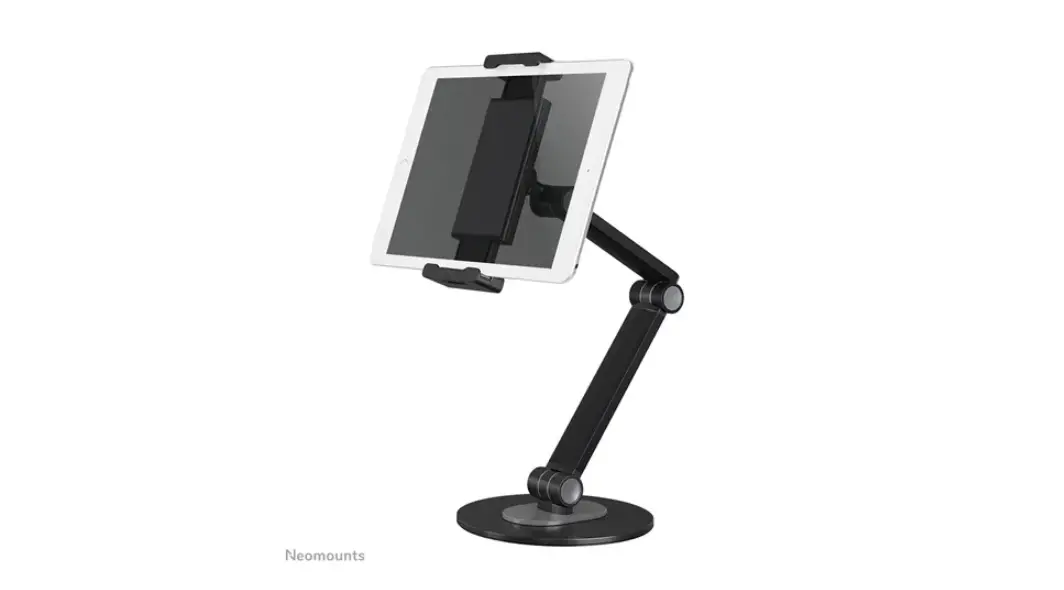
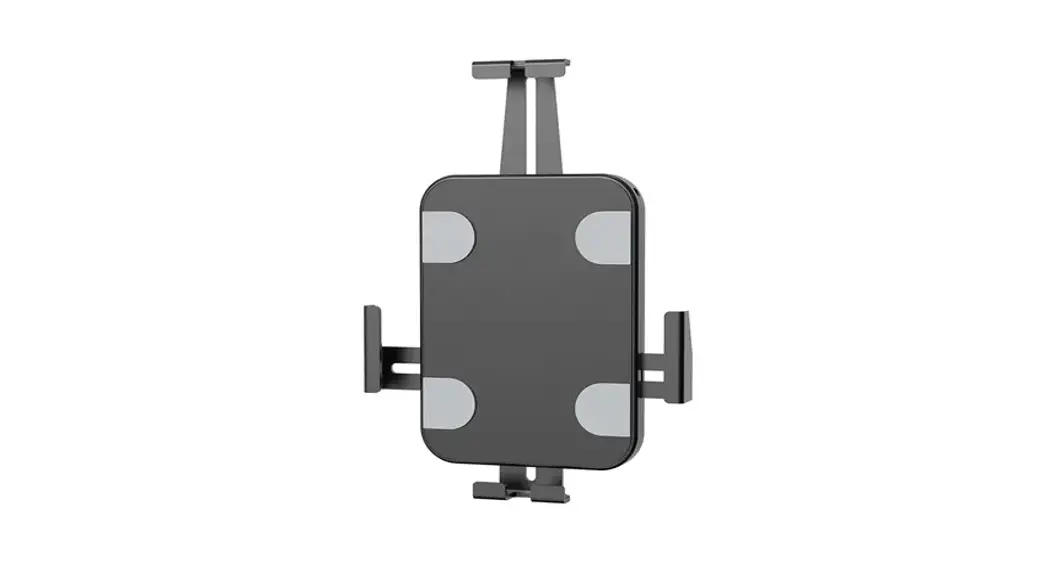
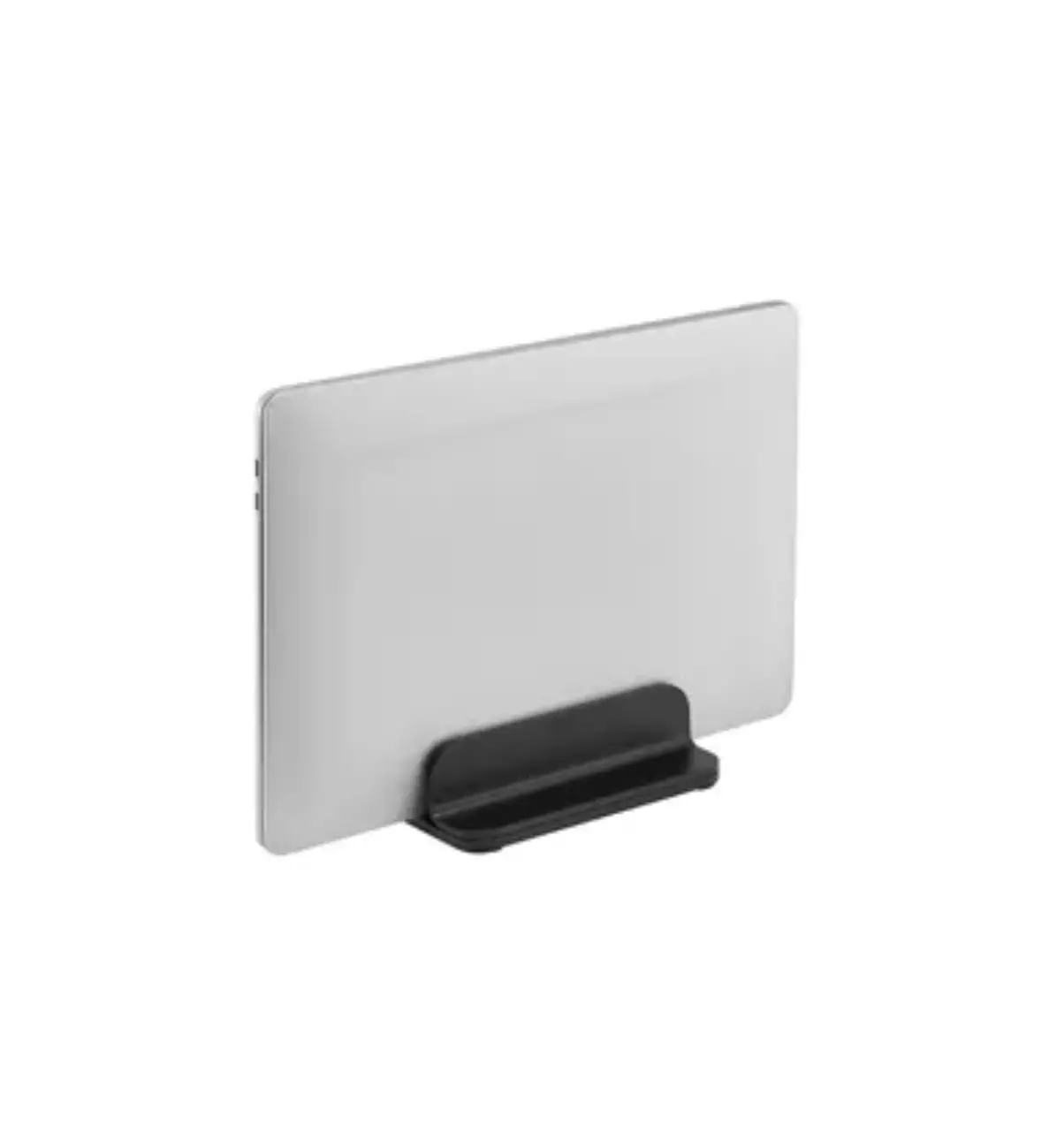
DS15-630WH1 Tablet Stand
Product Information
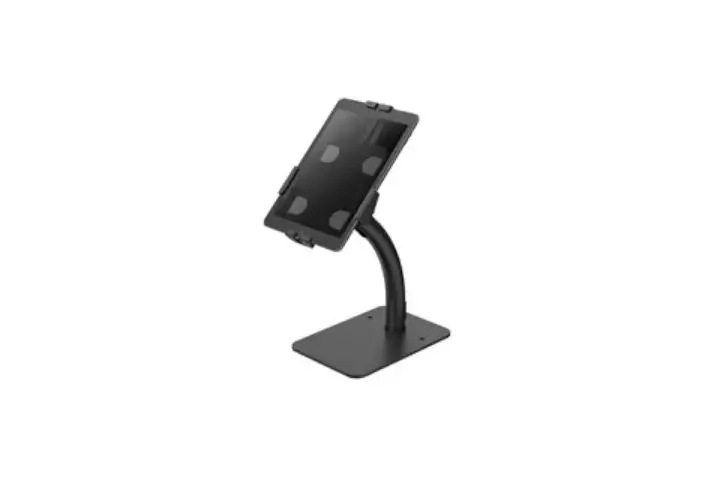
The product is the DS15-630WH1, a tablet mount from NeoMounts.
It is designed to securely hold tablets and can be installed either
on a wall or a countertop. The mount comes with various parts and
tools necessary for installation, including screws, adhesive pads,
and a key for locking the holder.
The mount is compatible with different tablet models, and it
includes panels that can be attached to the holder to accommodate
specific tablet sizes. The panels are labeled with numbers, and the
corresponding tablet models are listed as follows:
- Panel 1: For 9.7-inch iPad 5/6, iPad Air 1/2 & iPad Pro
(Gen 1) - Panel 2: For 10.2-inch iPad 7/8/9 & 10.5-inch iPad Air 3,
iPad Pro (Gen 2) - Panel 3: For 11-inch iPad Pro (Gen 3/4/5) & 10.9-inch iPad
Air 4 - Panel 4: For 10.4-inch Samsung Galaxy Tab A7
- Panel 5: For 10.1-inch Samsung Galaxy Tab A
- Panel 6: For 10.4-inch Samsung Galaxy Tab S6
Product Usage Instructions
Wall Installation (Step 2 A-1)
- Remove the foam parts before installation.
- Use the provided drill tool to attach the mount to a wall,
following the instructions in your preferred language (EN, NL, DE,
FR, IT, ES, PT, PL).
Attaching the Holder to the Mount (Step 2 A-2)
- Attach the holder to the mount by using the provided screws
(K). - Before completely tightening the screws, adjust the two claws
to hold the tablet securely and ensure the screen is aligned and
visible through the front panel. - Select the appropriate panel according to your tablet model, as
indicated on the panel itself. - Attach the panel to the holder using the provided screws
(K).
Countertop Installation (Step 2 B-1)
- Attach the adhesive pads to the bottom of the base.
- Place the base on a countertop.
Attaching the Holder to the Mount (Step 2 B-2)
This step is the same as Step 2 A-2.
Final Step
- Place your tablet in the holder.
- Lock the holder with the provided key.
INSTRUCTION MANUAL
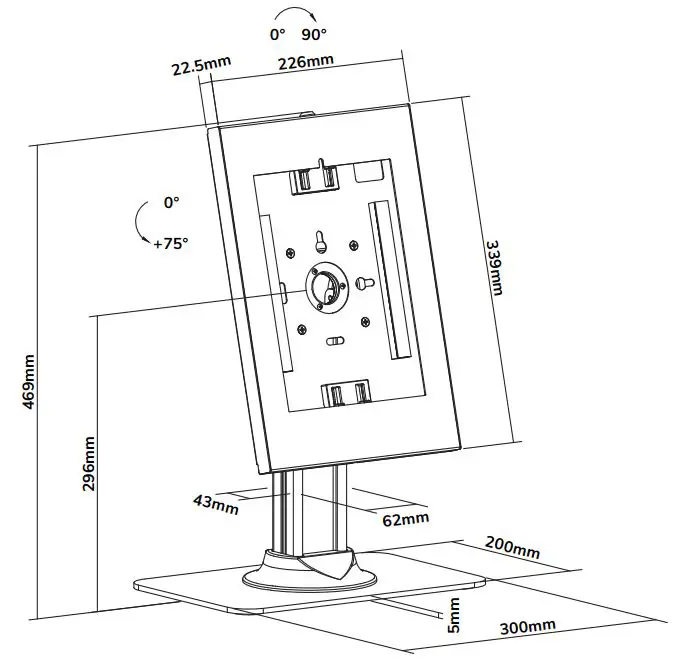
0° +90° 343mm
339mm
206mm
22.5mm
226mm
30°
186mm 124mm
166mm
80mm
DS15-630WH1
EN Tablet stand NL Tablet stand DE Tablet-Ständer FR Support de tablette IT Supporto per tablet ES Soporte para tableta PT Suporte para tablet DK Stå til tablet
NO Nettbrett holder SE Ställ för surfplatta FI Tablettiteline PL Stojak na tablet CS Stojan na tablet SK Drziak na tablet RO Suport tablet
WWW.NEOMOUNTS.COM
DS15-630WH1 PARTS
Tool
Drill
A. (x1)
B. (x1)
C. (x1)
D. (x1)
E. (x1)
F. (x1)
G. (x1)
H. (x1)
L. M5x6 (x4)
M. (x3)
STEP 1
EN Unlock the holder NL Ontgrendel de houder DE Entriegeln Sie die Halterung FR Déverrouillez le support IT Sblocca il supporto ES Desbloquea el soporte PT Desbloqueie o suporte PL Odblokuj uchwyt
N. (x3)
I. (x4)
J. (x1)
K. M4x12 (x4)
A
J
Note: Remove foam parts before installation.
STEP 2 A-1 WALL
EN Install the mount on a wall NL Bevestig de steun aan een muur DE Befestigen die Halterung an einer Wand FR Installation le support sur un mur IT Installare il supporto su una parete ES Instalar el soporte en una pared PT Instale o suporte em uma parede PL Zamontuj uchwyt na cianie
H
45mm (1.8″)
Ø8mm (Ø5/16″)
M N
STEP 2 A-2 WALL
EN Attach the holder to the mount NL Bevestig de houder aan de steun DE Befestigen Sie die Halterung FR Fixez le support IT Attacca il supporto ES Fije el soporte PT Anexar o suporte PL Przymocuj uchwyt
L * Not Included
BCDE FG
K
Attach the panel to the holder using 4 screws (K). Adjust the two claws, before completely tightening the screws, to hold the tablet and to ensure the screen is aligned and visible through the front panel.
The panel number is indicated on the panel itself.
Choose the corresponding panel according to the tablet: Panel 1: For 9,7″ iPad 5/6, iPad Air 1/2 & iPad Pro (Gen 1) Panel 2: For 10,2″ iPad 7/8/9 & 10,5″ iPad Air 3, iPad Pro (Gen 2) Panel 3: For 11″ iPad Pro (Gen 3/4/5) & 10,9″ iPad Air 4 Panel 4: For 10,4″ Samsung Galaxy Tab A7 Panel 5: For 10,1″ Samsung Galaxy Tab A Panel 6: For 10,4″ Samsung Galaxy Tab S6
STEP 2 B-1 COUNTERTOP
EN Attach the adhesive pads to the bottom of the base and place it on a countertop
NL Breng de zelfklevende pads aan op de onderzijde van de voet en plaats de steun op een werkblad
DE Befestigen Sie die Klebepads an der Unterseite und stellen Sie die Halterung auf einer Arbeitsplatte
FR Fixez les pieds adhésifs sous la base du support et placez le support sur un comptoir
IT Attaccare i cuscinetti adesivi sul fondo della base e posizionare il supporto su un controsoffitto
ES Coloque las almohadillas adhesivas en la parte inferior de la base y colocar el soporte sobre una encimera
PT Anexe as pastilhas adesivas ao fundo da base e coloque o suporte em uma bancada
PL Przymocuj podkladki samoprzylepne do dolnej czci podstawy i umie uchwyt na blacie
I H
STEP 2 B-2 COUNTERTOP
EN Attach the holder to the mount NL Bevestig de houder aan de steun DE Befestigen Sie die Halterung FR Fixez le support IT Attacca il supporto ES Fije el soporte PT Anexar o suporte PL Przymocuj uchwyt
L * Not Included
BCDE FG
K
Attach the panel to the holder using 4 screws (K). Adjust the two claws, before completely tightening the screws, to hold the tablet and to ensure the screen is aligned and visible through the front panel.
Choose the corresponding panel according to the tablet: Panel 1: For 9,7″ iPad 5/6, iPad Air 1/2 & iPad Pro (Gen 1) Panel 2: For 10,2″ iPad 7/8/9 & 10.5″ ipad Air 3, iPad Pro (Gen 2) Panel 3: For 11″ iPad Pro (Gen 3/4/5) & 10.9″ ipad Air 4 Panel 4: For 10,4″ Samsung Galaxy Tab A7 Panel 5: For 10,1″ Samsung Galaxy Tab A Panel 6: For 10,4″ Samsung Galaxy Tab S6
STEP 3
EN Place the tablet in the holder and lock the holder with the key
NL Plaats de tablet in de houder en vergrendel de houder met de sleutel
DE Legen Sie das Tablet in die Halterung und verriegeln Sie die Halterung mit dem Schlüssel
FR Placez la tablette dans le support et verrouillez le support avec la clé
IT Posiziona il tablet nel supporto e bloccare il supporto con la chiave
ES Coloque la tableta en el soporte y bloquea el soporte con la llave
PT Coloque o tablet no suporte e bloqueie o suporte com a chave
PL Umie tablet w uchwycie i zablokuj uchwyt za pomoc klucza
Before locking the enclosure, confirm the camera is visible through the slot as shown.
STEP 4
EN Adjust the mount to your desired position NL Stel de steun in op de gewenste positie DE Positionieren die Halterung in der gewünschten Position FR Ajustez le support à la position souhaitée IT Regolare il supporto nella posizione desiderata ES Ajuste el soporte a la posición deseada PT Ajuste o suporte na posição desejada PL Dostosuj pozycj uchwytu do twoich wymaga
 Neomounts