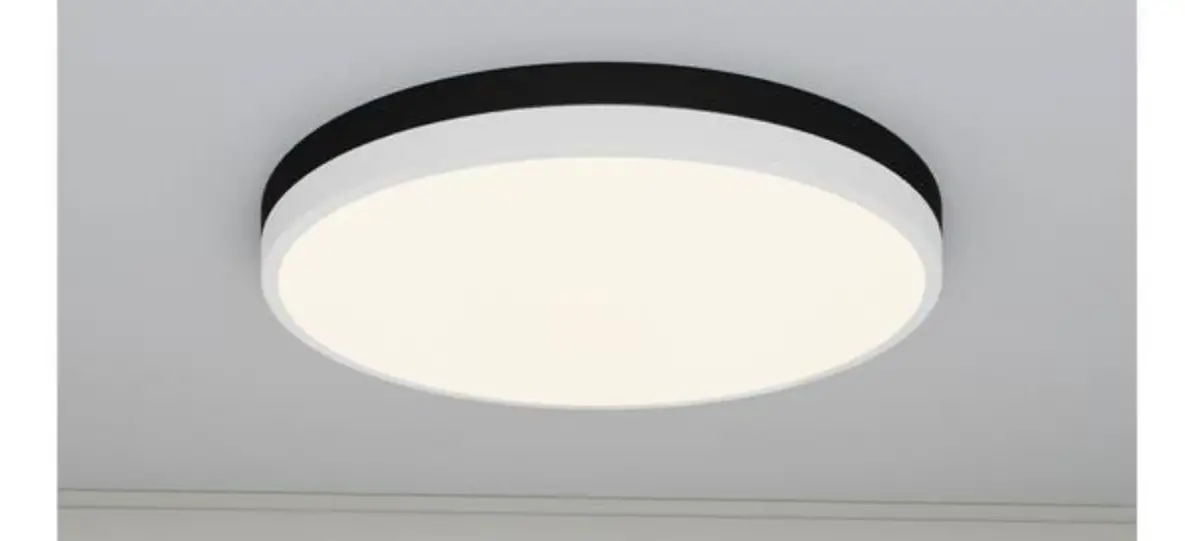
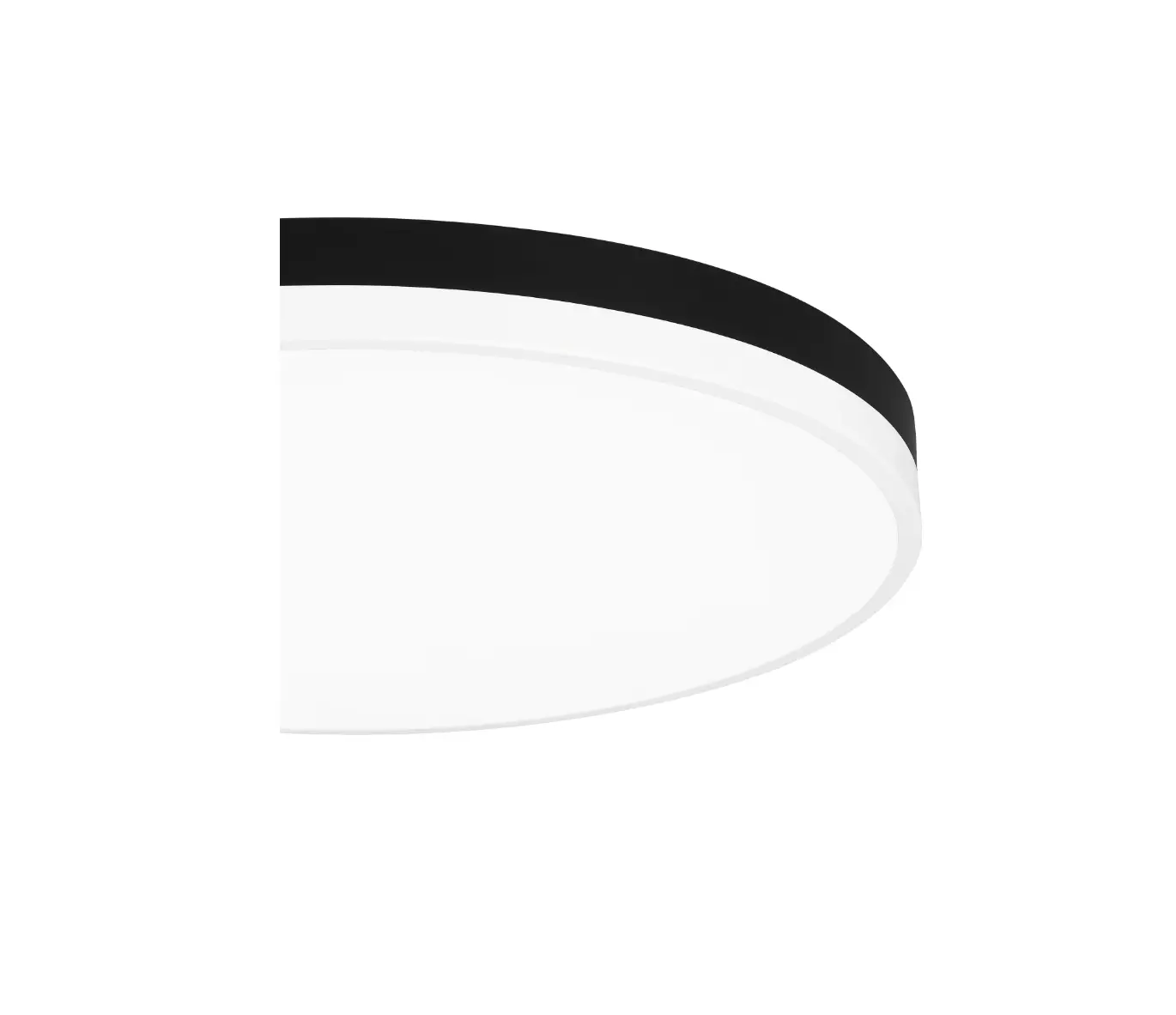
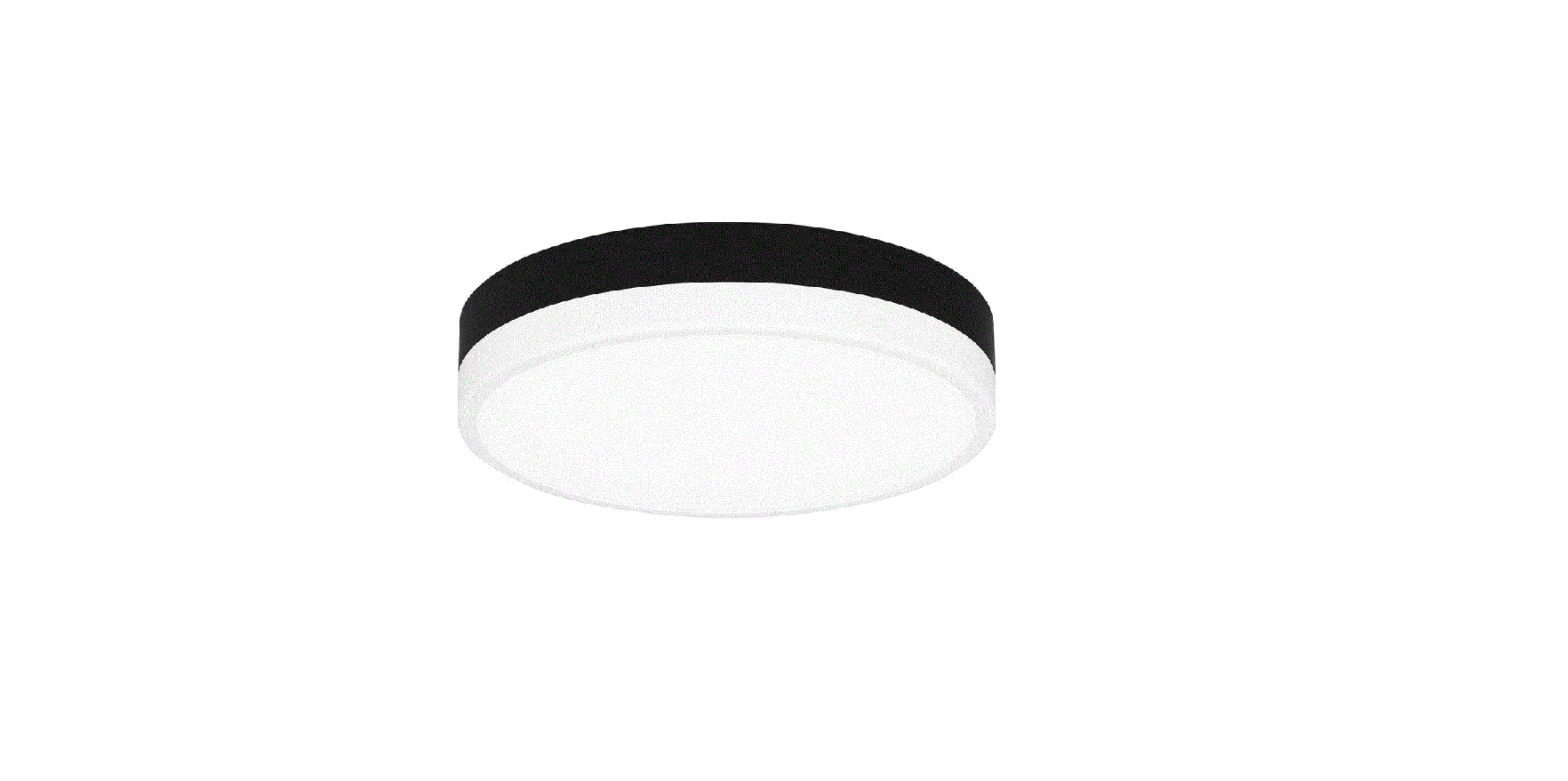
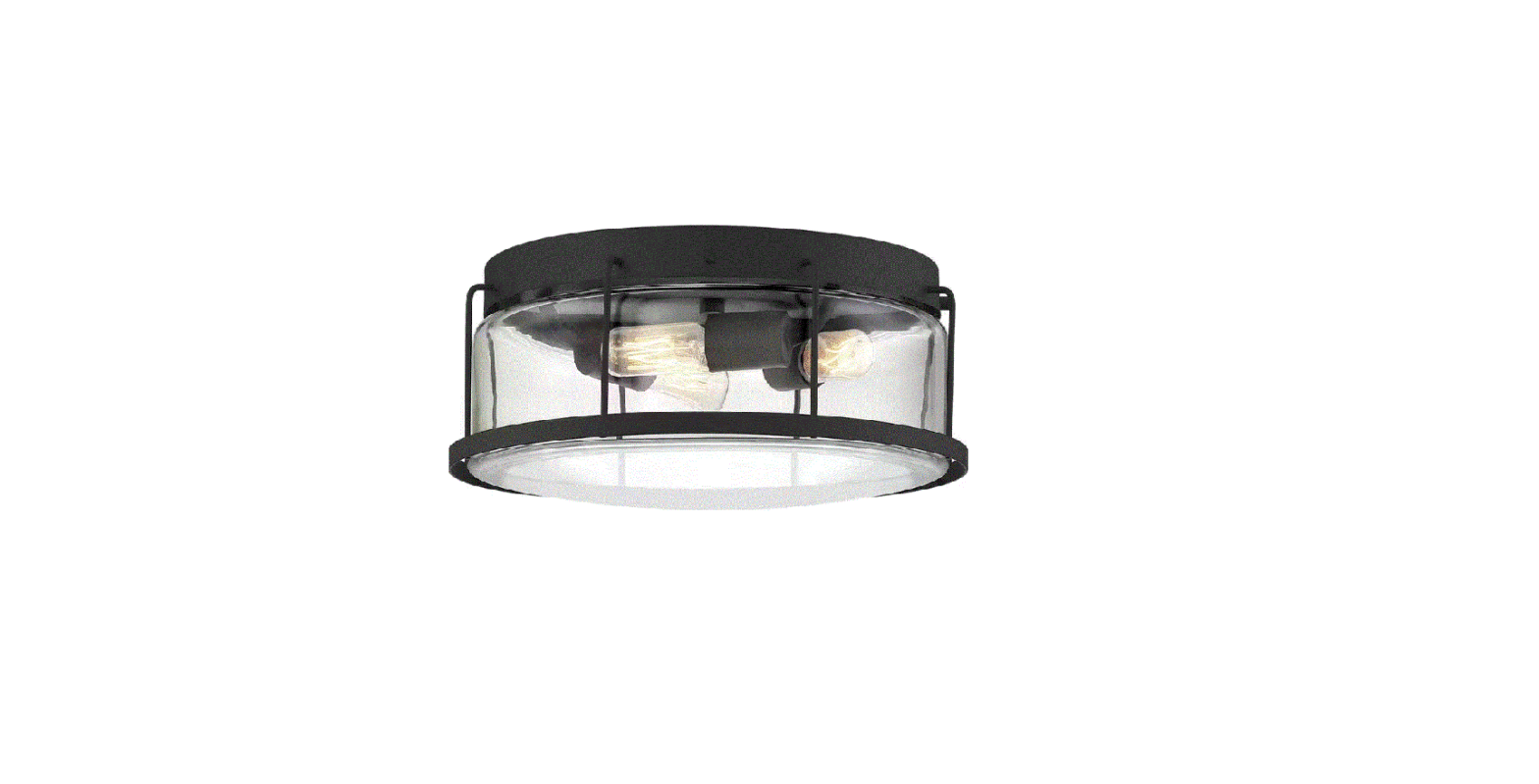
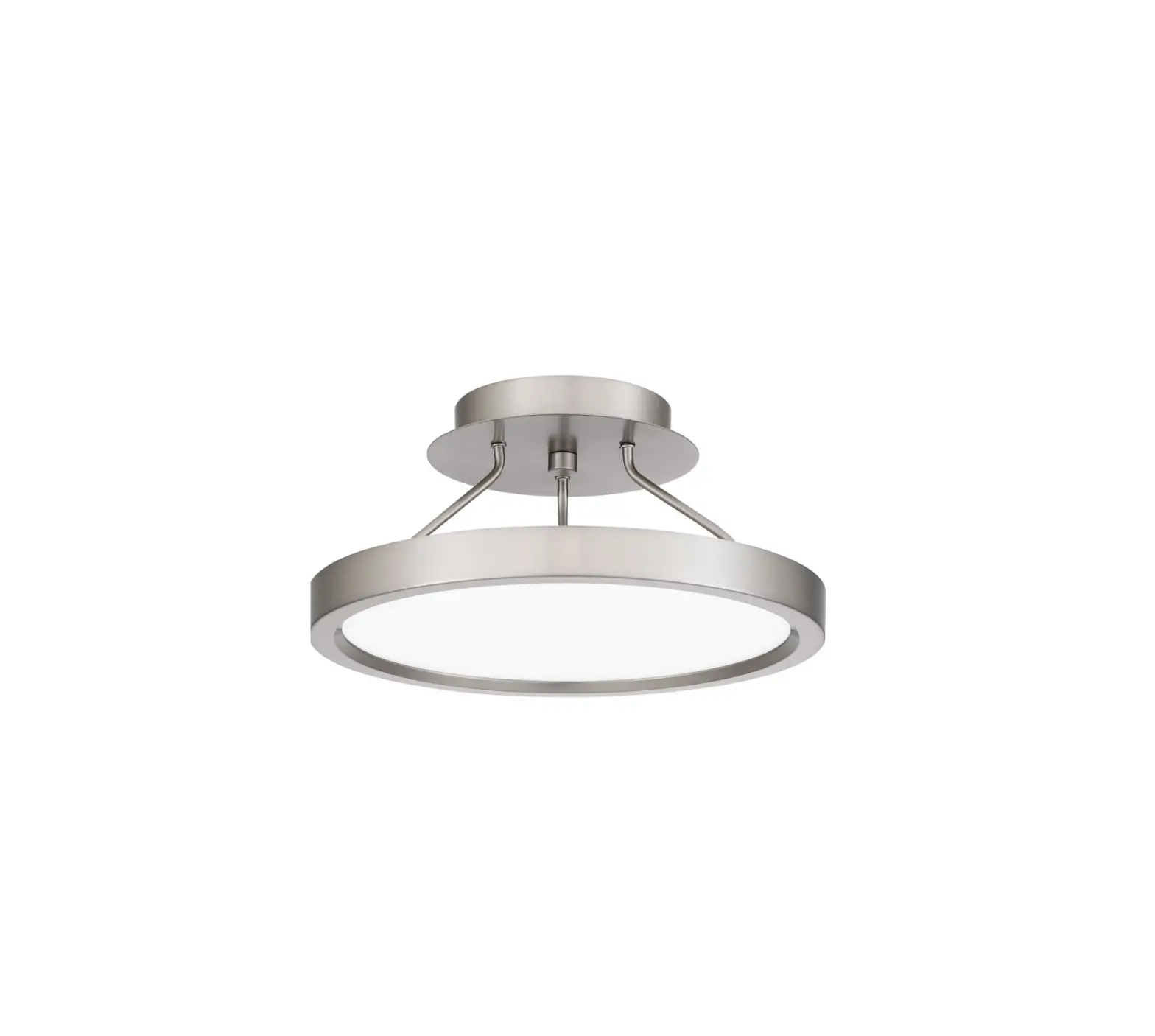
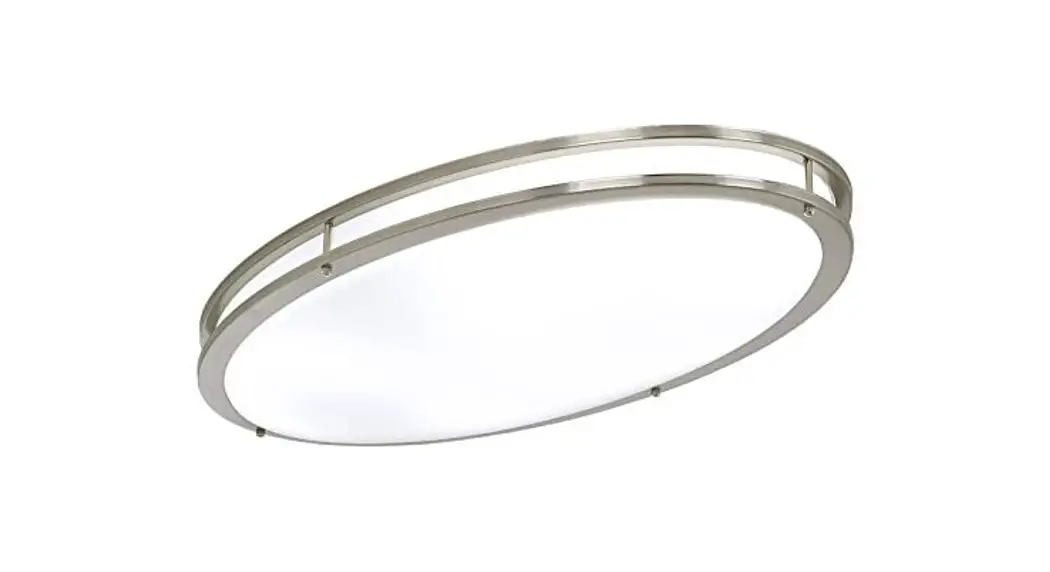
WLN1611MBKW Weldin LED 11 Inch Matte Black White Flush Mount Ceiling Light
Product Information
The WLN1611MBKW, WLN1611MBKG, WLN1615MBKW, and WLN1615MBKG are
models of light fixtures rated for 120Vac and 60Hz. The wattage for
WLN1611MBKW and WLN1611MBKG is 16W, while the wattage for
WLN1615MBKW and WLN1615MBKG is 30W.
Product Usage Instructions
- Remove the shade from the fixture body.
- Install the mounting screws to the crossbar. Determine the
mounting holes for the mounting screws and install them. Do not
screw all the mounting screws in the crossbar. Leave a minimum
length of 5/8 for next installations. - Install the crossbar.
- Install wall anchors. Drill holes for wall anchors from marks.
Install wall anchors into drilled holes. Mark anchor hole locations
on the ceiling. - Wire the fixture. Connect the white wire from the supply to the
white wire from the fixture. Connect the black (or red) wire from
the supply to the black wire from the fixture. Connect the ground
wire from the supply to the ground wire from the fixture. Connect
the green ground wire. - Hang the fixture body to mounting screws.
- Install screws. Tighten all screws, including mounting
screws. - Install shade back to fixture body.
- Restore electricity and save this sheet for future
reference.
If you need further assistance, call Quoizel Customer Care at
1-800-645-3184 (9:00 am – 5:00 pm EST) or visit them online at
www.quoizel.com. To maintain the product, refer to the care and
maintenance instructions provided in the manual.
INSTALLATION GUIDE FOR WLN1611MBKW,WLN1611MBKG, WLN1615MBKW and WLN1615MBKG
SAFETY INFORMATION
Please read and understand this entire manual before attempting to assemble, install or operate the product. WARNING · RISK OF ELECTRIC SHOCK – Before beginning installation, turn off electricity at the
circuit breaker box or the main fuse box. CAUTION · For your safety, read instructions completely before beginning installation. · If in doubt about electrical installation, consult a licensed electrician. TOOLS REQUIRED
Released Date: 2022-02-16
Ratings
120Vac, 60Hz Model No.
WLN1611MBKW WLN1611MBKG WLN1615MBKW WLN1615MBKG
Wattage 16W 16W 30W 30W
CARE AND MAINTENANCE
· Wipe clean using soft, dry cloth or static duster. Always avoid using harsh chemicals and abrasives to clean fixture as they may damage the finish.
If you need further assistance call Quoizel Customer Care at 1-800-645-3184 (9:00am – 5:00pm EST), or visit us on-line at www.quoizel.com.
PACKAGE CONTENTS
A
Fixture Body x 1
MOUNTING HARDWARE
AA
Crossbar x 1
BB
Wire Connector x 3
CC
Outlet Box Screw x 2
DD
Mounting Screw x 2
EE
Wall Anchor x 3
FF
Screw x 3
– 1 of 3 –
INSTALLATION
1
Remove Shade From Fixture Body
2 Install Mounting Screws to Crossbar
Determine mounting holes for mounting screws
Install mounting screws
3 Install Crossbar
4 Install Wall Anchors
Min. 5/8″
* DO NOT screw mounting screws all in the crossbar. Leave a minimum length of 5/8″ for next installations.
Outlet Box
Drilled Hole
Slot Hole Fit slot holes to mounting screws, rotate
the fixture body until it is hung on mounting screws safety.
Mark
1/4″ Drill Bit
Install wall anchors into drilled holes
Drill holes for wall anchors from marks
Mark anchor holes locations on the ceiling
Mark
Remove fixture Body
– 2 of 3 –
INSTALLATION
5 Wiring
6 Hang Fixture Body to Mounting
Screws
White wire from supply Black (or red) wire from supply
White wire from fixture Black wire from fixture
Ground wire from supply
Ground wire from fixture
Green ground wire
7 Install Screws
8 Install Shade Back to Fixture Body
Tighten all screws (include mounting screws).
Your installation is now complete! Restore electricity and save this sheet for future reference.
– 3 of 3 –
 Quoizel | Artisans In Lighting