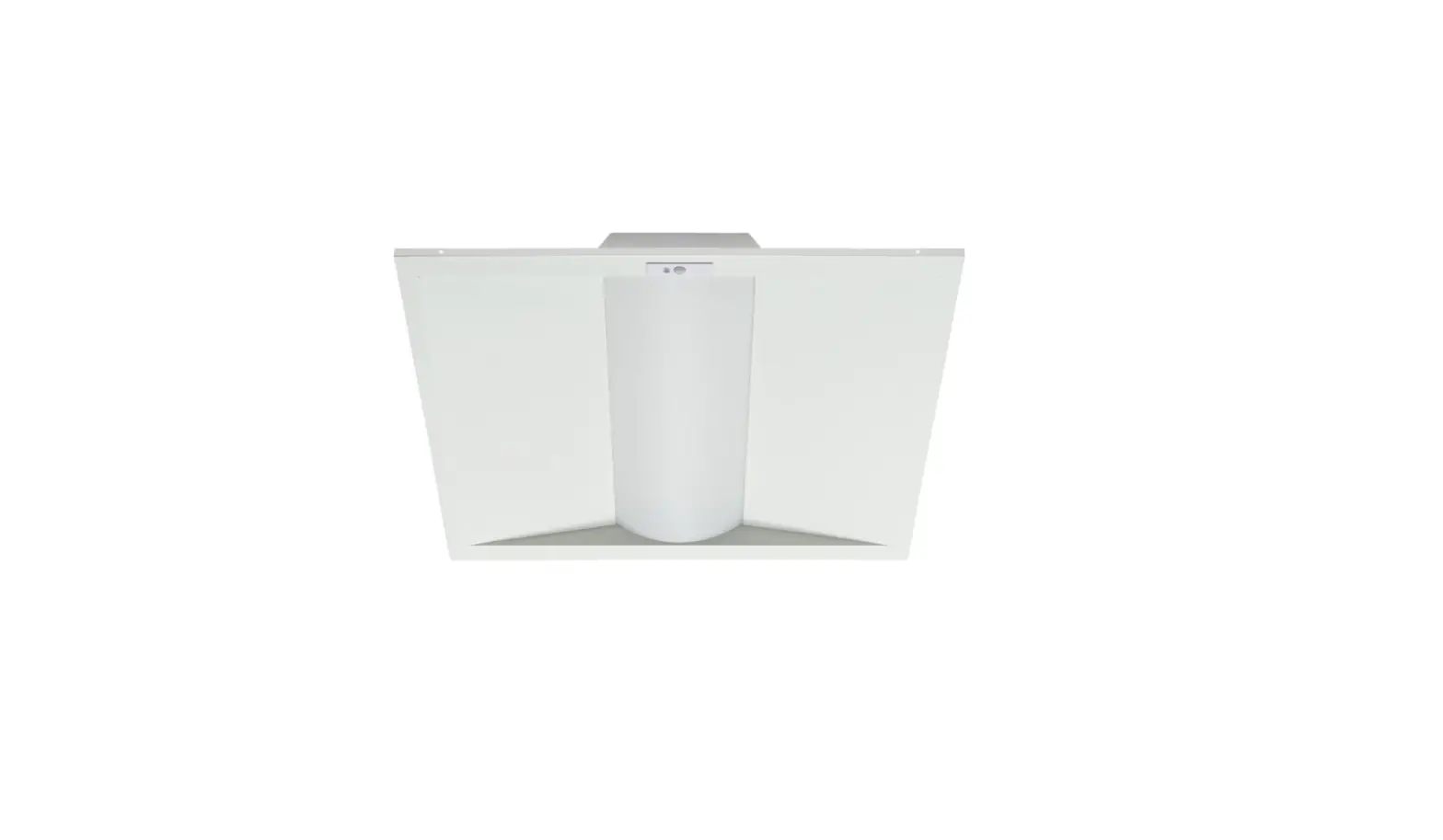
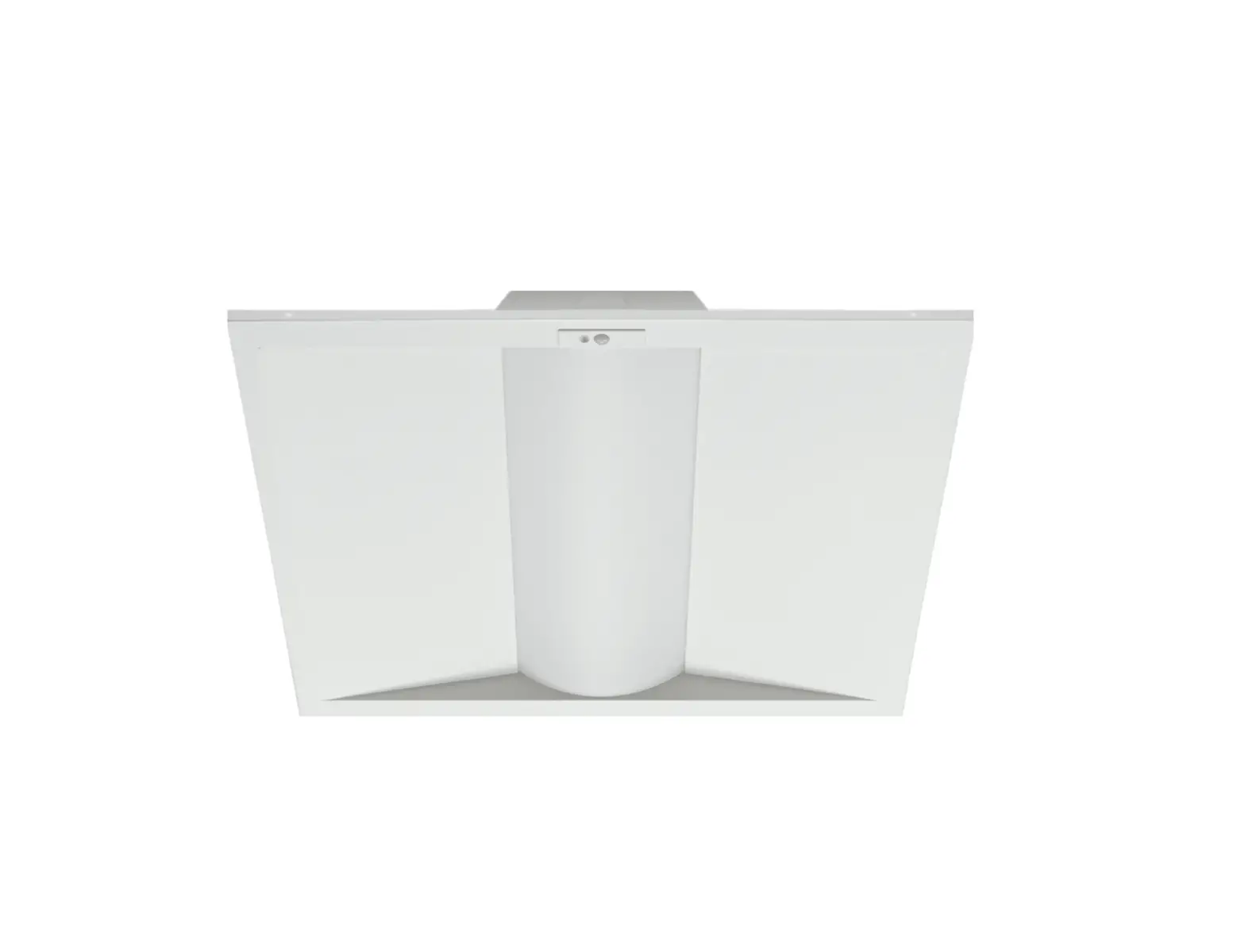
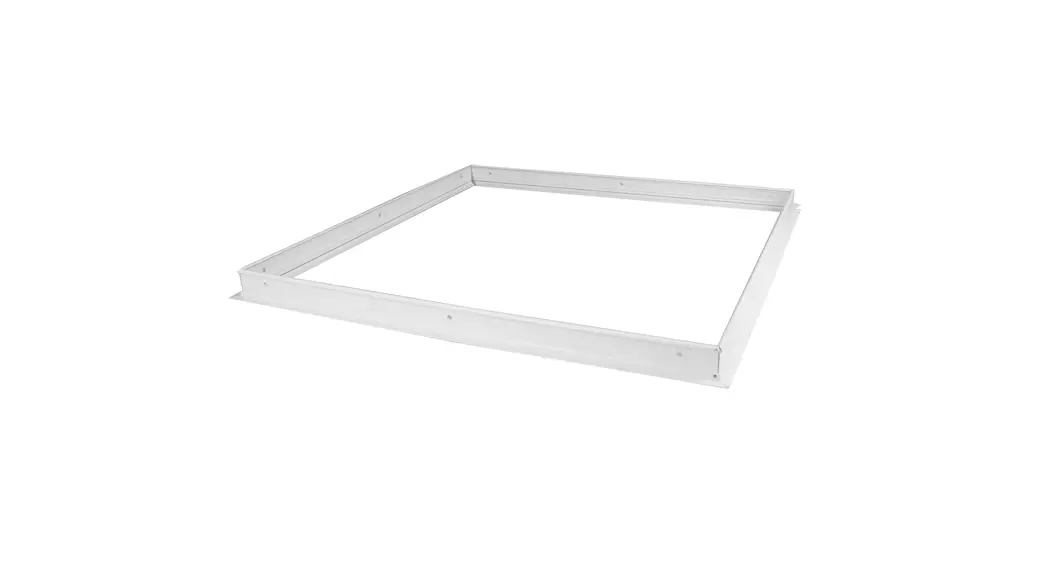
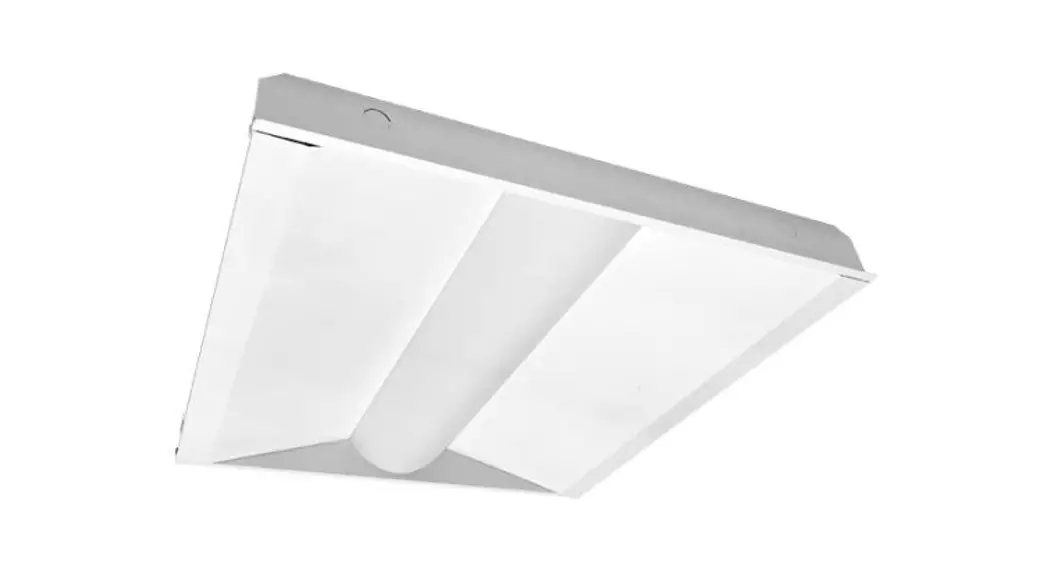
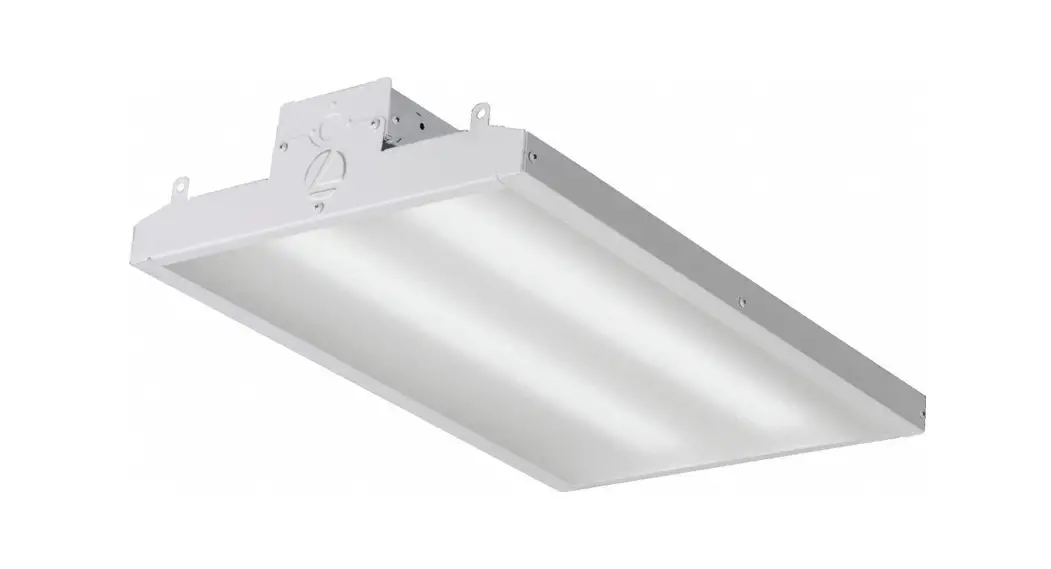
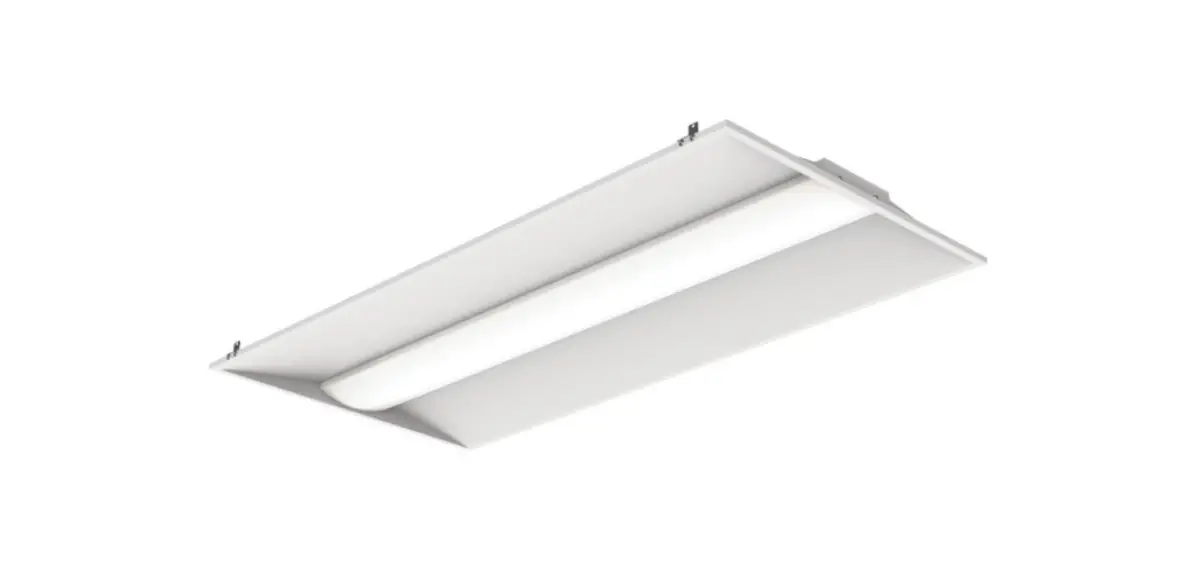
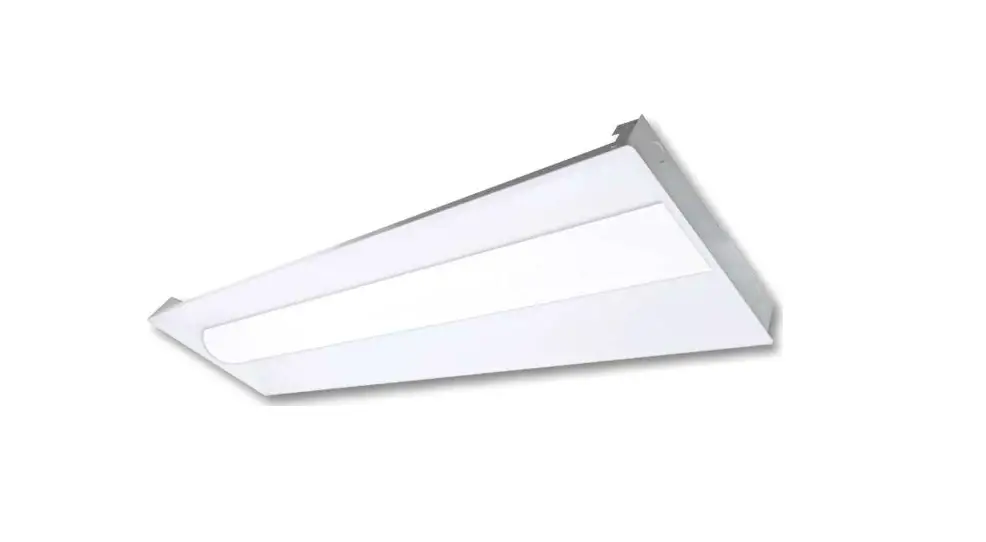
CCT Series LED Volumetric Troffer
Product Information: LED Volumetric Troffer
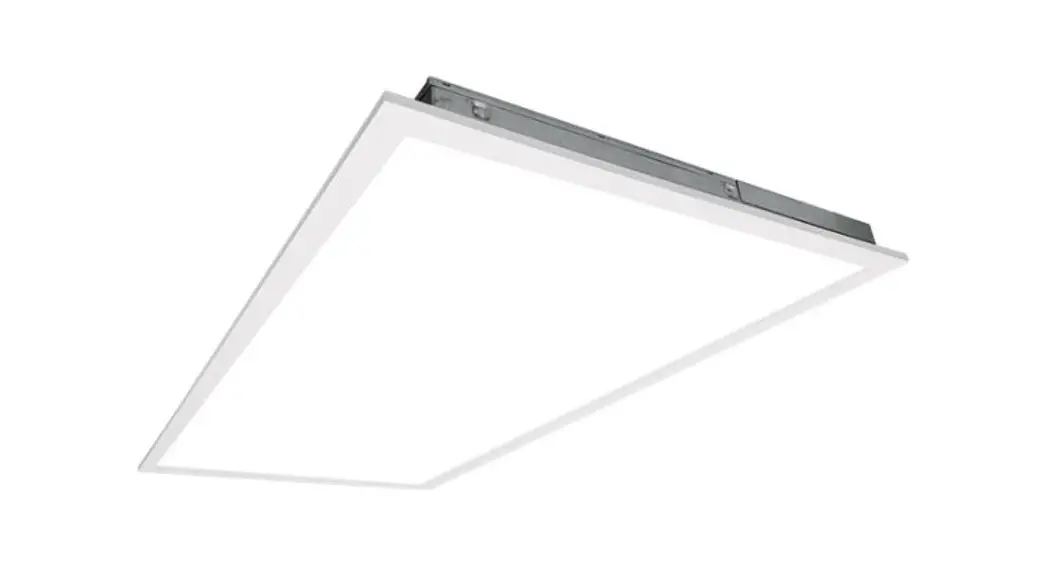
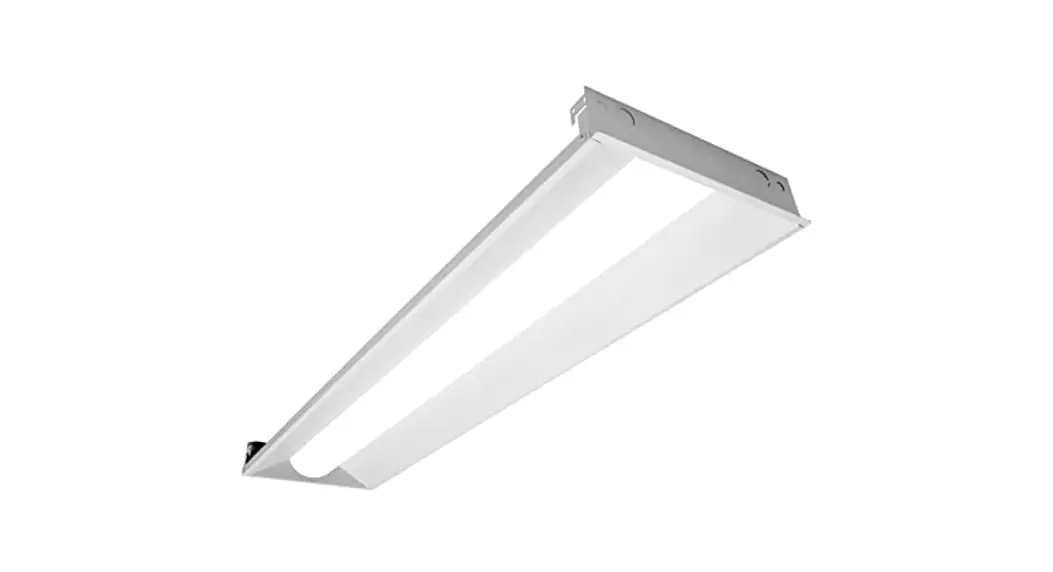
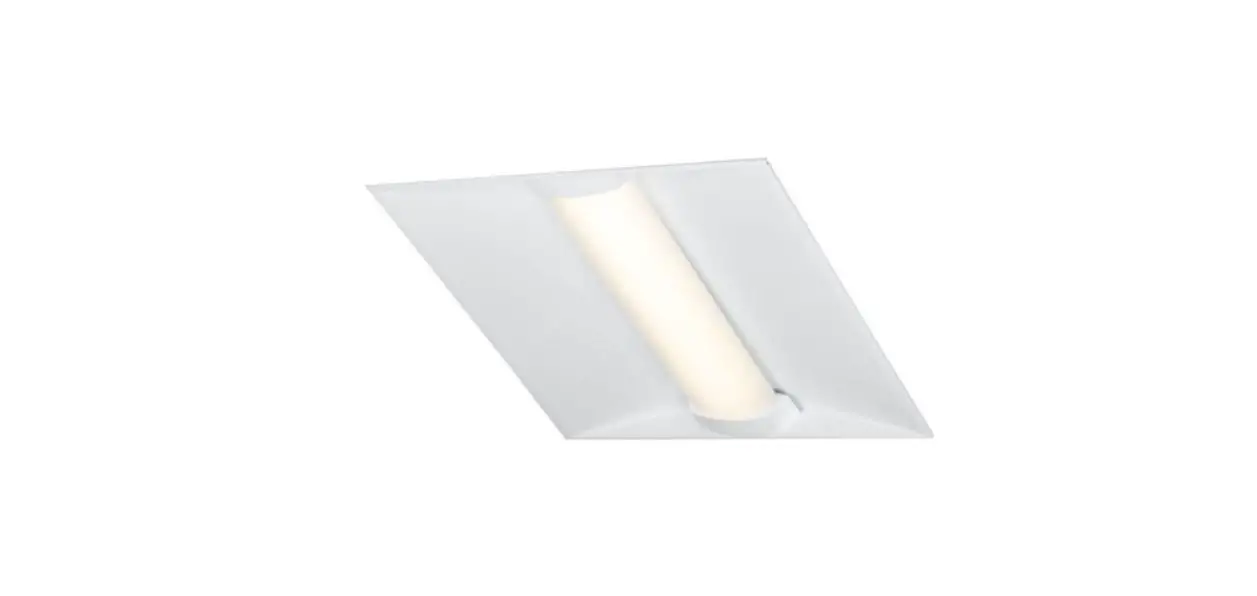
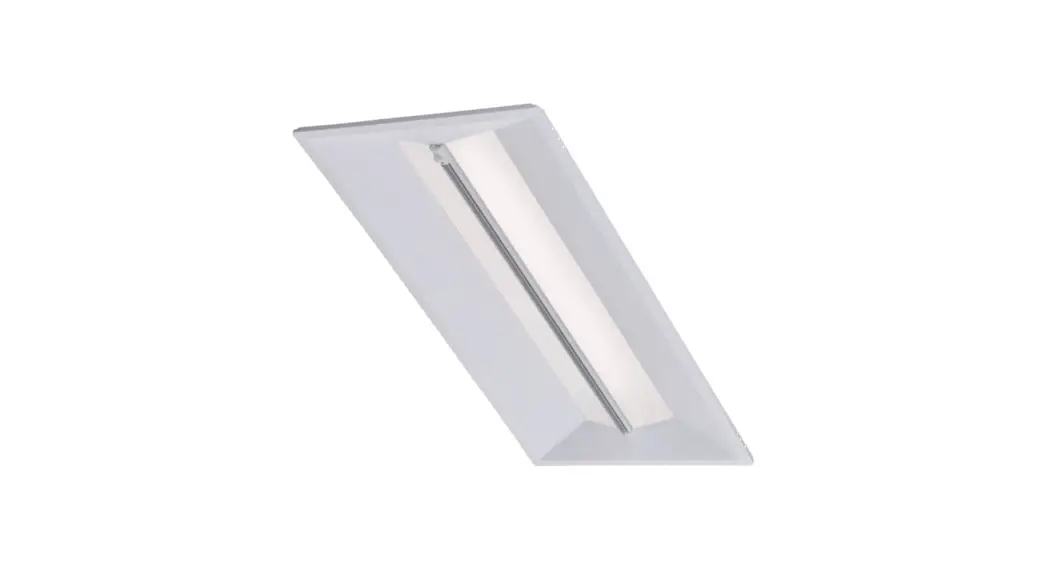
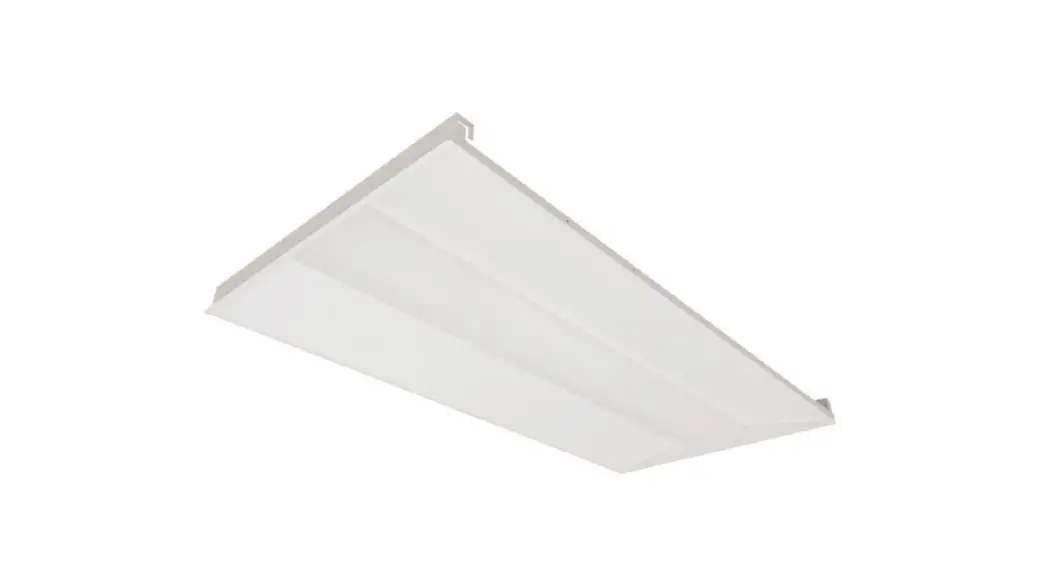
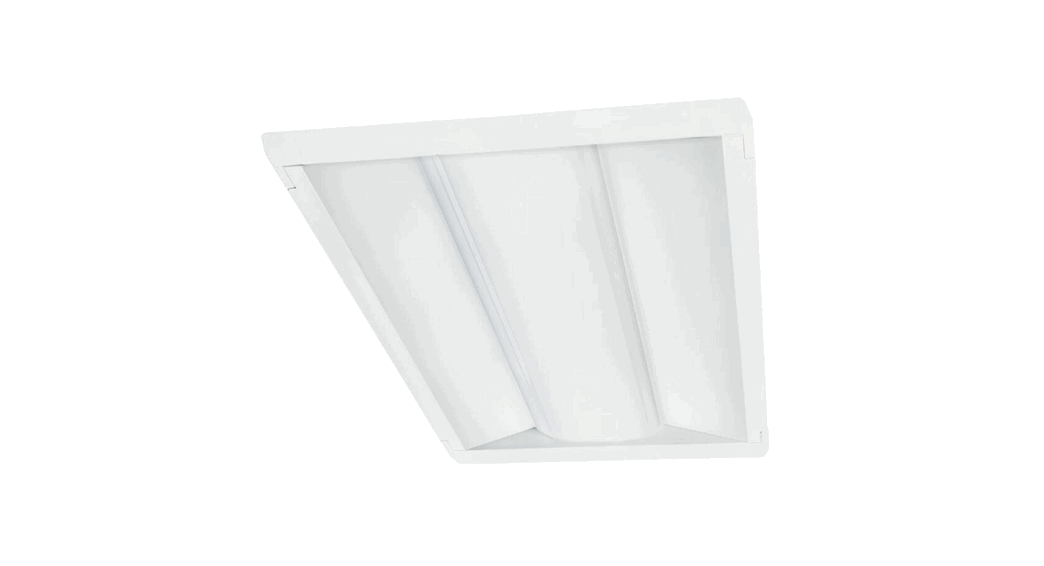
The LED Volumetric Troffer is a lighting fixture designed for
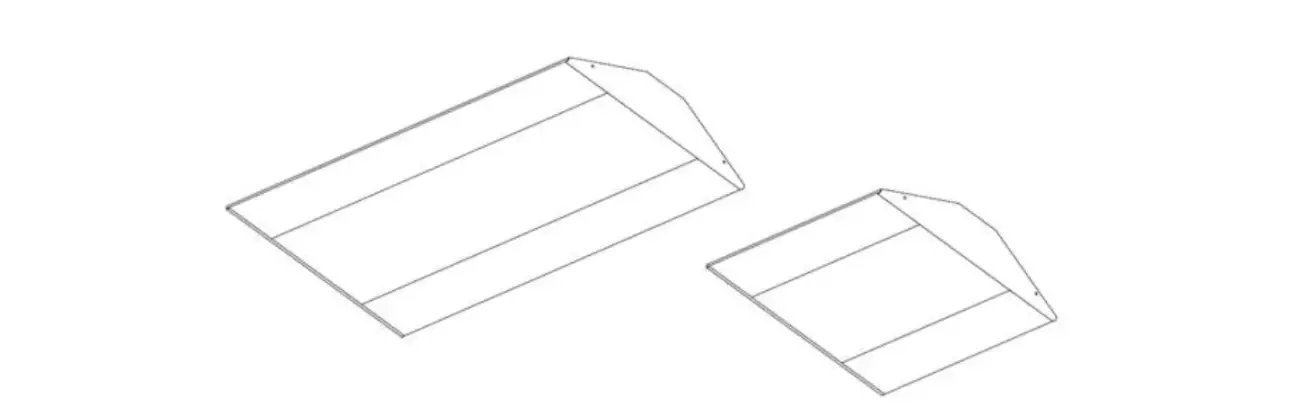
installation in grid ceiling spaces. It is available in two sizes:
2′ x 2′ and 2′ x 4′. The troffer features a selectable CCT
(Correlated Color Temperature) series, allowing users to adjust the
color temperature according to their preference.
What Comes in the Box:
- LED Volumetric Troffer
- Wire Nut (x5)
- Installation Instructions
Tools Needed:
- Phillips Screwdriver
Safety Instructions and Warnings:
When using electrical equipment, it is important to observe
basic safety precautions. Please read the instructions carefully
before installing the fixture and retain them for future
reference.
Product Usage Instructions
Installation Procedure:
- Turn off power at the electrical panel.
- Remove the ceiling tile or existing fixture from the grid
ceiling space. - Before installing, locate the two grid clips on your panel and
bend them up and out so they can rest on top of the grid. - Locate the wattage dip switch and CCT slide switch on the
outside of the driver. - Adjust the wattage dip switch and CCT slide switch to the
desired settings. Refer to figures 1-3 below for the appropriate
settings. - Tilt and raise the panel up into the empty grid space, then
lower until the grid clips catch on the tee-grid bar. - Follow the instructions provided by the dimmer
manufacturer. - Close the driver cover and secure it with the screw.
- Replace the ceiling tiles, turn on the power, and your
installation is complete.
Dip Switch Settings by Wattage:
| Wattage | Lumens |
|---|---|
| 18 | 2250 |
| 20 | 2500 |
| 25 | 3125 |
| 30 | 3750 |
| 36 | 4500 |
Figure 1: Dip Switch Settings for 2′ x 2′ Troffer
| Wattage | Lumens |
|---|---|
| 25 | 3125 |
| 30 | 3750 |
| 40 | 5000 |
| 45 | 5625 |
| 50 | 6250 |
Figure 2: Dip Switch Settings for 2′ x 4′ Troffer
CCT Slide Switch Settings:
- 5000K
- 4000K
- 3500K
Figure 3: CCT Slide Switch Settings
If you have any further questions or need assistance with
specific product details, please contact us at 800-860-3392 or via
email at [email protected]. For updated instructions,
visit our website at www.litetronics.com.
LED Volumetric Troffer
Installation Instructions
VLC-Selectable CCT Series | 2′ x 2′ & 2′ x 4′
WHAT COMES IN THE BOX
LED Volumetric Troffer Wire Nut (x5) Installation Instructions
TOOLS NEEDED
Phillips Screwdriver
SAFETY INSTRUCTIONS AND WARNINGS
WHEN USING ELECTRICAL EQUIPMENT, BASIC SAFETY PRECAUTIONS SHOULD ALWAYS BE OBSERVED. READ CAREFULLY BEFORE INSTALLING FIXTURE. RETAIN THESE INSTRUCTIONS FOR FUTURE REFERENCE.
Litetronics fixtures must be wired in accordance with the National Electrical Code and all applicable local codes. Risk of fire or electric shock. Volumetric Troffer installation requires knowledge of luminaires electrical systems. If not qualified, do not attempt installation. Contact a qualified electrician. Be certain electrical power is OFF before and during installation and maintenance. Volumetric Troffer must be connected to a wiring system with an equipment grounding conductor. Make sure the supply voltage is the same as the rated luminaire voltage. Only the open holes indicated in the photographs and/or drawings may be made or altered as a result of this kit installation. Do not leave any other open holes in an enclosure of wiring or electrical components. To prevent wiring damage or abrasion, do not expose wiring to edges of sheet metal or sharp objects. No user serviceable parts inside of the Volumetric Troffer. Suitable for damp locations. Suitable for 9/16″ or 15/16″ Flat Tee Grid in both insulated ceilings and non-insulated ceilings. Access above ceiling required. Vapor barrier must be suitable for 90º C. Fixture to be independently supported to building structure.
Volumetric Troffer_Selectable_Installation Instructions_v1.indd 1
5/13/2022 3:35:16 PM
INSTALLATION PROCEDURE
READ ALL INSTRUCTIONS BEFORE BEGINNING INSTALLATION
1. Turn off power at the electrical panel. 2. Remove the ceiling tile or existing fixture from the grid ceiling space. 3. Before installing, locate the two grid clips on your panel; bend them up and out so they can rest on top of the grid. 4. Locate the wattage dip switch and CCT slide switch, which can be found on the outside of the driver, and adjust to the
desired settings. See figure 1 – 3 below for settings. 5. Tilt and raise the panel up into the empty grid space, then lower until the grid clips catch on the tee-grid bar.
Attach the panel to the building with support wires (not included) using the hole in the grid clip. 6. Unscrew and remove the driver cover to access the input and dimming wires. 7. Remove one conduit knock-out from the driver, then run branch power wire from the conduit to the driver. 8. Connect power wires AC-L (Black) and AC-N (White) and ground wires (Green & Yellow) into corresponding driver wires. 9. If 0-10V dimming is required, connect incoming dimming lines to the DIM+ (Purple) and DIM- (Gray / Pink) wires.
Follow dimmer manufacturers instruction. 10. Close the driver cover and secure it with the screw. 11. Replace the ceiling tiles, turn on the power and your installation is complete.
DIP SWITCH SETTINGS BY WATTAGE
Please note: Each fixture is set to the highest wattage by default. To set your fixture to a lower wattage, adjustments will need to be made prior to installation.
2′ X 2′
WATTAGE LUMENS 1
2
3
4
18
2250
20
2500
25
3125
30
3750
36
4500
figure 1
2′ X 4′
WATTAGE LUMENS 1
2
3
4
25
3125
30
3750
40
5000
45
5625
50
6250
figure 2
=
=
Adjust dip switches by moving each switch to the ON or OFF position
ON OFF
CCT SLIDE SWITCH SETTINGS
5000K
4000K
figure 3
3500K
Volumetric Troffer_Selectable_Installation Instructions_v1.indd 2
5/13/2022 3:35:16 PM
INSTALLATION PROCEDURE
Grid clips
LED Volumetric Troffer LED Driver
Tee-grid bar
CCT Slide Switch
Conduit knockouts
Wattage Dip Switch
Volumetric Troffer_Selectable_Installation Instructions_v1.indd 3
5/13/2022 3:35:16 PM
Thank you for choosing
6969 W. 73rd Street Bedford Park, IL 60638
WWW.LITETRONICS.COM [email protected] or 1-800-860-3392
The information and product specifications contained in these instructions are based upon data believed to be accurate at the time of printing. This information is subject to change without notice and without incurring liability. If you have questions regarding specific product details, please contact us at 800-860-3392 or via email at [email protected]. To check for an updated version of these instructions, please visit www.litetronics.com.
Volumetric Troffer_Selectable_Installation Instructions_v1.indd 4
5/11/22
5/13/2022 3:35:16 PM
 Commercial Lighting Company | LED Lighting Solutions