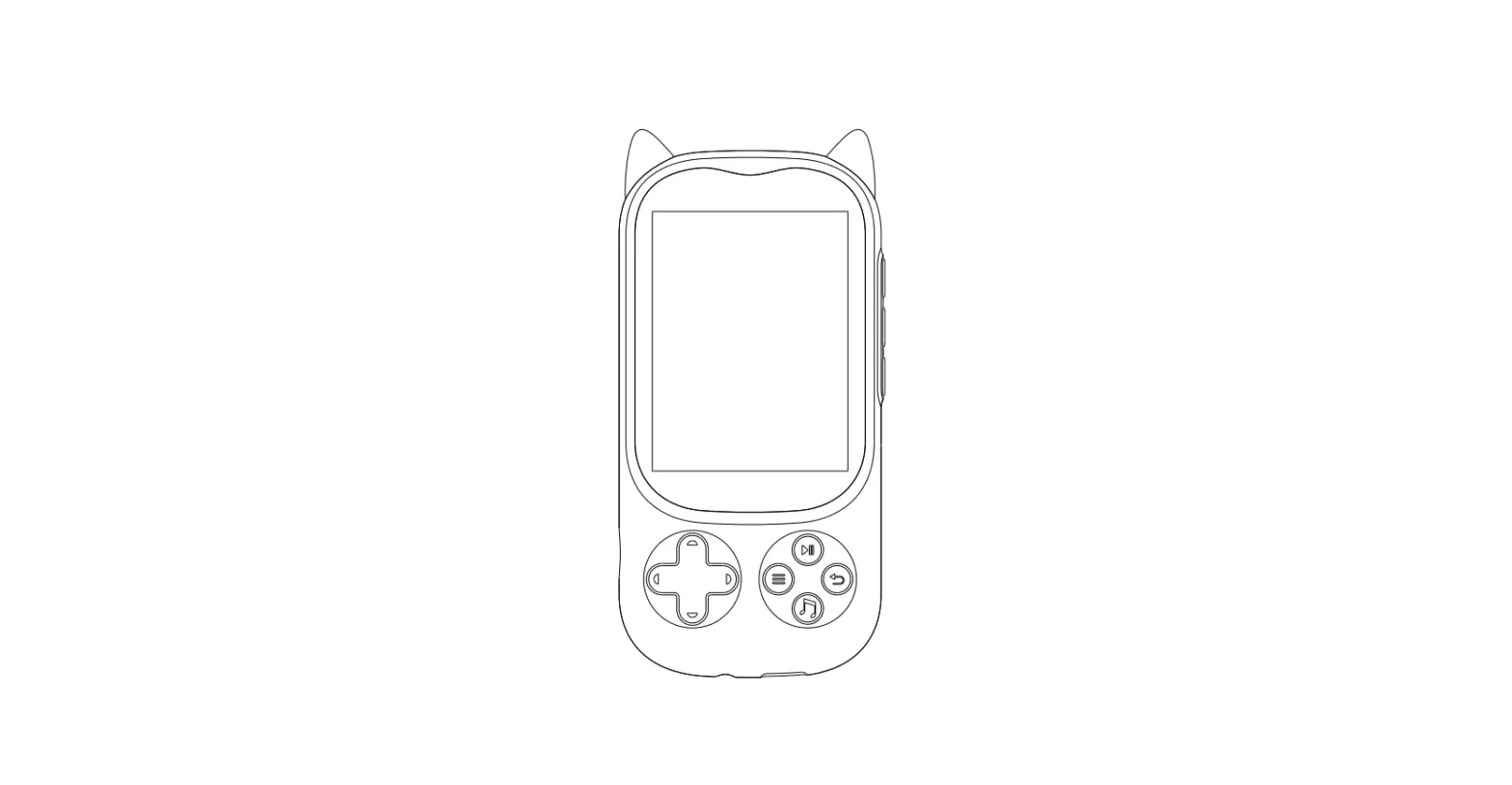
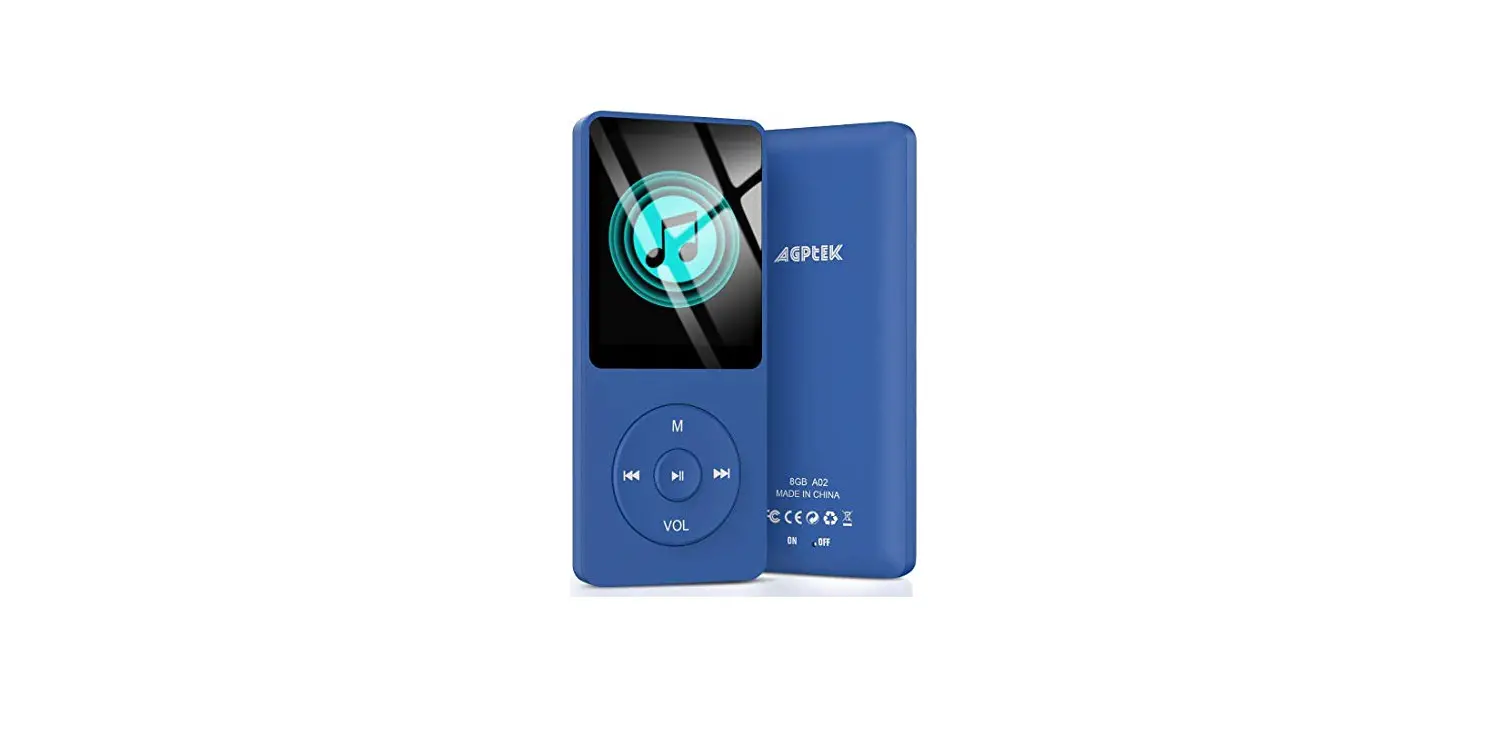
Z6 Music Player
Product Information: Phinistec Z6 Music Player
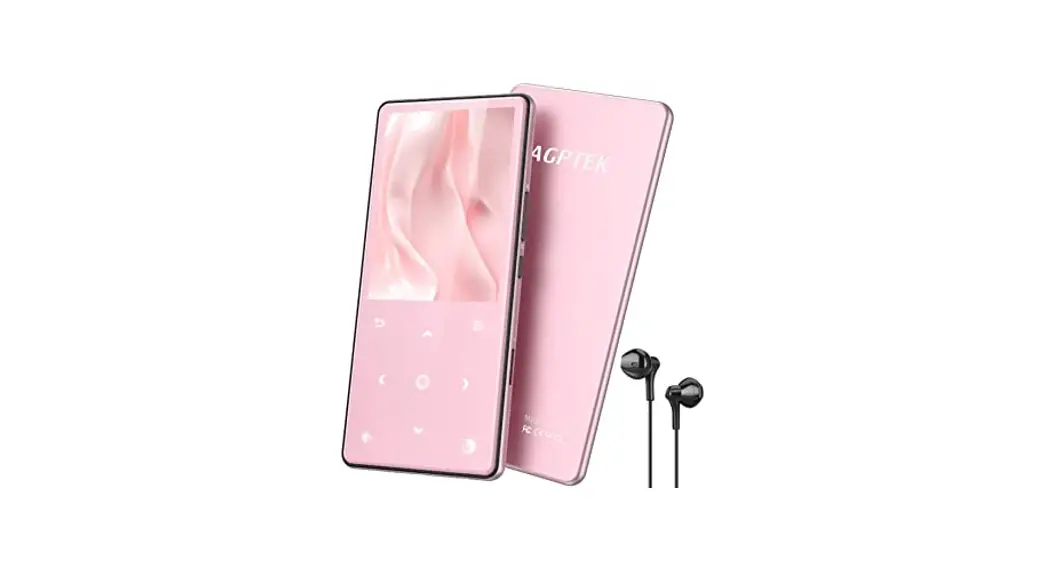
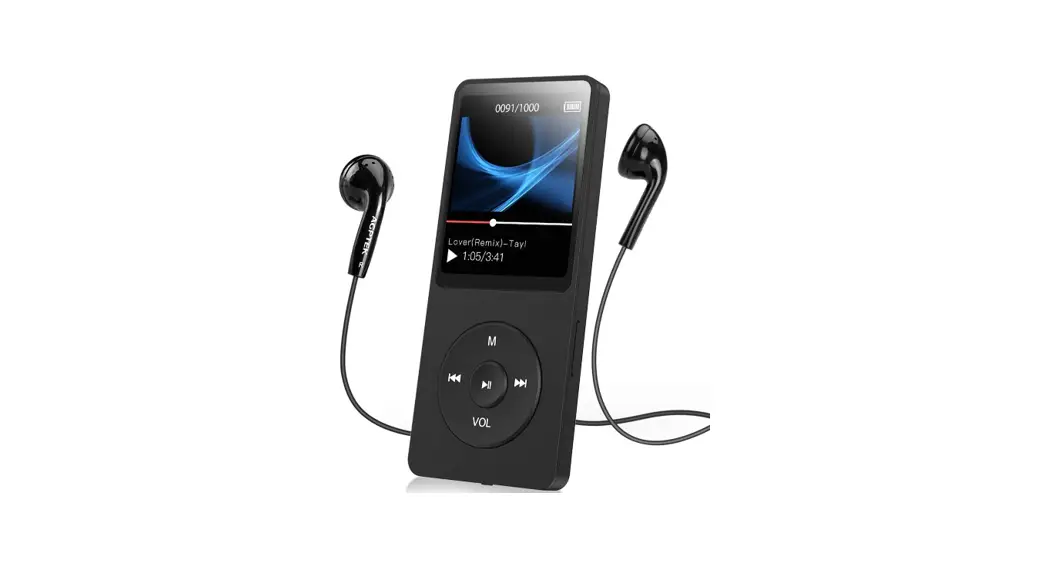
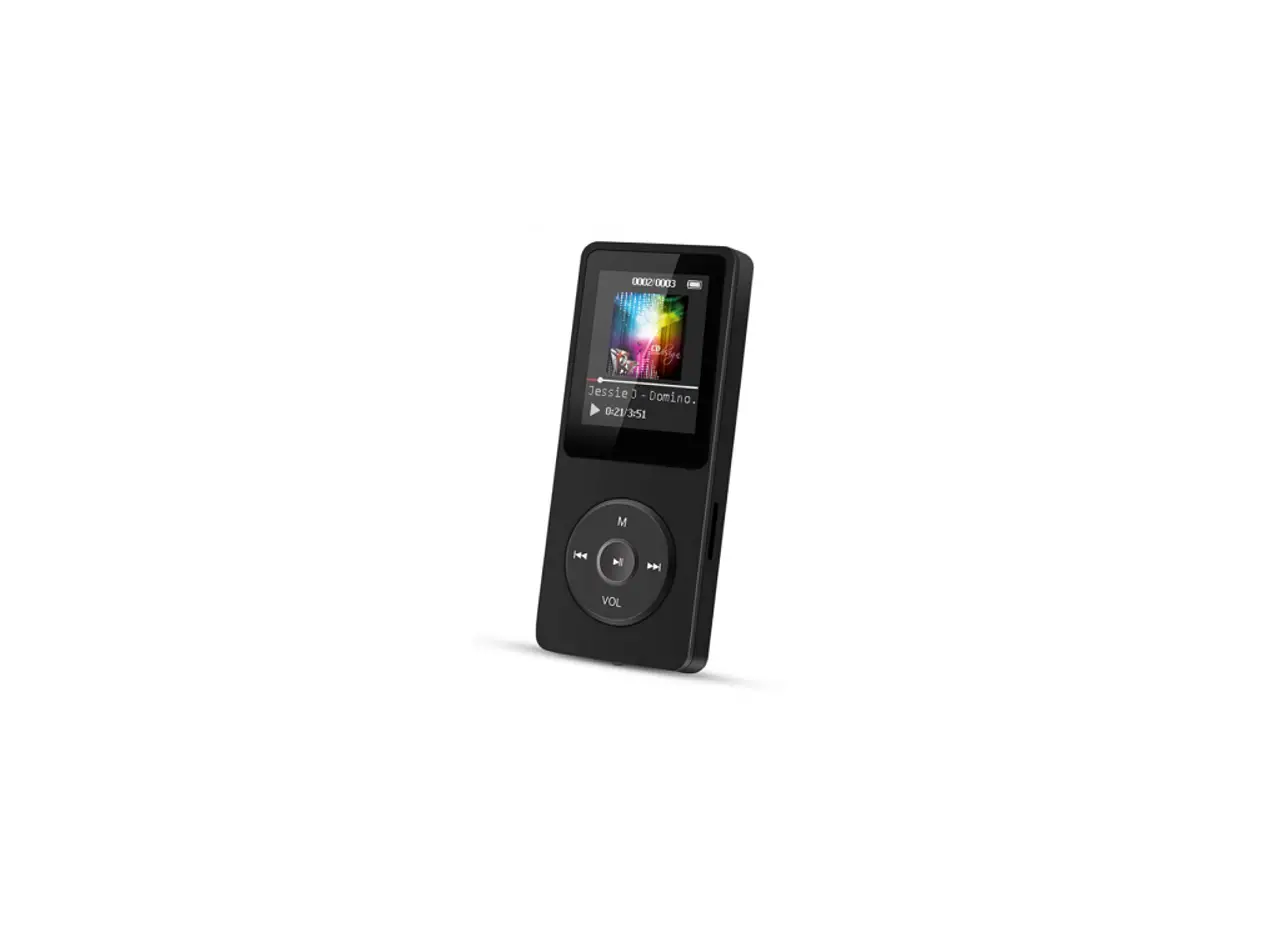
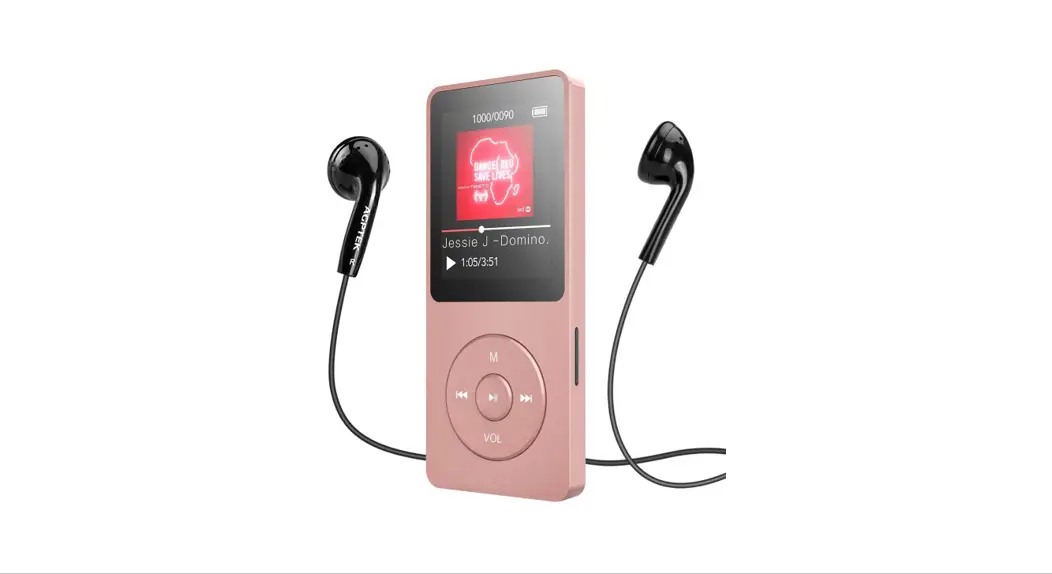
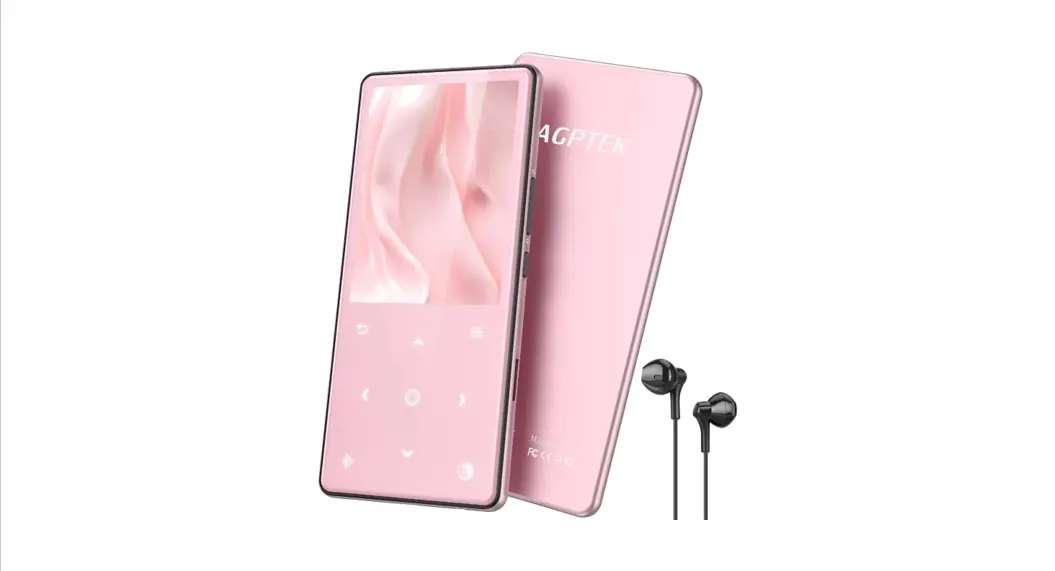
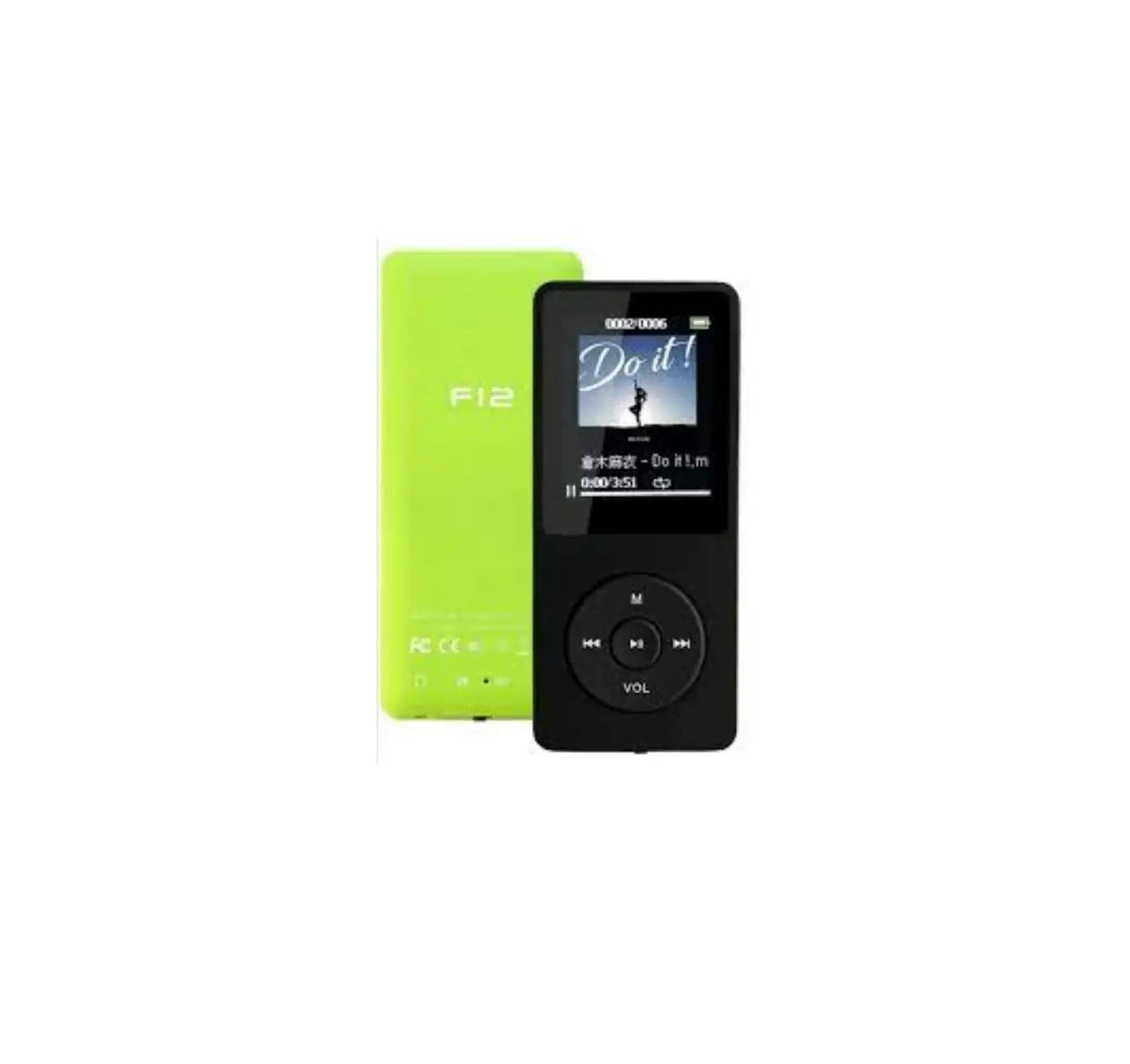
The Phinistec Z6 Music Player is a portable music player that
offers high-quality sound and a range of features to enhance the
user experience. The player is designed to be easy to use and
offers a sleek and stylish design.
The Phinistec Z6 Music Player comes with a range of updates to
improve the product quality and user experience. These updates
include improved Bluetooth searching ability, enhanced sound
quality of speaker, and improved play modes such as repeat off,
shuffle, repeat all, and repeat one. The player also includes a
customizable equalizer and a range of additional features such as
an alarm clock, video, and calendar. The player is currently on
version V1.6_Z6 with further updates planned.
Product Usage Instructions
To update the firmware of your Phinistec Z6 Music Player, follow
these steps:
- Contact the customer support team at [email protected] to
get the firmware pack. - Once you have received the firmware pack, uncompress it to get
UPGRADE.hex. Do NOT change the pack name. - Connect your player to your PC.
- Copy UPGRADE.hex to the player’s internal memory.
- In the player, go to Settings > Automatic upgrade > Click
central key to start the update. - The player will automatically restart once the update is
completed.
Once your Phinistec Z6 Music Player is updated, you can enjoy
all the latest features and improvements that have been added to
the player.
If you have any questions or concerns about your Phinistec Z6
Music Player or the firmware update process, please do not hesitate
to contact the customer support team at [email protected].
Z6 Player Update Log
www.phinistec.com
Thanks for selecting Phinistec music player model Z6, we will keep the updating the firmware of the player to improve product quality and user experience, please check the update log below and contact our support team ([email protected] ) for the newer firmware version if needed.
Phinistec Z6 Player Update Log: Basic version: V1.1_Z6
August, 2022, Update V1.2_Z6: 1. solved the problem of volumn control while connecting earphone or other bluetooth devices. 2. solved the problem of volumn icon, after adjusting the volumn, now the volumn icon will disappear
automatically after 3 seconds. 3. improved the bluetooth searching ability. 4. improved the play modes: repeat off, shuffle, repeat all, repeat one, and it will remember the play
mode settings.
September, 2022, Update V1.3_Z6: 1. optimized the bluetooth connection. 2. improved the sound quality of speaker.
October, 2022, Update V1.4_Z6: 1. from now on, all songs can be listed alphabetically and all folders will be listed alpha&numeric as
well.
November, 2022, Update V1.5_Z6: 1. corrected few translation errors. 2. added a customizable equalizer(simple version). 3. enhanced the speaker sound and sound quality.
December, 2022, Update V1.6_Z6: 1. new UI, put alarm clock, video, calendar, etc into “Tool”.
2. corrected few translation errors. 3. correct few errors in sleep timer and auto off. 4. added a new customizable equalizer. 5. solved the problem of hidden album art while connecting bluetooth.
March, 2023, Update V1.8_Z6: 1. permanently solved the problem of searching stuck at 10% while inserting a micro SD card. 2. improve the sensibility of “Previous/Rewind” and “Next/Fast Forward” touch button. 3. from now on, all songs, album names and artists’ names will be scrolling displayed completely. 4. in the main interface, touch “Back” button to easily return to “Now playing”. 5. in now playing interface, add menu list a “Home” button to get back to home interface easier. 6. in now playing interface, add current time displaying on the left corner. 7. in now playing interface, song name and information will be displayed in white color instead of
red to keep it visible under the sun or bright environment.
Currently, we are working for a big step forward to version V2.0_Z6, please do not hesitate to contact us if you’ve got an idea on the new firmware.
How to update firmware: please contact our customer support team ( [email protected] ) to get the firmware pack. (around 30MB, uncompress it to get “UPGRADE.hex” but do NOT change the pack name) 1. connect player to the pc. 2. copy “UPGRADE.hex” to the player (internal memory). 3. in the player, “Setting”—“Automatic upgrade”—Click central key to start the update. 4. the player will auto-restart after upgrading completed. (END)
 Home
Home