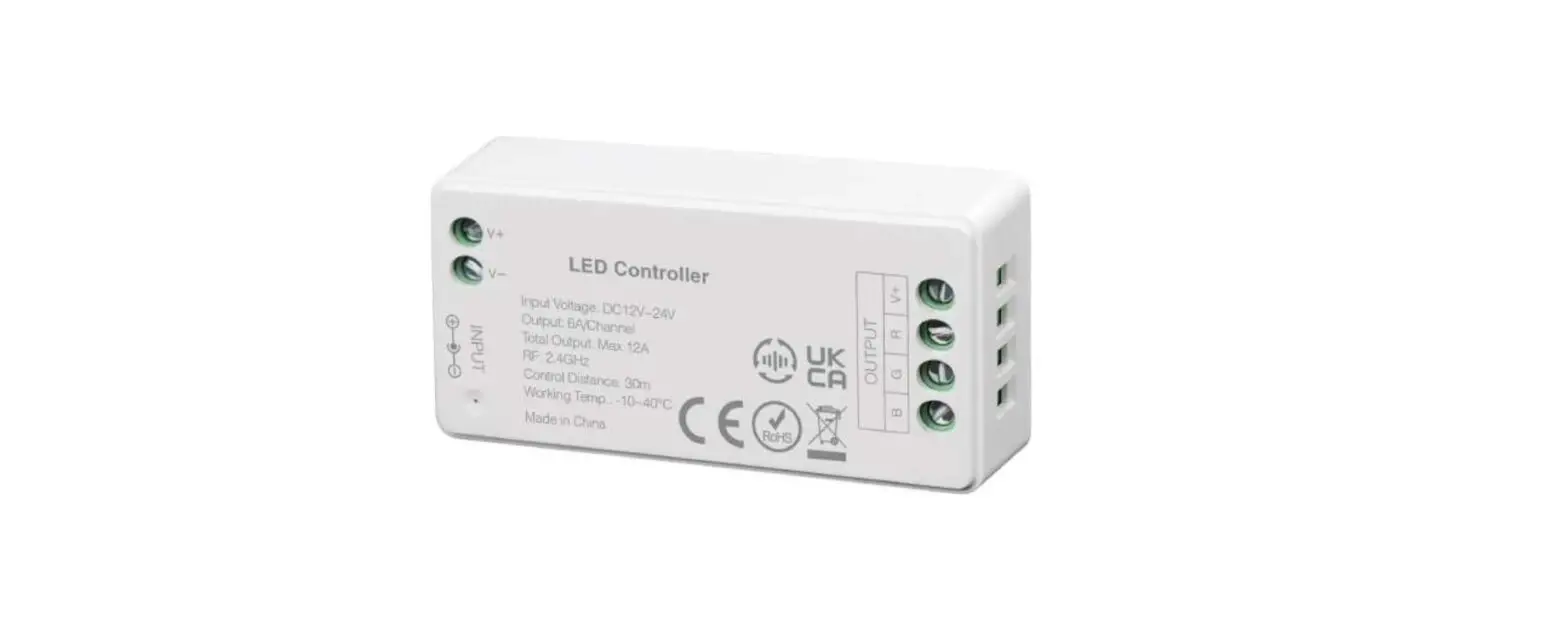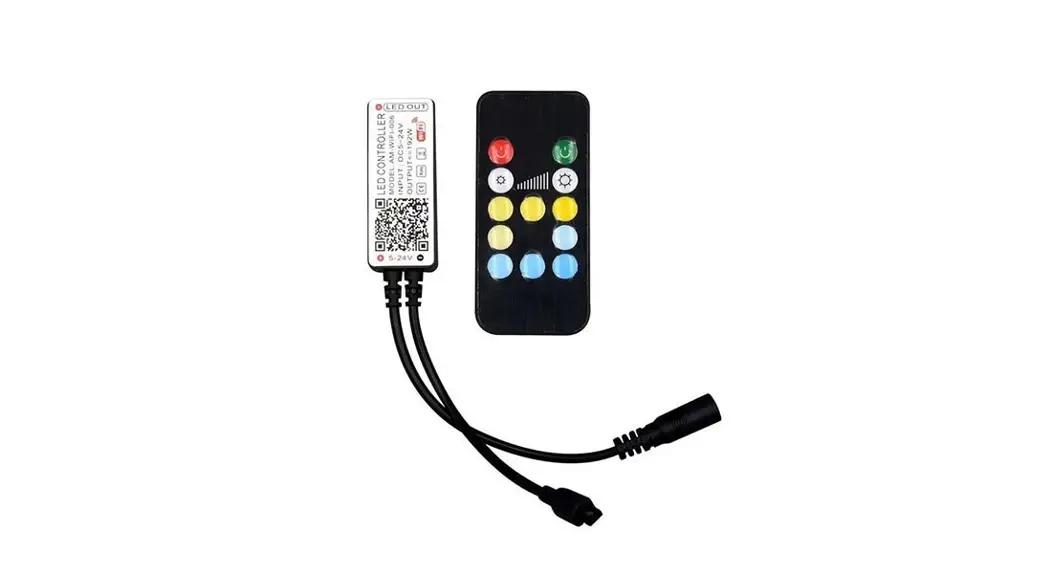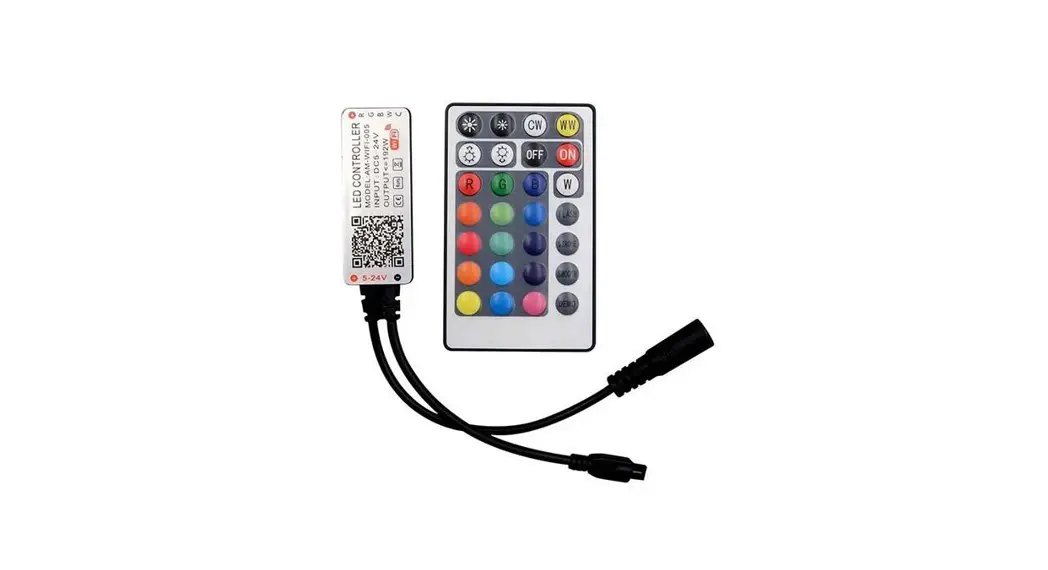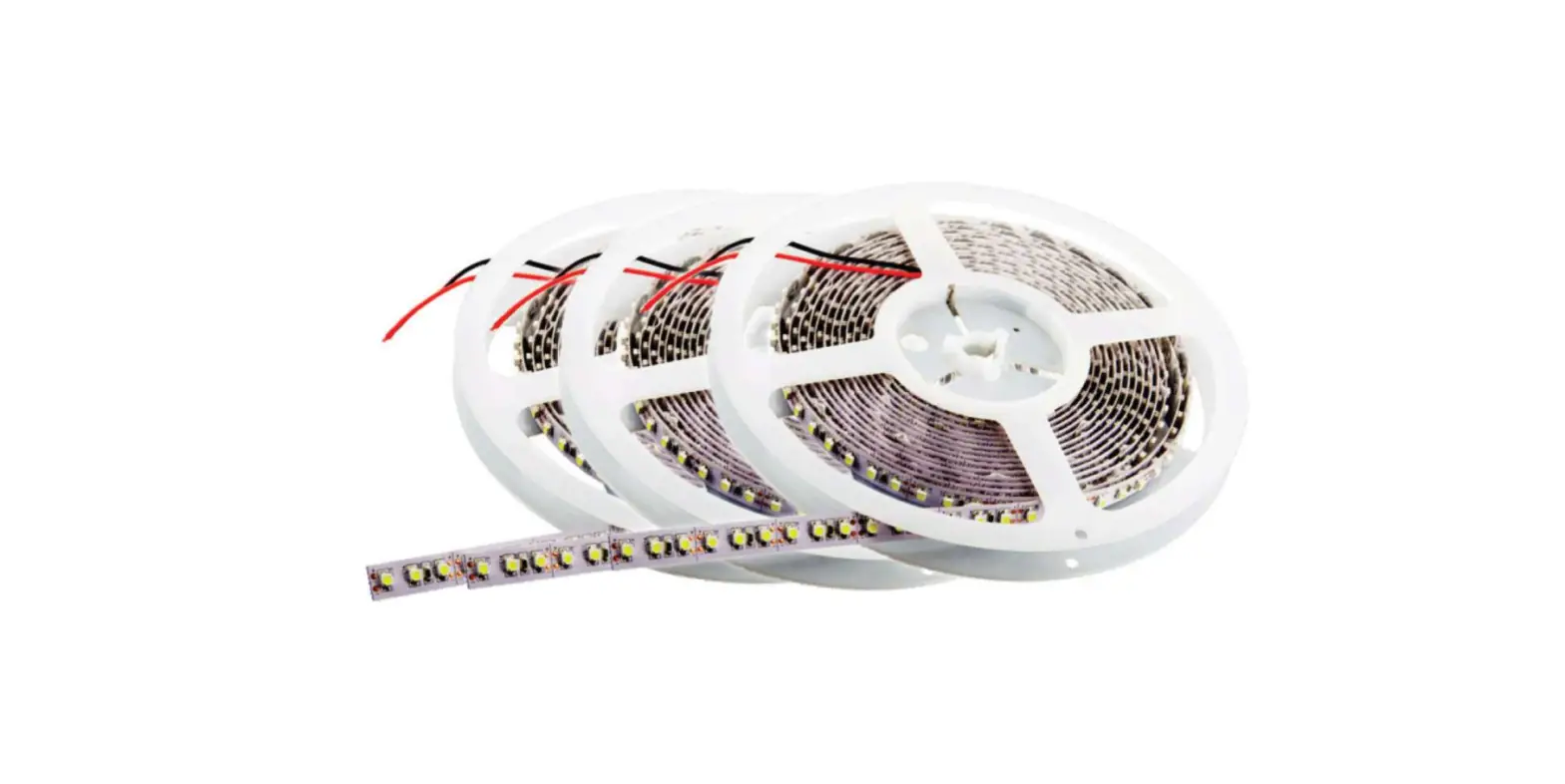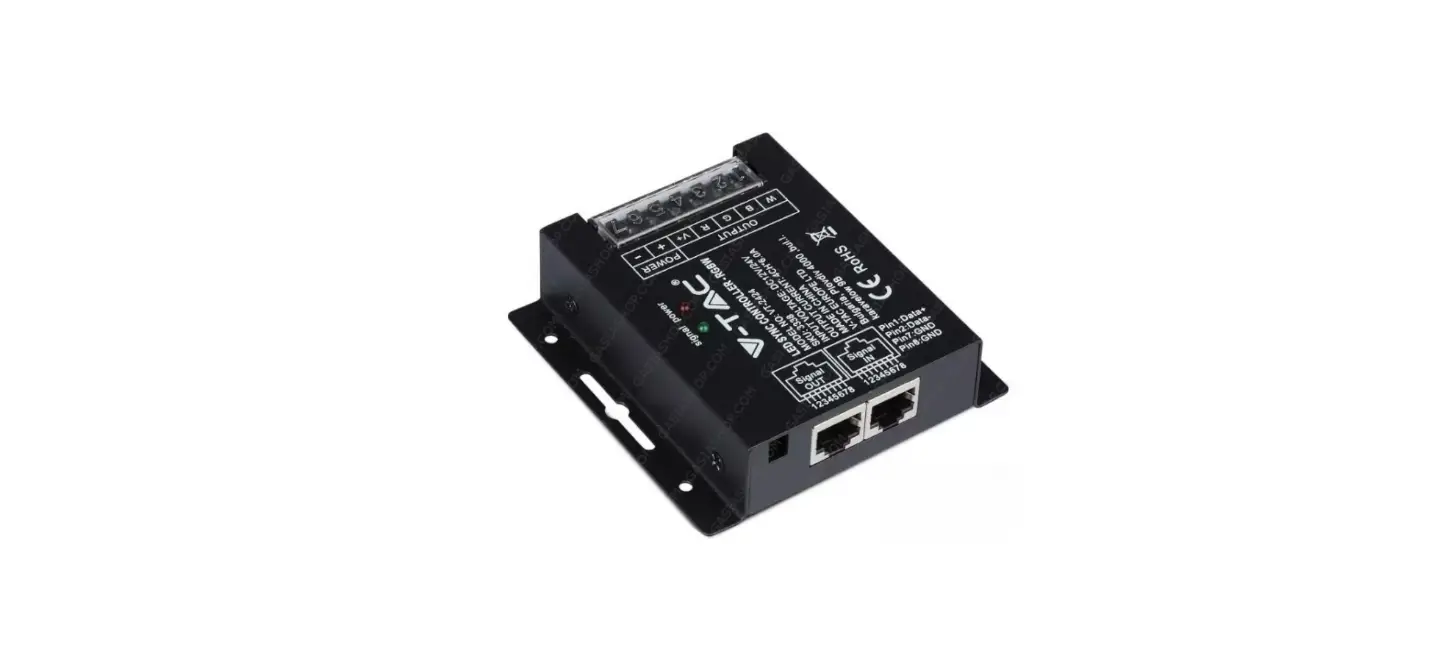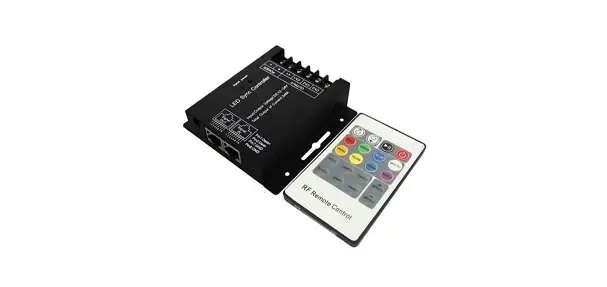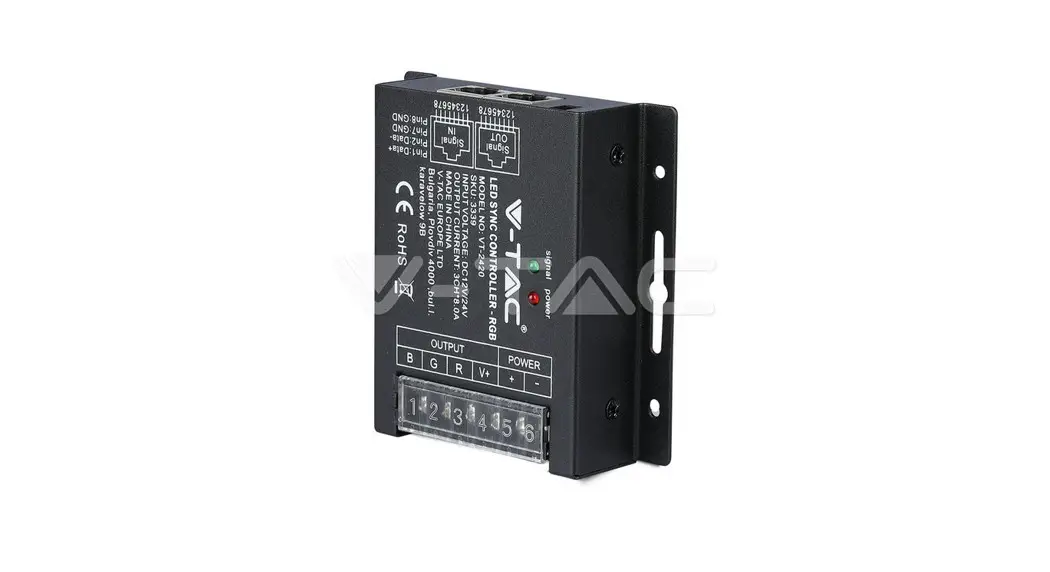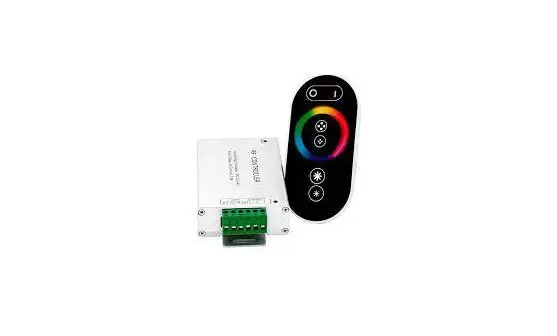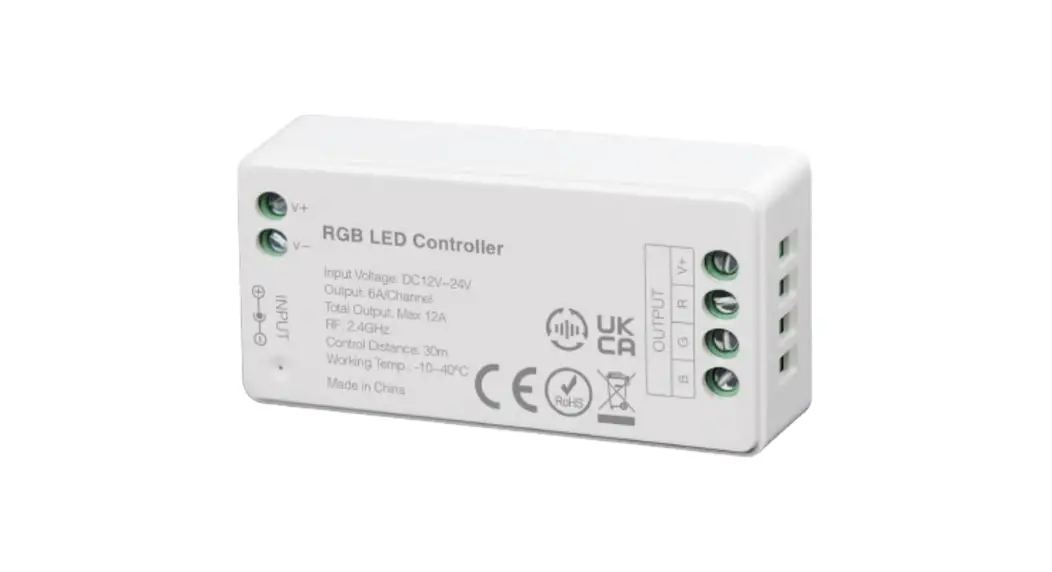
 VT-2432 Strip Light Controller
Instruction Manual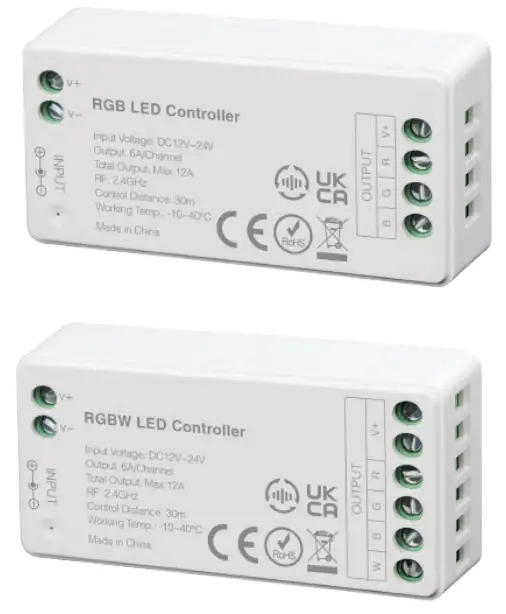 WEEE Number: 80133970
 This marking indicates that this product should not be disposed of with other household wastes.
 Caution, risk of electric shock.

MULTI-LANGUAGE
MANUAL QR CODE
Please scan the QR code to access the manual in multiple languages.
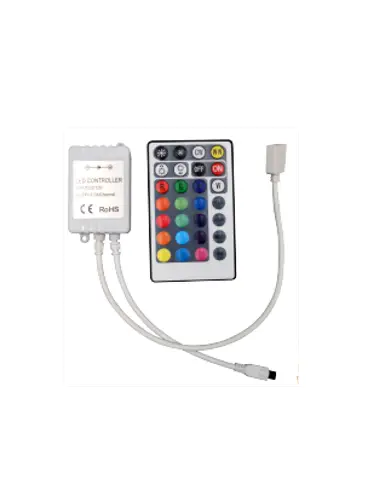
RGB LED CONTROLLER
FEATURES
 | 16 Millions of colors to choose |
 | Mix Red, Green and Blue light to adjust color temperature |
 | Dim brightness / saturation |
 | 2.4G RF wireless transmission technology |
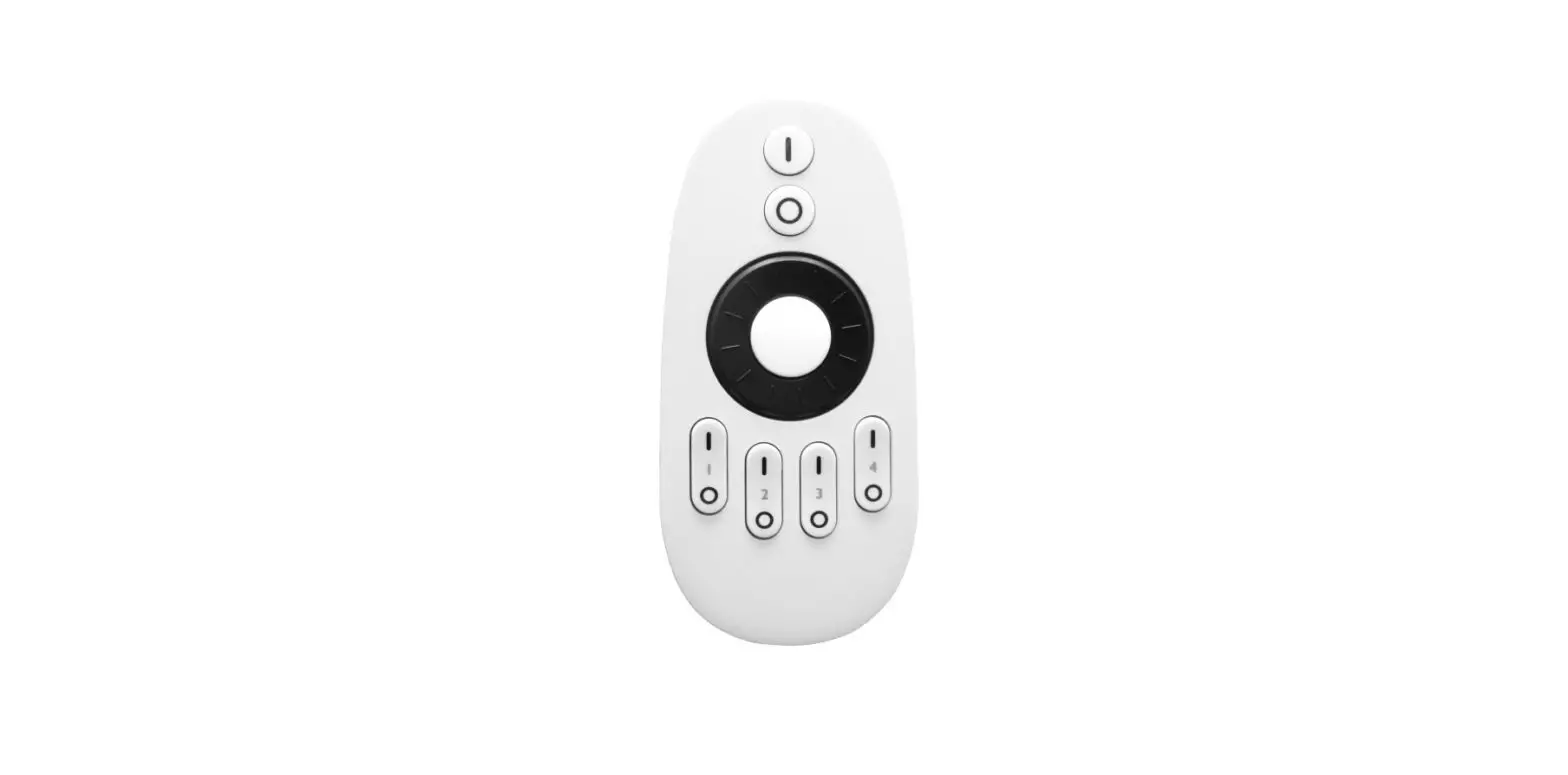
 | Remote control Control distance 30m |
 | Smartphone APP control (2.4GHz gateway is needed) |
 | Support third party voice control (2.4GHz gateway is needed) |
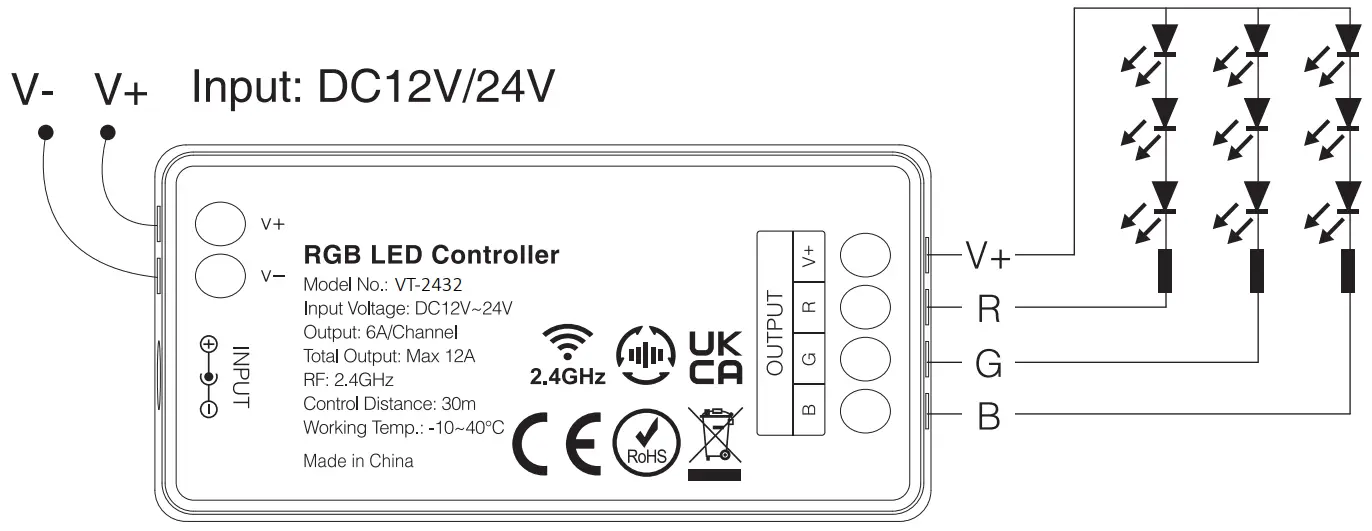
RGB WIRING DIAGRAM
IN CASE OF ANY QUERY/ISSUE WITH THE PRODUCT, PLEASE REACH OUT TO US AT: [email protected] FOR MORE PRODUCTS RANGE, INQUIRY PLEASE CONTACT OUR DISTRIBUTOR OR NEAREST DEALERS. V-TAC EUROPE LTD. BULGARIA, PLOVDIV 4000, BUL.L.KARAVELOW 9B
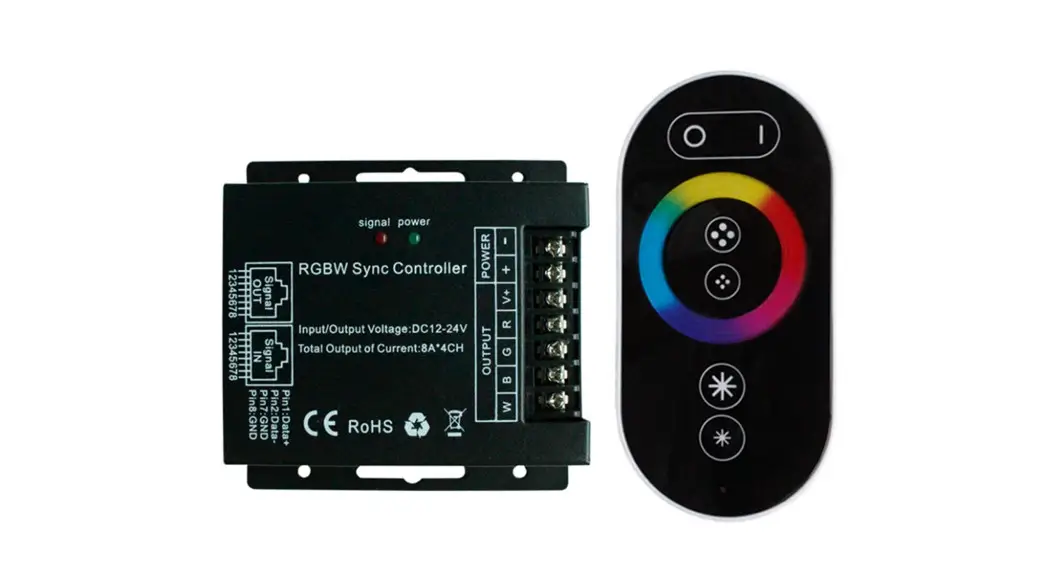
RGBW LED CONTROLLER
FEATURES
| 16 Millions of colors to choose |
| Dim brightness / saturation |
| 2.4G RF wireless transmission technology |
| Remote control Control distance 30m |
| Smartphone APP control (2.4GHz gateway is needed) |
| Support third party voice control (2.4GHz gateway is needed) |
RGBW WIRING DIAGRAM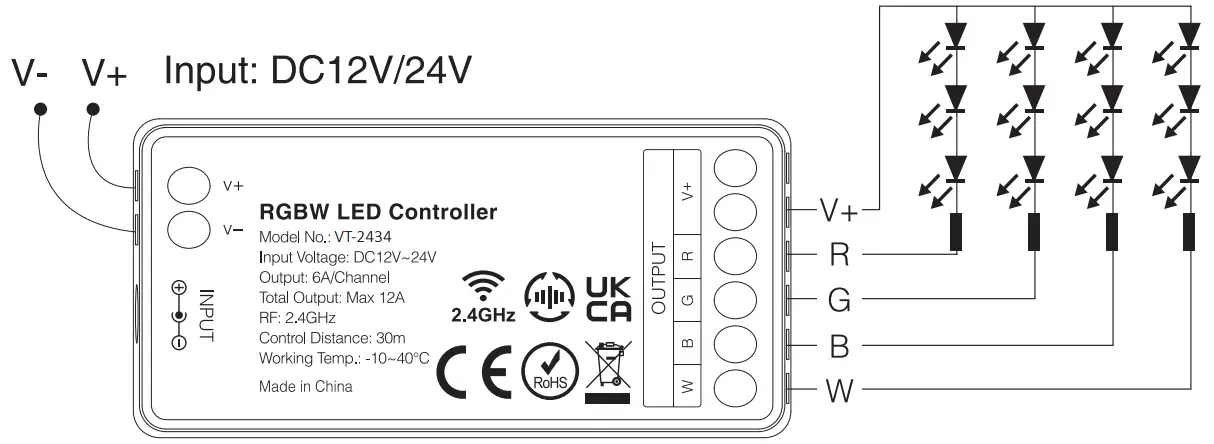
DYNAMIC MODE TABLE 1 (DEFAULT)
| No | Dynamic Mode | Brightness / Saturation / Speed |
| 1 | Mardi Gras | Adjustable |
| 2 | Automatic color change | |
| 3 | Sam | |
| 4 | Gemstone | |
| 5 | Twilight | |
| 6 | American | |
| 7 | Fat Tuesday | |
| 8 | Party | |
| 9 | Slow Color Splash |
DYNAMIC MODE TABLE 2 (NEED TO SWITCH MANUALLY)
| No | Dynamic Mode | Brightness / Saturation / Speed |
| 1 | Color gradual change | Adjustable |
| 2 | White light gradual change | |
| 3 | RGB gradual change | |
| 4 | Seven colors jump to change | |
| 5 | Jump to change randomly | |
| 6 | Red light gradual change +Flash 3 times | |
| 7 | Red light gradual change +Flash 3 times | |
| 8 | Red light gradual change +Flash 3 times | |
| 9 | Red light gradual change +Flash 3 times |
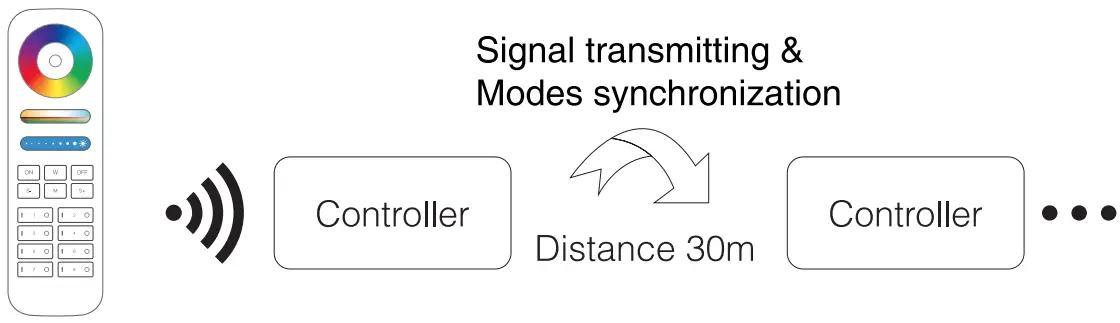
SIGNAL TRANSMITTING
One strip controller can transmit the signals from the remote control to another controller within 30m, as long as there is a strip controller within 30m, the remote control distance can be limitless.
MODES SYNCHRONIZATION
Different controllers can work synchronously when they are started at different times, controlled by the same remote, under same dynamic mode and within 30m distance.
 The same dynamic mode, the same speed can be synchronized.
LINKING/UNLINKING
Compatible with the below devices (Not included; available to buy separately)
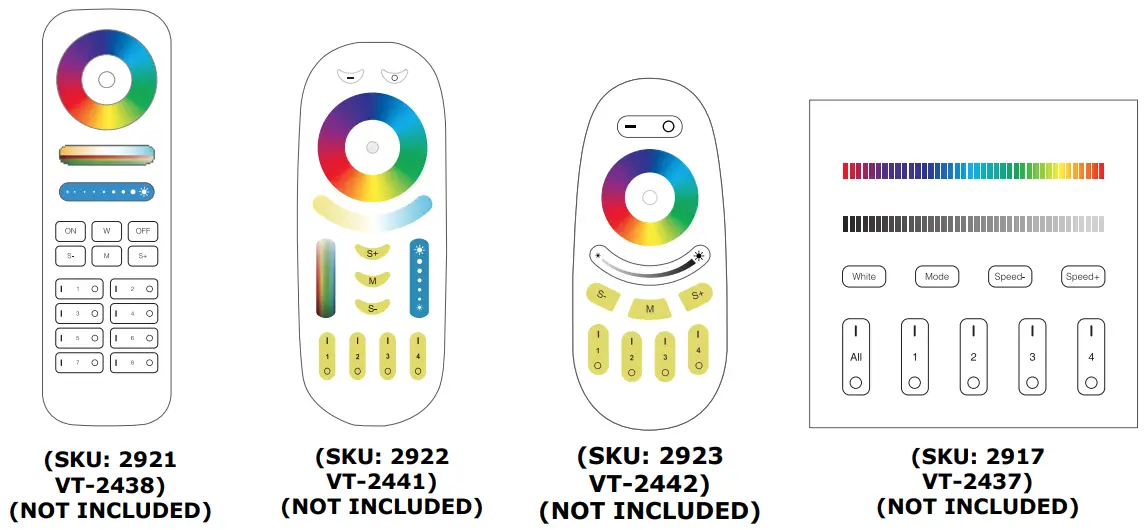
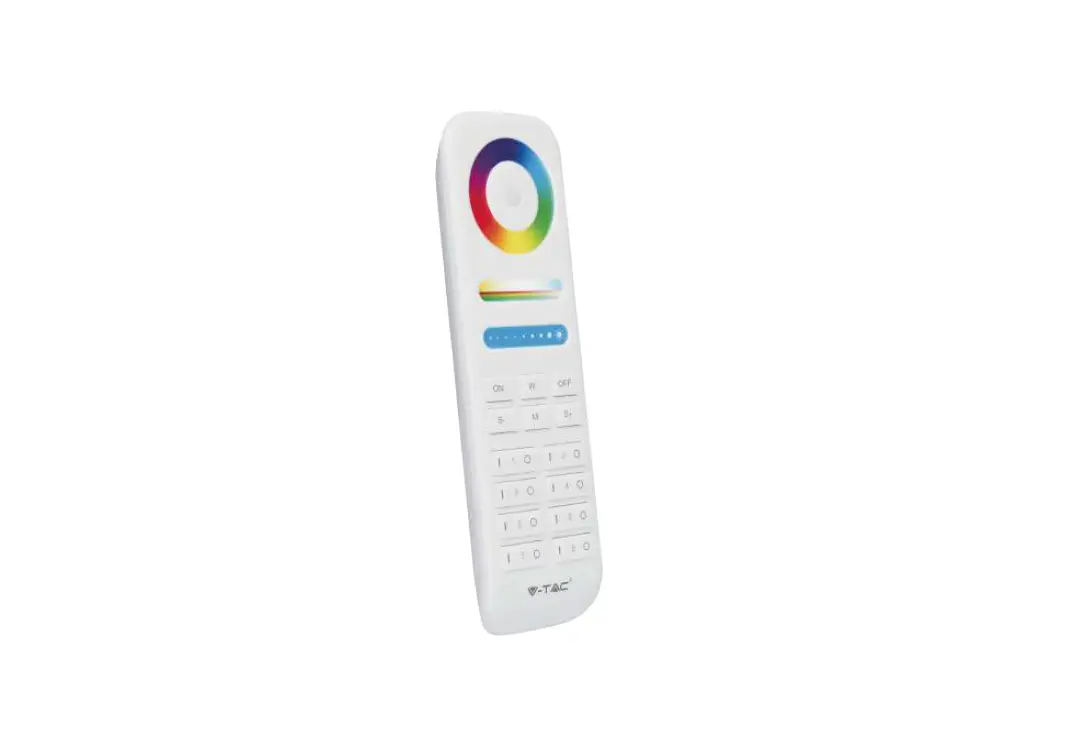
Light will work after linking with remote control; for more details, please read the remote instruction.
PWM HIGH FREQUENCY / LOW FREQUENCY SWITCHING
SWITCH TO HIGH FREQUENCY (8KHZ): on the condition of turning on the light
- Short press the “OFF” button of the remote control once;
- Short press the “ON” button 5 times within 3 seconds, the white light blink 2 times quickly, indicating successfully.
SWITCH TO LOW FREQUENCY (500HZ): on the condition of turning off the light
- Short press the “ON” button of the remote control once;
- Short press the “OFF” button 5 limes within 3 seconds, the white light blink 2 times slowly, indicating successfully.
DYNAMIC MODE TABLE SELECTION
SELECT DYNAMIC MODE TABLE 1: The controller is powered off for 10 seconds and then powered on.
Within 3 seconds, press the “S+ ” button 5 times, the blue light blink 3 times slowly, indicating successfully.
SELECT DYNAMIC MODE TABLE 2: The controller is powered off for 10 seconds and then powered on.
Within 3 seconds, press the “S-“key 5 times, and the yellow light blink 3 times slowly, indicating successfully.
TECHNICAL DATA:
| MODEL | VT-2432 | VT-2434 |
| CONTROL DISTANCE | 30M | 30M |
| IN PUT VOLTAGE | DC12V”24V | DC12V-24V |
| TOTAL OUTPUT | MAX 12A | MAX 12A |
| RF | 2.4GHz | 2.4GHz |
| OPERATION TEMPERATURE | -10°C to +40°C | -10°C to +40°C |
| DIMENSION | 74.5x36x17mm | 74.5x36x17mm |

INTRODUCTION & WARRANTY
Thank you for selecting and buying V-TAC product. V-TAC will serve you the best. Please read these instructions carefully before starting the installation and keep this manual handy for future reference. If you have any another query, please contact our dealer or local vendor from whom you have purchased the product. They are trained and ready to serve you at the best. The warranty is valid for 2 years from the date of purchase. The warranty does not apply to damage caused by incorrect installation or abnormal wear and tear. The company gives no warranty against damage to any surface due to incorrect removal and installation of the product. The products are suitable for 10-12 Hours Daily operation. Usage of product for 24 Hours a day would void the warranty. This product is warranted for manufacturing defects only.
WARNING!
- Please make sure to turn off the power before starting the installation.
- Installation should only be done by a certified electrician.
- For Indoor use only
- Please check whether the voltage of the power supply is in accordance with the controller, and please check the connection of both the cathode and anode, otherwise the controller will be broken.
- Please don’t connect wires with power on. Please turn it on again only when it is in the right connection and no short circuit.
- Please do not use the controller in a place with a wide range of metal areas or strong electromagnetic waves nearby, otherwise, the remote distance will be seriously affected.

 TAC.EU