
Quick Installation
Guide
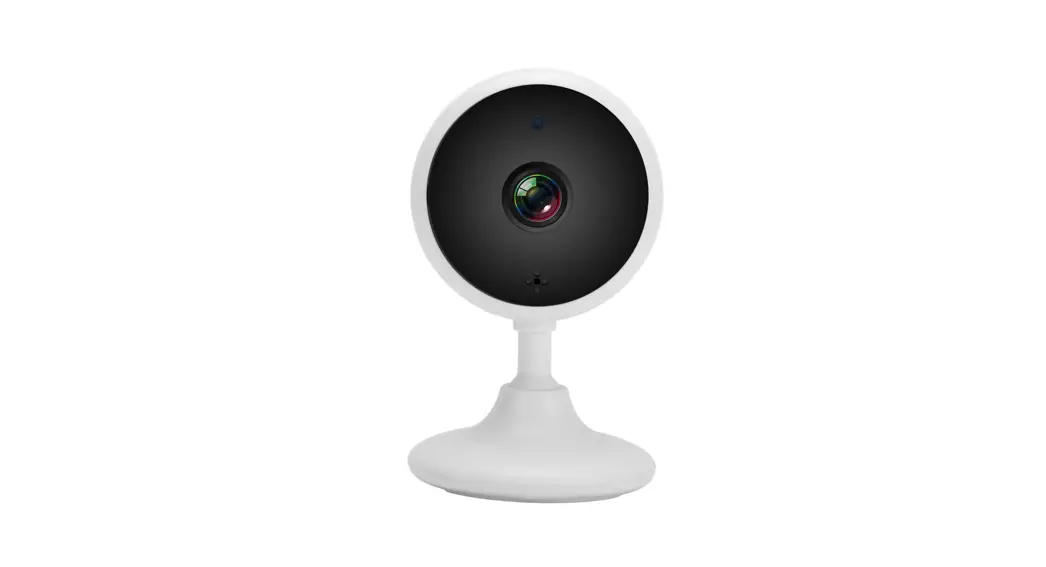
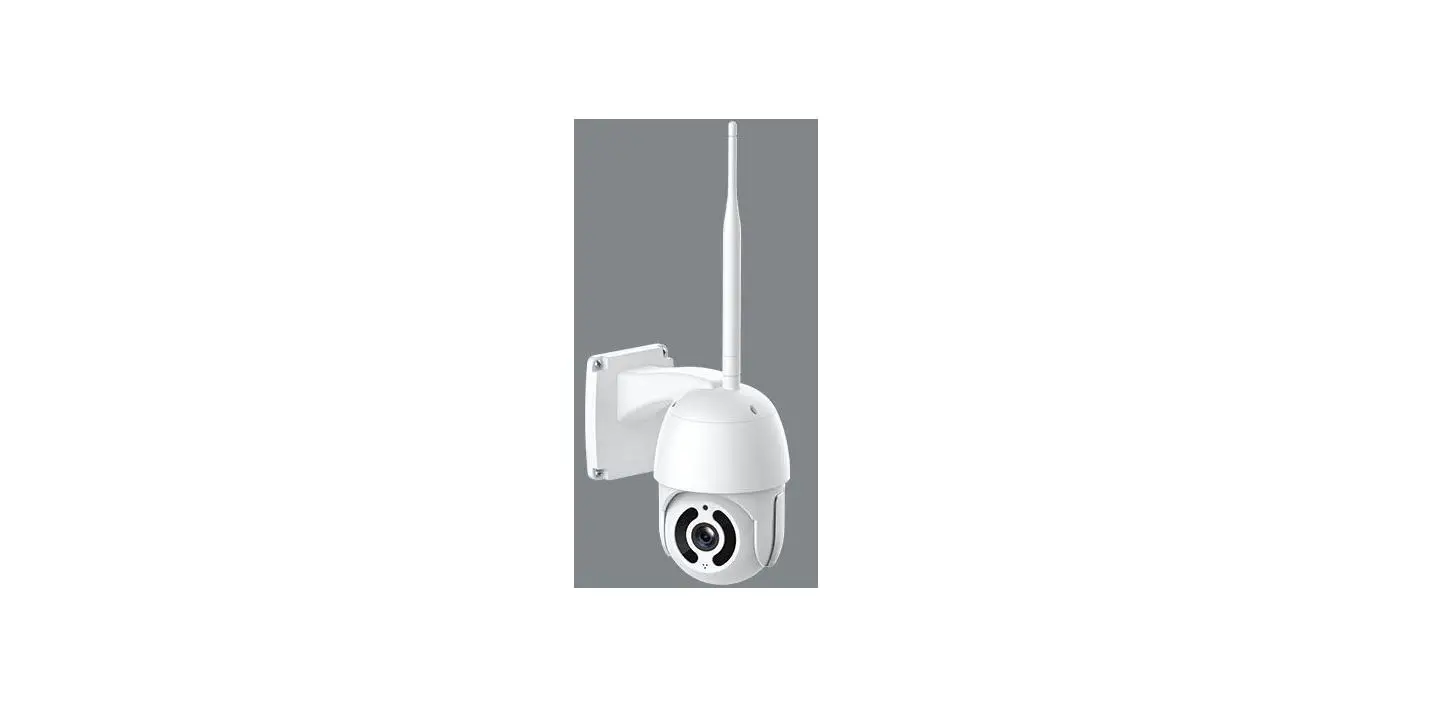
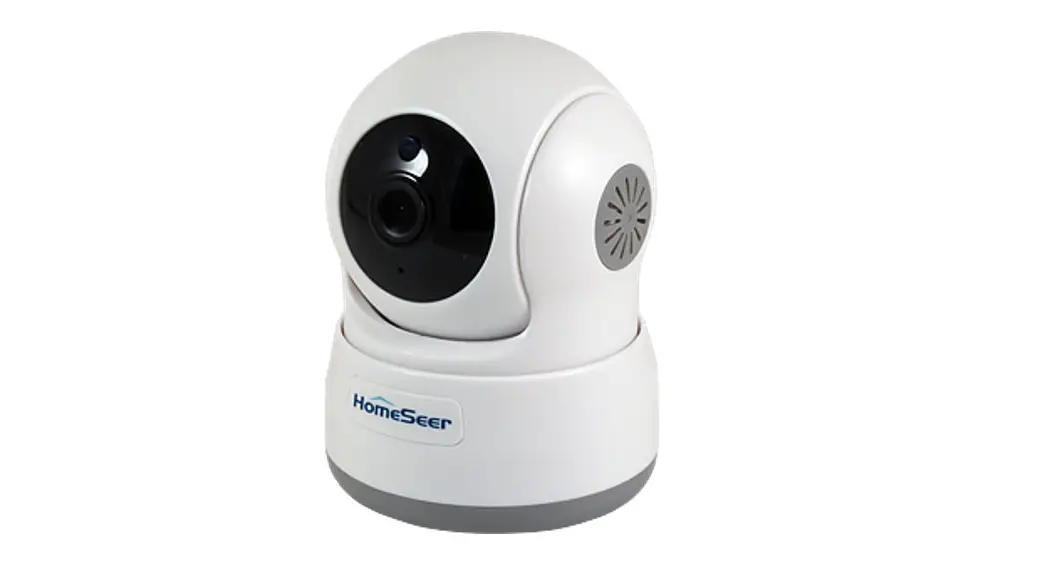
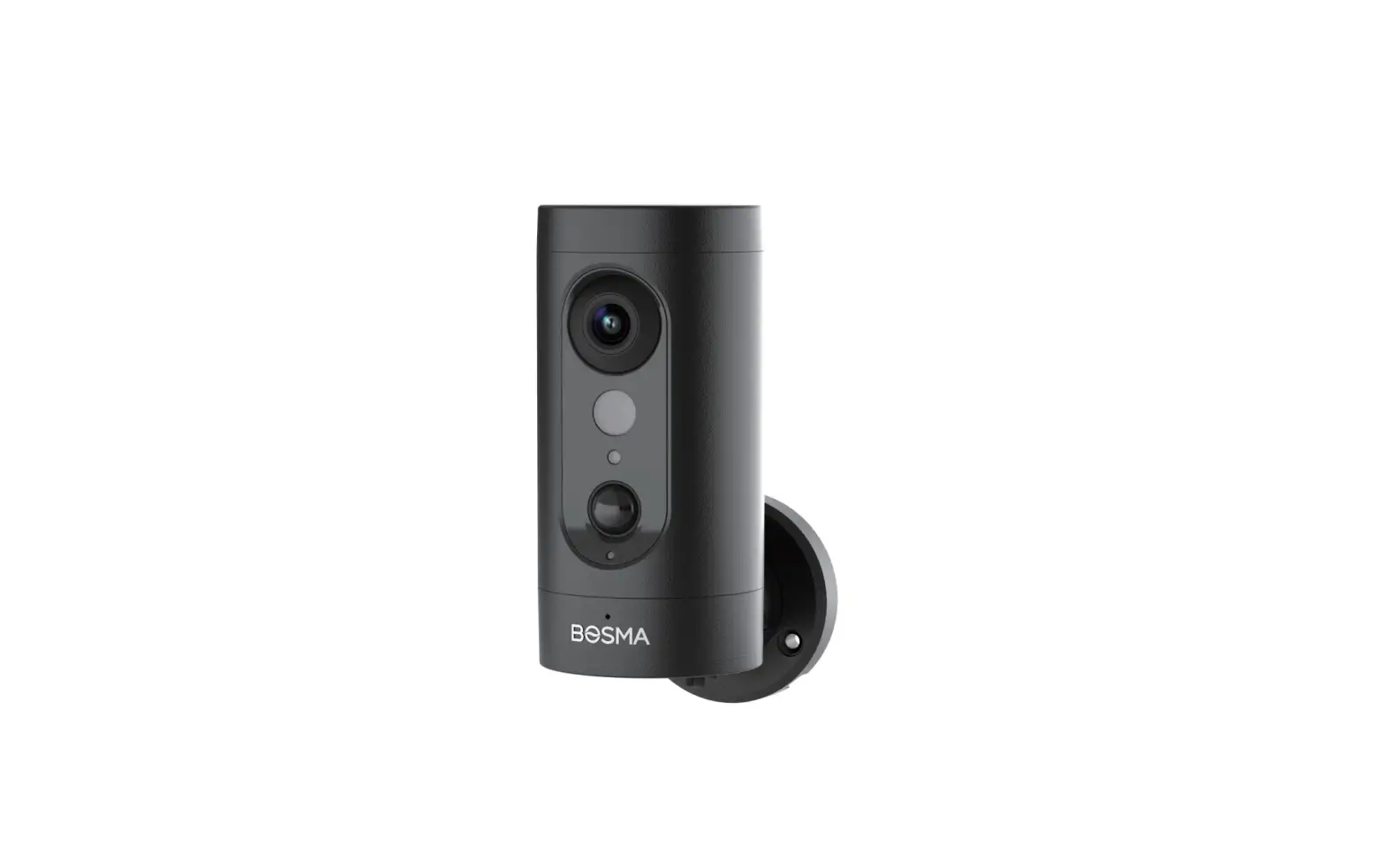
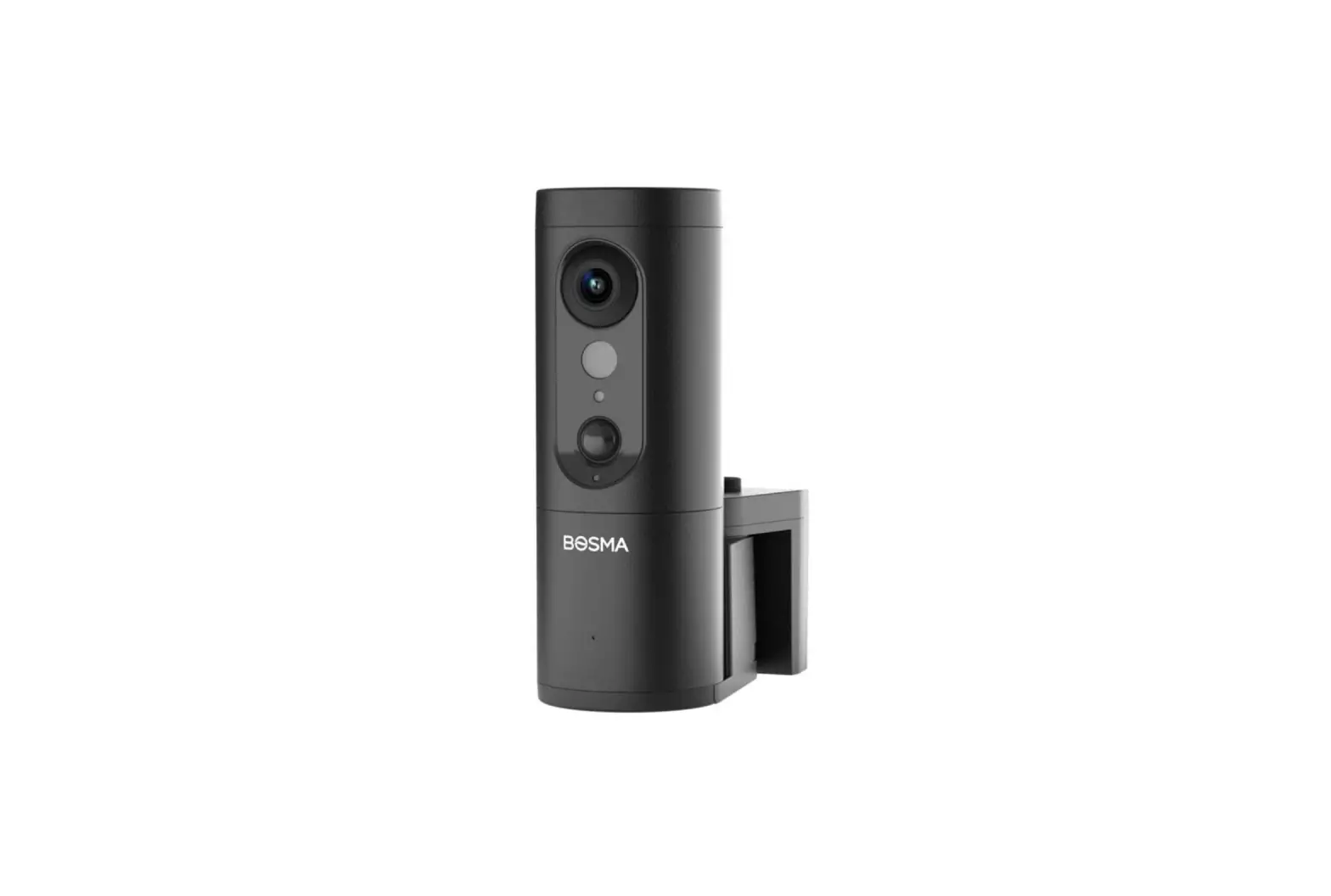
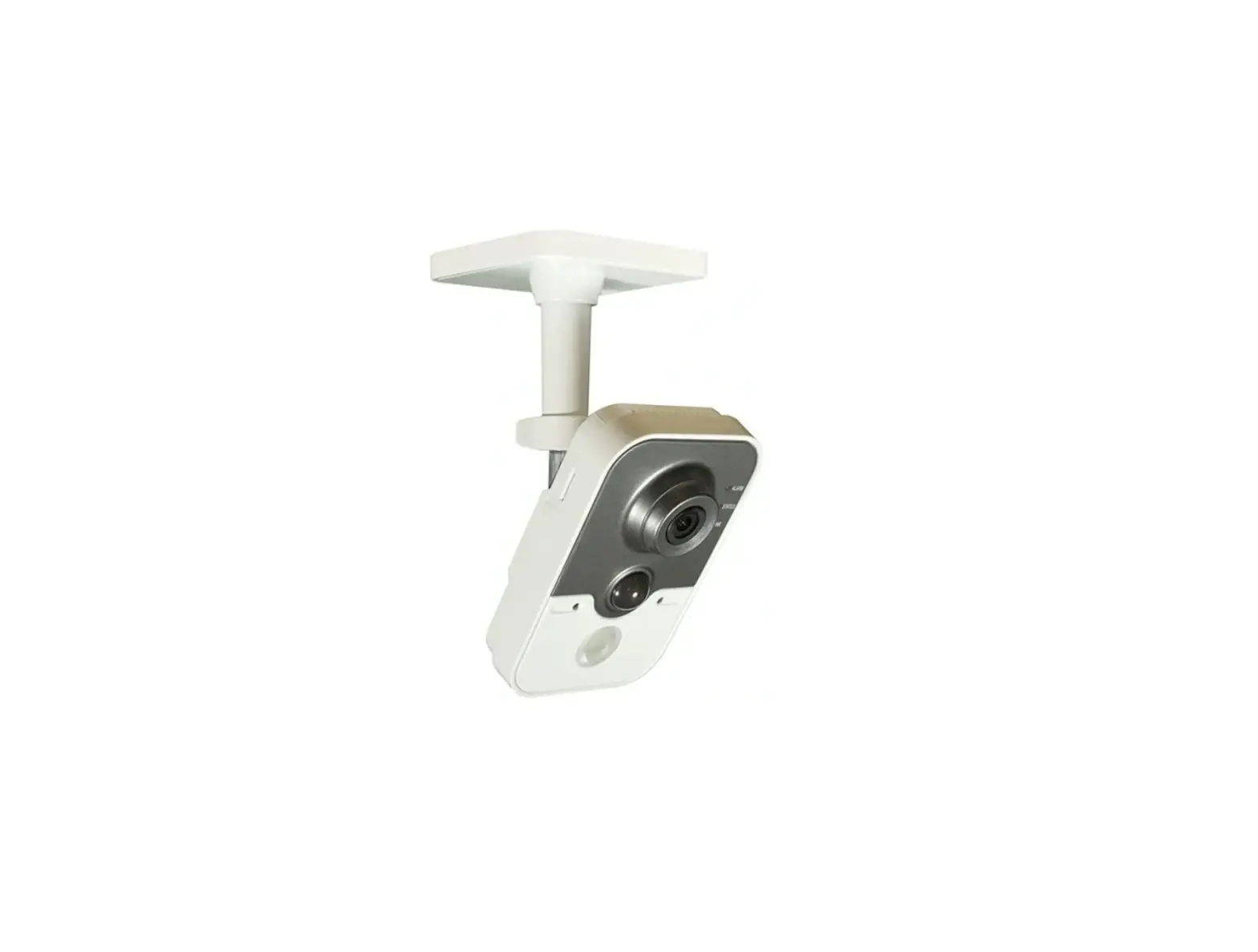
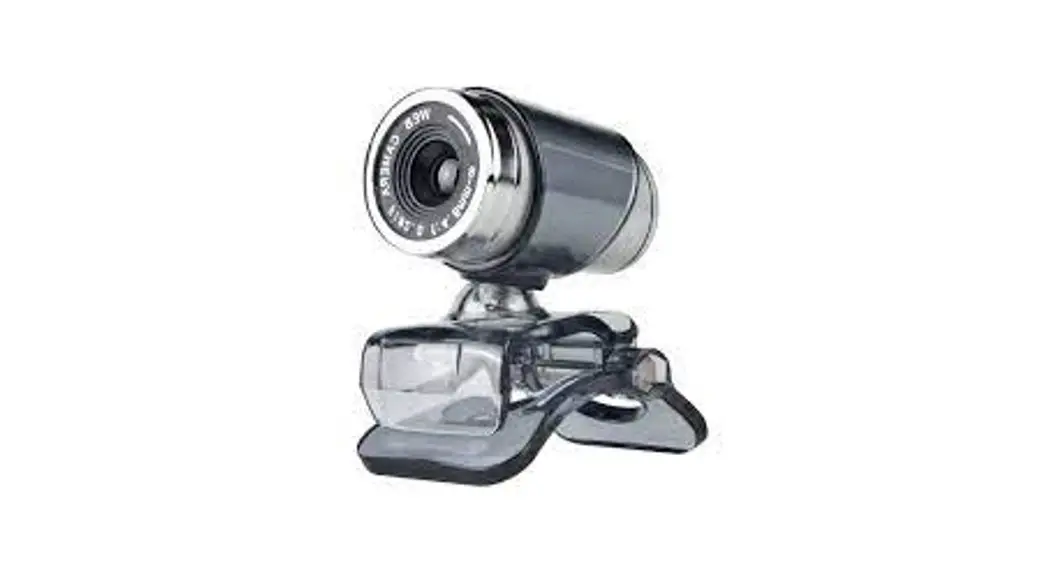
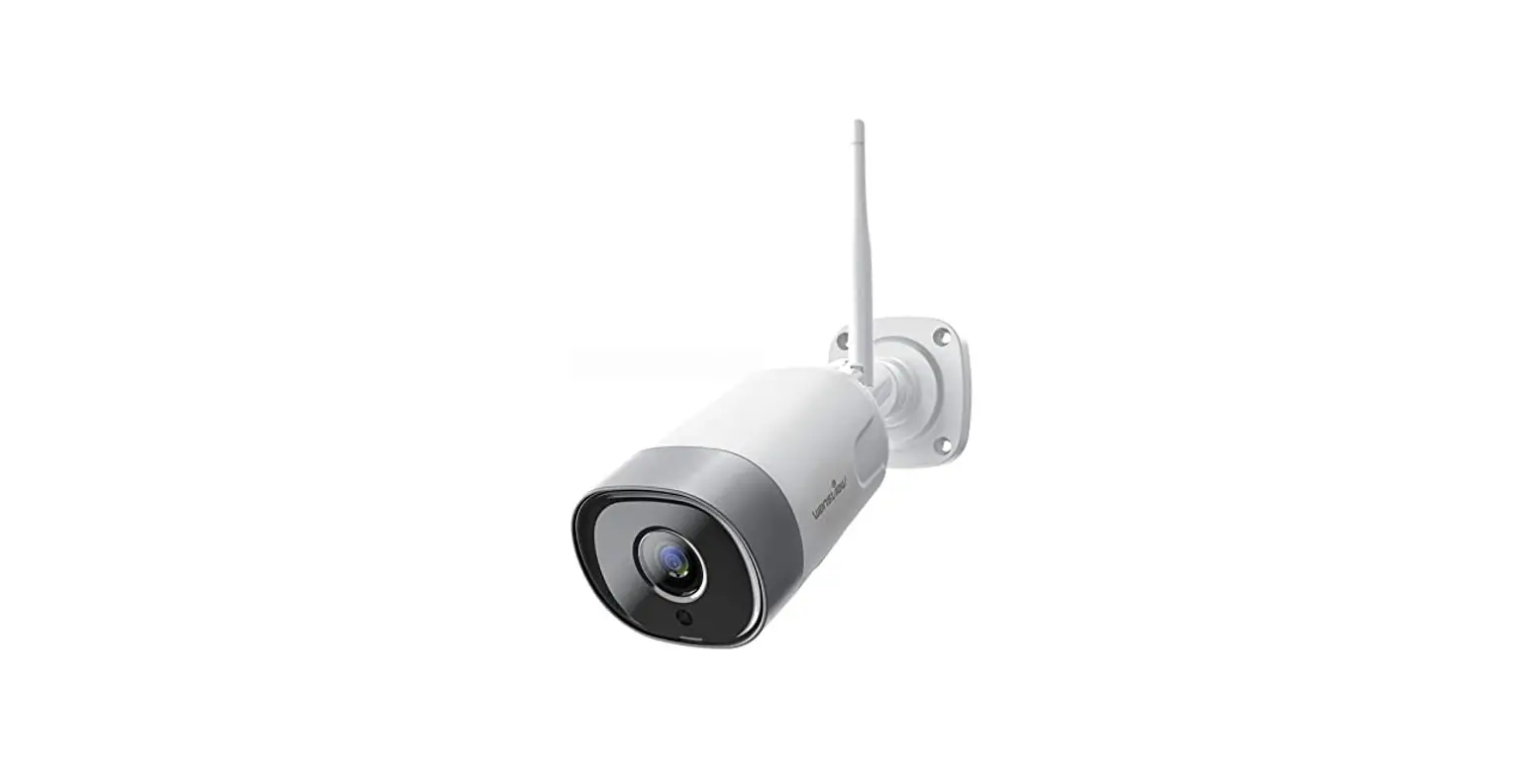
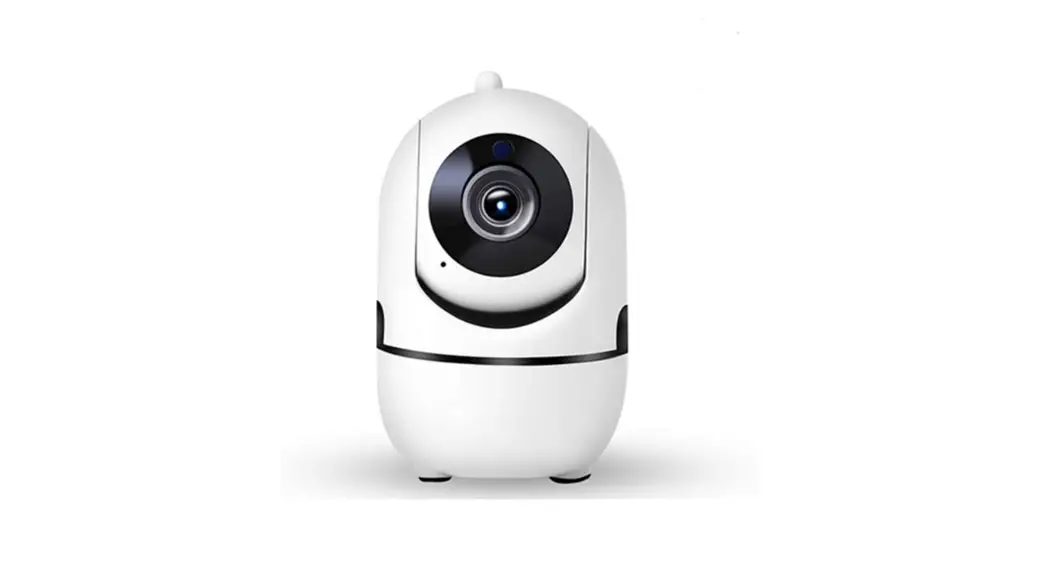
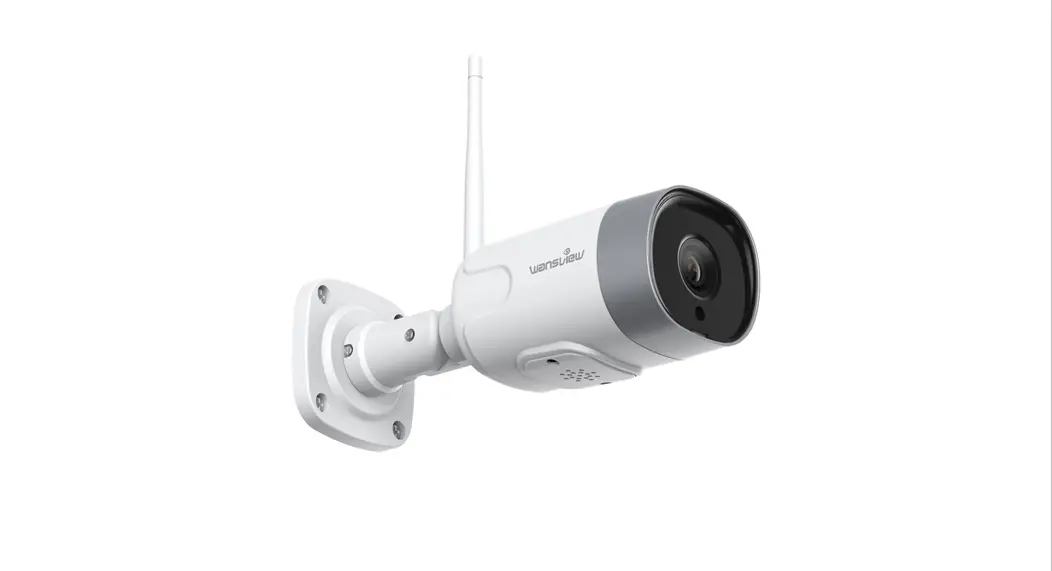
Product: IP camera
Model: HU-T8-2WD
Supplier: Shenzhen Smart-eye Digital Electronics Co., Ltd
Operating temperature:-10°C~50°C
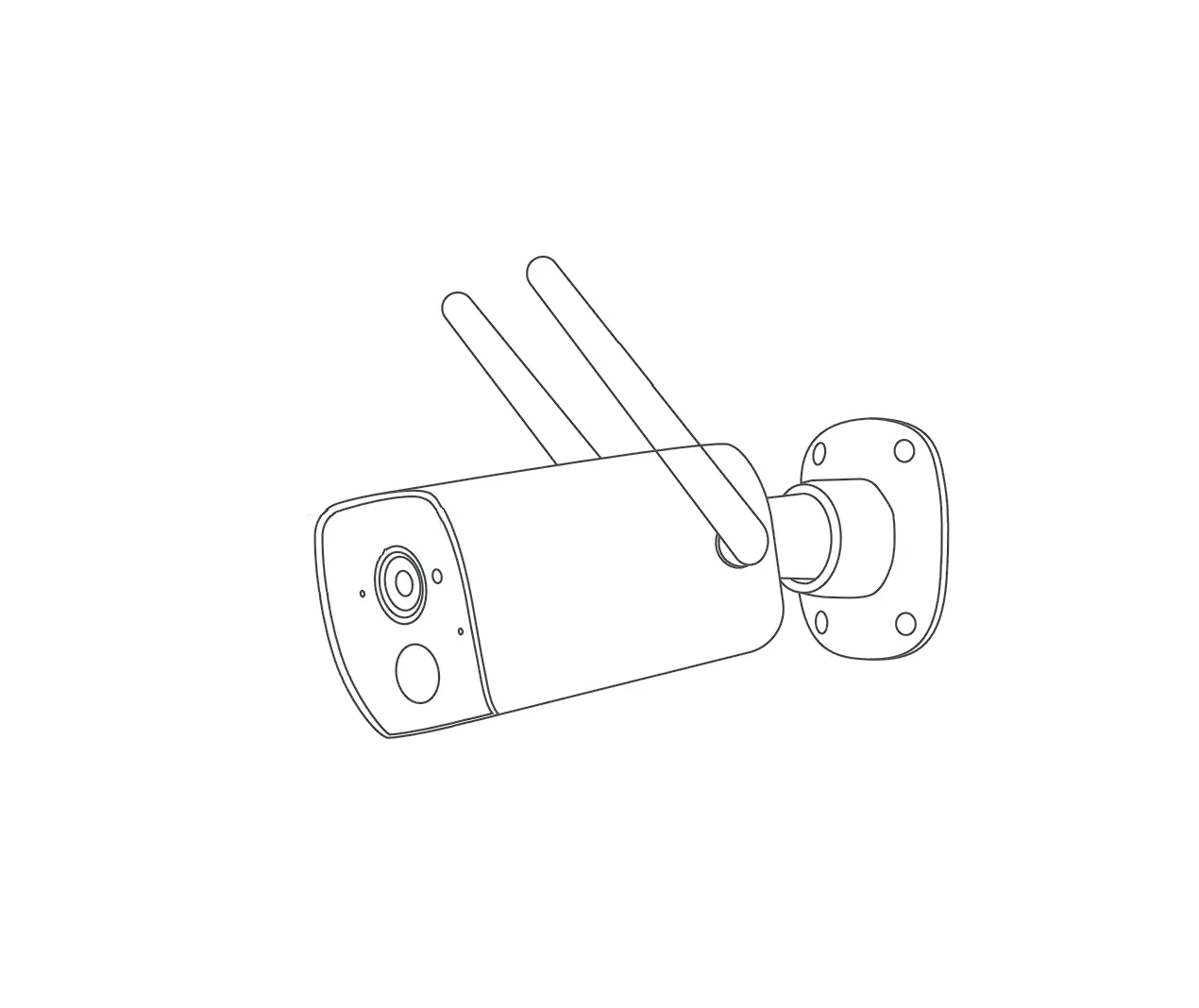
Product hardware diagram
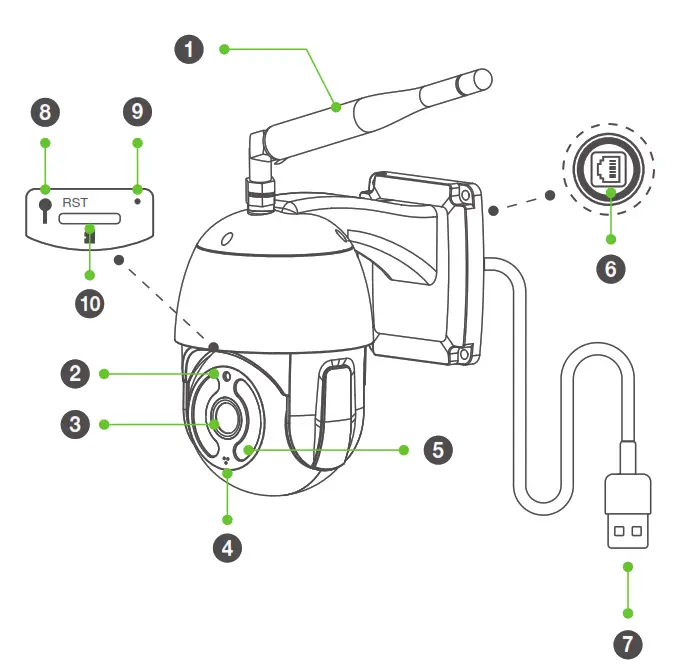
| Antenna | Photoresistance |
| Lens | Microphone |
| Night vision LED | RJ45 interface |
| USB interface | Reset button |
| Indicator Light | TF card slot |
Preparations
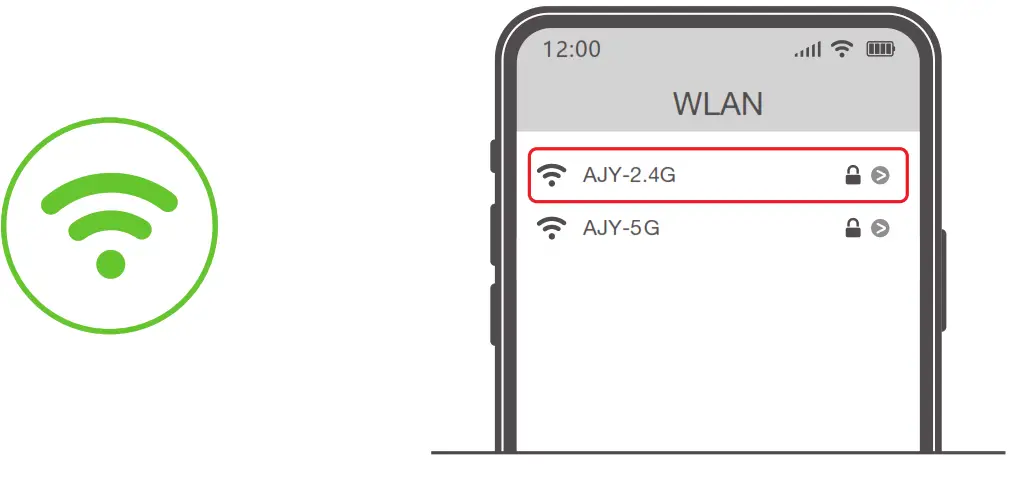
Check whether the wireless router is in normal use, and then connect the mobile phone to the WiFi network. If it is a dual-band router, please connect to a 2.4G WiFi network.
Download and Install
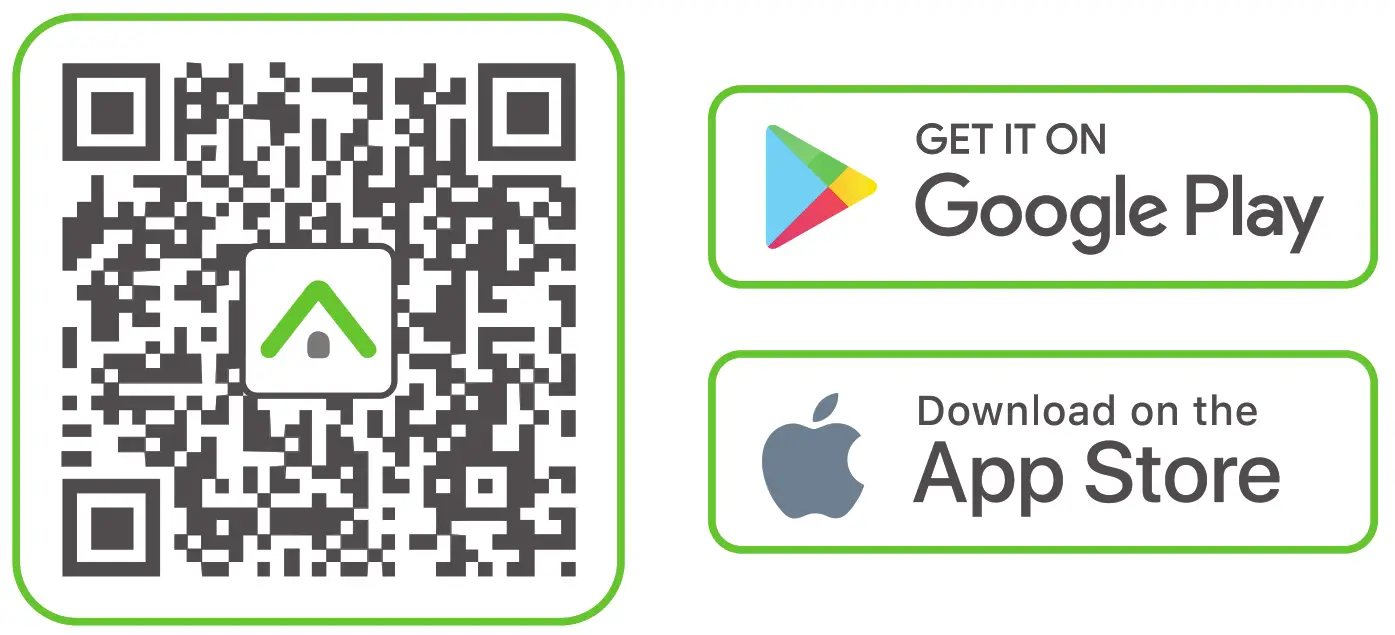
- Go to the App Store or Google Play to search and download the “AJCloud” APP to your supported devices. Or please scan below QR code to download”AJCloud” to your Android or Apple device.

- Open the “AJCloud” APP and register an account using your email. Tips: Your password must be 8-16 characters, and at least contain the following three categories: numbers, uppercase letters, lowercase letters, special characters.
Wireless access method
The device is placed from a position close to the router.
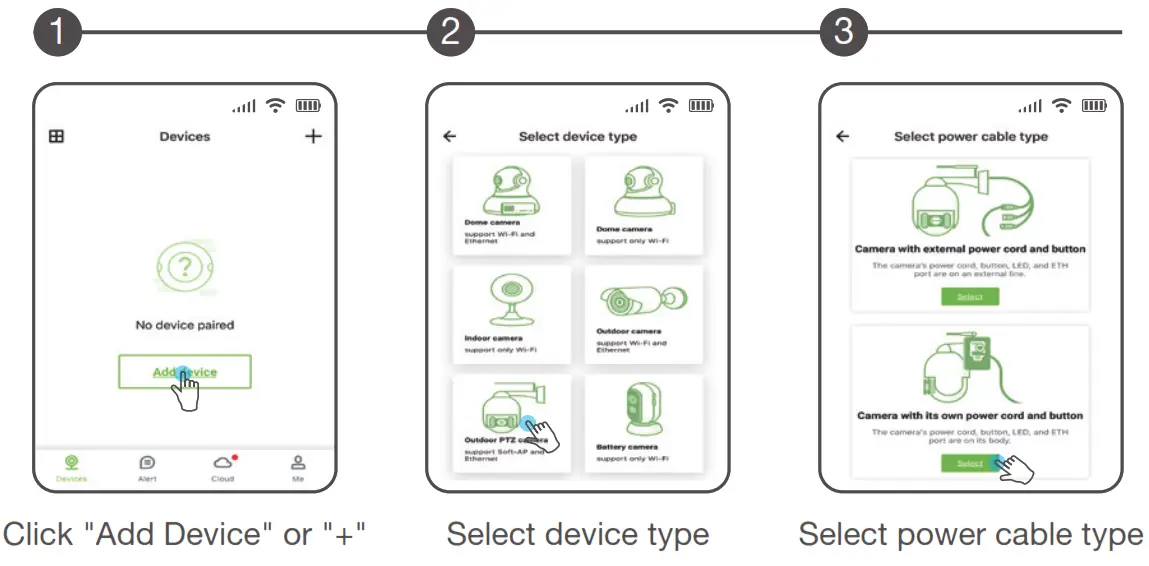
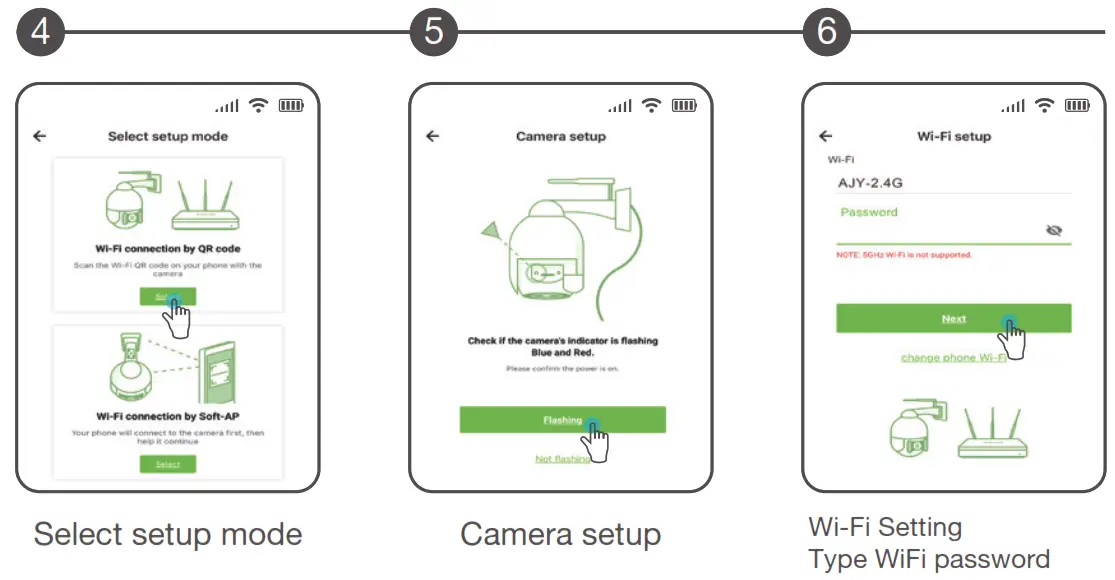
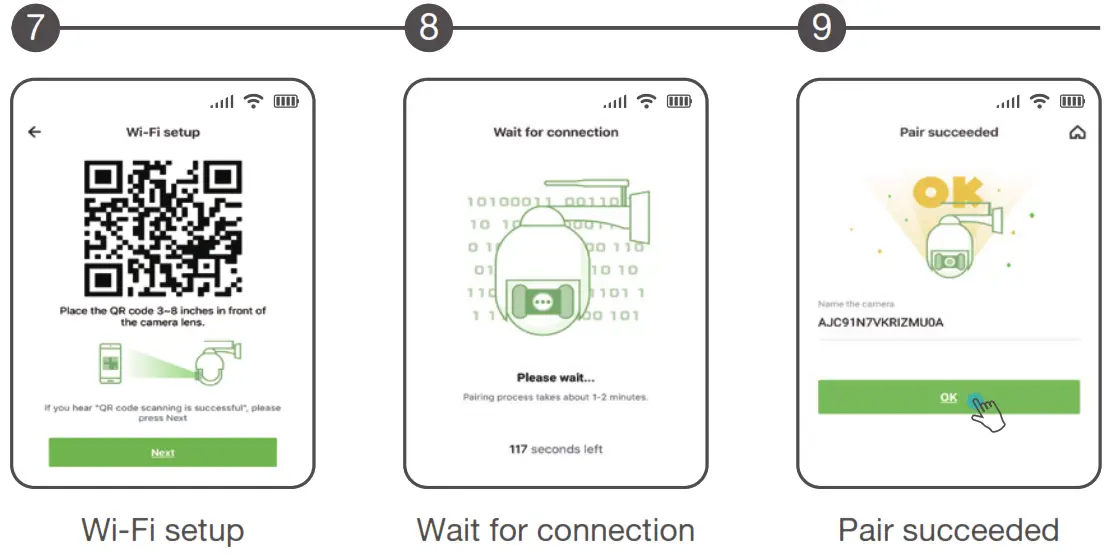
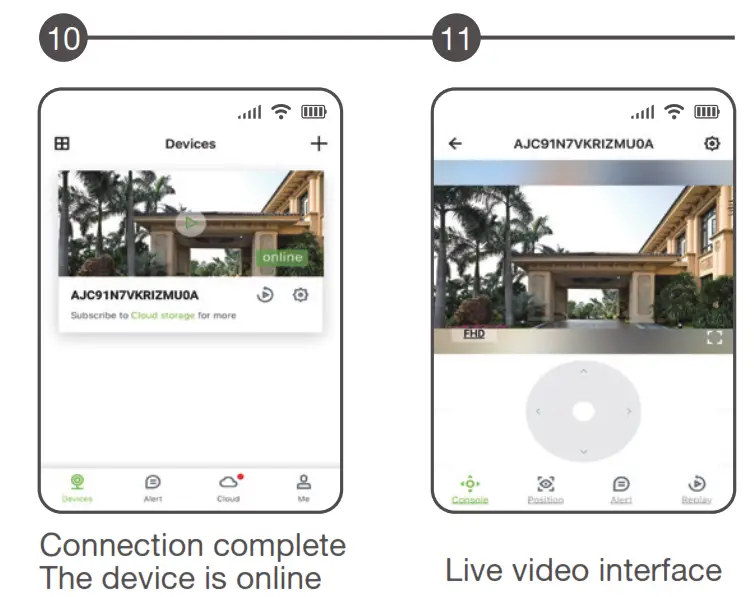
* If the wireless network connection fails, please follow the APP guide to re-configure the network.
Advanced Features
 | Cloud storage After cloud storage is turned on, emergency video information can be saved in a cloud server. Avoid data loss or damage. |
 | Motion Detection Support to capture moving objects and automatically trigger recording of 10S short video. Push APP alarm information in real-time. |
 | Two-way voice support voice function while watching videos online. Also available online two-way conversation. |
 | 24/7 monitoring Built-in IR-CUT device, coupled with photosensitive components, to achieve 24/7 HD video viewing. |
 | TF card local storage Built-in TF card slot, users can also save the recorded video on the local TF card. |
 | Device sharing You can share the device bound to your account to family and friends for common use. Can be revoked at any timeshare, you are an administrator. |
FAQ
What to do if the device is offline and cannot be played?
According to the status of the indicator, a self-test can be completed:
| Indicator status | Device status |
| Red light flashes slowly | The device is powered on |
| Red and blue lights flash slowly alternately | The device is waiting to configure the network |
| The blue light flashes quickly and then changes to slow flashing | The device is configuring the network connected to the network |
| Steady blue light | The device is successfully |
| Blue light flashes slowly | Network Offline |
| Red light flashes quickly | Device to factory settings |
| Device firmware upgrade |
Or you can open the APP-About Me-FAQ. View corresponding solutions.
FCC WARNING
This device complies with part 15 of the FCC Rules. Operation is subject to the following two conditions: (1) this device may not cause harmful interference, and (2) this device must accept any interference received, including interference that may cause undesired operation. Any changes or modifications not expressly approved by the party responsible for compliance could void the user’s authority to operate the equipment.
NOTE: This equipment has been tested and found to comply with the limits for a Class B digital device, pursuant to Part 15 of the FCC Rules. These limits are designed to provide reasonable protection against harmful interference in a residential installation. This equipment generates, uses, and can radiate radio frequency energy and, if not installed and used in accordance with the instructions, may cause harmful interference to radio communications. However, there is no guarantee that interference will not occur
in a particular installation. If this equipment does cause harmful interference to radio or television reception, which can be determined by turning the equipment off and on, the user is encouraged to try to correct the interference by one or more of the following measures:
— Reorient or relocate the receiving antenna.
— Increase the separation between the equipment and receiver.
— Connect the equipment into an outlet on a circuit different from that to which the receiver is connected.
— Consult the dealer or an experienced radio/TV technician for help.
To maintain compliance with FCC’s RF exposure guidelines, This equipment should be installed and operated with a minimum distance of 20cm the radiator your body: Use only the supplied antenna.