 Quick Installation Guide
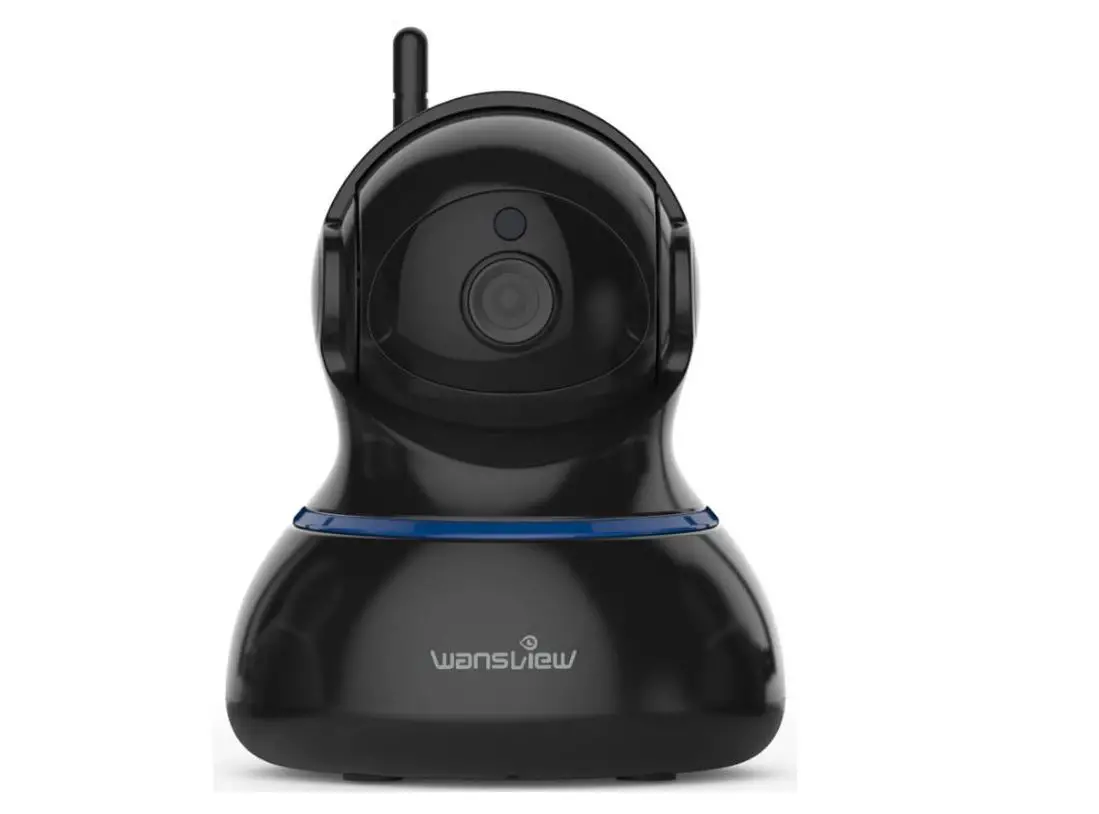
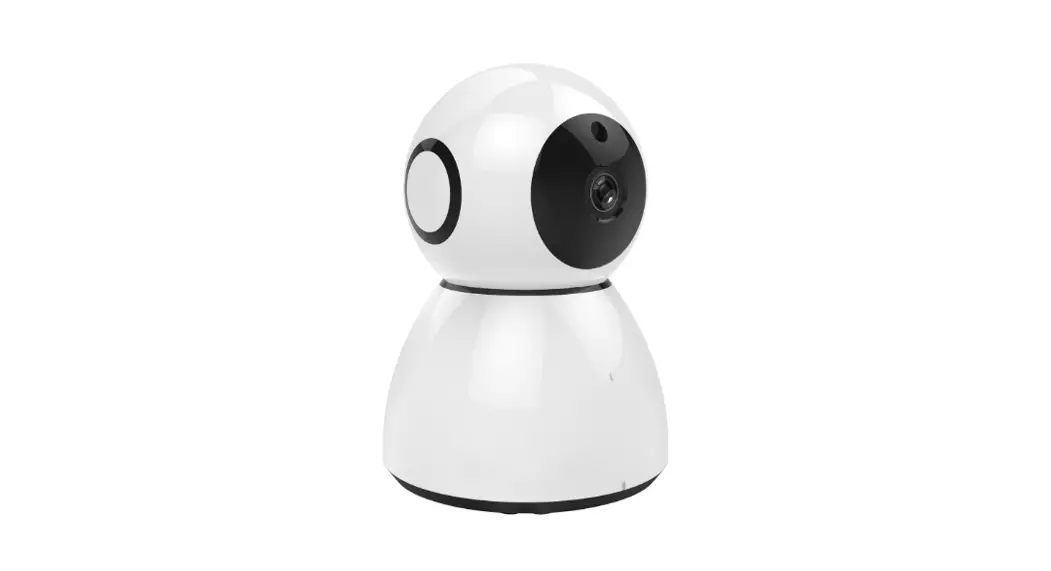
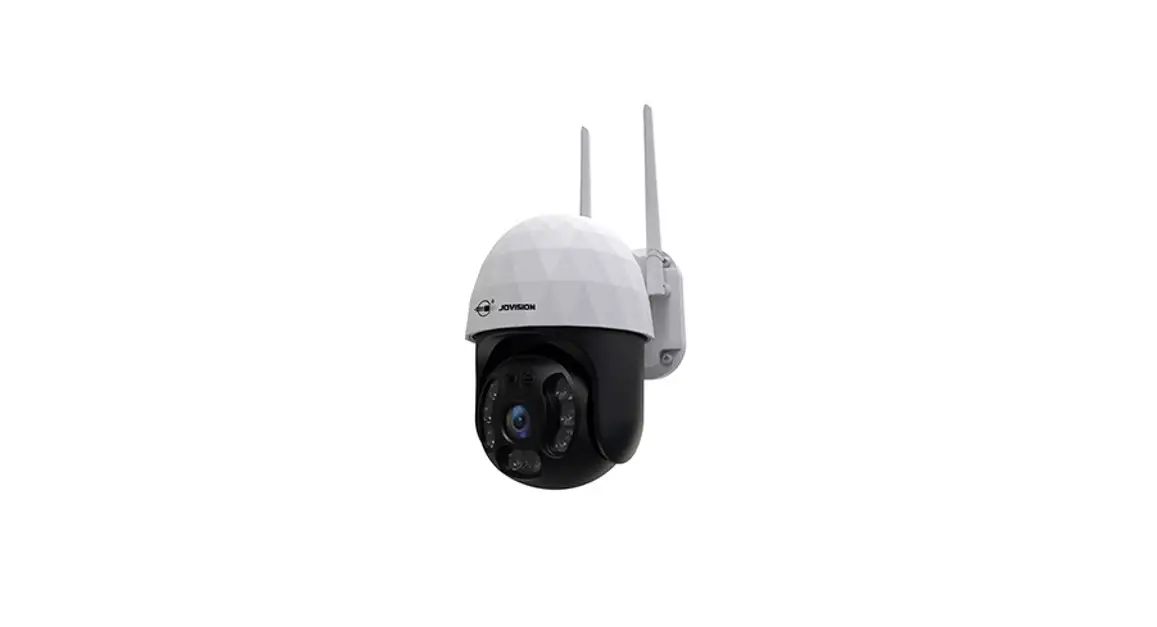
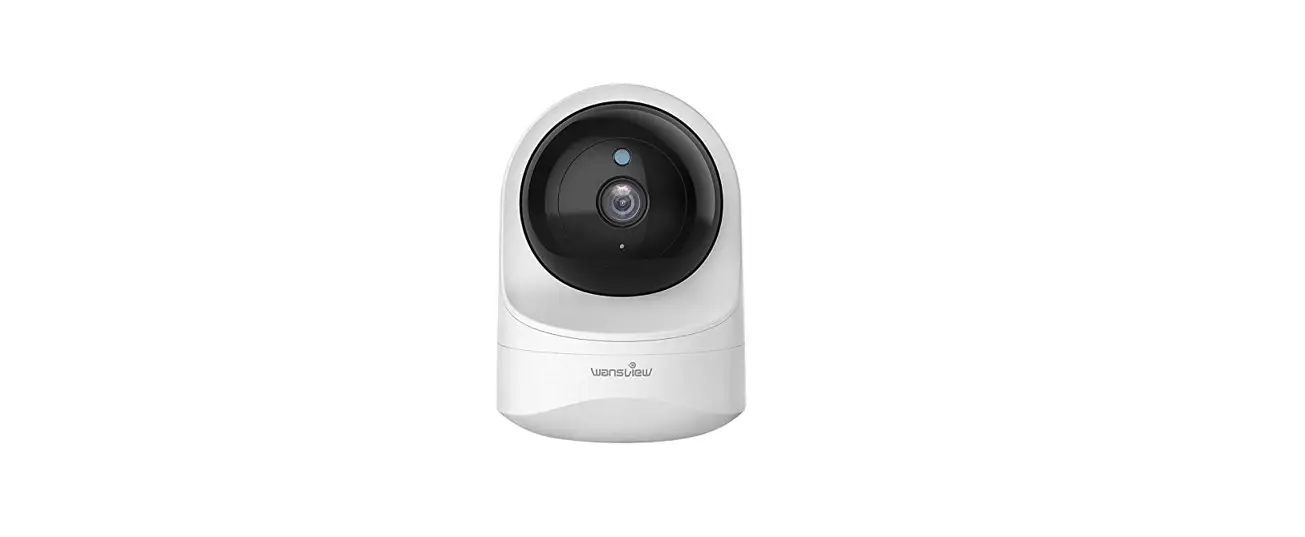
1080P HD Wireless Cloud IP Camera
IN THE BOX
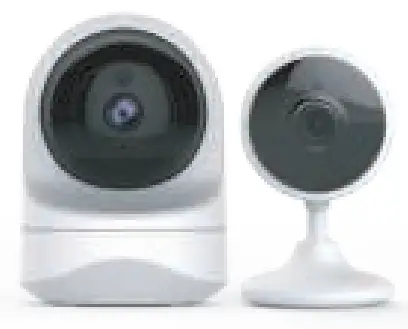
1×quick installation guide
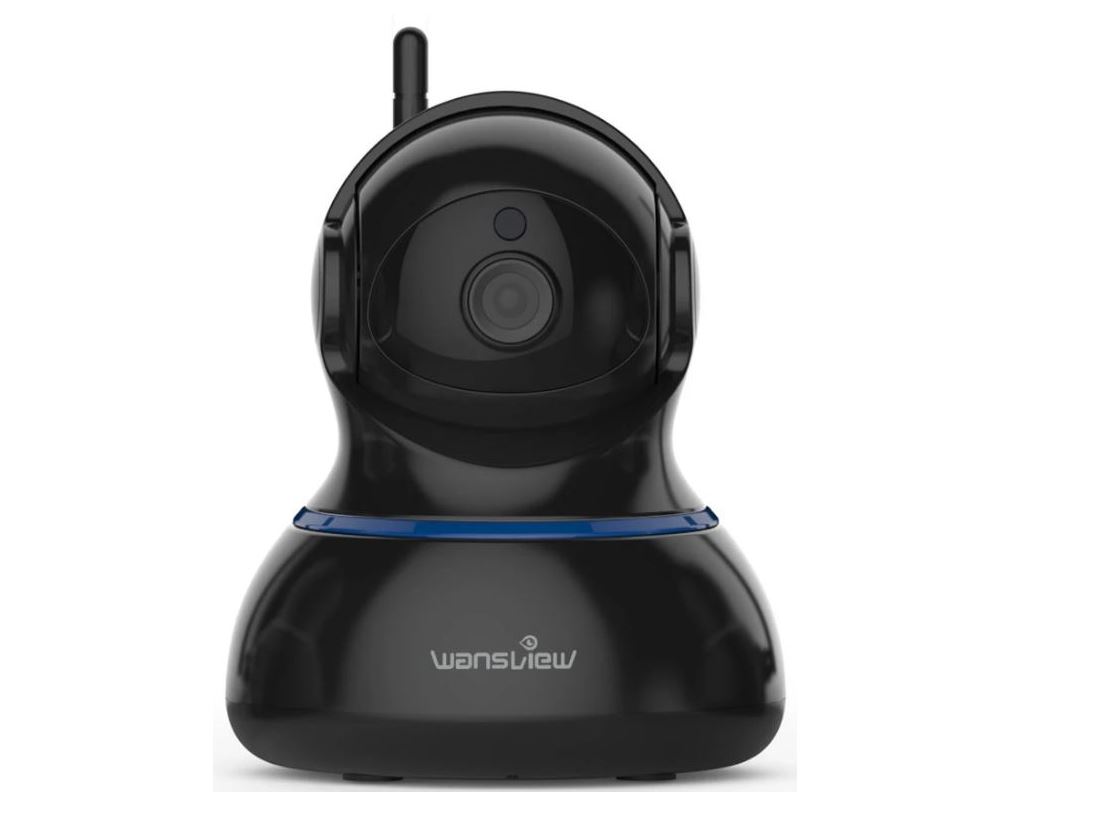
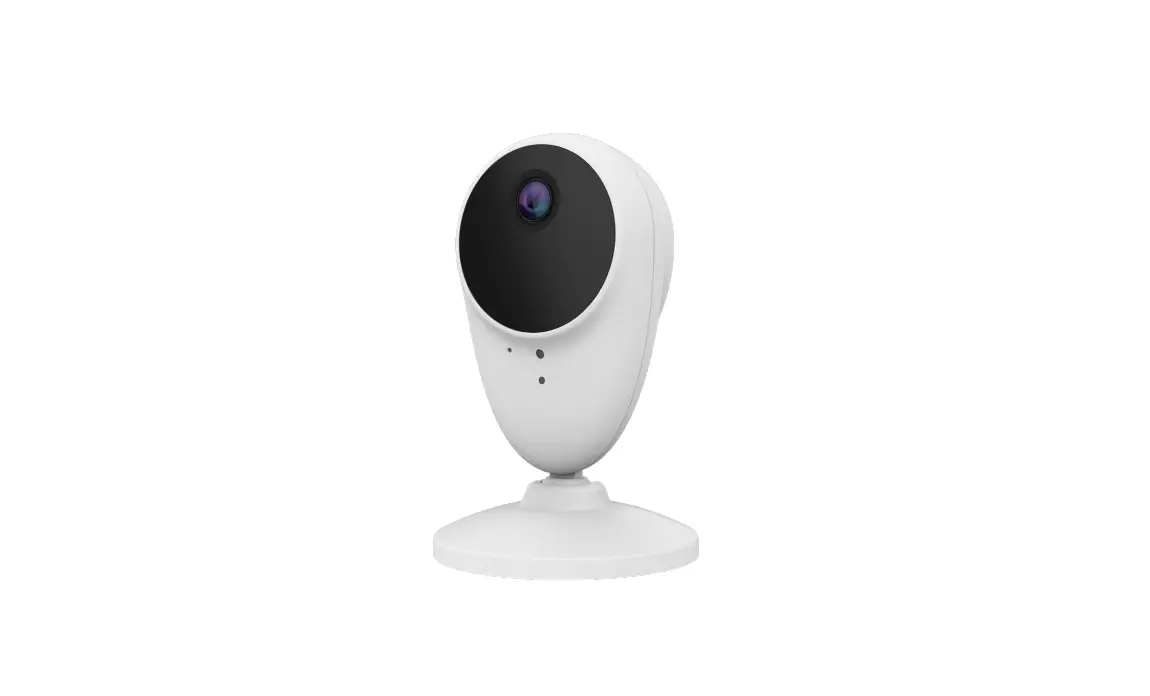
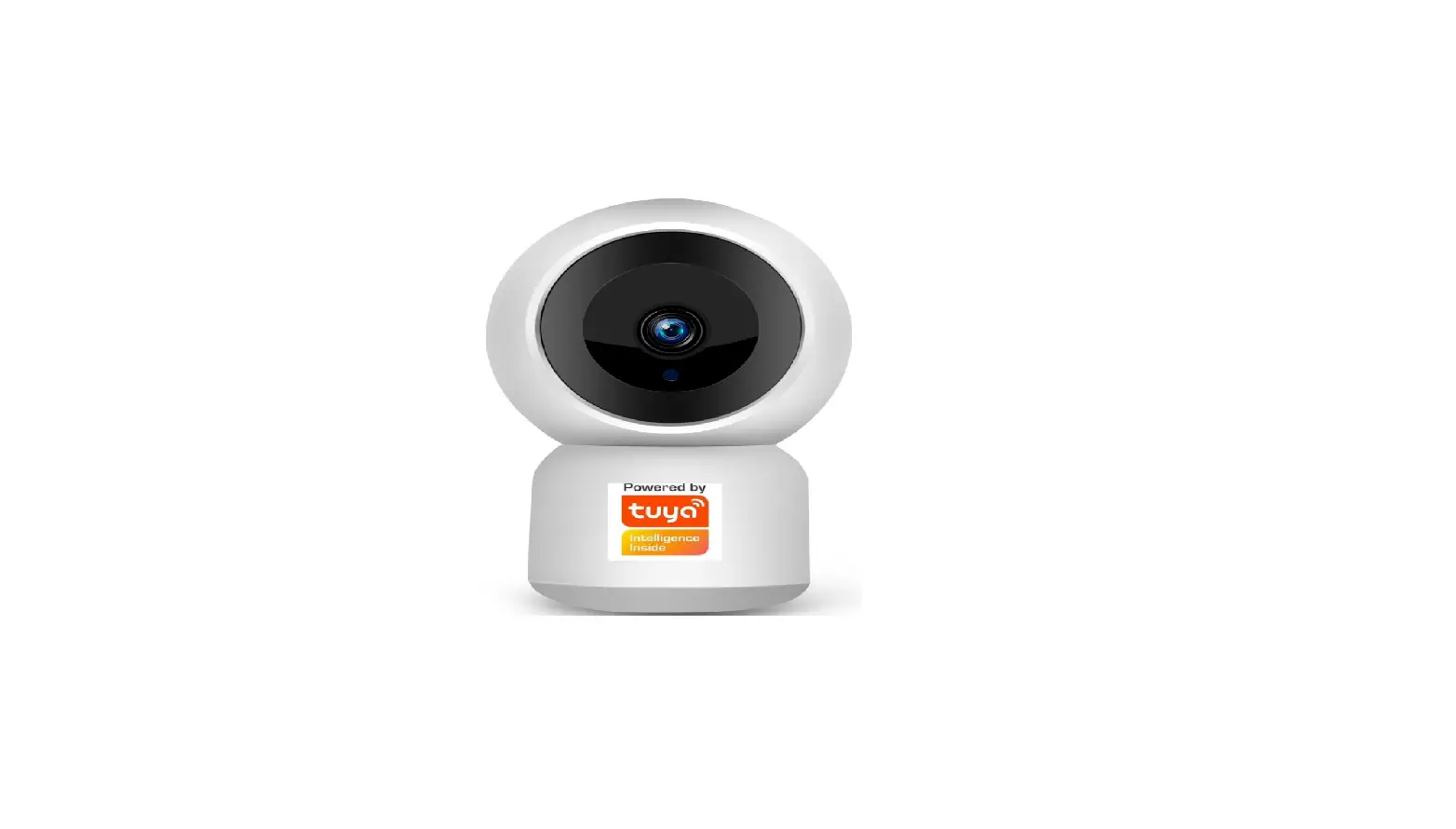
1×camera
1×power adapter mounting accessories
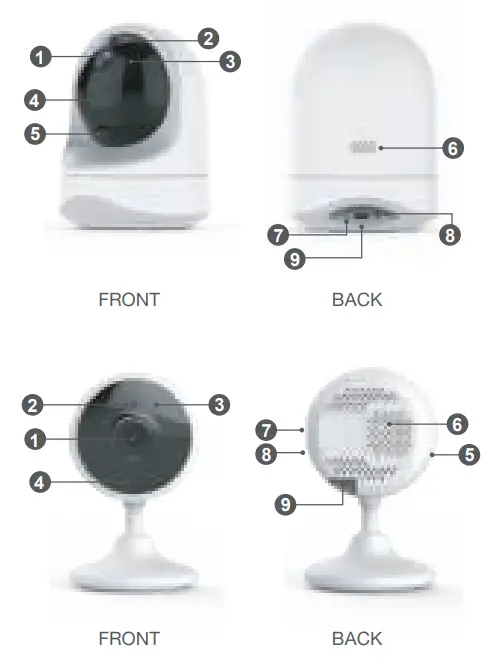
- Lens
- Photosensor
- Infrared LED
- Microphone
- Micro SD Card Slot
- Speaker
- Indicator lights
- Reset button
- Power port
INDICATOR LIGHTS STATUS
| Light Status | Camera Status |
| Red light on | Camera is powered on |
| Red and blue light alternately flashing | Waiting to connect now |
| Blue light flashing | Camera is connecting Wi-Fi |
| Blue light solid | Succeeded to connect Wi-Fi |
| Red light quickly flashing | 1. Reset camera to factory setting |
| 2. Camera is upgrading firmware |
Warm note: Please make sure your router is connected to Internet.
EASY SET UP
Step 1 Download
Go to the App Store or Google Play to search and download “AJCloud” APP to your supported devices.
Or please scan below QR code to download “AJCloud” to your Android or Apple device.
 https://appstore.ajcloud.net/app/ajcloud/
Step 2 Account Register
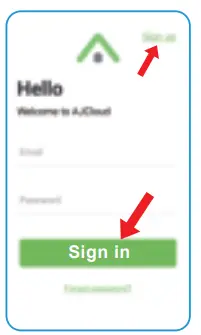
- Open AJCloud App, then select Sign up.
- Enter your email.
- Create a password at least 8 characters long. Your password must include three of the following: · At least one uppercase letter · At least one lowercase letter· At least one number
- You will receive an email with your Activation Link. Open the link to activate your account.
- Go back to log in to your account after activation is successful.
Step 3 Power on camera
Power on the camera with the supplied power cord and put the camera near the router. If you see the blue and red lights flashing, the camera Waiting to connect.
Step 4 Connect to network
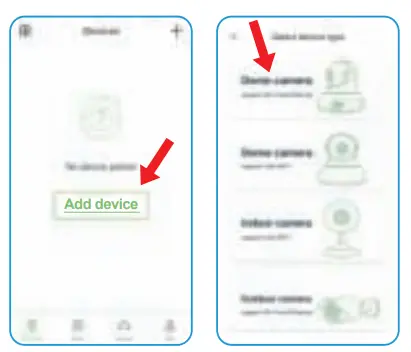
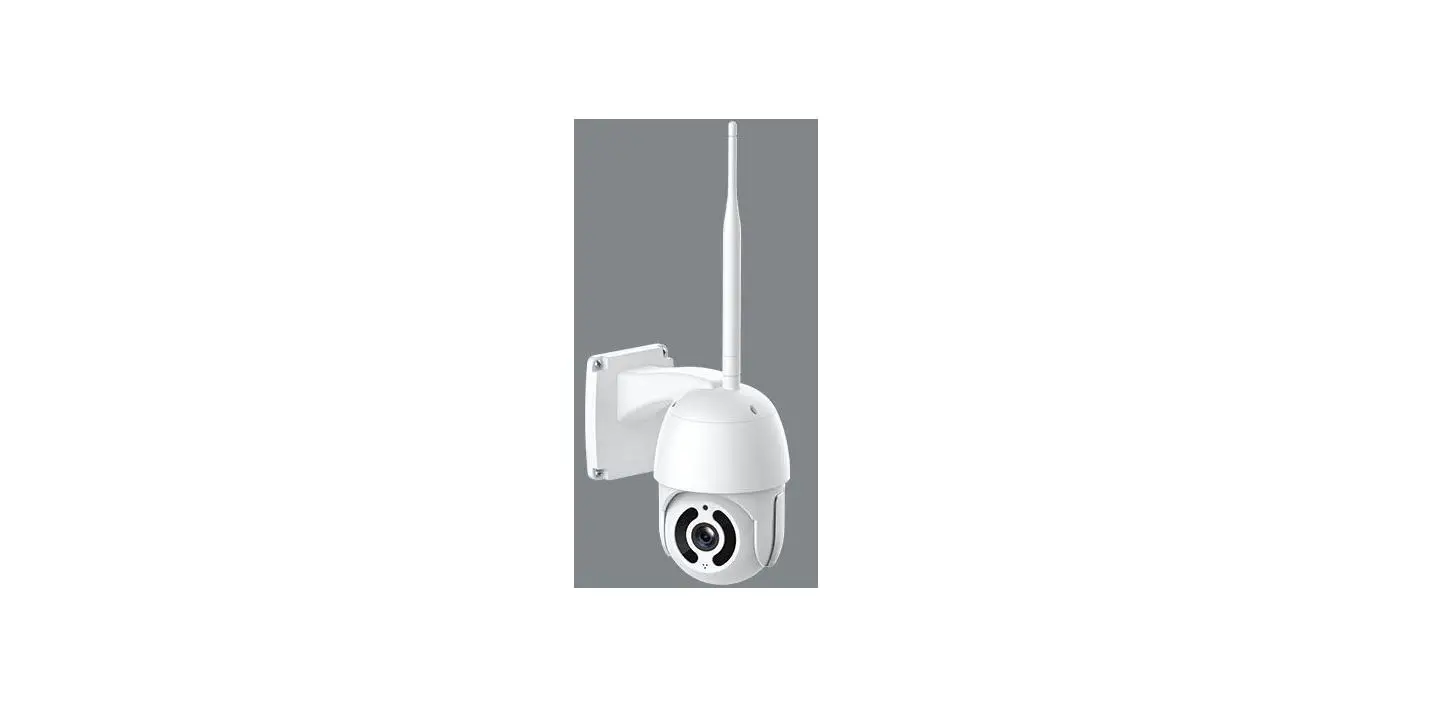
Connect your phone to 2.4G Wi-Fi (5G is not supported). Open the AJCloud app. Please tap [ Add device ], and choose the “Dome Camera” to connect.