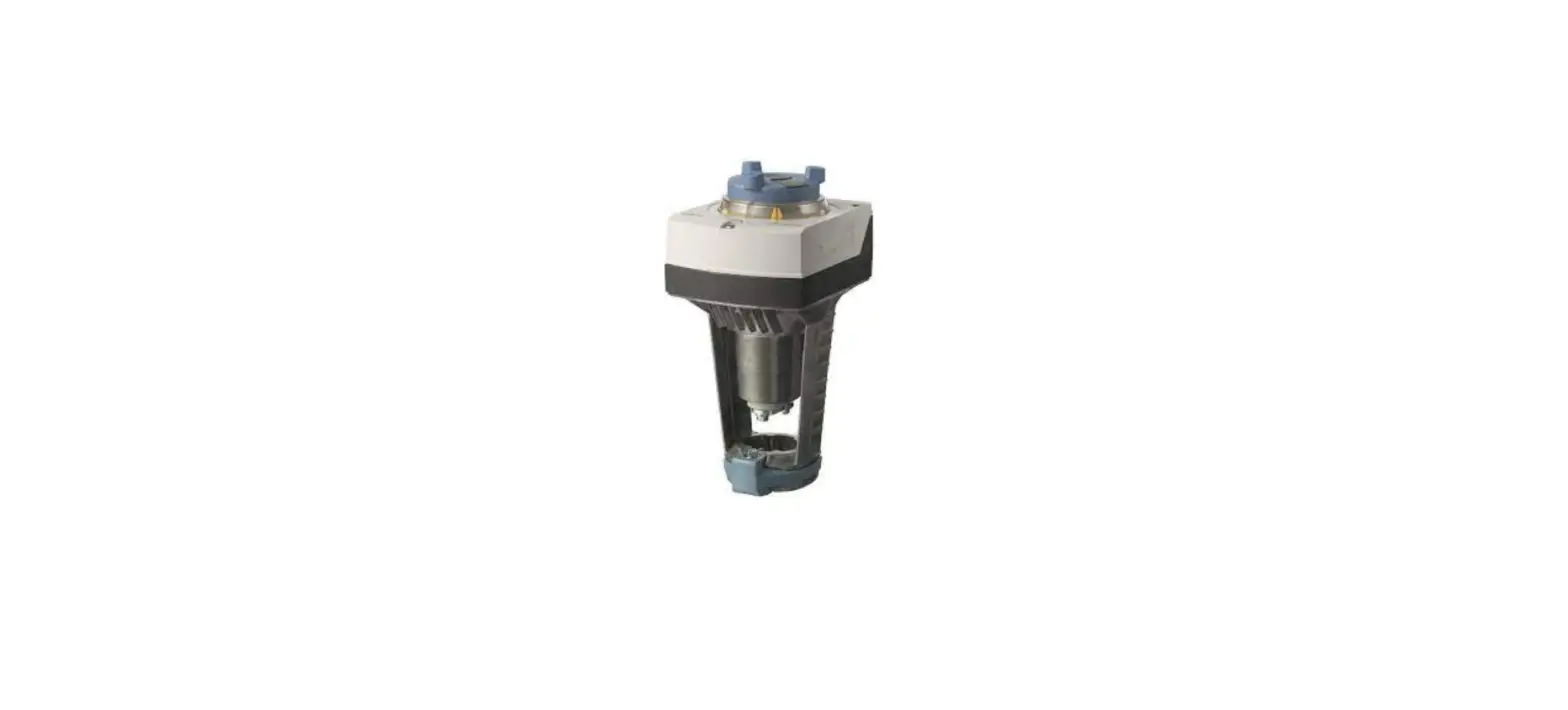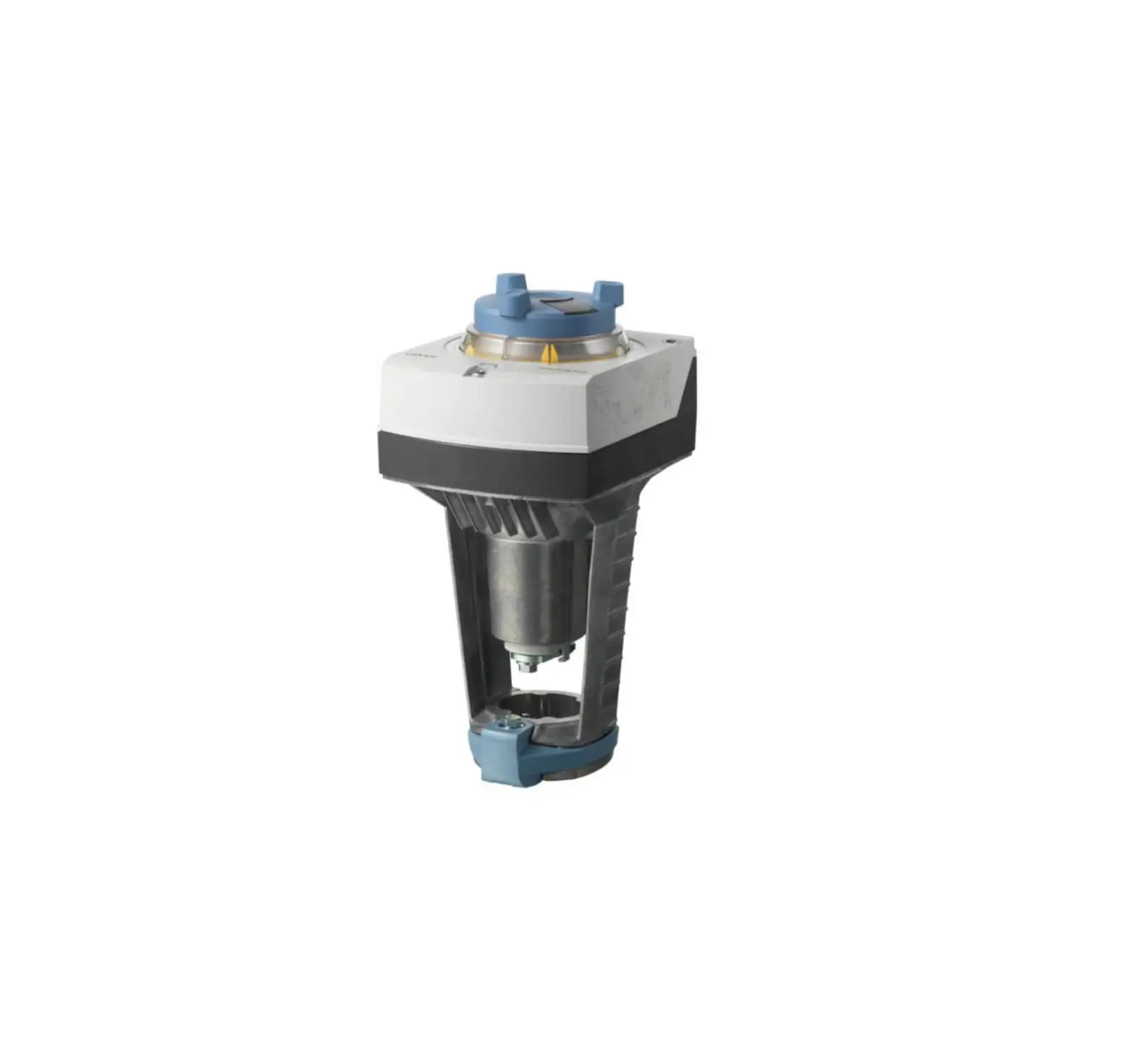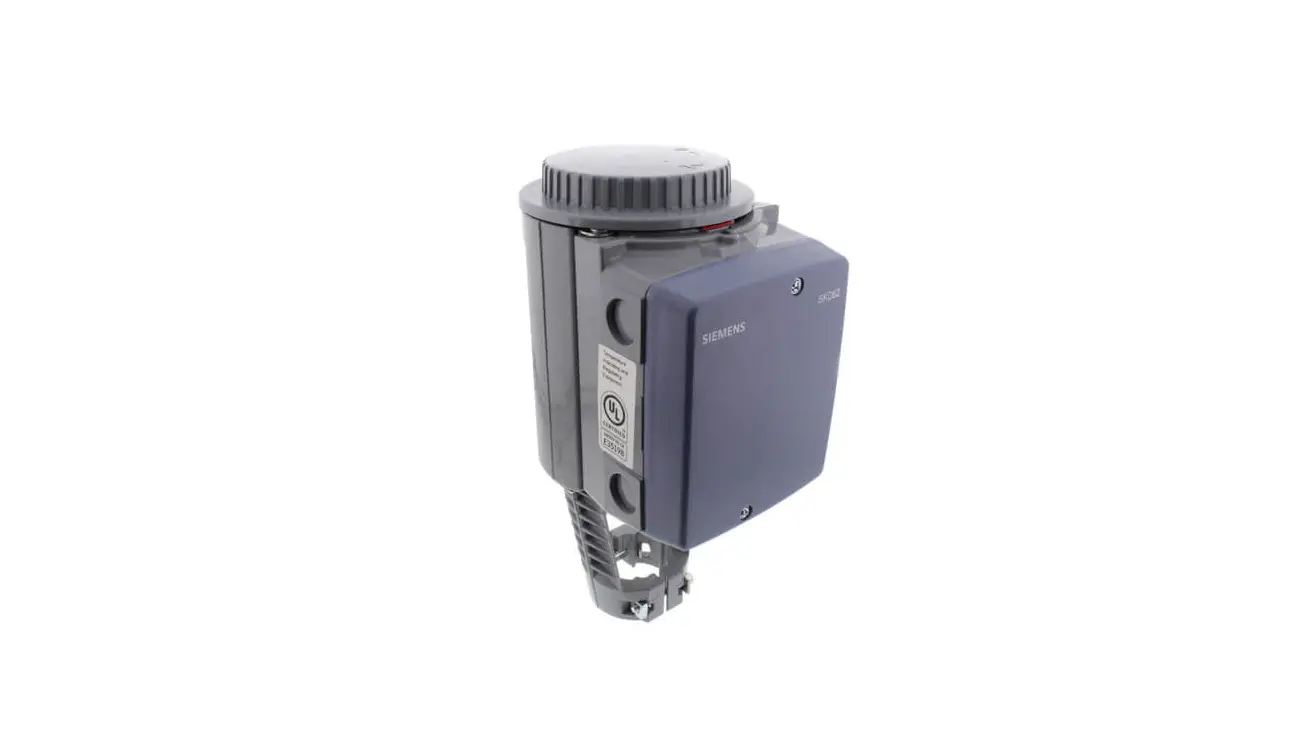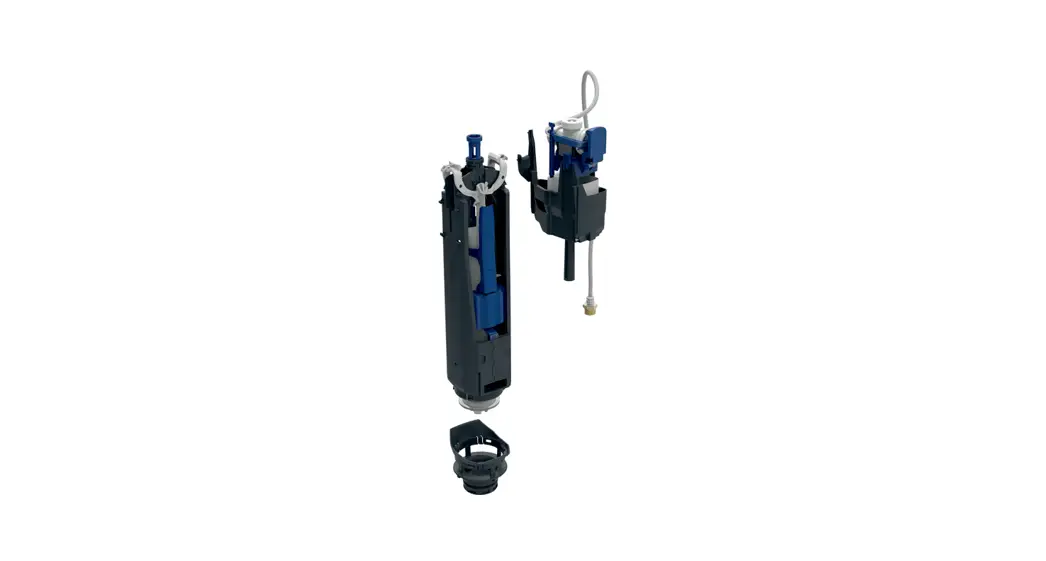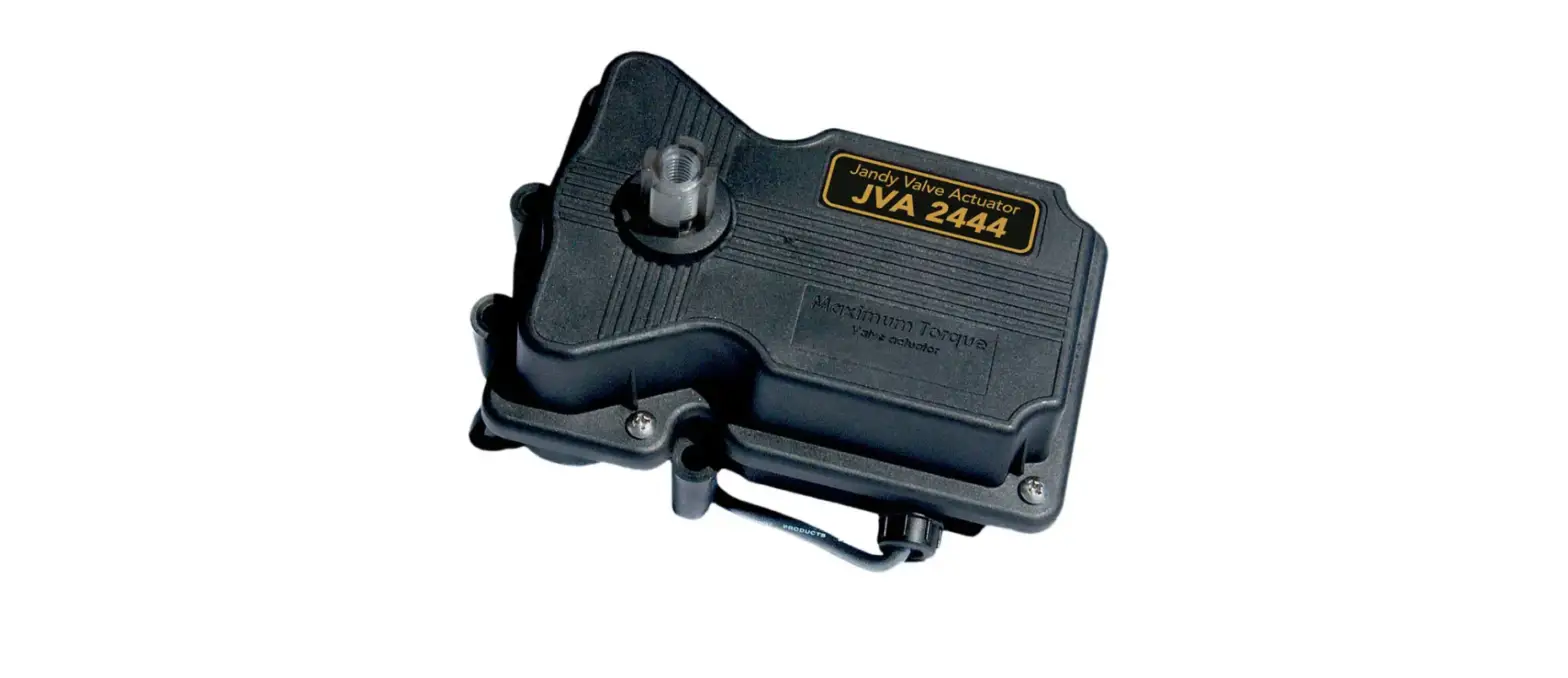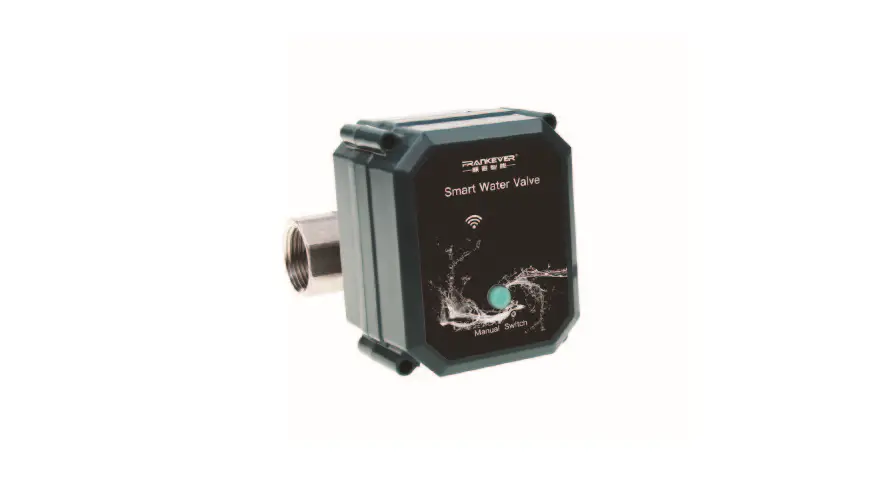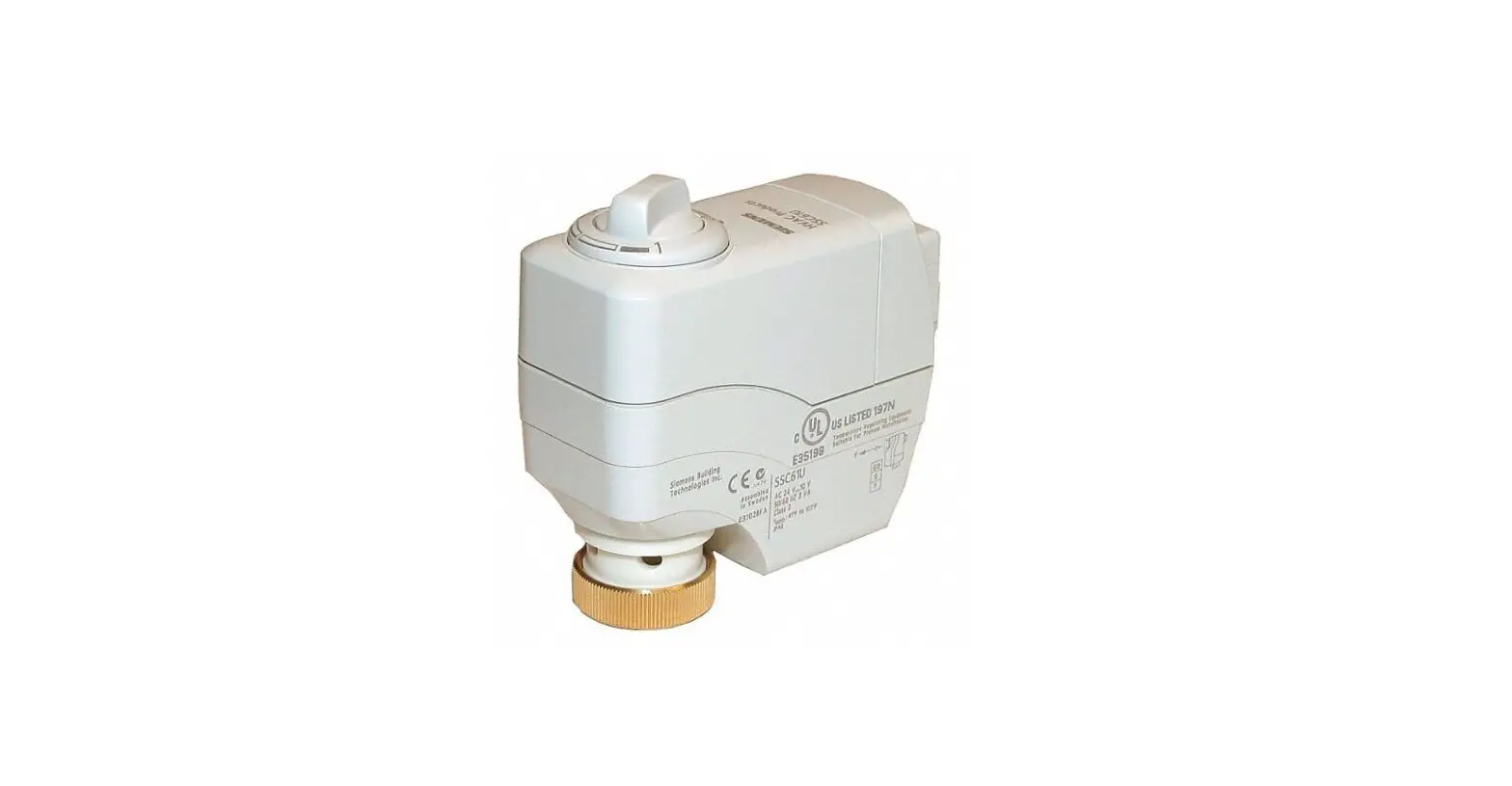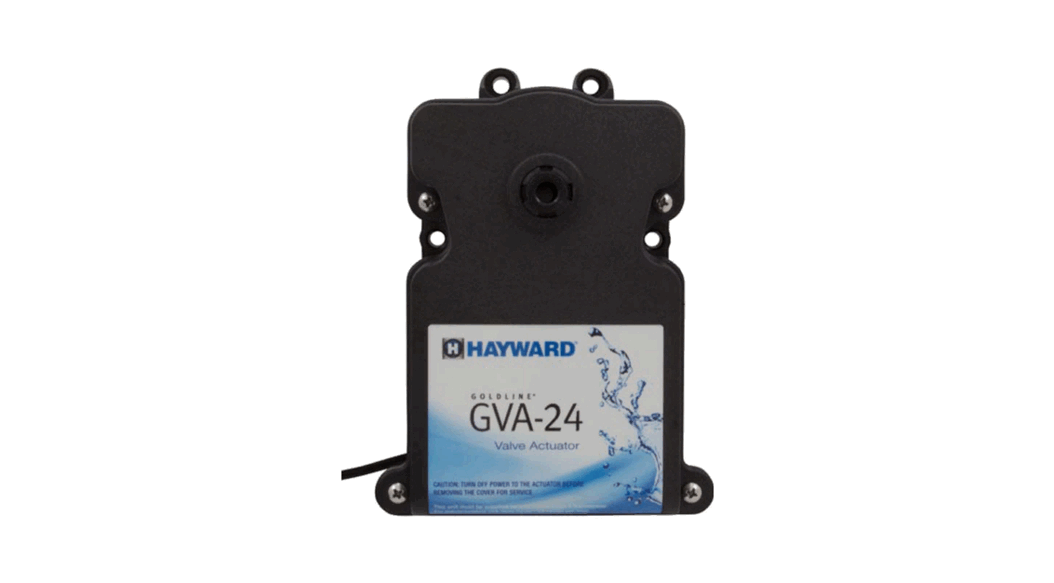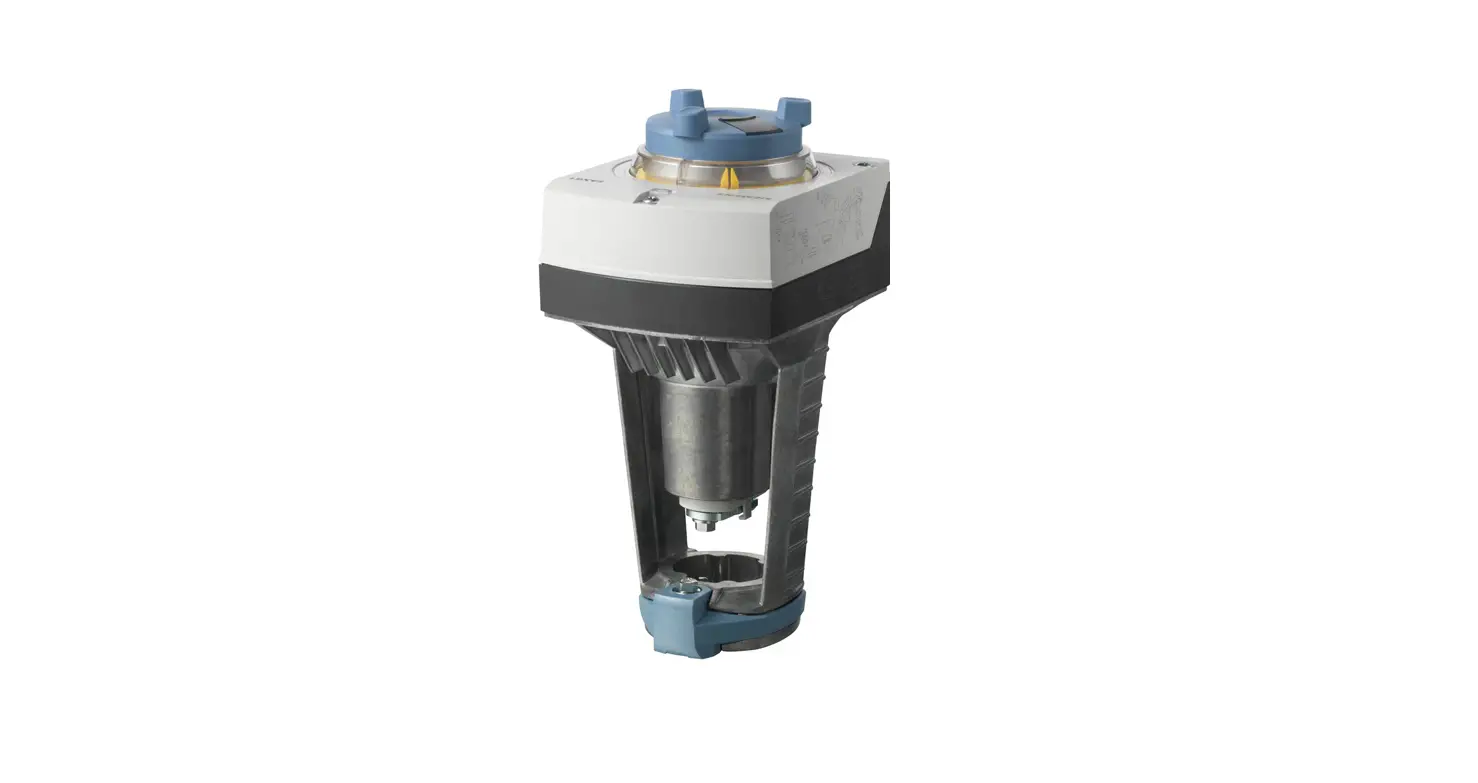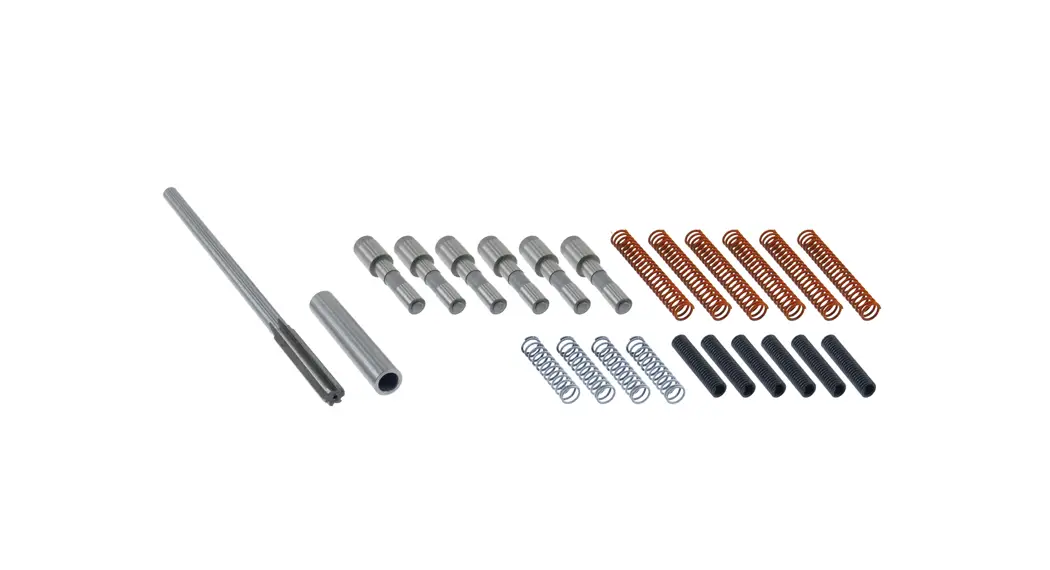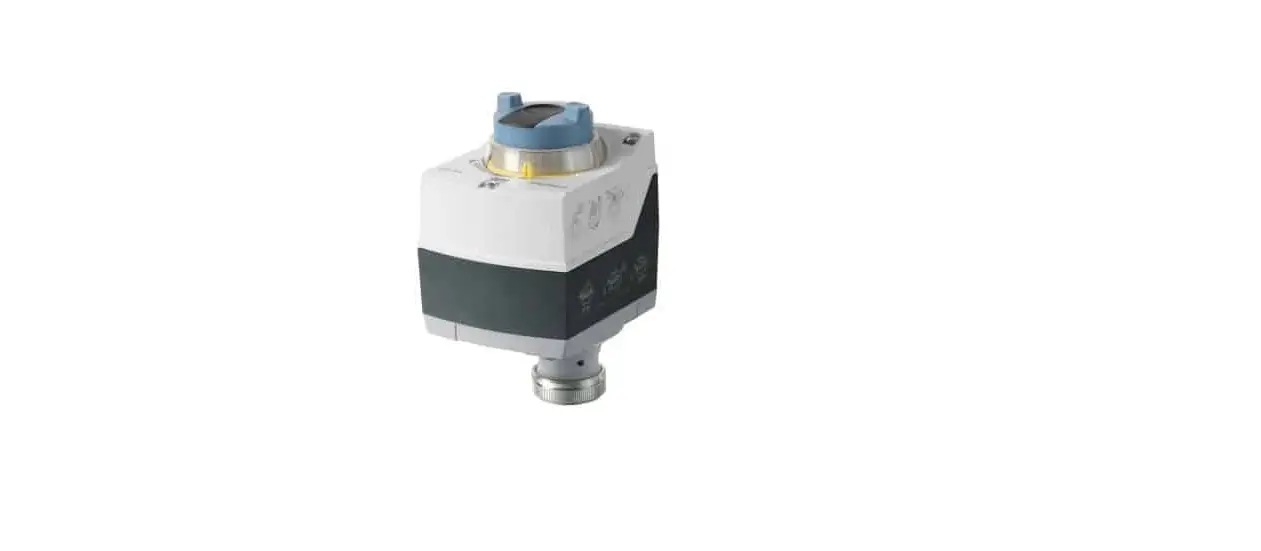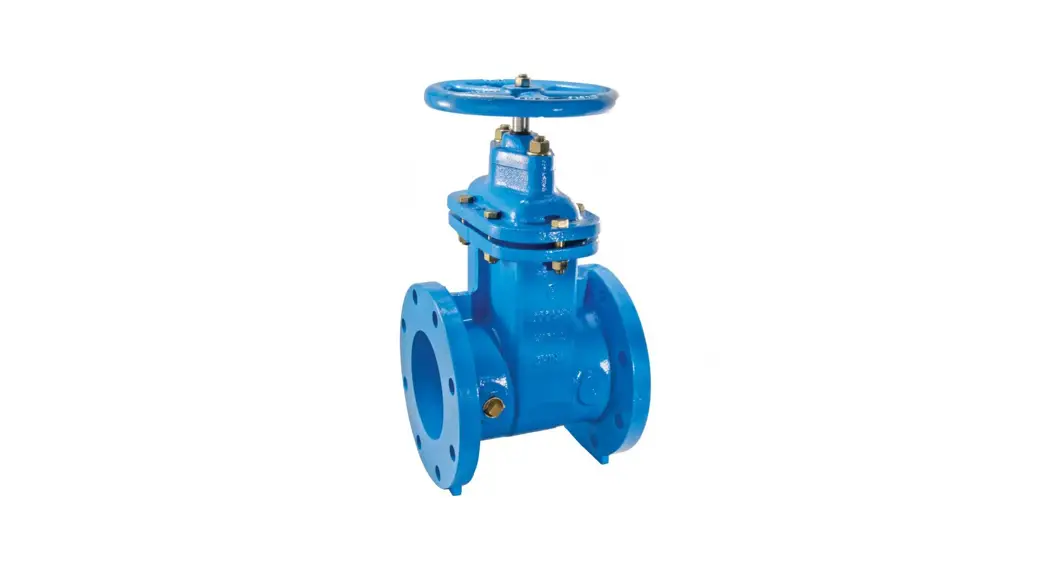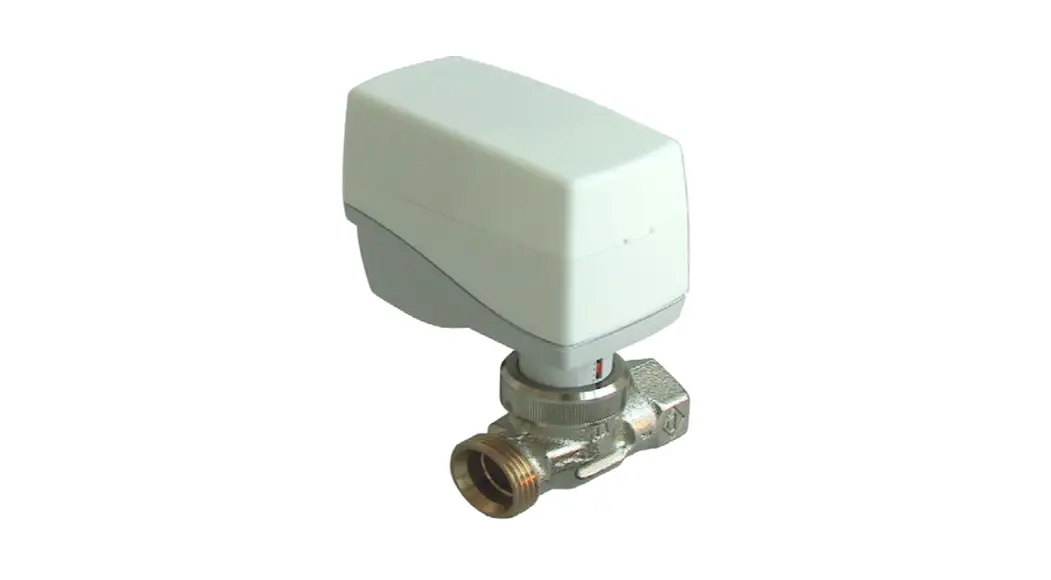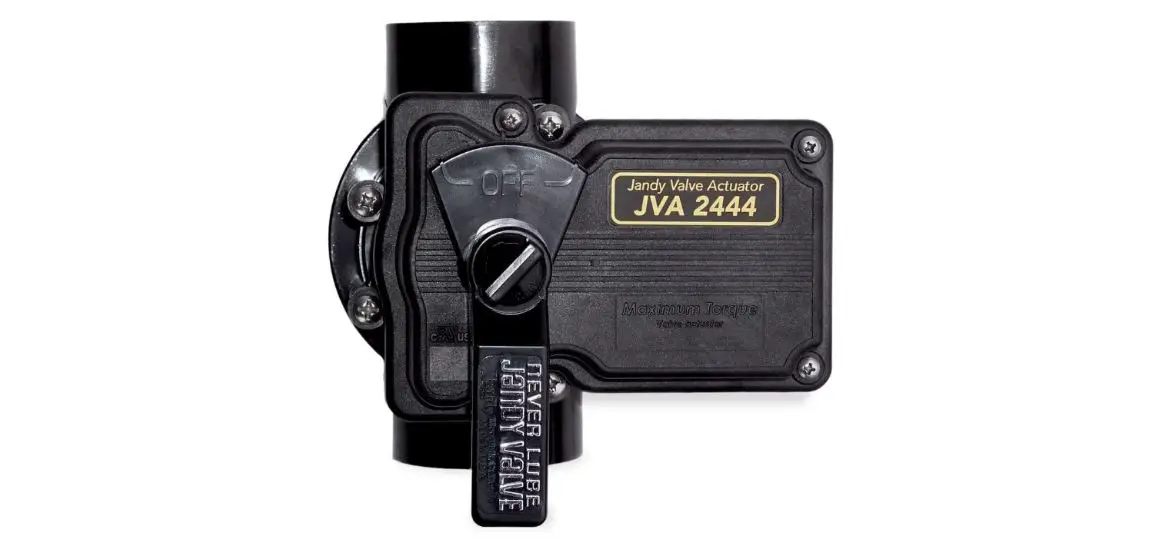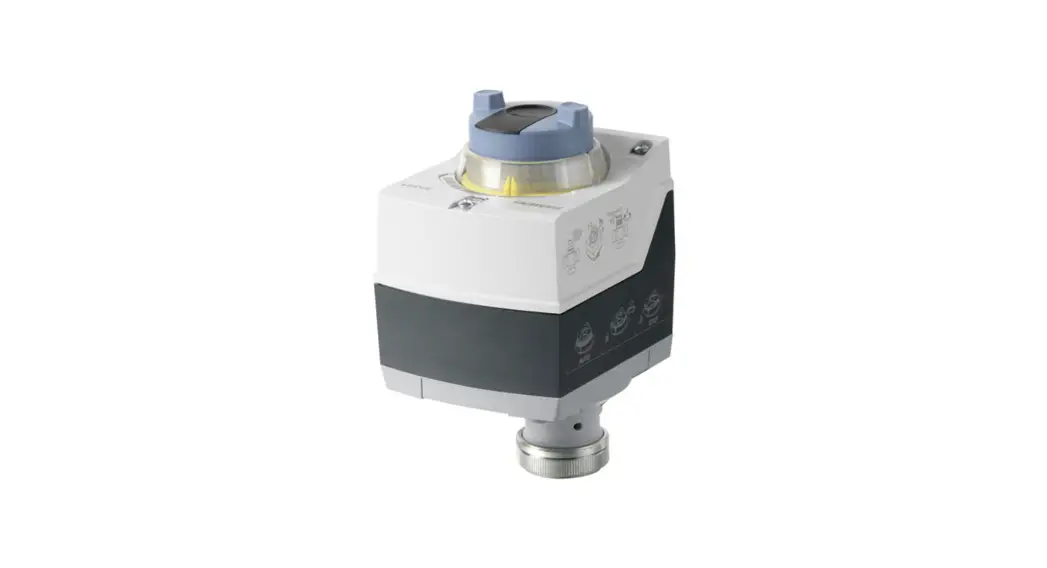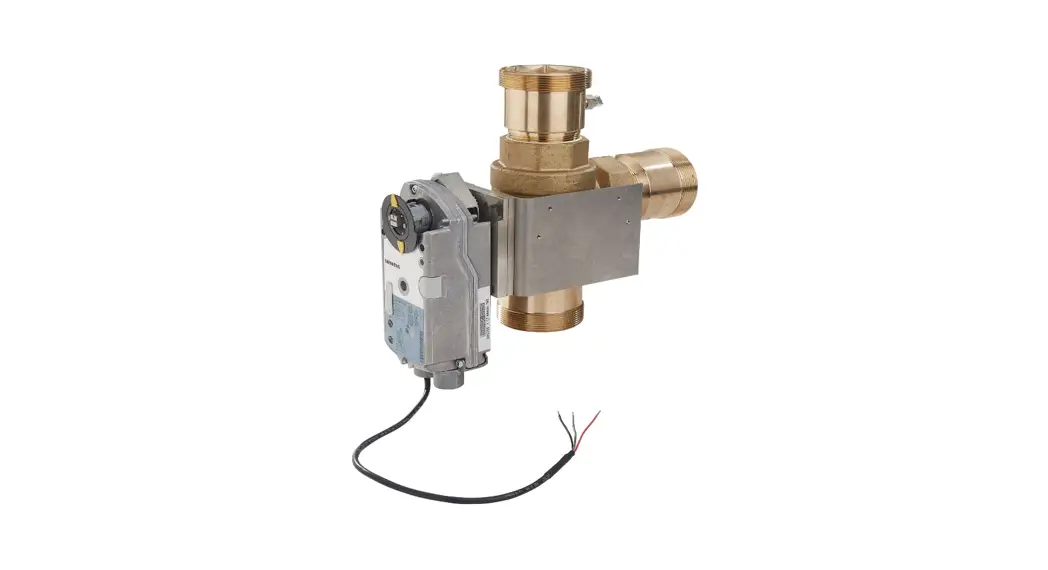
 LFIS075VLACT IntelliStation Jr Valve and Actuator Repair Kit
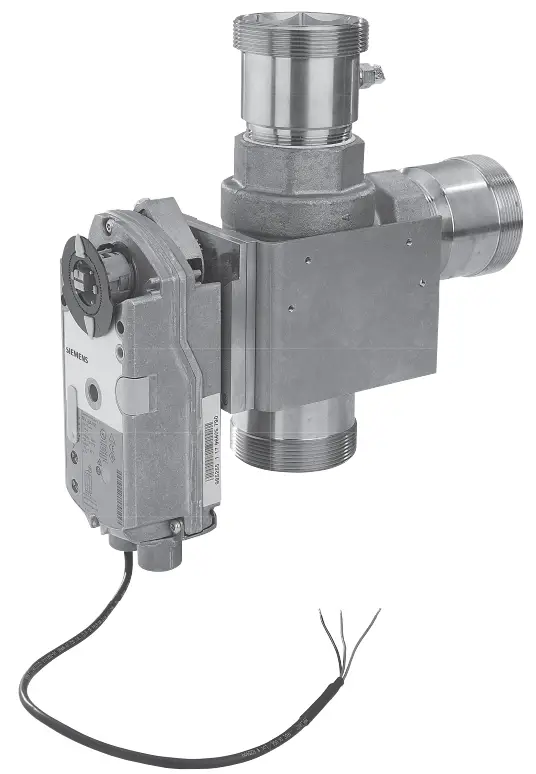 IS-P-IntelliStationJr. Valve & Act Rpr Kit
Installation Instructions
IntelliStation Jr
Valve and Actuator
Repair Kit
 WARNING
 Read this Manual BEFORE using this equipment.
Failure to read and follow all safety and use information can result in death, serious personal injury, property damage, or damage to the equipment.
Keep this Manual for future reference.
| REPAIR KIT PART# | MODEL | DESCRIPTION | TO REPAIR THE FOLLOWING |
| 6551690 | LFIS075VLACT | 3/4″ Valve and Actuator Kit | 6551600, Model: LFIS075VL |
| 6551691 | LFIS100VLACT | 1″ Valve and Actuator Kit | 6551601, Model: LFIS100VL |
| 6551692 | LFIS150VLACT | 1 1/2″ Valve and Actuator Kit | 6551602, Model: LFIS150VL |
| 6551693 | LFIS200VLACT | 2″ Valve and Actuator Kit | 6551603, Model: LFIS200VL |
Testing/Inspection
WARNING
Need for Periodic Inspection/Maintenance: This product must be tested periodically in compliance with local codes, but at least once per year or more as service conditions warrant. All products must be retested once maintenance has been performed. Corrosive water conditions and/or unauthorized adjustments or repair could render the product ineffective for the service intended. Regular checking and cleaning of the product’s internal and external components helps assure maximum life and proper product function.
NOTICE
Valves and actuators are not fi eld serviceable. They must be removed and replaced.
How to Replace the Valve and Actuator
DANGER Before attempting to open the control module, a certified and qualified electrician MUST disconnect all electrical power and fully de-energize the IntelliStation Jr. system.
- Disconnect power and fully de-energize the system.

- Press down at the fingertip grips on top of the front cover and pull out and down.

- Lift the front cover up and away from the control.

- Using a screwdriver, loosen the 2 screws at the front of the wiring cover.

- Pull the wiring cover straight out from the wiring chamber.

- Remove the 2 safety dividers from the wiring chamber by pulling them straight out of their grooves.

- Disconnect the actuator, sensor, BAS (if installed) and power wires by pulling the plugs straight down.

- Press and hold the control release clip on the base inside the wiring chamber, then slide the control upward to release it.

- Lift the control up and away from the base.

- 10a. Unthread the left fitting on the bottom of the unit.
 Note: keep all wire sheathing, nuts, and wire connectors to re-assemble
10b. Unthread the plastic nut on the inside of the unit and pull the threaded piece out. 10c. Loosen the screws in the electrical connector and disconnect the wires. Remove the cable assembly from the IS Jr housing.
 10d. At the actuator end of the cable, unthread the black nipple from the actuator.
 10e. Slide metal sheathing to remove from wire.
- Loosen the 4 screws and remove the back of controller base from the metal valve bracket.

- 12a. Loosen 4 screws in center of metal valve bracket and remove bracket from valve body.
*Note: for3 ⁄4″ and 1″ assemblies only 12b. Replace valve and actuator assembly by mounting to the metal valve bracket.
*Note: for3⁄4″ and 1″ assemblies only
- Re-attach the replacement valve/ actuator assembly to the back ofthe controller base.

- 14a. Slide metal sheathing over wires.
 14b. At the actuator end of the cable, thread the black nipple to the actuator.
 14c. Thread the opposite end to the IS Jr housing, secure nut and attach wires to the electrical connector.
- Place the control head onto the base, aligning its 4 tabs with the 4 openings on the base, then slide it downward until it clicks in place.

- Reconnect the sensor, actuator, BAS (if used) and power wires.

- Slide the 2 safety dividers back into their grooves.

- Put the wiring cover back on and tighten the 2 screws.

- Position the front cover onto theunit, then snap it in place.

- Turn power on and reprogram the system. Refer to original product User Guide and Instruction Manual: IOM-P-INTELLISTATIONJR.

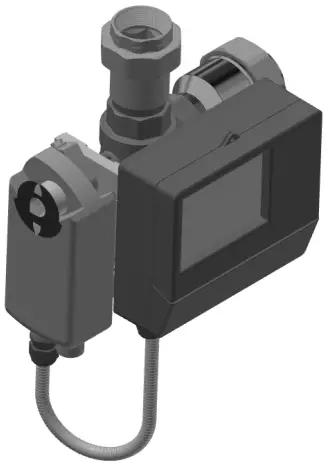


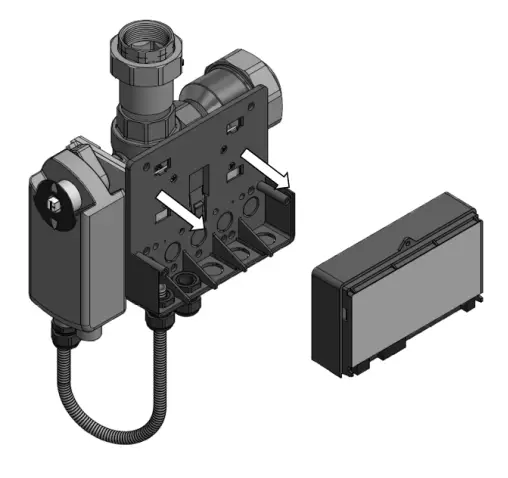
 Note: keep all wire sheathing, nuts, and wire connectors to re-assemble
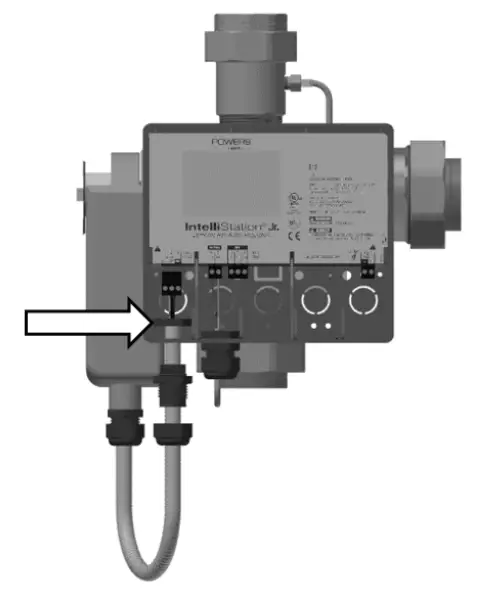 10c. Loosen the screws in the electrical connector and disconnect the wires. Remove the cable assembly from the IS Jr housing.
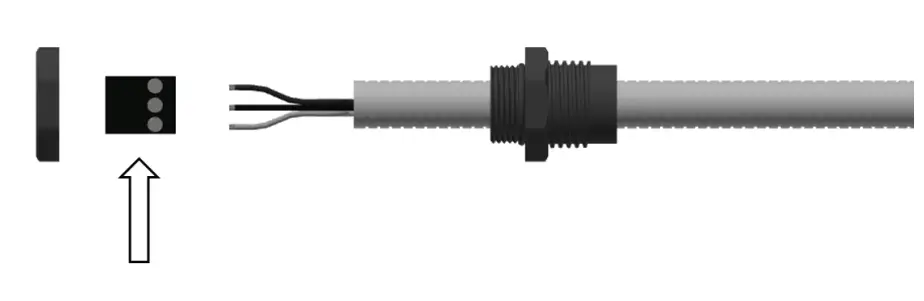 10d. At the actuator end of the cable, unthread the black nipple from the actuator.
 10e. Slide metal sheathing to remove from wire.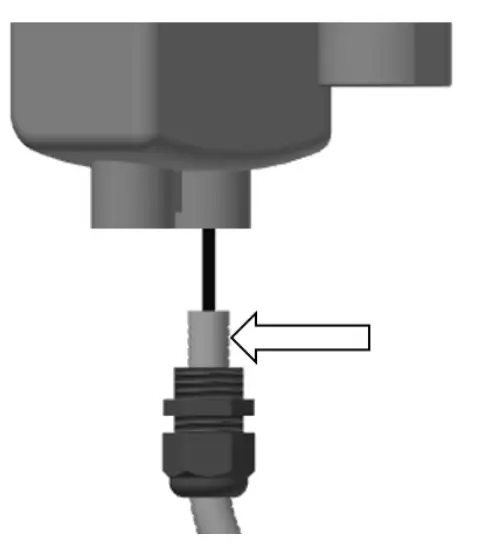

 12b. Replace valve and actuator assembly by mounting to the metal valve bracket.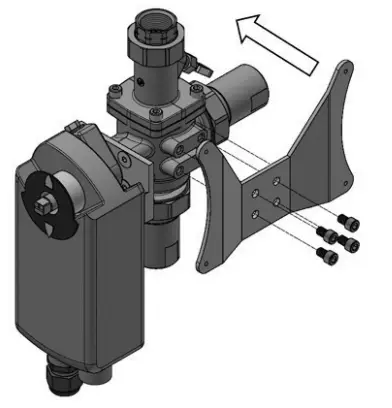
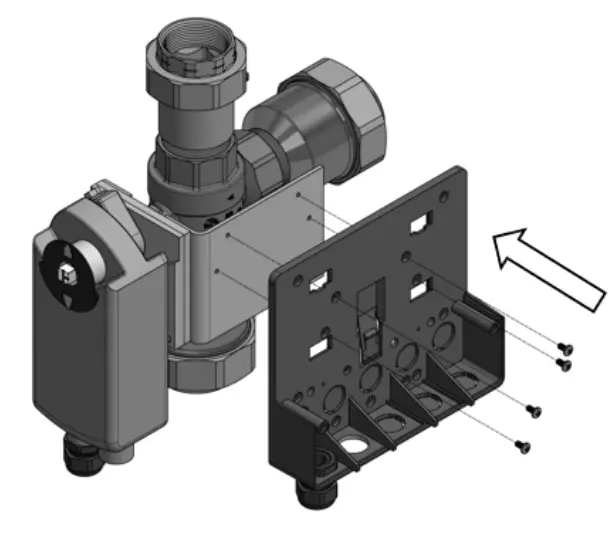
 14b. At the actuator end of the cable, thread the black nipple to the actuator.
 14c. Thread the opposite end to the IS Jr housing, secure nut and attach wires to the electrical connector.


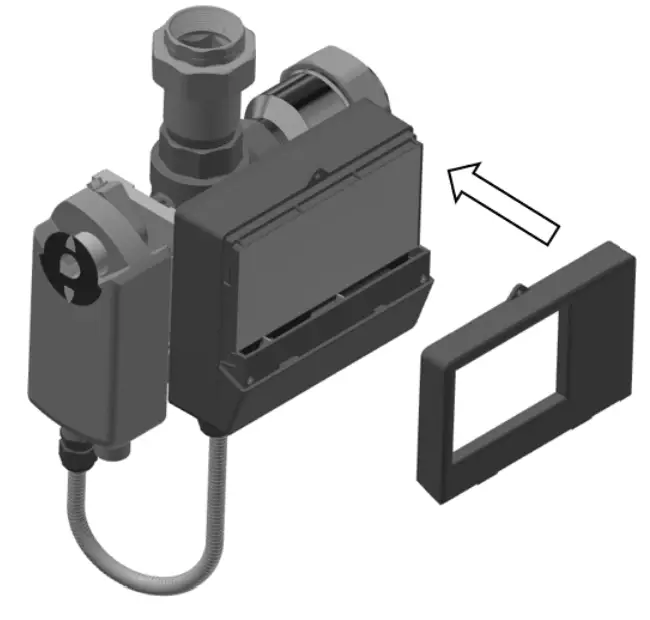

Required Tools
Phillips head screwdriver
Flat head terminal block screwdriver
LIMITED WARRANTY / LIMITATION OF REMEDY:
What is covered? Powers warrants to the original purchaser only, that the product it manufactured when used as intended and instructed, is free from defects in materials or workmanship for five year warranty from date of shipment to the original purchaser.
What is not covered? This Limited Warranty does not cover or is voided by (a) any product, components or parts not manufactured by Powers, (b) faulty or improper installation or unsuitable installation environment, (c) failure to follow instructions or warnings, (d) problems caused by unauthorized attachments, modification, repairs or parts, (e) negligence or vandalism, (f) problems due to foreign material, adverse or improper water conditions, chemicals, contamination, improper pH, water treatment activities or products, mineral deposits, or decomposition by galvanic action, (g) shipping defects or damage, (h) normal wear and tear, (i) any abuse, misuse, unintended use, failure to maintain or inspect, (j) any circumstances over which Powers has no control.
IN NO EVENT SHALL POWERS BE LIABLE TO BUYER OR THIRD PARTIES FOR ANY GENERAL, SPECIAL, INCIDENTAL, OR CONSEQUENTIAL DAMAGES INCLUDING, BUT NOT LIMITED TO, PROPERTY DAMAGE, PERSONAL INJURIES, LOST PROFITS, LOSS OF SAVINGS OR REVENUE, LOSS OF THE USE OF THE PRODUCT OR ANY ASSOCIATED PRODUCTS, COST OF REPAIR, COST OF ANY SUBSTITUTE PRODUCTS OR SERVICES, DELAY DAMAGES, LABOR CHARGES, FINES/ PENALTIES, ECONOMIC OR NONECONOMIC LOSSES, ARISING DIRECTLY OR INDIRECTLY FROM THE SALE/PURCHASE, OWNERSHIP, INSTALLATION, OR USE OF THE PRODUCT, WHETHER BASED ON BREACH OF WARRANTY, BREACH OF CONTRACT, NEGLIGENCE, STRICT LIABILITY, OR ANY OTHER LEGAL THEORY.
What will Powers do? THE SOLE AND EXCLUSIVE REMEDY UNDER THIS LIMITED WARRANTY OR ANY IMPLIED WARRANTIES, is: Within a reasonable period of time after receiving a timely and bona fide claim, Powers will at its sole option (a) repair the product, or (b) replace the product (or component) with a same or similar product. A replaced product is warranted for 90 days from the date of return shipment, or for the balance of the original Limited Warranty period, whichever is longer. IN NO EVENT SHALL POWERS LIABILITY EXCEED AN AMOUNT EQUAL TO THE SALES PRICE OF THE PRODUCT.
To obtain warranty service: Contact Powers at 1-888-432-8932 with description of the problem and proof of the date of original purchase. Cost of shipping and insuring returned product must be paid by purchaser. Powers is not responsible for any loss of damage to the product incurred during shipping.
Disclaimer of other warranties: THIS LIMITED WARRANTY IS IN LIEU OF ALL OTHER WARRANTIES, EXPRESS OR IMPLIED. ALL IMPLIED WARRANTIES, INCLUDING THE IMPLIED WARRANTIES OF MERCHANTABILITY AND FITNESS FOR A PARTICULAR PURPOSE, ARE DISCLAIMED.
USA: T: 888-432-8932
PowersControls.com
Canada: T: 888-208-8927
PowersControls.ca
Latin America: T: (52) 55-4122-0138
PowersControls.com
IS-P-IntelliStationJr. Valve & Act Rpr Kit 2311
EDP# 1922911
© 2023 Watts
 PowersControls.ca
 POWERS | Watts Brands