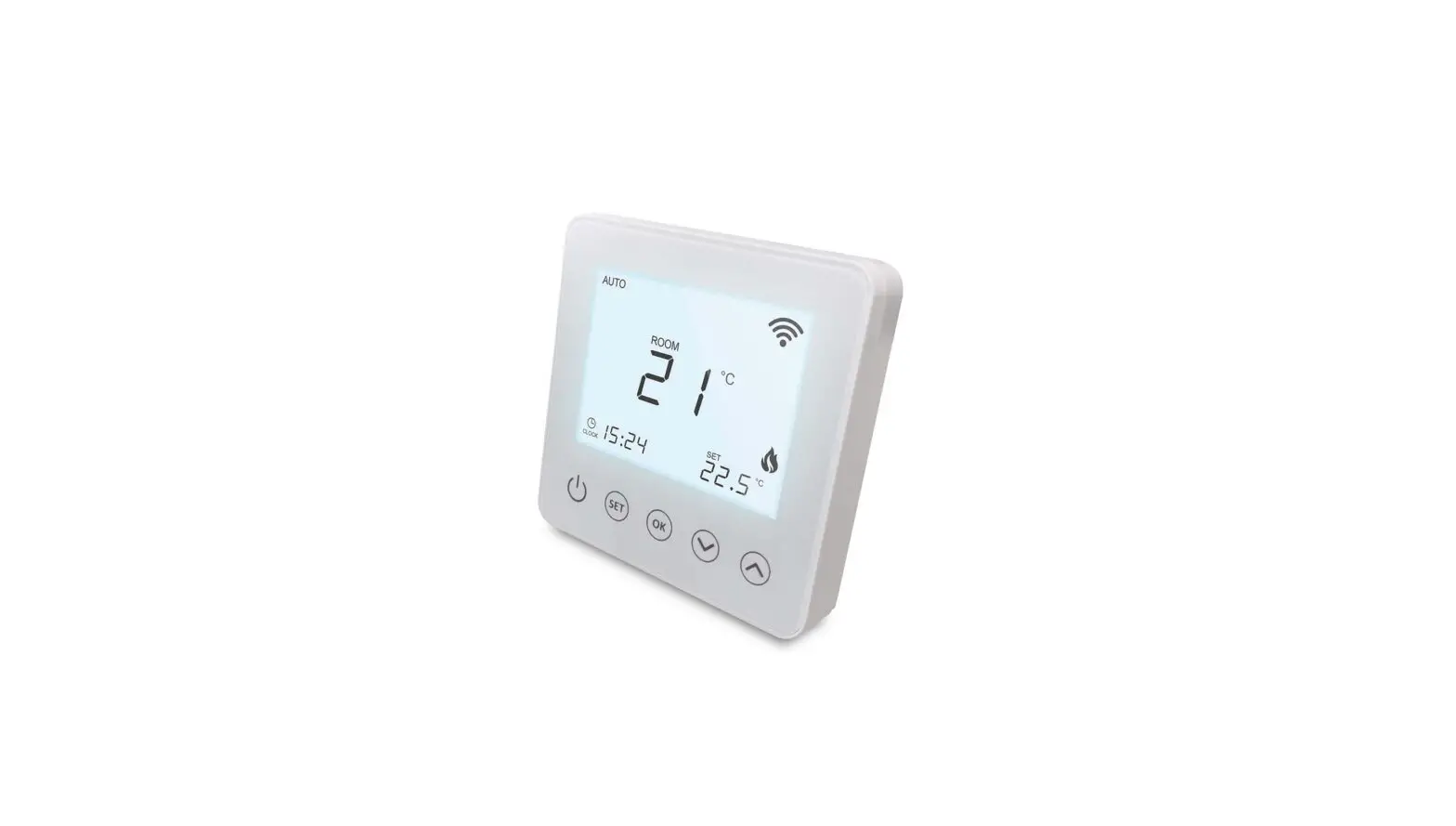

ROMA HEATING RWI5 Wi5 Wi-Fi Digital Heating Thermostat
Product Information
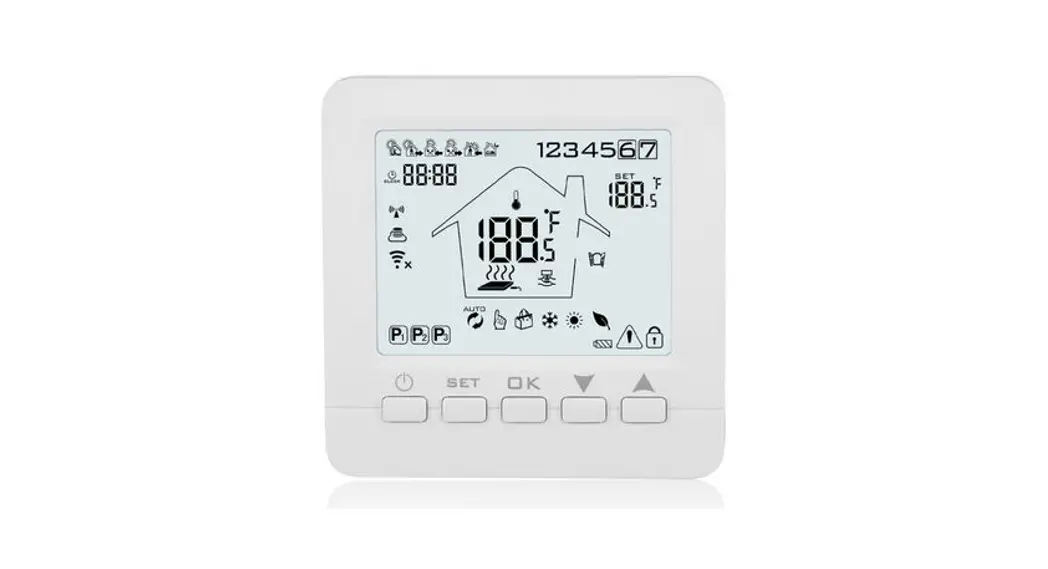
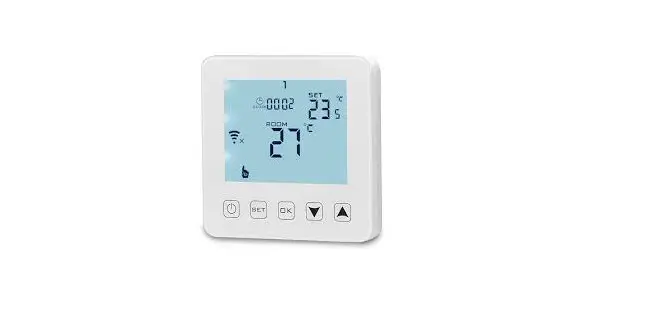
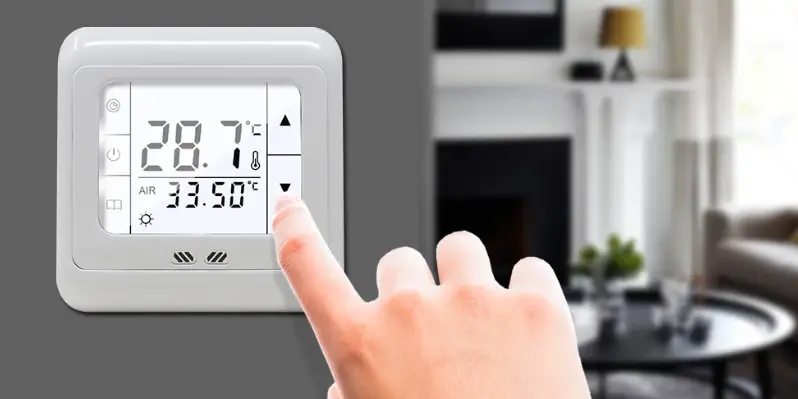
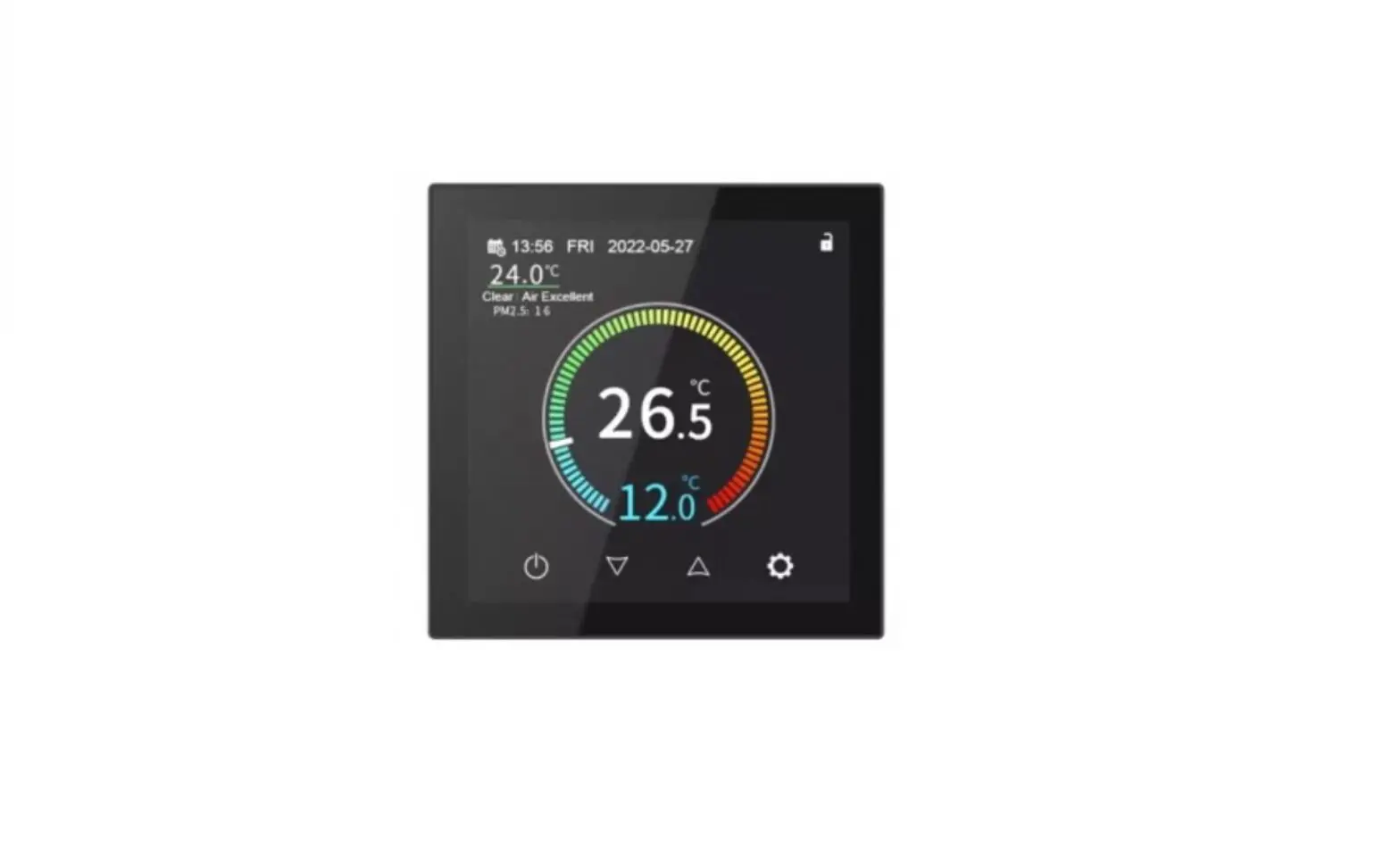
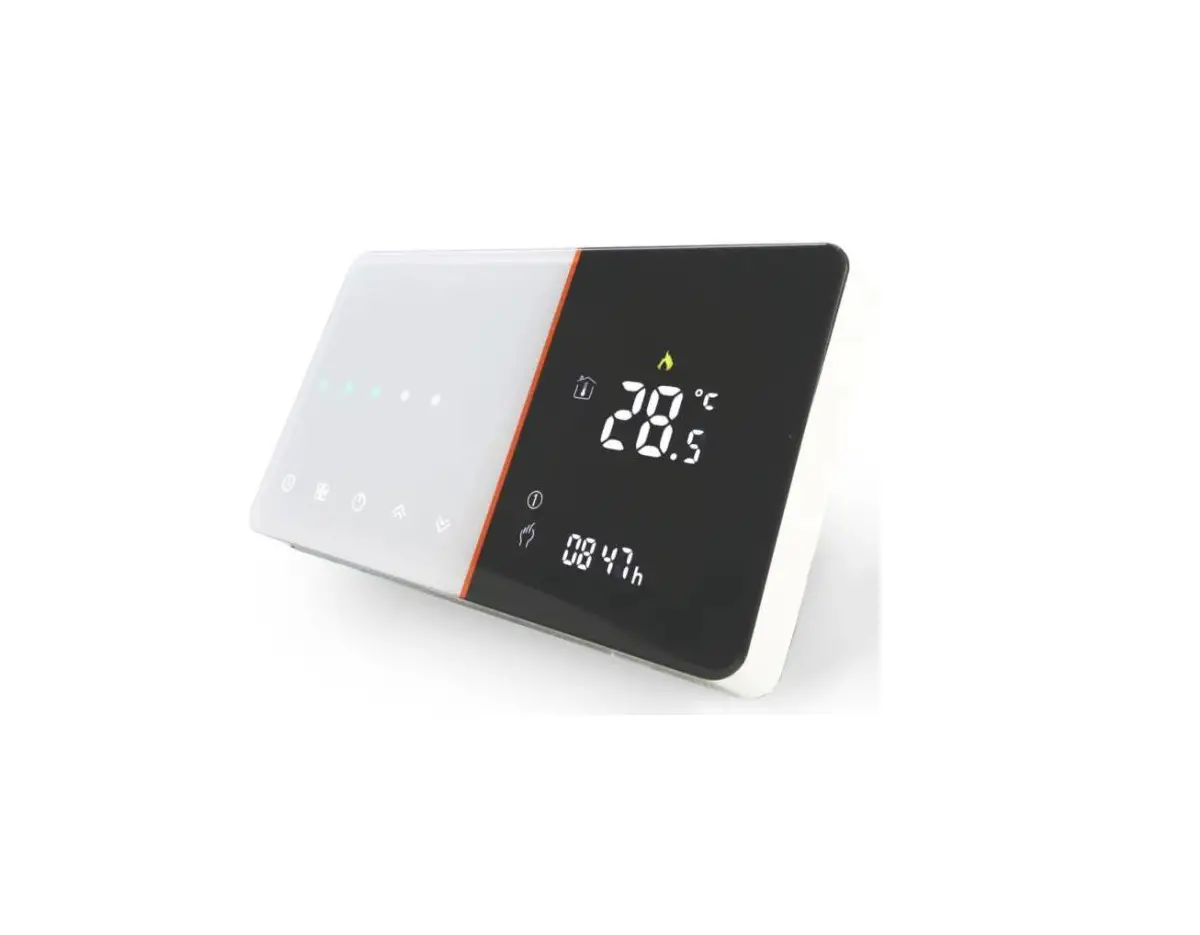
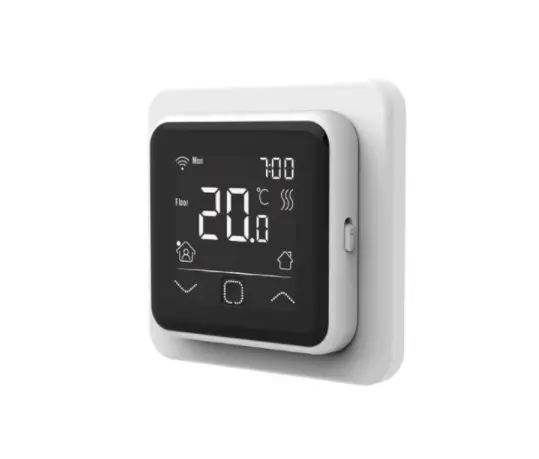
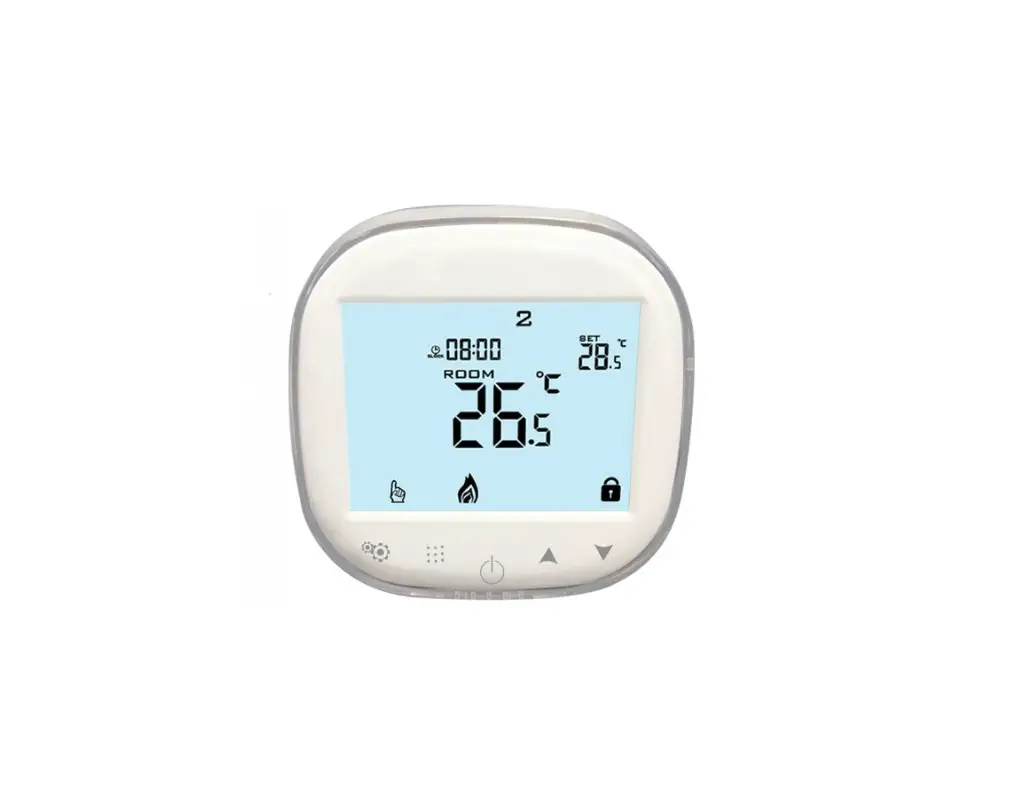
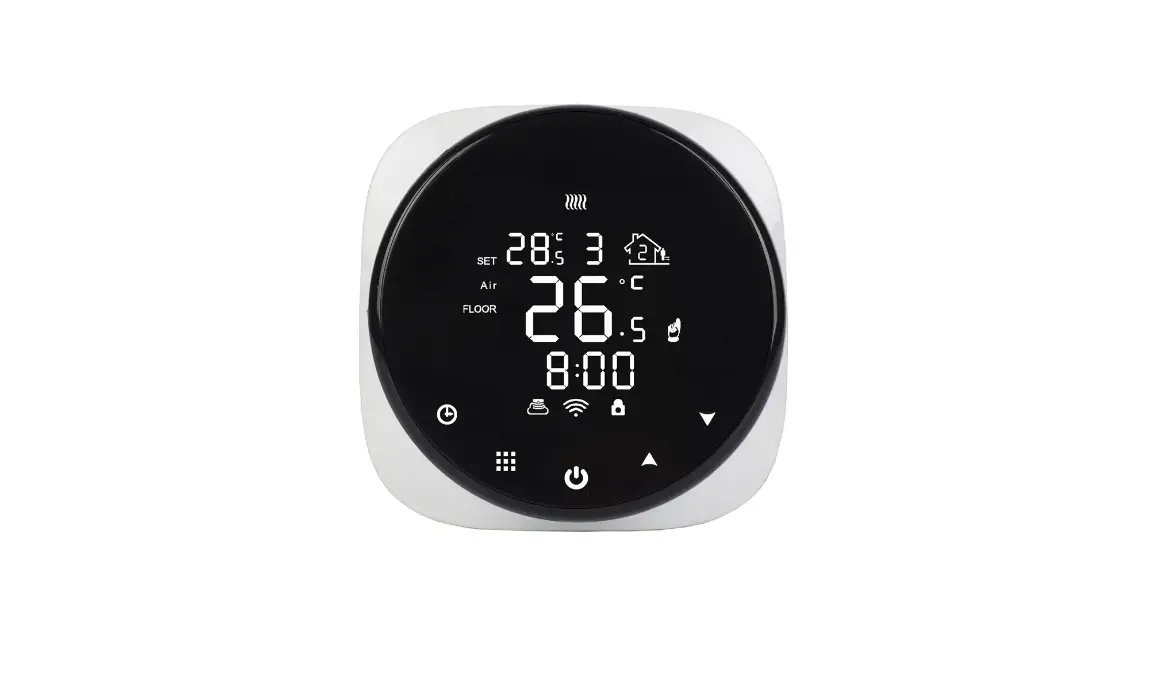
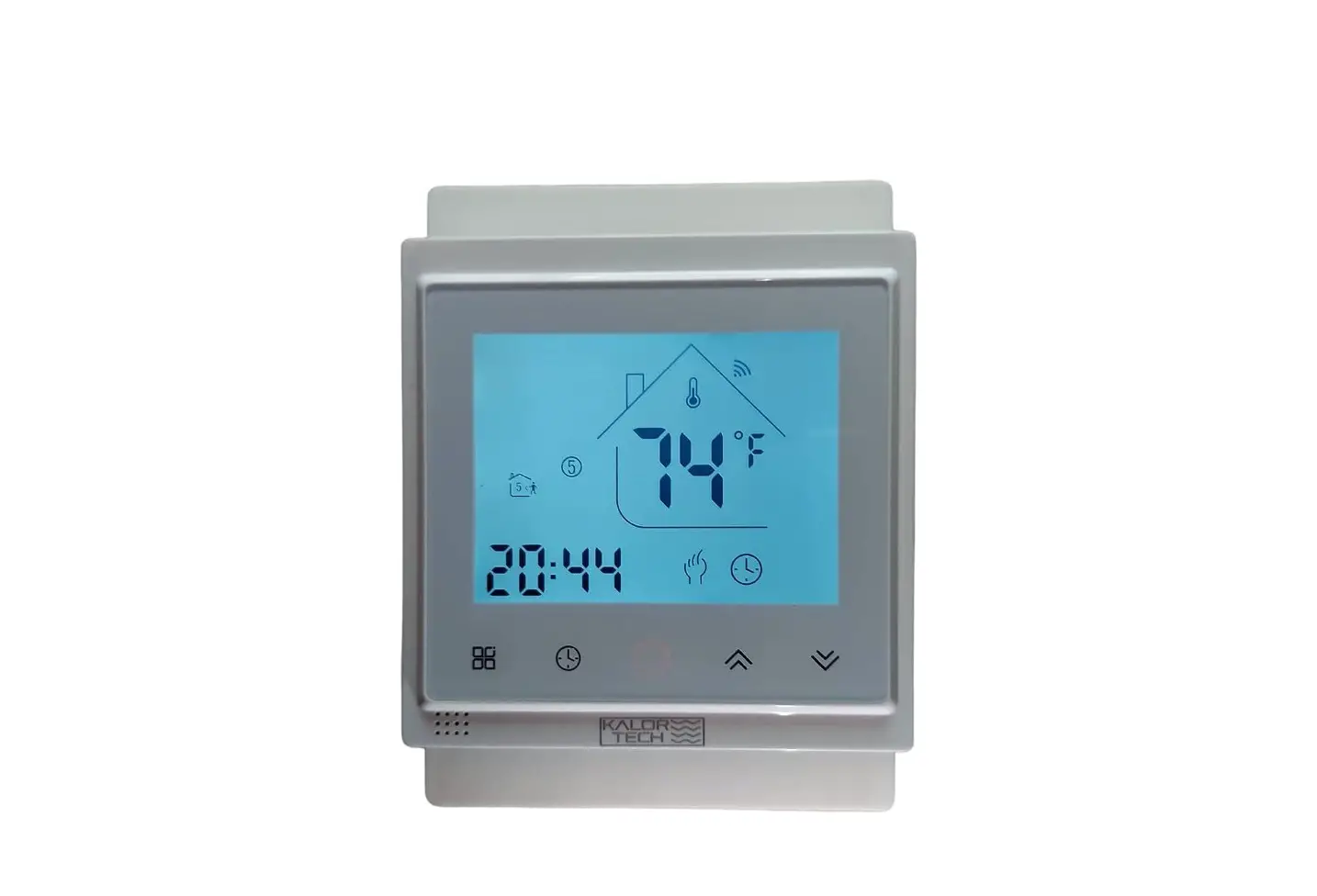
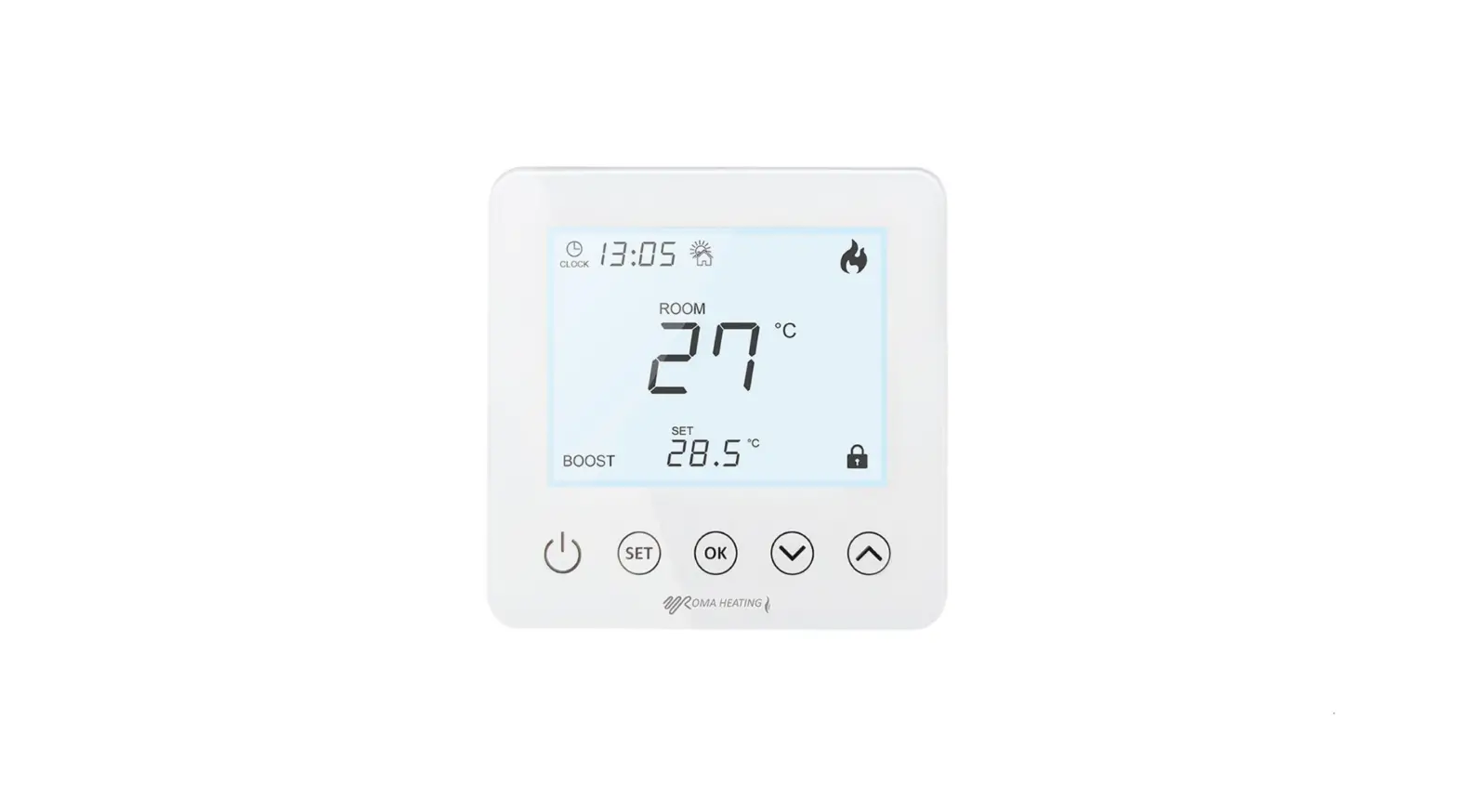
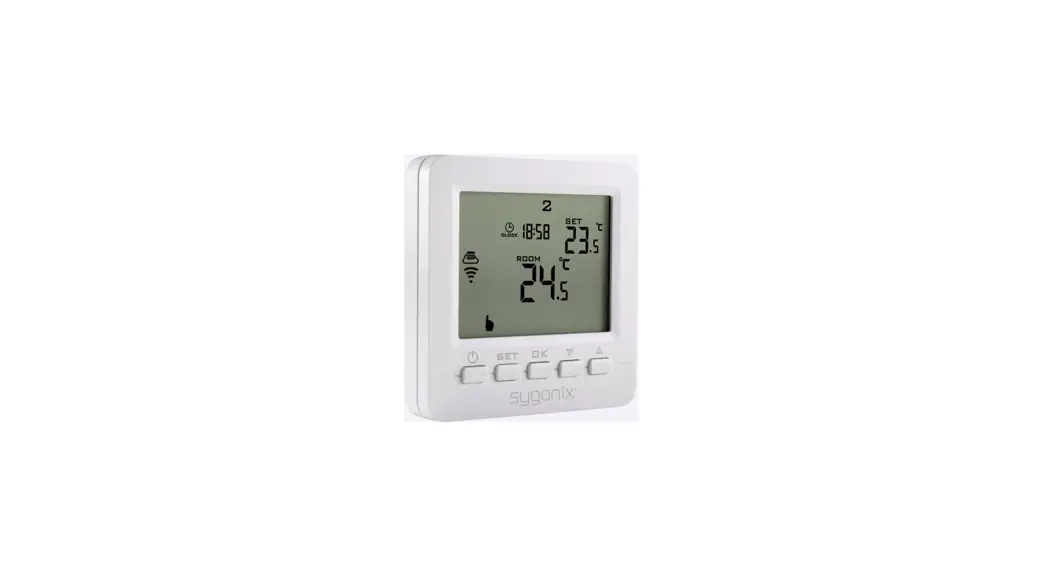
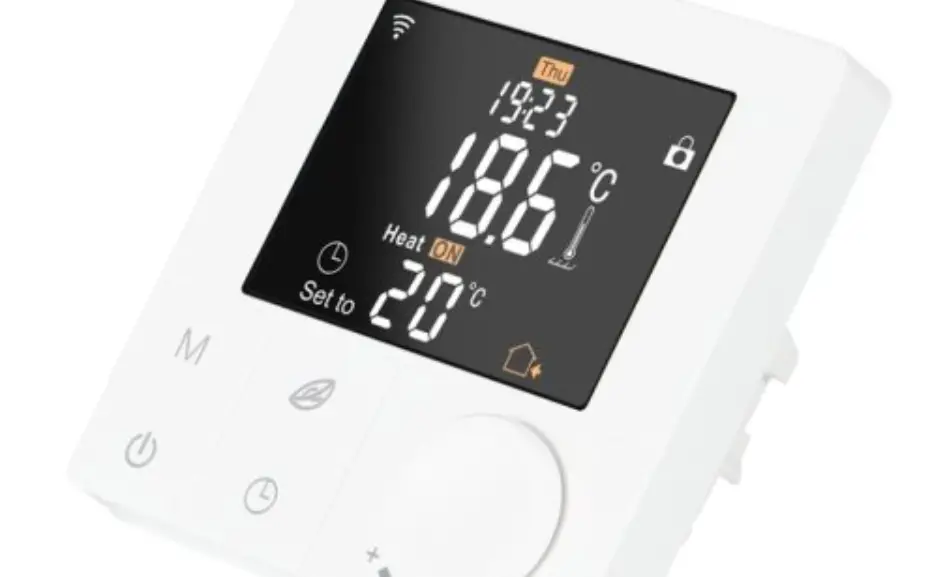
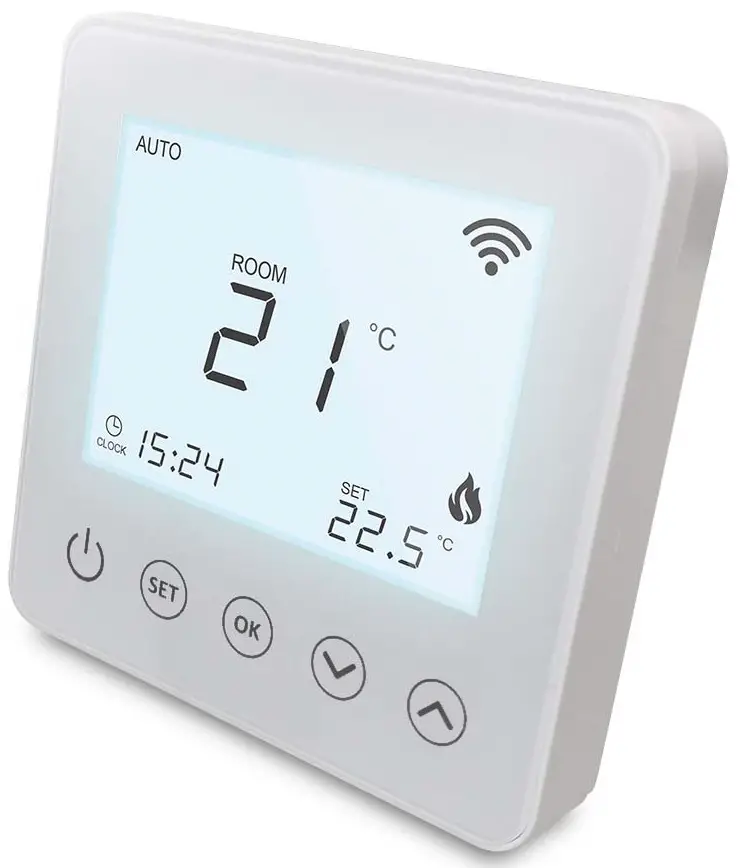
Thank you for purchasing the Wi5 Wi-Fi Digital Heating Thermostat. This product is designed to control electric underfloor, water heating or water/gas boiler systems. The thermostat has touch buttons for operation and a screen backlight function. The dimensions of the thermostat are 86 x 86 mm and it is only 15mm in depth. The thermostat comes with a hidden box of 86mm and a European box of 60mm for easy installation. The display size is 64 x 64mm and it comes in white color.
Product Features
- Touch buttons for operation
- Screen backlight function
- Dimensions: 86 x 86mm, depth of 15mm
- Hidden box of 86mm and European box of 60mm
- Easy installation with the flat mounting
- Display size: 64 x 64mm
- Color: White
Product Specifications
- The installer must be a trained experienced service technician.
- Read the instructions carefully before wiring and installation.
- Check the ratings given in the instructions and on the product to make sure the product is suitable for your application.
Usage Instructions
- For Android users, search Smart Heating at Google Play, for iPhone users, search Smart Heating at App Store.
- Turn on the thermostat by long-pressing the ‘OK’ button for pairing with the app.
- The app’s advanced setting password is ‘123456’.
- Installation should be done by a trained experienced service technician.
- After installation is completed, follow the steps in the instructions to operate your thermostat.
- Do not connect the terminal close to 4 of the electric valve.
- In case of water heating and gas wall-hung boiler heating, do not connect the terminal close 4 of the electric valve.
- Use the operation key to turn the thermostat ON or OFF with a short press.
- Switch between manual and automatic modes with a short press of the operation key.
- Enter Programmable Mode by long-pressing the operation key for 3-5 seconds.
- Use the Confirm key to set the time or to enter the holiday mode setting.
- Use the up and down arrows to change holiday mode from OFF to ON and then press OK to confirm the holiday mode set.
- The thermostat has three-period modes: 5 (weekdays) + 2 (weekend days), 6 + 1, and 7 days. Choose the period of your choice by long-pressing the operation key for 3-5 seconds and then short-press it to enter Programmable Mode.
- In Auto Mode, press the up or down arrow to enter temporary manual mode.
Thank you for purchasing one of our products and for your support.
- For Android users, search “Smart Heating” at Google Play, for iPhone users, search “Smart Heating” at App Store.
- Turn on the thermostat, long press
 , and
, and for pairing the thermostat with APP, the APP advanced setting password is 123456.
About Your Thermostat
The Wi5 Wi-Fi series range has been developed to control electric underfloor, water heating or water/gas boiler systems, all designs have a screen backlight function.
FEATURES
Appearance
- Dimensions are 86 x 86 mm.
- Touch buttons for operation.
- The thermostat is only 15mm in depth.
- 86mm Hidden box and 60mm European box.
- Flat mounting and is easy to install.
- Display size: 64 x 64mm.
- Colour: White.
Functions
- Includes built-in sensor and external sensor.
- 0.5°C accuracy keeps the temperature within the level you set.
- Child lock to prevent children from operating the thermostat.
- Data memory when power is off.
- Holiday mode to allow you to enjoy a more comfortable temperature when you get back home.
Product Specifications
- Power: 90-240Vac 50/60HZ.
- Display accuracy: 0.5°C.
- Probe sensor: NTC(10k)1%.
- Contact capacity: 3A/250V(WW);16A/250V(WE).
- Working environment temperature: 0~90°C.
- Range of temperature adjustment: 5~35°C.
- Range of temperature display: 0~40°C.
- Insulating condition: Normal environment.
- Running program: Set per 1 week as a cycle.
- Output: Switch relay.
- Installation: Wall mounted or on battery seat.
- Dimensions: 86 x 86 x 27mm.
Before Wiring & Installation
- Read these instructions carefully. Failure to follow them could damage the product or cause harm.
- Check the ratings given in the instructions and on the product to make sure the product is suitable for your application.
- The installer must be a trained experienced service technician.
- After installation is completed, follow the steps in these instructions to operate your thermostat.
CAUTION
ELECTRICAL SHOCK OR EQUIPMENT DAMAGE HAZARD OR EQUIPMENT SHORT CIRCUITRY DISCONNECT POWER SUPPLY BEFORE INSTALLATION.
WIRING DIAGRAM
DO NOT CONNECT TERMINAL “CLOSE 4” OF THE ELECTRIC VALVE
ELECTRIC HEATING WIRING DIAGRAM
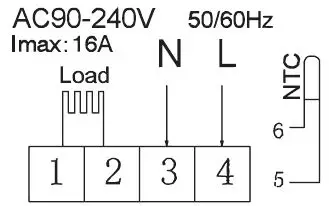
WATER HEATING WIRING DIAGRAM
(do not connect terminal “close 4” of electric valve)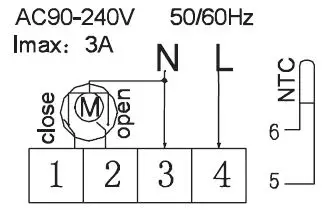
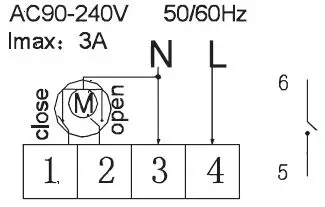
Water heating and gas wall-hung boiler heating, no contact wiring diagram, (disconnection when electric valve close).
Note:
3 & 4 Connect with power, 5 & 6 connect with gas boiler, 1 & 2 connect with the thermal actuator, please do not connect 1&2 to gas boiler,If you connect it wrongly, there will be Short circuit,our gas boiler board will be damaged.
DISPLAYS
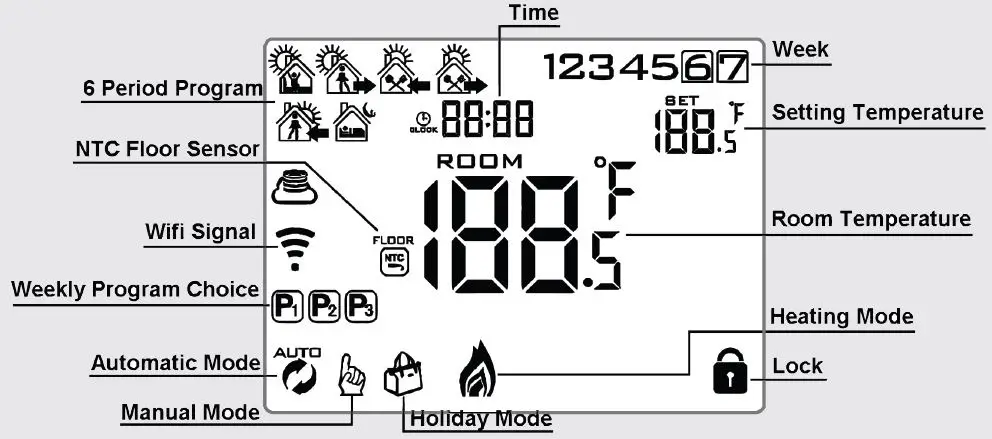
Description of screen icons

- Auto Mode: Run Preset Program
- Manual Mode
- Holiday Mode
- Press the power key for 3-5 secs. to Lock/Unlock
- Wi-Fi Signal is disconnected

- Heating ON / OFF = No Icon
- Clock
- NTC Floor Sensor
- Wi-Fi Signal
- Connected to cloud
Operation Key
| NO | Symbols | Represents |
| A |  | Short press to turn thermostat either ON or OFF. |
| B |
| 1.) Short press to switch between manual and automatic modes. 2.) Turn ON the thermostat – Long press for 3-5 secs. to enter into PROGRAMMABLE MODE. 3.) Turn OFF the thermostat – Long press for 3-5 secs. to enter into ADVANCED MODE. |
| C |  | 1.) Confirm key: Use it with the key. the key.2.) Only short press to set time. 3.) Turn on the thermostat, and long press for 3-5 secs. to enter the holiday mode setting. OFF Will appear use the  up and up and down arrows to change to ON and then press the to confirm the holiday mode set. down arrows to change to ON and then press the to confirm the holiday mode set. |
| D |
| 1.) Down Arrow = Decrease Value Key 2.) Long press to LOCK or UNLOCK |
| E | | 1.) Up Arrow = Increase Value Key 2.) Long press to access external sensor temperature reading 3.) In Auto Mode, press the up or down arrow to enter temporary manual mode. |
Thermostat Program Mode
There are 3-period modes:
5 (weekdays) + 2 (weekend days), 6 + 1, and 7 days. Choose a period of your choice by long pressing for 3-5 secs. Enter into programmable mode. Then short press choose: hour, minute time period and press and to increase and decrease values. Once finished setting after 10 seconds thermostat will automatically save & exit.
The optimum comfort temperature is 18°C – 22°C
Advanced Options
With the thermostat turned off, long press for 3-5 secs. to access advanced settings. From A1 to AD short press to toggle through the options. Adjust data by using the up and down arrows. Short press to go to next option. After about 5 secs. the thermostat will save & exit on its own.
| NO | Settings Options | Data Setting Function | Factory Default |
| A1 | Measure temperature calibration | Change value range -9°C to + 9°C | 0.5°C Accuracy Calibration |
| A2 | Temperature control return difference setting | Change value range 0.5°C to + 2.5°C | 1°C |
| A3 | External sensors limit temperature control return difference | Change value range 1°C to + 9°C | 2°C |
|
A4 |
Options of sensor control | N1: Built-in sensor (high-temperature protection close). N2: External sensor (high-temperature protection close). N3: Built-in sensor control temperature, external sensor limit temperature (external sensor detect the temperature is higher than the highest temperature of an external sensor, the thermostat will disconnect relay, turn off load). |
N1 |
| A5 | Children lock setting | 0: Half Lock 1: Full Lock | 0 |
| A6 | Limit value of high temperature for external sensor | 1.) 35°C – 75°C 2.) Under 35°C, screen display  , high-temperature protection was cancelled. , high-temperature protection was cancelled. | 45°C |
| A7 | Limit value of low temperature for external sensor (anti-freeze protection) | 1.) 1°C – 10°C 2.) Exceed 10°C, screen display , and low-temperature protection was canceled. | 5°C |
| A8 | Setting temperature lowest limit | 1°C – 10°C | 5°C |
| A9 | Setting the temperature highest limit | 20°C – 70°C | 35°C |
| AA | Descaling function | 0: Close descaling function. 1: Open descaling function ( valve is continuously closed over 100 hours, it will be opened for 3 minutes automatically. | 0: Close descaling function |
| Ab | Power with memory function | 0: Power with memory function. 1: Shutdown power after power off 2: Shutdown power after power on | 0: Power with memory function |
| AC | Weekly programming selection | 0: 5 + 2 ( 5 weekdays + 2 weeekend days) etc. 1: 6 + 1 2: 7 | 0: 5 + 2 |
| Ad | Restore to factory defaults | Displaying A0, press OK key until whole LCD show all icons |
Hysteresis Description
The limit value of the external sensor is 45°C for factory default (A6), value of the external sensor control return difference (A3) is 2. When the temperature rise to 45°C, the relay stop working and will activate a high-temperature production alarm. If the temperature decline to 43°C relay continue to work and the heating alarm will be deactivated. (it can be operated, only when the indoor temperature is lower than the setting temperature).
Sensor Fault Display
Please choose the correct working way of built-in and external sensors, if you choose incorrectly or sensor fault (breakdown), “E1” or “E2” will be displayed on the LCD screen. The thermostat will then stop heating until the fault is eliminated.
Warranty
This product comes with a warranty of 12 months from the date of purchase.
Smart Heating App Download
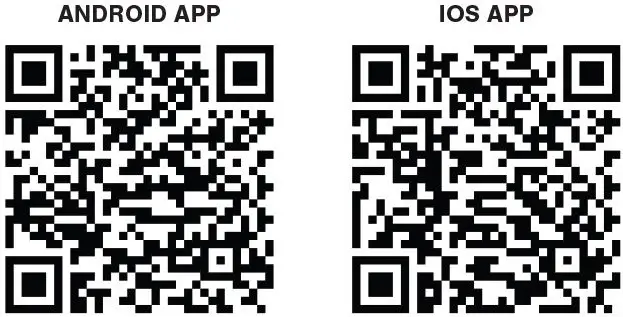
The Smart Heating APP allows you to setup and control your Wi5 Wi-Fi thermostat from anywhere in the world where you have a Wi-Fi or data connection. The APP is available on both IOS and also Android. To download the APP please scan the following respective QR Codes with your phone. You may have to install QR Code scanning software or apps on your device for this step.
Wi-Fi Connection
Once you have the APP installed on your device, you will either need to login to the APP or create an account. Once logged in you will be able to connect to the i5 Thermostat. When you connect the Thermostat ensure the Wi-Fi icon is flashing on the screen, if not long press, and at the same time until the Wi-Fi icon starts to flash. You can then complete the connection routine from within the APP. You will also need your Wi-Fi password to complete the connection to the Thermostat.
Roma Heating The Underfloor Heating Experts – www.romaheating.co.uk.
 Underfloor Heating | Roma Heating | Electric Underfloor Heating