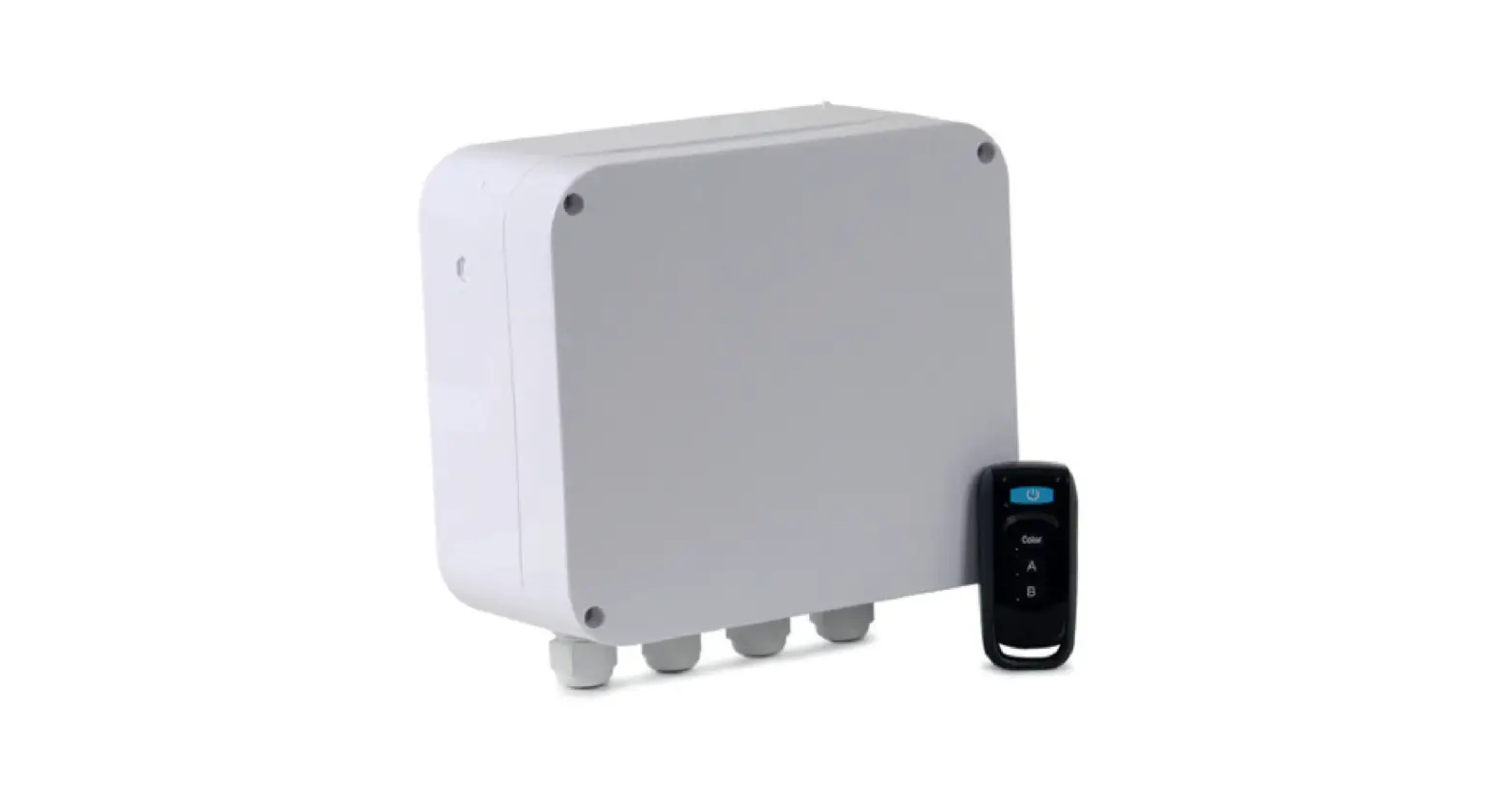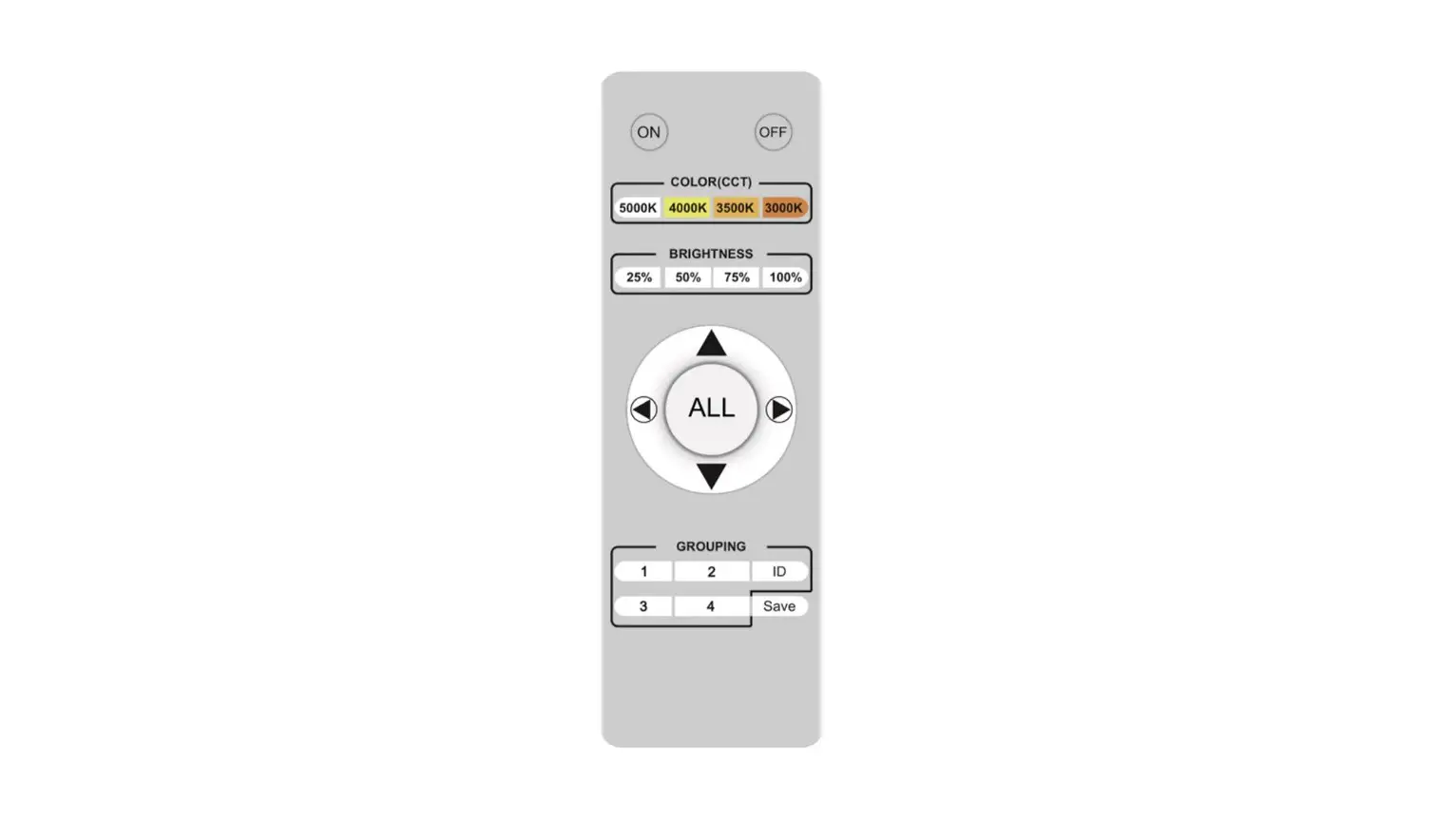
SUNCO LIGHTING 99355 Remote for LED Spectra Instruction Manual
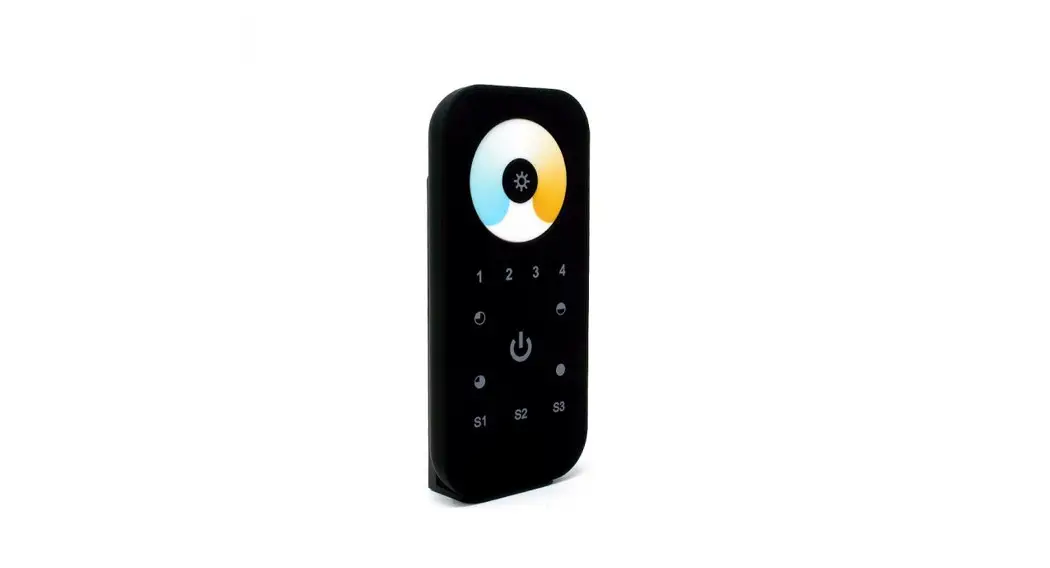
Remot Control Buttan Instruction
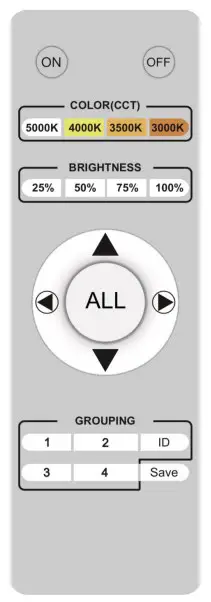
  | Turn ON Turn OFF |
| Hand held remote controller cannot be used directly as the only on-off switch it should be used together with the switchi The fixture needs to be turned off for the night with a standard hard-wired wall switch (or at the breaker panel)i | |
| Turn off the light to save the current color temperature then turn on the light, the last saved color temperature will be displayed by defaulti |
 | MATCHING CODE FOR LIGHT Holding the ‘ID’ button will keep the controller’s indicator on, then turn on the light and release the ‘ID’ button after the light flashes, matching code completei Matching code for several lights simultaneously is availablei |
+ | RELEASE THE CODE AND DISCONNECT LIGHT FROM REMOTE CONTROLLER Press the bottom +together, then turn on the light, the light will flash to finish releasing the code onthe lightsi |
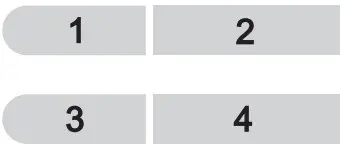 | GROUP SELECTING BUTTON Grouping lights (matching code process needs to be completed first)i Turn off the lights, continue pressingthe group selection button for 3s, then turn on the lights the lights will flash to finish groupingi |
 | SAVE BUTTON Press and hold (3-5 seconds) the “SAVE” button until the light goes out, the current brightness and color temperature are automatically savedi Turn off lights then turn on, the last saved brightness and color temperature will be displayed by defaulti |
 | ALL GROUPS ARE SELECTED |
| COLOR TEMPERATURE AND BRIGHTNESS SELECTION | |||
 |  |  |  |
| Color Temperature | |||
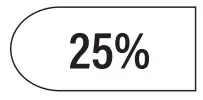 | 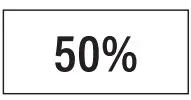 | 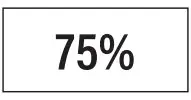 | 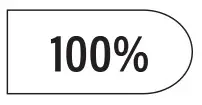 |
| Brightness | |||
 Increase Brightness |  Decrease Brightness |  Decrease Color Temperature |  Increase Color Temperature |