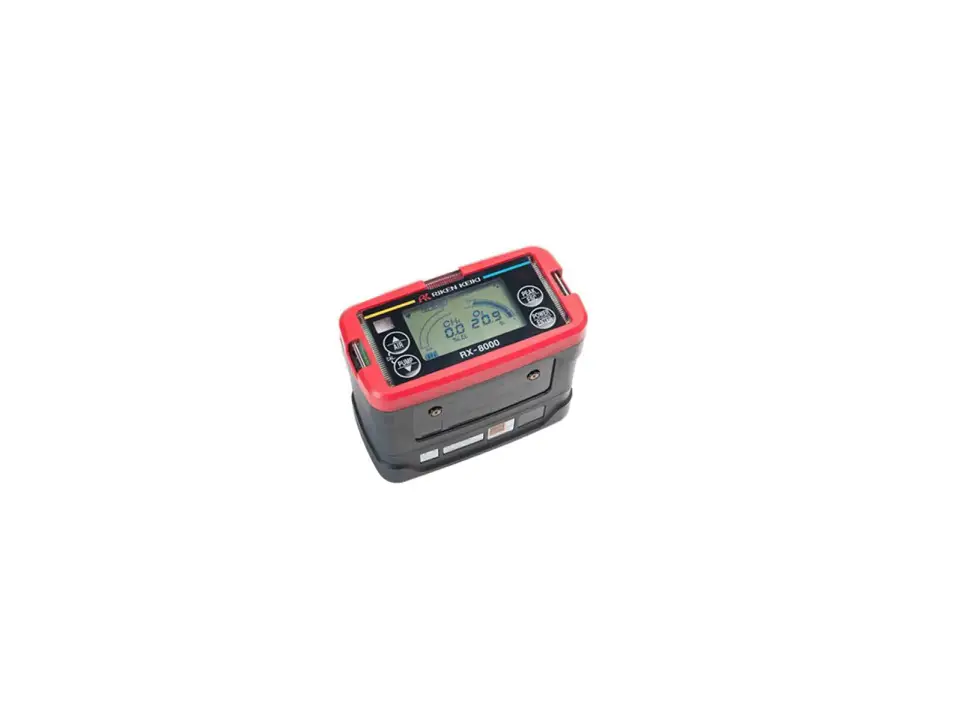
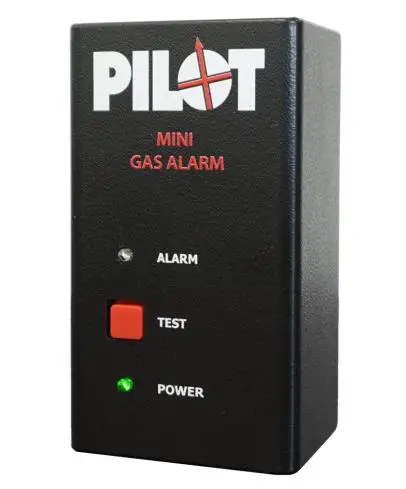
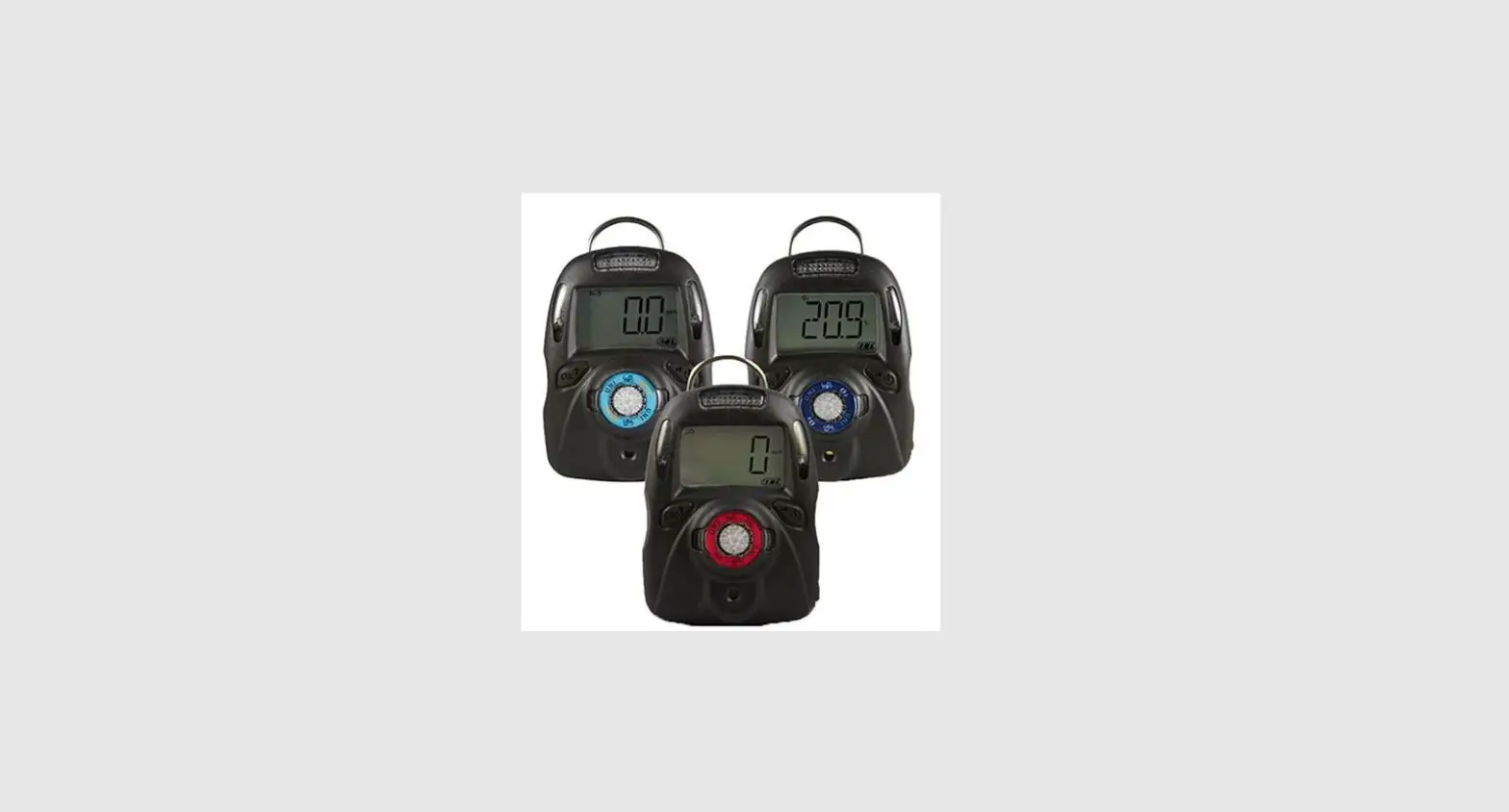
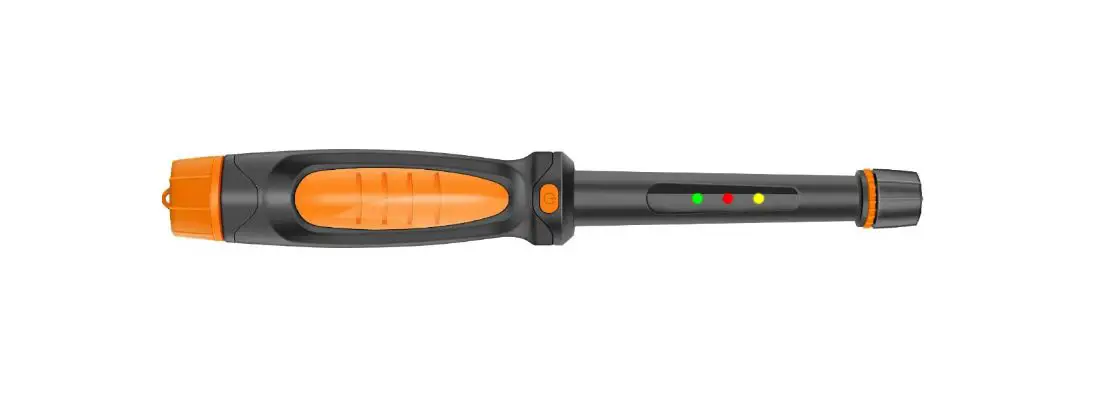
5762H512 Gas Detector
Product Information: Gas Detector
The Gas Detector is a device that is used to detect the presence
of various gases in the environment. It is equipped with a gas
sensor and a display that shows the gas levels. The device can
detect gases such as refrigerant gases, smoke, and other chemical
agents. The Gas Detector is designed to be used in various working
conditions, including confined spaces and around motorized
machinery.
Warnings:
- Avoid handling refrigerant gases near the sensor. If this is
unavoidable, use Set Hold or Maintenance mode. - Keep the detector work environment free of chemical agents
(solvents, acetone vapours, paints, alcohol, cleaning products,
silicone and derivatives, ethylene, etc.). - The sensor should be installed away from smoke outlets located
in confined spaces or from engines, generators or motorised
machinery (fork-lift trucks, etc.).
Wiring:
The Gas Detector is equipped with DIG. IN A DI1 Gnd DI2 A Remote
Remote AKO-57625-1 Mute Set Hold B Delay switch Pre-alarm jumper
AUTO-CONFIGURATION push-button Tr+ TrGnd 15V S Gnd 15V In Gnd
Connection to alarm station RS485 Pre-Alarm Alarm NC C NO NC C NO B
Gas Gas Pre-Alarm Alarm Input x GAS Alarm station Independent
operation RS485 Pre-Alarm Alarm Tr+ TrGnd 15V S Gnd NC C NO NC C NO
B Gas Gas Pre-Alarm Alarm. The device is powered by an external
power supply with a voltage range of 12 – 30 Vdc.
Description:
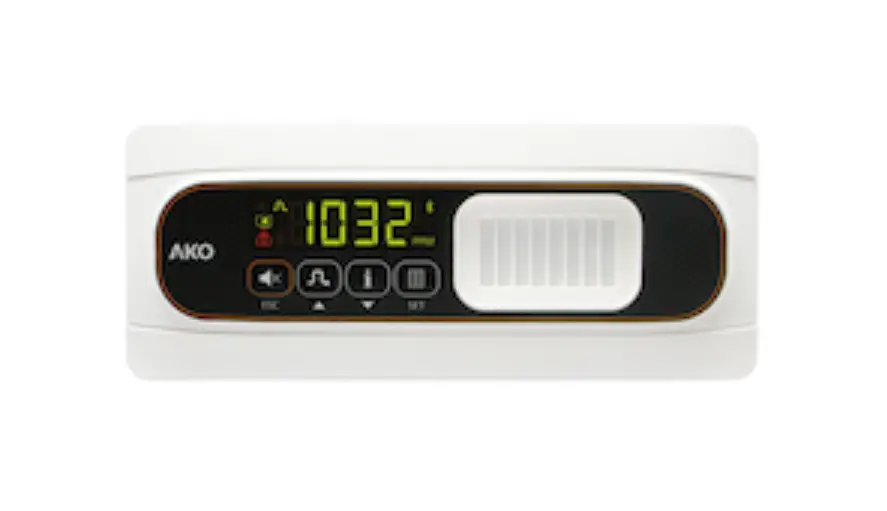
The device is equipped with a display, a gas sensor, and a
keypad. The display shows the gas levels and the status of the
device. The gas sensor detects the presence of gases in the
environment. The keypad is used to activate and deactivate the
device’s various modes.
Product Usage Instructions:
- Detector initialization: Each time that the
detector is supplied with power, an initialization process begins,
during which the key flashes. During this process, gas pre-alarms
and alarms are disabled for 1 hour for maintenance tasks. The
alarms, digital inputs, and keyboard are disabled. While this mode
is activated, no gas pre-alarm or alarm will sound. After a few
moments, the detector begins to operate normally. However, at least
5 minutes should elapse for optimal operation to be reached. To
activate/deactivate this mode, press the key for 6 seconds. The
indicator will flash. - Maintenance mode: Pressing for 6 seconds
activates or deactivates maintenance mode. During this mode, the
gas pre-alarms and alarms are disabled, and the alarms, digital
inputs, and keyboard are disabled. While this mode is activated, no
gas pre-alarm or alarm will sound. - AUTO-CONFIGURATION function: This function
allows for digital input polarity to be configured and for the
audible alarm to be enabled/disabled. To use this function, ensure
that both digital inputs are in standby (not activated). Disconnect
the power supply, connect it again, and press the
AUTO-CONFIGURATION push-button 5 consecutive times before 2 minutes
have elapsed. The and indicators light up alternately. - Gas pre-alarm/alarm: For gas pre-alarm/alarm,
pressing briefly silences the alarm tone. During
AUTO-CONFIGURATION, enable/disable the audible alarm. - Second set of pre-alarm/alarm levels: Pressing
both keys for 6 seconds activates or deactivates the second set of
pre-alarm/alarm levels.
It is important to follow the warnings and instructions provided
in the user manual to ensure safe and proper usage of the Gas
Detector.
Gas detector
Quick guide
5762H512 Ed.02 en
Warnings
-Detectors should be installed in a place protected from vibrations, water and corrosive gases, where the ambient temperature does not exceed the value indicated in the technical data. -Detectors are not suitable for areas classified as potentially explosive. -Detectors supervise a point and not an area. If the gas leak does not reach the sensor, or the level of concentration in that point does not reach the foreseen values according to the type of gas no alarm will be activated. If perimeter supervision is required, several sensors should be installed around that area.
Working conditions: -Avoid handling refrigerant gases near the sensor. If this is unavoidable, use Set Hold or Maintenance mode. -Keep the detector work environment free of chemical agents (solvents, acetone vapours, paints, alcohol, cleaning products, silicone and derivatives, ethylene, etc.). -The sensor should be installed away from: -Smoke outlets located in confined spaces or from engines, generators or motorised machinery (fork-lift trucks, etc.).
-Particularly damp areas or with strong ventilation. -The detector should usually be installed in an area where gas may concentrate, near to places where gas leaks could start. -The detector’s location will depend on the refrigerant and will be in areas where gas leaks could concentrate. Taking into account individuals’ safety and their use of space, the lowest position of this space will be considered for refrigerants heavier than air (HCFC, HFC and CO2) and the highest possible position will be considered for refrigerants lighter than air (NH3).
Wiring
DIG. IN
A
DI1 Gnd DI2
A
Remote Remote
AKO-57625-1
Mute Set Hold
B
Delay switch
Pre-alarm jumper “AUTO-CONFIGURATION” push-button
Tr+ TrGnd 15V S Gnd 15V In Gnd
Connection to alarm station RS485 Pre-Alarm Alarm
NC C NO NC C NO
B
Gas
Gas
Pre-Alarm Alarm
Input x
GAS
Alarm station
Independent operation RS485 Pre-Alarm Alarm
Tr+ TrGnd 15V S Gnd
NC C NO NC C NO
B
Gas
Gas
Pre-Alarm Alarm
12 – 30 Vdc
AKO ELECTROMECÁNICA , S.A.L. Avda. Roquetes, 30-38 08812 · Sant Pere de Ribes. Barcelona · Spain. www.ako.com
We reserve the right to supply materials that might vary slightly to those described in our Technical Sheets. Updated information is available on our website.
355762512 Rev.01 2023
Always disconnect the power supply to do the wiring. The wiring between the detector/transmitter and the station should NEVER be installed in a conduit together with power, control or supply cables. Cables for wiring the relay contact should have an adequate section depending on the unit to be connected. Certain international standards maintain that the power supply of the alarm should originate from a different circuit to that used by the refrigeration and ventilation system. Please ensure that you comply with current local regulations.
Description
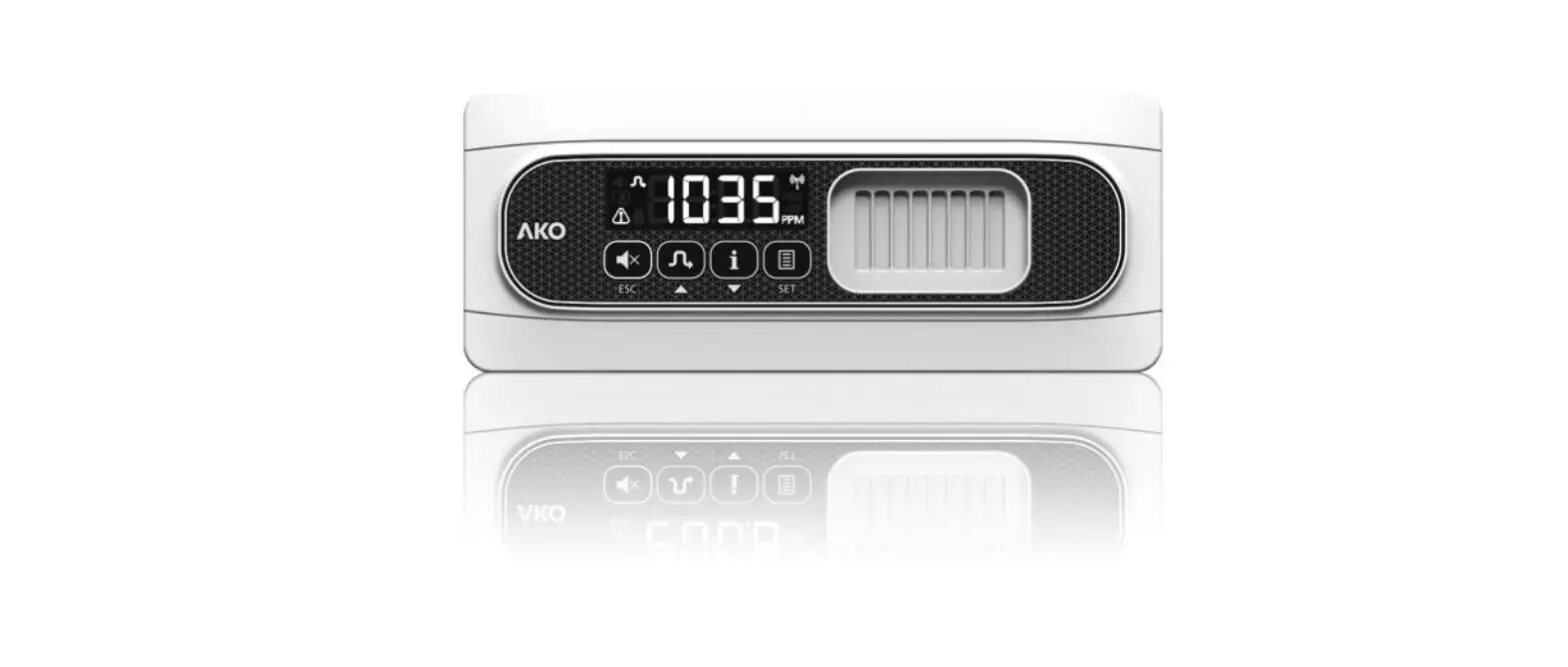
Display
Gas sensor
Keypad
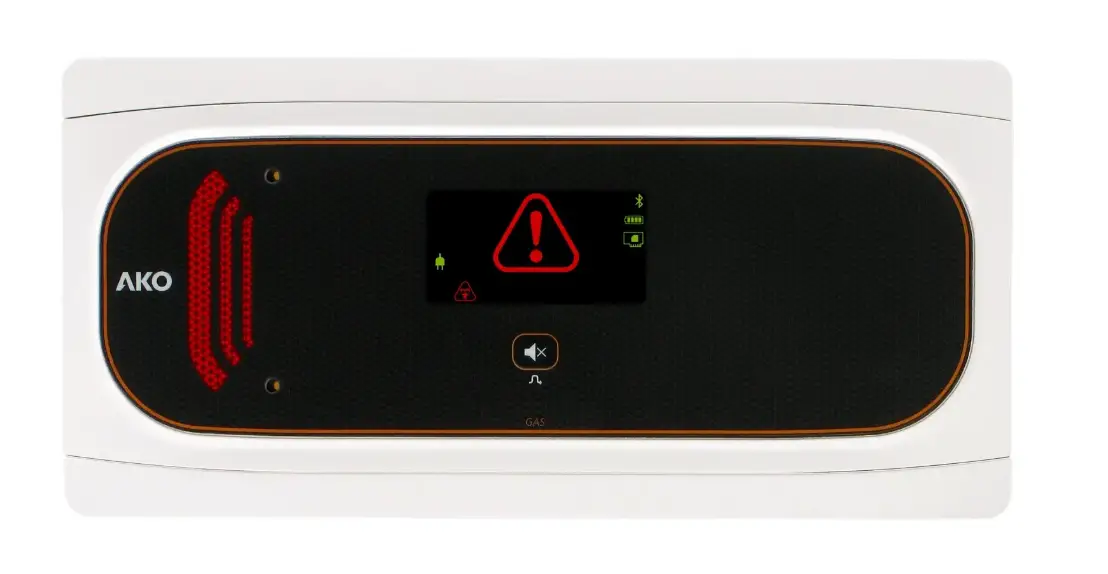
Constant: Gas pre-alarm activated. Quick flashing: Gas alarm activated. Slow flashing: Gas alarm saved. Quick-flashing, 3 short beeps every 2 minutes: Sensor error
Constant: Set Hold mode activated Flashing: Maintenance mode activated
Audible alarm silenced or disabled (See AUTO-CONFIGURATION)
Second set of Pre-alarm / Alarm levels activated
Powered via an external power supply (Independent operation)
For gas Pre-alarm / Alarm, pressing briefly silences the alarm tone. During AUTO-CONFIGURATION, enable / disable the audible alarm.
Pressing for 3 seconds activates or deactivates Set Hold mode. Pressing for 6 seconds activates or deactivates maintenance mode.
Pressing both keys for 6 seconds:
Activation / deactivation of the second set of Pre-alarm / Alarm levels. Should there be a sensor error, restart the detector.
Detector initialisation
Maintenance mode
Each time that the detector is supplied with power, an initialisation process begins, during which the key flashes. During this process, Disables gas pre-alarms and alarms for 1 hour for maintenance tasks.
the alarms, digital inputs and keyboard are disabled.
While this mode is activated, no gas pre-alarm or alarm will sound.
After a few moments, the detector begins to operate normally. However, at least 5 minutes should elapse for optimal operation to be reached. To activate/deactivate this mode, press the key for 6 seconds. The
indicator will flash.
AUTO-CONFIGURATION function (only in independent operation)
Pre-alarm and Alarm levels
Allows for digital input polarity to be configured and for the audible alarm to be enabled / disabled. 1.- Ensure that both digital inputs are in standby (not activated) 2.- Disconnect the power supply, connect it again and press the `AUTO-CONFIGURATION’ push-button 5 consecutive times before 2 minutes have elapsed. The and indicators light up alternately.
AKO-57625-1 R-1234ze
GASES DETECTED
DEFAULT LEVELS
PRE-ALARM
ALARM
500 ppm 1000 ppm
SECOND SET OF LEVELS
PRE-ALARM
ALARM
1000 ppm 2000 ppm
3.- Press the key to enable / disable the mute key. 4.- Keep the “AUTO-CONFIGURATION” push-button pressed down for 5 seconds to save the configuration of the digital inputs.
Optionally, we can return the detector to its factory settings. To do so, press the “AUTO-CONFIGURATION” push-button 5 times
In the event of a sensor error, the detector emits 3 alert tones every 2 minutes, the Alarm relay is activated.
icon flashes and the Pre-
Pre-Alarm NC C NO
before step 4.
Operation check (Bump test)
Pre-alarm jumper
Allows for Pre-alarm detection to be enabled / disabled. Before using this option, ensure that regulations allow for two alarm levels.
Pre-alarm enabled
Pre-alarm disabled
When using the ammoniac (AKO-57613) or CO2 (AKO-57615) detector, the pre-alarm must be enabled.
EN-378 and F-GAS international standards require verification of the correct operation of the transmitter at least once per year. Please check what current local regulations specify for such cases. Always ensure that you comply with current local regulations.
We recommend using AKO-58110 cable. To carry out this check, follow the instructions included in the kit.
Technical specifications
Pre-alarm and Alarm delay switch
Power supply……………………………………………………………………………………………………………………………………………………….12 – 30 Vdc Consumption Typical ………………………………………………………………………………………………………………………………………………. 75 mA
Define the time elapsed between when the Pre-alarm / Alarm level is reached and the Pre-alarm / Alarm launches (Indicated on Display,
Maximum…………………………………………………………………………………………………………………………………………. 125 mA
audible alarm and relay activation).
Pre-Alarm/Alarm relay ……………………………………………………………………………………………………………………. SPDT 30 Vdc, 2 A, cos j =1
Working ambient temperature …………………………………………………………………………………………………………………………..-30 ºC to 50 ºC
ON
Without delay*
ON
30 s.
ON
60 s.
ON
180 s.
Storage ambient temperature ……………………………………………………………………………………………………………………………-30 ºC to 60 ºC Range of maximum moisture permitted …………………………………………………………………………………. 0 – 95 % HR (without condensation)
Set Hold mode
Protection degree………………………………………………………………………………………………………………………………………………………… IP 68 Type of sensor…………………………………………………………………………………………………………… NDIR (Non-Dispersive Infrared Technology)
Prevents false alarms when charging or cleaning the chambers.
Full scale……………………………………………………………………………………………………………………………………………………………………. 2000
While this mode is activated, pre-alarms will not signal and alarms will signal as pre-alarms when faced with all effects (sound, relay acti- Dimensions ………………………………………………………………………………………………………………………. 202 mm (W) x 82 (H) x 55.5 mm (D)
vation and signalling).
To activate/deactivate this mode, press the key for 3 seconds. The display will show the indicator.
You may also activate/deactivate this function remotely using digital input 2 (DI2) if required.
This mode will remain active for a maximum of 5 hours, then will deactivate automatically.
If this mode is activated using the key, it can only be deactivated using the same key. This is also true when activating the mode using
digital input 2.
 Industrial refrigeration: control and safety | AKO Group