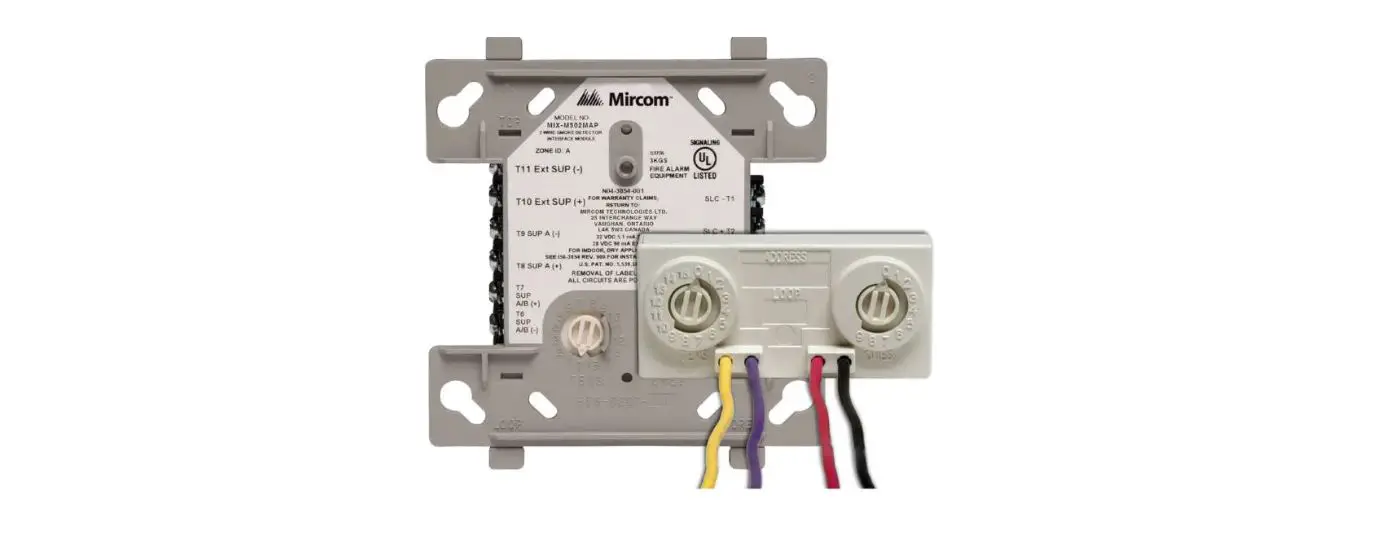
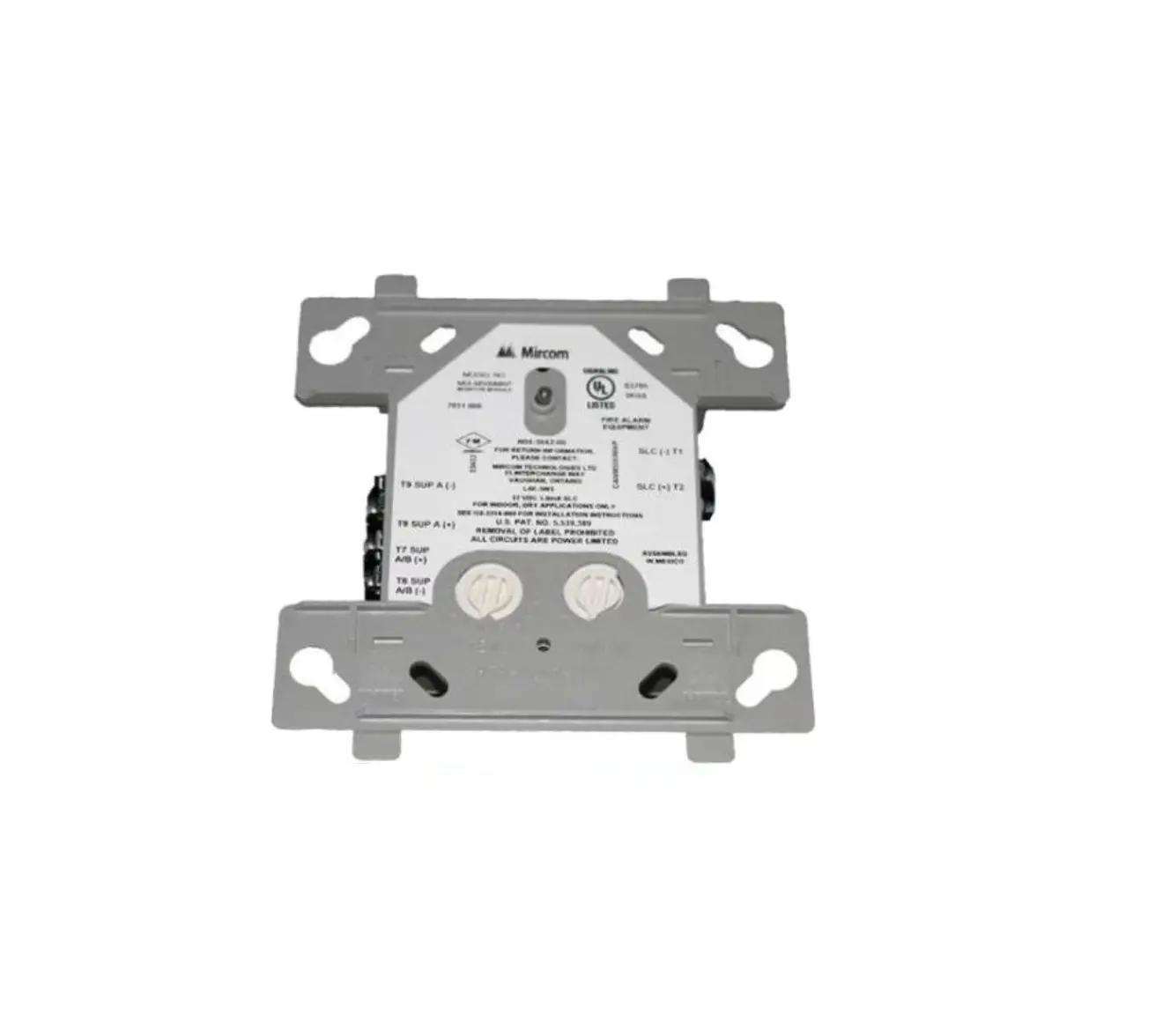
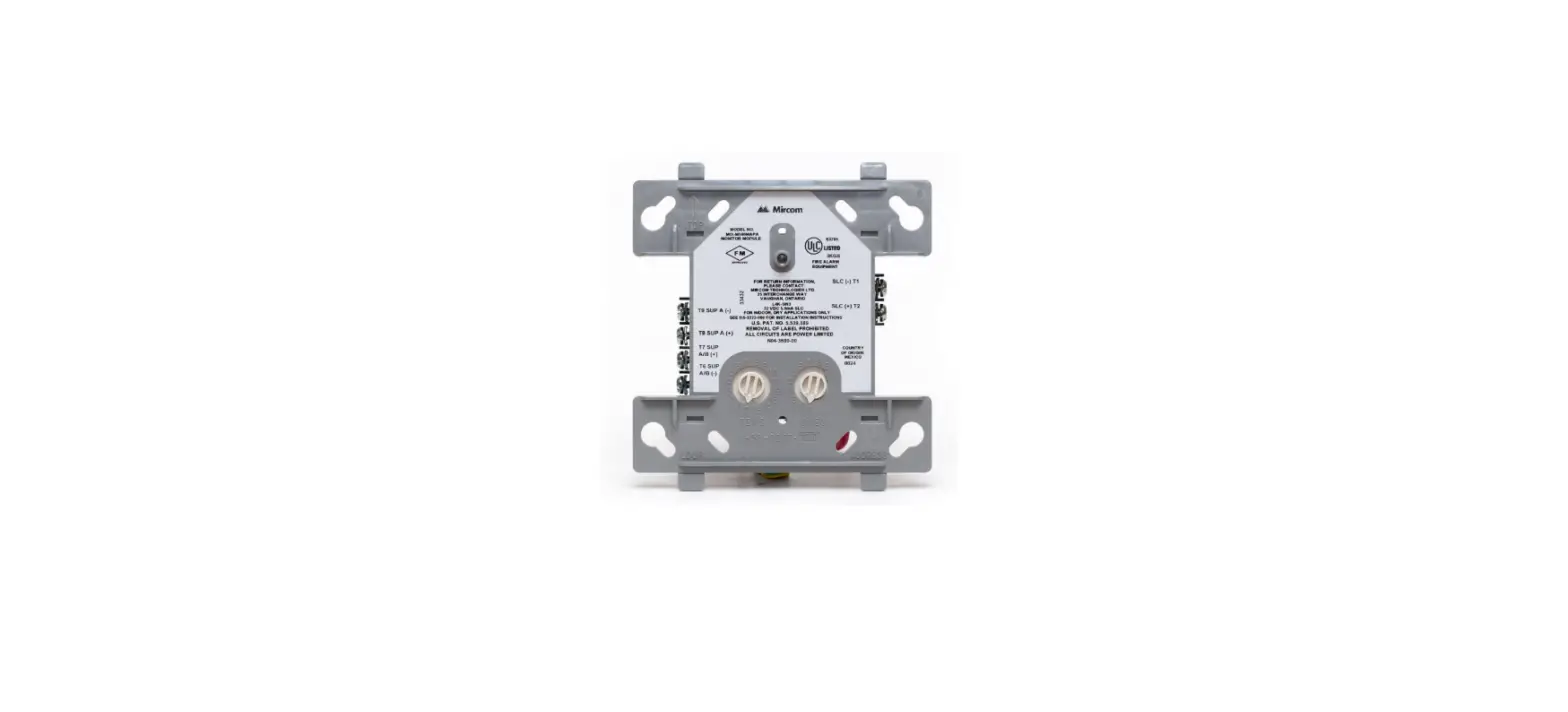
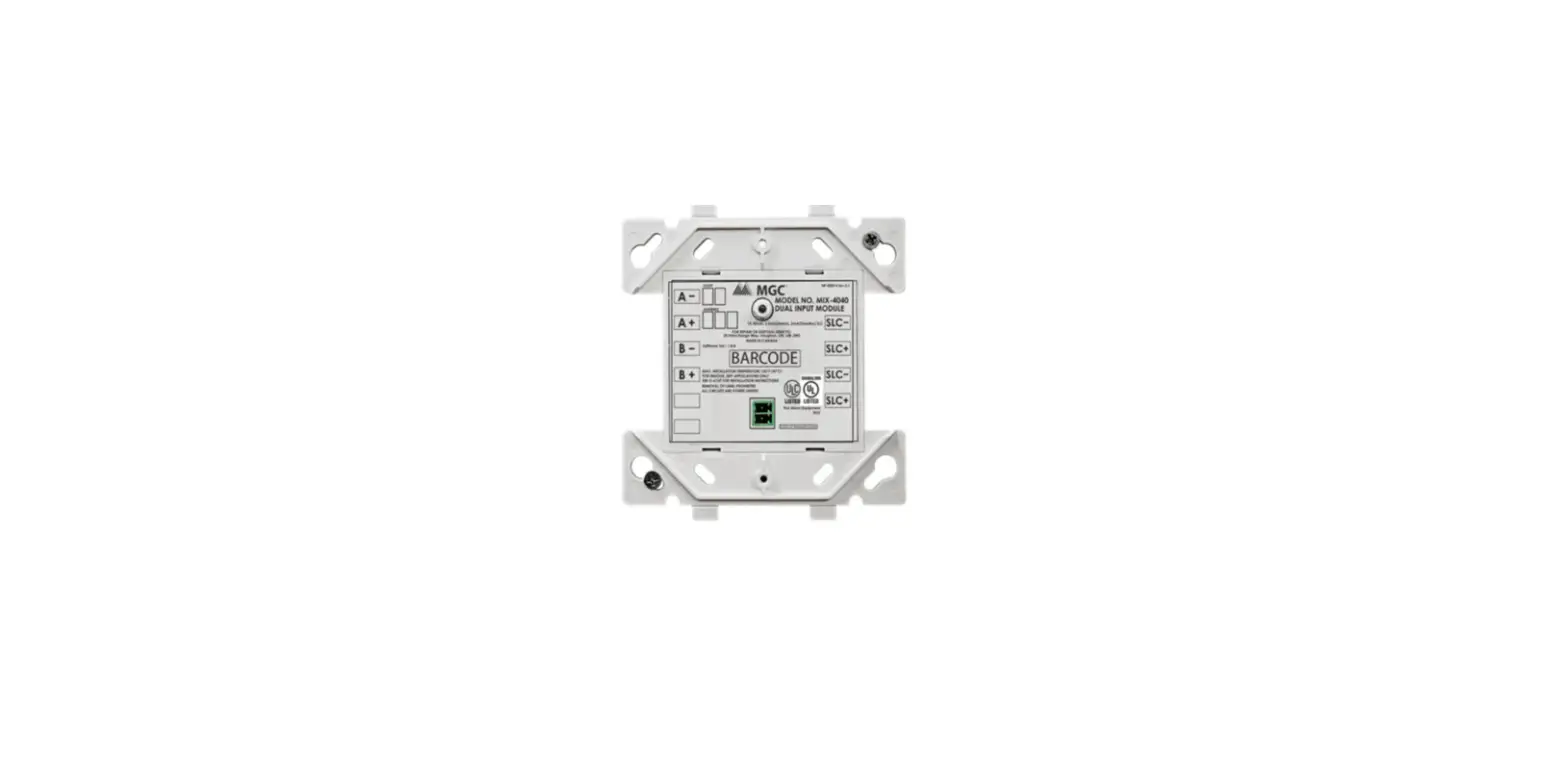
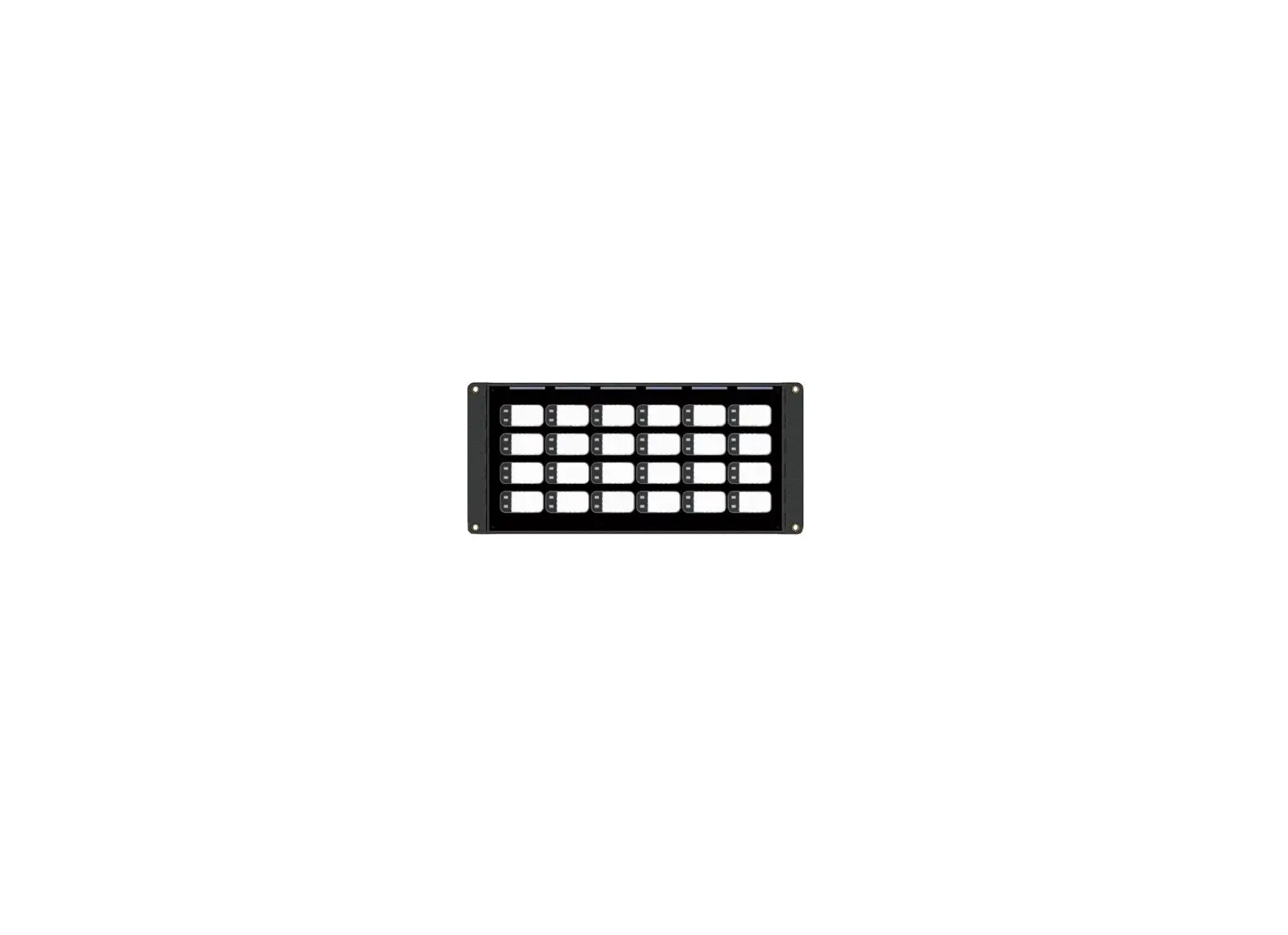
MIX-4040-M Multi-Input Module
Product Information
The MIX-4040-M multi-input module is a versatile device that can
support either 6 class A or 12 class B inputs. It comes with an
internal EOL resistor for class A operation and can monitor 12
independent input circuits for class B operation. The module is
power limited and supervised, ensuring safety and reliability. It
is compatible with FX-400, FX-401, and FleX-NetTM FX4000 fire alarm
control panels. The module meets UL 864, 10th Edition and ULC S527,
4th Edition requirements for devices.
The address of each module can be set using the MIX-4090
programmer tool, and up to 240 MIX-4000 series devices can be
installed on a single loop (subject to standby and alarm current
limitations). The module features LED indicators for each input,
signaling alarm (red) or trouble (yellow). It also has a green LED
to indicate SLC communication status and two yellow LEDs to
indicate isolated short circuits on the SLC connection. Additional
accessories like MP-302, MP-300R, BB-4002R, and BB-4006R are
available to enhance functionality.
Specifications
Normal Operating Voltage:
Alarm Current:
Standby Current:
EOL Resistance:
Max Input Wiring Resistance:
Temperature Range:
Humidity Range:
Dimensions:
Product Usage Instructions
Step 1: Before installing the MIX-4040-M
multi-input module, refer to the compatible control panel
instructions for operation modes and configuration requirements.
Disconnect the SLC line before installation or service.
Step 2: Choose the desired wiring configuration
based on the class A or class B operation mode:
Class A Wiring (EOL resistor inside the
module):
- Connect the field wiring to the appropriate terminals on the
module using plug-in terminal blocks. - Ensure that the EOL resistor is inside the module.
Class B Wiring:
- Connect the field wiring to the appropriate terminals on the
module using plug-in terminal blocks. - Ensure that the EOL resistor is not used in this
configuration.
Note: Make sure to follow the wiring diagram
and instructions provided in the manual for proper installation and
configuration of the MIX-4040-M multi-input module.
INSTALLATION AND MAINTENANCE INSTRUCTIONS
MIX-4040-M MULTI-INPUT MODULE
25 Interchange way, Vaughan Ontario. L4K 5W3 Phone: 905.660.4655; Fax: 905.660.4113 Web: www.mircomgroup.com
ABOUT THIS MANUAL This manual is included as a quick reference for installation. For further information on the use of this device with a FACP, please refer to the panel’s manual.
Note: This manual should be left with the owner or operator of this equipment.
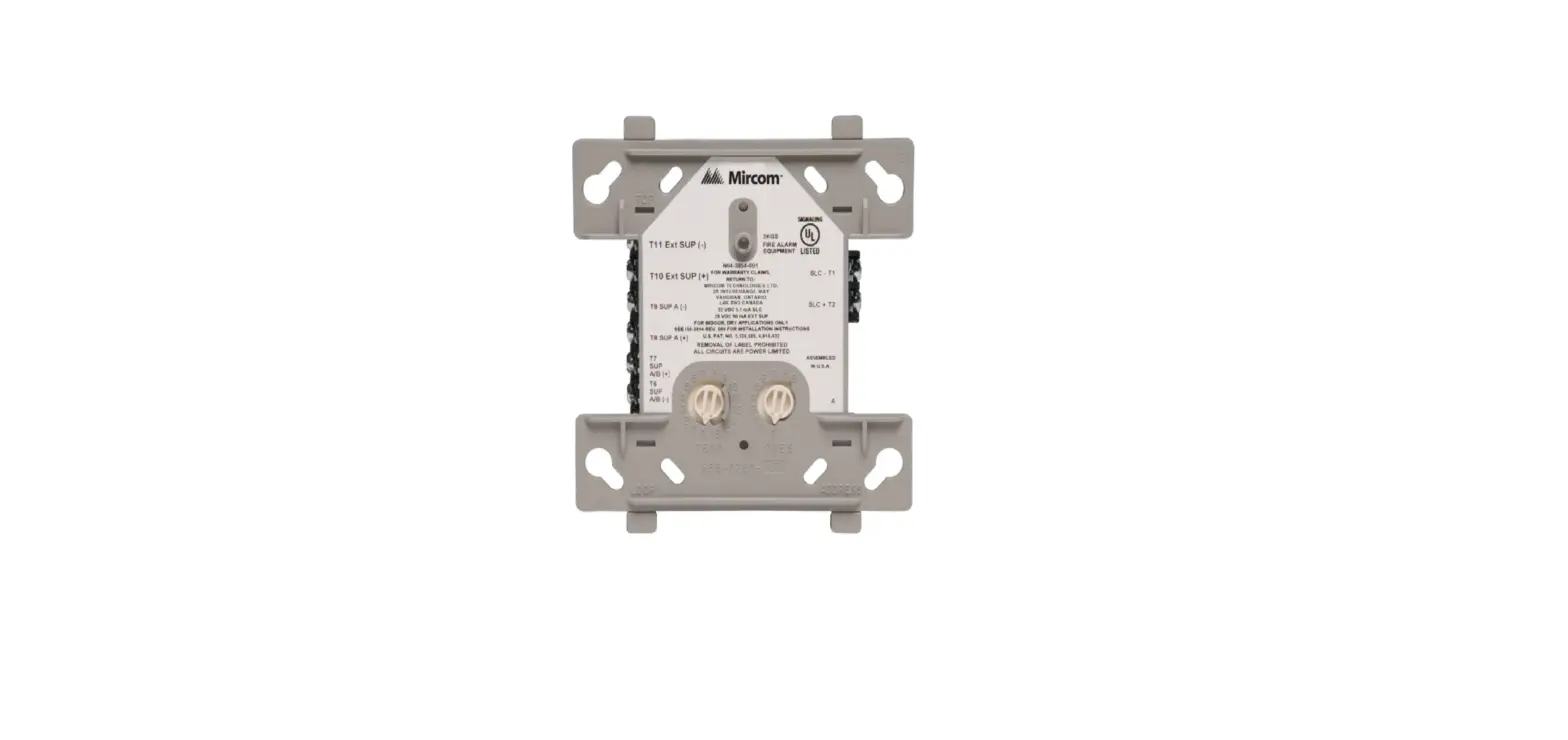
DESCRIPTION The MIX-4040-M multi-input module can be configured to support either 6 class A or 12 class B inputs. When configured for class A operation, the module provides an internal EOL resistor. When configured for class B operation, the module can monitor 12 independent input circuits while using only one module address. All circuits are power limited and supervised.
The MIX-4040-M is compatible with FX-400, FX-401 and FleX-NetTM FX4000 fire alarm control panels and is designed to meet UL 864, 10th Edition and ULC S527, 4th Edition requirements for devices.
The address of each module is set using the MIX-4090 programmer tool and up to 240 MIX-4000 series devices may be installed on a single loop (limited by standby and alarm current). The module has LED indicators for each input to signal alarm (red) or trouble (yellow). A green LED shows SLC communication status and finally, two yellow LEDs indicate if a short circuit has been isolated on either side of the SLC connection.
Accessories MP-302 MP-300R BB-4002R
BB-4006R
22 k EOL resistor EOL resistor plate Back Box and Red Door for 1 or 2 MIX-4000-M Series Modules Back Box and Red Door for up to 6 MIX-4000-M Series Modules
FIGURE 1: MODEL FRONT AND SIDE VIEW
93mm
3
11 16
”
26mm 1″
SPECIFICATIONS Normal Operating Voltage:
Alarm Current: Standby Current: EOL Resistance: Max Input Wiring Resistance Temperature Range: Humidity Range: Dimensions:
Terminal wire gauge
110mm
4
5 16
”
UL tested 15 to 30VDC UL rated 17.64 to 27.3 VDC 8.3 mA 4.0 mA max. 22 k 150 total 0°C to 49°C (32°F to 120°F) 10% to 93% non-condensing 110 mm x 93mm (4 5/16 x 3 11/16 in) 12-22 AWG
1
LT-6719 rev 0.1 5/5/23
KEY COMPONENTS FIGURE 2: MULTI-INPUT MODULE ASSEMBLY COMPONENTS
Mounting clip LEDs
DIN rail
Multi-input module
Programmer interface
Locking insert for M2 screw
The MIX-4040-M multi-input module as shown in figure 2 is designed to fit on a DIN rail. The M2 screw can be used to lock its position. Note: This device must be installed as per applicable requirements of the authorities having jurisdiction. MOUNTING Units in the multi module series can be mounted on a top-hat style 35mm wide DIN rail included in the MGC listed enclosures: · BB-4002R for 1 or 2 modules (see document LT-6736) or equivalent
Listed enclosure of the same size or larger (see document LT-6749) · BB-4006R for up to 6 modules (see document LT-6736) or equivalent
Listed enclosure of the same size or larger (see document LT-6749) 1. Hook the multi module device onto the bottom of the DIN rail with
three teeth. 2. Push the mounting clip upward with a flat screwdriver. 3. Push the multi module device onto the DIN rail and release the clip. FIGURE 3: MOUNTING DIAGRAM
Step 1
Step 2
WIRING Before installing this device, seek guidance from the compatible control panel instructions for the device’s operation modes and the configuration requirements. It is recommended to disconnect the SLC line before performing installation or service.
FIGURE 4: DEVICE CONNECTION CLASS A/B WIRING
Class A wiring (EOL resistor inside the module)
Class B wiring
B
+
B+ Bï
+A ïA
B
ï
A
A
MP-302 MP-302
B B AA B B AA
Class A Z1 Class A Z2 Z2 Class B Z1 Z4 Class B Z3
B B AA B B A A
Class A Z3 Class A Z4 Z6 Class B Z5 Z8 Class B Z7
Z9 Class B Z10 Z11 Class B Z12 Class A Z5 Class A Z6
A AB B AABB
SLC Line
++I O
Jumper on pins 1-2
6/&RXWï TO PANEL OR
SLC +
NEXT DEVICE
6/&LQï SLC +
FROM PANEL OR PREVIOUS DEVICE
Note: A factory-installed jumper is required between pins 1 and 2 of the J1
connector (next to the programmer connector).
All connections to field wiring are done with plug-in terminal blocks.
All wiring is power limited and supervised.
Use the information in this document to determine the total current draw of the devices. In all cases, the installer should consider the voltage drop to ensure that the last device on the circuit operates within its rated voltage. Please consult the FACP documentation for more information.
RELATED DOCUMENTS · LT-6736 BB-4002R and BB-4006R Installation Instructions · LT-6749 MGC-4000-BR DIN Rail Kit Installation Instructions
Step 3
2
LT-6719 rev 0.1 5/5/23
 Mircom - Smart Buildings. Smarter Solutions.