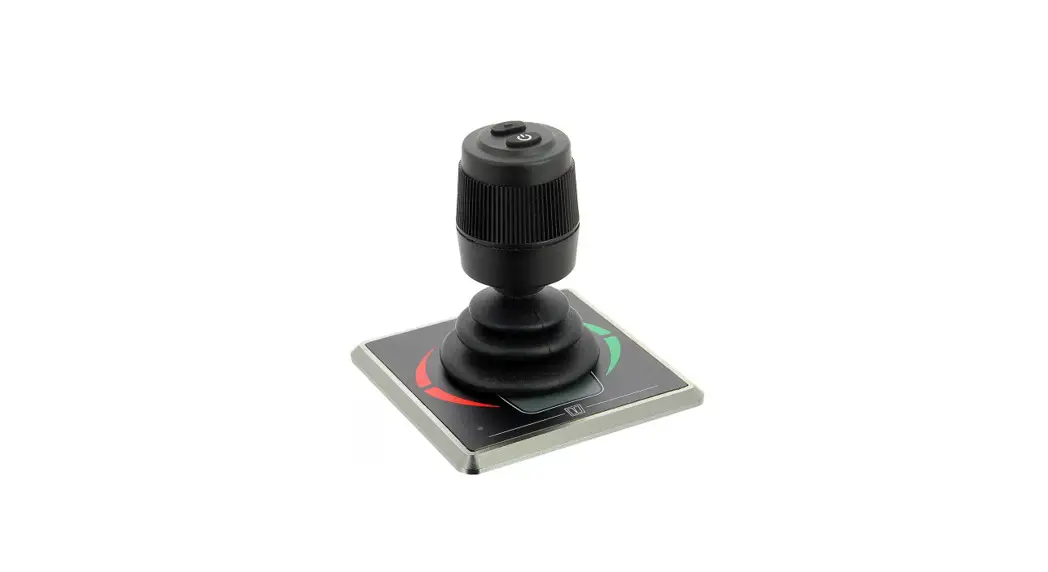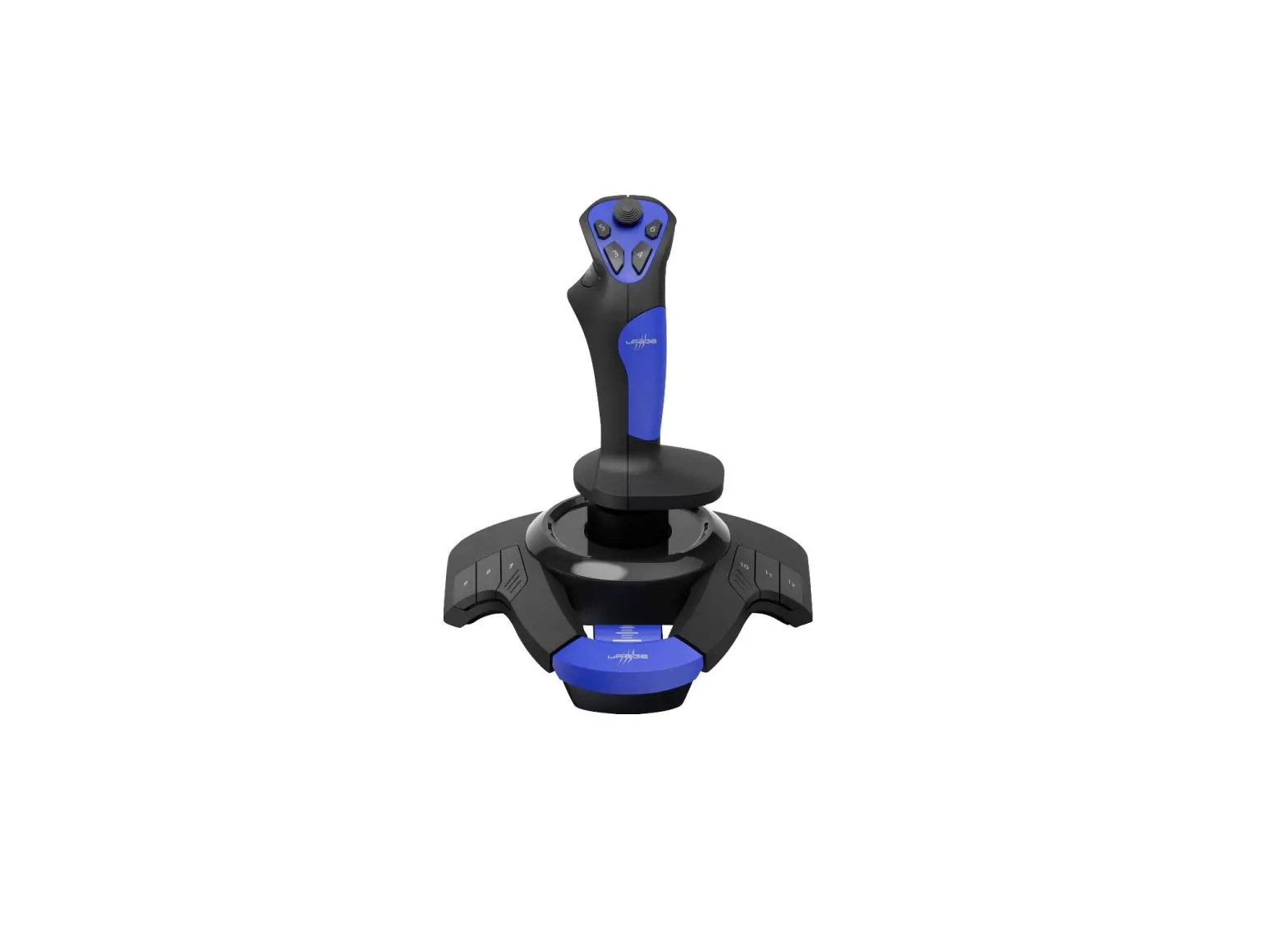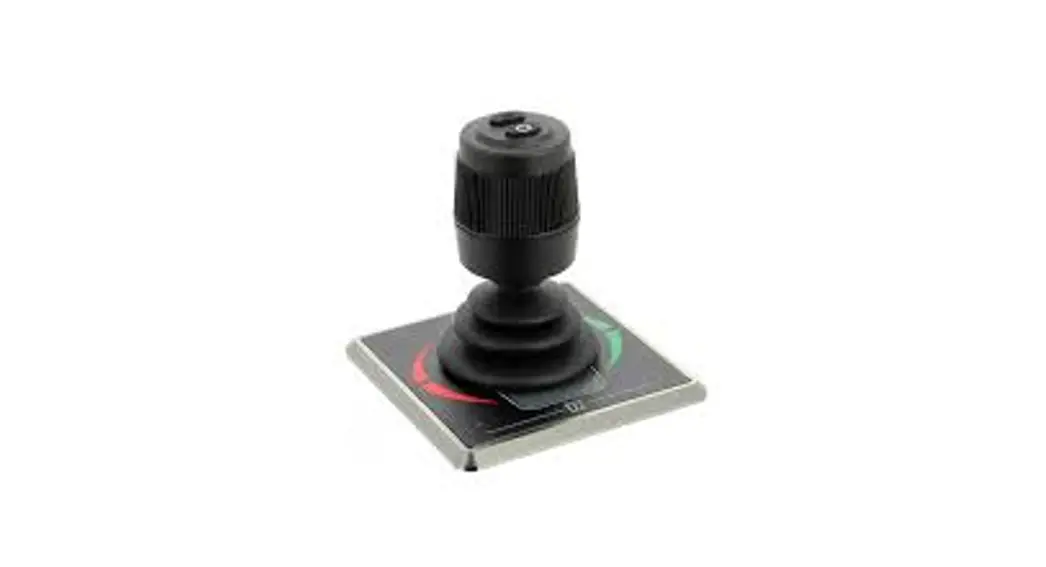
 DBPPJA Compact Double Control Panel Joystick
User Manual
Safety
Warning indications
The following warning indications are used in this manual in the context of safety: DANGER
Indicates that great potential danger exists that can lead to serious injury or death. WARNING
Indicates that a potential danger that can lead to injury exists. CAUTION
Indicates that the usage procedures, actions etc. concerned can result in serious damage to or destruction of the engine. Some CAUTION indications also advise that a potential danger exists that can lead to serious injury or death. NOTE
NOTE
Emphasises important procedures, circumstances etc.
Symbols Indicates that the relevant procedure must be carried out.
 Indicates that a particular action is forbidden.
Share these safety instructions with all users.
General rules and laws concerning safety and accident prevention must always be observed.
Introduction
This manual gives guidelines for the use of the VETUS DBPPJA control panel.
Unauthorized modifications shall exclude the liability of the manufacturer for any resulting damage.
• During use ensure the correct battery voltage is available. WARNING
Never work on the electrical system while it is enter
Operation
3.1 Switching on a panel
Switch on the main switch. The system is now in ‘stand-by’.
- Press the “ON / OFF” button.
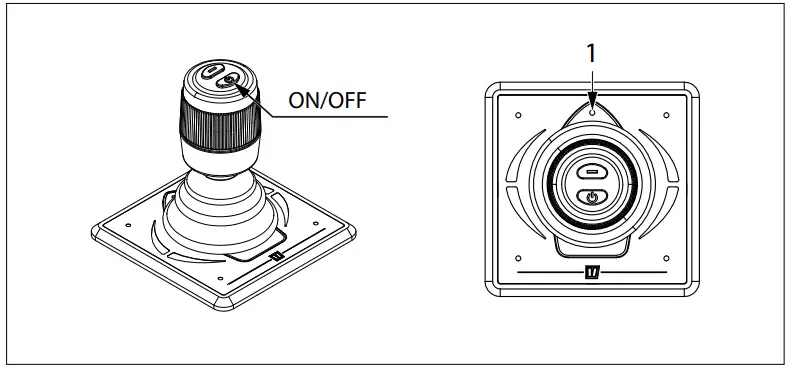
LED (1) (blue) will flash and you hear a repeating signal, di-di-di (…). The “ON / OFF” button must be pressed a second time within 6 seconds. The LED (1) will stay on and the buzzer will confirm that the panel is ready for use by giving the signal dahdidah (- . -). If multiple panels are connected, LED (1) on the panels which have not been switched ON will flash (every second two short blue flashes, heartbeat)
To take over the control to another control panel, perform the above operations on the panel you want to activate.
To take over the control to another control panel, perform the above operations on the panel you want to activate.
3.2 Use Note
Familiarise yourself with the operation of the panel.
Do this in a safe location!
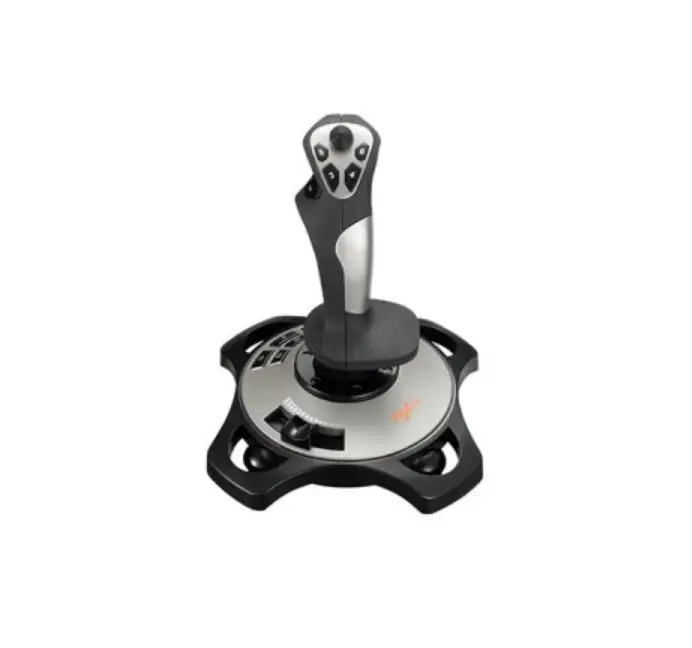
In principle, use the bow and stern thruster control panel only at low speed or when manoeuvring the boat. Move the joystick in the direction in which the boat is required to move. The thrust starts at about 25% and increases proportionally to the maximum value as the joystick is moved further to its outermost position. Gently move the joystick in the desired sailing direction. If necessary, correct the direction, from the mid position, by moving the joystick slightly up or down.
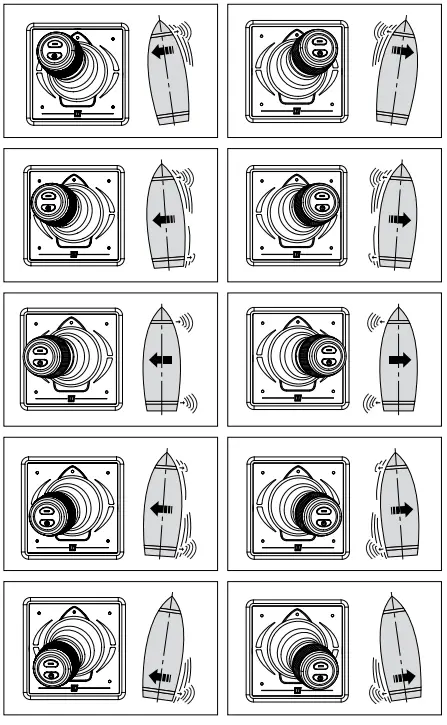
Use the rotary knob to turn the boat around its axis.
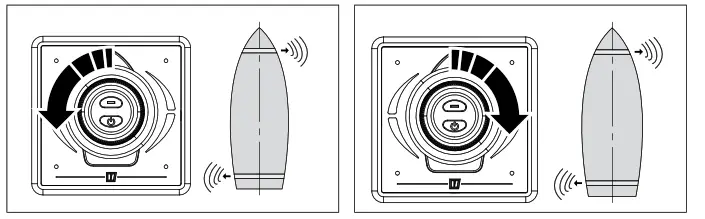
3.3 Hold function
Use the HOLD function to temporarily moor your boat. Do this carefully and make sure that your boat is not damaged, for example by using fenders.
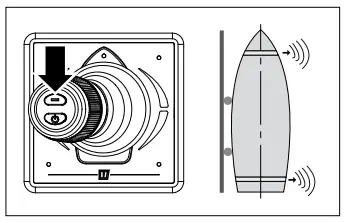
- Manoeuvre the boat against the object to be moored.
- Run the bow and stern thrusters with sufficient force to press the boat against the mooring.
- Do not move the joystick. Now press the HOLD button.
- Release the joystick.
Deactivate the HOLD function by:
– Pressing the ‘HOLD’ button, or
– Pressing the ‘ON/OFF’ button, or
– Moving the joystick in the opposite direction.
3.4 Switching OFF a panel
Keep pressing the “ON / OFF” button until all LEDs are off and you hear the signal, di-di-di-dah-dah (… – -). The control panel is switched off.
- Turn off the battery main switch when leaving the boat.
3.5 Meaning LED indicator lights
| BLUE LED | RED LED | BUZZER | LEFT LED Top | RIGHT LED Top | LEFT LED Bottom | RIGHT LED Bottom | |
| Blinks (for 6s) | (.) (for 6s) | Childlock after the first push | |||||
| ON | 1x (-.-) | Device is enabled, Bow and Stern thrusters are ready | |||||
| Blinks double | Device is inactive, thruster is active | ||||||
| ON | ON | Device enabled and joystick moved to left | |||||
| ON | ON | Device enabled and joystick moved to right | |||||
| ON | Device enabled and joystick moved to left (full forward) | ||||||
| ON | Device enabled and joystick moved to right (full forward) | ||||||
| ON | Device enabled and joystick moved to left (full reverse) | ||||||
| ON | Device enabled and joystick moved to right (full reverse) | ||||||
| Blinks fast | 1x (.-..-) | Blinks faster | Blinks faster | Bow Thruster is overheated | |||
| OFF | 1x (..) | OFF | OFF | Bow Thruster was overheated | |||
| Blinks fast | 1x (.-..-) | Blinks faster | Blinks faster | Stern Thruster is overheated | |||
| OFF | 1x (..) | OFF | OFF | Stern Thruster was overheated | |||
| Blinks | 1x (.-..-) | Blinks faster | Blinks faster | Bow Thruster is overloaded | |||
| OFF | 1x (..) | OFF | OFF | Bow Thruster was overloaded | |||
| Blinks | 1x (.-..-) | Blinks faster | Blinks faster | Stern Thruster is overloaded | |||
| OFF | 1x (..) | OFF | OFF | Stern Thruster was overloaded | |||
| Blinks double | 1x (.-..-) | Blinks faster | Blinks faster | Bow Thruster is limiting | |||
| OFF | 1x (..) | OFF | OFF | Bow Thruster was limiting | |||
| Blinks double | 1x (.-..-) | Blinks faster | Blinks faster | Stern Thruster is limiting | |||
| OFF | 1x (..) | OFF | OFF | Stern Thruster was limiting | |||
| Blinks fast | Blinks | 1x (.-..-) | Blinks faster | Blinks faster | Bow Thruster supply is low | ||
| Blinks fast | Blinks | 1x (.-..-) | Blinks faster | Blinks faster | Stern Thruster supply is low | ||
| Blinks fast | Blinks fast | Panel supply is low | |||||
| Blinks double | Blinks double | Blinks double | Blinks double | Joystick is broken | |||
| 1x (.) | Joystick button is pushed | ||||||
| ON | Disconnected from the network |
User manual DBPPJA
Proportional panel for bow and stern thruster