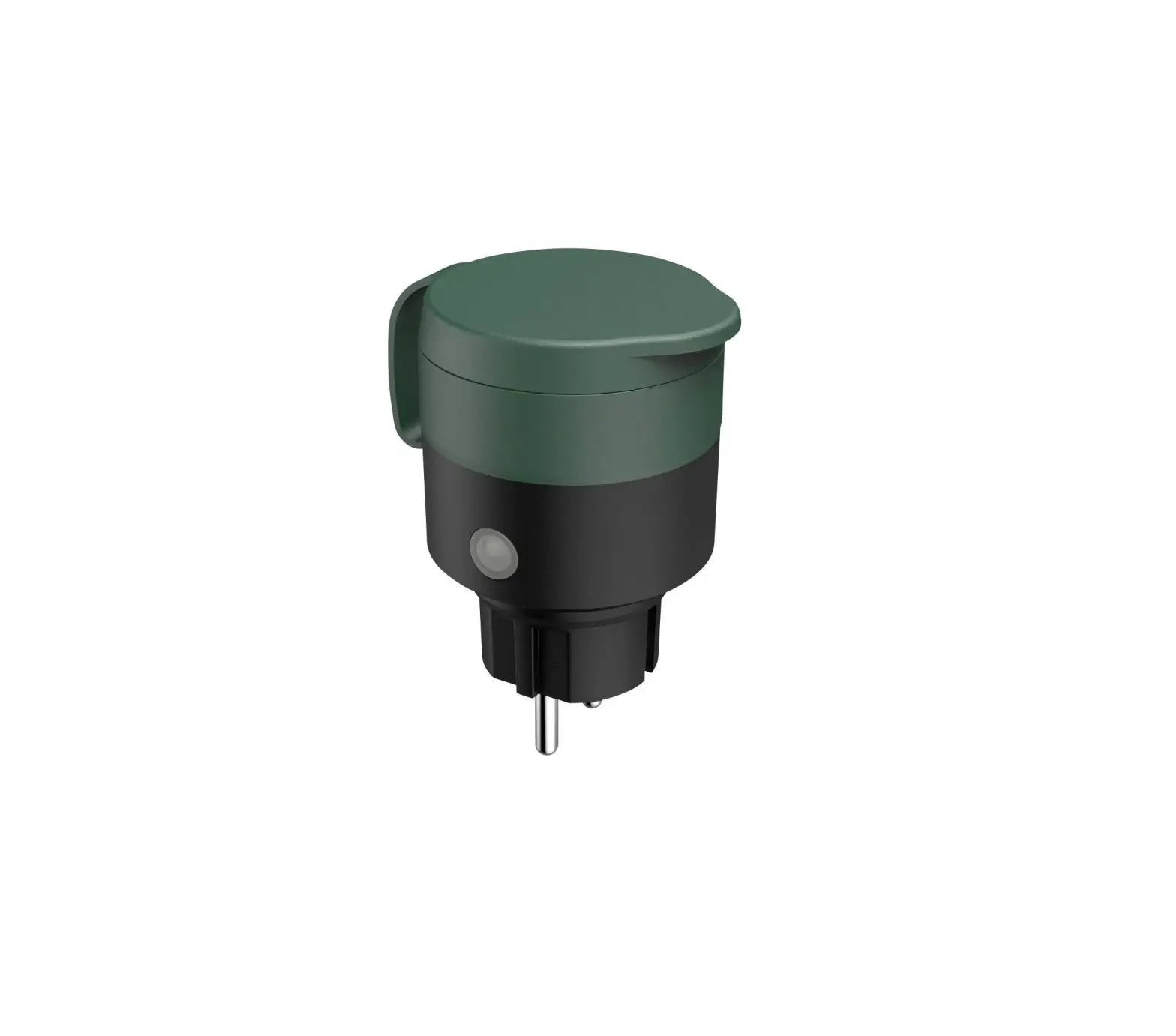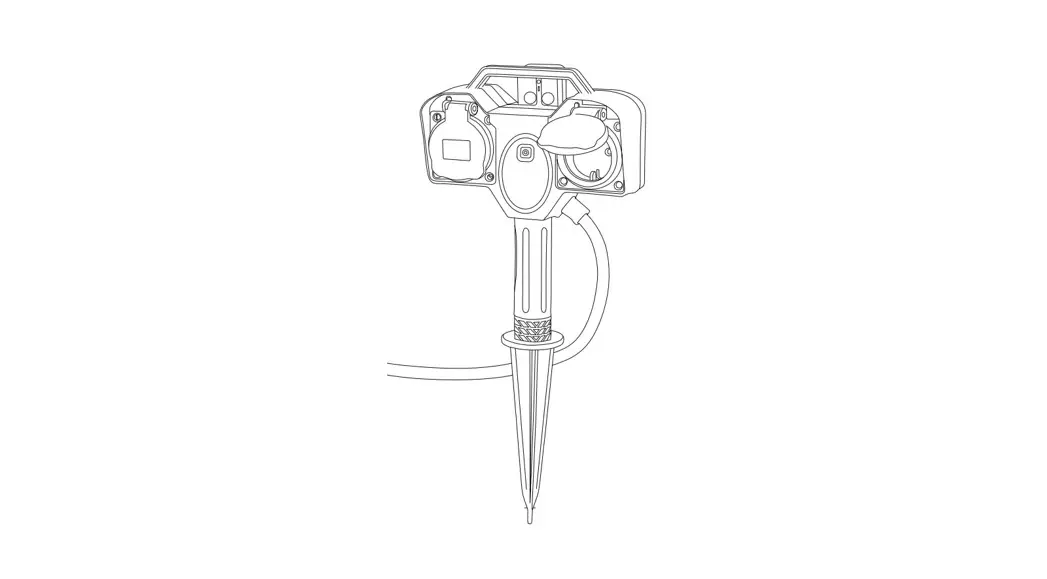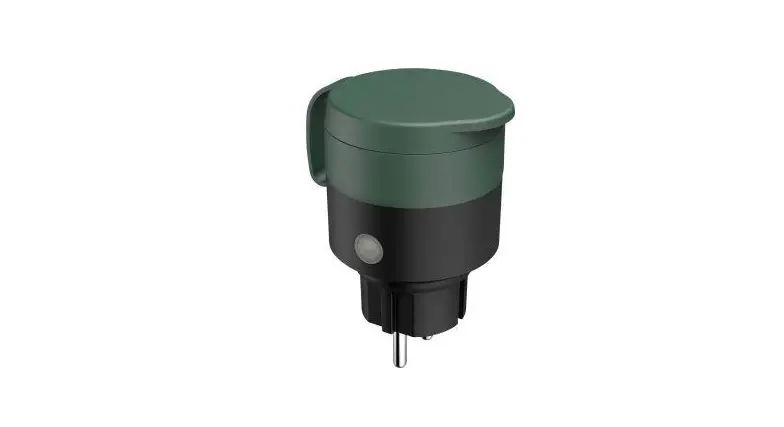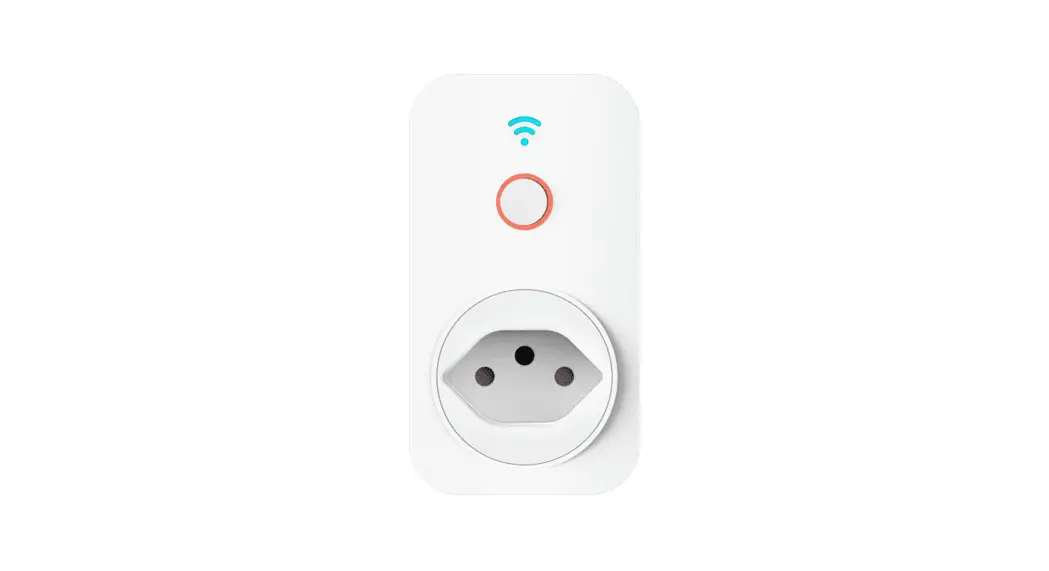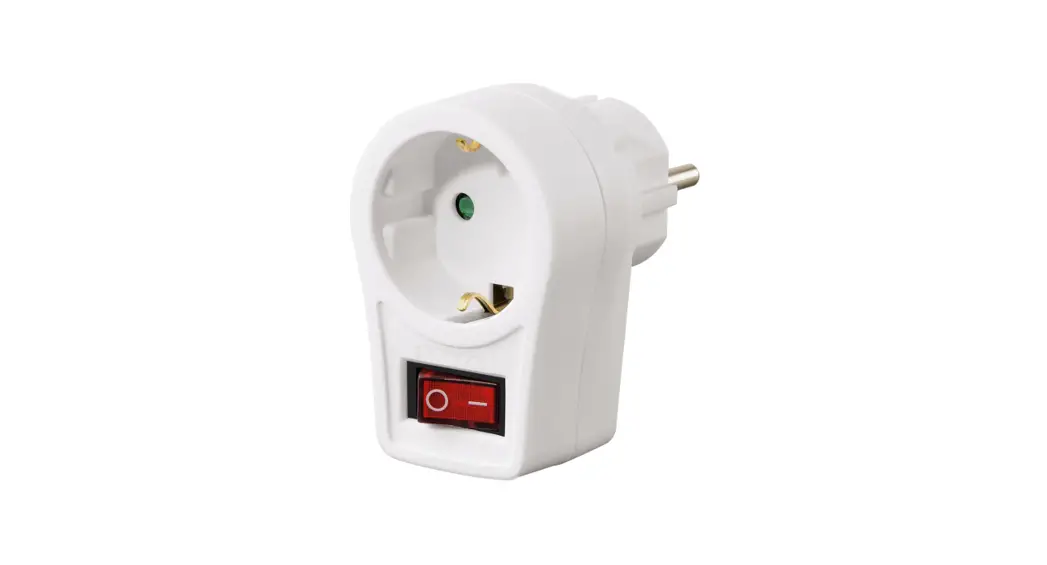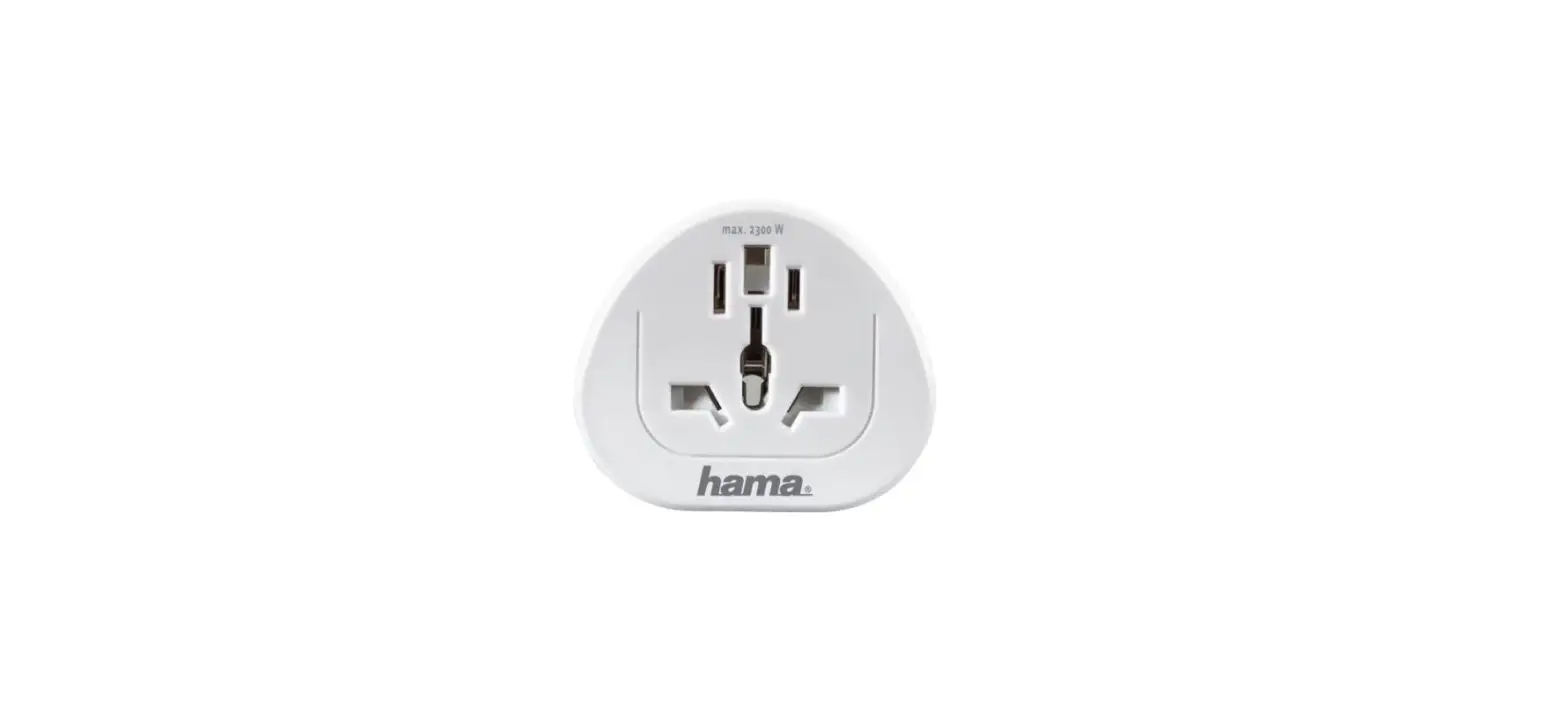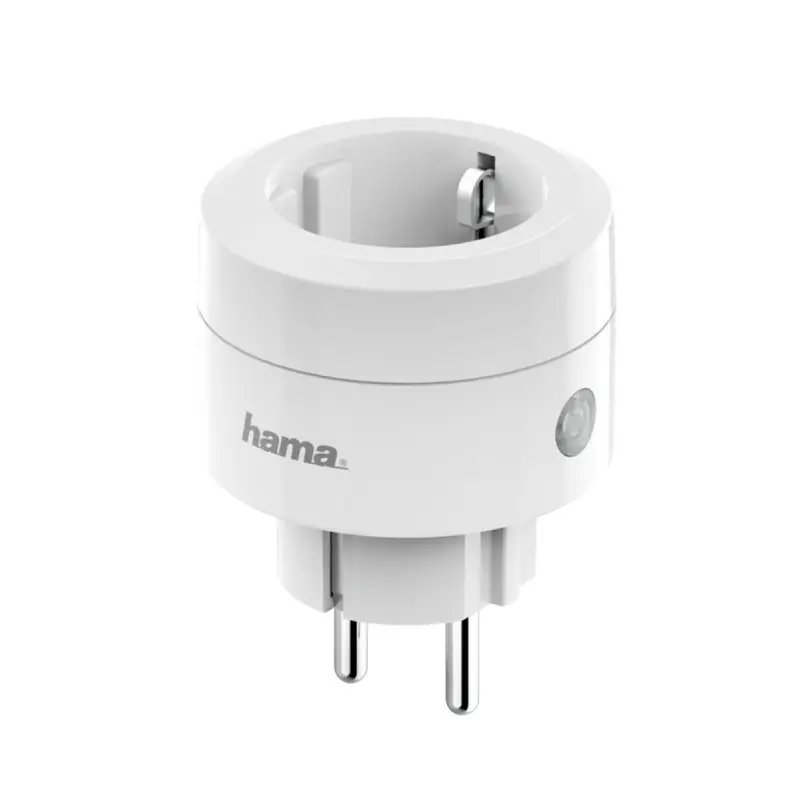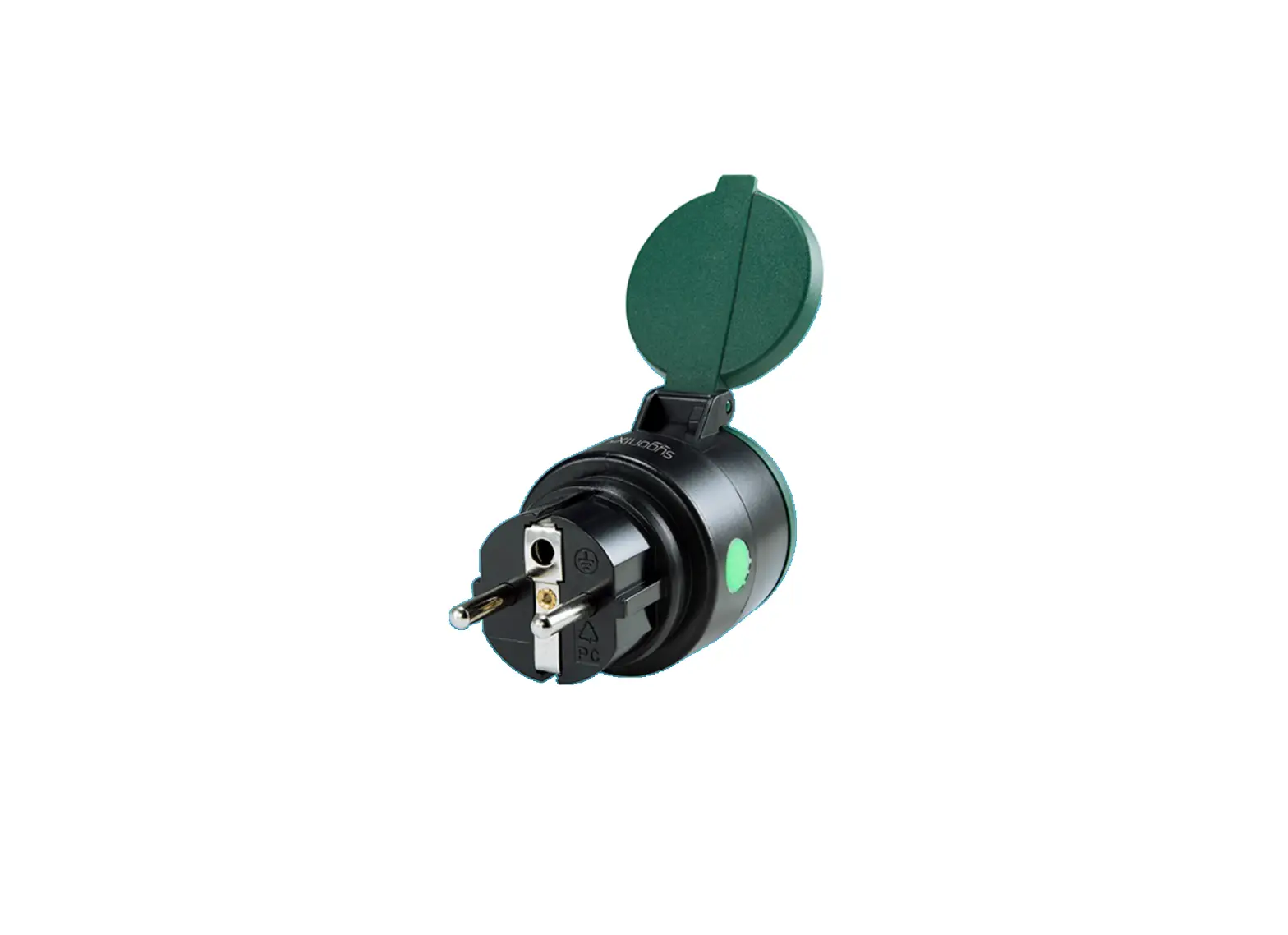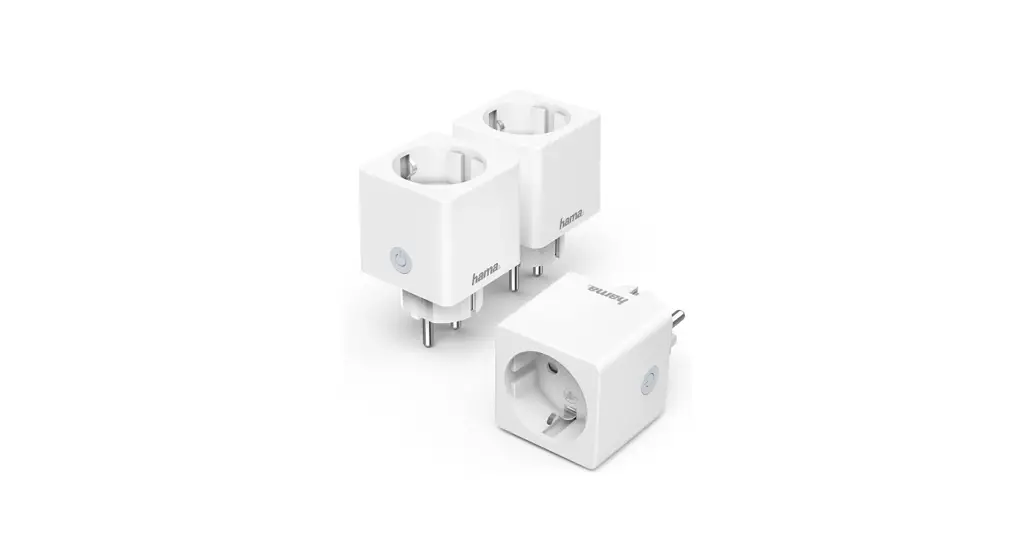
 00176571
00176573
00176574
00176575
00176594
00176612
00176624
00176626
00176627
WiFi Power Socket
WiFi-Steckdose
Operating Instructions
Link to App https://link.hama.com/app/smart-home
Operating Instructions
Thank you for choosing a Hama product.
Take your time and read the following instructions and information completely. Please keep these instructions in a safe place for future reference. If you sell the device, please pass these operating instructions on to the new owner.
Explanation of warning symbols and notes
 Risk of electric shock
This symbol indicates a risk of electric shock from touching uninsulated product parts that may carry hazardous voltage. Warning
This symbol is used to indicate safety instructions or to draw your attention to specific hazards and risks. Note
Note
This symbol is used to indicate additional information or important notes.
Explanation of symbols used on the product label
 | The product is intended only for use inside buildings. |
Package contents
00176573 / 00176575 / 00176594 / 00176612 /00176624 / 00176626 / 00176627:
- 1 WiFi socket
- 1 brief description
00176571:
- 3 WiFi sockets
- 1 brief description
00176574:
- 1 socket strip
- 1 brief description
Safety instructions
- Do not operate while covered.
- Voltage-free only when plug is disconnected.
- Only operate with closed safety covers.
- The product is intended only for use inside buildings.
- Protect the product from dirt, moisture and overheating and use it in dry environments only.
- This product is intended for private, noncommercial use only.
- Use the product only for the intended purpose.
- Do not use the product in the immediate vicinity of heaters, other heat sources or in direct sunlight.
- Only use the article under moderate climatic conditions.
- Do not use the product in areas in which electronic products are not permitted.
- Do not use the product in a damp environment and avoid splashing water.
- Do not drop the product and do not expose it to any major shocks.
- Do not modify the product in any way. Doing so voids the warranty.
- Keep the packaging material out of the reach of children due to the risk of suffocation.
- Dispose of packaging material immediately in accordance with the locally applicable regulations.
- Never connect multiple units of this product in series.
- Do not operate the product outside the power limits given in the specifications.
- The product must only be operated on a supply network as described on the type plate.
- As with all electrical products, this device should be kept out of the reach of children.
Warning
Max. 3680 W (00176571, 00176573, 00176575, 00176626)
Do not operate the product outside the power limits given in the specifications. Warning – Max. 2300 W
(00176574, 00176594, 00176612, 00176624, 00176627)
Do not operate the product outside the power limits specified in the technical data.
Risk of electric shock
- Do not open the device or continue to operate it if it becomes damaged.
- Do not attempt to service or repair the product yourself. Leave any and all service work toqualified experts.
- Do not use the product if the AC adapter, adapter cable or power cable is damaged.
Technical data
00176571 / 00176573 / 00176575 / 00176626
| Input voltage | 220 – 240 V ~, 50 Hz |
| Maximum connected power | 16 A, 3680 W |
| Frequency band | 2.4 GHz |
| Maximum radiofrequency power transmitted | < 100 mW |
| Measuring range (00176575) | 3 W – 3680 W |
| 00176574 / 00176594 / 00176612 / 00176624 /00176627 | |
| Input voltage | 220 – 240 V ~, 50 Hz |
| Maximum connected power | 10 A, 2300 W |
| Frequency band | 2.4 GHz |
| Maximum radiofrequency power transmitted | < 100 mW |
| USB connection (00176612) | 5V  2100mA 2100mA1x max. 2100mA |
| USB connection (00176574) | 5V 4200mA 1x max. 2400mA |
Start-up and operation
Warning
- Only operate the product from a socket that has been approved for the device. The socket must be installed close to the product and must be easily accessible.
- Disconnect the product from the mains using the On/Off switch – if this is not available, unplug the device from the socket.
- If using a multi-socket power strip, make sure that the total power consumption of all connected devices does not exceed the socket strip’s maximum throughput rating.
- If you will not be using the product for a prolonged period, disconnect it from mains power.
- Do not use any heat-generating devices (such as electric blankets, coffee machines, etc.) with this product. There is a risk of fire and injury.
- Do not use this product with any devices that are motorised or any devices that have a rotating component or tool. There is a risk of injury.
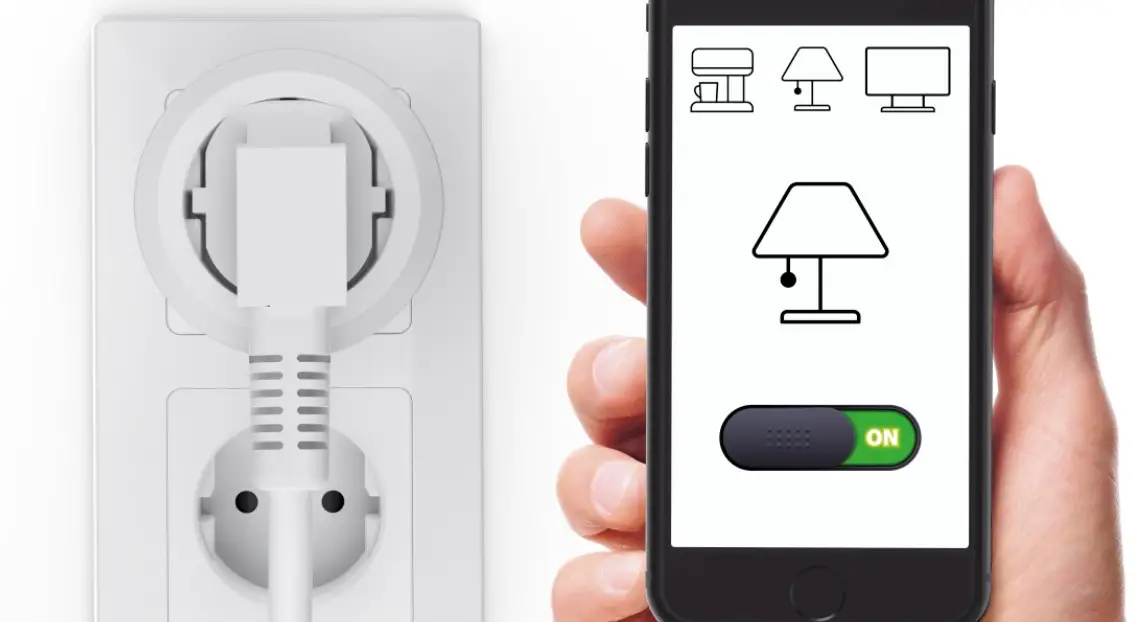
- Connect the WiFi socket / socket strip to a properly installed and easily accessible mains socket.
- Press and hold the button on the socket for approx. 5 seconds until the LED starts to flash quickly.
- Follow the instructions in the app.
Here’s how easy it is
Download the app:
- Download the Hama Smart Home APP from the Apple App Store or Google Play Store.
- Open the Hama Smart Home APP.
- The first time you use the app, you need to register and create a new account. If you already have an account, log in with your access details.
7.1 Integrating devices into the Hama Smart Home app
- Press and hold the pairing button for around 5 seconds. The LED starts to flash blue quickly. If it flashes slowly, press and hold the button again for approx. 5 seconds.
- Open the app and sign in.
- Press the + in the top right-hand corner to add a new device.
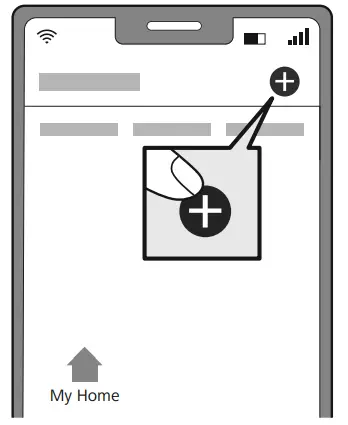
- In the list, select the socket strip, sockets or sockets + consumption meter.
- Next enter your WiFi password and confirm with “NEXT”.
- Now confirm that the socket / socket strip’s LED is flashing quickly by ticking “Next step” and clicking on “Next”.
- Your socket / socket strip is now connected.
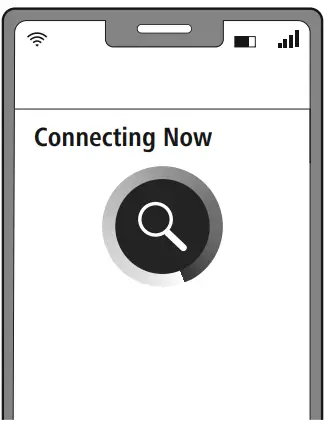
- Once the connection is successful, the LED stops flashing quickly and the app confirms that your sensor is connected. You can now assign it a different name if you wish.
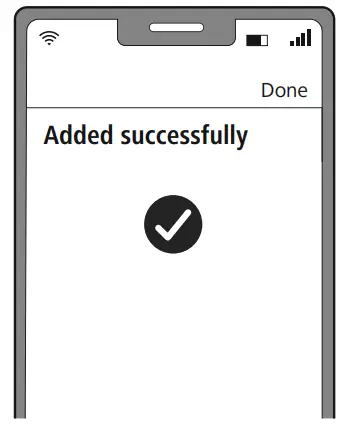
- Click Finish to end the process.
- You can now configure the device.
Note
A detailed description of the Hama Smart Home App and its full scope of functions can be found in our App Guide at:
www.hama.com  Article Number Downloads App Operating Instructions
7.2 Connecting devices to the Apple Home app (00176626)
- Press and hold the pairing button for around 5 seconds. The LED starts to flash blue quickly. If it flashes slowly, press and hold the button again for approx. 5 seconds.
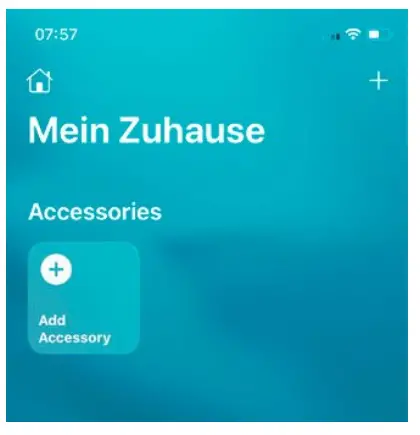
- Open the Apple Home app.
- Press the + in the top right-hand corner to add a new device.

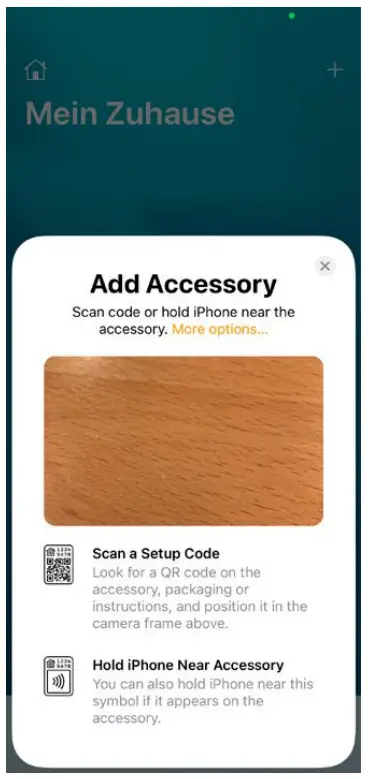
- Now select “Add Accessory”.
- Now use your mobile phone to scan the QR code on the socket.

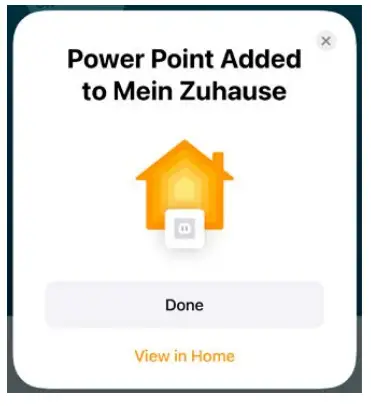
- Once the device has been recognised, select “Add to home”.
- Once the connection is successful, the LED stops flashing and the app confirms that the socket is connected. You can now configure the socket in the app (location, name, display).

- Click “Done” to end the process.
Setting options
The following settings can be made in the app: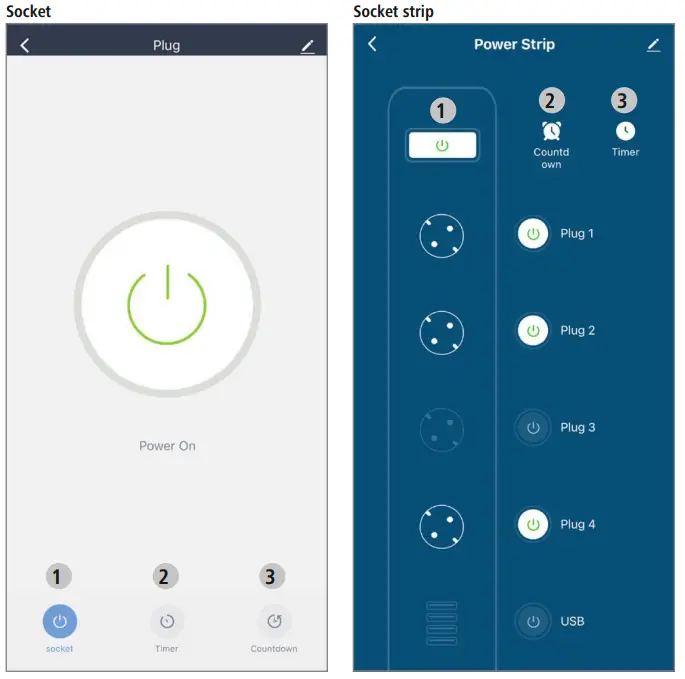
- On/Off
- Timer: time control of the connected device
- Countdown: the device is switched off / on after a set time
For extended usage options, scenarios can be created in the app. (See Section 7 and App Guide)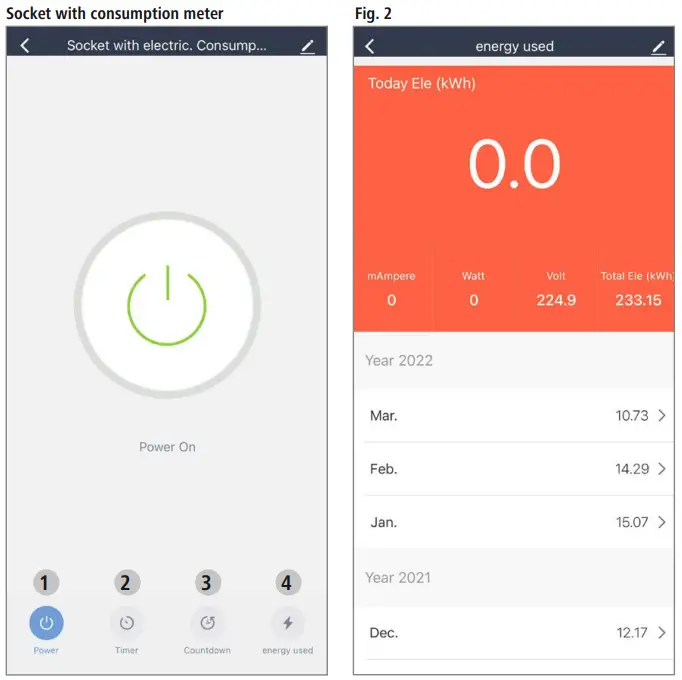
- On/Off
- Timer: time control of the connected device
- Countdown: the device is switched off / on after a set time
- Energy consumption: See Fig. 2
For extended usage options, scenarios can be created in the app. (See Section 8 and App Guide)
Extended usage options with scenarios
Scenarios and automated sequences that can be created in the app allow various combination options and usage options for these products, depending on the SmartHome products in your home. Programming is always via the app (see Section 4 of the App Guide) and will be offered / suggested to you on an individual basis.
Socket / socket strip (176571, 176573, 176574, 176594, 176612, 176624, 176626, 176627)
Standard usage option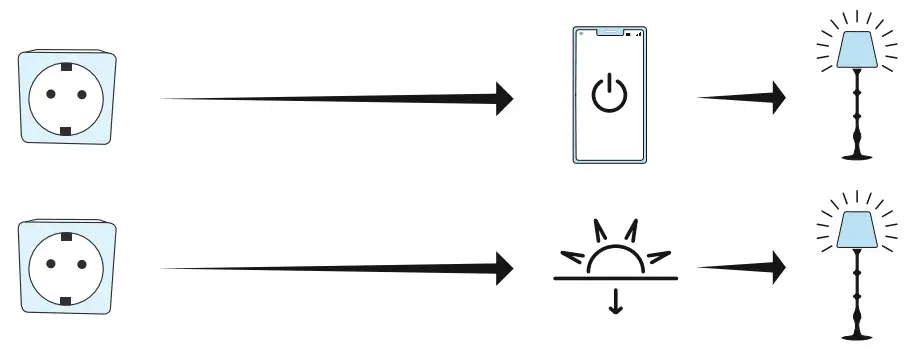 Extended usage option
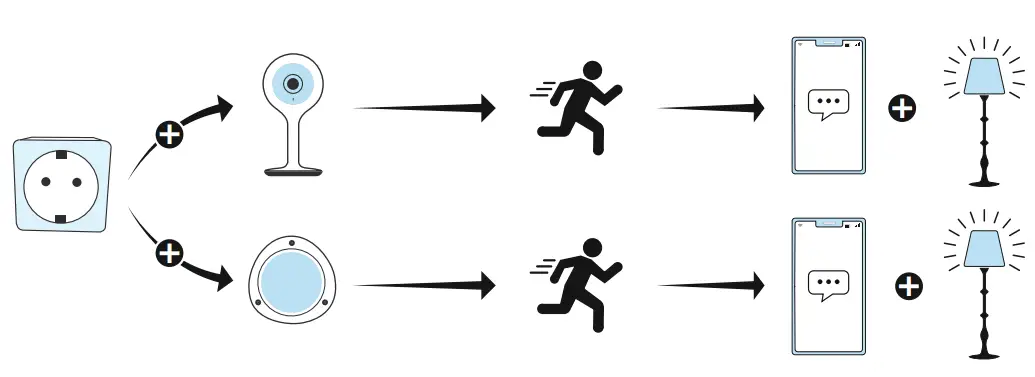 Socket with consumption meter (176575)
Standard usage option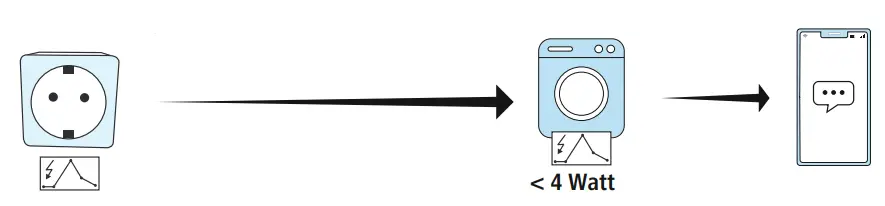 Extended usage option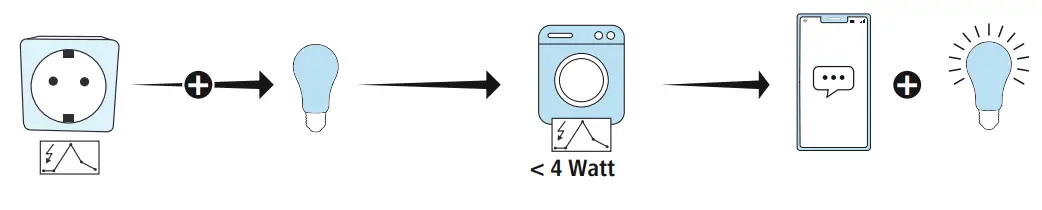
Care and maintenance
Note Disconnect the product from the mains before cleaning and during prolonged periods of non-use.
- Only clean this product using a lint-free, slightly damp cloth and do not use any harsh cleaners.
- Ensure that no water is able to enter the product.
Warranty disclaimer
Hama GmbH & Co KG assumes no liability and provides no warranty for damage resulting from improper installation/mounting, improper use of the product or from failure to observe the operating instructions and/or safety notes.
RF exposure information
This device complies with the EU requirements for limiting the exposure of the general public to electromagnetic fields by means of health protection. The device complies with RF specifications provided it is used 20 cm away from the body.
Declaration of conformity
 Hama GmbH & Co KG hereby declares that the radio equipment type [00176571, 00176573, 00176574, 00176575, 00176594, 00176612, 00176624, 00176626, 00176627] is in compliance with Directive 2014/53/EU. The full text of the EU declaration of conformity is available at the following Internet address:
www.hama.com -> 00176571, 00176573, 00176574, 00176575, 00176594, 00176612, 00176624, 00176626, 00176627 -> Downloads.
Hama GmbH & Co KG
86652 Monheim / Germany
Service & Support
 | www.hama.com |
 | +49 9091 502-0 |
All listed brands are trademarks of the corresponding companies.
Errors and omissions excepted, and subject to technical changes.
Our general terms of delivery and payment are applied.
“Google and Google Play are trademarks of Google LLC.”
00176571_73_74_75_94_001766212_24_26_27/03.23
 hama.com
 Smart Home hama.com