
 Gaming Keyboard User Manual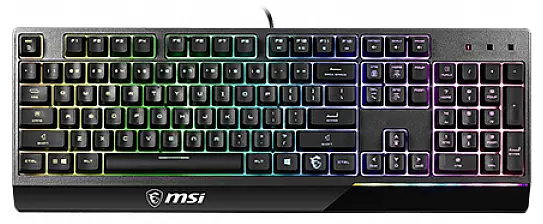
Introduction
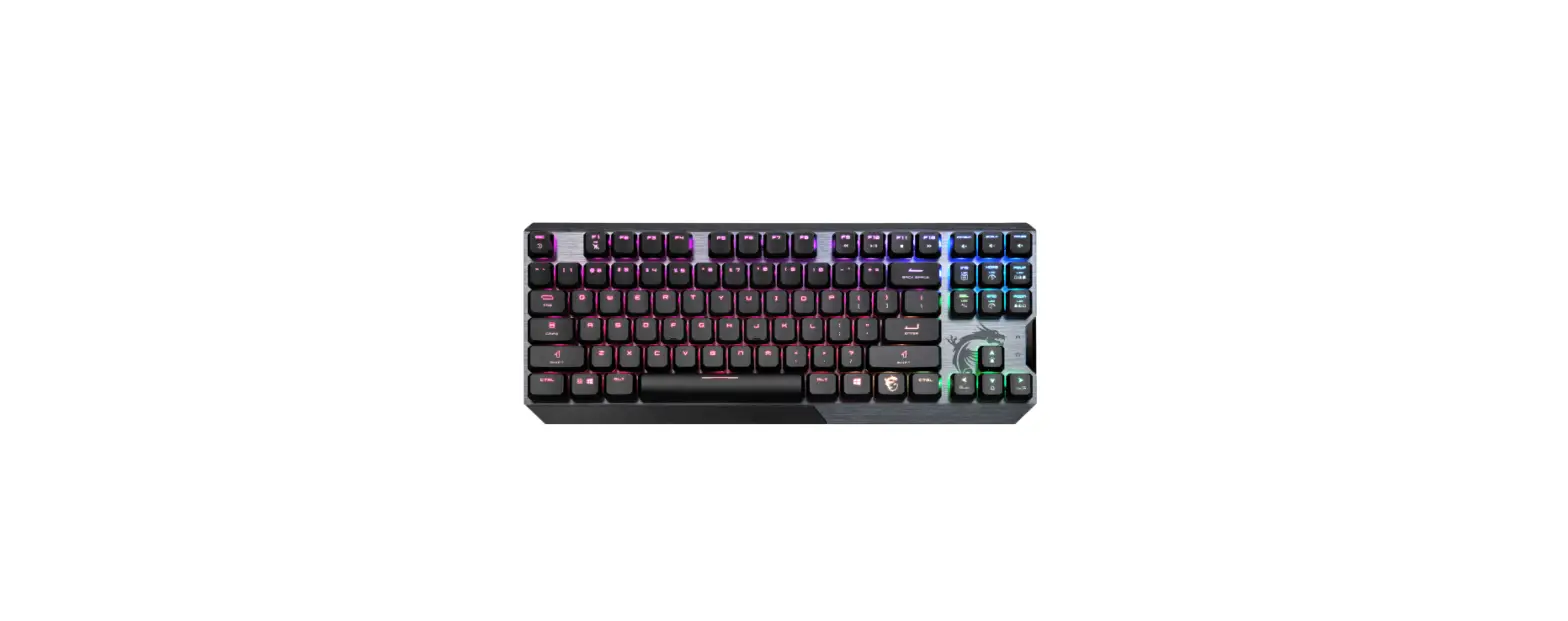
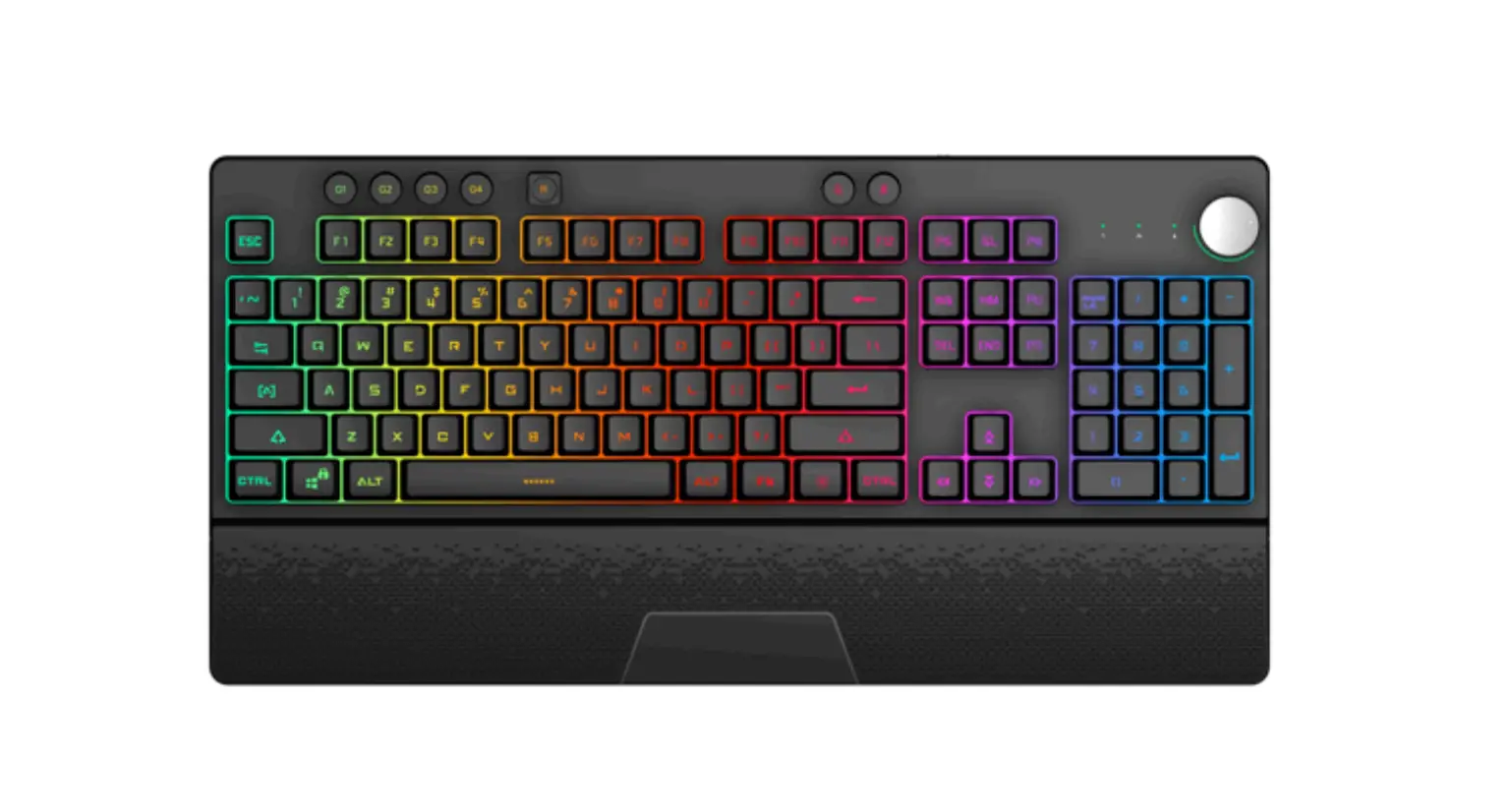
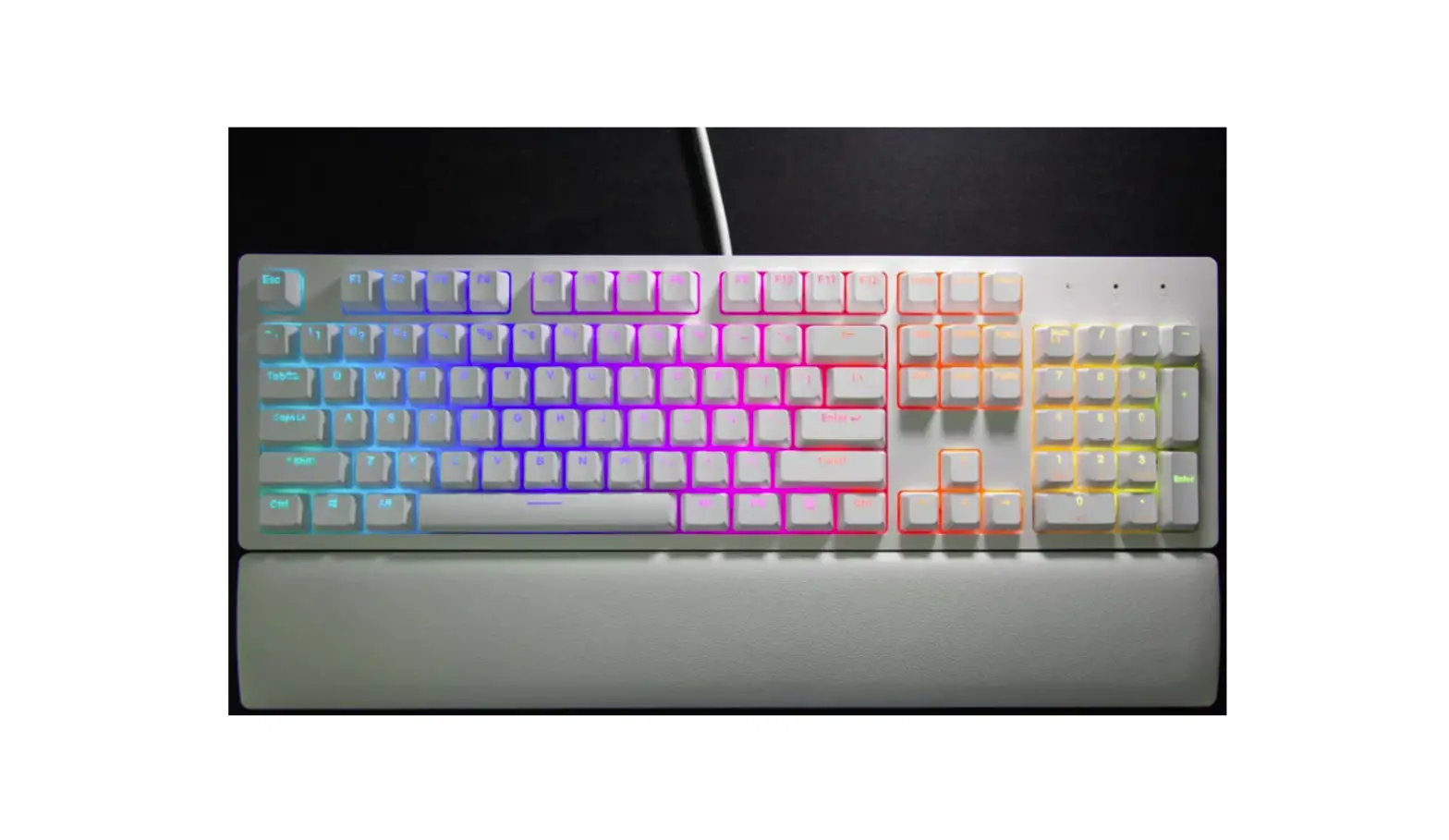
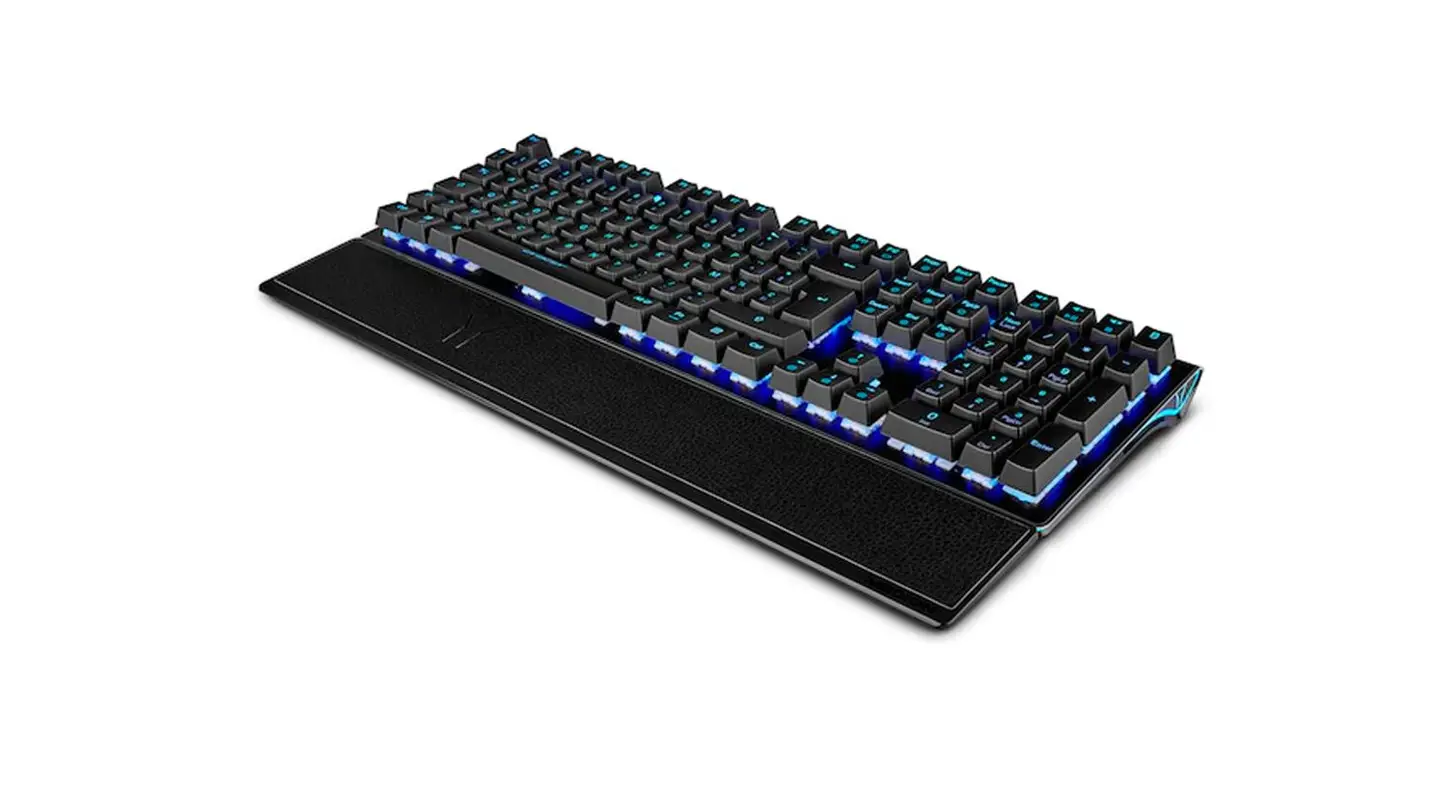
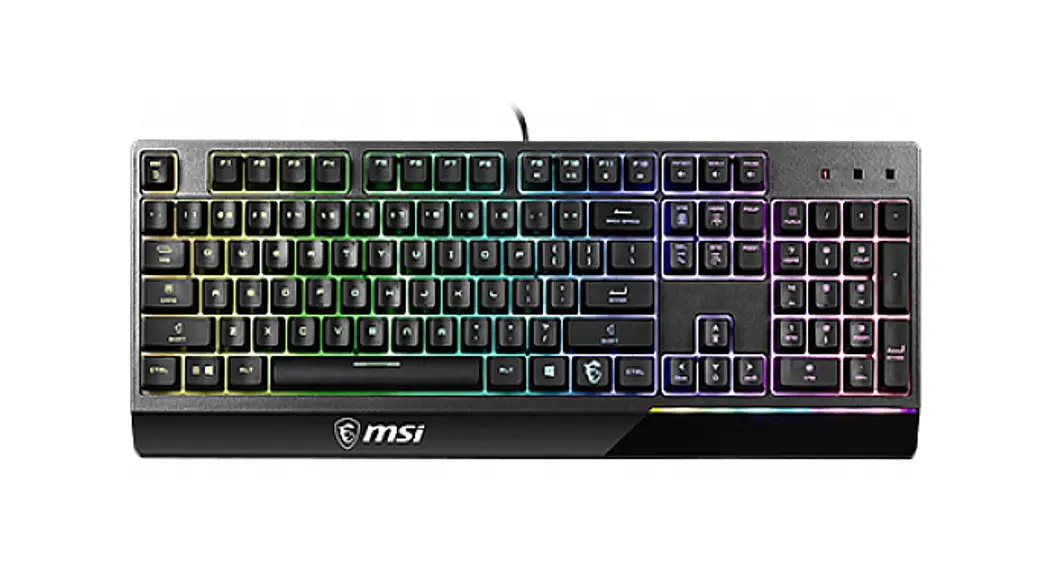
Thank you for choosing the well-designed gaming keyboard, MSI Vigor GK30 to be your companion. This exquisite gaming keyboard will surely give you a delightful and professional experience in PC games.
This guide provides instructions and illustrations to help you get the most from the keyboard, and it is recommended to read this guide before using it.
Package Contents
▶ GAMING Keyboard
▶ Multi-language Quick User Guide
System Requirements
▶ PC with available USB port
▶ Windows 10/ 8.1/ 8/ 7, OSX 10.10 or latest
▶ At least 256MB storage space
Specifications
▶ Interface: USB Port 2.0 with gold-plated connector
▶ Cable Length: 1.8M
▶ Dimensions: 438 x 157 x 38mm
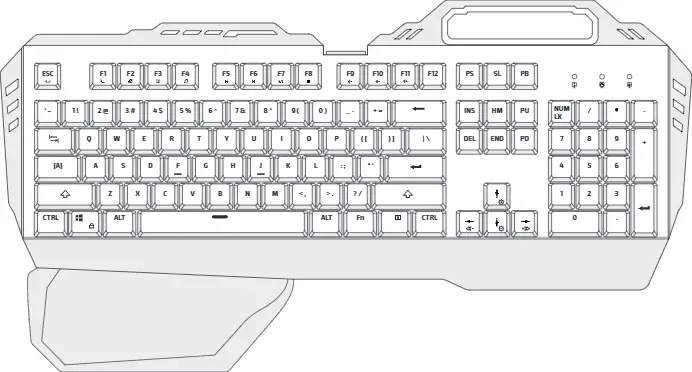
Introductions to Function Keys
LED Indicators Adjustment
Use the keyboard hot keys listed below to customize the backlit configurations.
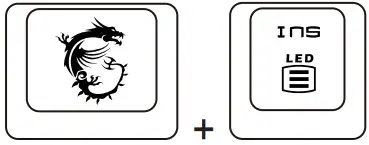 | LED Lighting Mode Control (Steady/Breath/Wave/Radar/Ripple/Reactive/ Customize/ Off) |
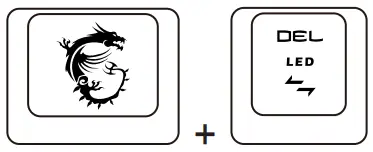 | LED Lighting Direction Control |
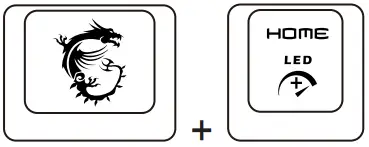 | LED Lighting Effect Speed Up (3 Levels) |
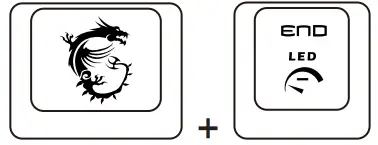 | LED Lighting Effect Speed Down (3 Levels) |
 | Increase brightness (4 Levels) |
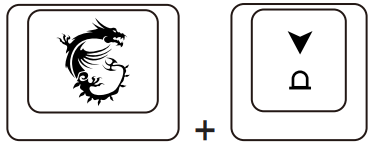 | Decrease brightness (4 Levels) |
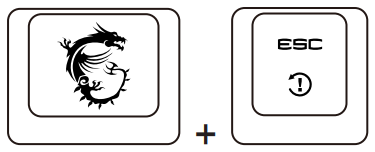 | Reset KB Setting back to Default Long press for 5 seconds |
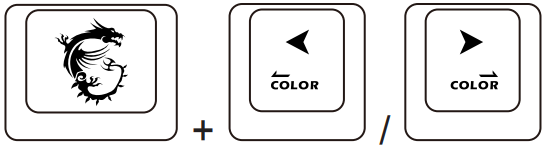 | Quick change Color |
Media Function
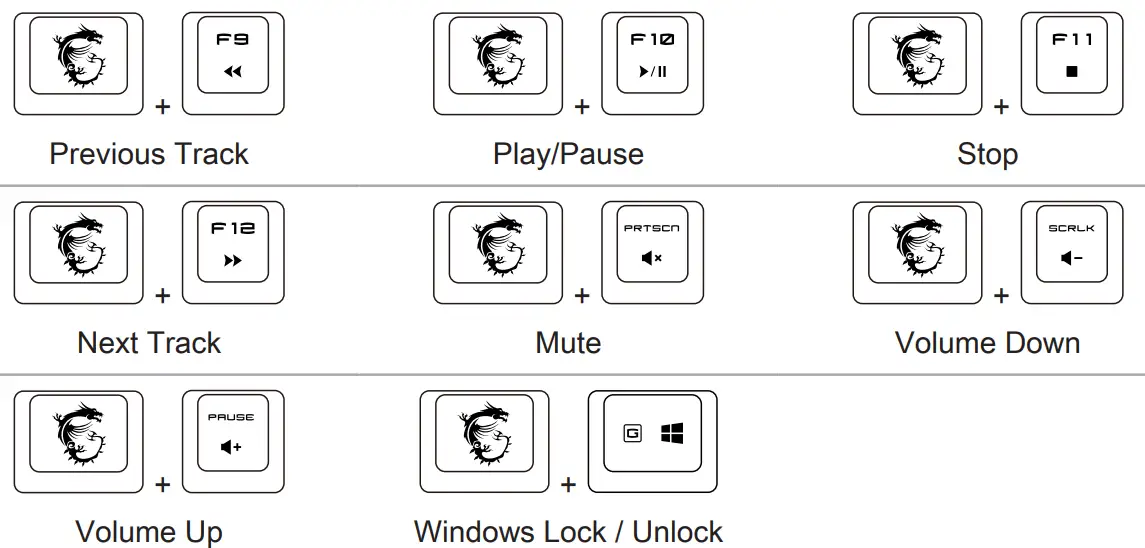
Introduction
Thank you for choosing the gaming mouse with marvelous design, MSI Clutch GM11, to be your companion. This exquisite gaming mouse will surely give you a delightful and professional experience in PC games.
This guide provides instructions and illustrations to help you get the most from the mouse, and it is recommended to read this guide before using it.
Unpacking
- GAMING Mouse
- Multi-language Quick User Guide
System Requirements
- PC with available USB port
- Windows 10/8.1/8/7
Specifications
- Interface : USB with gold-plated connector
- Operating System : Windows 10/8.1/8/7
- Number of Keys : 6
- Sensor Type : Optical
- DPI Level : 400/ 800/ 1600 (default)/ 3200/ 5000
- Cable Length : 1.8M TPE cable USB connector
- Dimension : 118 x 62 x 37 mm
Overview
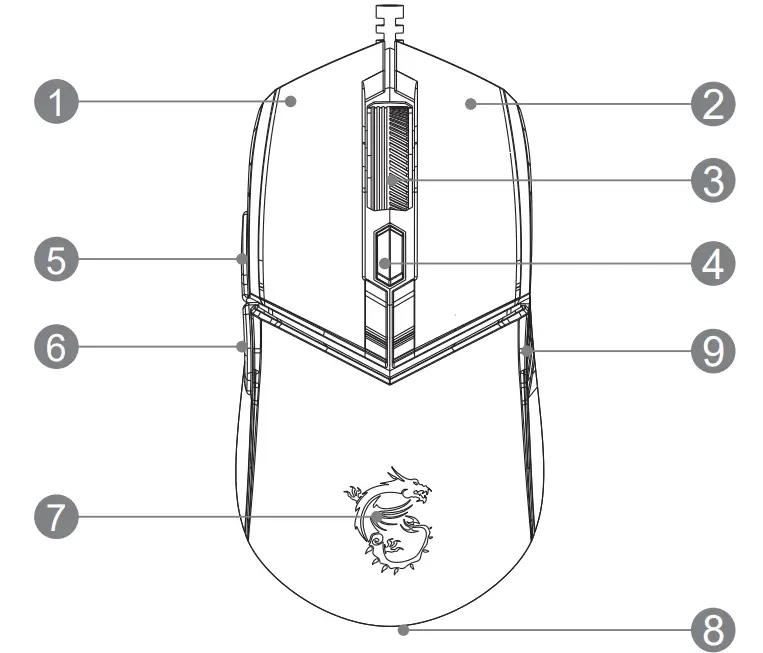
- Left Button
- Right Button
- Scroll Wheel
- DPI Switch
- Side Button 1
- Side Button 2
- Dragon LED
- Bottom Ring LED
- Anti-slip Sidegrip with double-injection ultra-durable soft rubber
LED Indicators Adjustment
- DPI + Right Button = Brightness (Cycle)
- DPI + Scroll Wheel = Mode (Cycle)
- DPI + Side Button 1 = Speed (Cycle)
- DPI + Side Button 2 = Direction or Color (Cycle)
| Equipment name : GK30 Type designation (Type) : GK30 GAMING Keyboard | ||||||
| Unit | Restricted substances and its chemical symbols | |||||
| Mead (Pb) | Mercury (Hg) | Cadmium(Cd) | Hexavalent chromium (Cr’) | Polybrominated biphenyls(PBB) | Polybrominated diphenyl ethers (PBDE) | |
| 0 | 0 | 0 | 0 | 0 | 0 | |
| 0 | 0 | 0 | 0 | 0 | 0 | |
| 0 | 0 | 0 | 0 | 0 | 0 | |
| 0 | 0 | 0 | 0 | 0 | 0 | |
| 0 | 0 | 0 | 0 | 0 | 0 | |
| 0 | 0 | 0 | 0 | 0 | 0 | |
| o | o | o | o | o | o | |
| O | o | o | o | o | 0 | |
| 0 | 0 | 0 | 0 | 0 | 0 | |
| Note 1: “Exceeding 0.1 wt%” and ” exceeding 0.01 wt%” indicates that the percentage content of the restricted substance exceeds the reference percentage value of presence condition. Note 2: “0” indicates that the percentage content of the restricted substance does not exceed the percentage of reference value of presence. Note 3 : “The “-” indicates that the restricted substance corresponds to the exemption. | ||||||
Micro-Star INT’L CO., LTD.
No.69, Lide St., Zhonghe Dist., New Taipei City 235, Taiwan
tel: +886-2-3234-5599
fax:+886-2-32345488
www.msi.com
MSI-Europe Eindhoven 5706 5692 ER Son
 MSI - Redirect