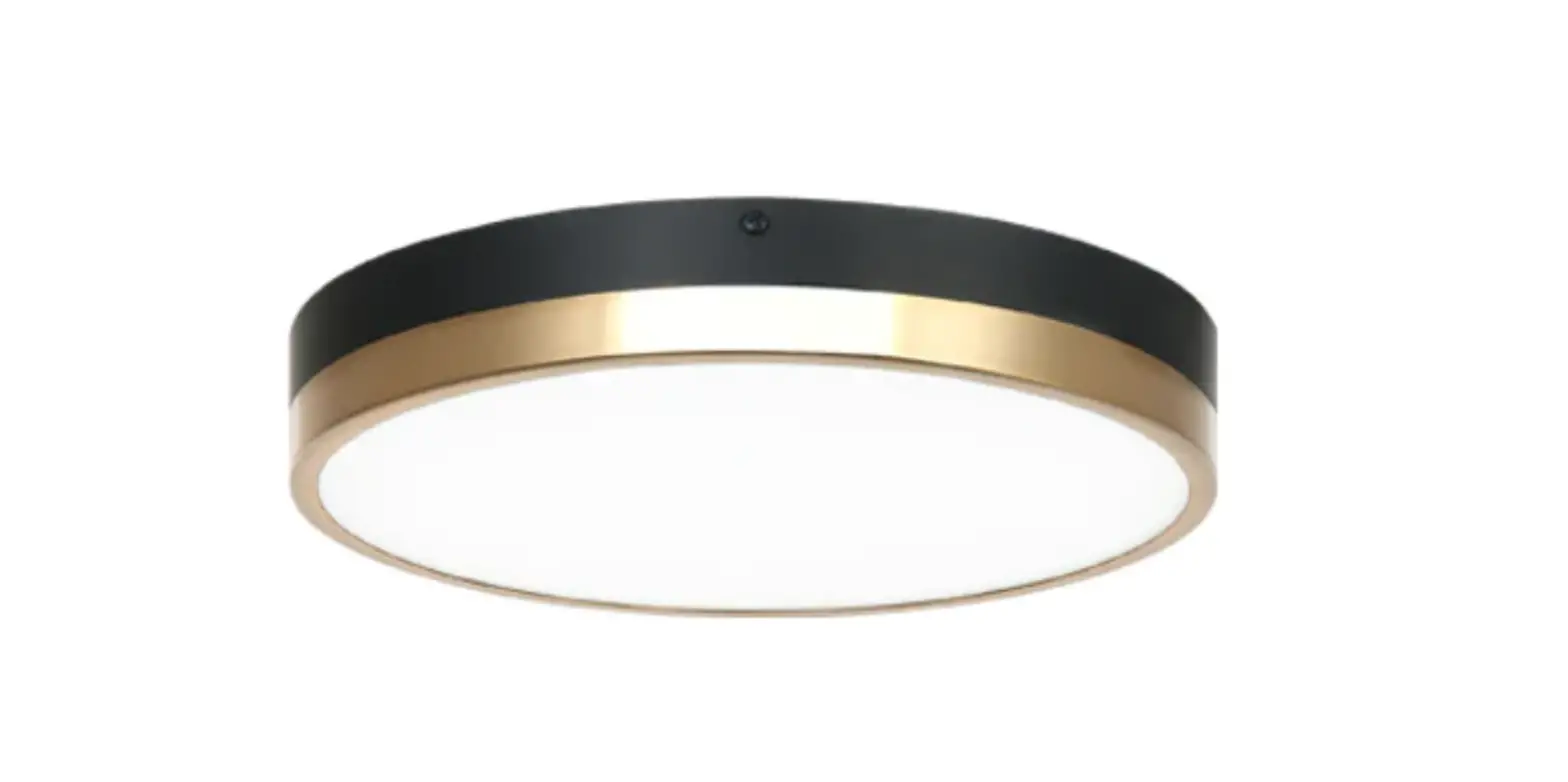
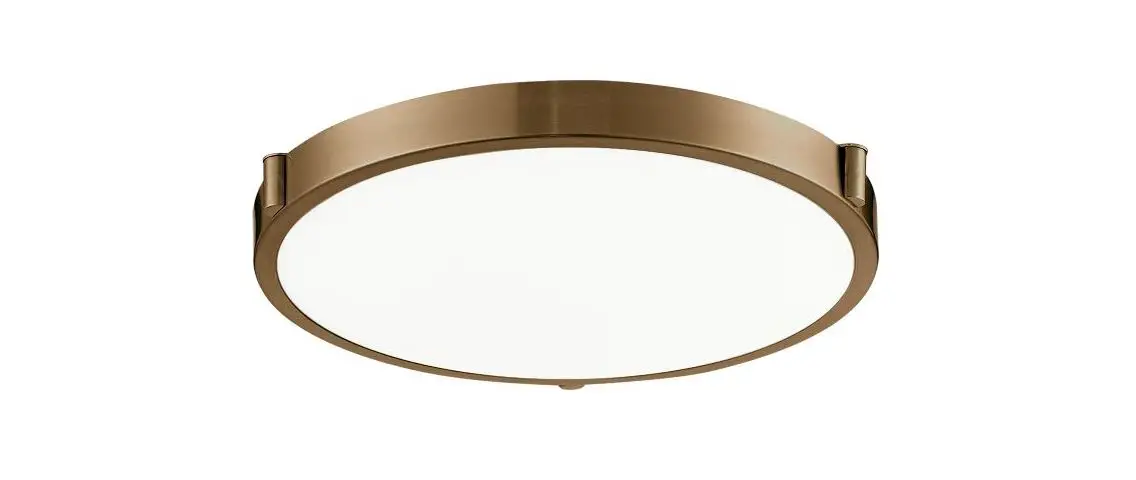
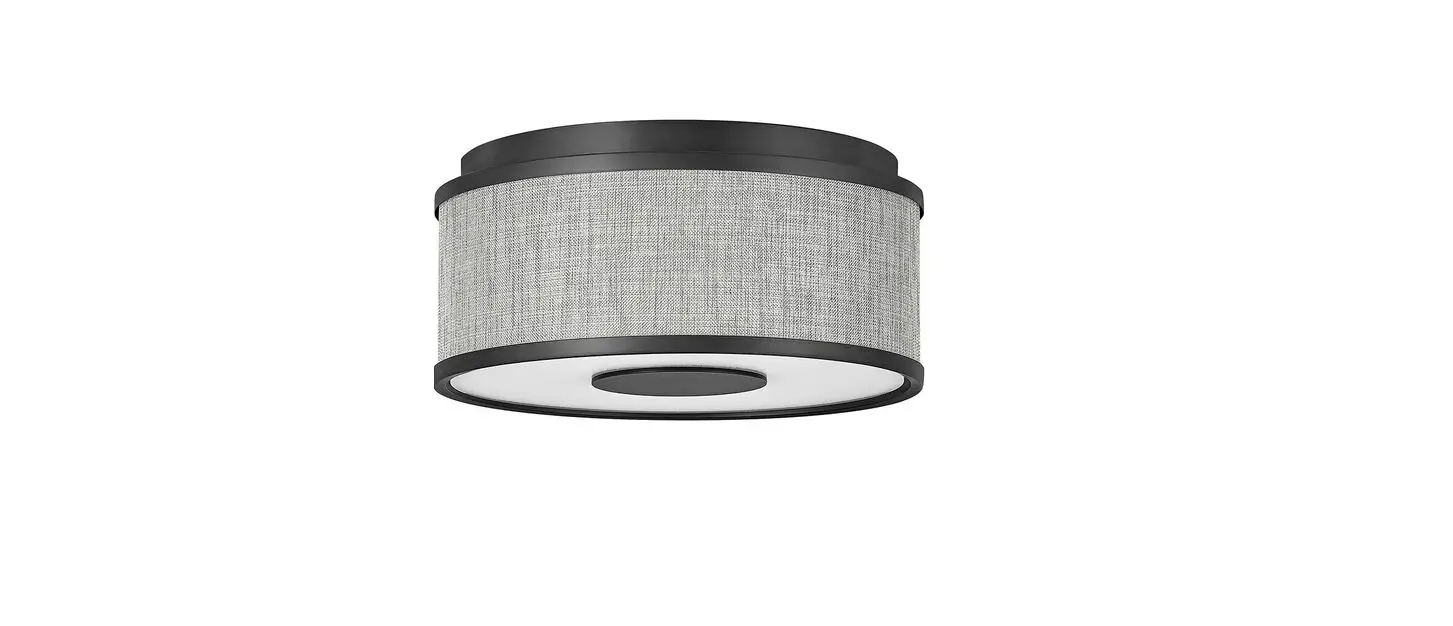
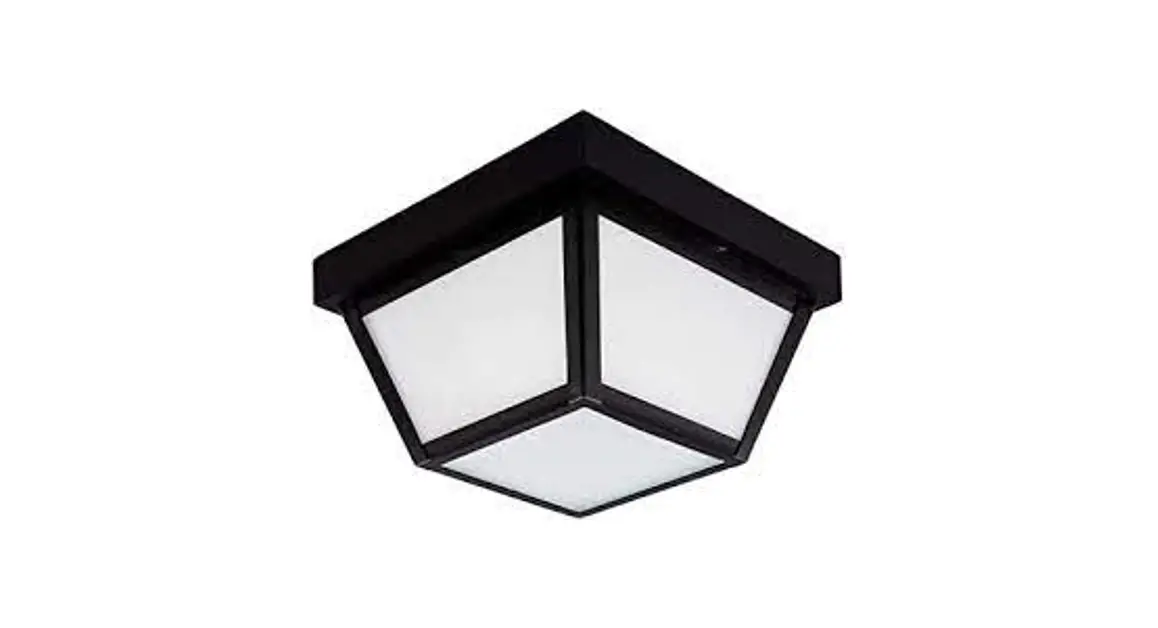
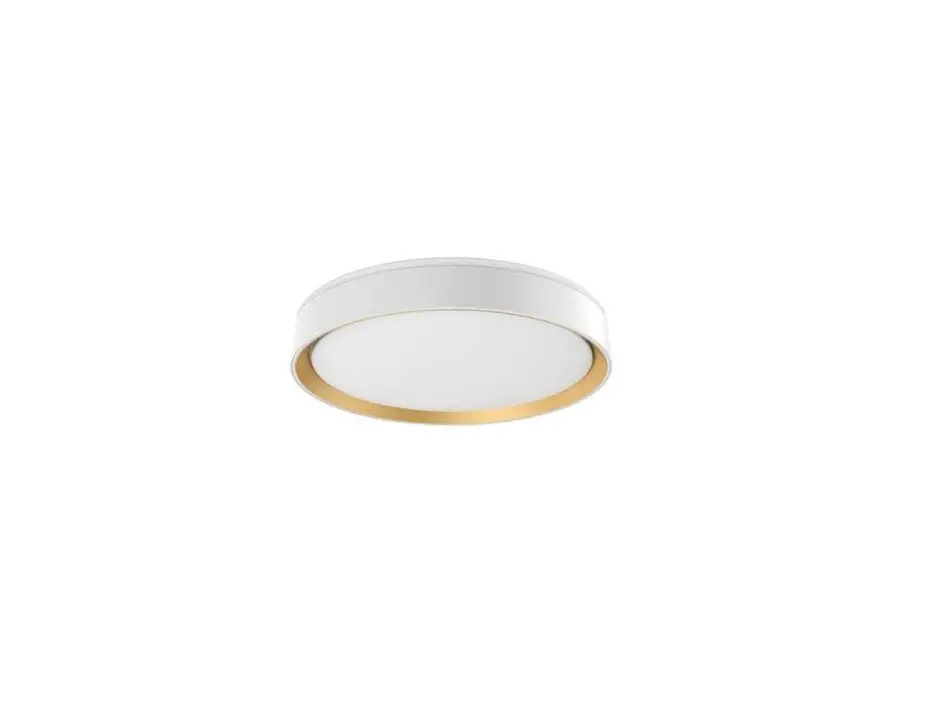
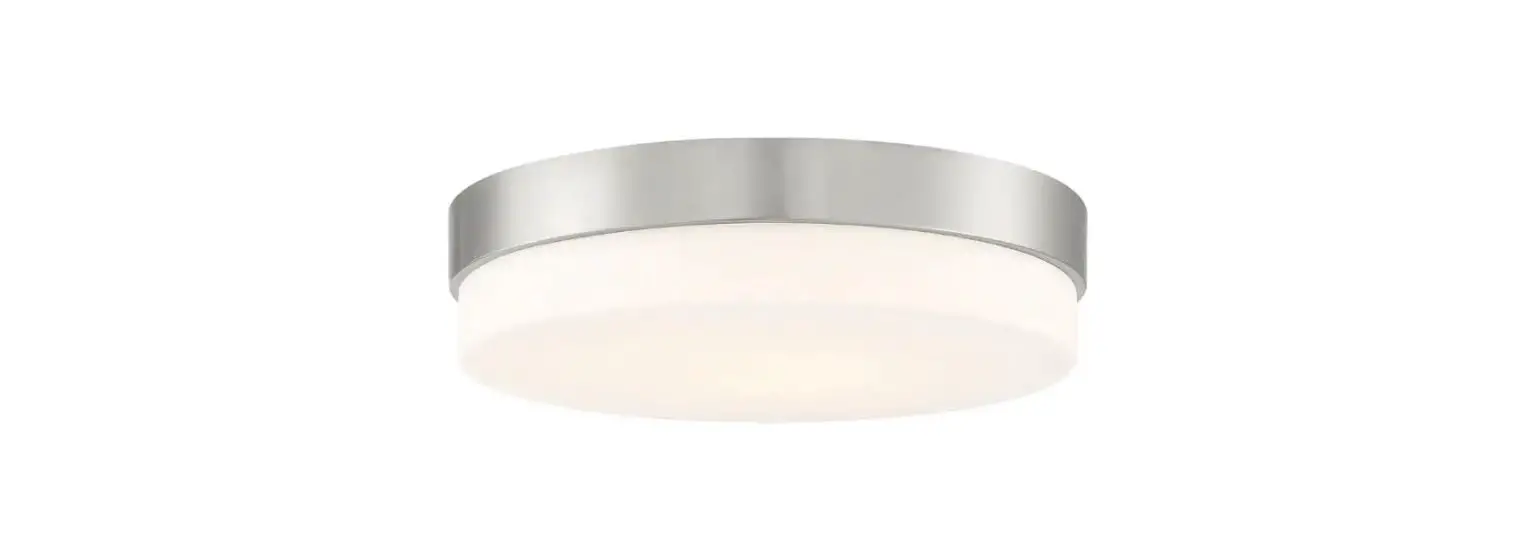
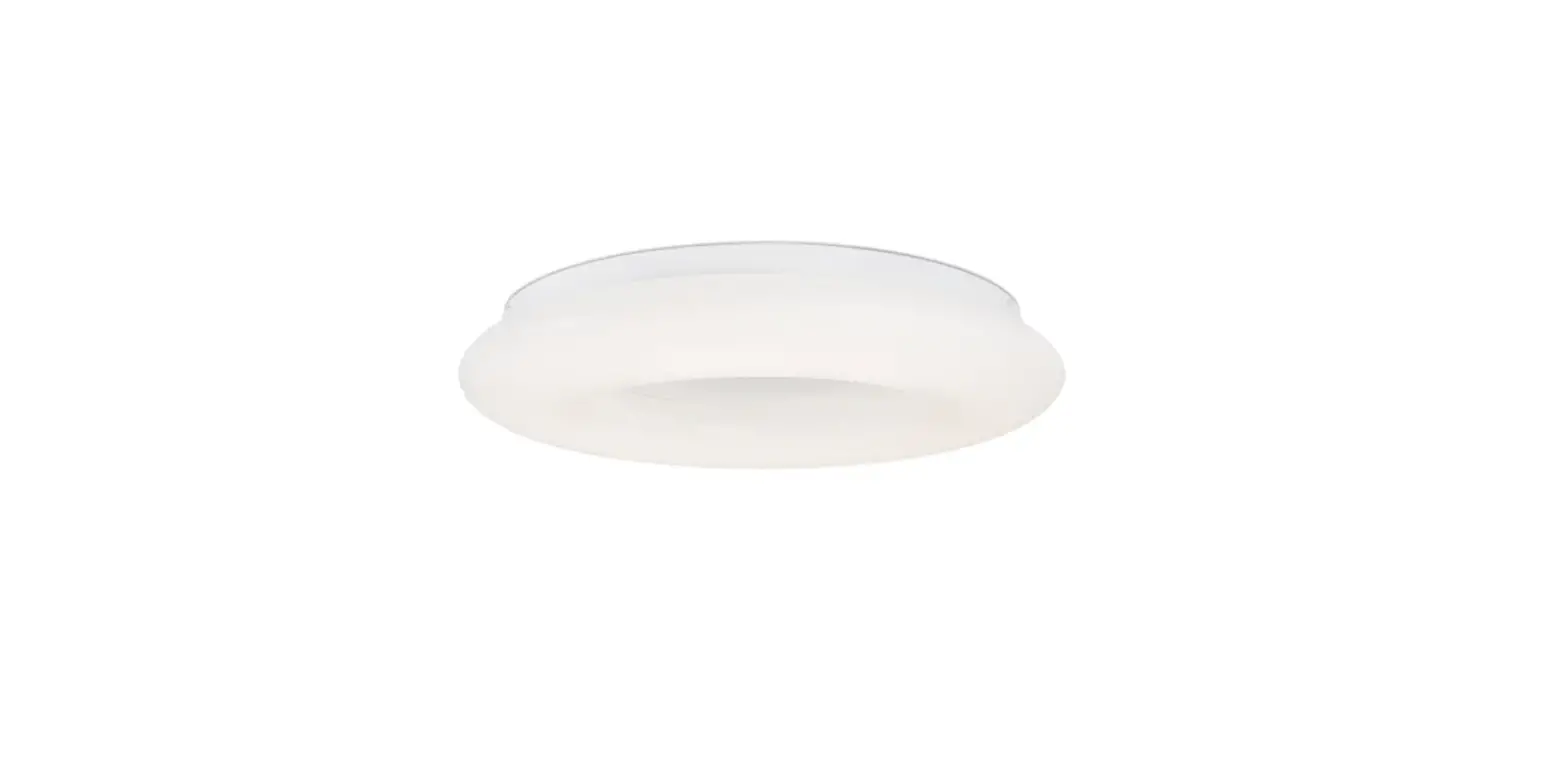
P953-1-691-L LED Flush Mount Bezel Set
Product Information:
The product is an LED fixture with item number P953-1-248-L. It
was manufactured on February 29, 2020. The fixture comes with a
mounting plate, screws, a ground screw, and a glass shade. The
installation manual provides detailed instructions on how to
install the fixture properly. The fixture is dimmable with LED
compatible wall dimmer switches.
Product Usage Instructions:
- Shut off power at the fuse box or circuit breaker box and
remove the old fixture including the mounting hardware. - Unpack the new fixture carefully and make sure all parts are
present. - Screw the glass shade (H) into the fixture body (D) in the
clockwise direction and secure with the screw (I). - Remove screws (C) and mounting plate (A) from base (D).
- Position the mounting plate (A) on the ceiling, and mark
location of the two mounting holes. Drill the holes on the ceiling
and insert the plastic anchors (E). - Attach the mounting plate (A) to the junction box using
mounting screws (B) (Size: #8-32N*L0.5). The side of the mounting
plate marked GND must face out. - Secure mounting plate (A) by inserting wood screws (F) through
the holes on the mounting plate into the plastic anchors (E). - Connect the electrical wires as shown in Fig. 2, making sure
that all wire connectors are secured. If your outlet has a ground
wire (green or bare copper), connect the fixtures ground wire to
it. Otherwise, connect the fixture ground wire directly to the
mounting plate (A) using the green screw provided. After wires are
connected, tuck them carefully inside the junction box. - Secure base (D) to the mounting plate (A) using screws
(C). - To replace the LED module, shut off the power, remove screws
(C) and base from mounting plate (A). Disconnect wire connectors
and place base on a clean surface. Loosen the screw (I). Unscrew
glass shade (H) to remove. Press the button of the printed L quick
connector on LED module (J) with screwdriver (not included) to
disconnected the black wire, and then disconnect the white wire
from the printed N quick connector on LED module (J). Remove screws
(K). Carefully remove the LED module (J). Reverse steps b-e for
installing the new LED module. For better heat dissipation, the LED
module (J) should be applied with thermal grease when
re-lamping. - After installation is complete, turn on power and test the
fixture. The fixture is dimmable with LED compatible wall dimmer
switches.
Note: This fixture should be installed by a
qualified electrician to ensure proper wiring and installation.
INSTALLATION INSTRUCTIONS
Item#P953-1-248-L (NEW: 2020/02/29) READ AND SAVE THESE INSTRUCTIONS
W AR N I N G ! S H U T P O W E R O F F AT F U S E O R CI RC U I T BR E AK E R .
AVERTISSEMENT! COUPER LE COURANT AU NIVEAU DES FUSIBLES OU DU DISJONCTEUR.
PREPARATION (Fig.1)
1. Shut off power at the fuse box or circuit breaker box and remove the old fixture including the mounting hardware.
2. Carefully unpack your new fixture and lay out all the parts in a clean area. Take care not to misplace any small parts necessary
for installation. 3. Screw the glass shade (H) into the fixture body (D) in the
clockwise direction and secure with the screw (I). Do not over tighten.
4. Remove screws (C) and mounting plate (A) from base (D). 5. Position the mounting plate (A) on the ceiling, and mark location
of the two mounting holes. Drill the holes on the ceiling and insert the plastic anchors (E). 6. Attach the mounting plate (A) to the junction box using mounting screws (B) (Size: #8-32N*L0.5″). The side of the mounting plate
marked “GND” must face out. 7. Secure mounting plate (A) by inserting wood screws (F) through
the holes on the mounting plate into the plastic anchors (E).
CONNECTING THE WIRES (Fig.2)
8. Connect the electrical wires as shown in Fig. 2, making sure that all wire connectors are secured. If your outlet has a ground wire
(green or bare copper), connect the fixtures ground wire to it. Otherwise, connect the fixture ground wire directly to the
mounting plate (A) using the green screw provided. After wires are connected, tuck them carefully inside the junction box.
FINISHING THE INSTALLATION (FIG.1)
9. Secure base (D) to the mounting plate (A) using screws (C).
Replacing LED module (Fig. 3)
The LED module can be replaced by a qualified electrician without cutting of wire and without damage to any decorative element to which the fixture is attached. See installation steps for more details (Fig 3.) a. Shut off the power.
b. Remove screws (C) and base from mounting plate (A). Disconnect wire connectors and place base on a clean surface.
c. Loosen the screw (I). Unscrew glass shade (H) to remove. d. Press the button of the printed “L” quick connector on LED
module (J) with screwdriver (not included) to disconnected the black wire, and then disconnect the white wire from the printed
“N” quick connector on LED module (J). e. Remove screws (K). Carefully remove the LED module (J).
f. Reverse steps b-e for installing the new LED module. For better heat dissipation, the LED module (J) should be applied with thermal grease when re-lamping.
Fig. 1
Set# A-020-206 -Mounting Plate -Ground Screw -Mounting Screw*2
I
Fig. 2
FIXTURE WIRES Black or Smooth
Fig. 3
HOUSE WIRES Black (Hot)
I
FIXTURE WIRES White or Ribbed
Your installation is now complete. Return power and test the fixture.
E
A F B
C D
H
FIXTURE WIRES Green or Bare Copper (Ground) HOUSE WIRES White (Neutral)
HOUSE WIRES Green (Ground)
F
J K
Note: Illustration (Fig.1) on this manual is for installation purposes only. It may or may not be identical to the fixture purchased.
Screw diver H
Dimmable with LED compatible wall dimmer switches.
IMPORTANT: FIXTURE SHOULD BE INSTALLED BY A QUALIFIED ELECTRICIAN TO ENSURE PROPER WIRING AND INSTALLATION.
LA-3156E