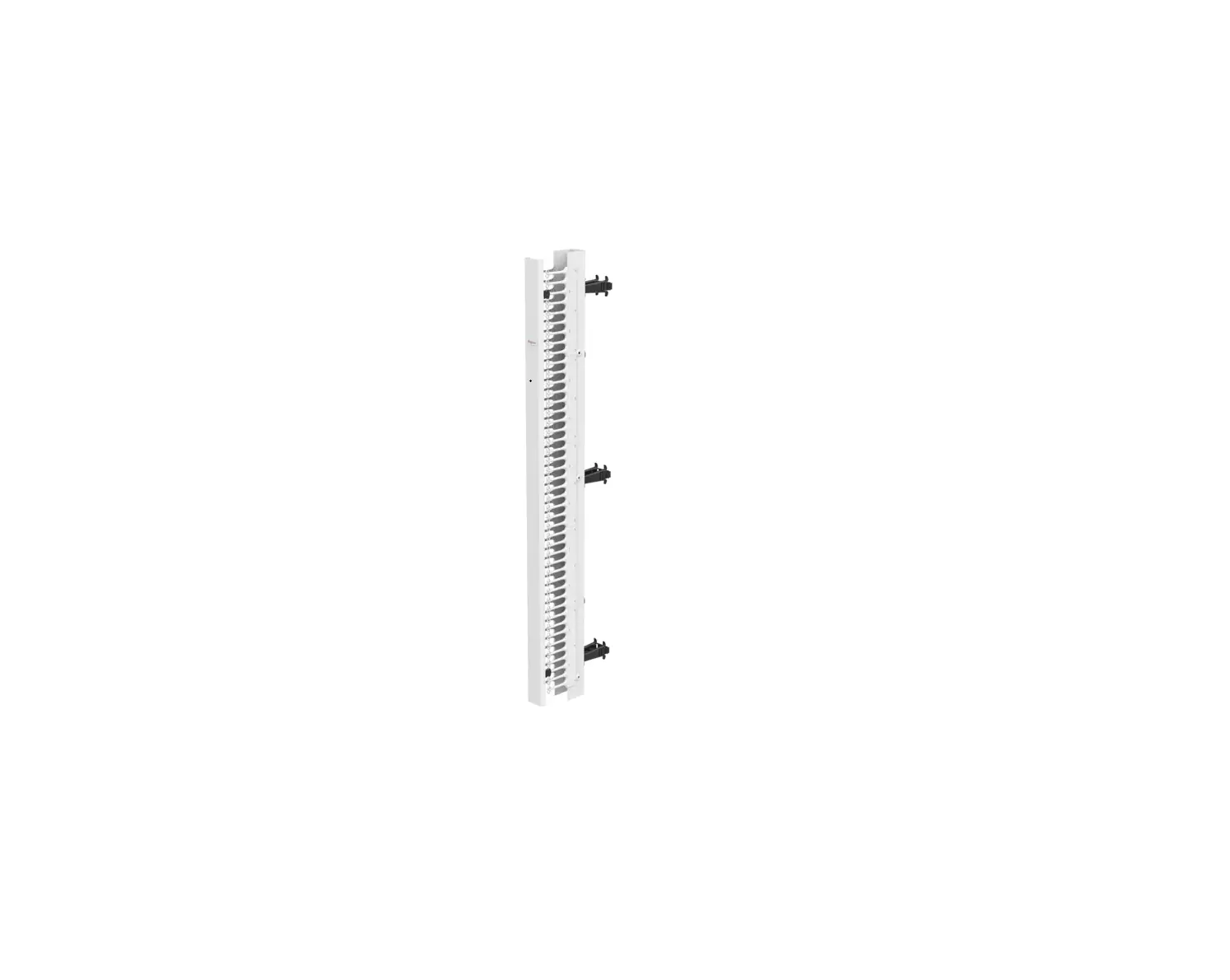
Sirv ERGO-KE1800S Cable Tray Expand
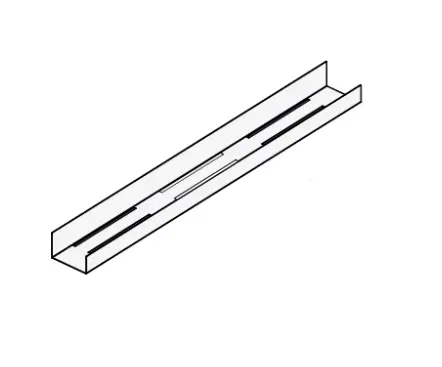
FEATURES
 ERGO-KE1800S
 ERGO-KE1800W
 ERGO-KE1800BK
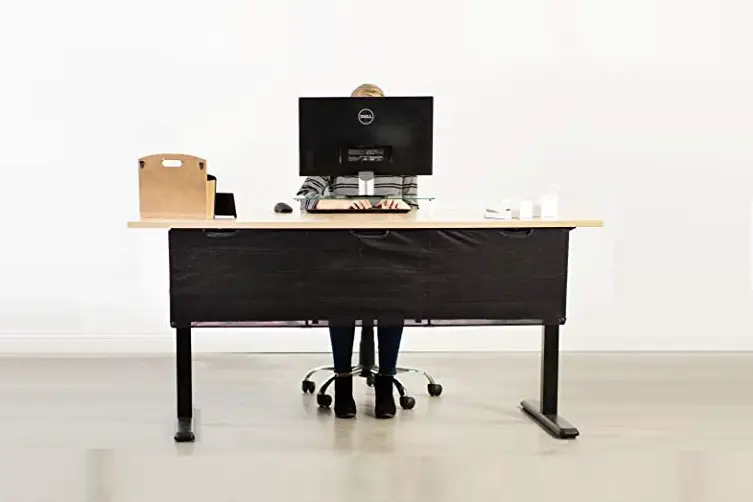
Table installation
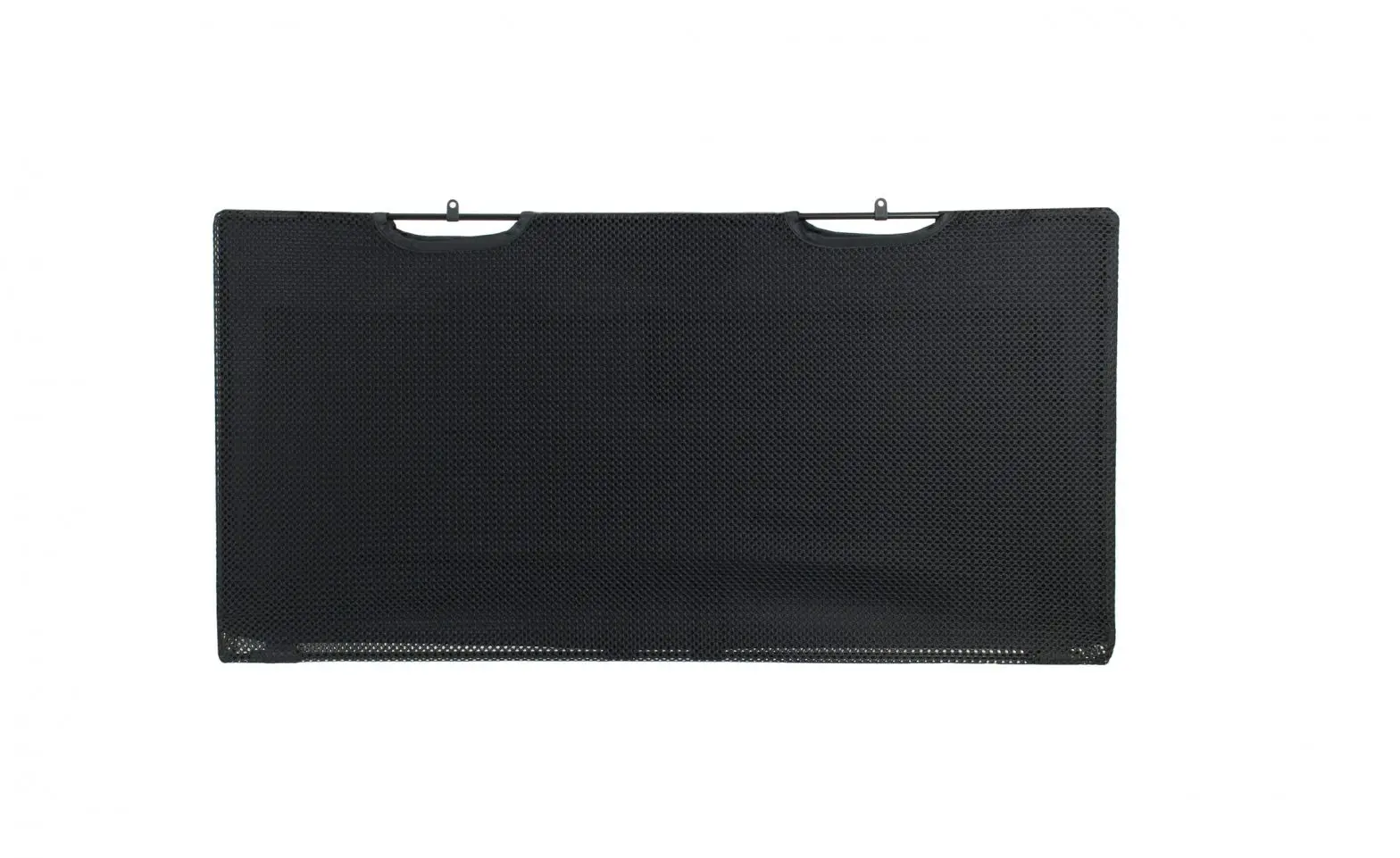
Desk screen installation
CONTENT:
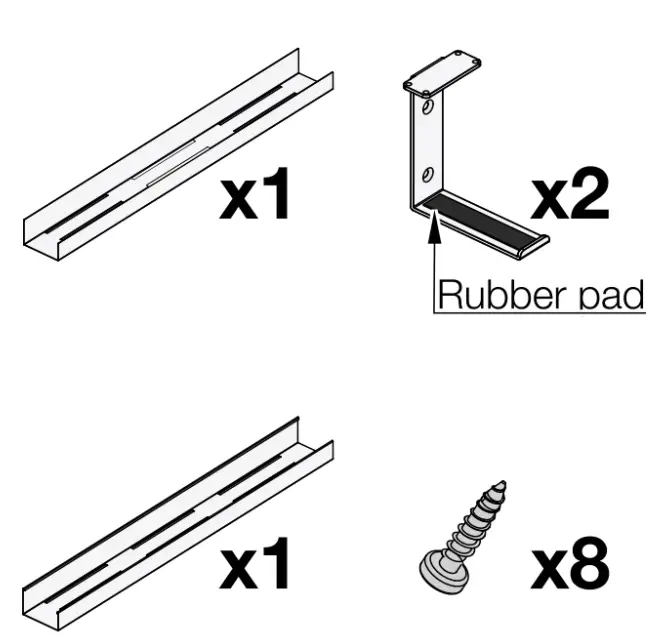
INSTALLATION AND ASSEMBLY INSTRUCTIONS
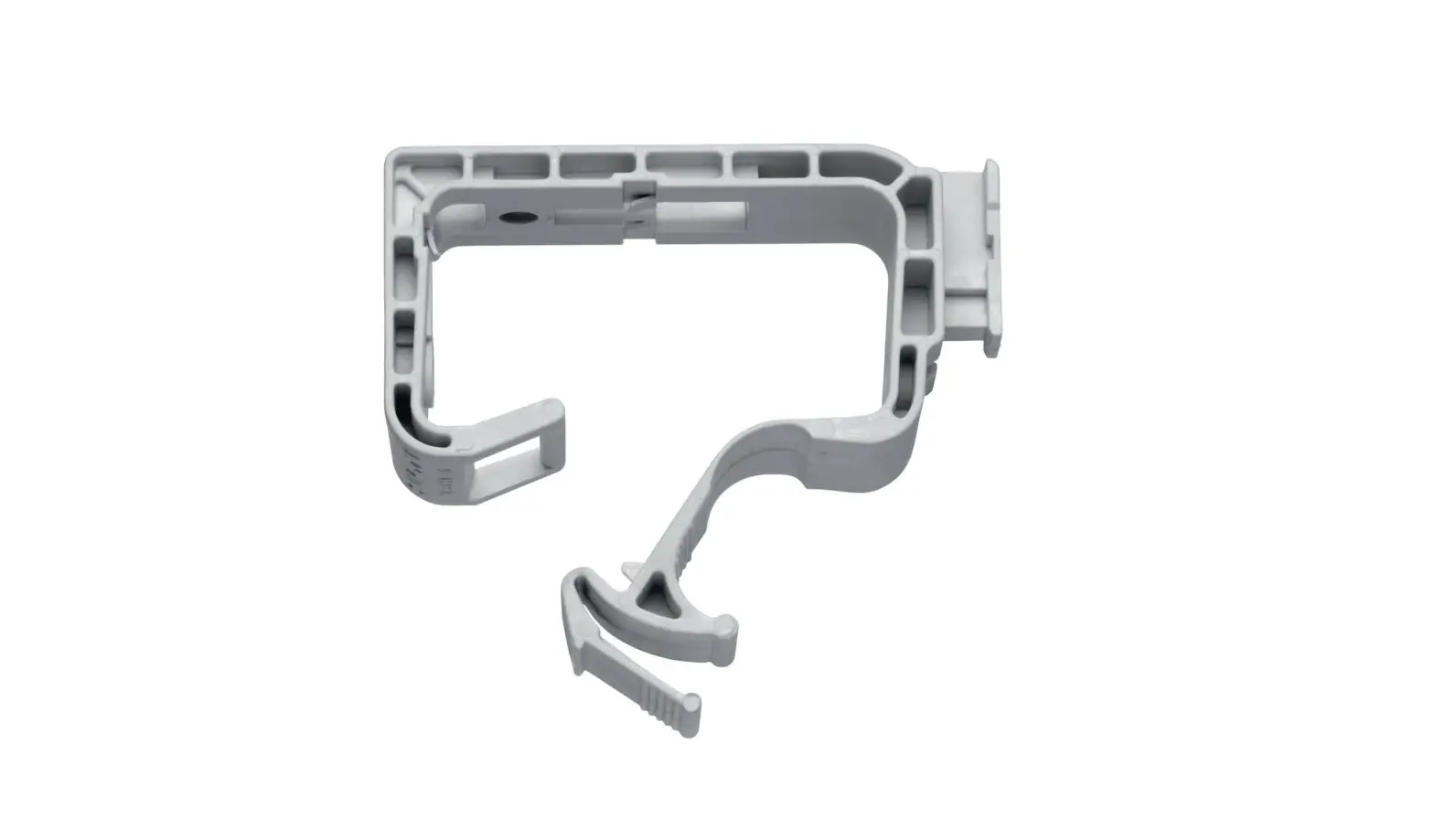
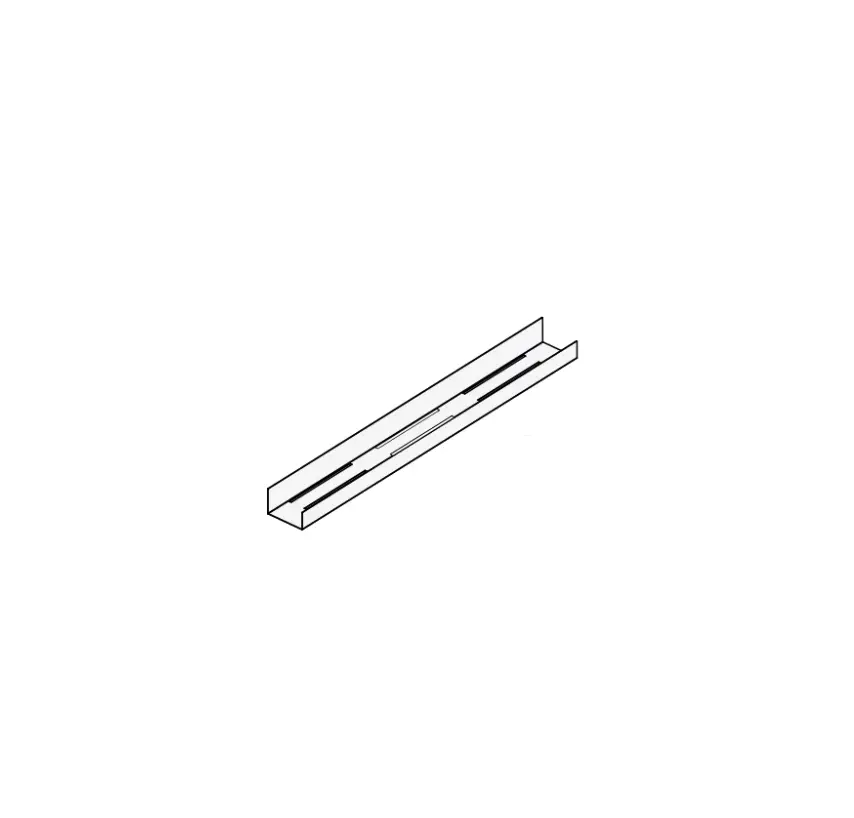
- FLANGE OF TRAY BEARING BRACKETS Keeping the flange by the exterior of the trays facilitates extending and contracting the trays to ANY length (blue flange). If the flange is to be hidden (red flange), please use matrix
 .
.
- a ATTACH TO TABLE Measure up the desired distance and mount the tray bearing brackets as planned using all 4 wood screws. Make sure to alight the two brackets as parallel! as possible.

2b. ATTACH TO SCREEN Measure up the desired distance and mount the tray bearing brackets as planned using four countersunk 06 mm wood screws {not incl.). Make sure to alight the two brackets as parallel! as possible. - DIRECTION OF CABLE TRAY Decide on which direction the trays should be facing. See both options below. Option 2 is advantageous to keep the cables hidden while Option 1 makes it easier to route cables under the table.
Option 1: Cable trays closed towards the back and open towards the front.
Option 2: Cable trays closed towards the back and open towards the front. - TILT AND INSTALL Use the rubber pieces of the bearing bracket as well as the table as support to keep the trays still in a tilted position. This facilitates installing the desired components into the tray.
 MATRIX TO KEEP FLANGE HIDDEN
 .
.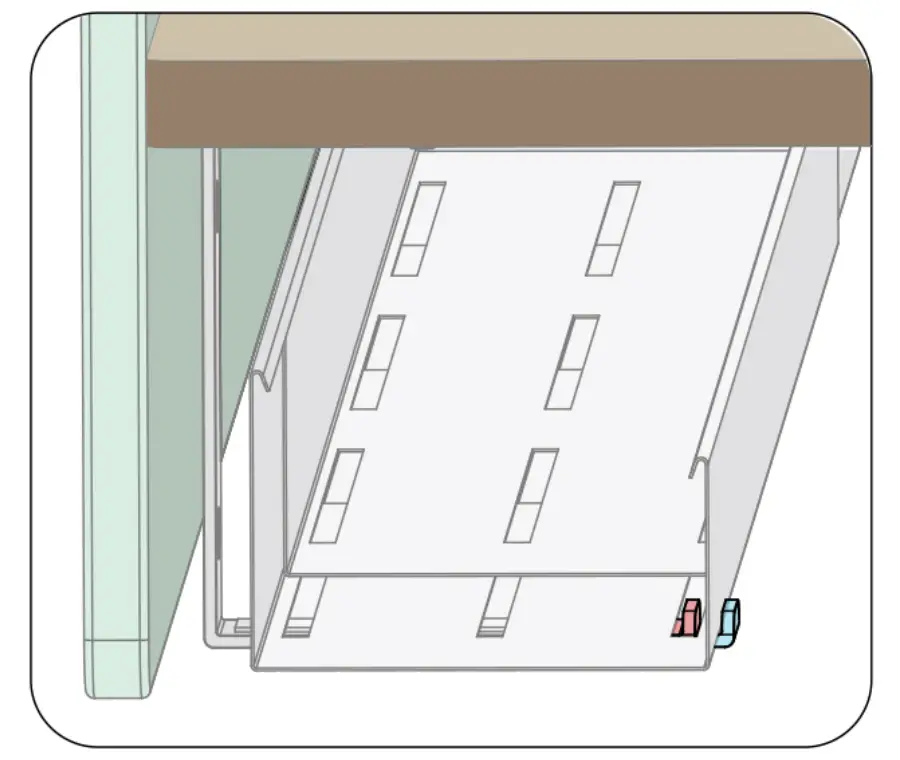
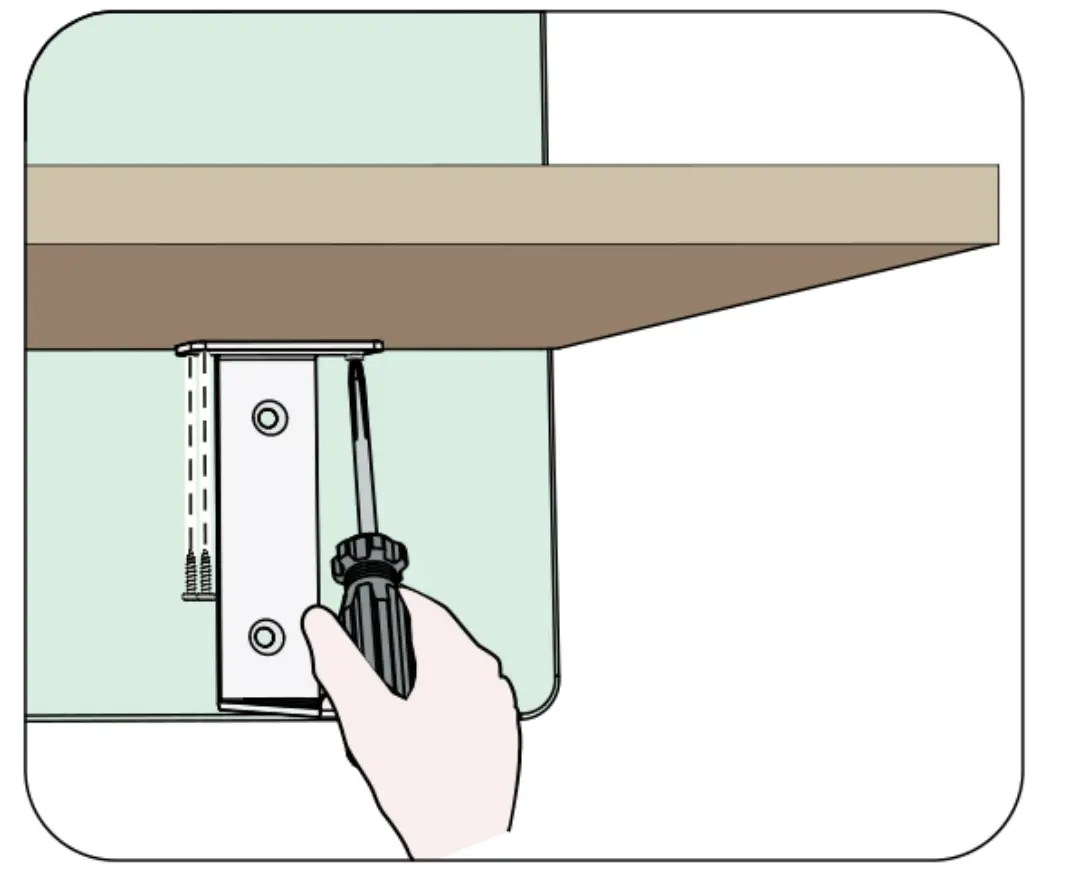
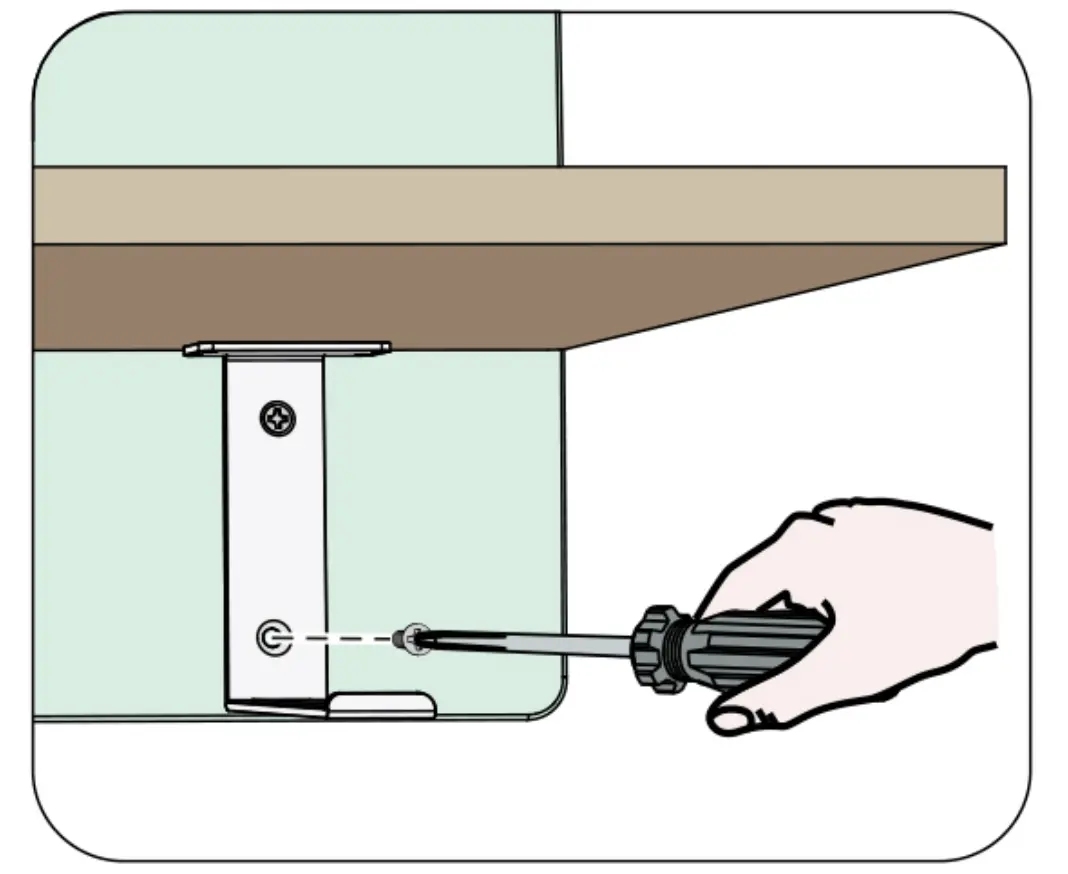
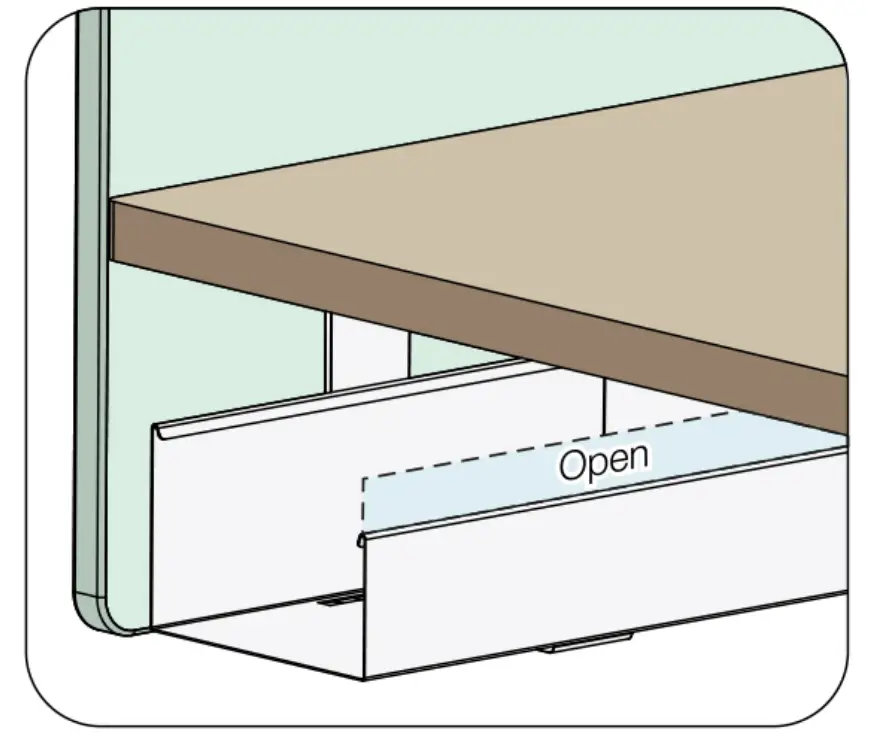
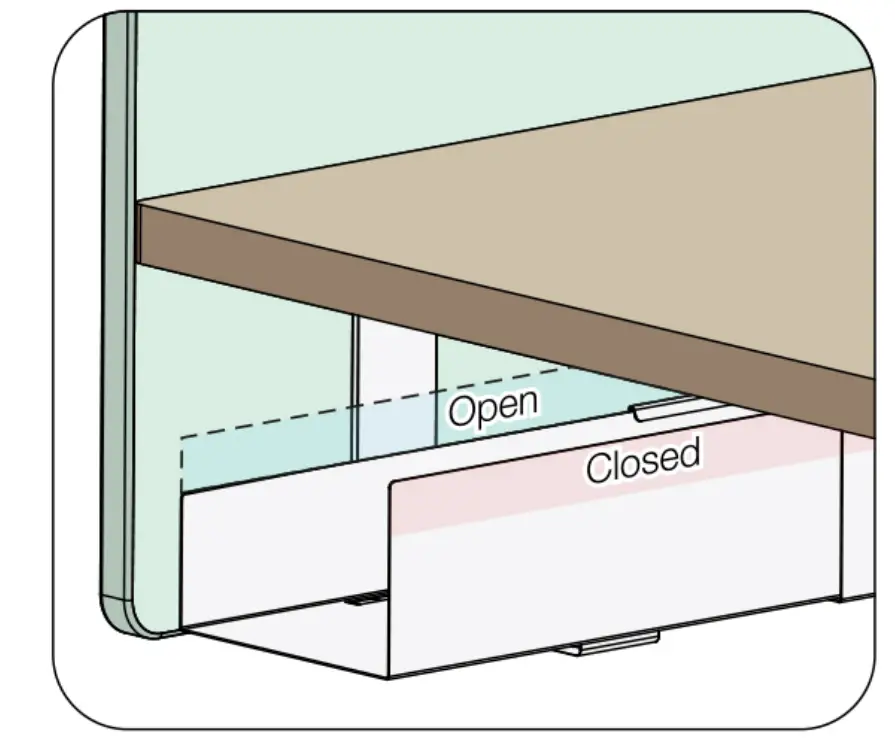
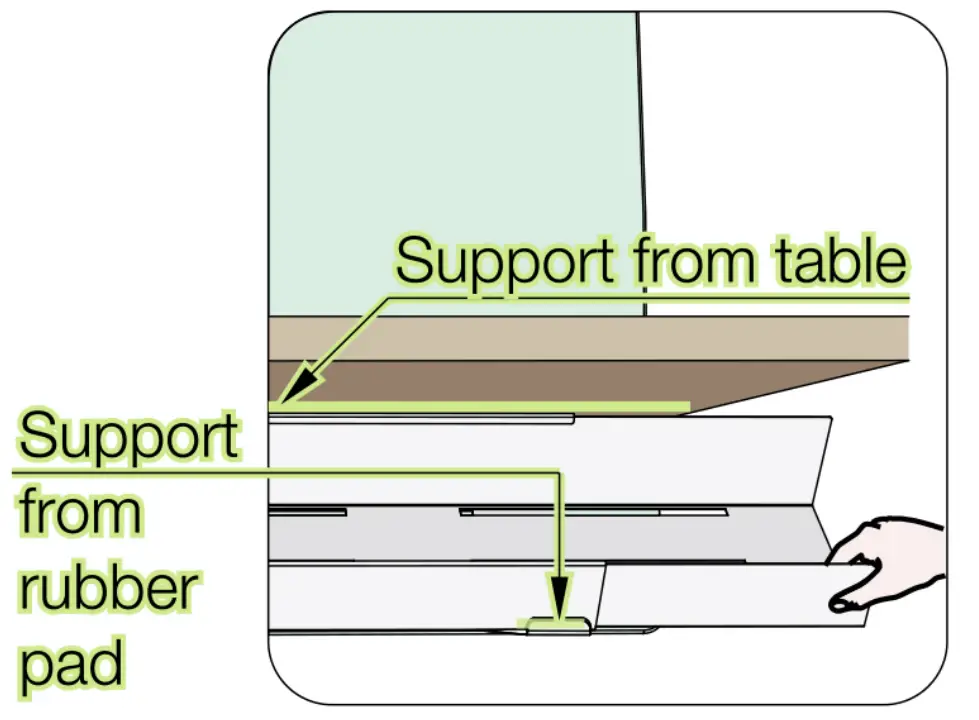
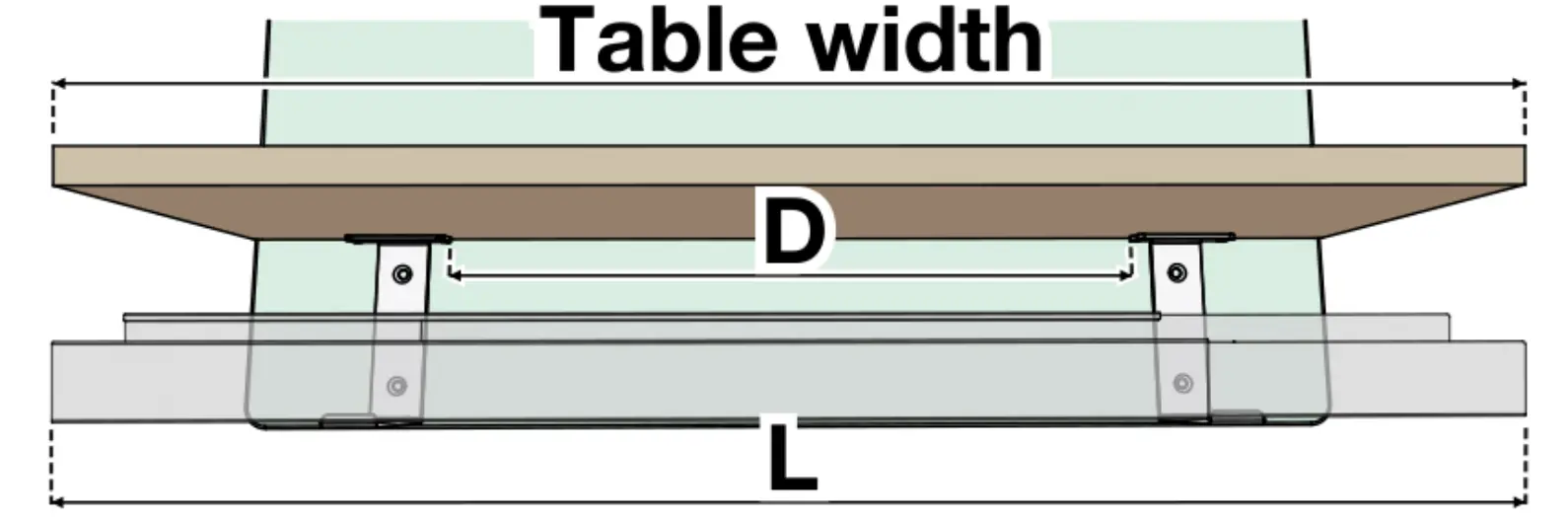
Table width | L | D max – D min |
1800 | 1800 | 1570 -1270 |
| 1750 | 1520 -1220 | |
1600 | 1600 | 1350 -1070 |
| 1550 | 1320 -1020 | |
1400 | 1400 | 1150 – 870 |
1350 | 1120 – 820 | |
| 1200 | 1200 | 970 – 730 |
| 1150 | 920 – 760 |