
Nvent Hoffman Cabletek-ec Vertical Cable Manager Instruction Manual

Nvent Hoffman Cabletek-ec Vertical Cable Manager Instruction Manual

nVent-LOGO

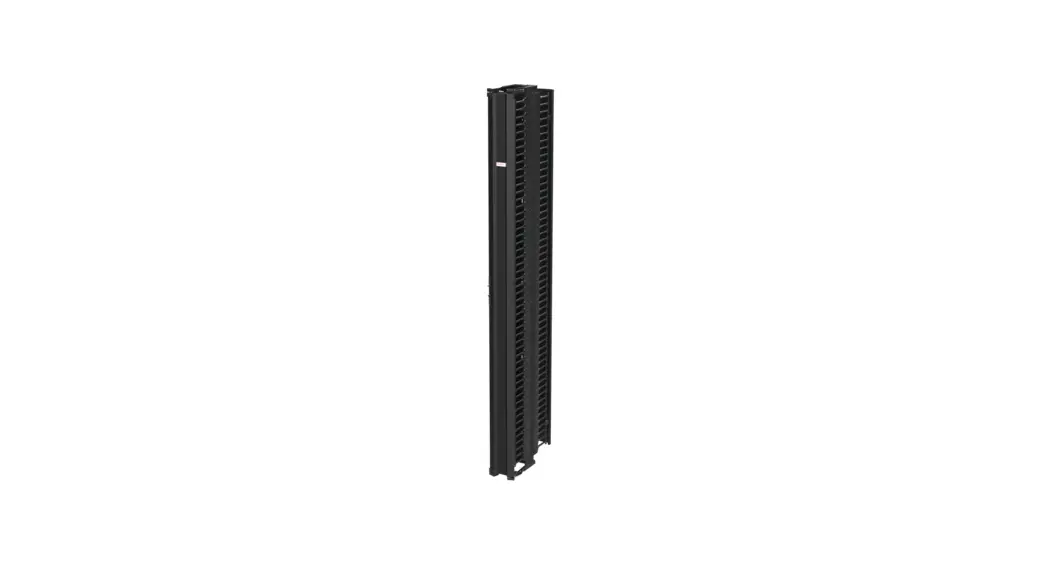
nVent HOFFMAN CABLETEK-EC Vertical Cable Manager
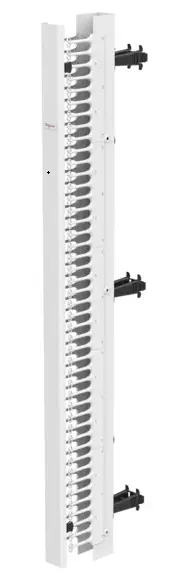
nVent-HOFFMAN-CABLETEK-EC-Vertical-Cable-Manager-PRODUCT

Product Information

  • Product Name: CABLETEK-EC
  • Revision: C
  • Part Numbers: 87953922, 87954948

Product Usage Instructions

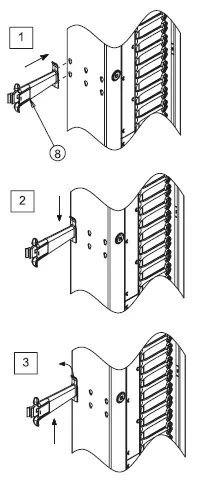
  1. Stand the vertical cable manager upright.
  2. Insert the posts into the designated cutouts. Make sure they are securely inserted.
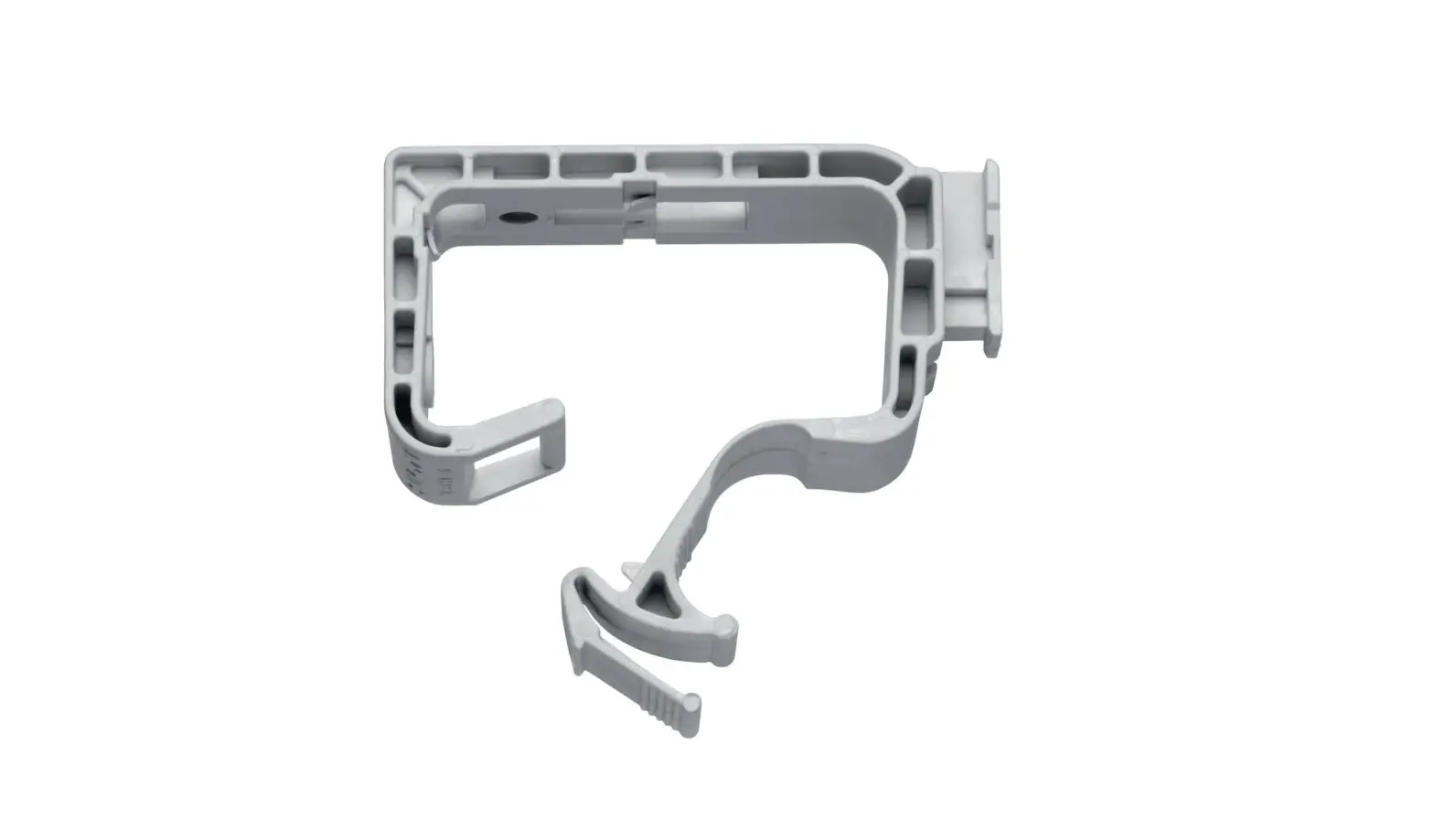
  3. To remove the rear post, pull the tab as shown in Figure 3 and push it upward.

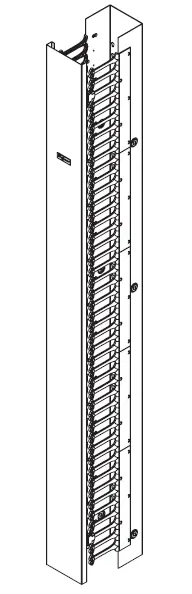
OVERVIEWnVent-HOFFMAN-CABLETEK-EC-Vertical-Cable-Manager-FIG- (1)

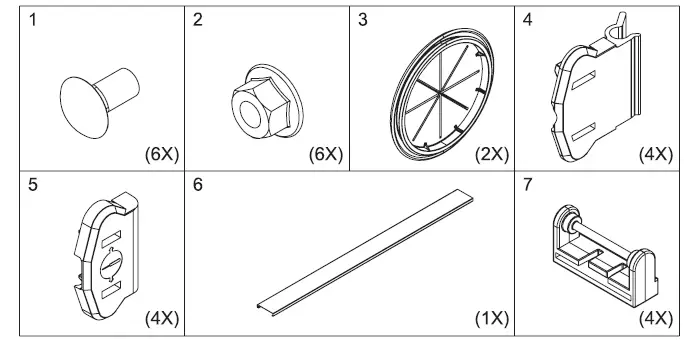
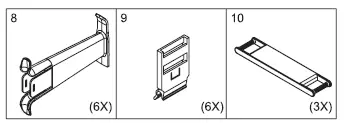
PARTSnVent-HOFFMAN-CABLETEK-EC-Vertical-Cable-Manager-FIG- (2)

INSTRUCTION

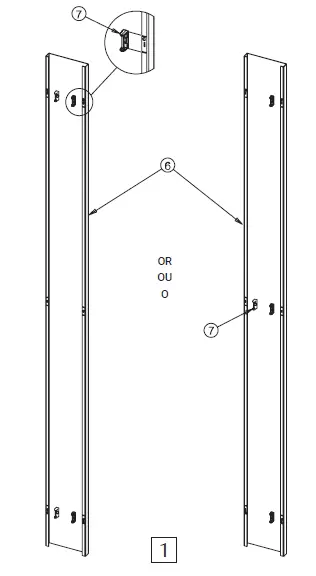
  1. Snap Cover
  2. Hinged Cover

nVent-HOFFMAN-CABLETEK-EC-Vertical-Cable-Manager-FIG- (3)

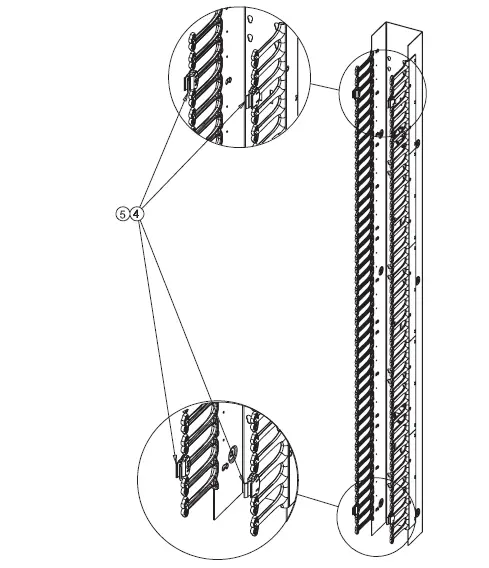
Snap Cover ConfigurationnVent-HOFFMAN-CABLETEK-EC-Vertical-Cable-Manager-FIG- (4)

Hinged Cover ConfigurationnVent-HOFFMAN-CABLETEK-EC-Vertical-Cable-Manager-FIG- (5)nVent-HOFFMAN-CABLETEK-EC-Vertical-Cable-Manager-FIG- (6)nVent-HOFFMAN-CABLETEK-EC-Vertical-Cable-Manager-FIG- (7)nVent-HOFFMAN-CABLETEK-EC-Vertical-Cable-Manager-FIG- (8)

Double-sided models onlynVent-HOFFMAN-CABLETEK-EC-Vertical-Cable-Manager-FIG- (9)

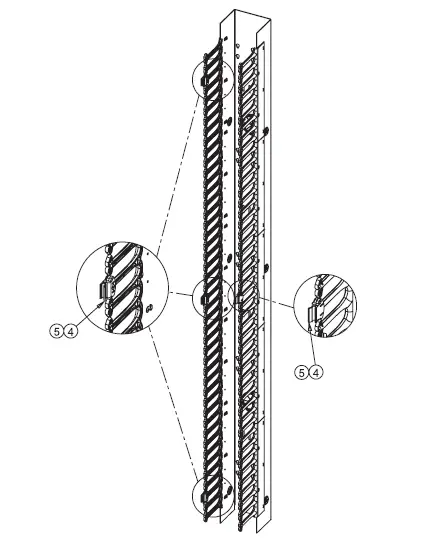
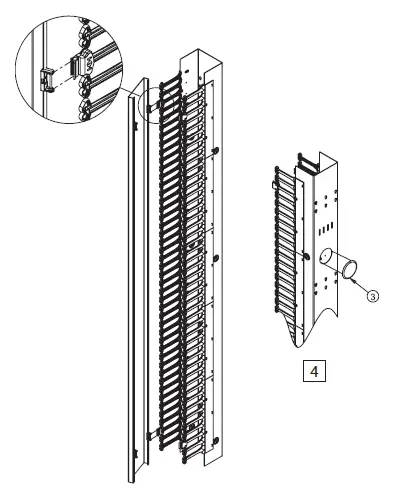
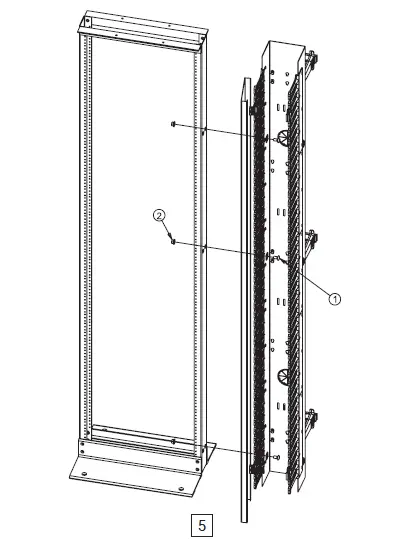
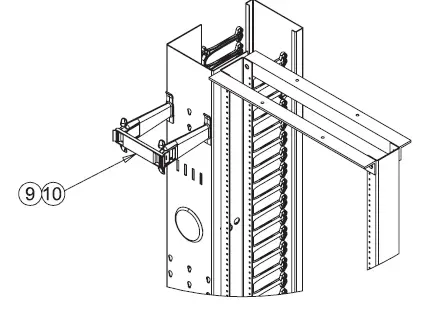
  1. Stand vertical cable manager upright and insert posts into cutouts.
  2. Push down as shown in Figure 2. Extra pressure may be necessary to securely insert.
  3. When removing rear post, pull tab to release as shown in Figure3, and push upward.
nVent-HOFFMAN-CABLETEK-EC-Vertical-Cable-Manager-FIG- (10)

© 2018 Hoffman Enclosures Inc. PH 763 422 2211 nVent.com/HOFFMAN

References

Documents / Resouces

Download manual
Here you can download full pdf version of manual, it may contain additional safety instructions, warranty information, FCC rules, etc.


Related Manuals