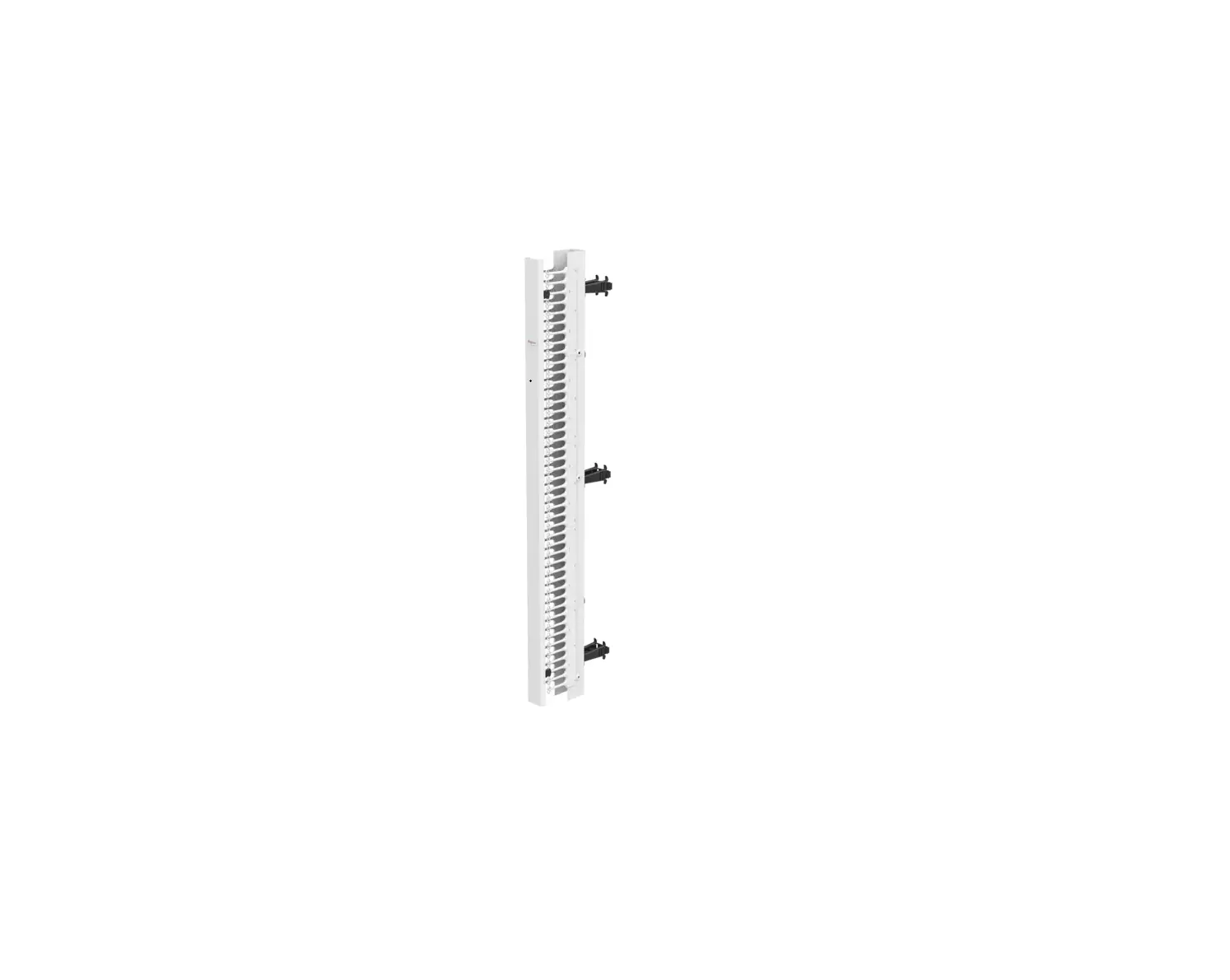
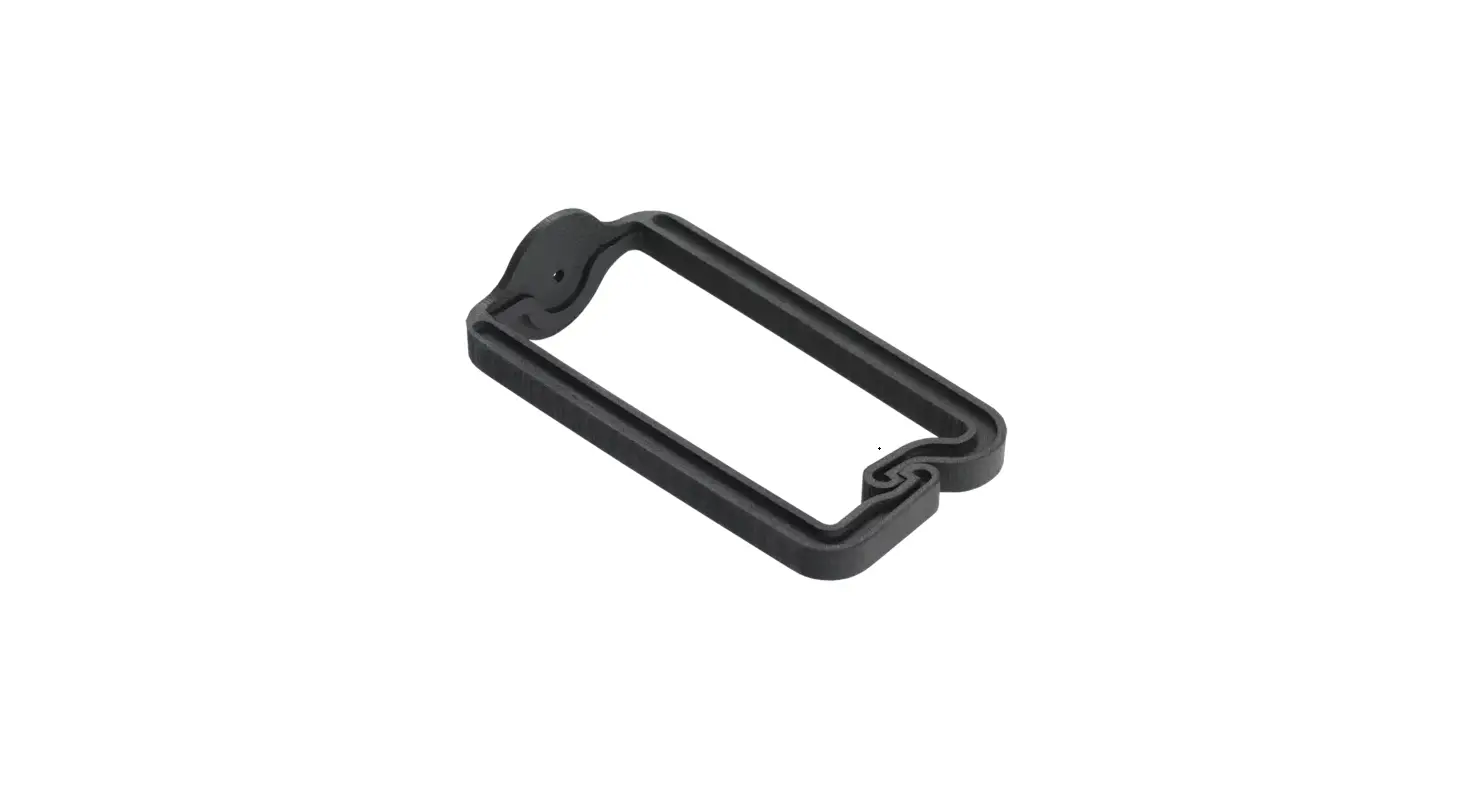
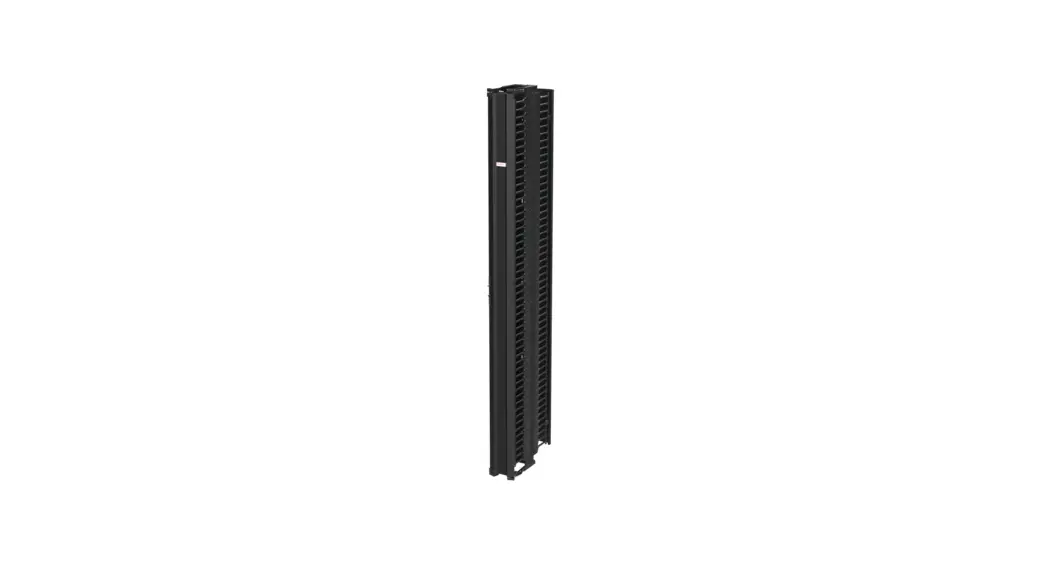
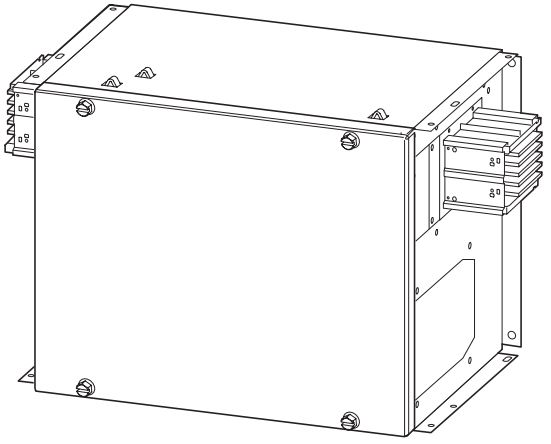
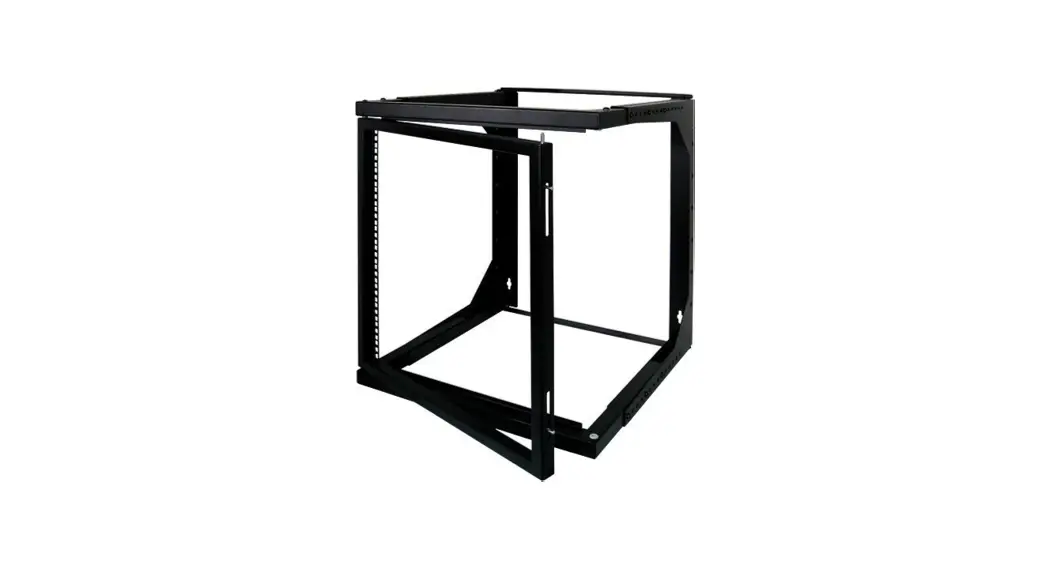
CABLETEK Rear Post Manager
Product Information
Product Name: CABLETEKTM
Revision: C
Part Number: 87929006
Product Usage Instructions
1. Connect the CABLETEKTM to the power source using the provided
cable.
2. Ensure that the power source is compatible with the
CABLETEKTM’s voltage requirements.
3. Connect the CABLETEKTM to the device you wish to power or
control using the appropriate cables.
4. Turn on the power source and wait for the CABLETEKTM to
initialize.
5. Use the (5x) or (10x) buttons on the CABLETEKTM to adjust the
power or control settings as desired.
6. Refer to the user manual for further instructions and
troubleshooting tips.
Please note that proper usage and adherence to safety guidelines
are essential for optimal performance and longevity of the
CABLETEKTM.
CABLETEKTM
Rear Post Poteau Arrière Poste Posterior
1
(5x) (10x)
NOTE: When removing rear post, pull tab to release as shown in step 2. REMARQUE : Tirer l’étiquette au dégagement en enlevant le poteau arrière comme montré dans l’étape 2. NOTA: Tirar de la lengüeta al lanzamiento al quitar el poste posterior según lo demostrado en el paso 2.
Rev. C
© 2018 Hoffman Enclosures Inc.
P/N 87929006
1
2
3
87929158