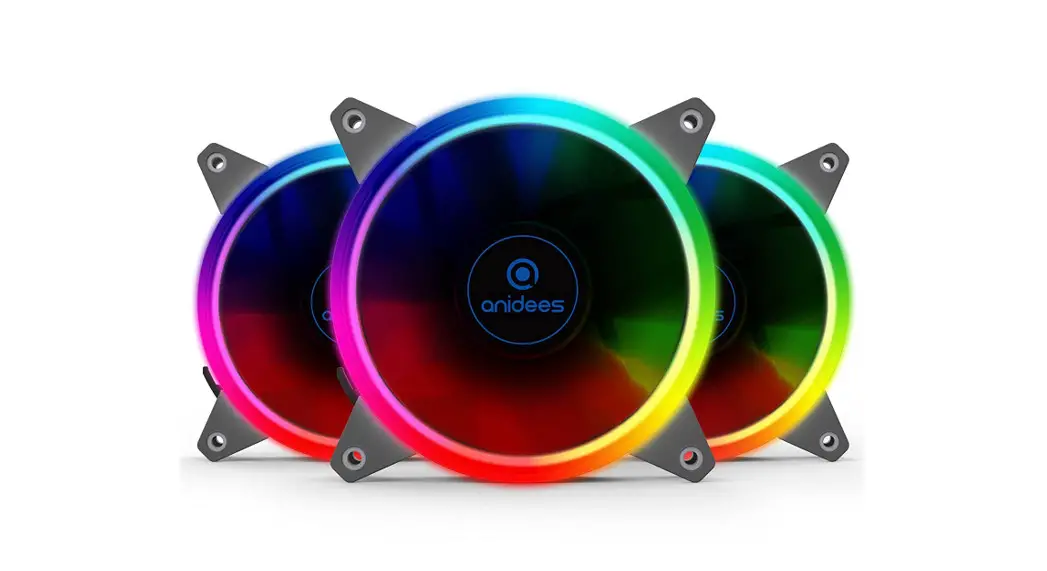
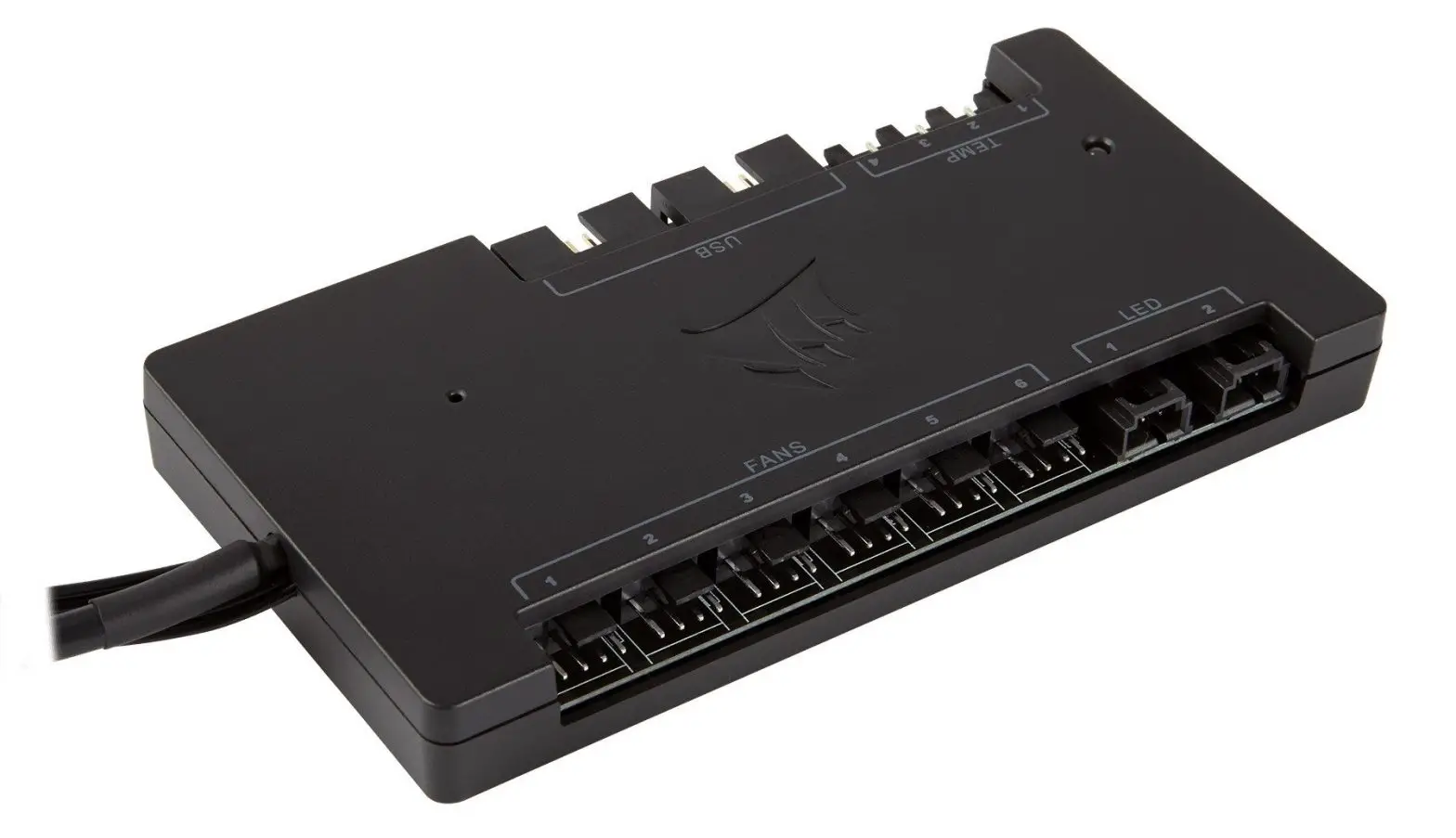
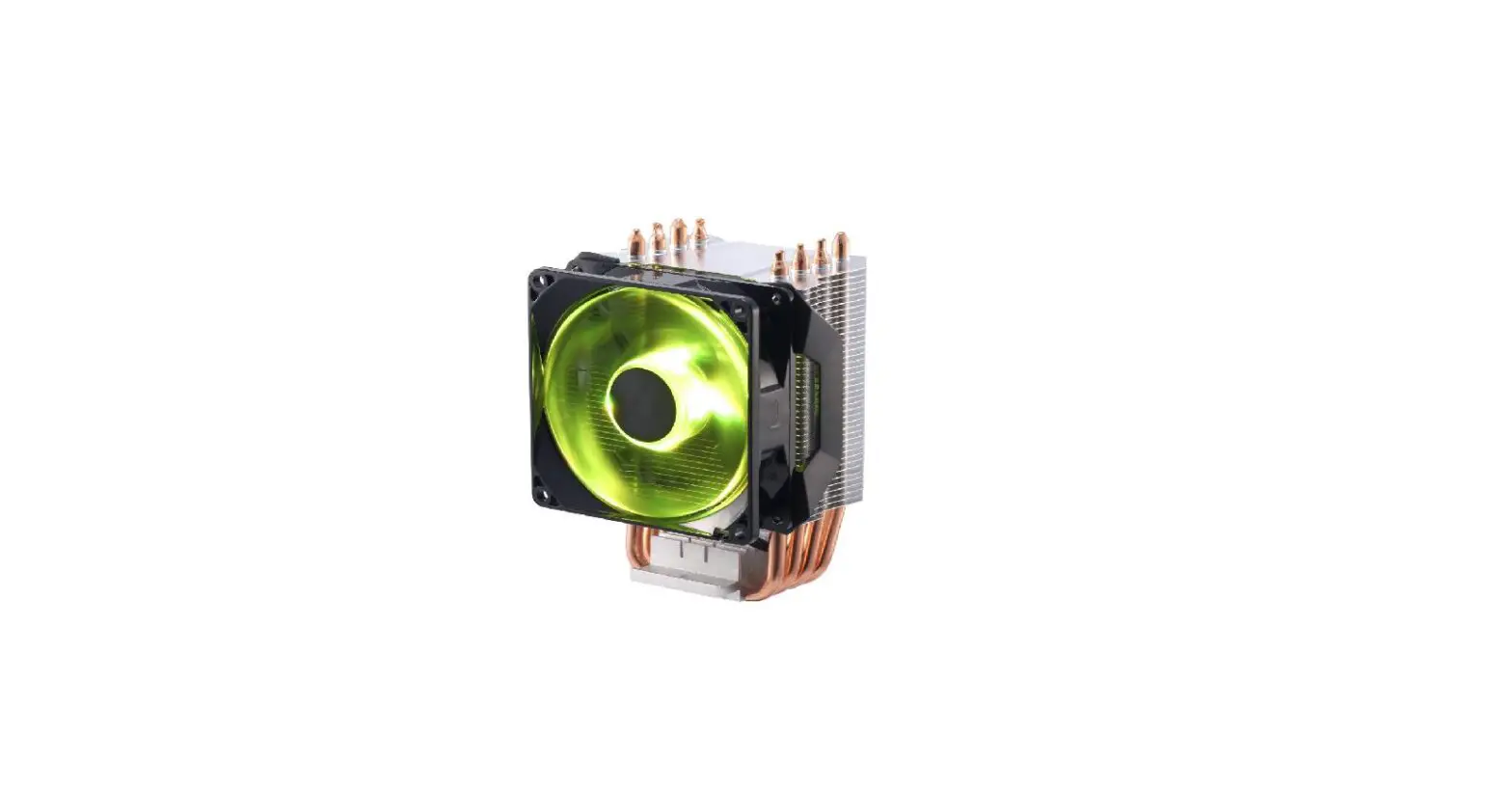
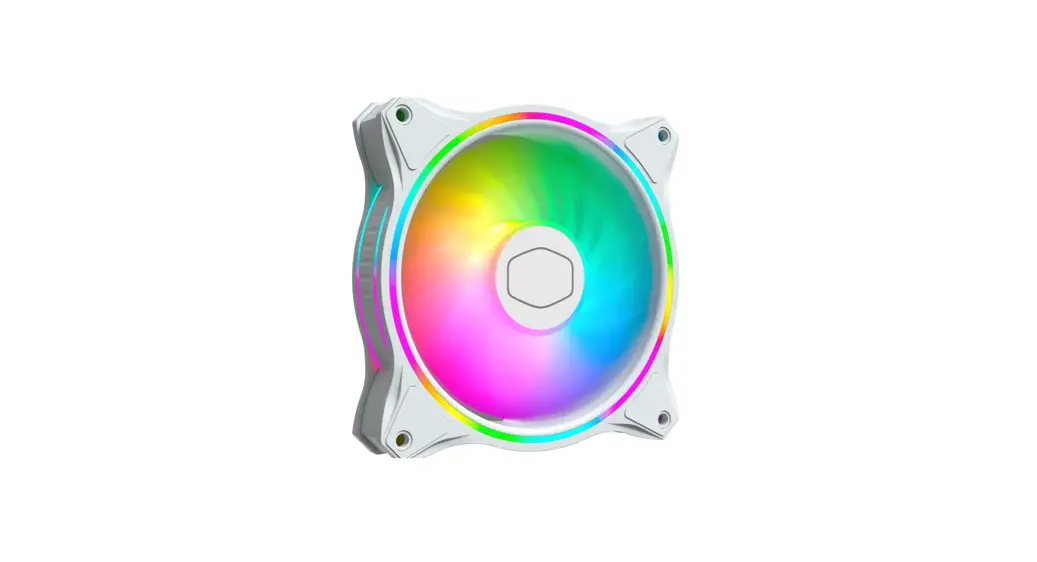
RGB Cooling HAT Intelligent Control of Fan Speed Real Time Display of Status
Product Information
- Raspberry Pi cooling HAT expansion board
- Size: 61mm*59mm
- Weight: 34.1g
- Cooling fan
- Size: 40mm*40mm
Package List
- Raspberry Pi cooling HAT expansion board*1
- Copper column *4
- Screw *8
- OLED display *1
Product Usage Instructions
- Make sure your Raspberry Pi is powered off.
- Attach the Raspberry Pi cooling HAT expansion board to the
Raspberry Pi’s GPIO pins, aligning them properly. - Secure the cooling HAT in place using the provided screws and
copper columns. - Connect the cooling fan to the cooling HAT by aligning the pins
and gently pressing it into place. - If desired, attach the included OLED display to the designated
connector on the cooling HAT. - Power on your Raspberry Pi and the cooling fan will start
working to keep the temperature under control.
Note: Ensure that you follow all safety precautions and
instructions provided by Raspberry Pi while using this product.
Detail
Raspberry Pi cooling HAT expansion board: Size: 61mm*59mm Weight: 34.1g Cooling fan: Size: 40mm*40mm
Package list
Raspberry Pi cooling HAT expansion board*1 Copper column *4 Screw *8 OLED display *1
Tutorial:
Yahboom Raspberry Pi RGB cooling HAT
 Study
Study