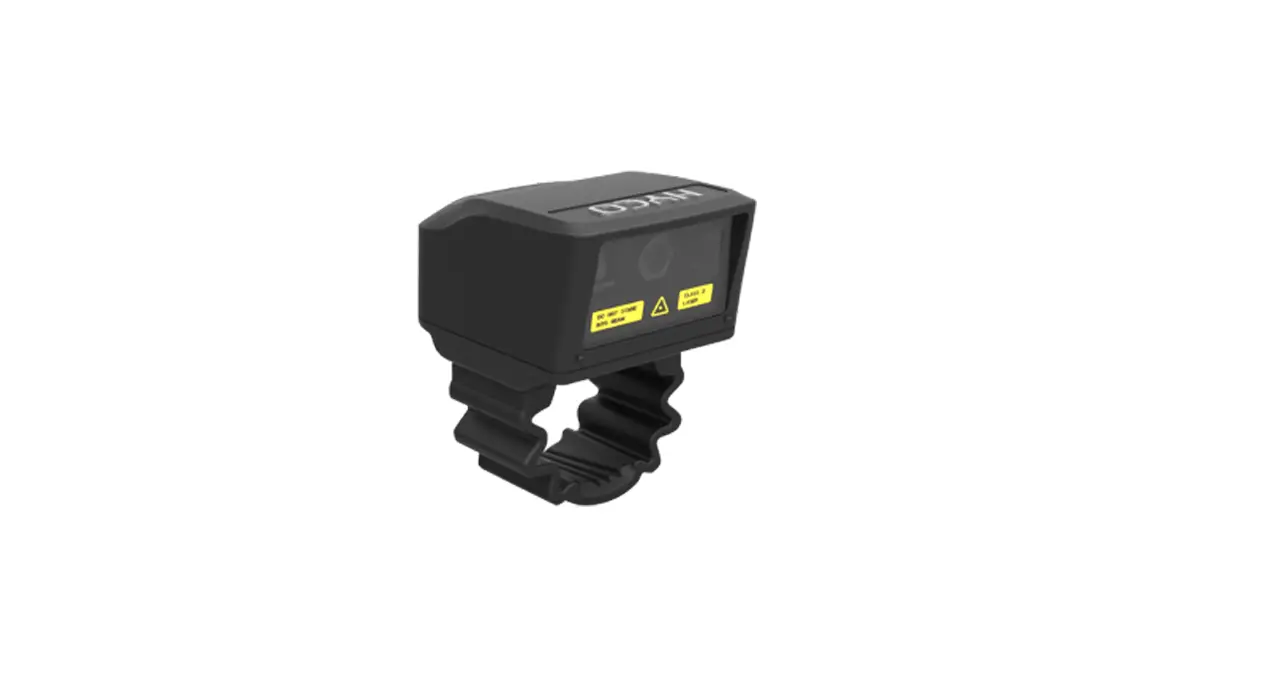
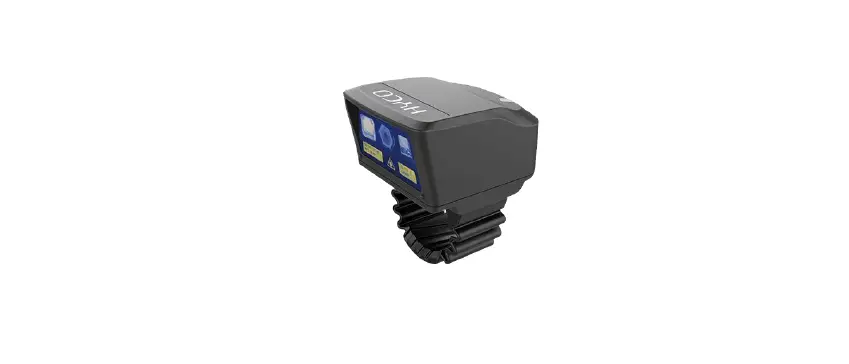
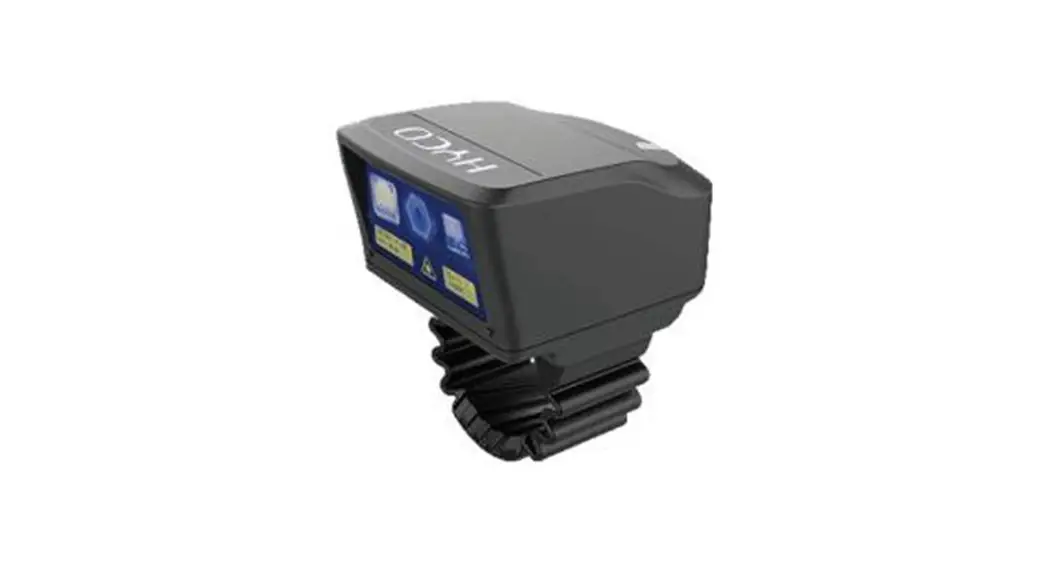
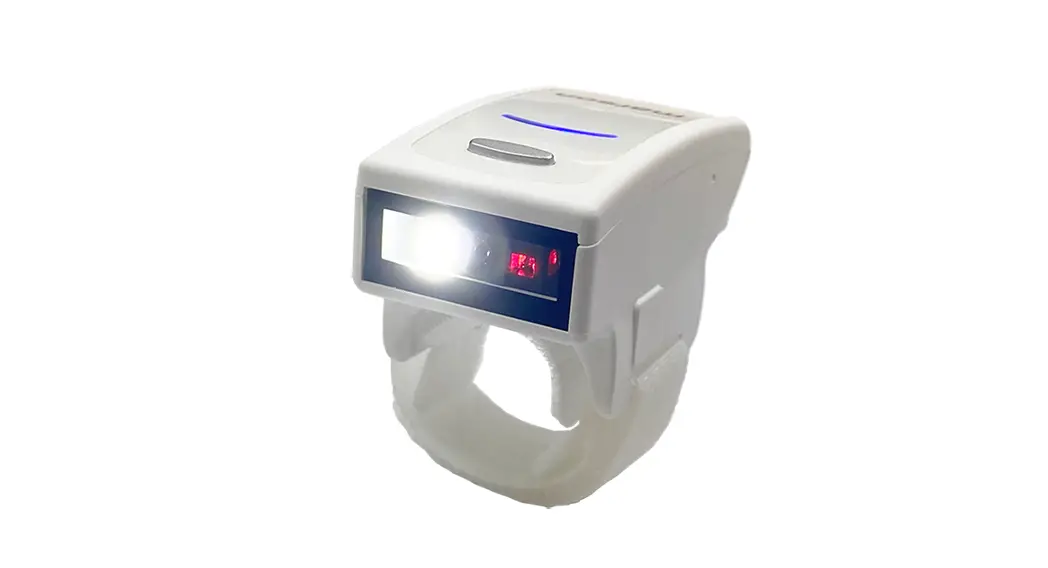
ARRF60 Smart Ring
Product Information
- Product name: RayNeo Ring
- Wireless connection: Bluetooth
- FCC ID: 2ACCJN066
- Product model: ARRF60
- Battery capacity: 30mAh
Product Usage Instructions
- Charging: Connect the magnetic suction line to the
controller’s charging touchpoint for charging. Alternatively, you
can connect the magnetic wire for charging. - Wear: Remove the controller and wear it as shown. Use
your thumb to control the buttons, but do not push hard to the end
of the finger. - Silicone Finger Cover Replacement: If the controller
rotates during control, you can replace and use the small silicone
finger cover. - Power On: In the shutdown or sleep state, press any key
to wake up the controller. - Sleep and Shutdown: If the controller has no operation
for 30 seconds, it will enter a sleep state. You can continue using
it by pressing any key. - Disconnect: Simultaneously press the touchpad and return
key for 3 seconds to disconnect the Bluetooth connection and turn
off the controller. - Wake Up with Any Key: You can wake up the controller
from sleep or shutdown state by pressing any key.
Note: The device has been evaluated to meet general RF
exposure requirements. It can be used in portable exposure
conditions without restriction.
RayNeo Ring user manual
Understand the product
Charging touchpoint
Silicone finger cover
Touchpad (supports pressing) Return key
Box contains
Controller x 1
Charging cable x 1
Silicone finger cover x 2 User manual x 1
Charging
Connect the magnetic suction line to the controller charging touchpoint for charging
Connect the magnetic wire For charging
Wear
Remove the controller, wear it as shown, use the thumb to control the buttons, Do not push hard to the end of the finger
Silicone Finger Cover Replacement
If the controller rotates during control, the small silicone finger cover can be replaced and used
Power on
In the shutdown or sleep state, press any key to wake up the controller
Sleep and shutdown
After the controller has no operation for 30s, it will enter a sleep state, and you can continue to use it by pressing any key.
Disconnect
Touchpad and return key are simultaneously pressed for 3s to disconnect the Bluetooth connection, and the controller is turned off
Wake up with any key
Wake up with any key
Product Information
Product nameRayNeo Ring Wireless connection: Bluetooth FCC ID :2 ACCJN0 6 6
Product modelARRF60 Battery capacity30mAh
FCC Statement
This device complies with Part 15 of the FCC Rules. Operation is subject to the following two conditions: (1)This device may not cause harmful interference. (2)This device must accept any interference received, including interference that may cause undesired operation. 2. Changes or modifications not expressly approved by the party responsible for compliance could void the user’s authority to operate the equipment. Note:This equipment has been tested and found to comply with the limits for a class B digital device,pursuant to Part 15 of the FCC Rules. These limits are designed to provide reasonable protection against harmful interference in a residential installation.
This equipment generates uses and can radiate radio frequence energy and,if not installed and used in accordance with the instructions,may cause harmful interference to radio communications.However,there is no guarantee that interference will not occur in a particular installation.if this equipmemt does cause harmful interference to radio or television reception,which can be determined by turning the equipment off and on,the user is encouraged to try to correct the interference by one or more of the following measures: · Reorient or relocate the receiving antenna. · Increase the separation between the equipment and receiver. · Connect the equipment into an autlet on a circuit different from that to which the receiver is connected. · Consult the dealer or an experienced radio/TV technician for help.
The device has been evaluated to meet general RF exposure requirement. The device can be used in portable exposure condition without restriction.