Razer Ring Light Support
FAQ
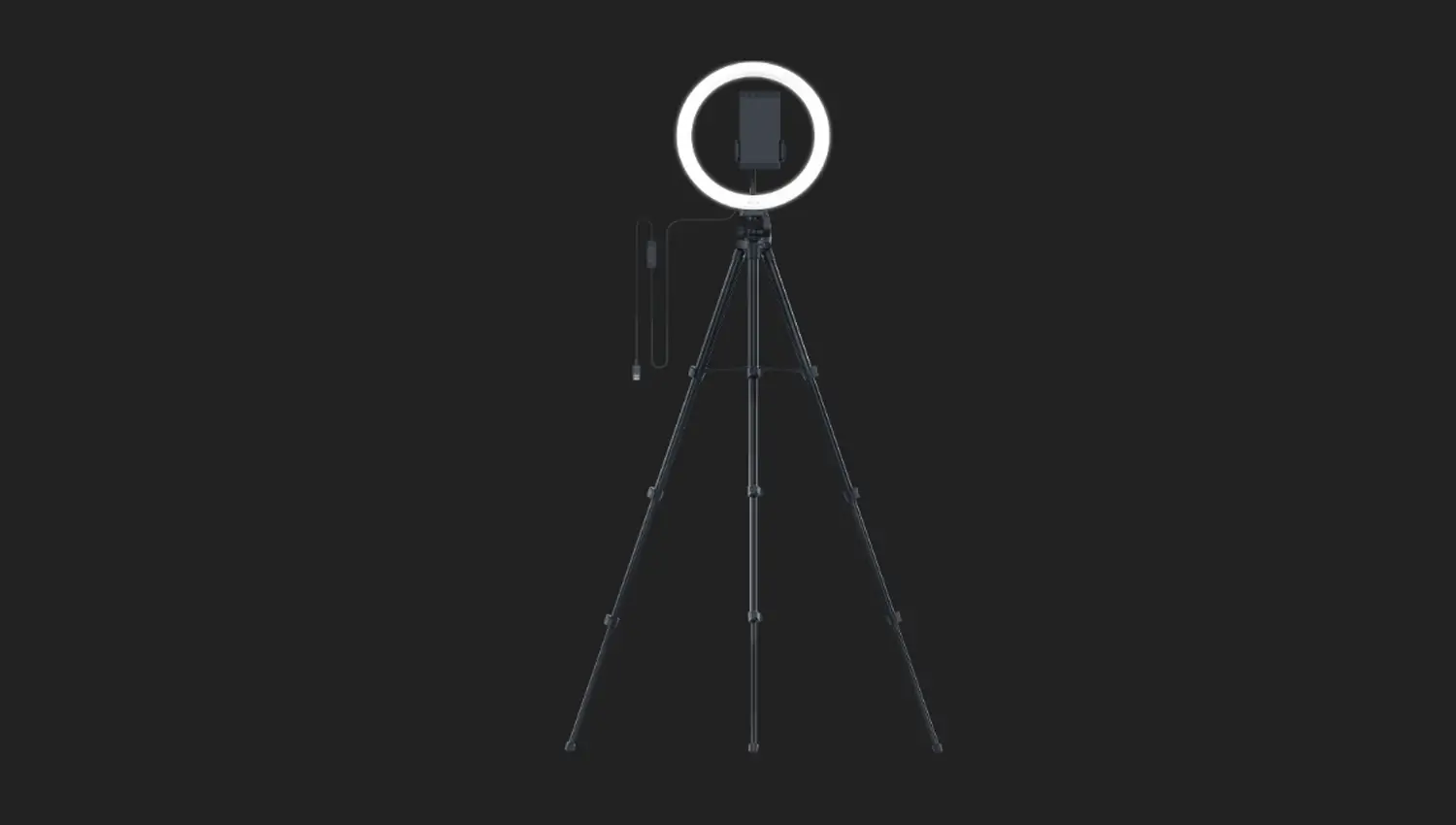
At a Glance: Razer Ring Light | RZ19-03660
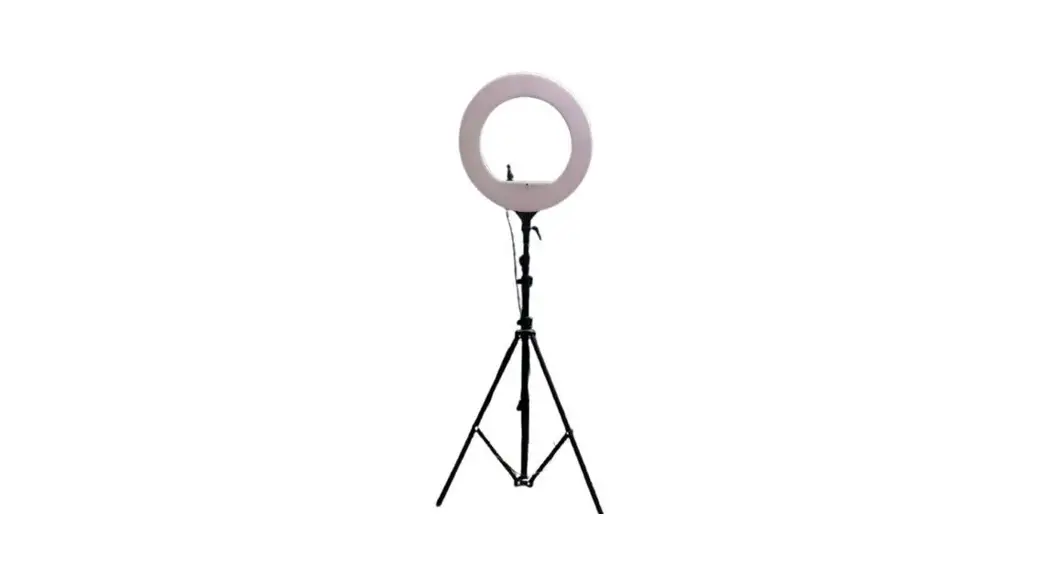
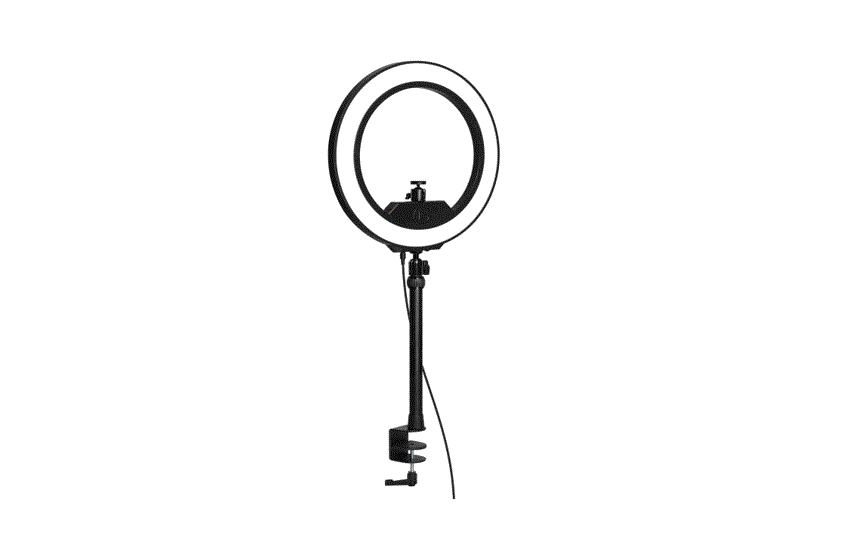
If streaming is your thing, then seize the spotlight with the Razer Ring Light | RZ19-03660—a 12” USB LED ring light designed for studio-quality stream lighting on PC and mobile. With adjustable settings and flexible mounting options, it’s time to let the fans view you in your best light.
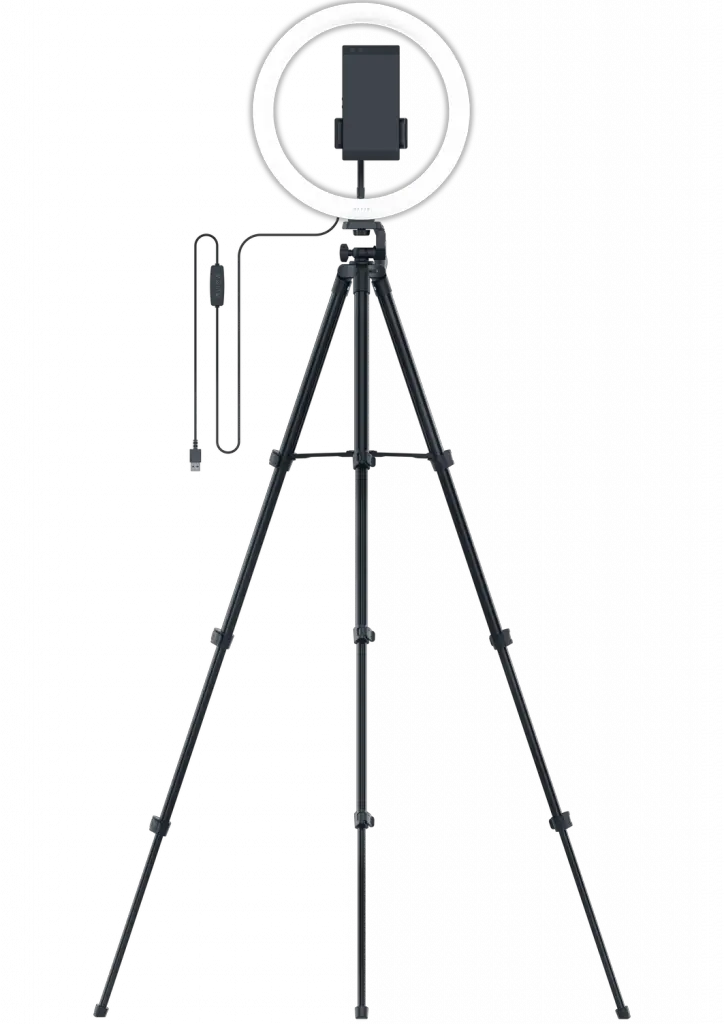
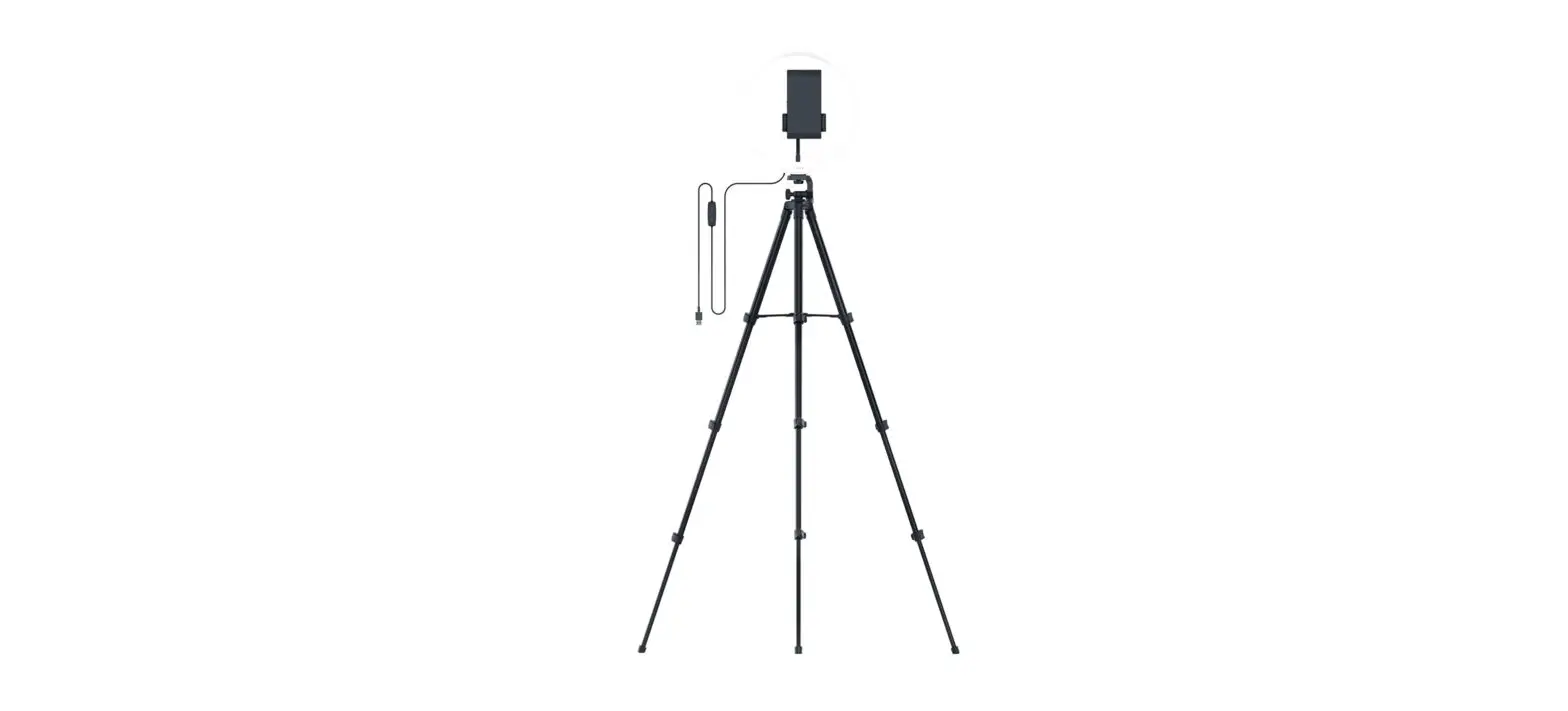
Device Layout
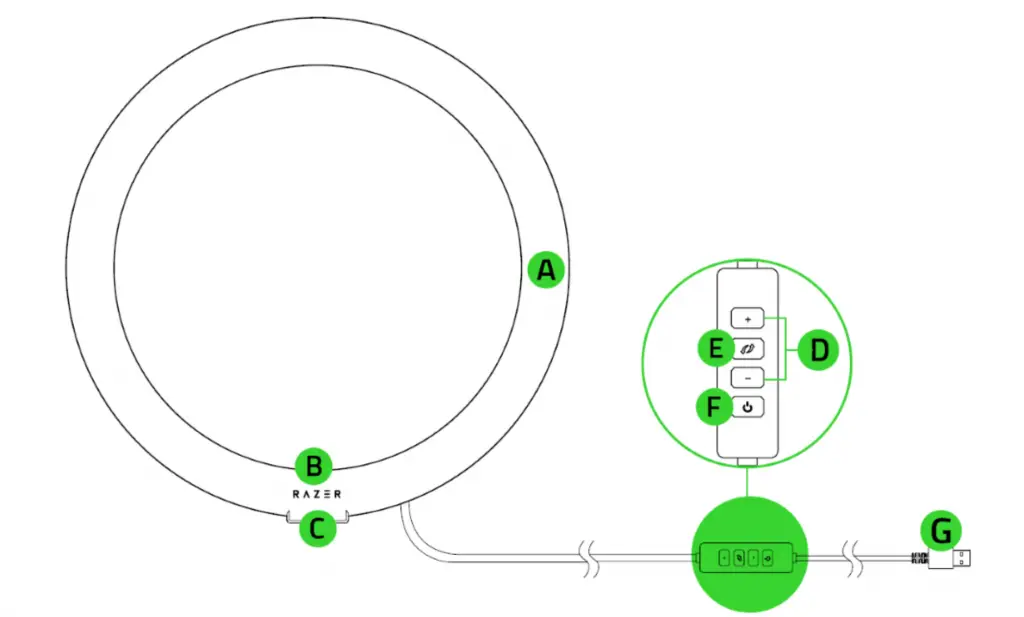
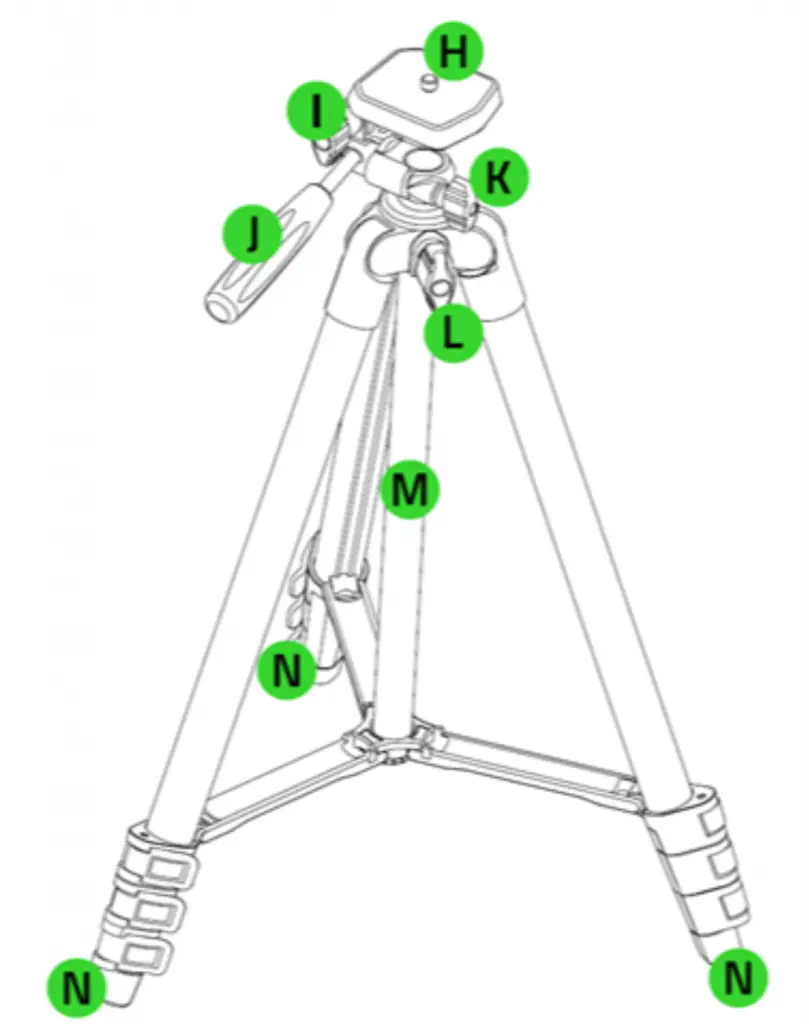
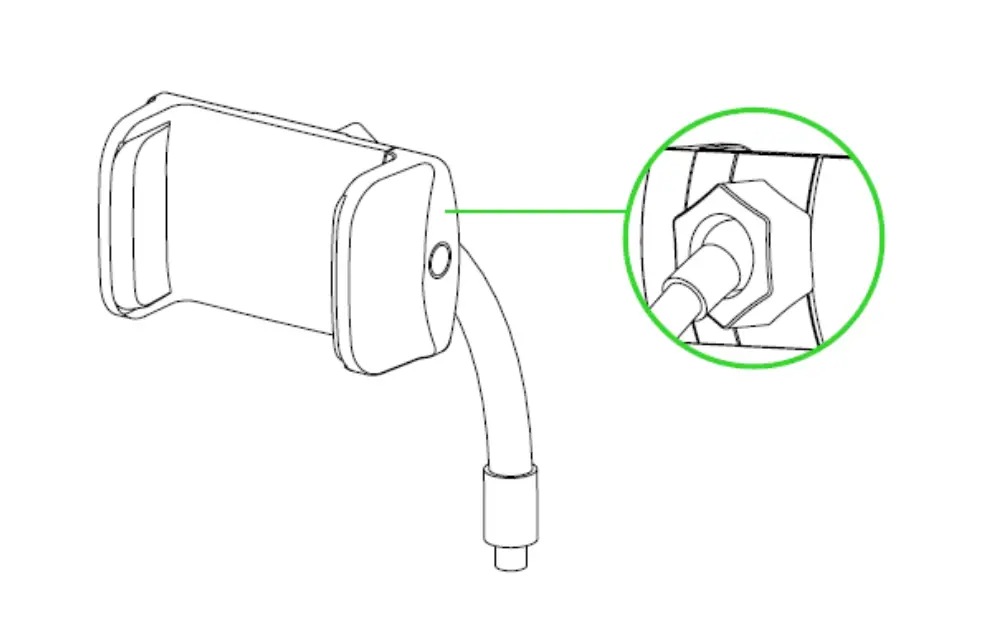
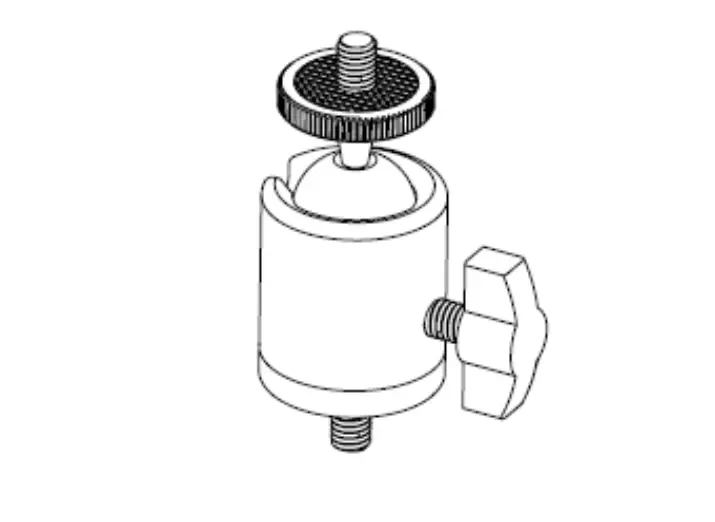
Full Technical Specifications
| RING LIGHT | |
| Diameter | 12″ |
| BRIGHTNESS & COLOR | |
| Light Source | LED SMD |
| Bulbs | 192 pcs |
| Brightness | 500 lumens |
| Dimmable | 10-100 (0% press power off) |
| Colors | 3000K, 4500K, 6500K (Warm White, Balanced White, Cool White) |
| CRI | > 80% |
| POWER & CONTROLS | |
| Controls | Physical buttons on in-cable controller for brightness and color control |
| Power Source | USB Powered via PC* or power bank (* PC USB port requirement 5V 2A for maximum output) |
| Total Power | 10 W |
| BUILT | |
| Mounting Options | Tripod ball mount with 1/4” screw mobile phone holder |
| Material | Ring Light – Plastic/Metal Tripod – Aluminum Alloy |
| Dimensions | Ring light outer diameter – 11.8″ / 30.0 cm Ring light inner diameter – 9.5″ / 24.1 cm |
| Weight | Ring Light – 260 g / 0.57 lbs Tripod Stand – 550 g / 1.21 lbs |
| Tripod Height | Min 40 cm / 15.8”, Max 135 cm / 53.2” |
| Mobile Holder | 7.25 cm x 4.73 cm x 18.75 cm, Padded & expandable from 4.95 cm to 8.0 cm |
| Contents | 1x Ring Light with attached cable and controller 1x Tripod Stand 1x Mobile Phone Holder 1x Ball Header |
How many bulbs does the Razer Ring Light have?
Housing 192 LEDs that produce your ideal luminous intensity, its light passes through a white diffuser to ensure your stream gets the bright, even lighting found in professional studio settings.
What are the lighting color options of the Razer Ring Light?
The Razer Ring Light has a customizable light spectrum that allows you to achieve the right tone. With just a flick of a switch, you can choose between a warm white (3000 K), balanced white (4500 K), or cool white (6500 K) tone to enhance the overall look and feel of your setup.
What are the brightness levels of the Razer Ring Light?
No matter your room setting or time of day, get the ideal amount of illumination for your stream by controlling the light’s strength from 10% to 100%.
What are the mounting options for the Razer Ring Light?
The Razer Ring Light comes with two swappable attachments for the best of both worlds: a ball head mount for webcams when streaming on PC, and a phone holder when streaming on mobile.
Does the Razer Ring Light come with a tripod stand?
To fit all types of setup, the Razer Ring Light comes with a compact tripod stand so you can install it immediately to existing setups without having to buy more gear.
How To
How do I power on the Razer Ring Light?
The ring light works well with both a PC or a power bank, which makes it convenient if you need to run a portable streaming setup for events and tournaments.
How do I connect to the power supply?
Plug the USB into the port and ensure source of USB port is powered/turned on.
How do I mount the Ring Light on the tripod?
Align the ring light’s tripod socket directly over the tripod screw and knob. Fasten the ring light knob to lock it in place.
How do I mount my camera on the tripod?
Fasten the ball head mount to the socket within the ring light. Attach your camera to the ball-head’s screw. Loosen the ball head’s socket knob to adjust the camera’s angle and fasten again to lock the desired angle in place.
How do I mount my mobile phone on the tripod?
Attach the phone mount onto the phone mount socket. Insert phone to the retractable grip and adjust its neck as required. For more phone angle options, loosen the knob behind the grip to adjust its angle and tighten it again once the desired angle is achieved.
Downloads
Razer Ring Light Manual (Chinese Traditional) – Download
Razer Ring Light Manual (Chinese Simplified) – Download
Razer Ring Light Manual (Russian) – Download
Razer Ring Light Manual (Portuguese-Brazilian) – Download
Razer Ring Light Manual (Japanese) – Download
Razer Ring Light Manual (French) – Download
Razer Ring Light Manual (Spanish) – Download
Razer Ring Light Manual (German) – Download
Razer Ring Light Manual (English) – Download