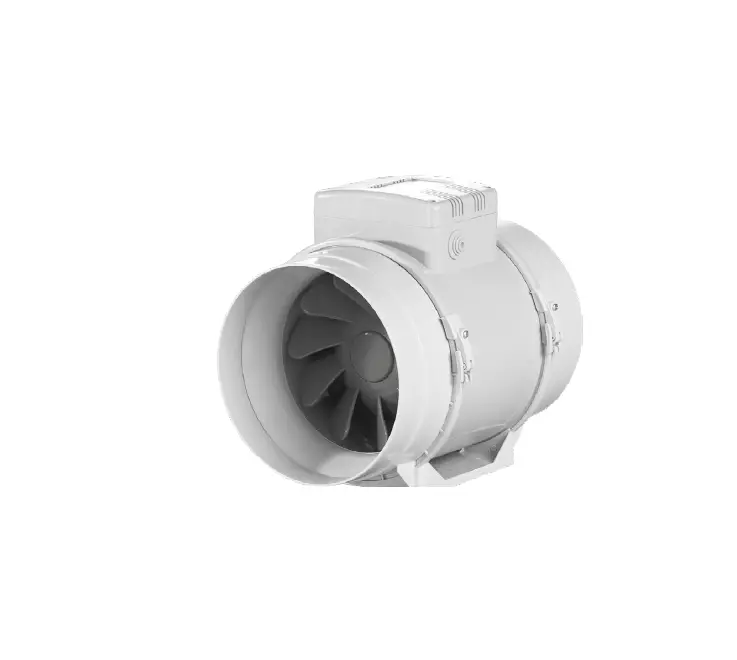
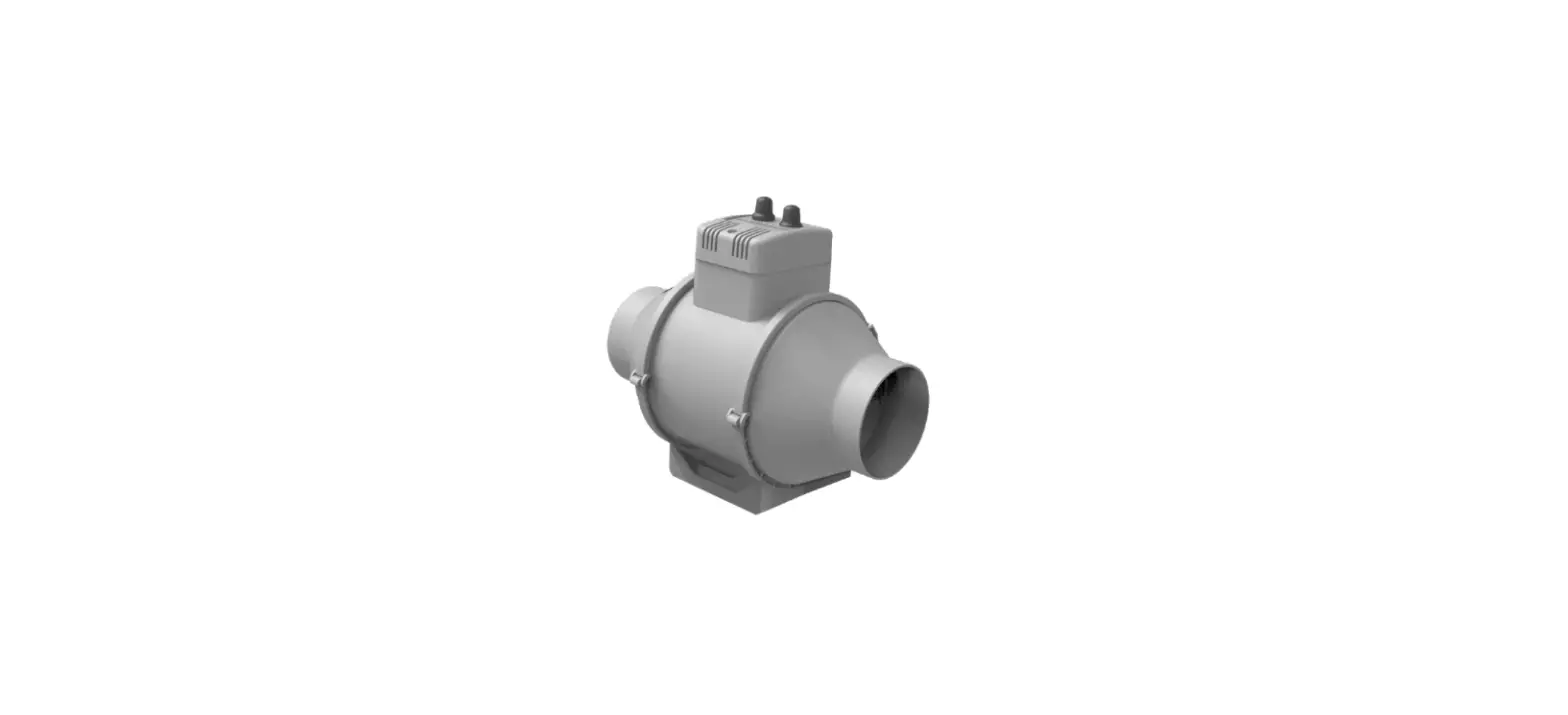
KSQ Mixed Flow Supply Fans
Product Information
The product is a KSQ Hood Assembly, which includes an intake
hood, outdoor cover, and a fan. It also comes with various parts
such as filter tracks, side panels, end caps, and side mullions
(for sizes 18-33 only). The product is available in different sizes
ranging from 7 to 33. The fan size determines the appropriate
filter size to be used.
Parts List
- Intake hood
- Outdoor cover
- Fan
- Filter tracks x2
- Spring nuts
- Bottom track
- Top track
- Side panels
- End caps
- Half-moon cutout
- Side mullions (for sizes 18-33 only)
- Self-tapping sheet metal screws
- Foam tape (for sizes 7-16)
- Conduit (for sizes 18-33)
Product Usage Instructions
- Mount the fan in place.
- Assemble the filter tracks over the two overlapping holes.
Ensure that the top rails utilize a different design than shown.
Use the spring nuts to secure the filter tracks to the bottom track
and top track. - Fasten the filter tracks to the side panels.
- Install the side panels, ensuring they are properly aligned
with the mating surface. - Install the top panel.
- If applicable (for horizontal discharge only), install the
ductwork. - Install the end caps.
- If applicable (for sizes 18-33 only), install the side
mullions. The bottom and top mullions should be used. - Install the remaining side panels, ensuring they are properly
aligned with the mating surface. Note that these panels may become
inaccessible when the outdoor cover is fully installed. - Install the top panel(s) with the outdoor cover. Use the
provided self-tapping sheet metal screws to secure the panels
together. - For sizes 7-16, apply foam tape to the specified areas.
- For sizes 18-33, install the conduit as directed by the filter
supplier.
Note: The appropriate filter size and quantity depend on the fan
size. Refer to the table below for the specific filter sizes and
quantities.
| Fan Size | Filter Size (in.) | Quantity |
|---|---|---|
| 7 | 18.25 x 10.5 | 1 |
| 9 | 22 x 14.25 | 1 |
| 12 | 26.75 x 17.5 | 1 |
| 15 | 34.5 x 21.25 | 1 |
| 16 | 36.5 x 23.25 | 1 |
| 18 | 39.25 x 25.75 | 1 |
| 20 | 28.5 x 21.5 | 2 |
| 22 | 31.25 x 23.75 | 2 |
| 24 | 34.75 x 26.5 | 2 |
| 27 | 38.25 x 29 | 2 |
| 30 | 40 x 21.25 | 3 |
| 33 | 40 x 23.5 | 3 |
Quick Start Guide
KSQ HOOD ASSEMBLY
· Hood, filter, and cover parts are shipped separate from the fan and require field assembly · This Quick Start Guide does not replace the Installation Operation Manual (IOM), refer to the IOM for more information · Installation process for the horizontal and bottom intake hoods are the same
Parts List
· (1) Fan
· Outdoor cover kit (1) End cap with hole (1) End cap without hole (2) Mullions (size 18-33 only) Side panels (2) Size 7-16 (4) Size 18-33 Top panel(s) (1) Size 7-16 (2) Size 18-33 Hardware kit (1) Size 7-16 (2) Size 18-33 (1) Conduit Kit
· Intake Hood (2) Side Panels Top Panel(s) (1) Size 7-16 (2) Size 18-33 (4) Filter Track
· Filters
· Sealant (supplied by others)
· (1) Disconnect switch (optional)
· (1) Isolator kit (optional)
· Liquid-tight conduit (supplied by others)
Tools List · Impact Driver · 1/2 inch nut driver · 5/16 inch nut driver · C clamp locking pliers
Intake hood
Outdoor cover
Fan
Step 1 – Mount Fan in Place
· Place the fan in the desired location and mount to the curb or equipment supports per the IOM
Step 2 – Assemble Filter Tracks x2
· Align the holes on the top and bottom filter tracks and install a spring nut
over the two overlapping holes. Size 30 and 33 (top rails utilize a different
design than shown).
Spring nuts
Bottom track
Top track
Step 3 – Fasten Filter Tracks to Side Panels
· Install a 1/4 inch thumb screw in the slot and 1/4 inch bolt in the hole to tighten into the spring nuts
· Position filter tracks on the opposite side of the side panel flanges
Filter Track
Side panel
Step 4 – Install Side Panels
· Apply sealant to the mating surface of the inlet panel
· Use the provided 5/16 inch fasteners to install both side panels to the inlet of the fan with filter tracks facing each other, do not fully tighten
Mating surface
Step 5 – Install Top Panel
· Apply sealant to the mating surface of the inlet panel
· Place the top panel on top of both side panels and against the inlet panel (ensure side panels are inside the top panel)
· Use the provided 5/16 inch fasteners to attach the top panel to the inlet of the fan
· Use provided sheet metal screws to fasten the top panel to the side panels
· Fully tighten the 5/16 inch fasteners holding the side plates to the inlet plate Mating surface
Step 6 (Horizontal Discharge Only) – Install Ductwork
· Apply sealant to the mating surface of fan outlet
· Use the provided holes to mount ductwork and/or duct adapters to the horizontal discharge of fan (hardware supplied by others) a C-clamp locking pliers can be used to hold the duct
Step 7 – Install End Caps
· TAKE CARE NOT TO DAMAGE THE FOAM TAPE ON THESE PARTS
· With the flanges away from the fan, align the half-moon cutouts on the end cap with the screws on the inlet and outlet
· Use the provided self-tapping sheet metal screws to fasten the end cap to the fan DO NOT OVER-TIGHTEN
· Install remaining end cap on the opposite side using provided self-tapping sheet metal screws DO NOT OVER-TIGHTEN
End caps
Half-moon cutout
Step 8 (Sizes 18-33 only) – Install Side Mullions
· Install the left and right side mullions using two self-tapping sheet metal screws per side Mullion
BOTTOM
TOP
Step 9 – Install Side Panels
· Install with the drip edge down and align the half-moon cutouts on the side panel with the inlet and outlet fasteners
· Fasten the side panels to the fan with the provided self-tapping sheet metal screws
· Sizes 18-33 have two (2) panels per side, which are fastened to the mullions and to the inlet and outlet plates
Side Panel
SIZE 7-16
Step 10 – Mount Disconnect Switch (if applicable) · Determine ideal location for the disconnect switch · Install disconnect per manufacturer’s suggestions
SIZE 18-33
Step 12 – Route Wiring to Junction Box · Route the wiring from the junction box to the disconnect through all conduit,
fittings and conduit leads · Junction boxes (and “Dial on Fan” if Vari-Green®) on top of the fan are
inaccessible when outdoor cover is fully installed
Step 13 – Install Top Panel(s) with Cover
· TAKE CARE NOT TO DAMAGE THE FOAM TAPE ON THESE PARTS · Size 7-16:
Install the top panel of the outdoor cover to the fan using the provided selftapping sheet metal screws
· Sizes 18-33:
1. Install the first top panel with the single return flange using the provided self-tapping sheet metal screws (reference 1)
2. Install the second top panel with the double return flange by hinging it around the first panel as illustrated (reference 2)
3. Use the self-tapping sheet metal screws to mount second panel
FOAM TAPE
SIZE 7-16
2
1
Step 11 – Install Conduit
· Connect the provided flexible metal conduit (FMC) to the power junction box
· Route the opposite end of the conduit assembly with the female connector to the hole in end cap
· Insert the liquid-tight connector into the hole in the end cap and screw into the female connector, as shown
· Cut the liquid-tight conduit (supplied by the contractor) to length, and install from the elbow to the disconnect switch or power supply
SIZE 18-33
Step 14 – Install Filter(s) · Loosen both thumb screws on the intake hood and drop filter tracks · Aluminum washable filters come standard with the unit · MERV13 pleated filters are optional and stack on top of the
aluminum filters · Return the filter tracks up to the operating position and tighten the
thumb screws · Follow filter replacement and/or cleaning intervals recommended by
the filter supplier
Fan Size
Filter Size (in.)
Qty.
7
18.25 x 10.5
1
9
22 x 14.25
1
12
26.75 x 17.5
1
15
34.5 x 21.25
1
16
36.5 x 23.25
1
18
39.25 x 25.75
1
20
28.5 x 21.5
2
22
31.25 x 23.75
2
24
34.75 x 26.5
2
27
38.25 x 29
2
30
40 x 21.25
3
33
40 x 23.5
3
486128 · KSQ Assembly, Rev. 1, June 2023 · Copyright © 2023 Greenheck Fan Corp.