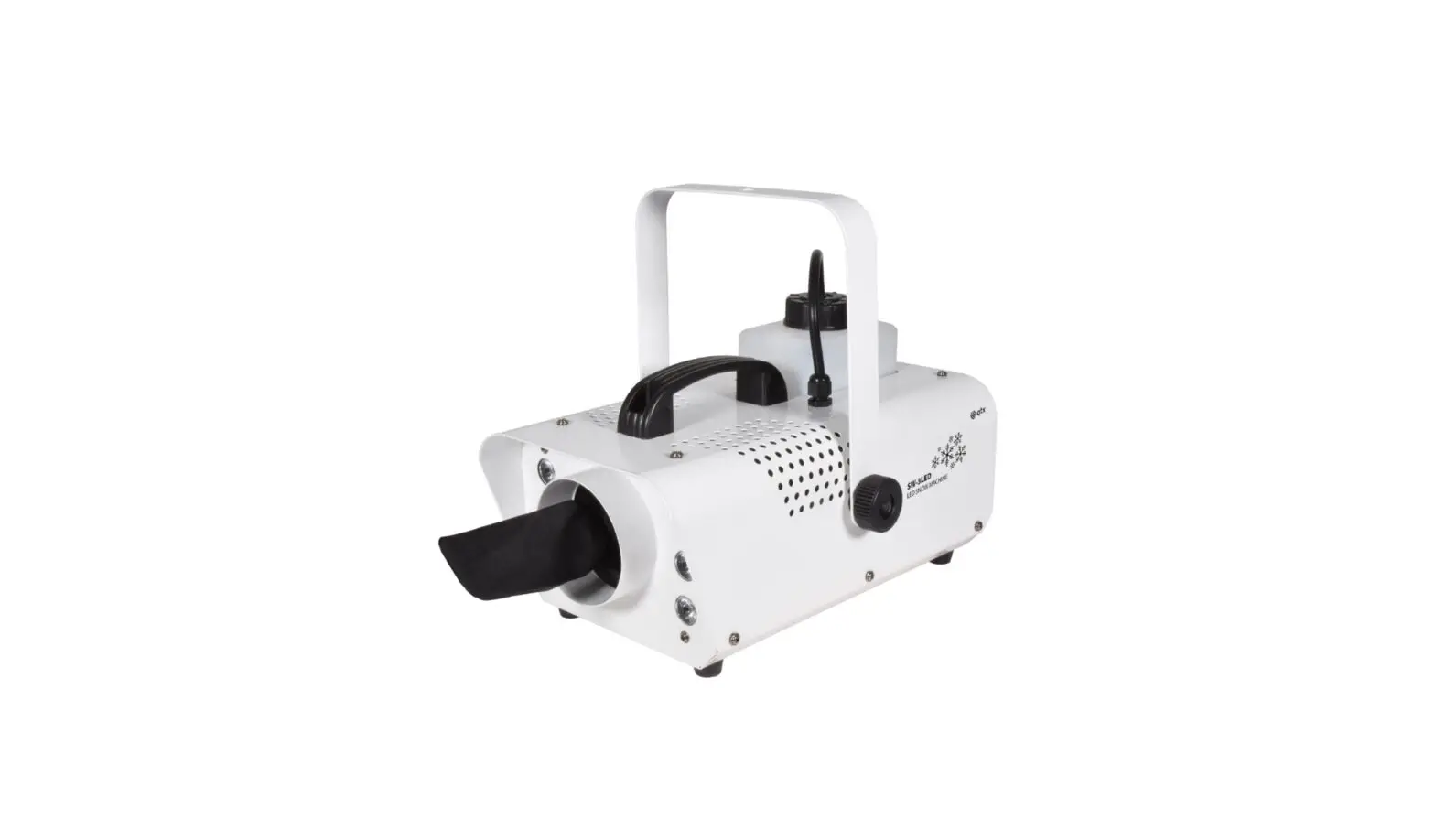
qtx SW-3LED LED Snow Machine User Manual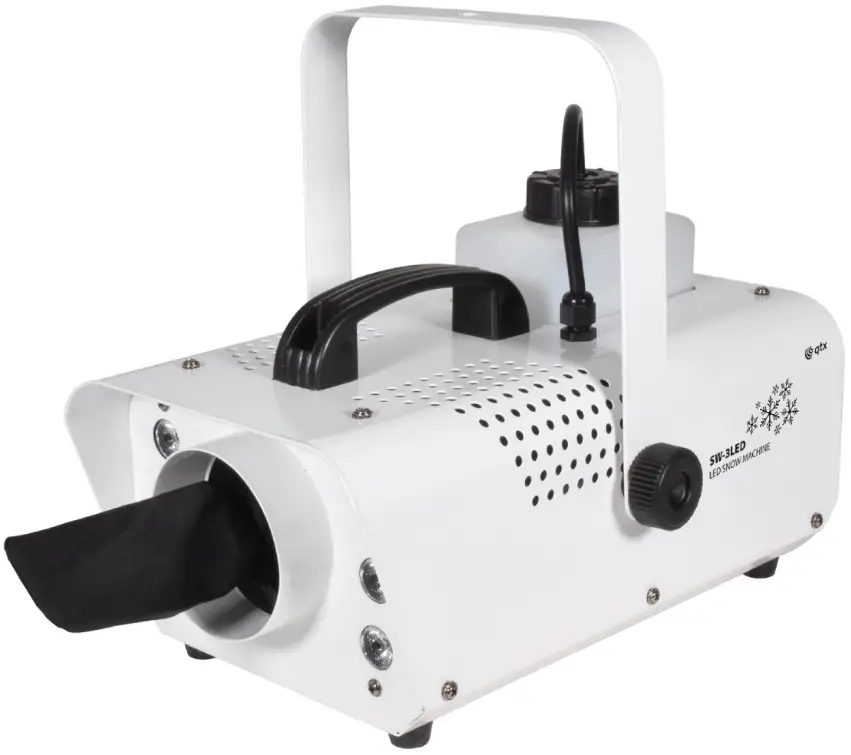
 Caution: Please read this manual carefully before operating.
Damage caused by misuse is not covered by the warranty.
Introduction
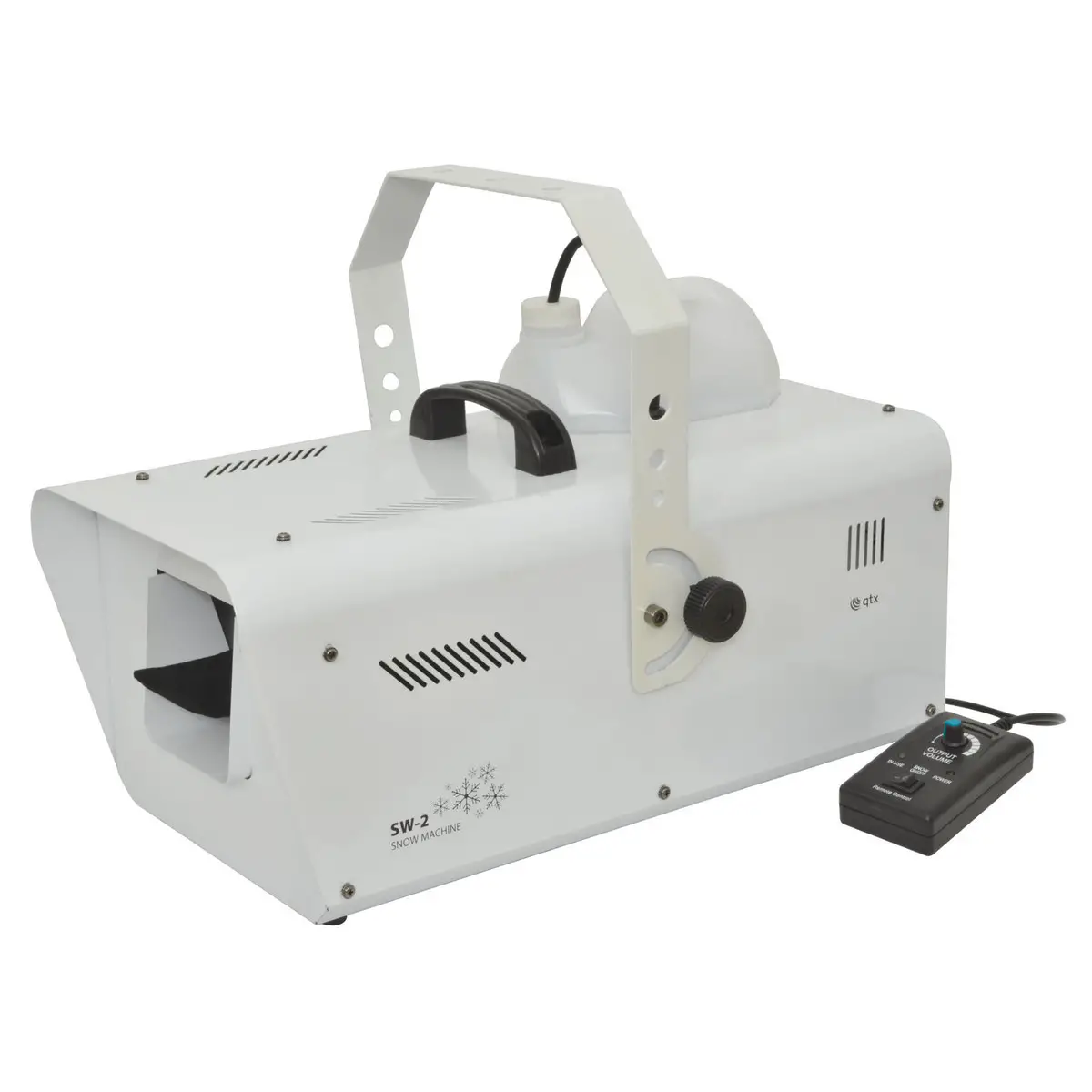
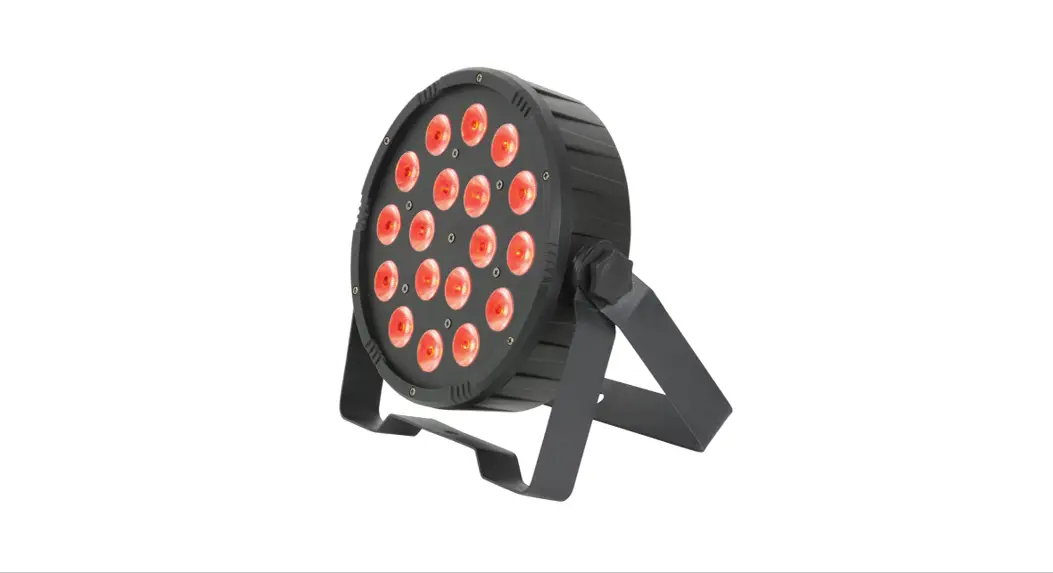
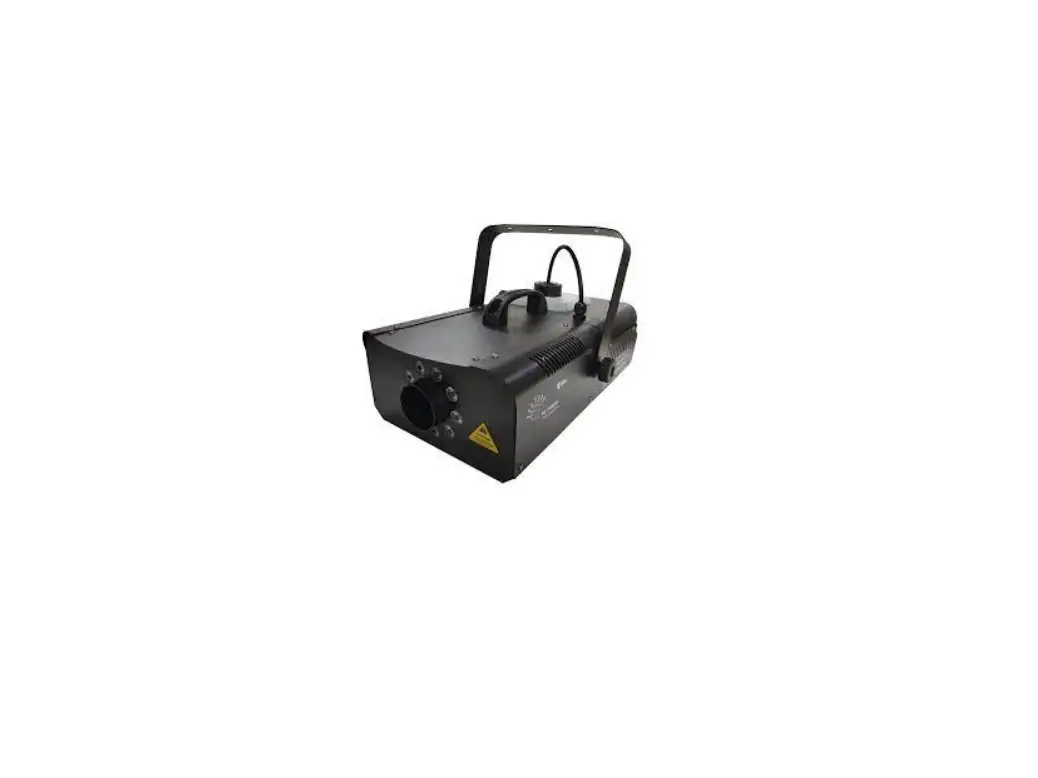
Thank you for choosing the SW-3LED 800W LED snow effect machine for small to mid-sized venues and events. This unit utilises a heavy-duty fan to convert snow fluid into a blizzard of foam particles, giving the impression of snowfall. The snow can then be highlighted with an array of colours from the 6 bright LEDs housed in the front of the unit. Wired remote control is included for snow on demand operation and the additional RF remote can be used for more precise control of the LED effects.
In the box
Your SW-3LED should reach you in good condition and should be supplied with IEC mains lead(s), wired and wireless remote controls and a mounting bracket with thumbscrews. If there are any signs of damage or items missing from the packaging, contact your dealer immediately.
Warning:
To prevent risk of fire or electric shock, do not expose the unit to rain or damp environments. In the event of a spillage, disconnect the mains and allow the unit to dry out naturally. Qualified personnel should then check the unit before continuing use.
Please do not open cover, contains high voltage. This product is not serviceable or repairable by the end user. Please refer to qualified personnel for service and repair.
Placement
The SW-3LED has a built-in snow fluid container and should always be operated in an upright position. If free-standing please ensure that the unit is positioned on a stable, non-slip surface. If mounted at height, use the integral mounting bracket and attach a safety cable for added security.
Safety
- Check for correct mains voltage and condition of IEC lead before connecting to power outlet.
- Check the condition of the remote lead and ensure that it is not trapped.
- This unit must be earthed.
- This unit produces a snow effect using foam, which may cause a slip hazard on some floor surfaces.
Cleaning
- Use a soft dry or slightly damp to clean the casing.
- Do not use strong solvents for cleaning the unit.
- Clean the foam mechanism periodically by operating with distilled water instead of snow fluid.
Rear Panel
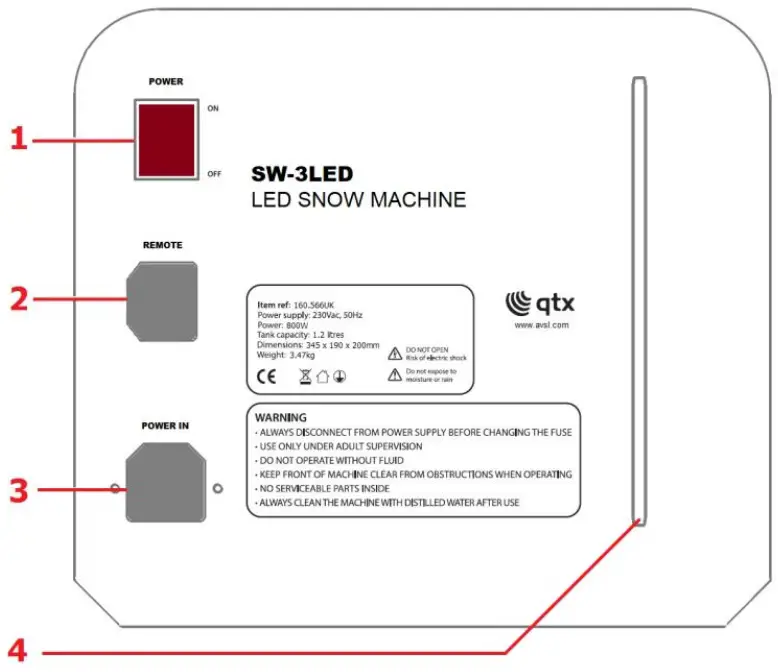
- Power on/off rocker switch
- Remote control connection
- Mains inlet (IEC male) and fuse holder
- Fluid level indicator
Setting up
The SW-3LED requires snow fluid, which forms small foam drops to create the snow effect.
It is recommended to use QTX snow fluid for best results (160.578, 160.579).
- Unscrew the top cap of the fluid tank (removable) and fill with the selected snow fluid.
- Replace the cap and close securely, ensuring the pipe is fed down to the bottom of the bottle so that a consistent flow of fluid is supplied to the machine.
- Connect the wired remote control to the connector on the rear panel (2).
- Connect the IEC mains lead supplied to the rear mains inlet (3).
Remote control operation
The SW-3LED comes supplied with both a wired and RF wireless remote control. The wired control is used for snow control and has only a red square button in the centre and 2 green LEDs at the top. After switching on the unit using the power button (1) wait for the 2 LEDs to light up before beginning the snow effect. Press the red square button once to release the snow, press again to stop. For operation using the RF remote control please see below.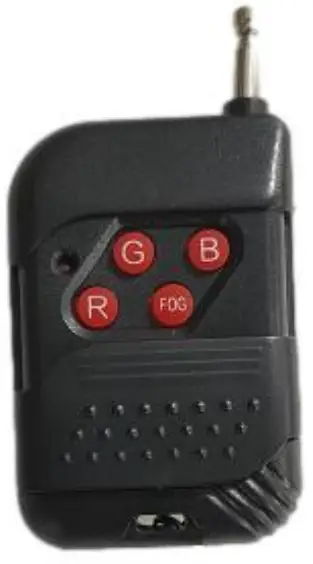
- R. Red LED with snow effect on/off
- G. Green LED with snow effect on/off
- B. Blue LED with snow effect on/off
- FOG. Snow effect on/off
Specifications
| Power supply | 220-240Vac, 50/60Hz (IEC) |
| Tank capacity | 1.2 litres |
| Power | 800W |
| Volume per minute | 8m³ |
| LED power | 1W x 6pcs |
| Remote control | Wired: Snow on/off, RF Remote: RGB and Snow on/off |
| Battery: remote | 23A 12V (not supplied) |
| Remote frequency | 433 MHz |
| Dimensions | 345 x 190 x 200mm |
| Weight | 3.47kg |
Troubleshooting
| No light on mains switch | Check mains voltage is correct, and socket is switched on |
| Check IEC lead is OK and connected properly | |
| Check mains fuse in IEC connector and fuse in plug top | |
| If fuse blowing repeatedly, refer to qualified service personnel | |
| No snow output when using wired remote control | Check snow fluid level is sufficient |
| Check the green power LEDs are lit | |
| Check the nozzle cloth is not blocked and rinse with water if necessary | |
| No snow or LED output when using RF remote control | Check the battery in the remote has sufficient power and is inserted correctly |

Disposal: The “Crossed Wheelie Bin” symbol on the product means that the product is classed as Electrical or Electronic equipment and should not be disposed with other household or commercial waste at the end of its useful life. The goods must be disposed of according to your local council guidelines
Support
Errors and omissions excepted.
Copyright© 2022 AVSL Group Ltd, Unit 2 Bridgewater Park
Taylor Road, Trafford Park, Manchester. M41 7JQ.
AVSL (Europe) Ltd, Unit 3D North Point House,
North Point Bus. Park, New Mallow Road, Cork, Ireland
www.avslgroup.com

 AVSL
AVSL