
USER MANUAL
FE-W826-WD-H
User Manual
Connecting the device
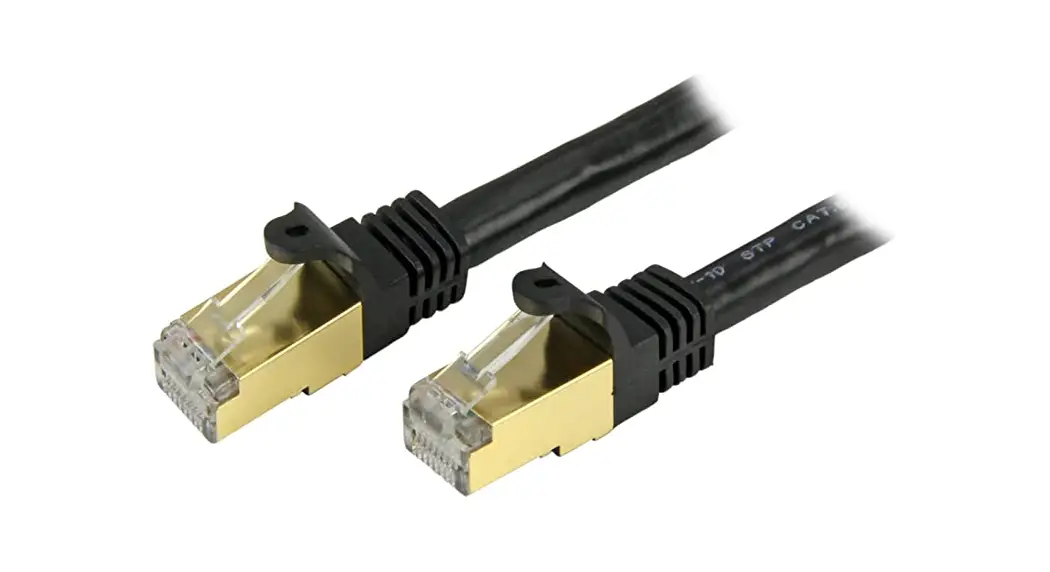
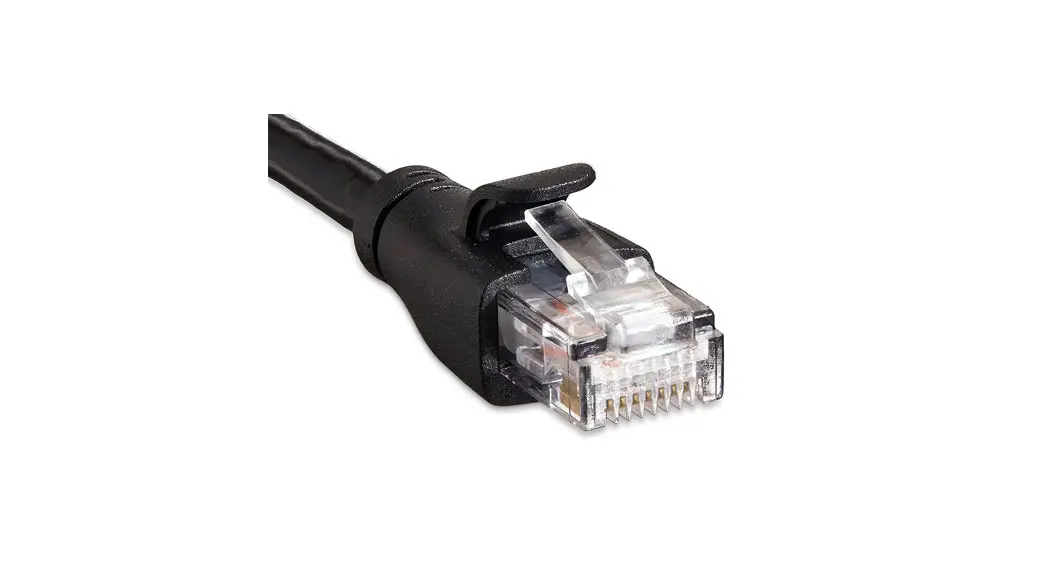
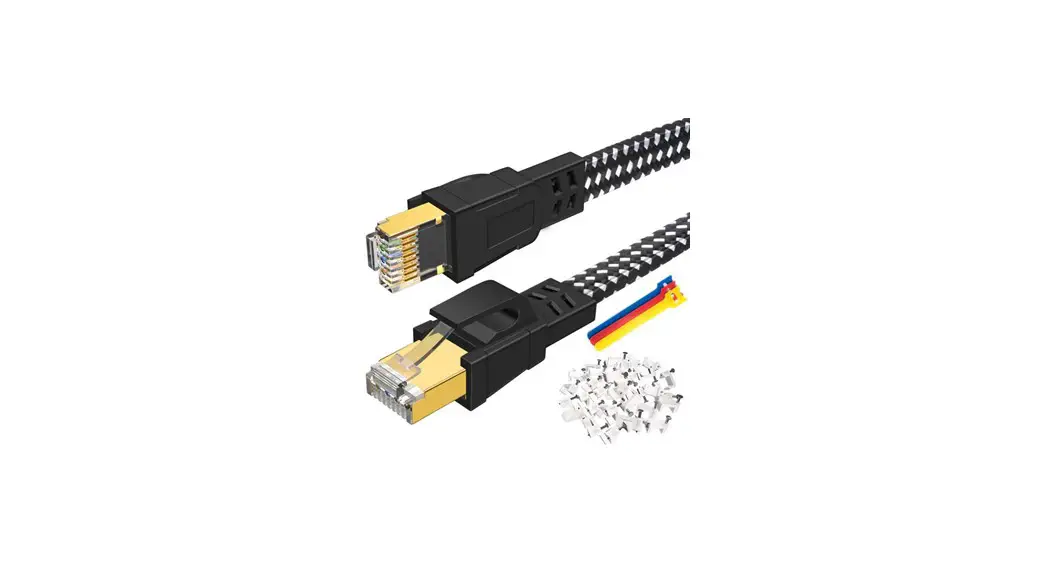
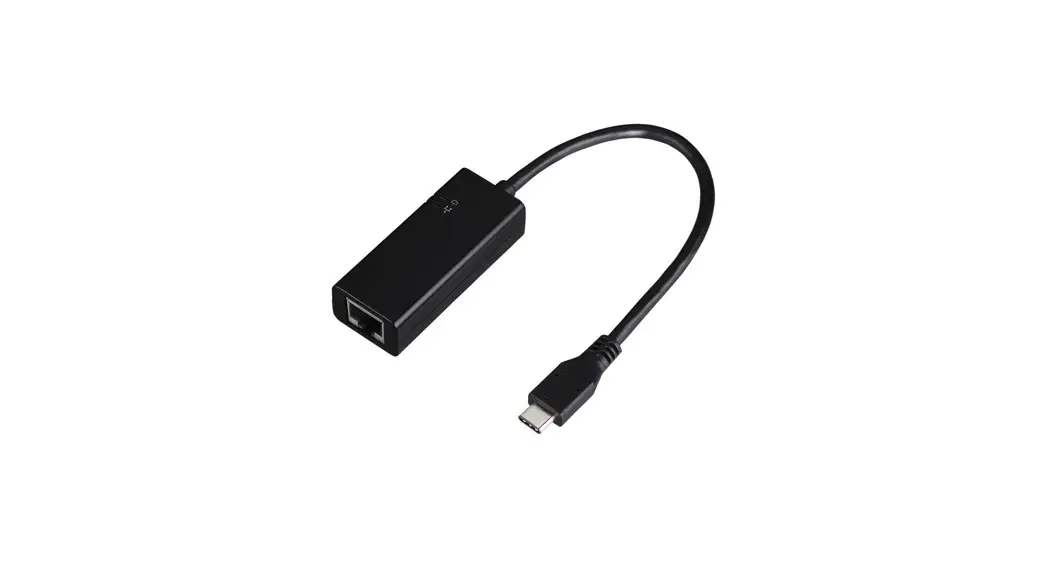
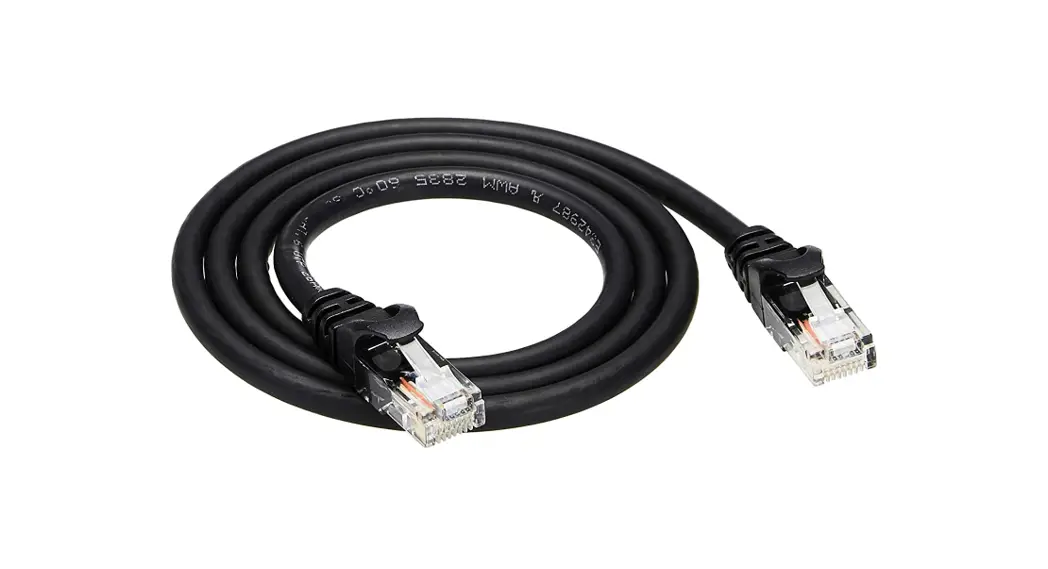
Carefully unpack the device. Plugin one side of the included Ethernet cable into one of the LAN Ports on the device.

Connect the other end of the Ethernet cable to the Ethernet port of the computer you are using to set up the device.
In order to access the FE-W826-WD 4G router and configure it, you first need to open your web browser and type the default management address: ‘192.168.1.1’.
If another device exists on the same network with the same IP address, the default management address will be automatically changed to ‘192.168.2.1’ and so on.
The following screen will be displayed:
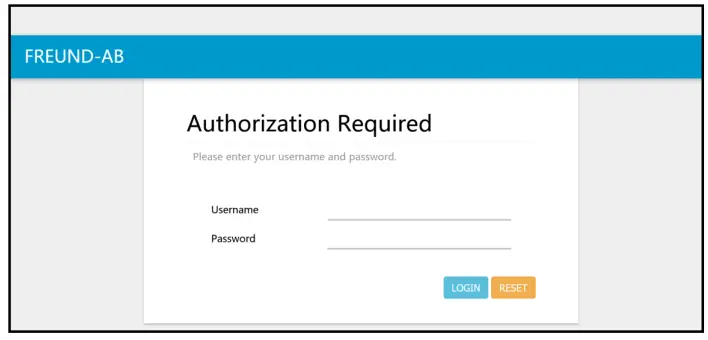
The default username is ‘root’ and the default password is ‘admin’.
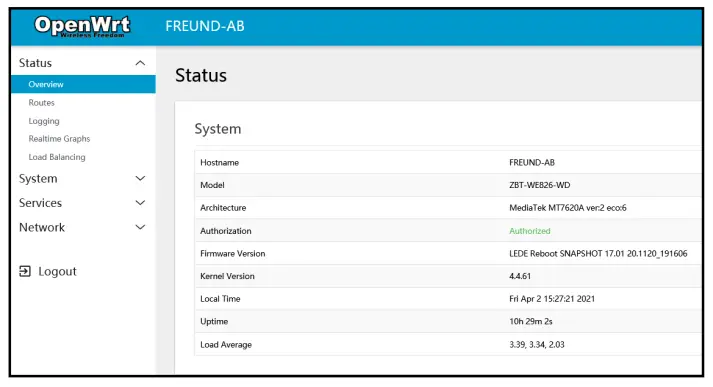
After successfully typing in the credentials and clicking ‘Log in’, following the screen will be shown.
Interface
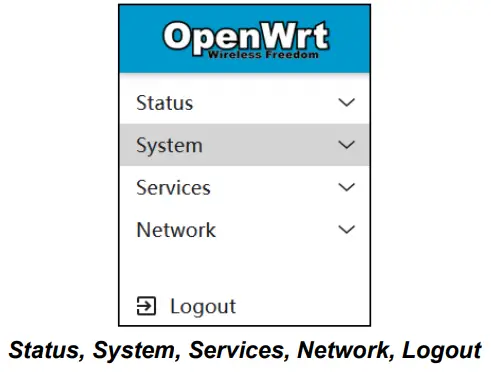
After successful login to the device, on the left side of the interface, we can see the menu that includes:
Status
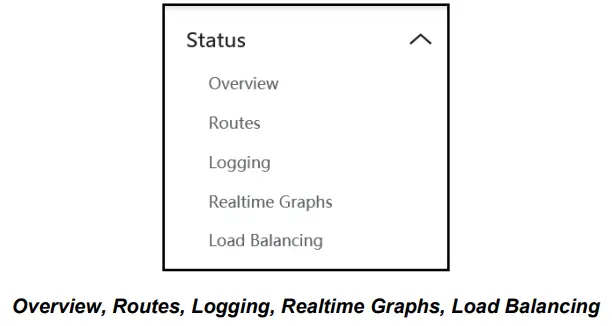
If we click on Status, we can see a submenu containing:
Overview
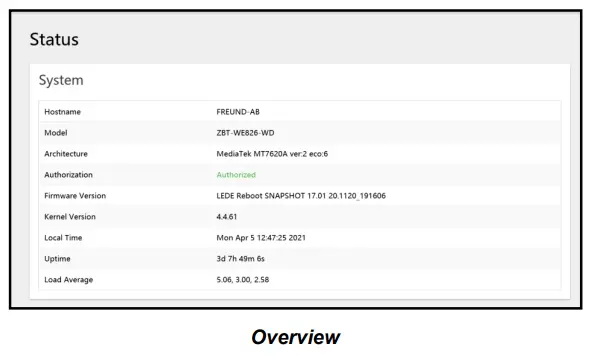
Under the Overview submenu, the following information can be found: Hostname, Firmware version, Kernel Version, Local time, Uptime, and Average Load.
Routes
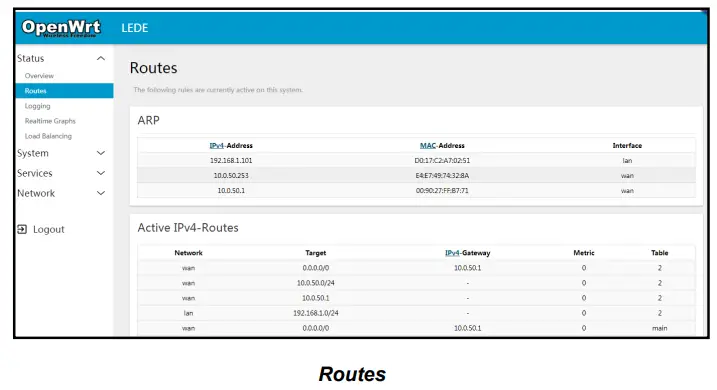
Under the Routes submenu, we can see information about Active IPv4 and IPv6 Routes.
Logging
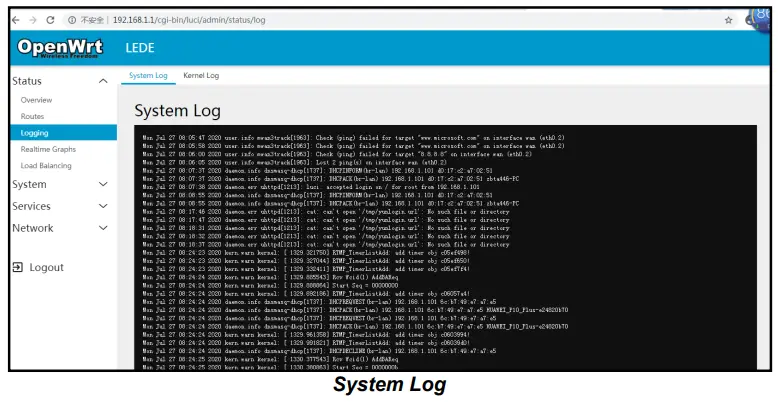
Under the Logging submenu, we can see two additional submenus: System Log and Kernel Log.
Realtime Graphs
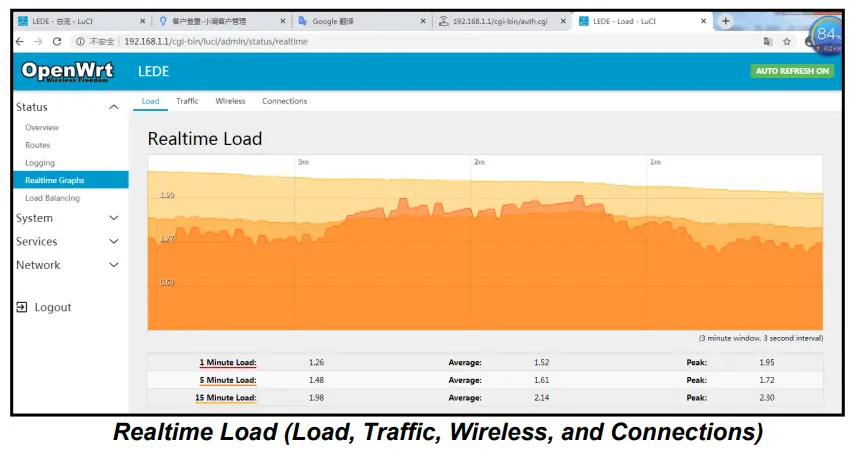
Under Realtime Graphs, we can see Load as well as Traffic, Wireless, and Connections submenus.
- The load submenu gives information about Peak and Average load in 1 minute, 5 minutes, and 15-minute loads (and a 3-minute window Graph with 3 seconds intervals).
- The traffic shows Realtime Traffic for every specific ethernet port as well as WAN. It shows inbound and outbound traffic speed(and a 3-minute window Graph with 3 seconds interval).
- Realtime Wireless shows information about Signal and Noise, with Peak and Average information as well as physical layer rate.
Load Balancing
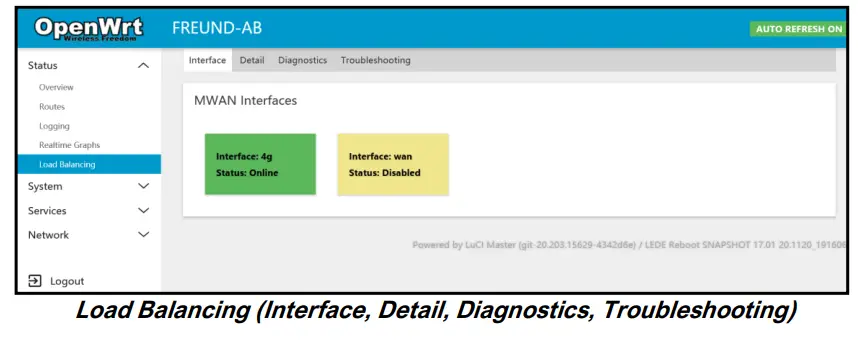
Under the Load Balancing submenu, we can see which interface is online (4G and WAN).
Clicking on Detail will show additional information (connected networks, active rules).
The Diagnostics tab gives us several options:
- Ping default gateway
- Ping tracking IP
- Check IP rules
- Check the routing table
- Hotplug
System
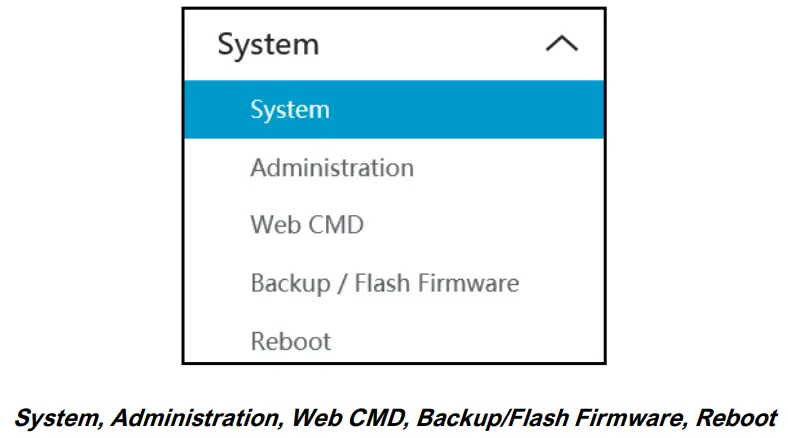
If we click on System, we can see a submenu containing:
System
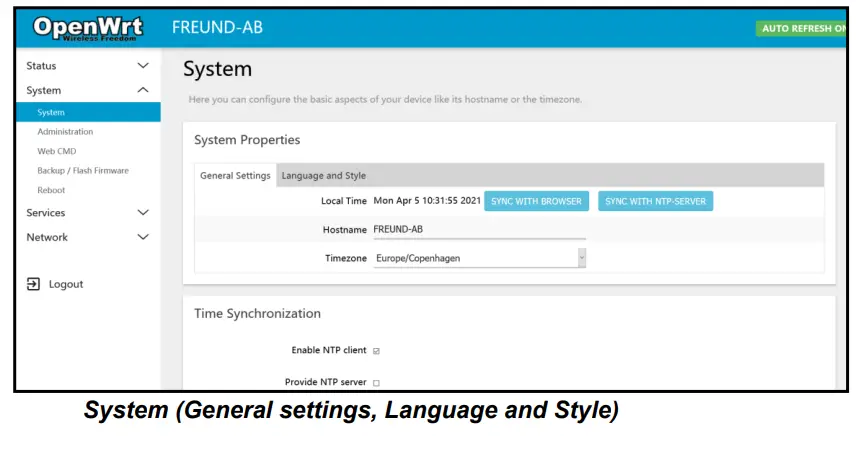
The system submenu offers options to change Time and Time Zone, Hostname, Language, and Theme.
Administration
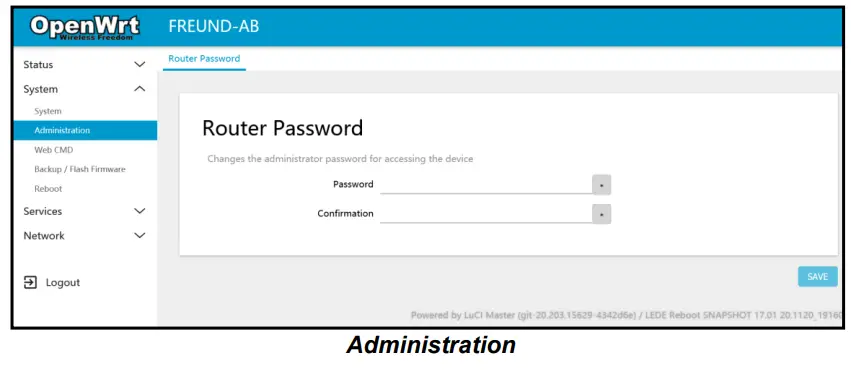
The administration submenu allows us to change the password of the device.
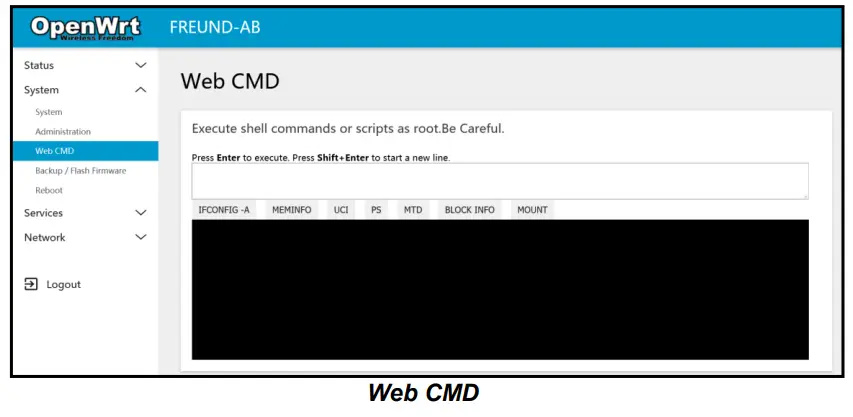
Web CMD
Web CMD submenu allows usage of the CMD by entering commands into the shell. Use with caution.
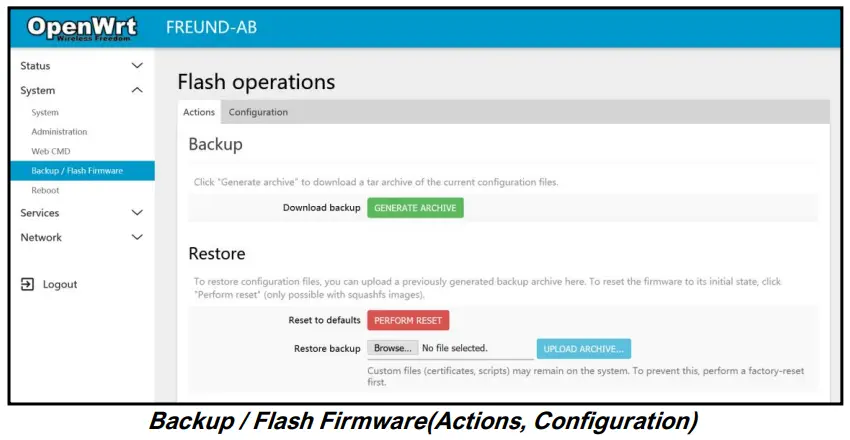
Backup / Flash Firmware
Under the Actions tab, it allows backing up and downloading of the current config files as well as restoring backed-up configuration.
It is also possible to upgrade the Firmware version of the device from the same tab. To do that, click the Browse button and select the file in File Browser. You can check the box ‘Keep settings’ if you want to retain the current configuration (compatible firmware image required).
Clicking on the Configuration tab, a backed-up file list will be shown.
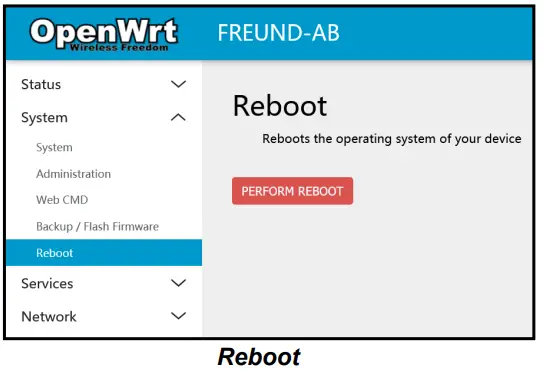
Reboot
The reboot submenu allows a manual reboot of the device.
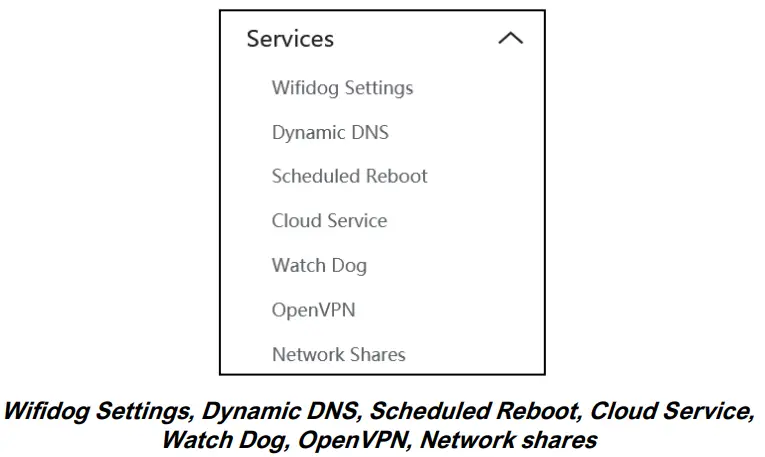
Services
If we click on Services, we can see a submenu containing:
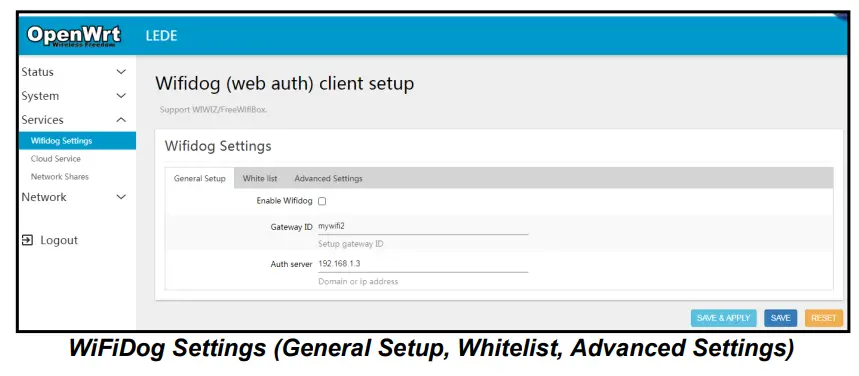
WiFiDog
WiFiDog Settings submenu allows enabling the Wifidog, Setting up the gateway ID, Domain name, or IP Address. Also, you can whitelist URLs as well as MAC addresses, enable SSL certificates, Change the Ports used, etc.
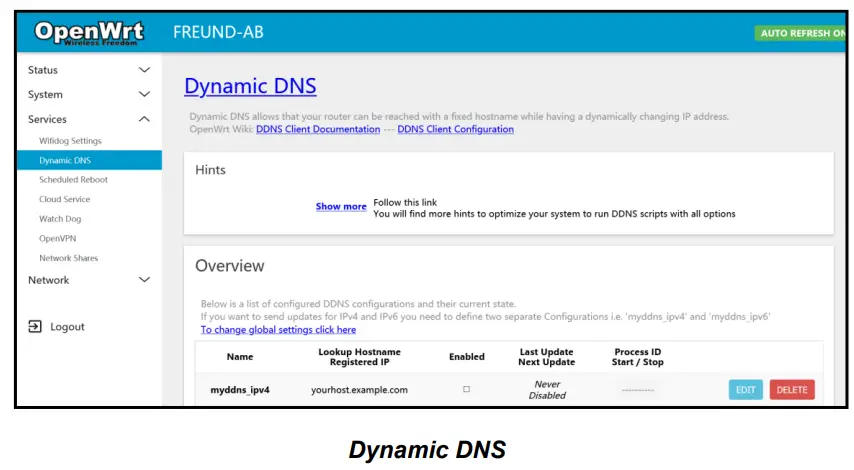
Dynamic DNS
Dynamic DNS allows you to access your devices from the internet via a simple to remember domain name while still having a dynamically changing IP address.
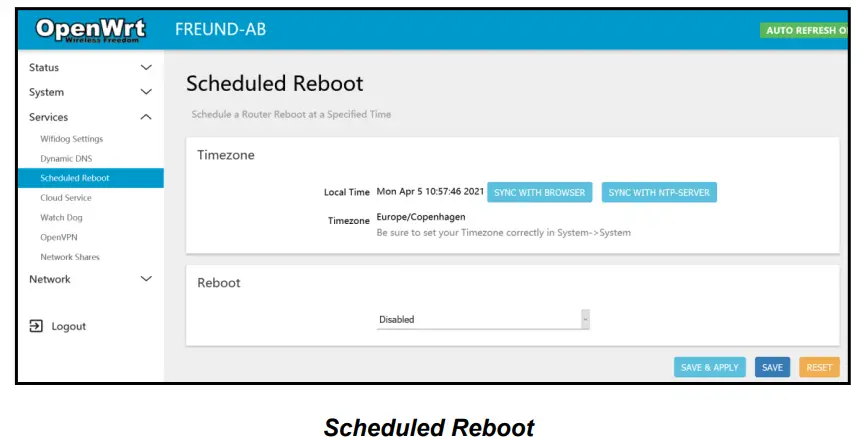
Scheduled Reboot
Allows you to enable Scheduled Reboot and set up Reboot time.
Cloud Service
It is possible to log in to the device remotely. To turn it on, you need to click on the Services button, and then Cloud Service. The following screen will show.
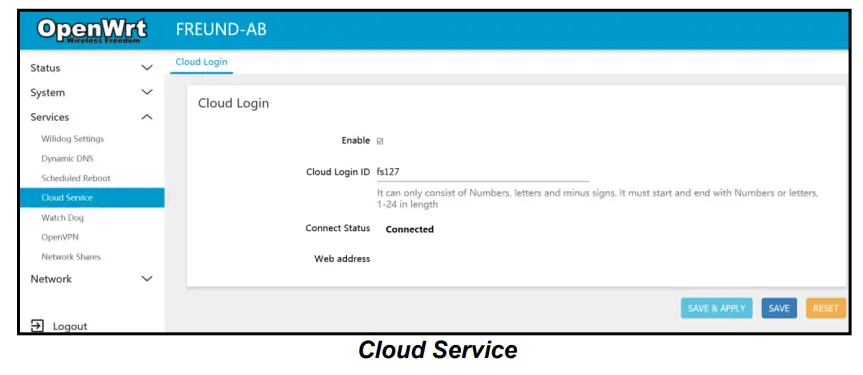
Tick the box ‘Enable’ and create your own Login ID.
The login ID can only consist of numbers, letters, and minus signs. It must start and end with numbers or letters, 1-24 characters in length.
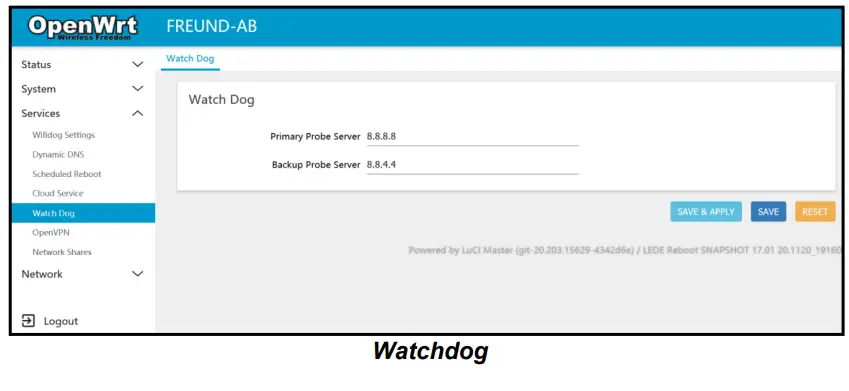
Watchdog
Under the Watchdog submenu, you can select Primary and Backup DNS Server.
If the device loses connection to both servers, Watchdog will reset the device to try to restore the connection.
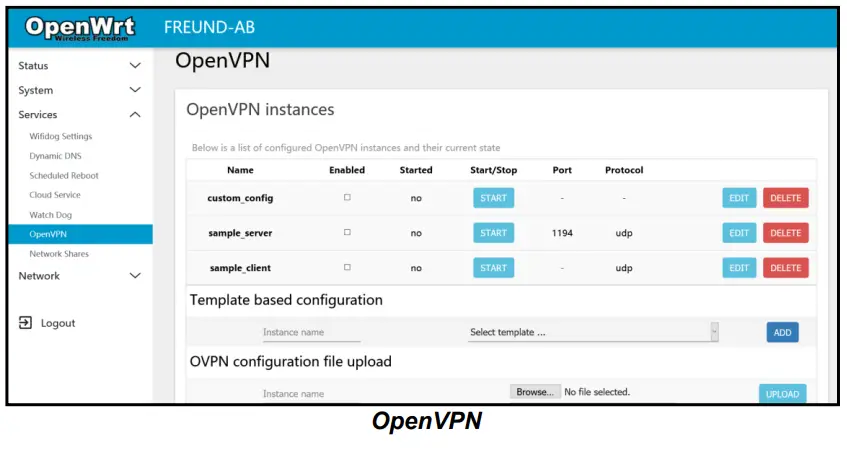
OpenVPN
Allows accessing the list of configured OpenVPN instances. Also allows configuration through a template.
You can upload an OpenVPN configuration file by clicking on the Browse button and selecting the wanted file in the File Browser and submit by clicking the Upload button.
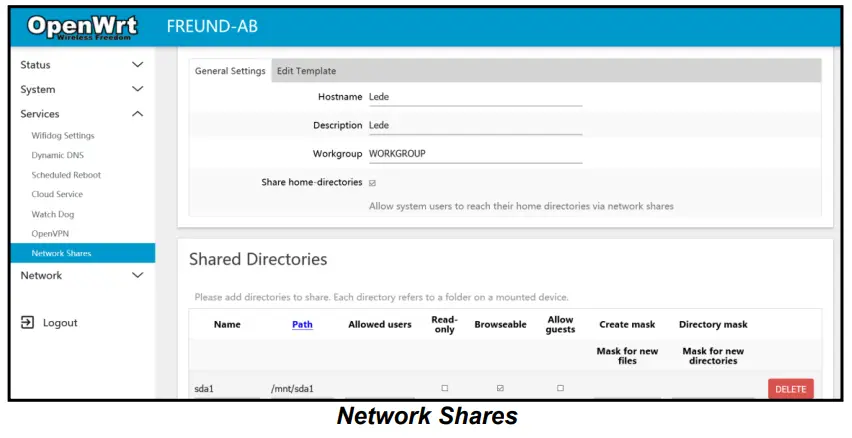
Network Sharing
Allows system users to reach their home directives via Network Sharing.
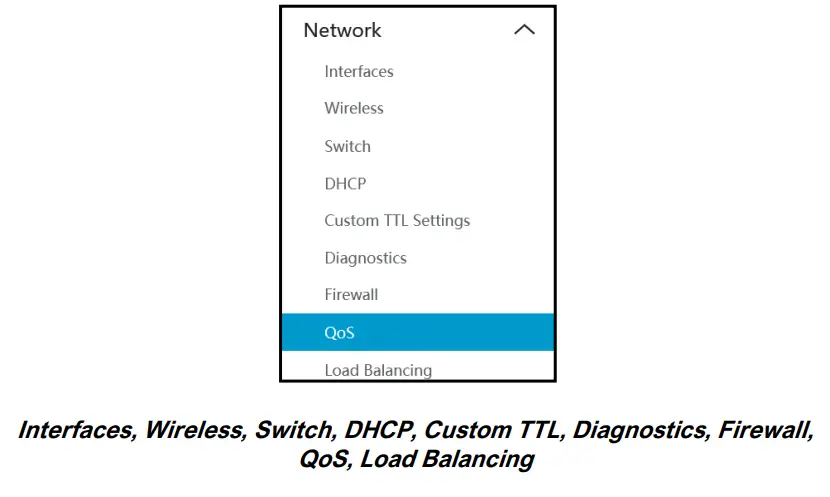
Network
If we click on Network, we can see a submenu containing:
Interfaces
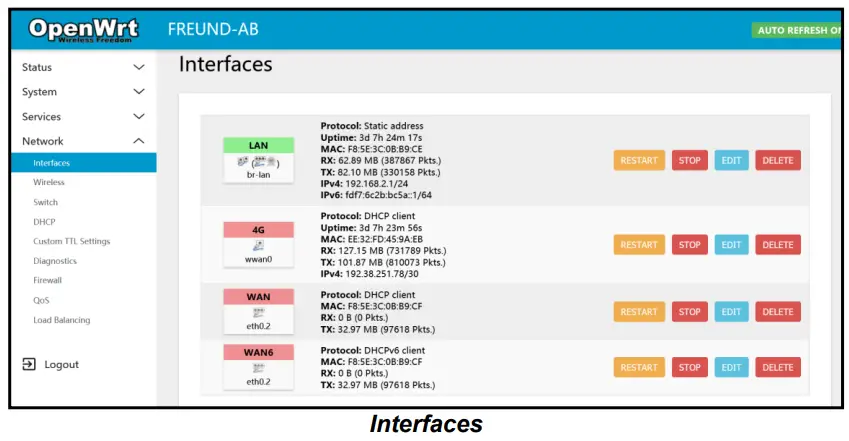
On this page, you can configure the network interfaces. You can bridge several interfaces by ticking the “bridge interfaces” field and entering the names of several network interfaces separated by spaces.
Wireless
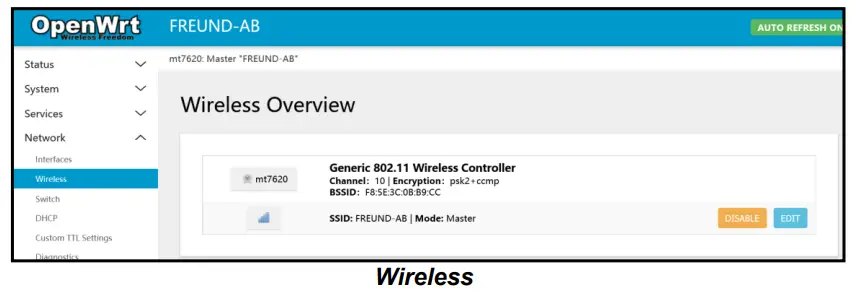
Under Wireless, you have an overview of your device Controller. Clicking on the ‘Edit’ button, the Device Configuration page will open.
The Device Configuration section covers the physical settings of the radio hardware such as channel, transmit power, or antenna selection which is shared among all defined wireless networks (if the radio hardware is multi SSID capable). Per network settings like encryption or operation mode are grouped in the Interface Configuration.
You can also manage Security settings, such as encryption or cipher.
Switch
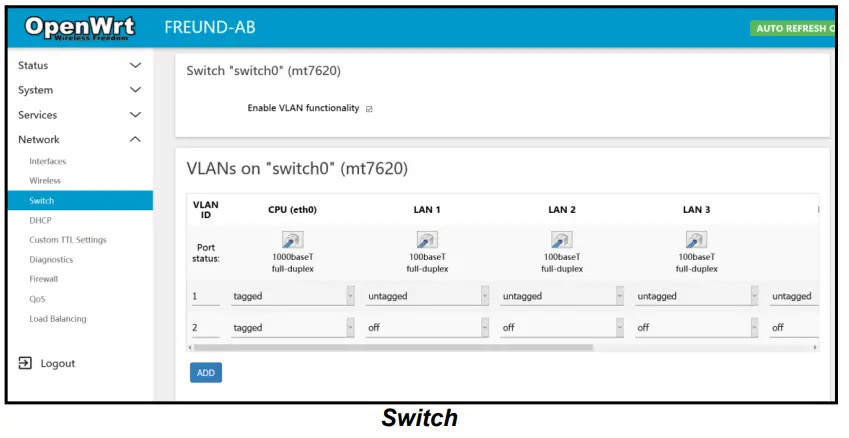
The network ports on this device can be combined to several VLANs in which computers can communicate directly with each other. VLANs are often used to separate different network segments. Often there is by default one Uplink port for a connection to the next greater network like the internet and other ports for a local network.
DHCP
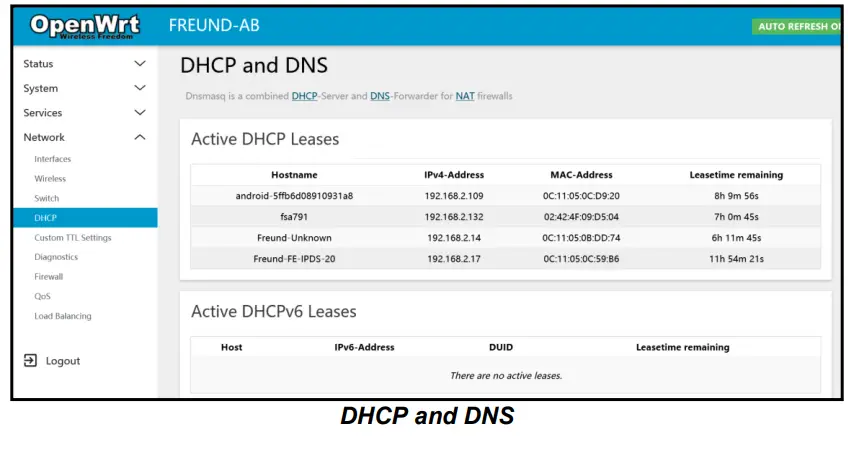
Dnsmasq is a combined DHCP-Server and DNS-Forwarder for NAT firewalls.
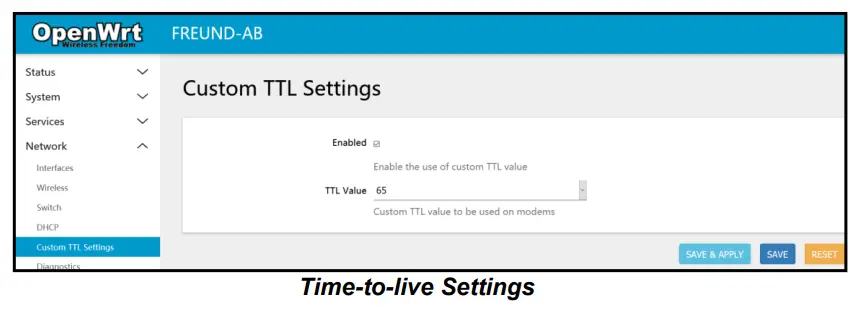
TTL Settings
Time to live (TTL) or hop limit is a mechanism that limits the lifespan or lifetime of data in a computer or network.
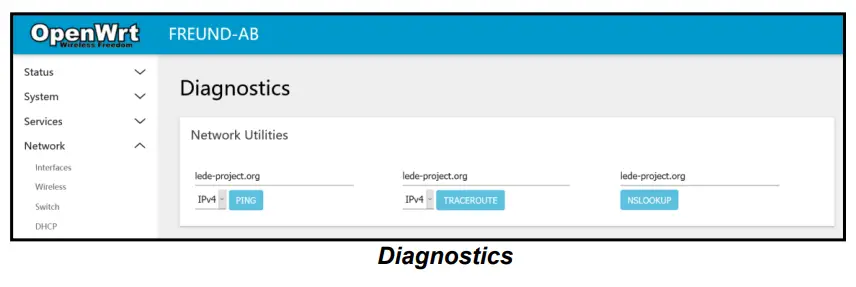
Diagnostics
Firewall
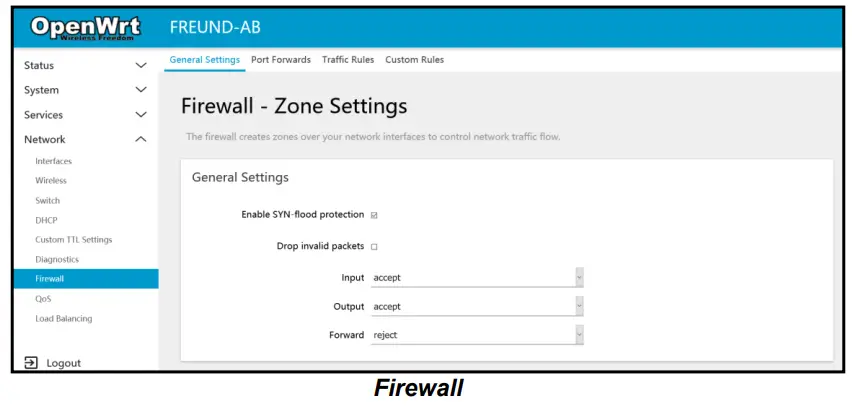
Under the Firewall submenu, there are the following tabs:
General Settings – The firewall creates zones over network interfaces to control network traffic flow.
Port Forwarding – Allows remote computers on the Internet to connect to a specific computer or service within the private LAN.
Traffic Rules – Define policies for packets traveling between different zones, for example, to reject traffic between certain hosts or to open WAN ports on the router.
Custom Rules – Custom rules allow you to execute arbitrary iptables commands which are not otherwise covered by the firewall framework. The commands are executed after each firewall restart, right after the default ruleset has been loaded.
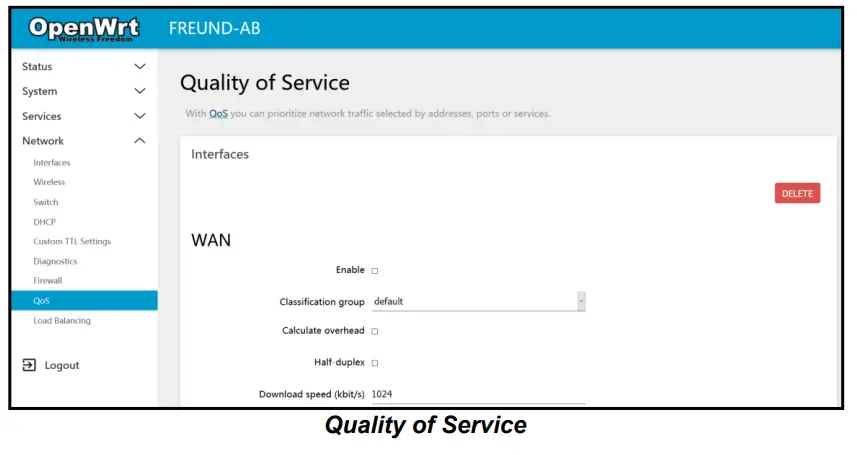
Quality of Service
With QoS, you can prioritize network traffic selected by addresses, ports, or services.
Load Balancing
With load balancing, traffic is distributed across a number of connections. Unlike bonding, these connections remain separate, and you do not need a hub in a Data Centre to bond these connections together.
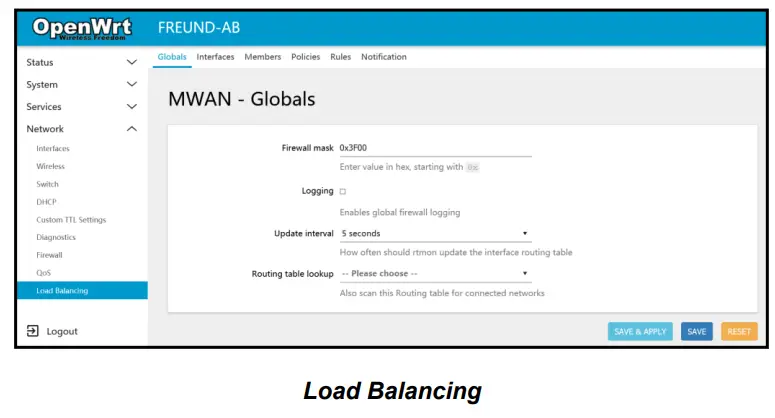
MWAN3 uses normal Linux policy routing to balance outgoing traffic over multiple WAN connections.
Linux outgoing network traffic load-balancing is performed on a per-IP connection basis – it is not channel-bonding, where a single connection (e.g. a single download) will use multiple WAN connections simultaneously.
As such load-balancing will help speed multiple separate downloads or traffic generated from a group of source PCs all accessing different sites but it will not speed up a single download from one PC (unless the download is spread across multiple IP streams such as by using a download manager).
Logout
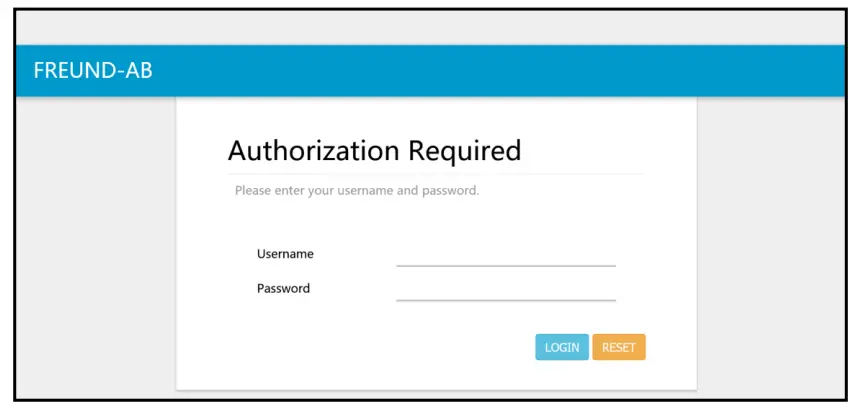
After Clicking on Logout, you will be taken to the following Login Screen.
Freund Elektronik A/S, in cooperation with our sister company Freund Elektronika D.O.O. Sarajevo, is developing an IP-Based Intercoms, Audio Systems, Access Control and Smart Home solutions.
As a developer, manufacturer, and reseller, we have been self-improving and perfecting ourselves for over 30 years.
In the industry, we negotiate the most advanced and innovative solutions regarding building communication. Our daily focus is on the development and user-friendliness of our high-quality and pleasantly designed products.
As a developer and manufacturer of our own IP-INTEGRA system, we have made top-of-the-line products for Door Telephony, Public Audio, and Access Control solution.
Our development department, together with our partners, has created elegant and robust door phones, SIP-Centrals, Terminals, IP-Speakers, ACC Controllers, and applications with intelligent features using the most advanced technologies when available, and creating new technologies when they are not while keeping it is simple for our customers.
 Delegated Investment Services - WTW
 IP-INTEGRA INTERCOM solution