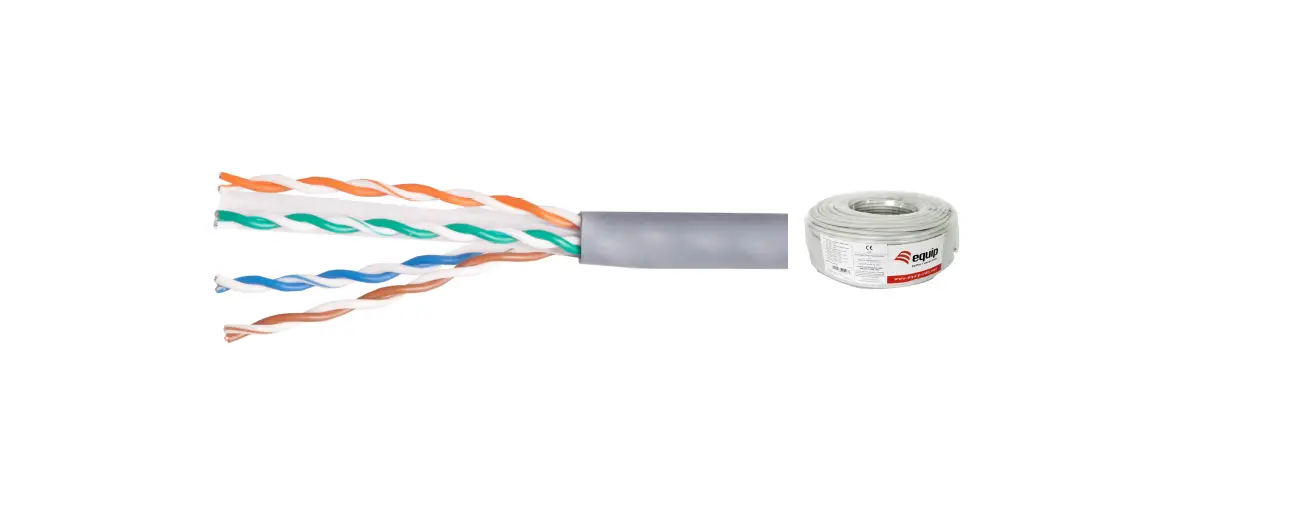
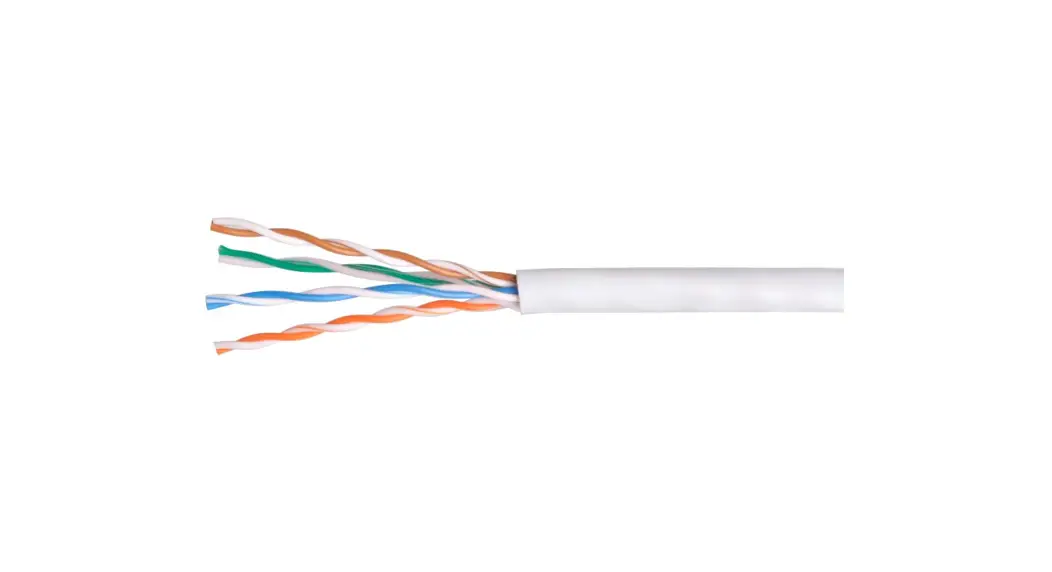
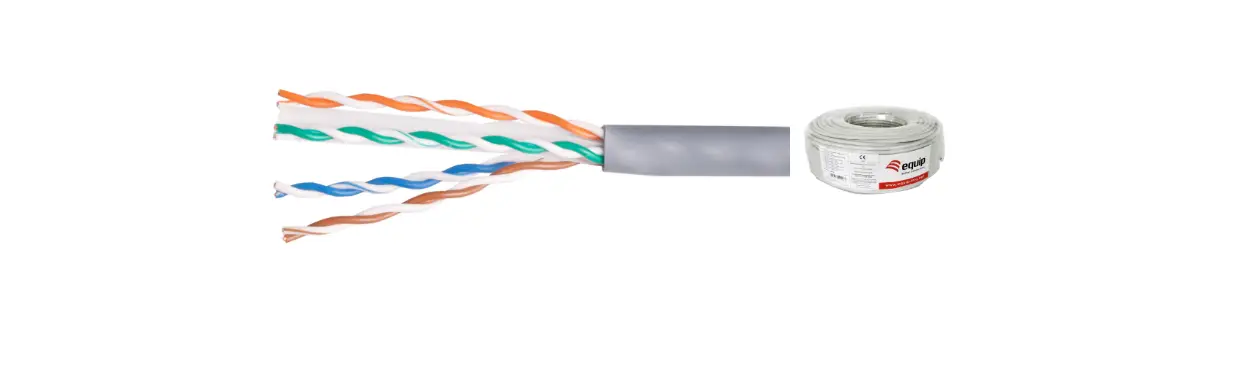
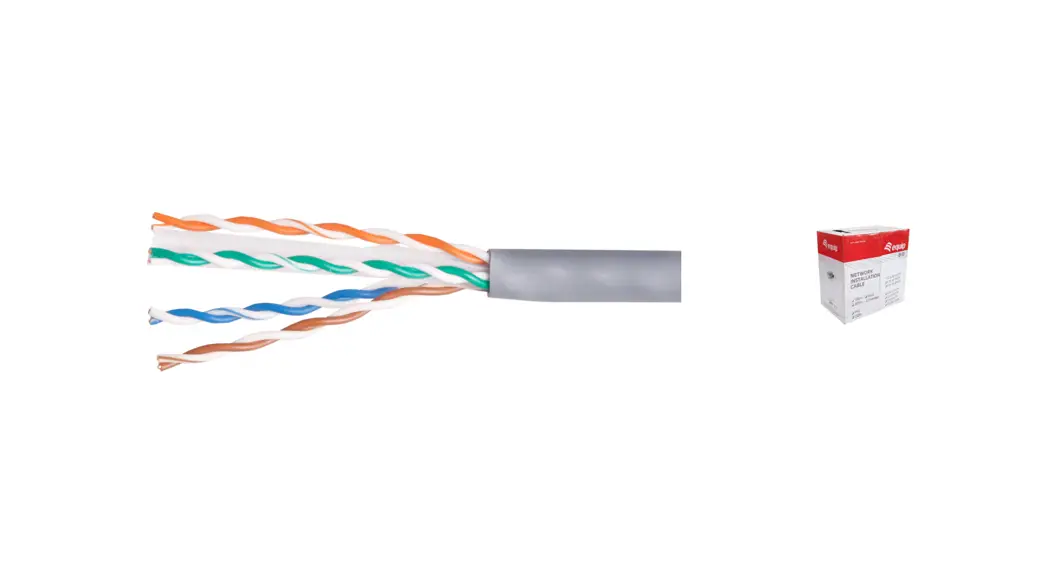
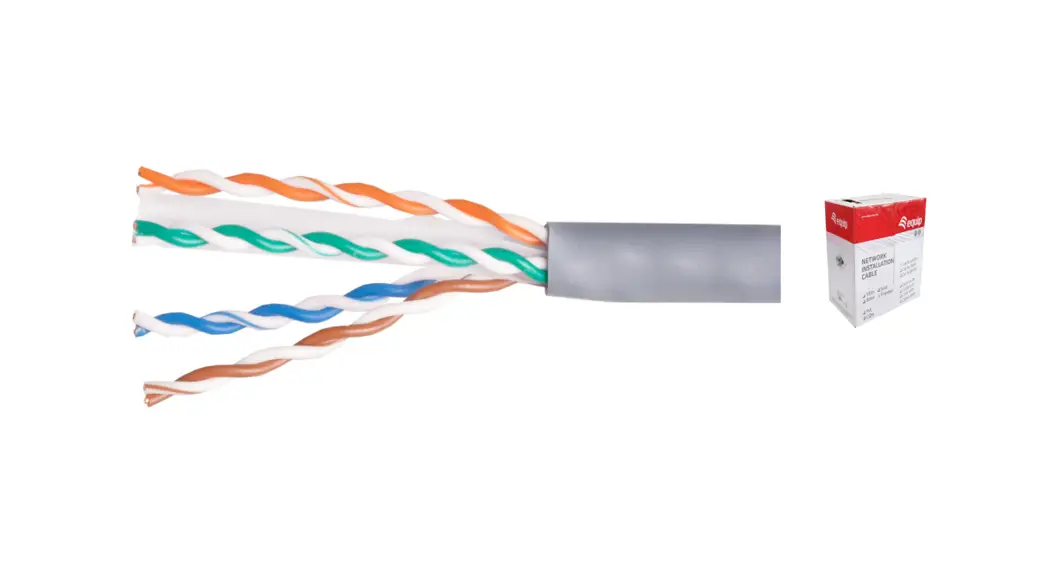
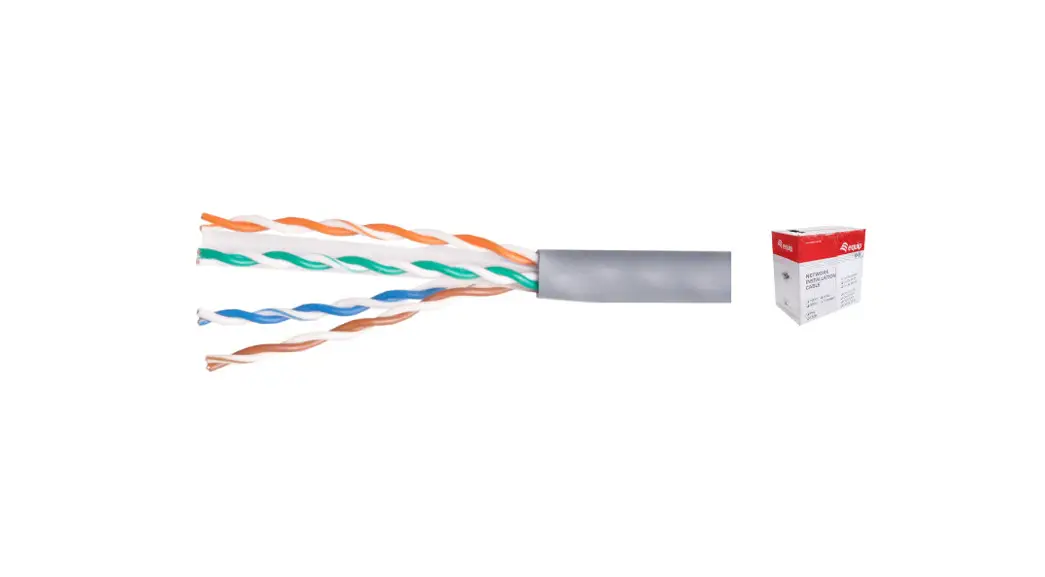
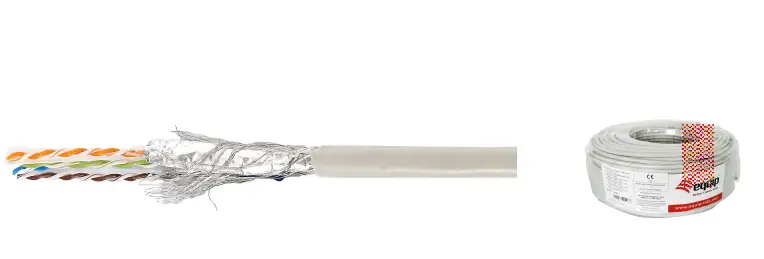
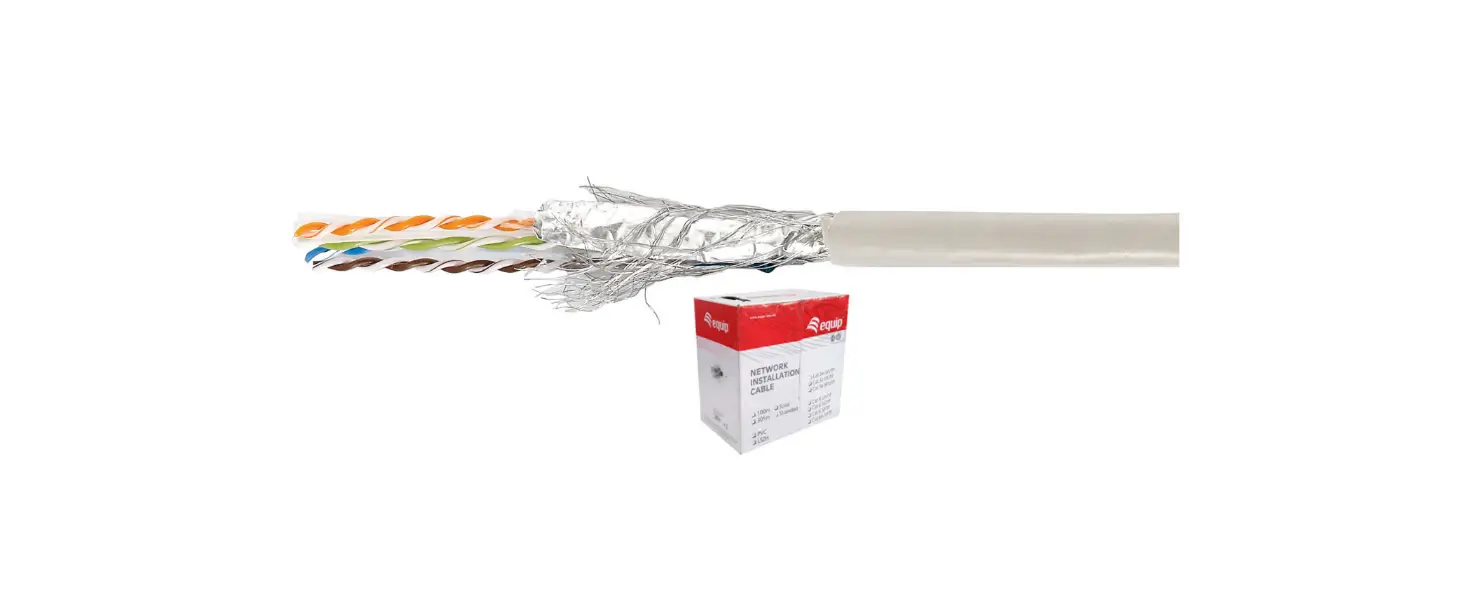
IJBH305 Cat.5E UTP Lan Cable
Product Information
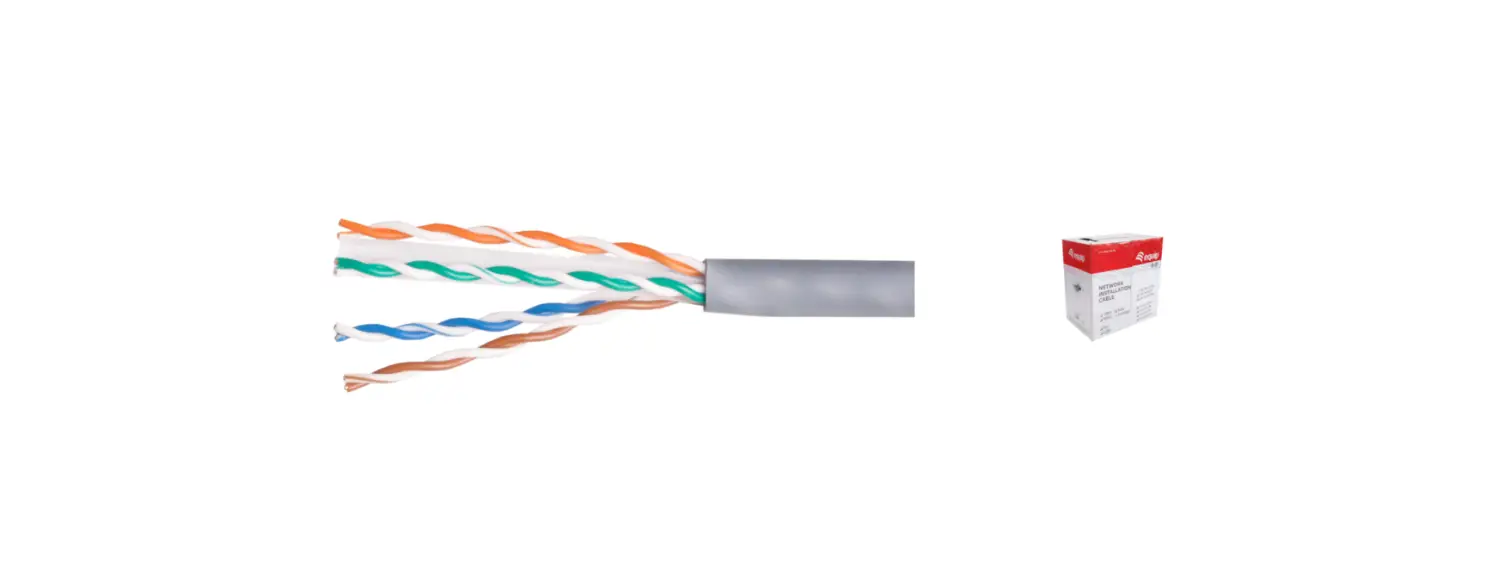
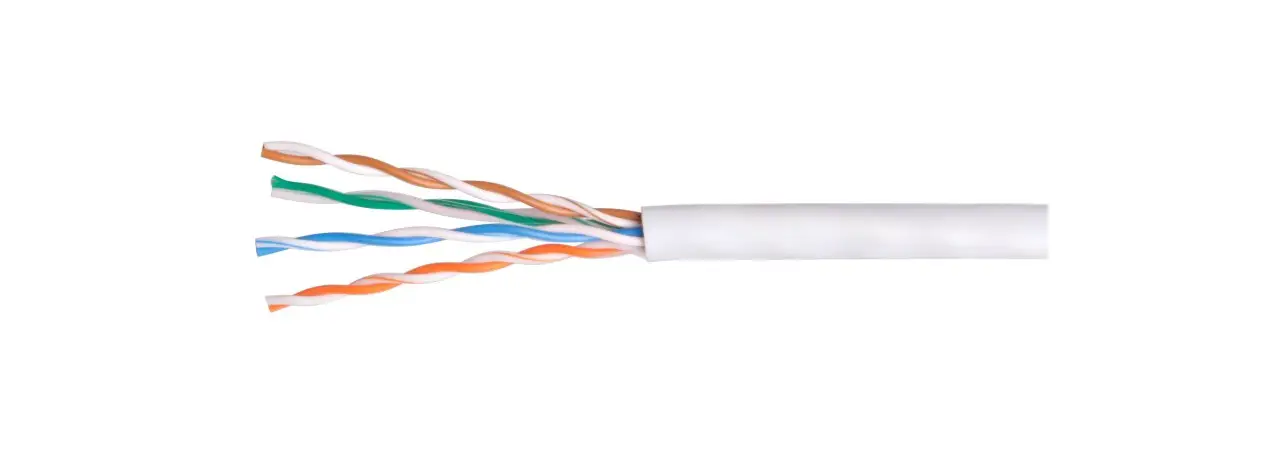
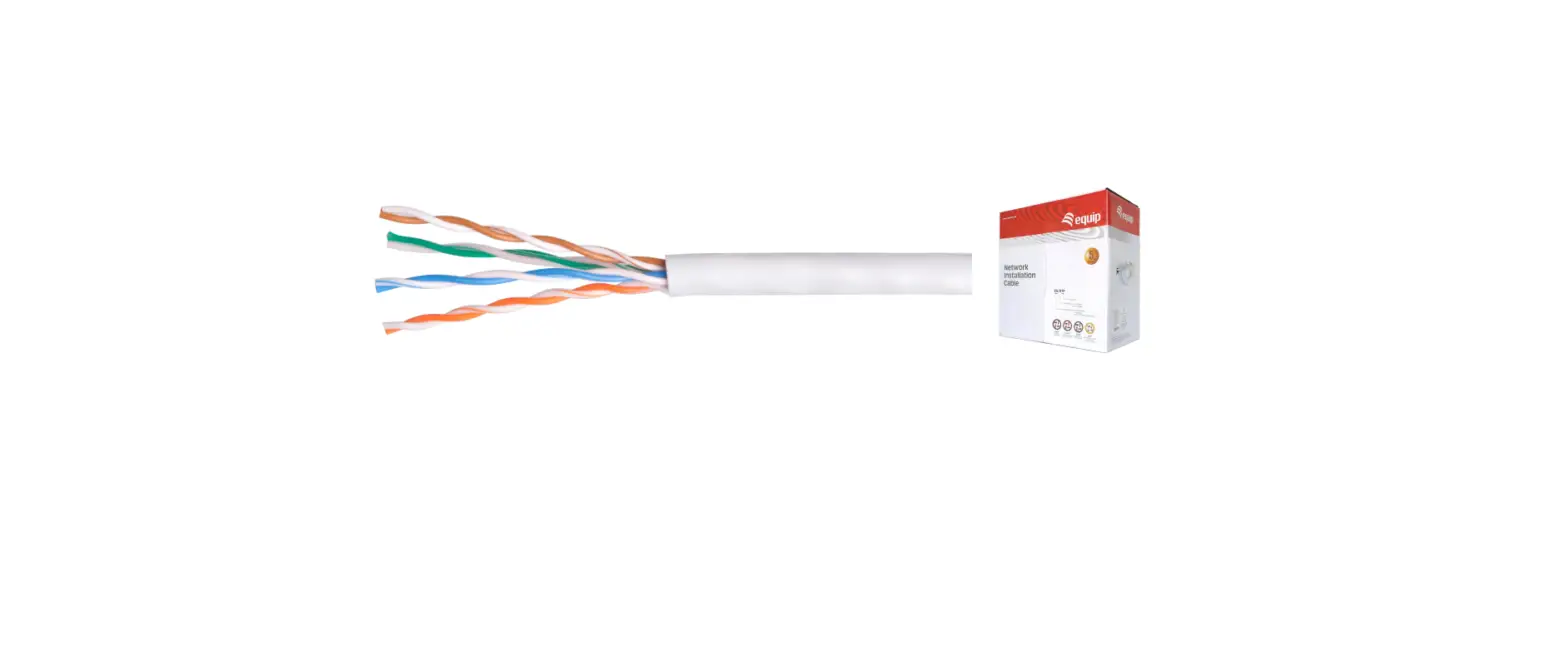
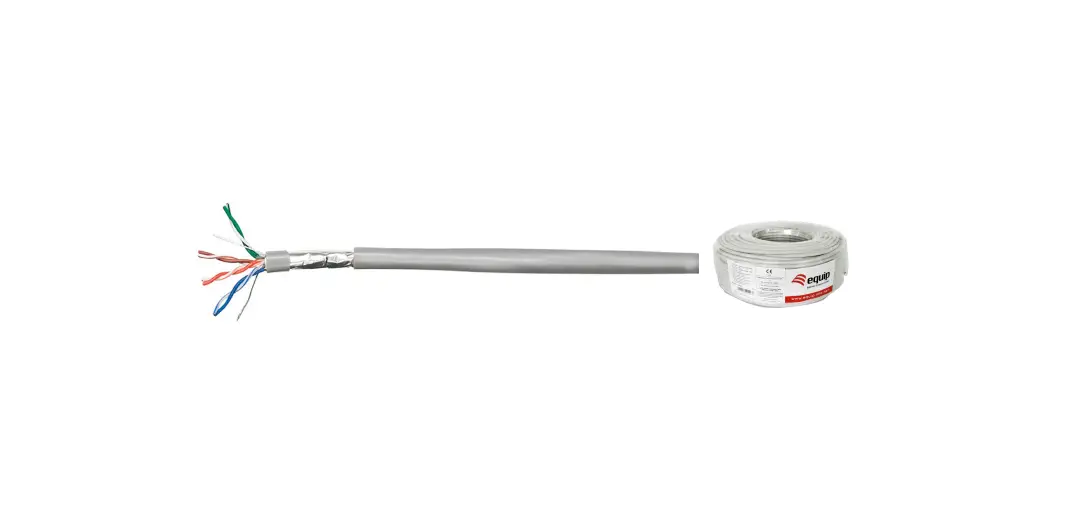
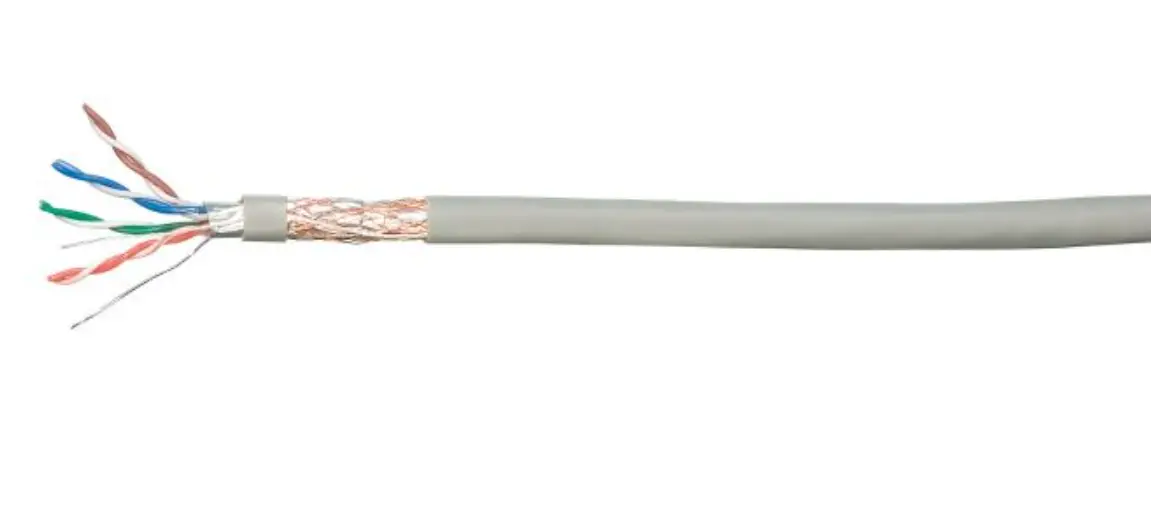
Product Name: Cat.5E UTP Lan Cable 305M
Gray
Length: 305m
Art.No.: IJBH305
EAN Code: 6922794756656
Package Contents: Cat.5E UTP Lan Cable 305M
Gray
Package:
- Packing Dimension: 44*36*37cm
- Packing Weight: 2kg
- Carton Dimension: 44*36*37cm
- Carton Qty: 2pcs
- Carton Weight: 19kgs
Color Box: Included
Website: www.ventioncable.com
Product Usage Instructions
- Unpack the Cat.5E UTP Lan Cable from the package.
- If necessary, untangle and straighten the cable.
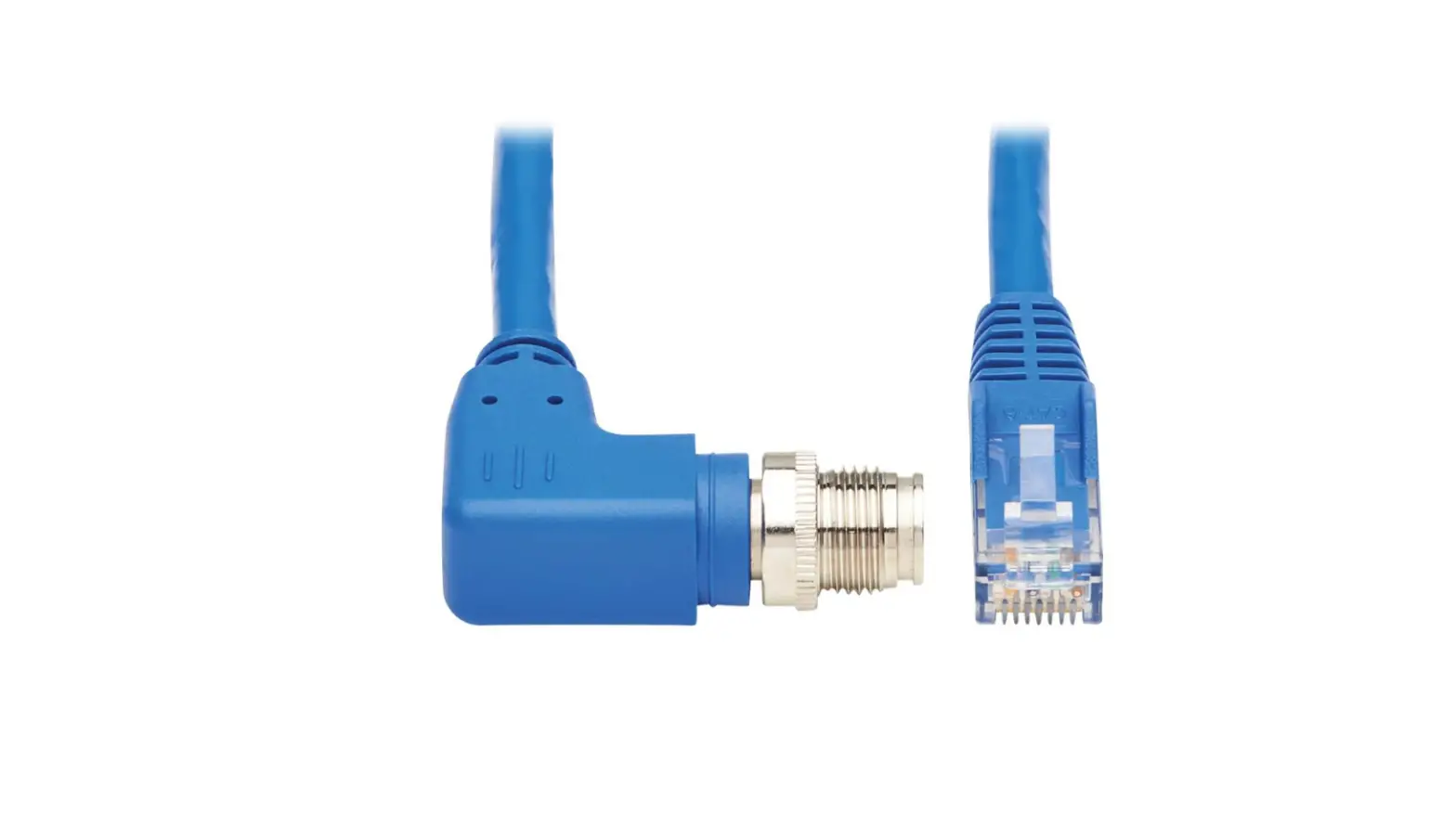
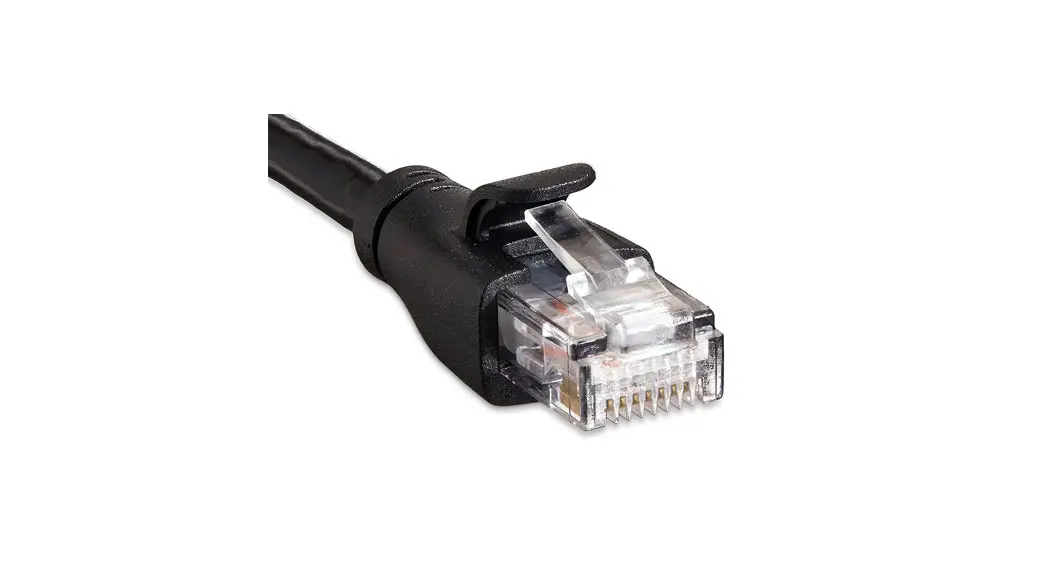
- Connect one end of the cable to the desired network device
(e.g., router, switch). - Connect the other end of the cable to the appropriate network
port on your computer or other devices. - Ensure both ends of the cable are securely connected.
- Repeat the steps for additional devices or for extending your
network.
For more detailed installation instructions or troubleshooting,
please refer to the product manual available on the www.ventioncable.com website.
Cat.5E UTP Lan Cable 305M Gray
Length 305m
Art.No. IJBH305
EAN Code 6922794756656
Package Contents Cat.5E UTP Lan Cable 305M Gray
Packaging Information
Packing Dimension Packing Weight Carton Dimension Carton Qty Carton Weight
Package
cm kg 44*36*37cm 2pcs 19kgs
COlor Box
www.ventioncable.com
 Vention - For Your Audio Visual Enjoyment | Vention