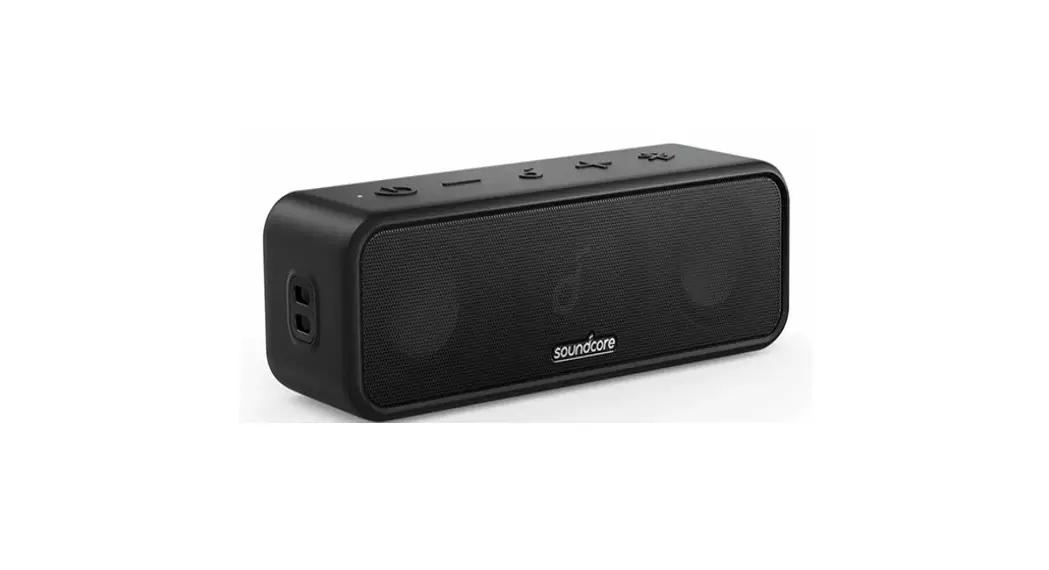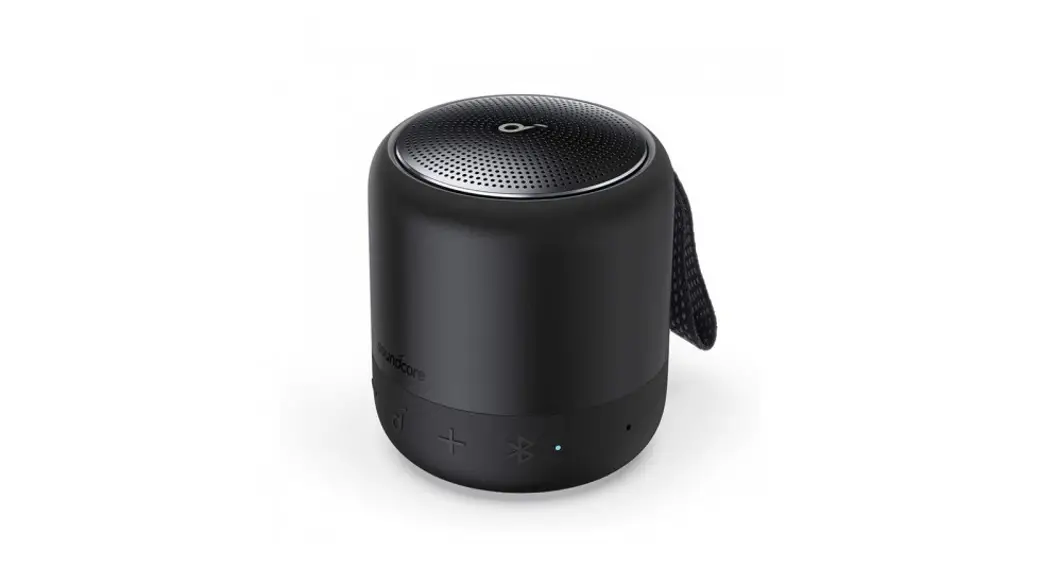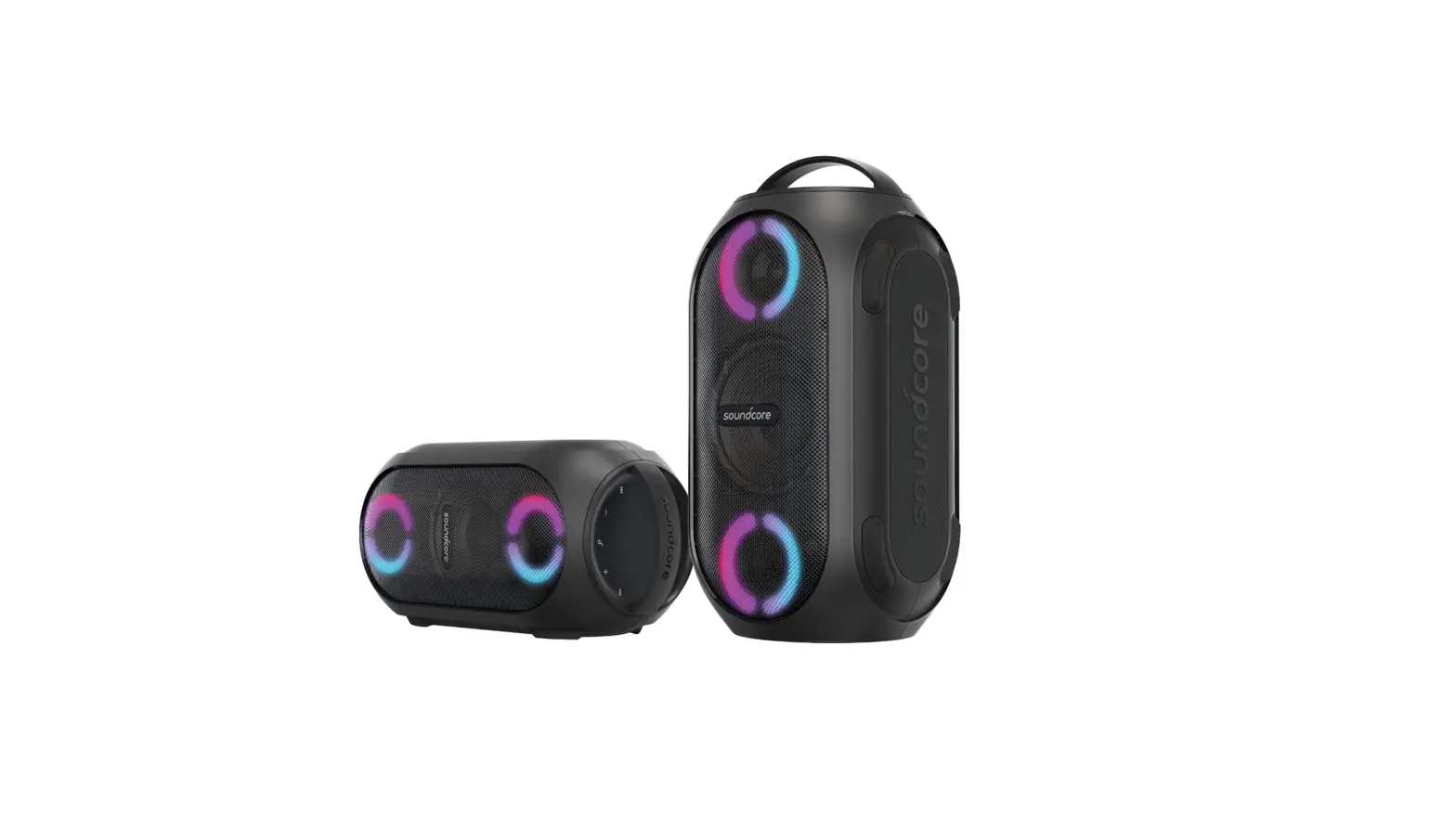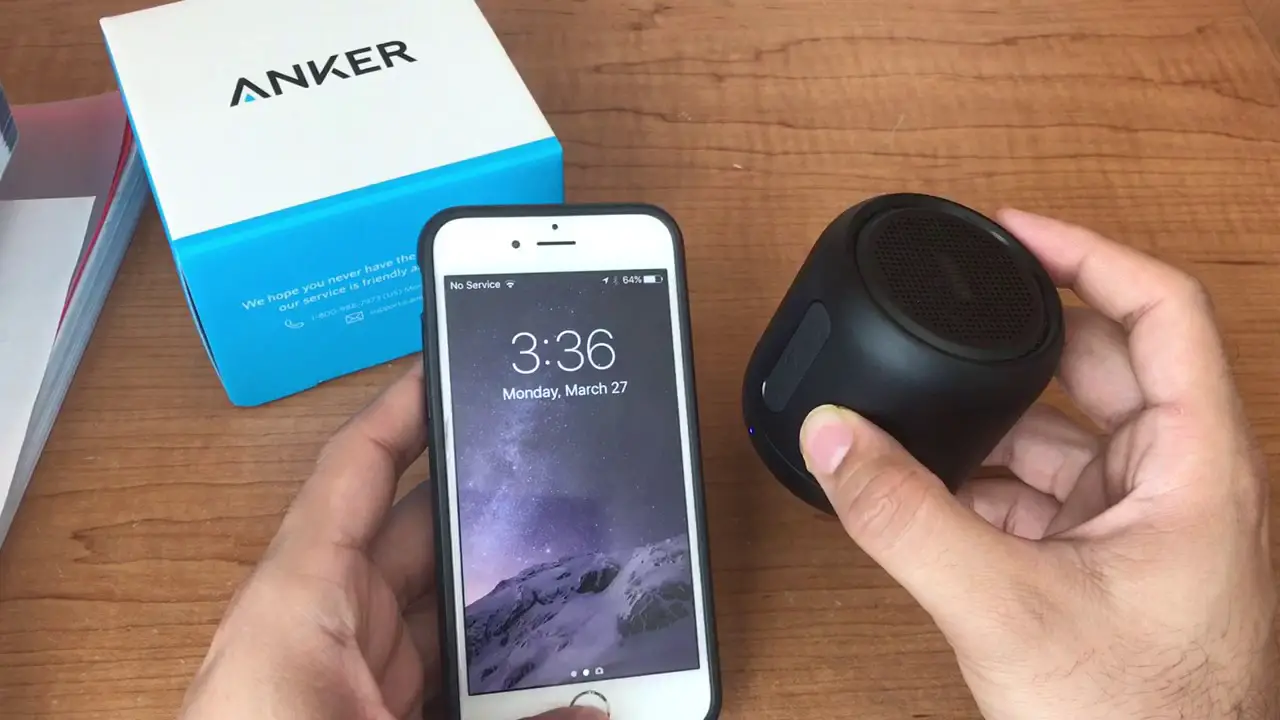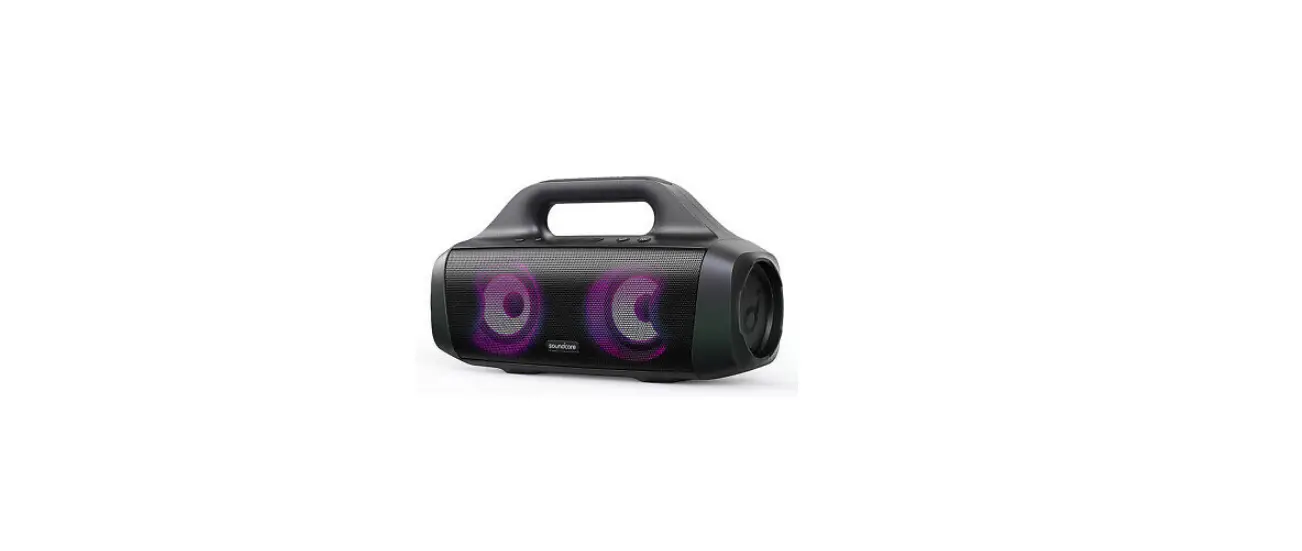
Soundcore AK-A3117011 Bluetooth Speaker with Stereo Sound
At a Glance
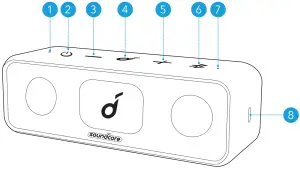
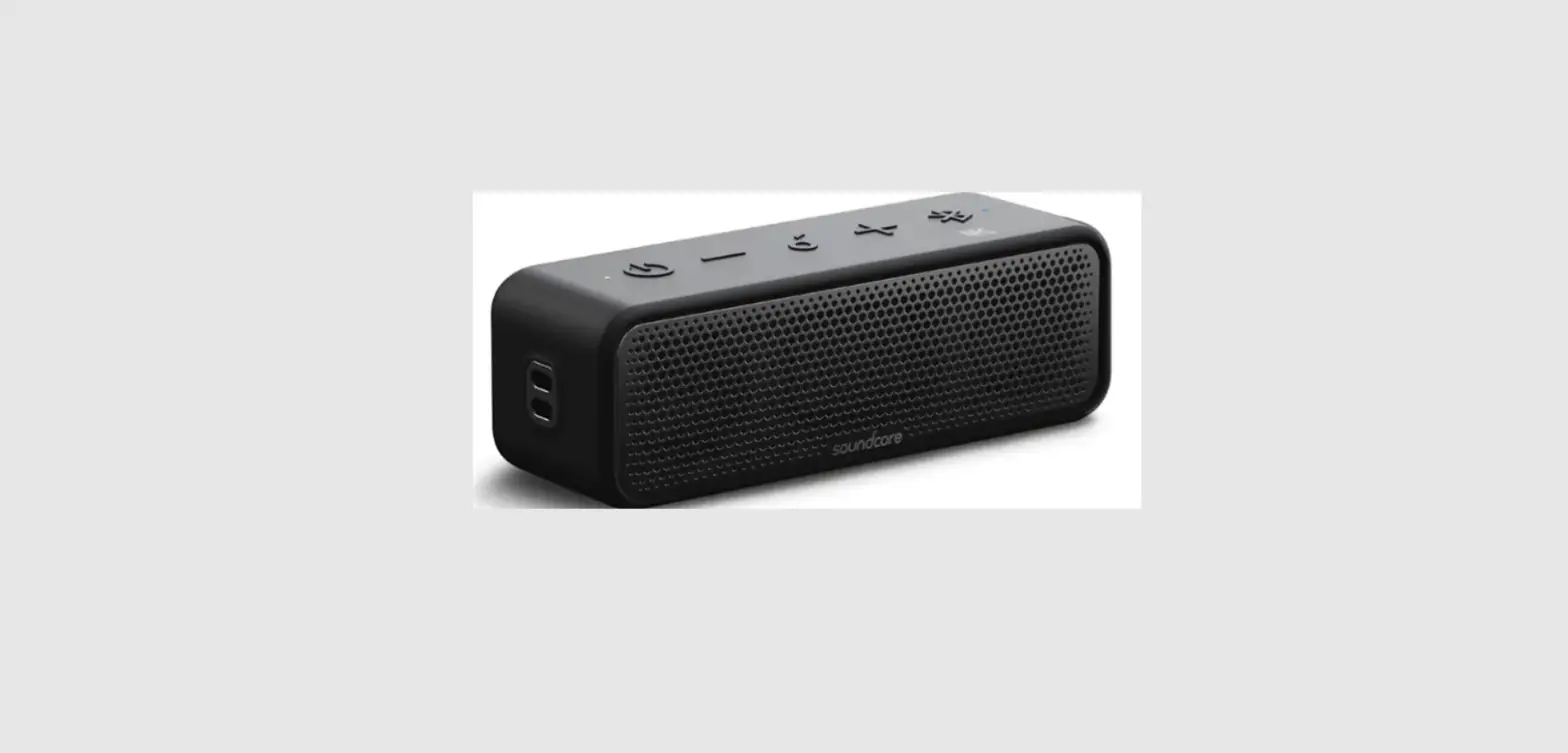
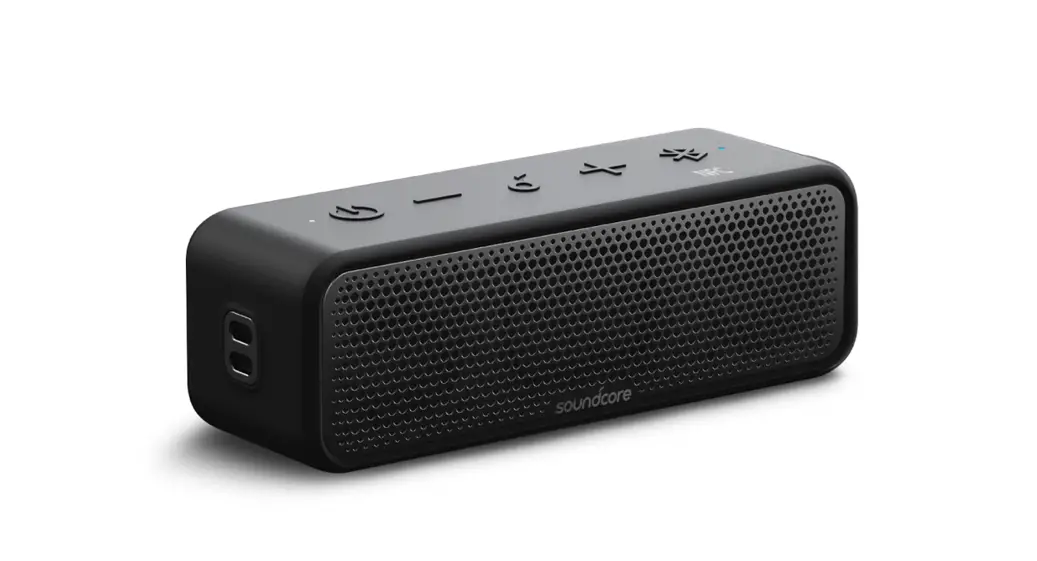
 | Power LED |
 | Power button |
 | Volume down button |
 | Multi-function button |
 | Volume up button |
 | Bluetooth/PartyCast button |
 | Bluetooth/PartyCast LED |
 | USB-C charging port |
Charging

- Use the provided USB-C cable to prevent any damage.
- Fully charge this speaker before the first use to prolong the lifespan of the built-in battery.
- Disconnect this speaker from the charger when fully charged. Do not charge for extended periods.
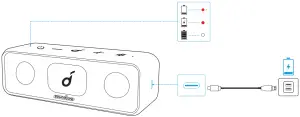
 | Flashing red | Low battery |
 | Steady red | Being charged |
 | Steady white | Fully charged |
Powering On/Off
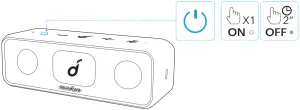
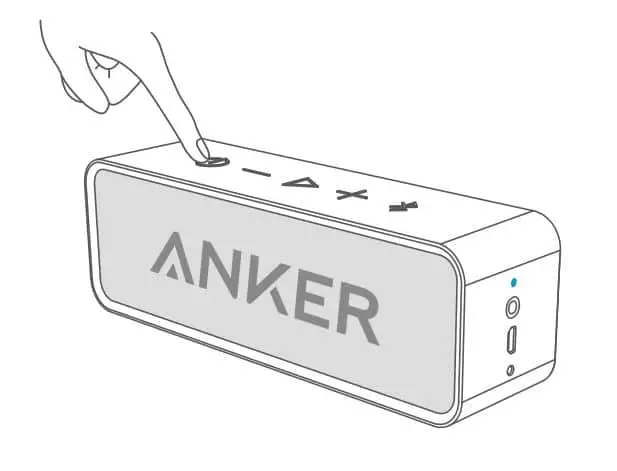
| Power on |  | Press |
| Power off | | Press and hold for 2 seconds |
- This speaker will power off automatically 30 minutes after no audio input or button inactivity.
Using your Soundcore 3
Bluetooth Mode
With this speaker, you can enjoy music through your Bluetooth-enabled devices .
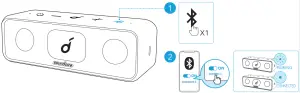
 | Press | Enter Bluetooth pairing mode |
 | Flashing blue | Bluetooth pairing |
 | Steady blue | Bluetooth connected |
- Dual Bluetooth Connection: This speaker can pair up to 2 mobile devices via Bluetooth. To pair with another device. press the Bluetooth button to re-enter Bluetooth pairing mode.
- This speaker can only play music on one mobile device at a time. To play from another connected device, pause the currently active device first.
- Each time you power on your Soundcore speaker, it will automatically connect to your last connected device if available within the Bluetooth range. If not, press the Bluetooth button to enter Bluetooth pairing mode.
PartyCast Mode
You can wirelessly connect up to 100 identical Soundcore 3 speakers together.
- Connect one Soundcore 3 speaker with your smartphone or tablet as the primary speaker.
- Press and hold the Bluetooth button on the primary speaker and all desired speakers to enter pairing mode.
>>> When successfully connected, the Bluetooth LED on the primary speaker will continue flashing white, while on the secondary speakers will turn white.
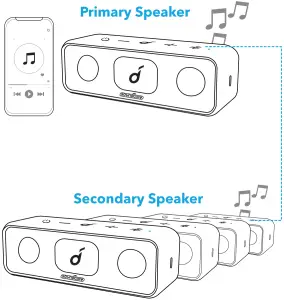
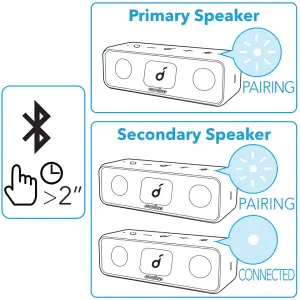
When PartyCast mode is successfully entered:
- Any secondary speaker can be switched to become the primary speaker by pressing the Bluetooth button twice and connecting to your smartphone. Any primary speaker can be switched to become the secondary speaker by pressing the Bluetooth button twice and searching for an available primary speaker.
- To exit the PartyCast mode, press and hold the Bluetooth button on any speaker for 2 seconds.
Button Controls
 | Press | Play/Pause |
| Press twice | Next track |
| Press thrice | Previous track |
 | Press or press and hold | Adjust volume |
| Press | Answer/End a call |
| Press | Answer a second incoming call and put the current call on hold |
| Press and hold for 2 seconds | Reject an incoming call |
| Press and hold for 2 seconds | Switch between a call on hold and an active call |
| Press and hold for 2 seconds | Activate Siri or other voice assistant software |
Soundcore App
Download the Soundcore App for enhanced product experience.
- Check product information
- Update firmware
- Indicate battery status
- Remotely control the volume and p lay/pause
- Customize EQ settings
- Set Auto-power off time
 |  | |
|
| |


Specifications
Specifications are subject to change without notice.
| DC power input | 5V⎓2A |
| Battery capacity | 5200mAh |
| Audio output power | 8Wx2 |
| Charging time | Appr. 4 hours |
| Playtime (varies by volume level and music content) | Up to 24 hours |
| Waterproof level | IPX7 |
| Bluetooth version | 5.0 |
| Bluetooth range | 20m/66ft |