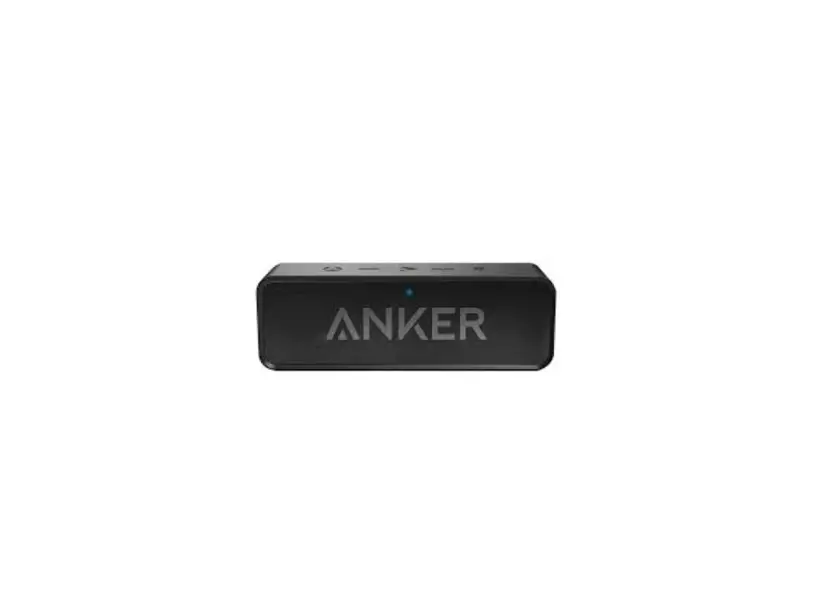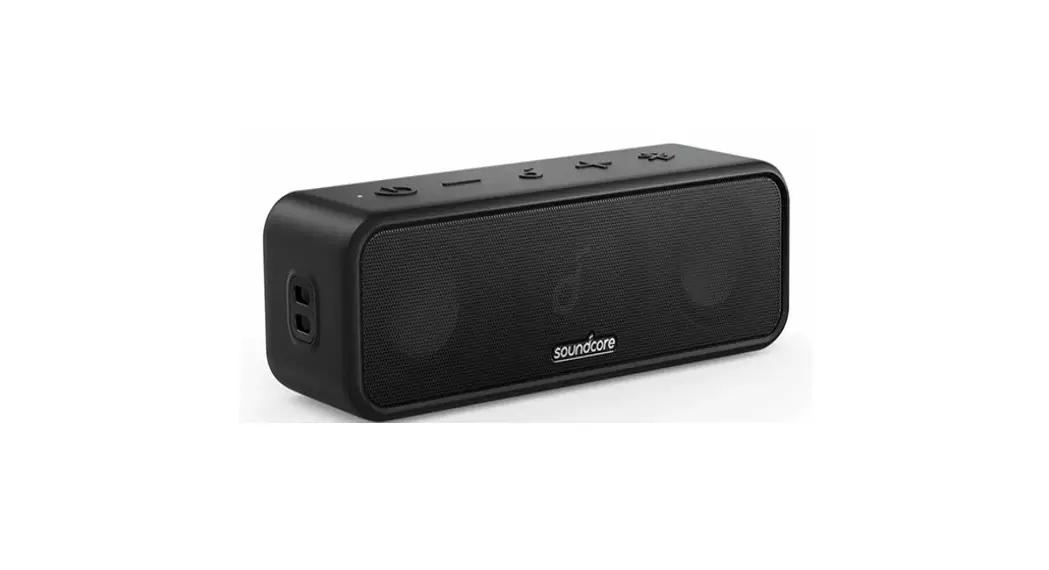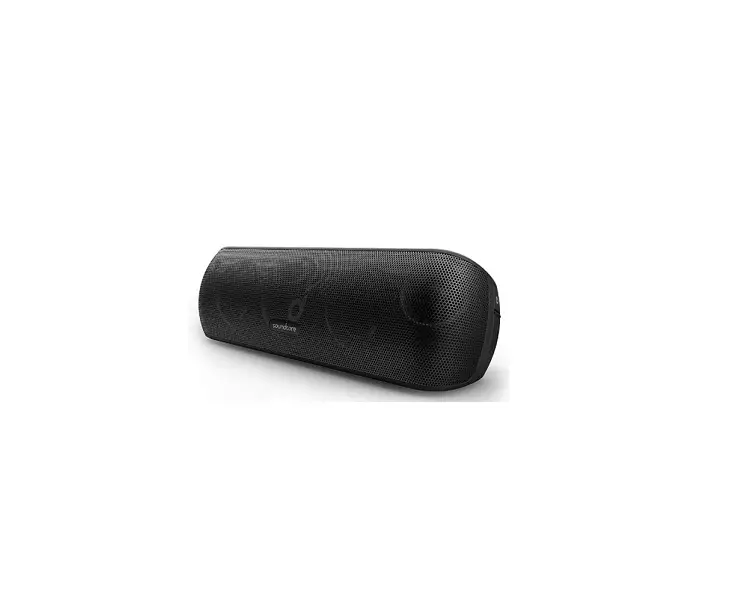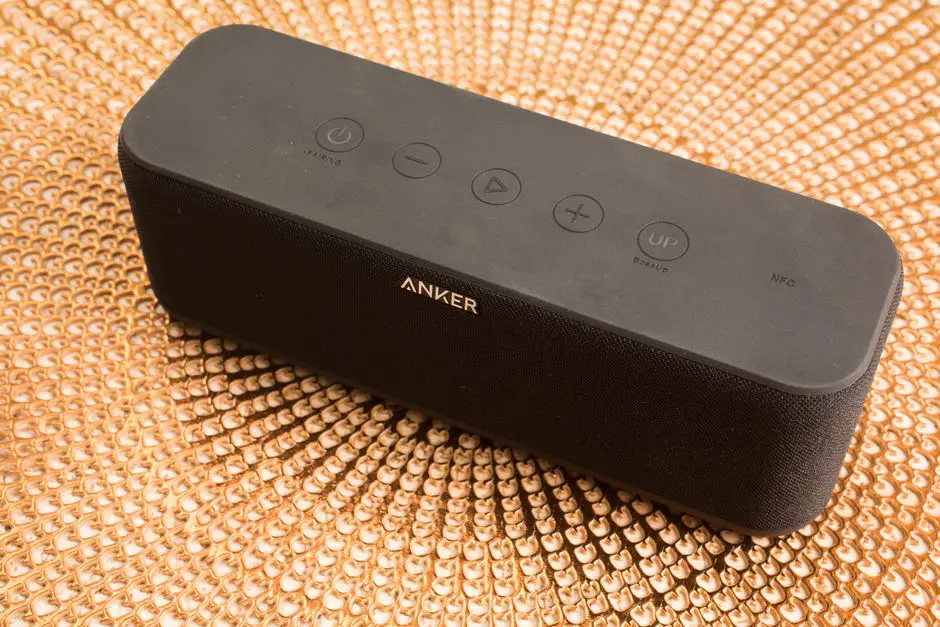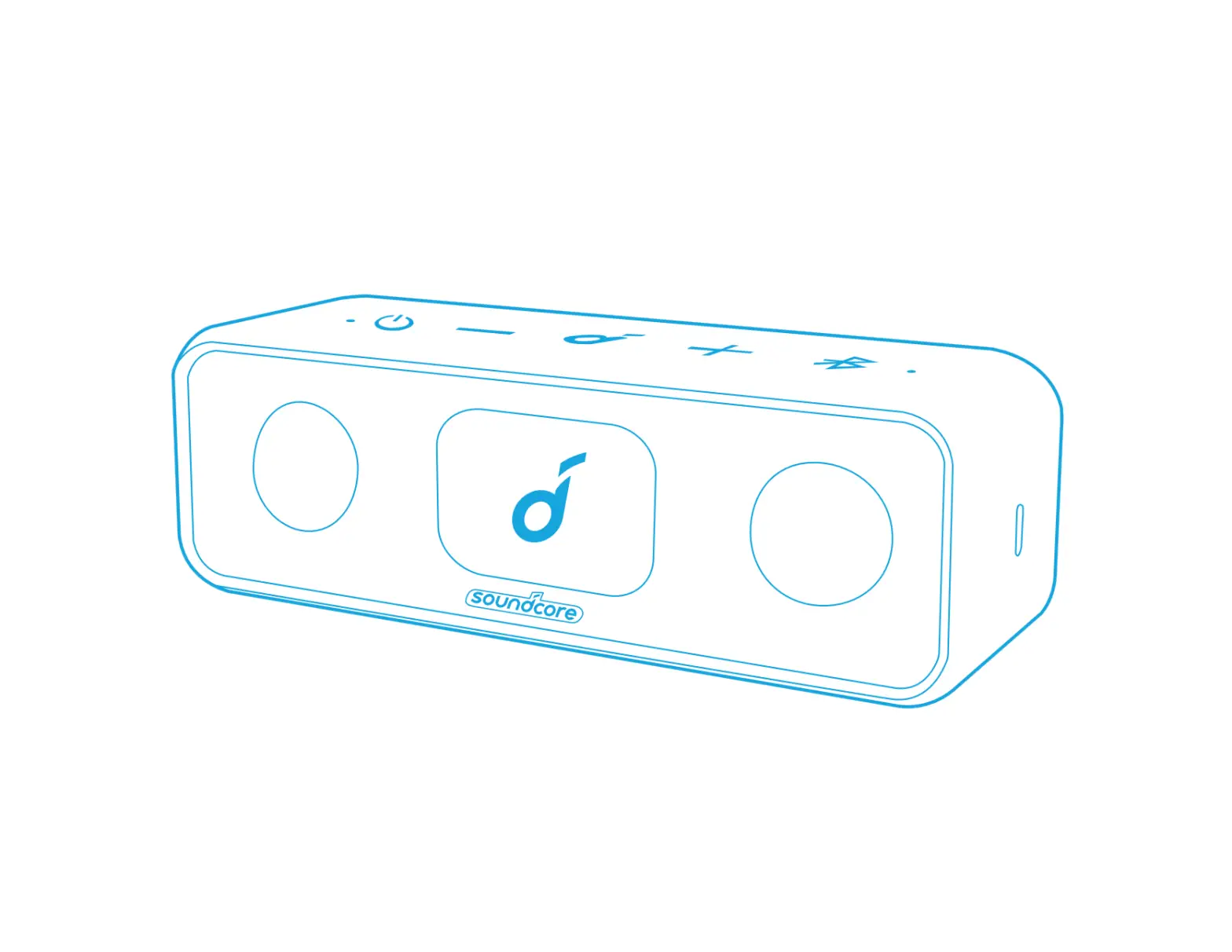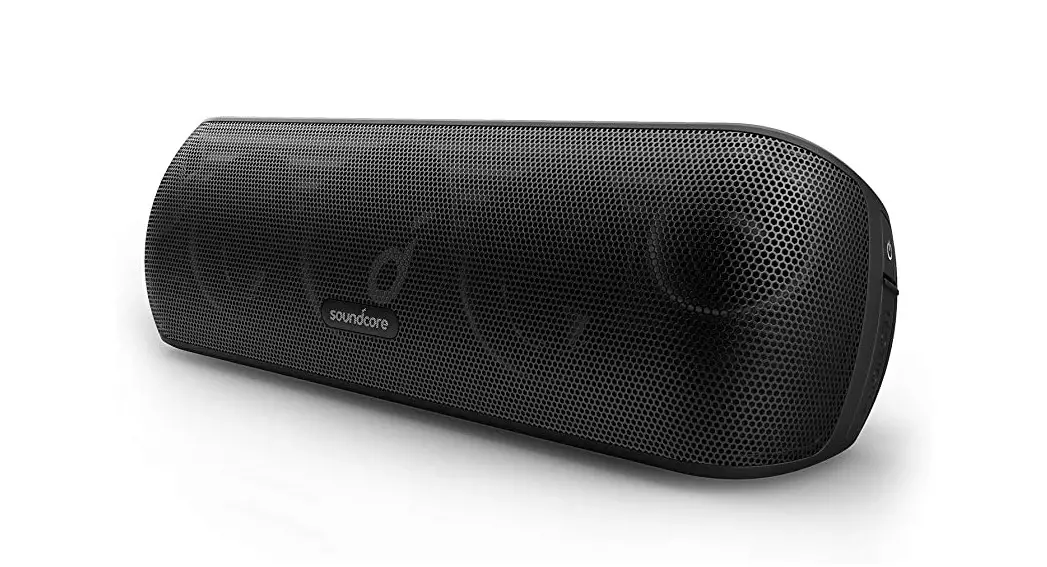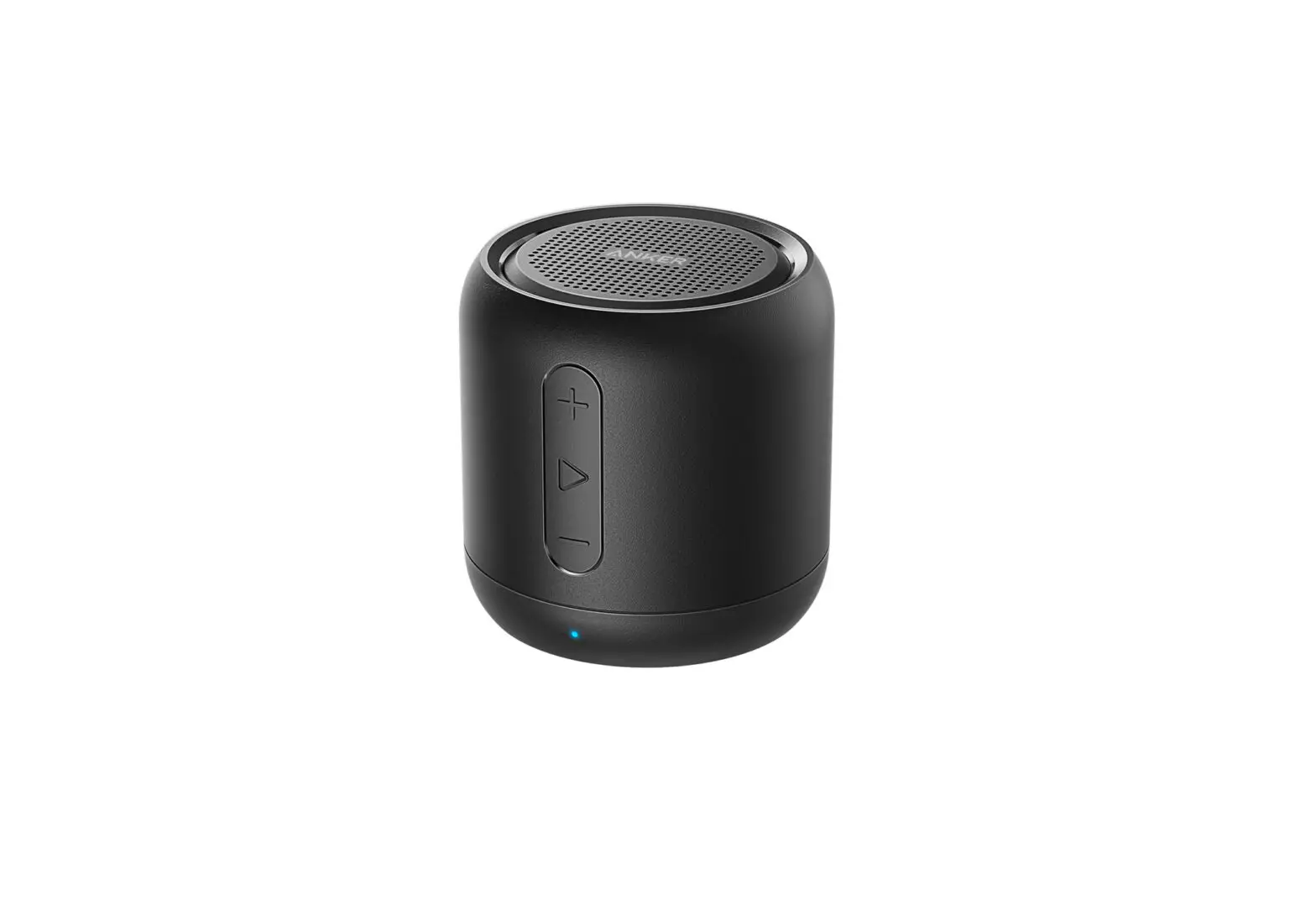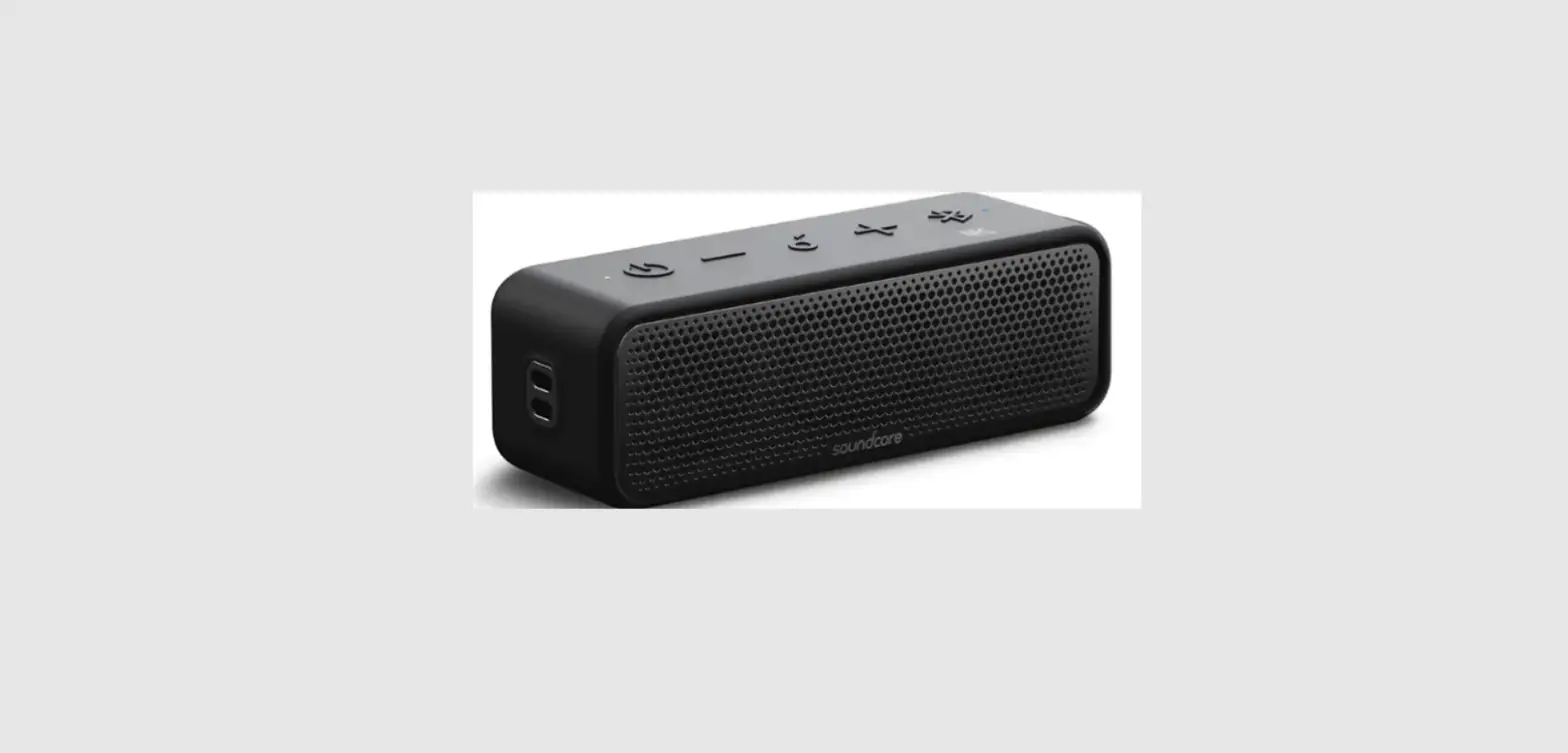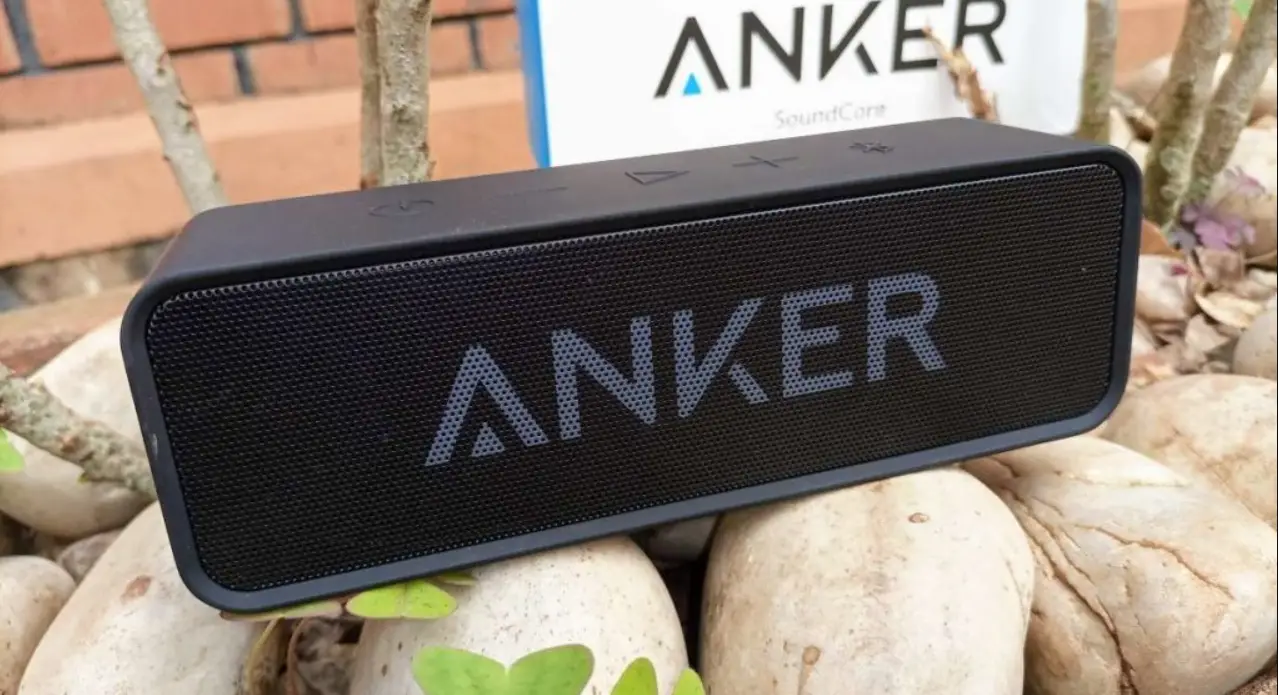

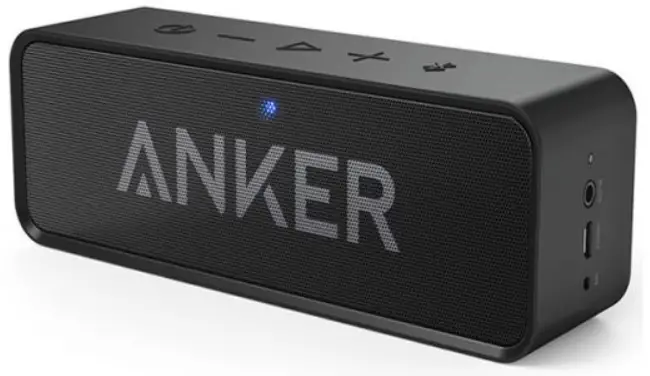
ANKER A3102 SoundCore Bluetooth Stereo Speaker
For FAQs and more information, please visit:


@Anker
@Anker Japan
@Anker Deutschland

@AnkerOfficial
@Anker_JP

@Anker
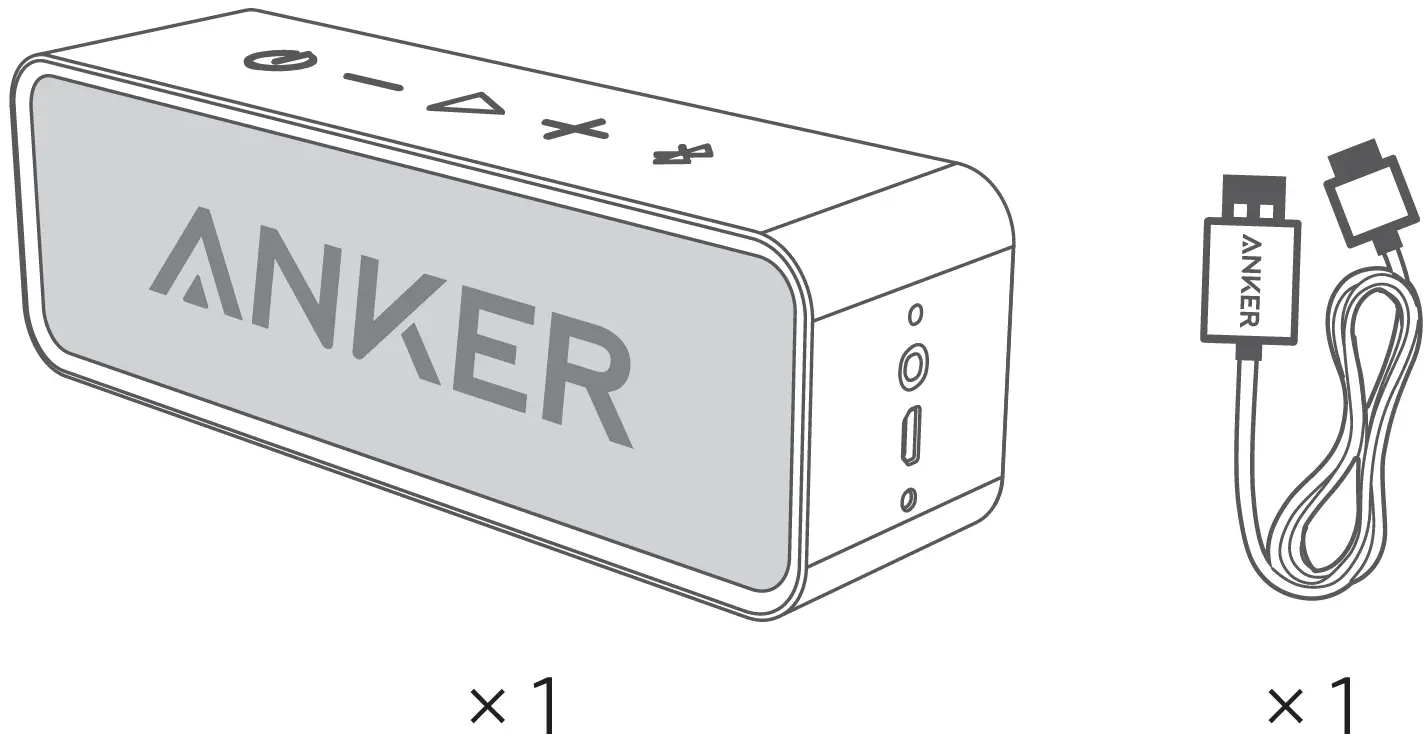
What’s Included
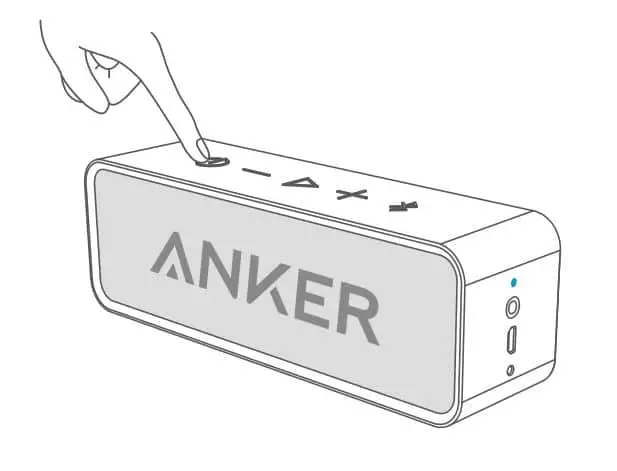
At a Glance
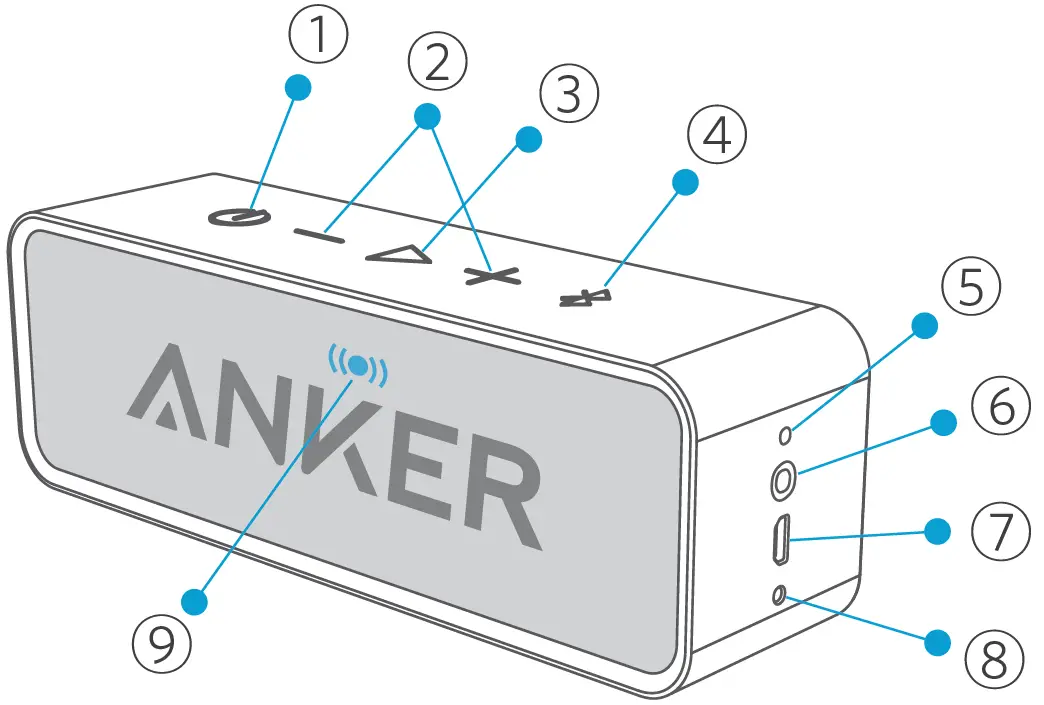
| 1 | Power button | 6 | 3.5mm Aux input |
| 2 | Volume buttons | 7 | Micro USB charging port |
| 3 | Play/Pause button | 8 | Microphone |
| 4 | Bluetooth pairing button | 9 | Status indicator |
| 5 | Battery indicator |
Using Your SoundCore
Turn on / off
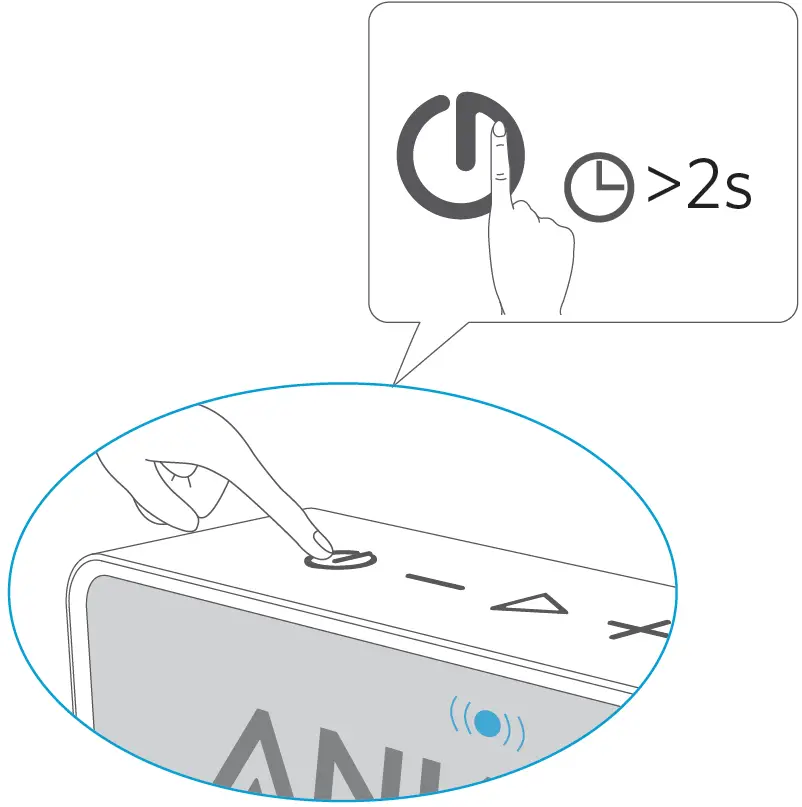
SoundCore will automatically turn off after 10 minutes if no device is connected.
Charge your SoundCore
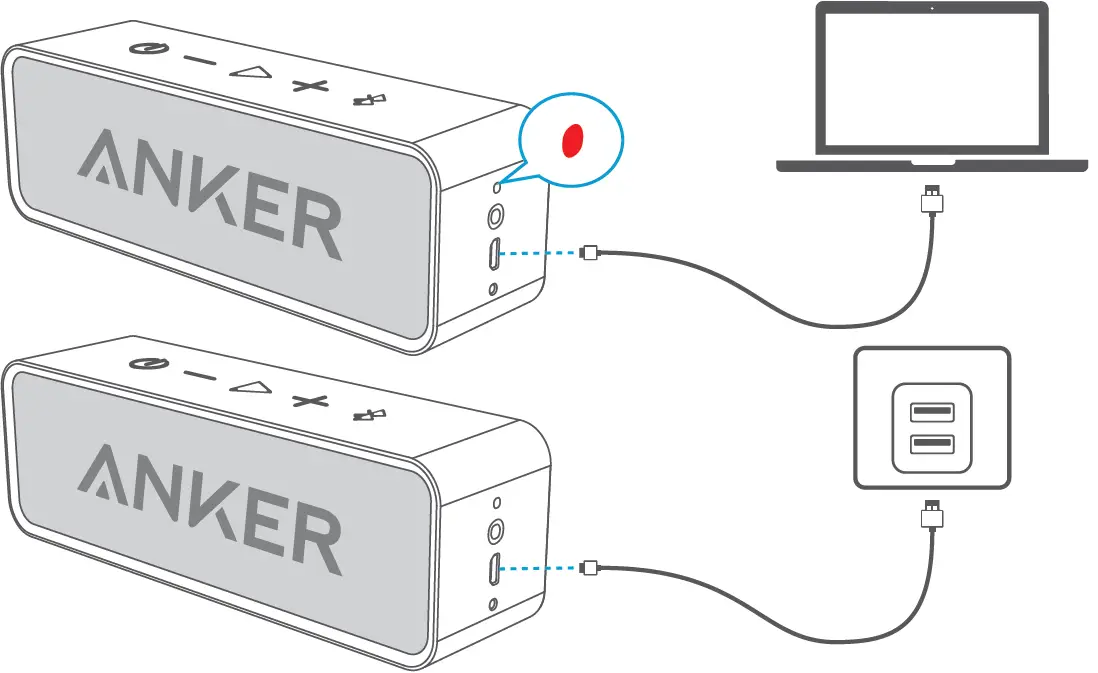
Flashing red | Low power |
Steady red | Charging |
Off | Fully charged |



Use the included USB cable to charge your SoundCore and make sure it is fully charged before first use.
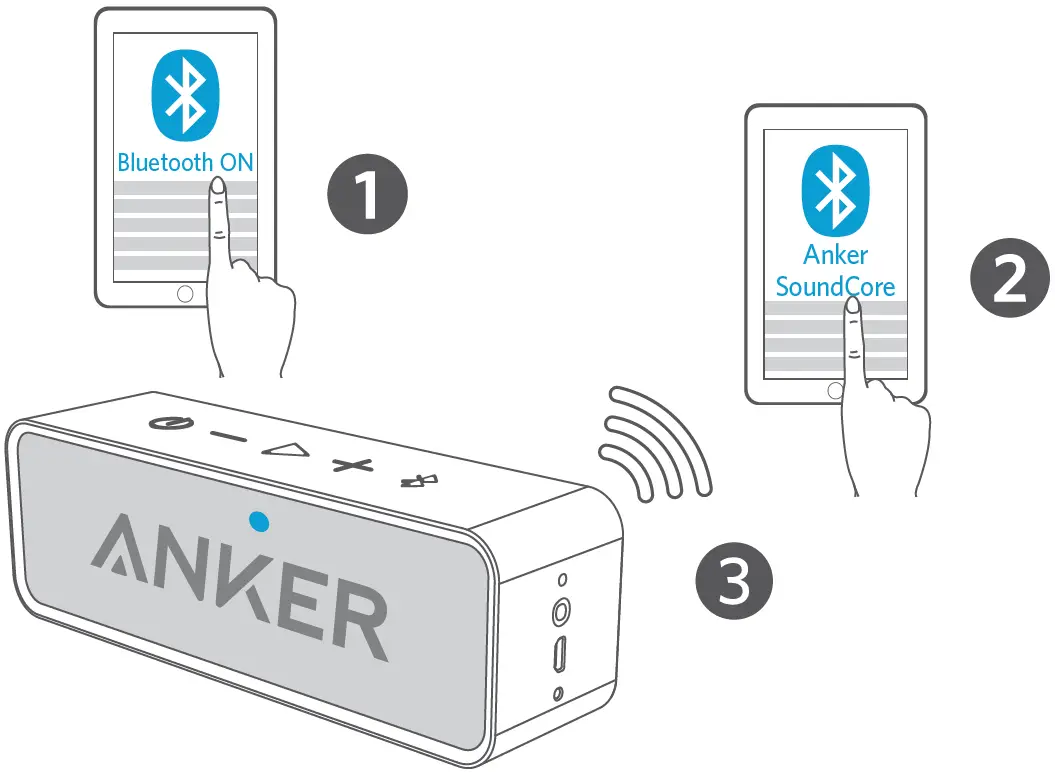
Pair with your device
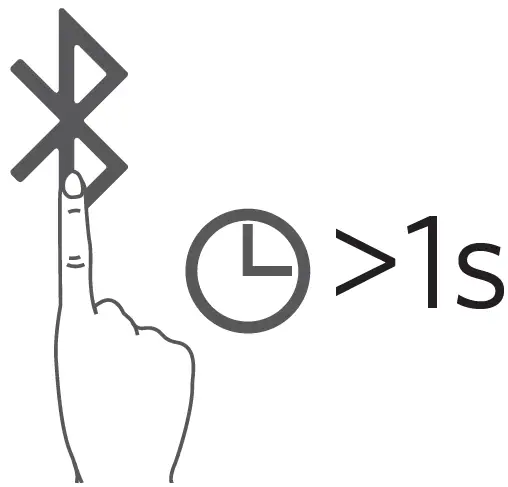
Un-pair connected device and re-enter pairing mode
Rapidly flashing blue | Pairing mode |
Steady blue | Connected to a device |

When turned on, SoundCore will automatically connect to the last connected device if available. If not, SoundCore will enter pairing mode.
Having connection problems? Remove SoundCore trom your device’s Bluetooth history, ensure it’s less than 3 feet away then try pairing again.
Connect via AUX
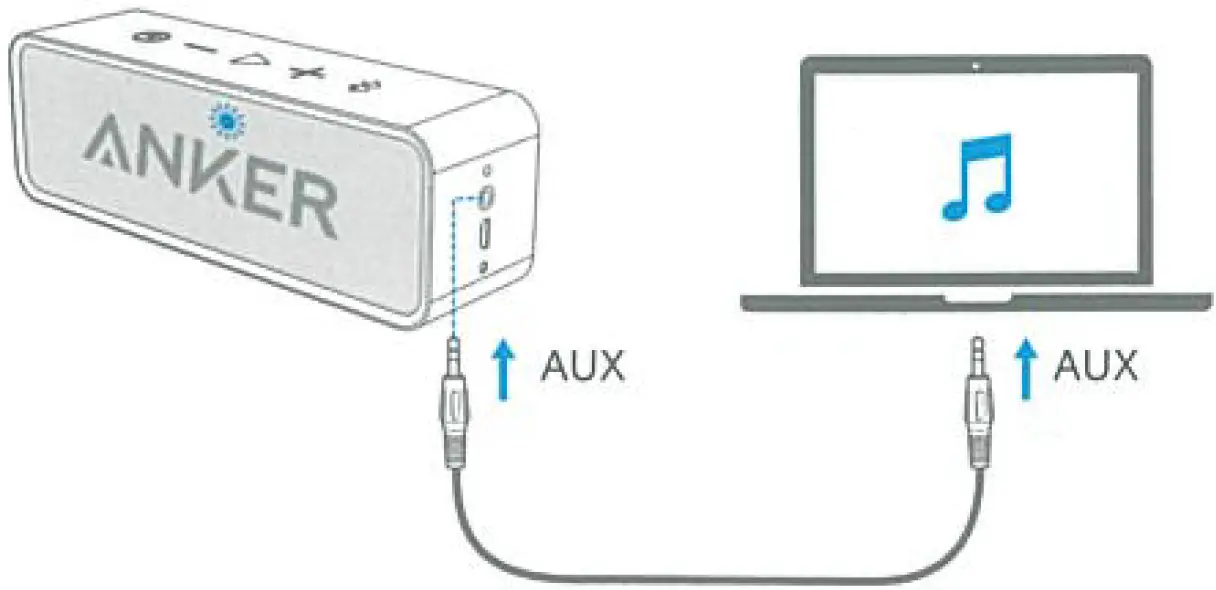
* SoundLine AUX cable sold separately
Rapidly flashing blue
| AUX Mode |
When using AUX mode, control audio playback via the Connected device.
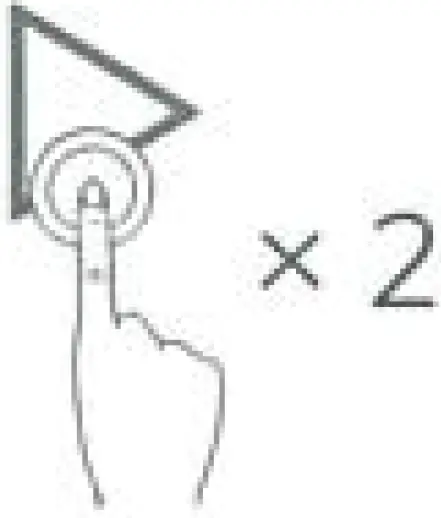
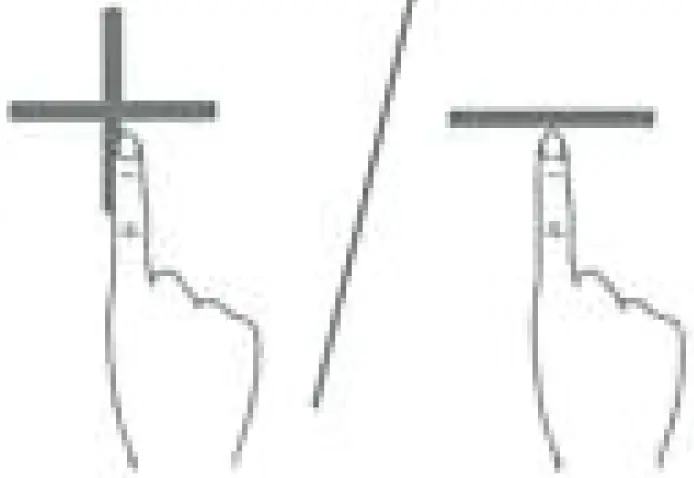
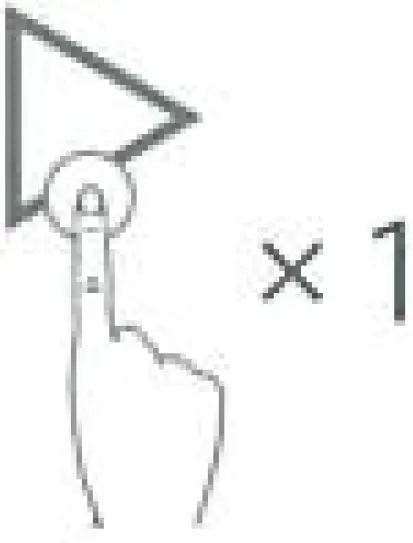
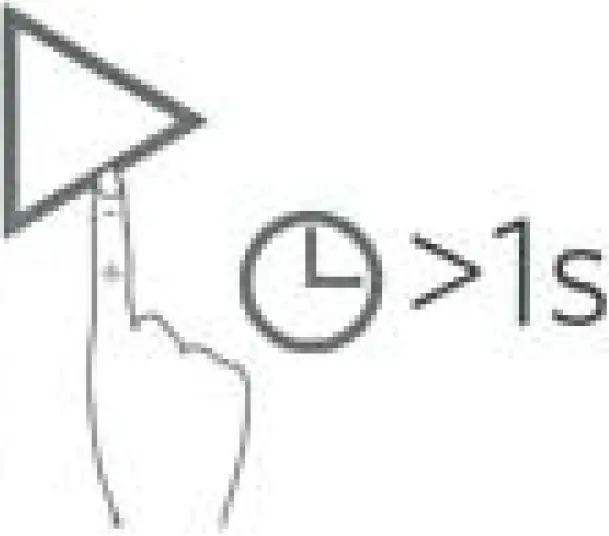
Controls
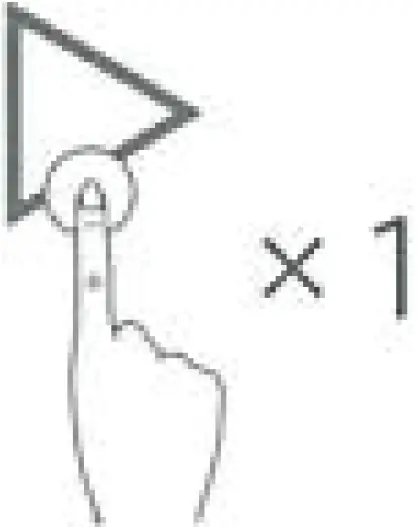
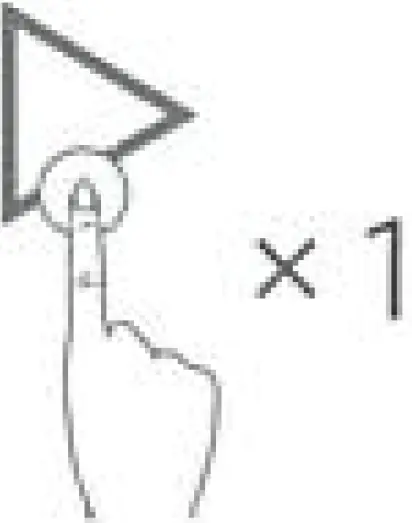
- Play / Pause

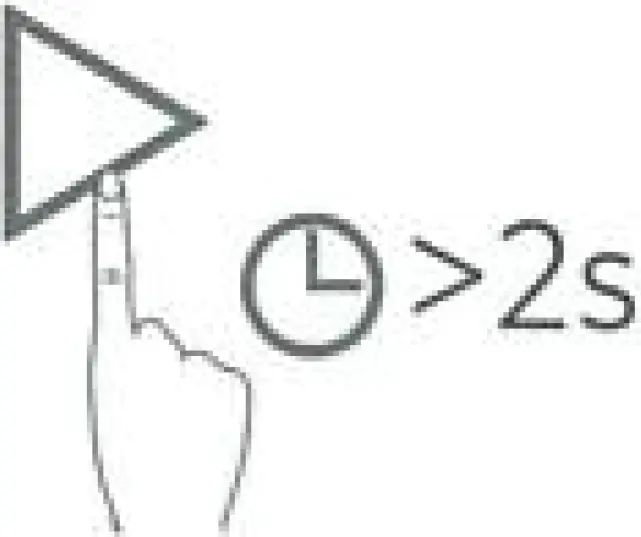
- Skip Forward

- Volume Up / Down

- Answer / End Call

- Reject Call

- Put current call on hold and answer incoming call

- Switch between held call and active call

Specifications
| Input | 5V = 1A |
| Audio Output | 3W x 2 |
| Charging Time | 5 – 6 Hours |
| Play time (varies by volume level & content) | 24 Hours |
| Size | 165x 45x 54 mm |
| Weight | 365 g / 12.9 oz |
| Range | 20 m / 66 ft |
Attention
- Use original or certified cables

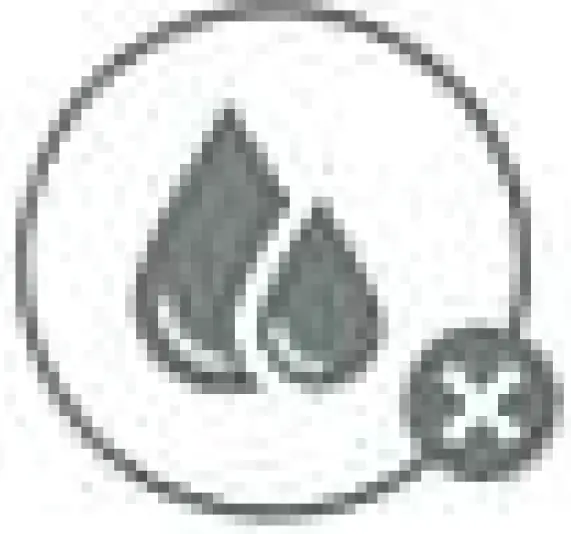
- Don’t expose to liquids

- Don’t disassemble

- Avoid dropping

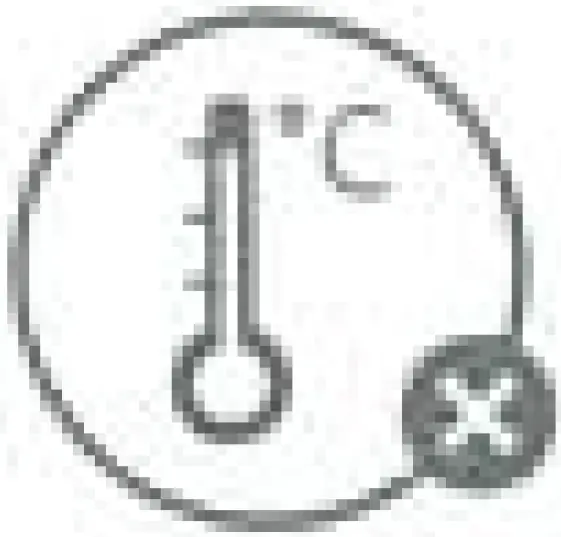
- Avoid extreme temperatures




FCC Statement
This device complies with Part 15 of the FCC Rules. Operation is subject to the following two conditions:
- This device may not cause harmful interference, and
- This device must accept any interference received, including interference that may cause undesired operation.
Warning: Changes or modifications not expressly approved by the party responsible for compliance could void the user’s authority to operate the equipment.
Note: This equipment has been tested and found to comply with the limits for a Class B digital device, pursuant to Part 15 of the FCC Rules. These limits are designed to provide reasonable protection against harmful interference in a residential installation.
This equipment generates uses and can radiate radio frequency energy and, if not installed and used in accordance with the instructions, may cause harmful interference to radio communications. However, there is no guarantee that interference will not occur in a particular installation. It this equipment does cause harmful interference to radio or television reception, which can be determined by turning the equipment off and on, the user is encouraged to try to correct the interference by one or more of the following measures:
- Reorient or relocate the receiving antenna.
- Increase the separation, between the equipment and receiver.
- Connect the equipment into an outlet on a circuit different from that to which the receiver is connected.
- Consult the dealer or an experienced radio/ TV technician for help.
RF Warning Statement
The device has been evaluated to meet general RF exposure requirements. The device can be used in portable exposure conditions without restriction.
The following importer is the responsible party
- Company Name: Fantasia Trading LLC
- Address: 5350 Ontario Mills Pkwy, Suite 100, Ontario, CA 91764
- Telephone: +1 (800) 988 7973
Bluetooth
The Bluetooth® word mark and logos are registered trademarks owned by the Bluetooth SIG, Inc. and any use of such marks by Anker Innovations Limited is under license. Other trademarks and trade names are those of their respective owners.
CE
This product complies with the radio interference requirements of the European Community.
CAUTION RISK OF EXPLOSION IF BATTERY IS REPLACED BY AN INCORRECT TYPE. DISPOSE OF USED BATTERIES ACCORDING TO THE INSTRUCTIONS.
Declaration of Conformity
Hereby, Anker Innovations Limited declares that the radio equipment type A3102 is in compliance with Directive 2014/53/ EU. The full text of the EU declaration of conformity is available at the following internet address: www.anker.com
Maximum output power: 3.06dBm
Frequency band: 2.4G band (2.400OGHz-2.4835GHz)
IC NOTICE TO CANADIAN USERS
This device complies with Industry Canada license-exempt RSS standard(s). Operations subject to the following two conditions:
- This device may not cause interference, and
- This device must accept any interference, including interference that may cause undesired operation of the device.
This device complies with RSS-247 of Industry Canada. Operation is subject to the condition that this device does not cause harmful interference. This Class B digital apparatus complies with Canadian ICES-O03.
Anker Innovations Limited
Room 1318-19, Hollywood Plaza, 610 Nathan Road, Mongkok, Kowloon, Hong Kong
Customer Service
- 18-month limited warranty
- Lifetime technical support
[email protected]
[email protected]
Telephone
- 1-800-988-7973 | Mon-Fri 9:00-5:00 PST (US)
- 03-4455-7823 | Mon-Fri 9:00-17:00
- 069-9579-7960 | Mon-Fri 6:00-11:00 (DE)
- 01604-936200 | Mon-Fri 6:00-11:00 (UK)
- 400-0550-036 | Mon-Fri 9:00-17:30 (PE)
- 4003-0957 (Capitais e regiões metropolitanas) ou 0800 888 0957 (Demais localidades)
- Seg-Sex 8:00-18:00 (BR)
 download - Anker US