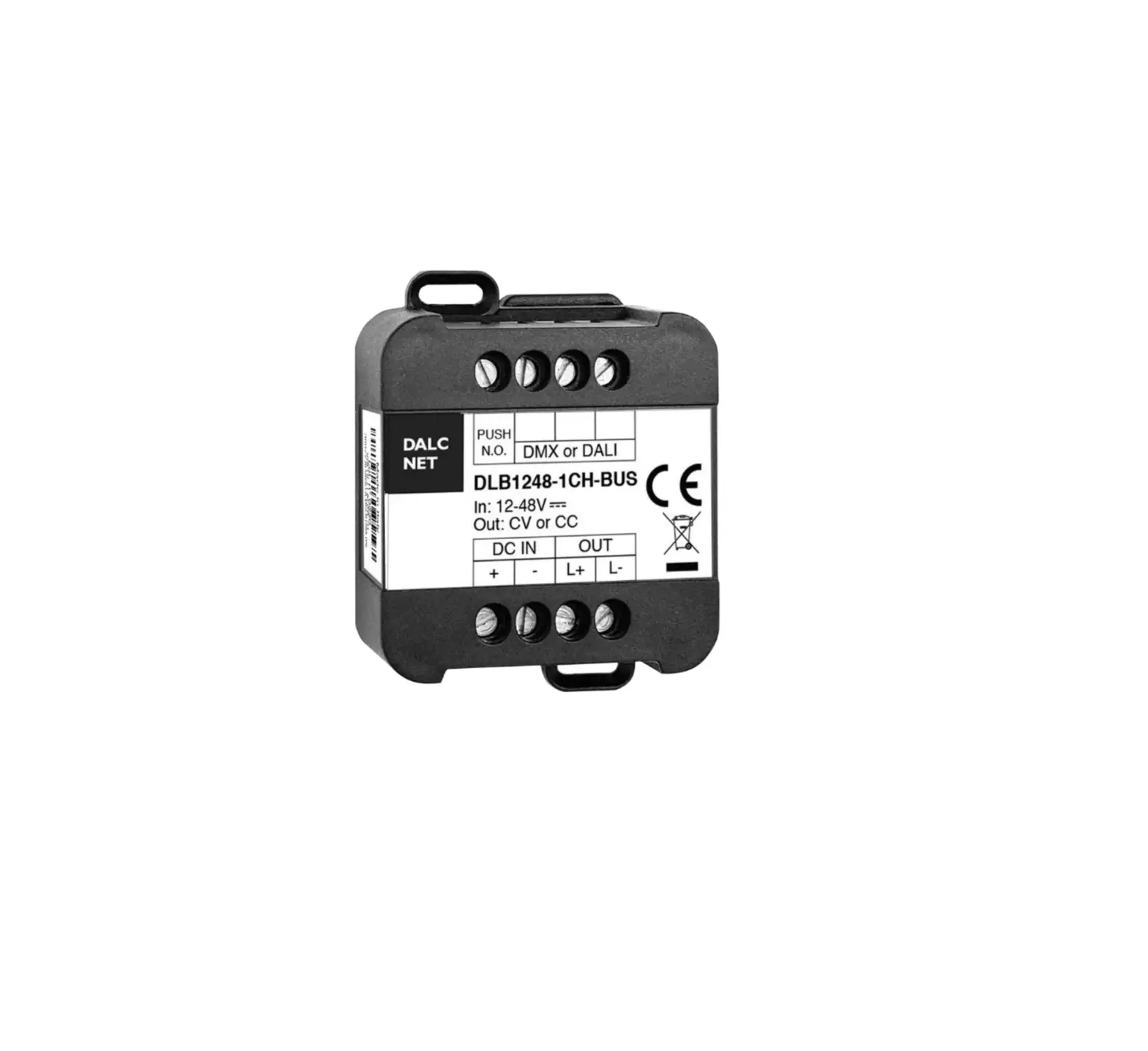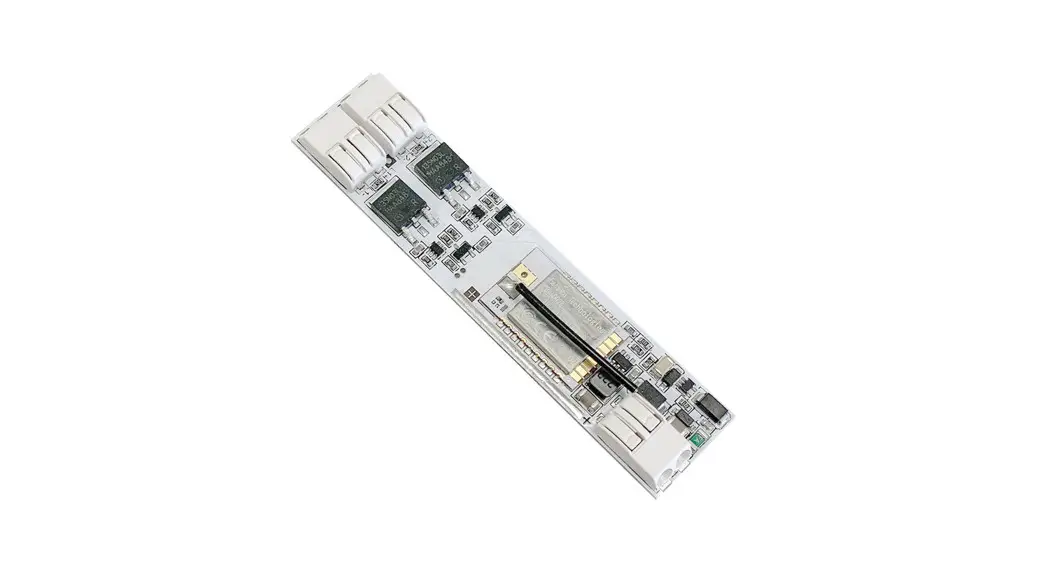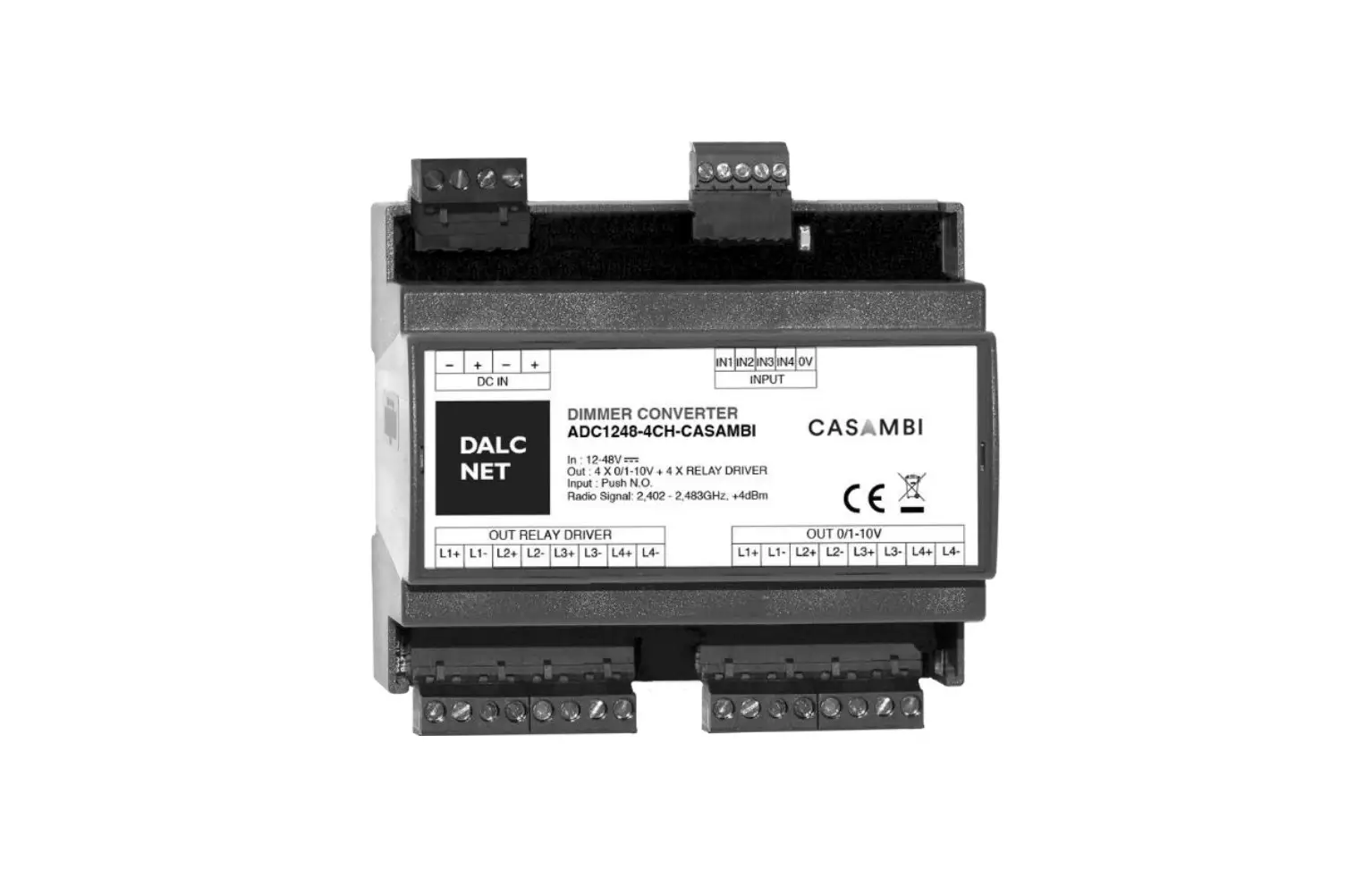

DOC NET DLX1224 Multi-Channel Dimmer User
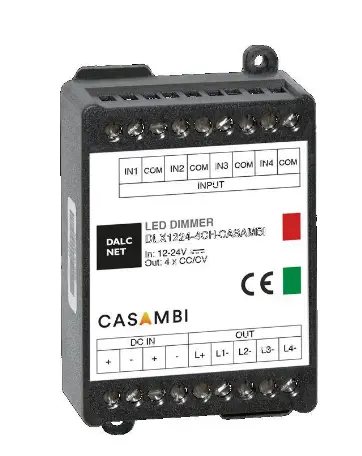
DLX1224 multi channel CASAMBI
Device Manual
Warnings
To guarantee the best performances and the full use of functions, make sure to download on your device the last release of CASAMBI APP.
- Functionality test are done on all dimmers to ensure the right working. In case the device is still paired to “Dalcnet network”, you are asked to unpair it by following the instructions on CASAMBI APP.
- Whenever CASAMBI APP requires an upgrade of the profile installed in the LED Dimmers, follow the instruction to do it. This allows you to stay always up to date and benefit of new functions released.
Check the available profiles on the product manual in our website: http://www.dalcnet.com
FEATURES
- DIMMER+DRIVER CASAMBI
- Input: DC 12-24 Vdc
- Command: APP CASAMBI
- Local Command: N°4 Push Buttons Normally Open (N.O.)
- Control: Dimmer White, Tunable White, Color RGB, RGBW or RGB+W
- Voltage or Current output for LED strip
- Typical efficiency >95%
- Extended temperature range
- 100% Functional Test
PRODUCT DESCRIPTION
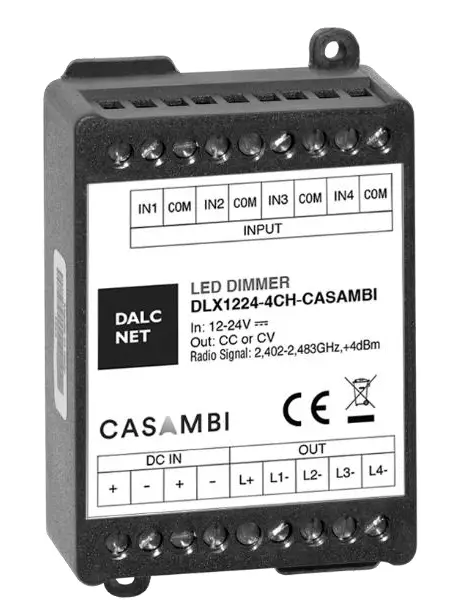
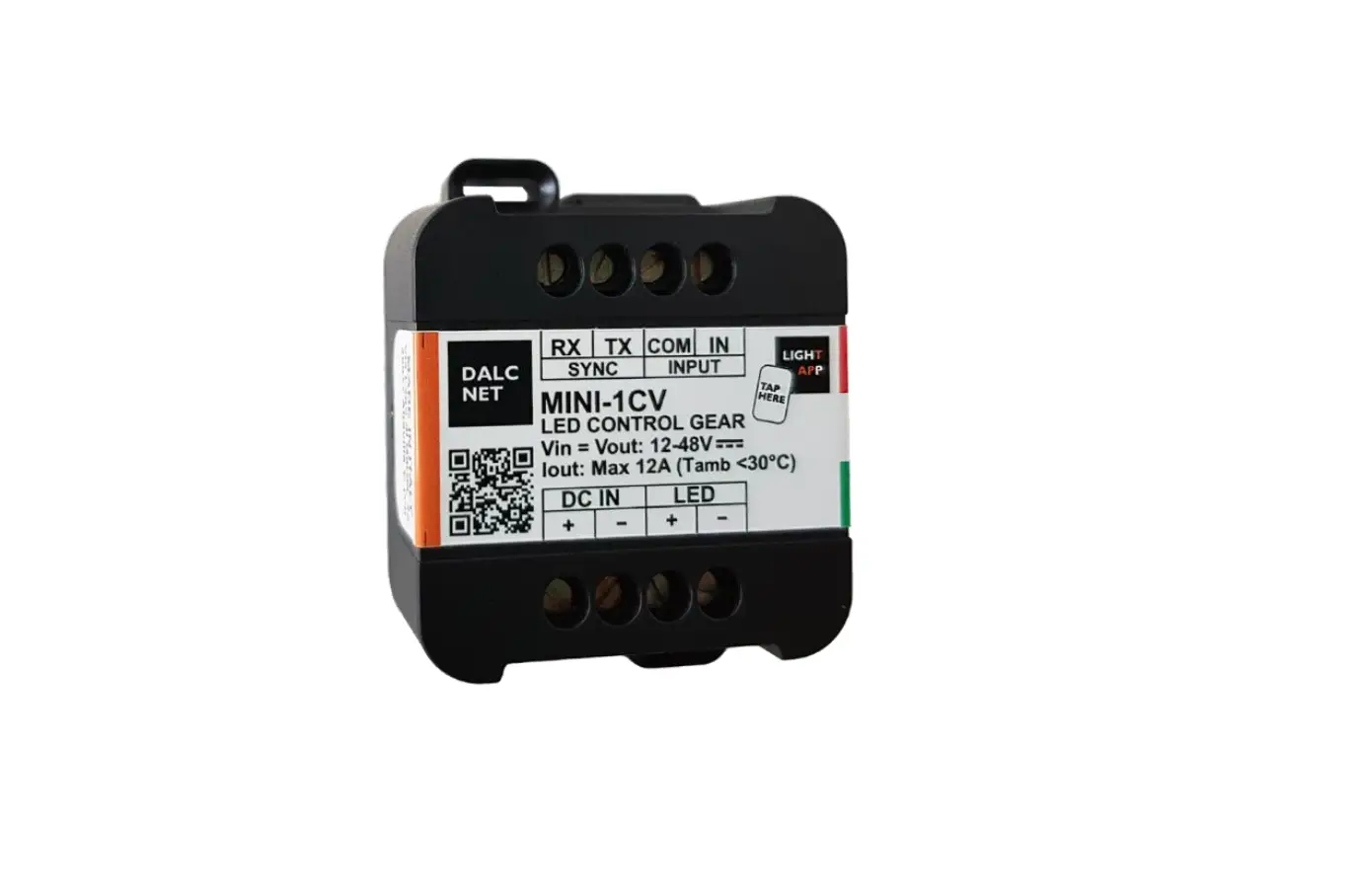
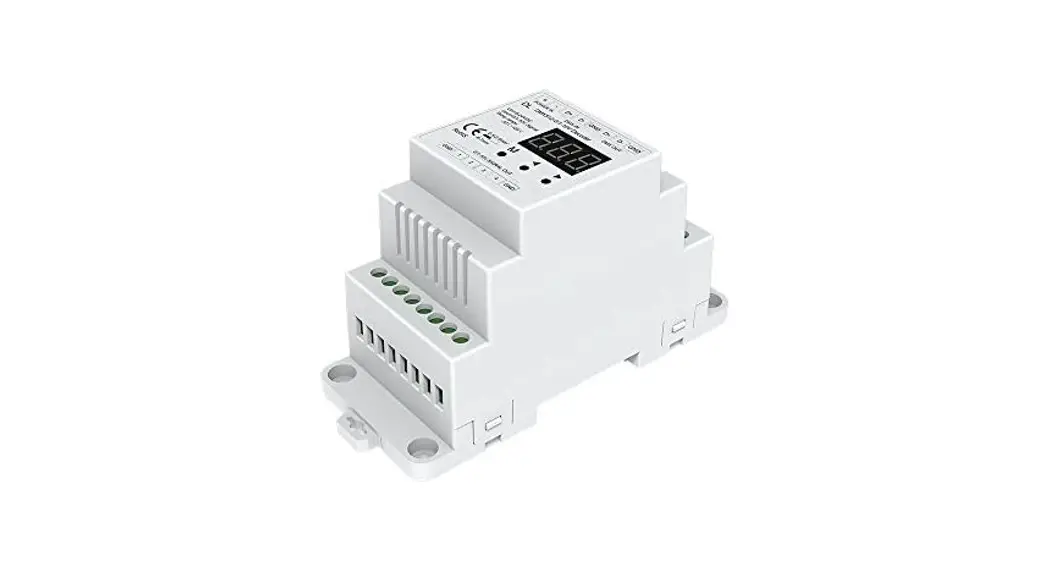
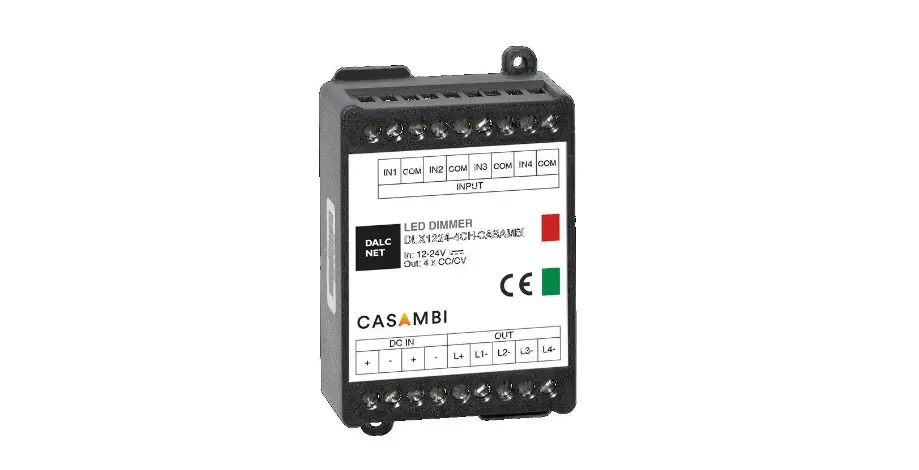
This DLX1224 at 4 channels with CASAMBI module allows to control all kind of leds: White, Tunable White, RGB and RGBW.
Through this Dalcnet device it is possible to adjust the luminous brightness, to create multiple color scenes and settle color games, thanks to all commands available on “CASAMBI APP”. The device is also provide with 4 analog input (n°4 Push Buttons Normally Open) to control up to four different scenes. With Casambi APP it is possible to control Led lights just from one view, by taking a photo of the lamps in a room, or by creating different scenarios. Controlling all your lamps from one view, it is possible to control all your lighting fixtures with one view, individually or as a group. For example it is possible create a group of lights within home (eg. bedroom, kitchen, etc..) as in the workplace (eg. offices, showroom, etc..) and turn all off / on or dim with just one tap Control your lights from a photo. It is possible to control only the lights you desire, just taking a photo of the room, and putting the icon of the lamp on the real position.
Create scenes for different lighting situations: Thanks to this function it is possible to create and store on the app many scenarios with different levels of brightness, different color temperature or RGB scenes. Download the free Casambi APP on APP STORE and GOOGLE PLAY. Necessary conditions for a correct function are:
- Devices with O.S. APPLE iOS 8.2 o later version
- Devices with O.S. ANDROID 4.4 o later version
- Normally Open Push Buttons (N.O.)
- Casambi App, download for free on App Store and Google Play
→ For the whole and updated Device, Manual refer to the producer’s website: http://www.dalcnet.com
→ For the correct functioning of the CASAMBI APP refer to the CASAMBI website: https://support.casambi.com/support/home
PRODUCTS CODE
CONSTANT CURRENT VARIANTS (common anode)
| CODE | Supply voltage | Output | Channels | Commands |
| DLX1224-4CC350-CASAMBI | 12-24V DC | 4x350mA | 4 | APP CASAMBI – 4 push buttons N.O. |
| DLX1224-4CC500-CASAMBI | 12-24V DC | 4x500mA | 4 | APP CASAMBI – 4 push buttons N.O. |
The factory default profile of the product is DLX4-CBM-RGB+W variant RGB+W In case you want to use profiles like DLX4-CBM-W (White), DLX4-CBM-TW (Tunable White), DLX4-CBM-RGB (RGB) or DLX4-CBM-RGBW variant RGBW, etc, it is necessary to log in Casambi APP and download the desired profile. Warning: unpair the Dimmer Led by any Network Casambi
CONSTANT VOLTAGE VARIANTS (common anode)
| CODE | Supply voltage | Output | Channels | Commands |
| DLX1224-4CV-CASAMBI | 12-24V DC | 4 x 5A (max 10A tot) | 1 | APP CASAMBI – 4 push button N.O. |
The factory default profile of the product is DLX4-CBM-RGB+W variant RGB+W In case you want to use profiles like DLX4-CBM-W (White), DLX4-CBM-TW (Tunable White), DLX4-CBM-RGB (RGB) or DLX4-CBM-RGBW variant RGBW, etc, it is necessary to log in Casambi APP and download the desired profile. Warning: unpair the Dimmer Led by any Network Casambi
PROTECTIONS
| CC | CV | ||
| OTP | Over temperature protection 1 | ü | û |
| OVP | Over voltage protection 2 | ü | ü |
| UVP | Under voltage protection 2 | ü | ü |
| RVP | Reverse polarity protection 2 | ü | ü |
| IFP | Input fuse protection 2 | ü | ü |
| OCP | Open circuit protection | ü | û |
| CLP | Current limit protection | ü | û |
TYPE OF PROFILES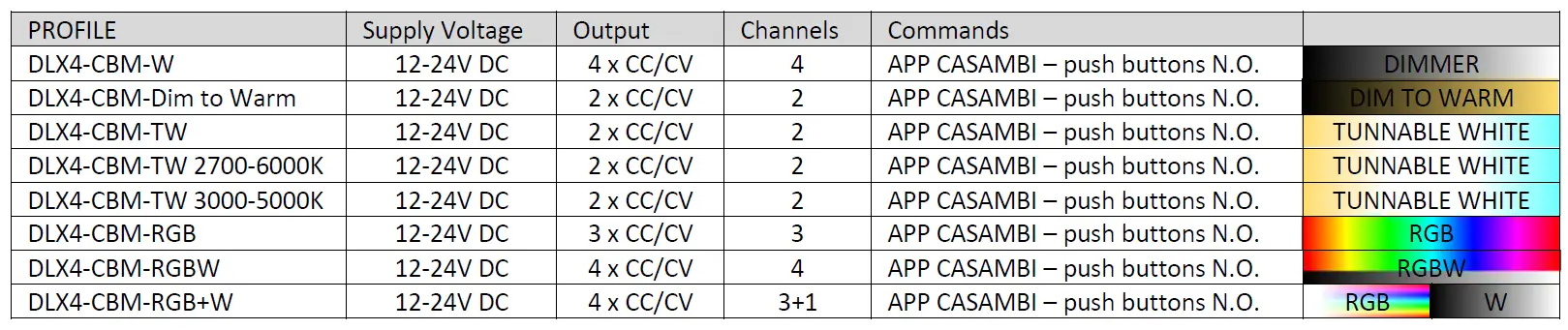
- Thermal Protection on the output channel in case of high temperature. The termal intervention is detected by transistor or current regulation (depending of the booster variant).
- Only control logic protection
DLX1224 multi channel CASAMBI
Device Manual
REFERENCE STANDARDS
- EN 61347-1 Lamp controlgear – Part 1: General and safety requirements
- EN 55015 Limits and methods of measurement of radio disturbance characteristics of electrical lighting and similar equipment
- EN 61547 Equipment for general lighting purposes – EMC immunity requirements
- EN 50581 Technical documentation for the assessment of electrical and electronic products with respect to the restriction of hazardous substances
TECHNICAL SPECIFICATIONS
| Variants | |||||||
| Constant current | Constant voltage | ||||||
| Supply voltage | DC min: 10.8 Vdc .. max: 26.4 Vdc | ||||||
| Output voltage | min: Vin/4 – max: Vin-0,9V | =Vin | |||||
| Input current | max 2A | max 10A | |||||
|
Output current | Variant 350 mA | Variant 500 mA |
max 5 A/ch |
max 10 A total 3 | |||
| 350mA/ch | max 1,4 A total | 500mA/ch | max 2 A total | ||||
| 1ch | max 4ch | 1ch | max 4ch | ||||
| Nominal power 4 | @12V | 4,2W/ch | 16,8 W | 6W/ch | 24 W | 60W/ch | 120 Wmax |
| @24V | 8,4W/ch | 33,6 W | 12W/ch | 48 W | 120W/ch | 240 Wmax | |
| Power loss in standby mode | <500mW | <500mW | |||||
| Type of Load | R-L-C | R | |||||
| Thermal shutdown5 | 150°C | – | |||||
| D-PWM dimming frequency | 600 Hz 6 | ||||||
| D-PWM resolution | 833 Step 6 | ||||||
| Operating frequencies | 2,400…2,483GHz 6 | ||||||
| Maximum output power | 4dBm 6 | ||||||
| Storage temperature | min: -40 max: +60 °C | ||||||
| Ambient temperature | min: -10 max: +40 °C | ||||||
| Wiring | 2.5mm2 solid – 1.5mm2 stranded – 30/12 AWG | ||||||
| Wire preparation length | 5,5 – 6,5 mm | ||||||
| Protection grade | IP20 | ||||||
| Casing material | Plastic | ||||||
| Packaging unit (pieces/unit) | Single Carton Box 1pz | ||||||
| Mechanical dimension | 88 x 54 x 25 mm | ||||||
| Packaging dimension | 106 x 59 x 36 mm | ||||||
| Weight | 80g | ||||||
- For the voltage version the device provides max 10A (Itot= IL1 + IL2 +IL3 +IL4). Each channel provides max 5A.
- The maximum value, depends on the ventilation conditions.
- Thermal Protection on the output channel in case of high temperature. The thermal intervention is detected by current regulation (depending of the booster variant).
- The values depend on the configuration of the Casambi module.
INSTALLATION
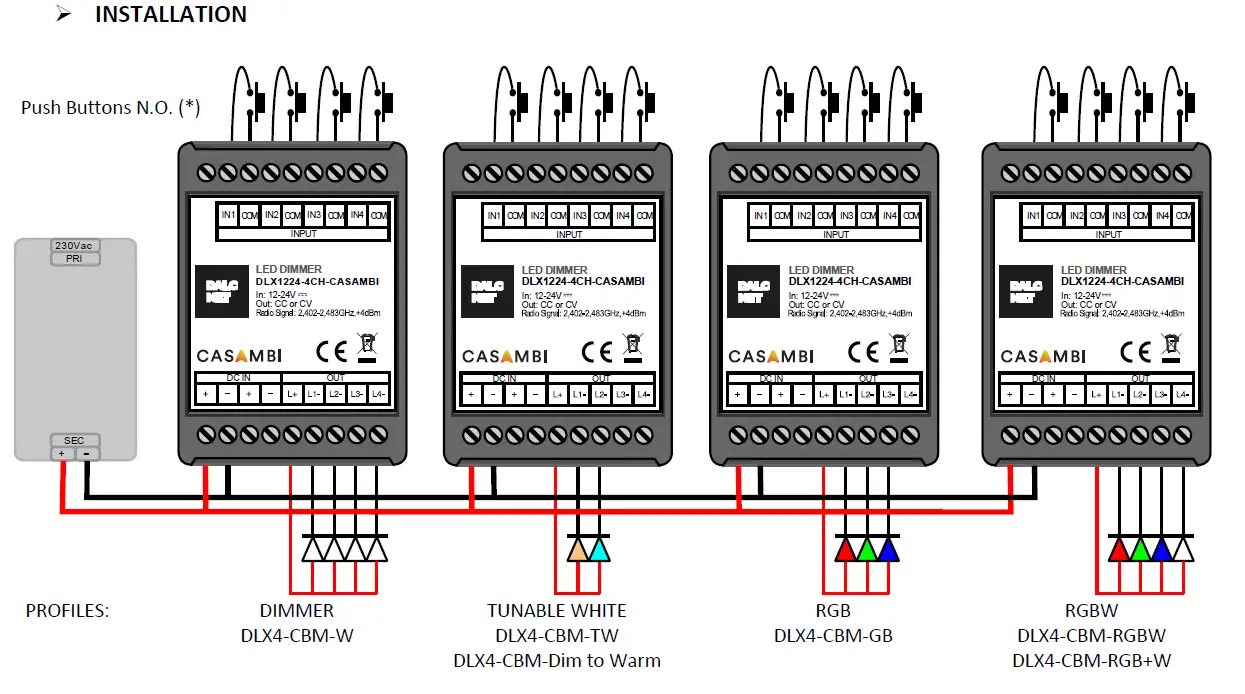
- For the control with the Push Buttons N.O. see the documentation in the website: https://support.casambi.com/support/home. Note: For the length of the cables see the Technical Note
TECHNICAL NOTE
Installation
- Installation and maintenance must be performed only by qualified personnel in compliance with current regulations.
- The product must be installed in a vertical or horizontal position with the cover / label upwards or vertically; Other positions are not permitted. It is not permitted to bottom-up position (with the cover / label down).
- Keep separated the circuits at 230V (LV) and the circuits not SELV from circuits to low voltage (SELV) and from any connection with this product. It is absolutely forbidden to connect, for any reason whatsoever, directly or indirectly, the 230V mains voltage to the bus or to otherparts of the circuit.
Power supply
- For the power supply use only a SELV power supplies with limited current, short circuit protection and the power must be dimensioned correctly. In case of using power supply with ground terminals, all points of the protective earth (PE = Protection Earth) must be connected to a valid and certified protection earth.
- The connection cables between the power source “low voltage” and the product must be dimensioned correctly and they should be isolated from every wiring or parts at voltage not SELV. It is recommended to use double insulated cables.
- Dimension the power supply for the load connected to the device. If the power supply is oversized compared with the maximum absorbed current, insert a protection against over-current between the power supply and the device.
- For the constant current output, the voltage of LED module (Vf) must be less of 5V at the voltage of power supply.
Command
- The length of the connection cables between the local commands (N.O. Push button or other) and the product must be less than 10m; the cables must be dimensioned correctly and they should be isolated from every wiring or parts at voltage not SELV. It is recommended to use shielded and twisted cables.
- All the product and the control signal connect at the local command (N.O. Push button or other) must be SELV (the devices connected must be SELV or supply a SELV signal)
Outputs
- The length of the connection cables between the product and the LED module must be less than 10m; the cables must be dimensioned correctly and they should be isolated from every wiring or parts at voltage not SELV. It is recommended to use shielded and twisted cables.
WARNING: For optional functionality of the Bluetooth signal, do not put the device into metal or aluminium boxes and do not shield the device.
As any other Bluetooth product, should not be placed in a metal enclosure or next to large metal structures. Metal will effectively block all radio signal which are crucial to the operation of the product.
MECHANICAL DIMENSIONS
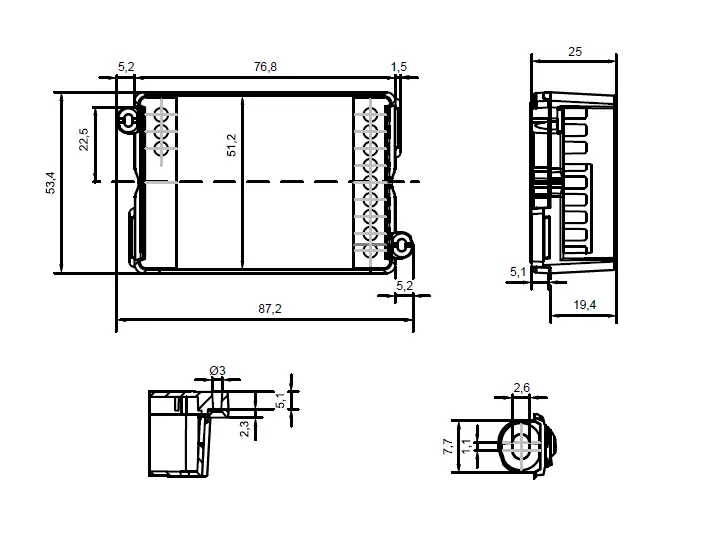
DALCNET S.r.l, Registered office: Via Lago di Garda, 22 – 36077 Altavilla Vicentina (VI) – Italy Headquarters: Via Lago di Garda, 22 – 36077 Altavilla Vicentina (VI) – Italy
VAT: IT04023100235 – Tel. +39 0444 1836680 – www.dalcnet.com – [email protected]
 Led dimmer and RGB controller for professional lighting systems
 Support : Casambi Support