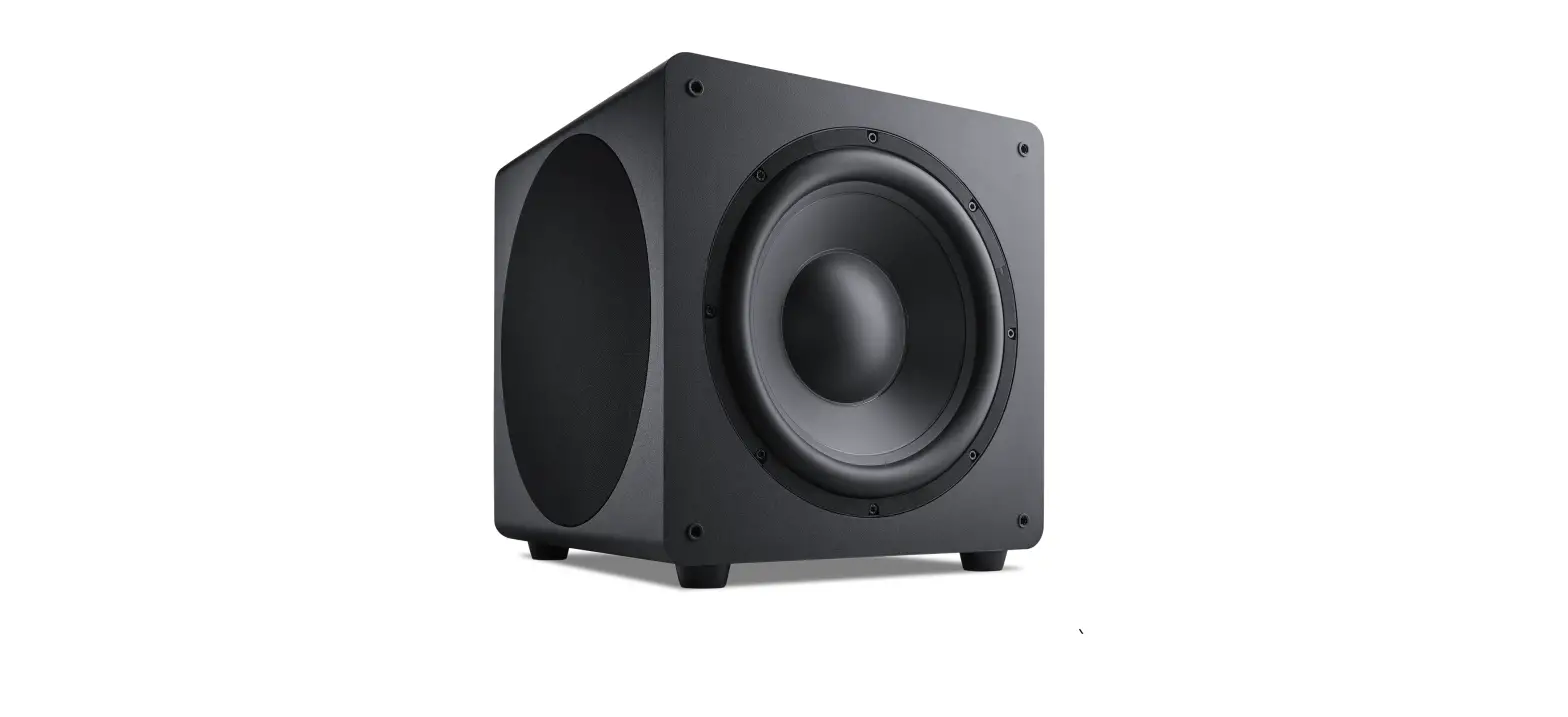
BE-GMCACA-G2 Boost Aftermarket Subwoofer
Product Information
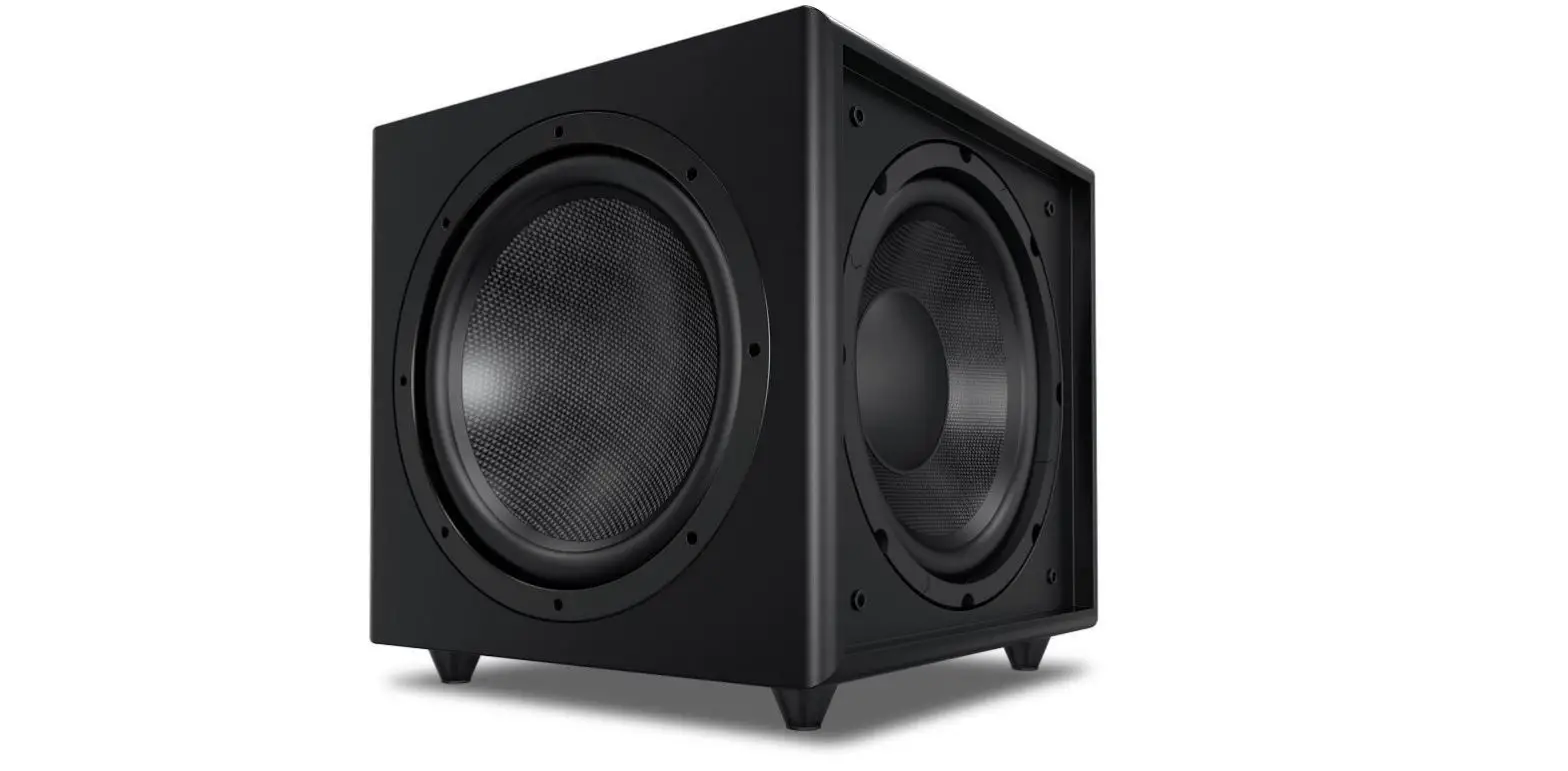
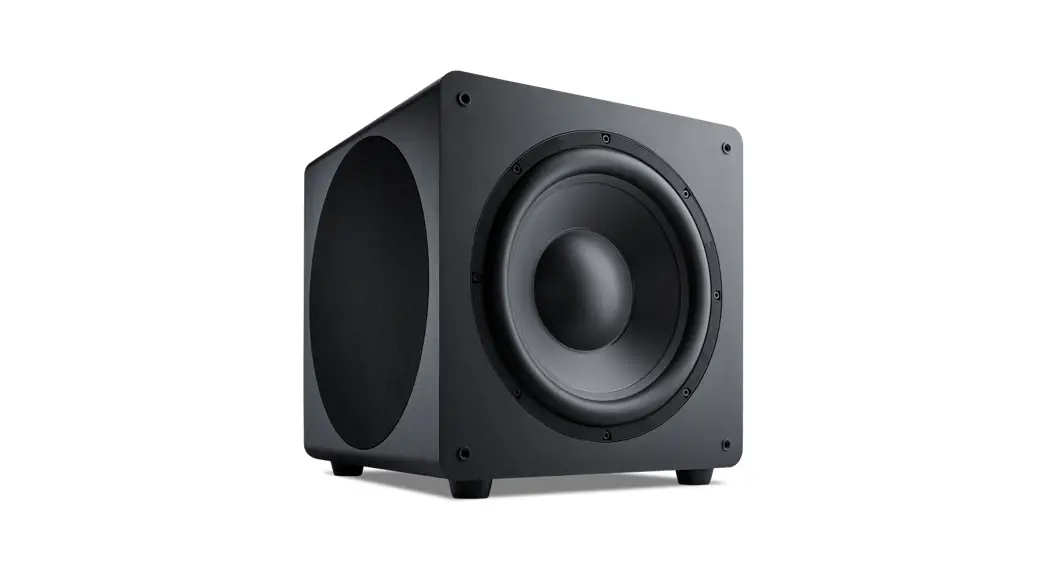
The BE-GMCACA-G2 B.O.O.S.T. Series Bass Enclosure is
specifically designed for the 2017 and Up GMC Acadia. It features a
NVX VSW 10 subwoofer and is internally wired for a 2-ohm load at
the speaker-wire connection terminal. The enclosure is custom-made
for optimal performance in a ready-to-install subwoofer system.
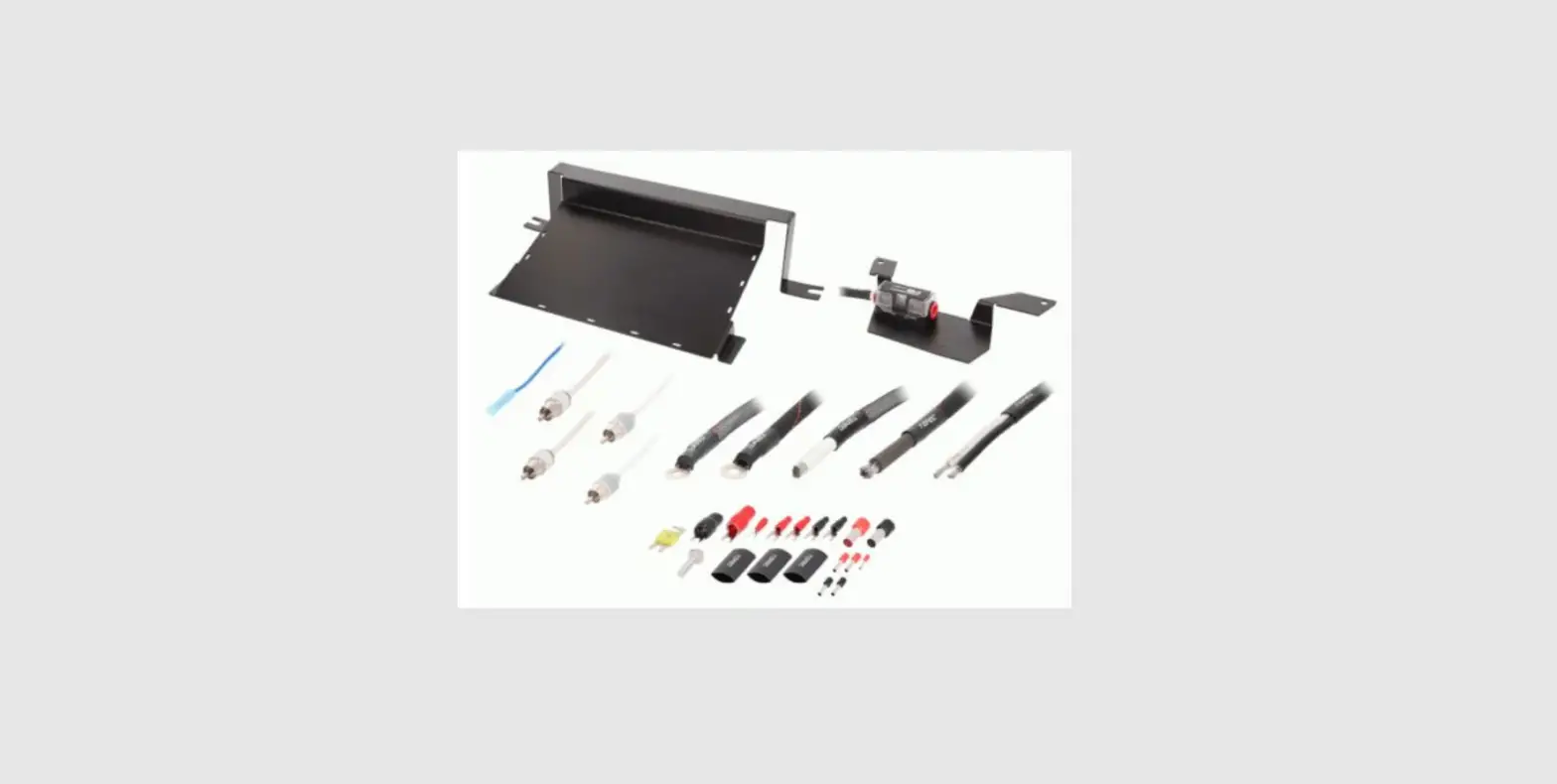
Included in the box:
- 1x BOOST enclosure
- 2x M6-1.0 20mm Nuts
- 2x M6 Washers
- 2x M6 Lock Washers
- 1x M6-1.0 20mm Bolt
- 1x Bracket
Product Usage Instructions
- To install the GMC Acadia BOOST box, start by removing the (8)
4mm Allen bolts that hold the subwoofer in the enclosure. Take out
the subwoofer. - Inside the car, remove the trunk floor. Then remove the plastic
cubby on the driver’s side and the foam storage tray. - Using a 6mm Allen key, remove the nut-sert from the bottom of
the enclosure. - Secure the bracket to the front of the enclosure using the
provided 10mm bolt, washer, and lock washer. - Place the enclosure with the bracket into the cubby’s location
on the exposed threaded studs. - Inside the box, there will be a factory stub located on the
bottom. Use one of the remaining nuts to thread it onto this
stud. - Using the last nut and washer, thread it onto the outer stud
and tighten everything into place. - Wire the subwoofer in parallel for a final impedance of 2-ohms.
Connect the red wire to the red terminal and the black wire to the
black terminal. - Load the subwoofer back into the enclosure and fasten the 8x
Allen bolts. - Now, you can enjoy your new BOOST bass upgrade!
Note: Before connecting the BOOST enclosure to your amplifier,
check if your amplifier is optimized to drive a 2-ohm load.
INSTALLATION GUIDE
BE-GMCACA-G2 B.O.O.S.T. Series Bass Enclosure for the
2017 and Up GMC Acadia
Step 1
To install your GMC Acadia BOOST box, you will need to remove the (8) 4mm Allen bolts that hold the subwoofer in the enclosure. Remove the subwoofer.
Step 2
Inside the car, remove the trunk floor. Next remove the plastic cubby on the drivers side. Then remove the foam storage tray.
Step 3
Remove the nut-sert from the bottom of the enclosure with a 6mm allen key.
Step 4
Secure the bracket to the front of the enclosure with the 10mm bolt and washer/lock washer.
Step 5
Place the enclosure with the bracket into the cubby’s location on the exposed threaded studs.
Step 6
Inside of the box will be a factory stub located on the bottom. Using one of the remaining nuts, thread that to this stud.
Step 7
Using the last nut and washer. Thread that onto the outer stud and tighten everything into place.
Step 8
Wire the subwoofer in parallel for a final impedance of 2-Ohms. Red wire goes to the red terminal and the black wire goes to the black terminal.
Step 9
Load the subwoofer back into the enclosure. Fasten the 8x Allen bolts. Now it’s time to enjoy you’re new BOOST bass upgrade!
The BOOST subwoofer enclosures are internally wired for a 2 ohm load at the speaker-wire connection terminal. Check to see if your amplifier is optimized to drive this load. The BOOST enclosures feature a NVX VSW 10″ subwoofer and are custom made for optimal performance in a ready-to-install subwoofer system.
Included in the box: 1x BOOST enclosure 2x M6-1.0 20mm Nuts 2x M6 Washers 2x M6 Lock Washers 1x M6-1.0 20mm Bolt 1x Bracket
We recommend the installation of the NVX BE-GMCACA-G2 to be performed by a professional that will have the skills and tools to ensure the job is done correctly. Please follow the steps above to get the best performance out of the NVX BE-GMCACA-G2. Installing and mounting NVX BE-GMCACAG2 improperly can present a serious safety hazard in the event of a collision. If you have any questions regarding installation of this product or an amplifier in this vehicle please feel free to contact NVX directly for further guidance and installation techniques.