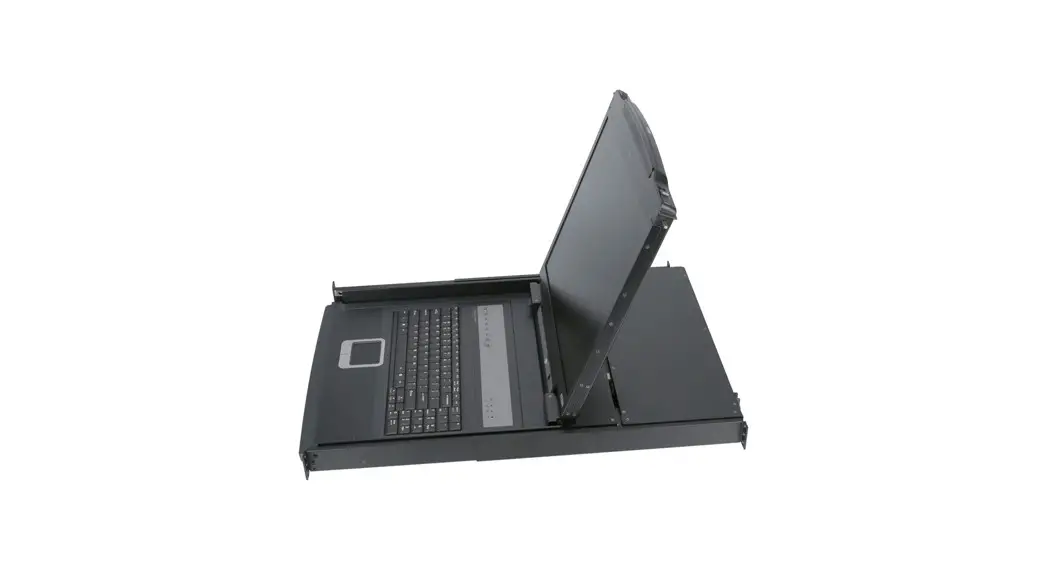
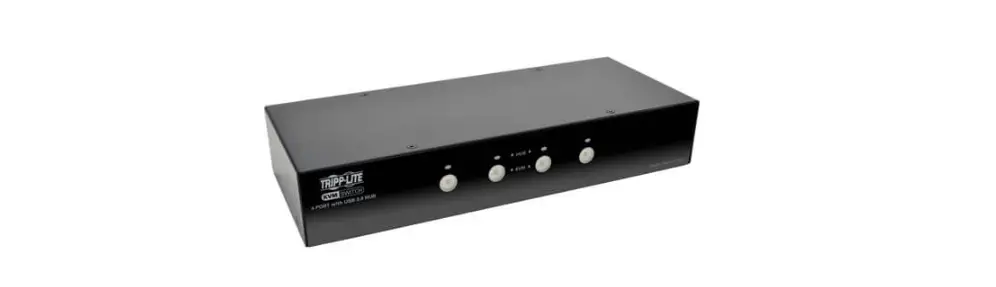
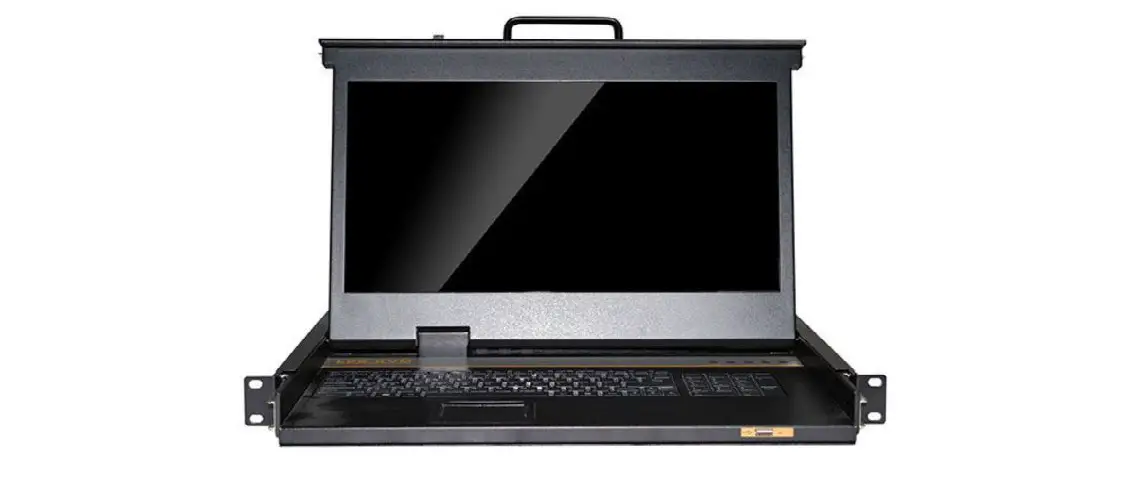
AL-H708L 8-Port PS-2-USB HDMI Single Rail LCD KVM Switch
Product Information
Product Name: Angustos AL-H708L LCD KVM
Switch
Product Type: High Density – Short Depth LCD
KVM Switch Series
Model: AL-H708L
Port Type: PS/2-USB HDMI
Number of Ports: 8
Screen Size: 17.3 inches
Screen Ratio: 16:9
Resolution: Full HD (1920 x 1080P @ 60Hz)
Compatible Products: AR-H08L, AR-H16L,
KCE600H
Manufacturer: Angustos
Website: www.angustos.com
Product Usage Instructions
To use the Angustos AL-H708L LCD KVM Switch, follow these
steps:
- Connect the KVM switch to your computers using HDMI and USB
Type B cables. - Connect your keyboard and mouse to the KVM switch using USB
Type A-B cables. - Connect the KVM switch to a power source using the provided DC
Jack. - If cascading multiple KVM switches, connect them using the
appropriate cables. - Connect the KVM switch to a display or monitor using an HDMI
cable. - Turn on the power to the KVM switch and the connected
computers. - Use the OSD (On-Screen Display), buttons, hot keys, or IP (if
available) to select and control the desired computer. - Use the keyboard and mouse connected to the KVM switch to
interact with the selected computer. - To switch between computers, use the provided switch button or
the panel digital keys. - Monitor the status of the selected port and online ports using
the Nixie Tube and red LEDs. - To reset the KVM switch, use the reset switch on the
panel.
Note: The AL-H708L LCD KVM Switch supports up to 8 computers. By
cascading additional KVM switches, you can control up to 128
computers.
ANGUSTOS
HIGH DENSITY – SHORT DEPTH LCD KVM SWITCH SERIES – FULL HD
AL-H708L
8-Port PS/2-USB HDMI Single Rail LCD KVM Switch
Overview
Angustos AL-H708L LCD KVM Switch is optimized for high density Rack in modern Data Center. Supporting Full HD resolution for high end computers / servers.
Integrating a 17.3″ LED screen, keyboard and mouse pad in a 1U rackmountable sliding housing. The short-depth design ultilized for narrow space for short-rack mounting in condensed area. The AL-H708L can control up to 8 computers; with 8 additional KVM switches are cascaded, a single AL-H708L LCD KVM Switch can control up to 128 computers.
In addition, the AL-H708L included an additional hot-pluggable USB port that supports other keyboard and mouse for back-up. With all of the technology involved, the AL-H708L LCD KVM Swtich has gone beyond the expectations and requirements for a modern Data Center use, which including : short space optimization, exceptional display quality, easy to install, extreme versatility.
Features
High Density Utilization · Front USB for back up mouse-keyboard. · LCD KVM console with an 17.3” LED-backlit 16:9 LCD monitor in a single rail design. · Short-depth overall size allowing user to work with in condensed space of high density Rack · Slide Lock secure the console drawer to remain firmly in slide position when not in use. · Extender compatible Can be combined with Angustos KVM Extender up to 60m.
Flexible compatibility · Superior video quality up to 1920 x 1080 @60Hz; DDC2B; 16.7 Mil. Color. · Cascade up to 128 computers from a single console (With compatible KVM Switches) · Auto PS/2 and USB interface sensing. · Keyboard and mouse emulation (PS/2 and USB) for seamless switching. · Computer selection with pushbuttons, hotkeys, and multilingual on-screen display (OSD). · Two level password security. · Operates with all software and operating systems including all Windows versions, DOS, Linux, Unix, BSD, all Sun OS, all Mac OS and NetWare. · Keyboard Language supports: English (UK), English (US), German (GER.) Japanese, Korean, Russian, Swedish, Chinese.
Installation Flexibility · Standard rack mount kit included · No software required – Plug and Play · Firmware upgradable · Supports hot-plugging
Raise efficiency
Multiple Connection
AL-H708L FRONT VIEW AL-H708L REAR VIEW
Saving time
Cascadable
Saving Cost Plug and Play
17.3″ 17.3 Inch display (16:9)
Password Protected
Compatible Product
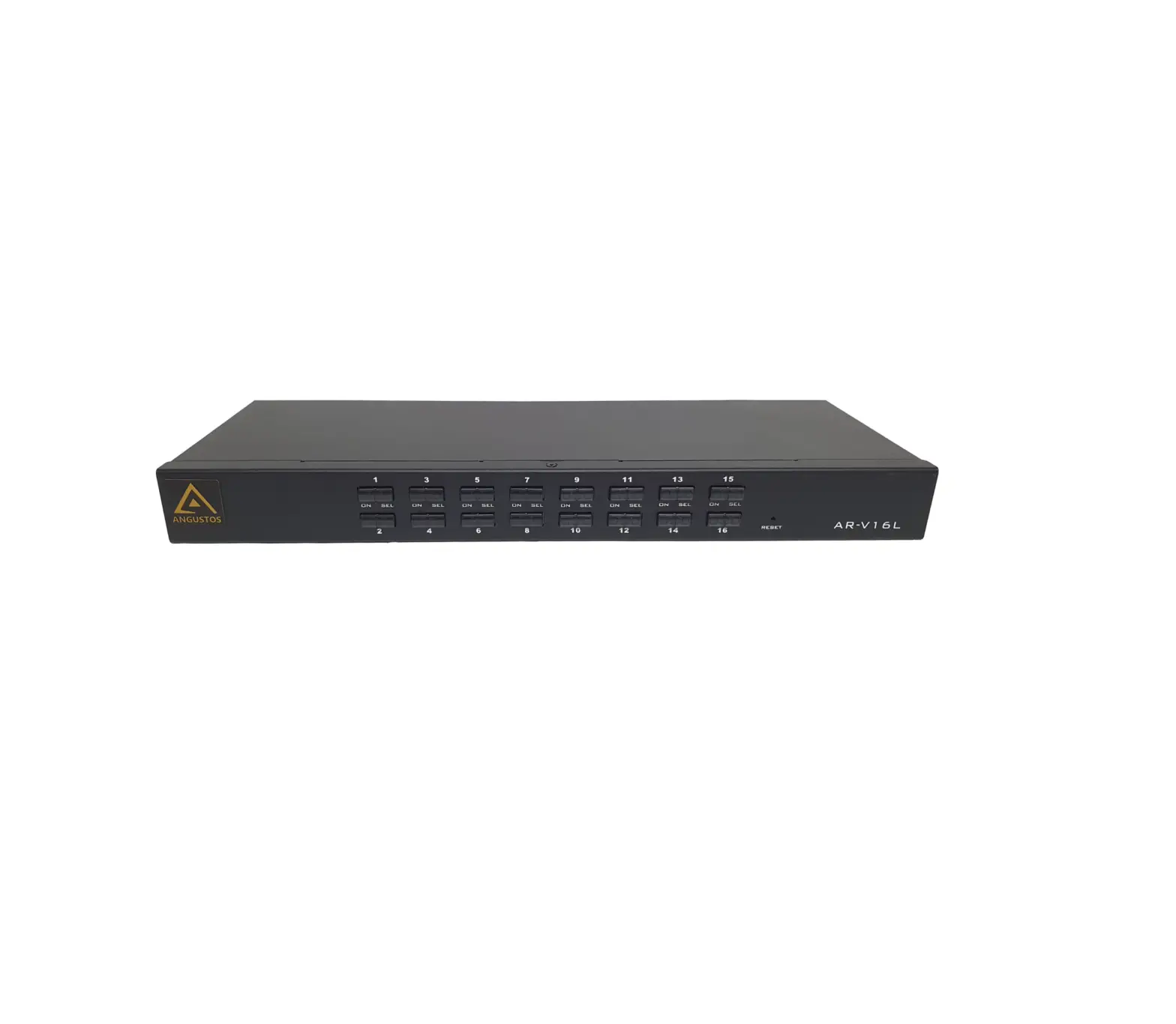
AR-H08L
8 PORT HDMI 4K KVM SWITCH
AR-H16L
16 PORT HDMI 4K KVM SWITCH
KCE600H
HDMI USB KVM EXTENDER
Angustos
Angustos was founded in 2000 and is now regarded as one of the foremost manufacturers of digital and analogue KVM solutions.
For more than 20 years our customers have been convinced by our core competencies in extending, switching and distributing standardised computer signals.
We are committed to established international standards. We can provide customers with complete Datacenter solutions as well as OEM/ODM services. We can cover even from medium to small business, factory & industrial, military & government, home office & personal use.
WWW.ANGUSTOS.COM
SPECIFICATION
KEYBOARD & MOUSE
Keyboard
Compatible Mouse Mouse Resolution MTBF
100 Keys, Detachable Multiple Languages Option Win/Sun/Unix/Linus/Mac Touchpad >1000 dots/inch (40×40/mm) 1,000,000 Press
KVM SWITCH MODULE
Direct PC connection
08
Maximum PC Connection
128
Port Selection
OSD, Button, Hot Key, IP (Opt)
Console Connector
HDMI Female
KVM Connector
HDMI + USB Type B x 8
Power
DC Jack
Switch button
Panel Digital Keys
Reset Switch
Panel Function Keys
Status LEDs
Nixie Tube (Selected Port)
Red led (Online Port)
Server Interface
PS/2 , USB
Cascadable
Support
LCD MONITOR
Size / Ratio Video Visible Square Resolution
Color Contrast Back light / Brightness Pixel Pitch MTBF
ANGUSTOS
17.3″ / 16:9 Wide AHVA TFT-LCD 337.92 H x 270.336 V 1920 x 1080P @ 60Hz (Optimal) 3840 x 2610 @ 30Hz (Max)* 16.7 Mil. , RGB 6bit + Hi_FRC 600 : 1 (TyP) LED / 300 nit (cd/m2) 0.1989 x 0.1989 mm 100,000 hours
OPERATIONAL SPECIFICATION
Operating Temp
-10oC – 50oC
Storage Temp
-20oC – 60oC
Humidity
0-80%RH, No Condensation
PHYSICAL SPECIFICATION
Housing
Metal
Dimension LCD / KVM
407x445x45 / 148.4x445x45mm
Weight LCD / KVM
8.5 kg / 3.32 kg
CONNECTION DIAGRAM
AL-H708L Back
*USB Port reserved for external Keyboard – Mouse
KVM Cable
HDMI Cable USB A – USB B Cable
*Connect to HDMI + USB Port on Level 2 KVM
Cascade KVM
PC or Server
WWW.ANGUSTOS.COM WWW.ANGUSTOS.COM
 ANGUSTOS - The Best Selling IT & Pro AV in USA Market!
![Aten 8/16-port Short Depth Ps/2-usb Vga Single Rail Widescreen Lcd Kvm Switch User Manual [cl3108, Cl3116]](https://static-data1.manualsee.com/1/img/90/54690/2021/01/Aten-8-16-Port-Short-Depth-PS-2-USB-VGA-Single-Rail-WideScreen-LCD-KVM-Switch-User-Manual-CL3108-CL3116.jpg "Aten 8/16-port Short Depth Ps/2-usb Vga Single Rail Widescreen Lcd Kvm Switch User Manual [cl3108, Cl3116]")