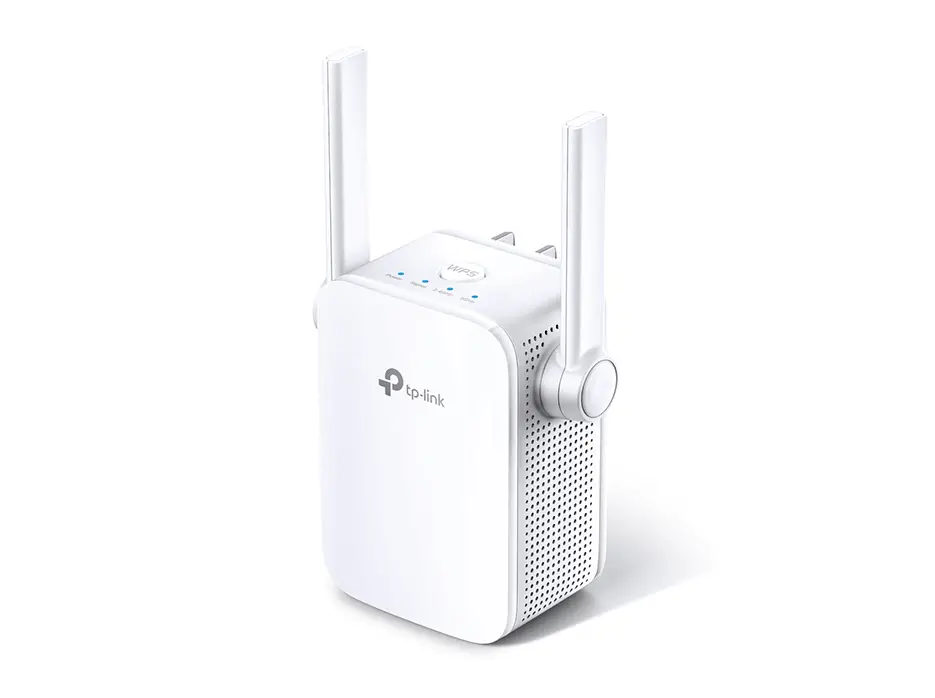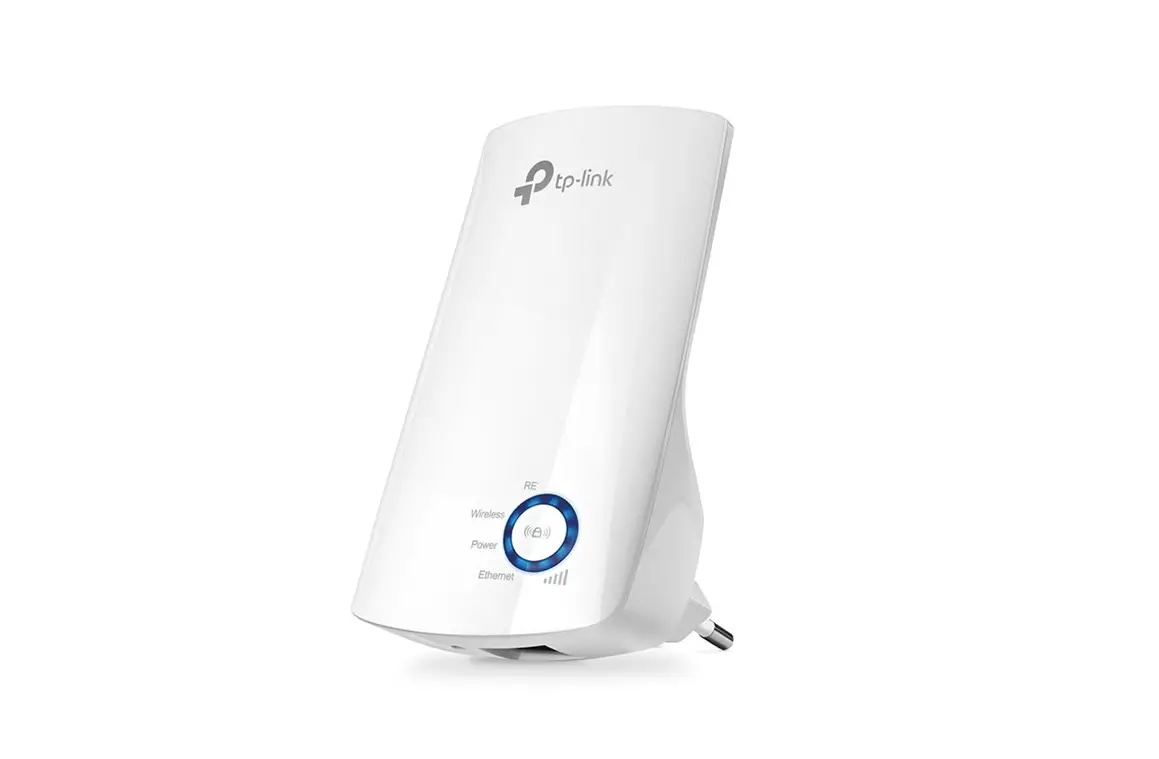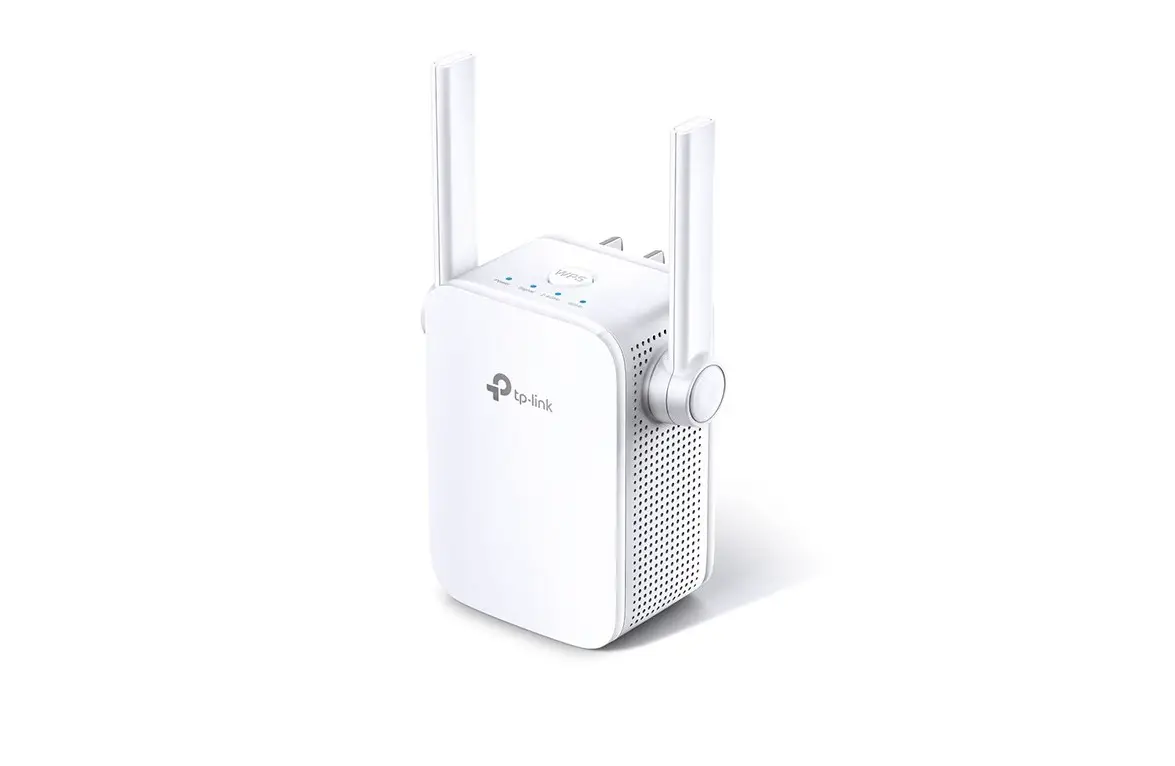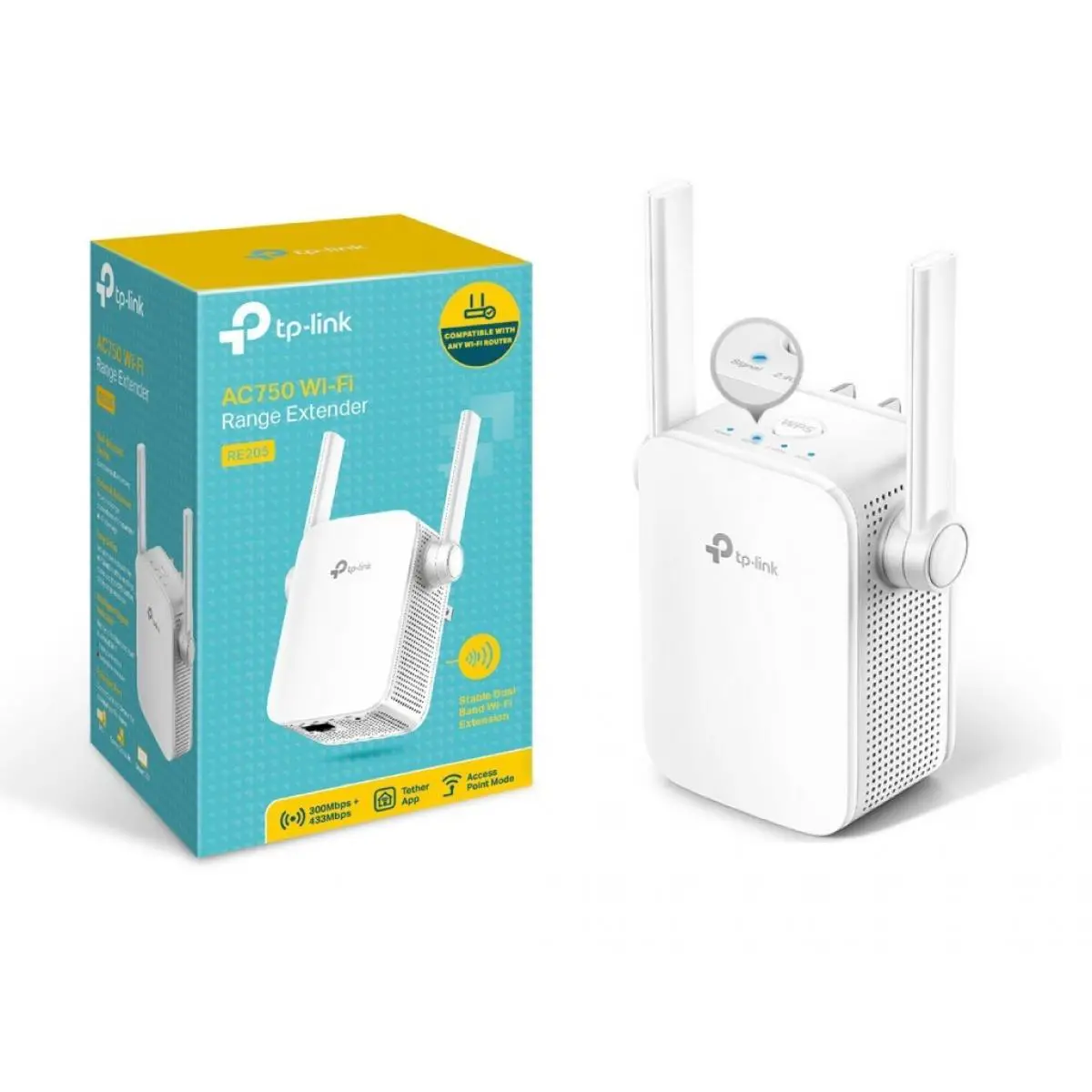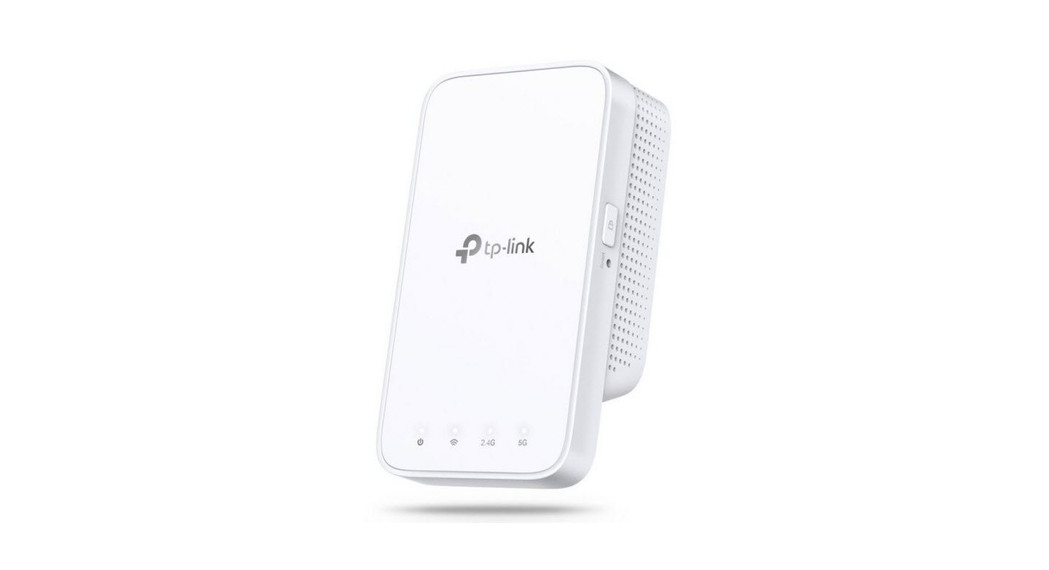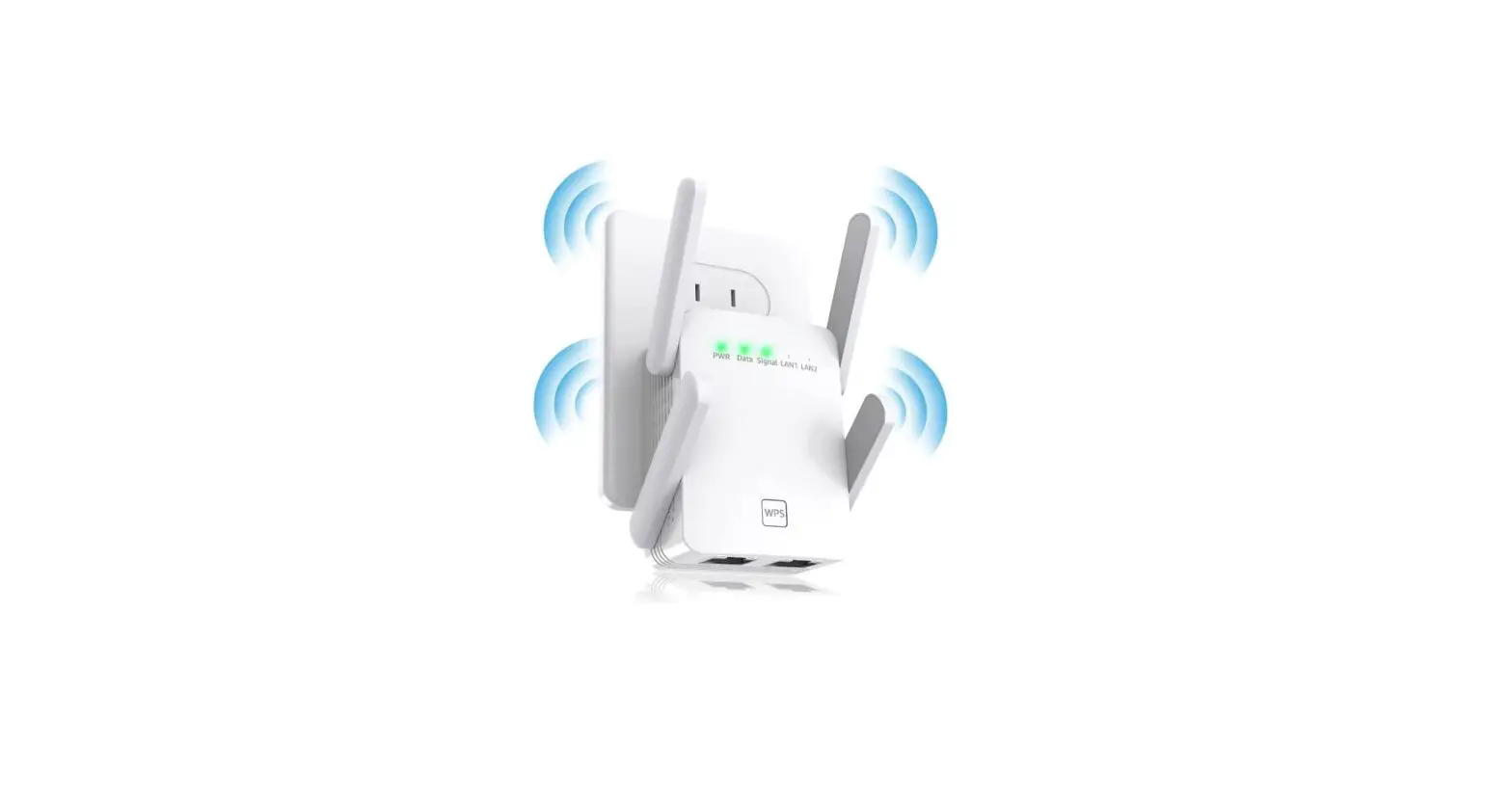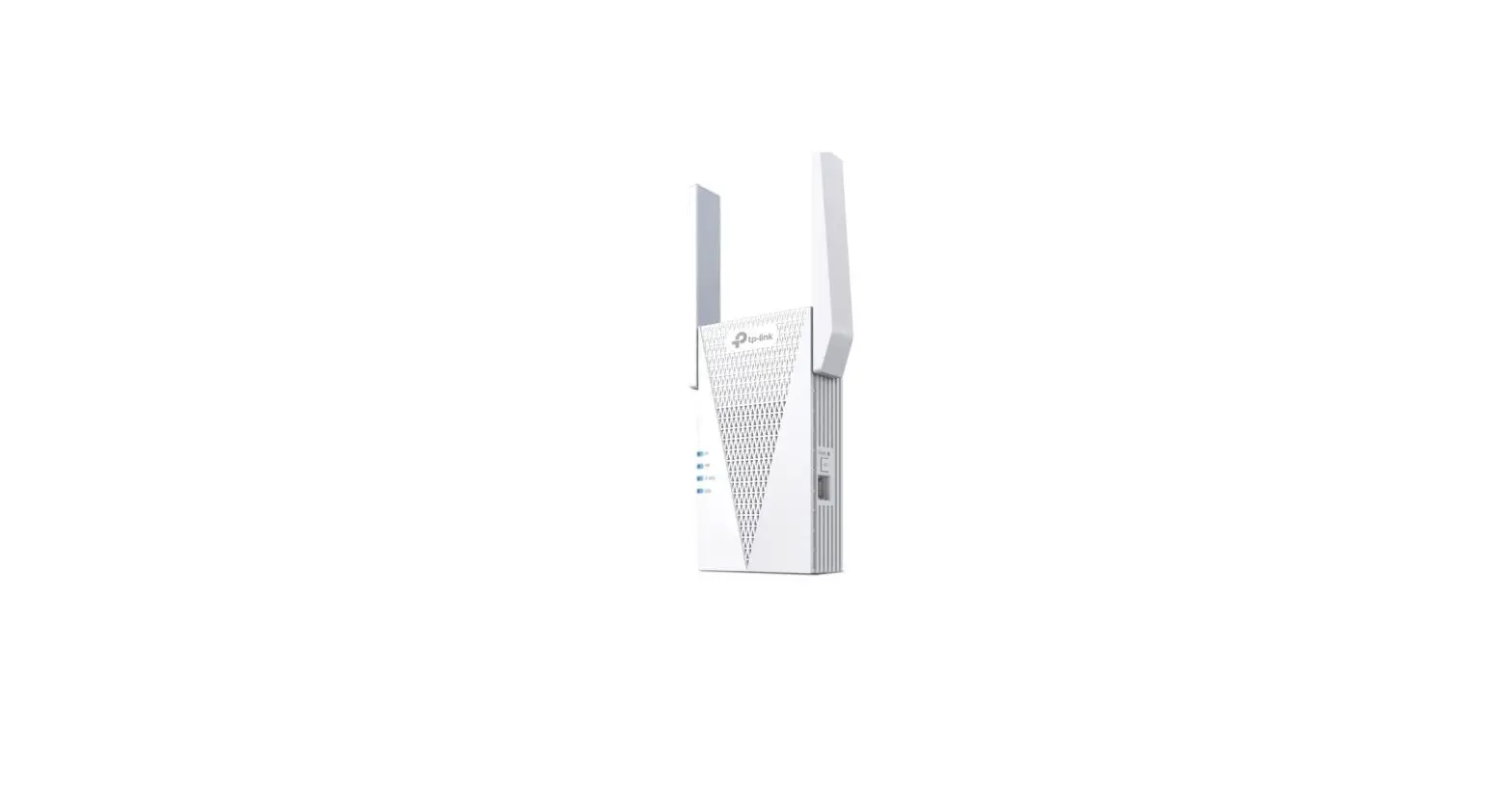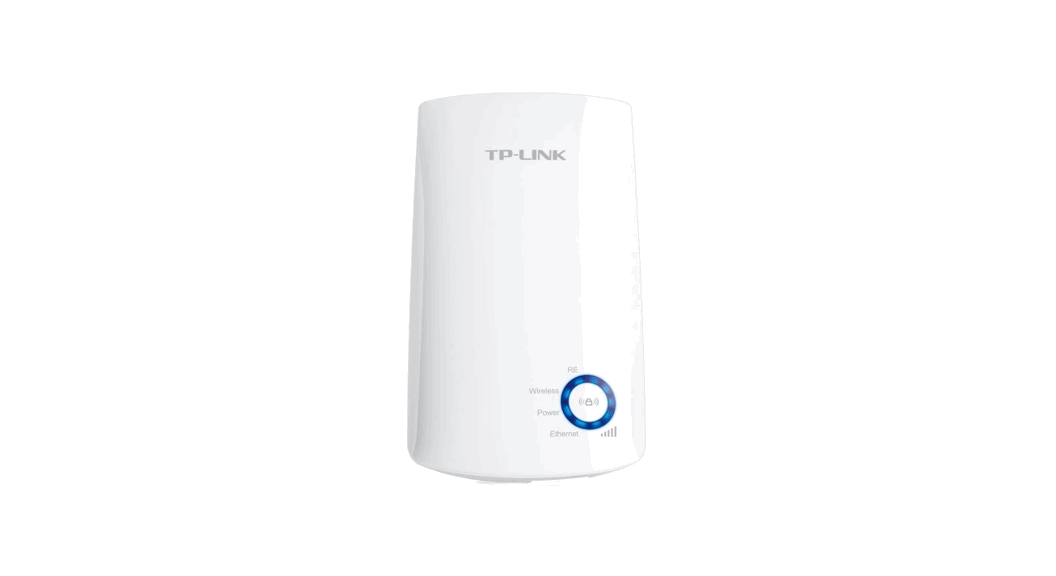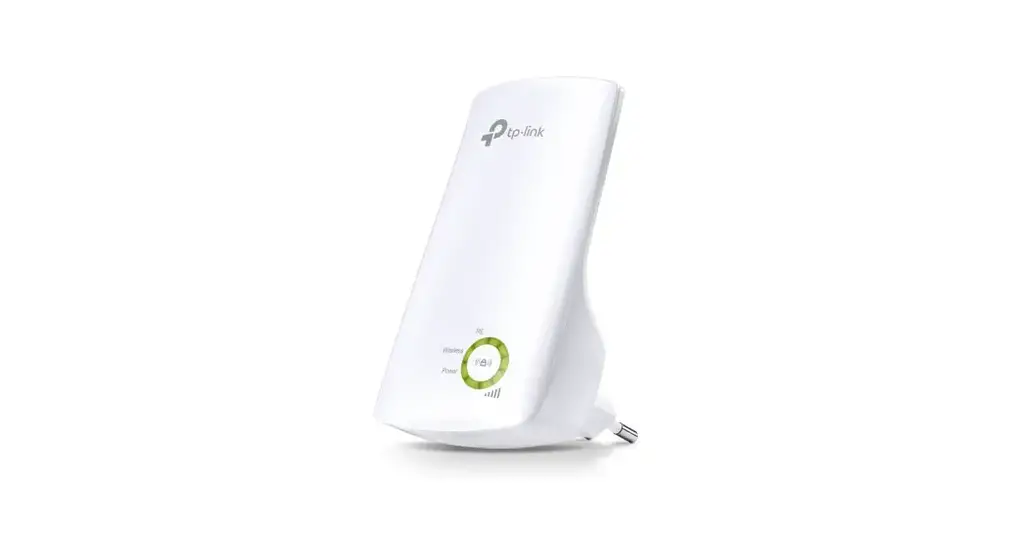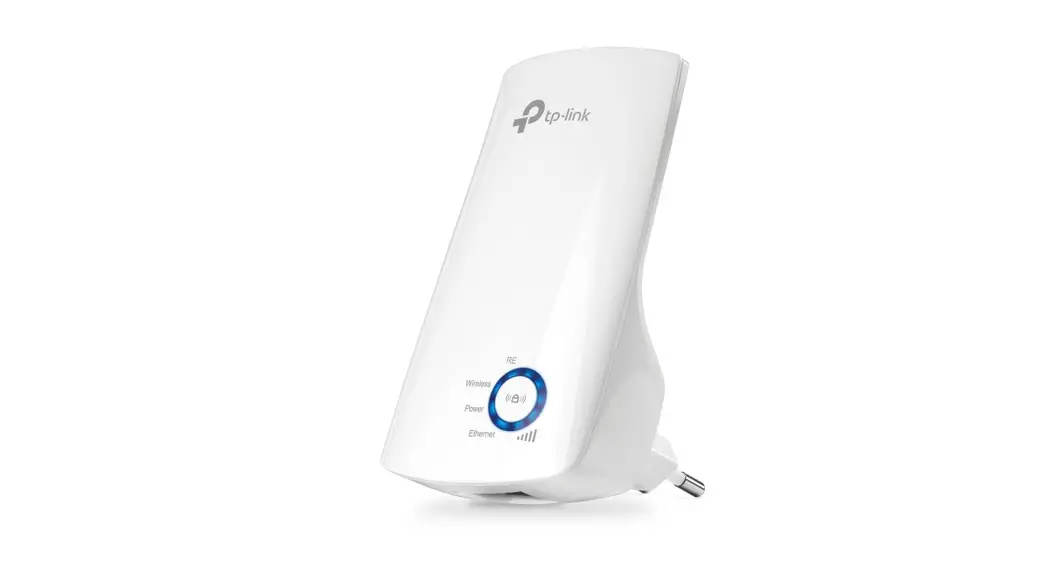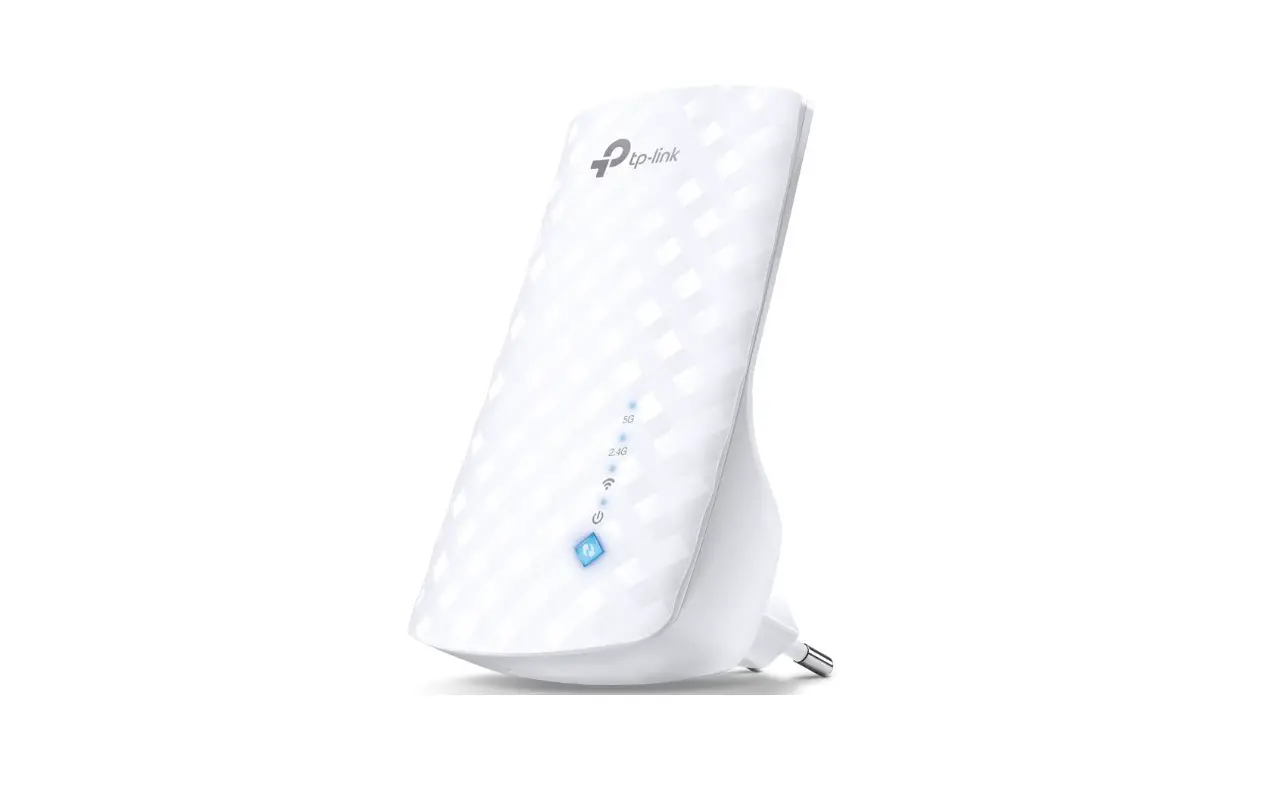
 tp-link RE-1200 WiFi Extender Booster
 tp-link RE-1200 WiFi Extender Booster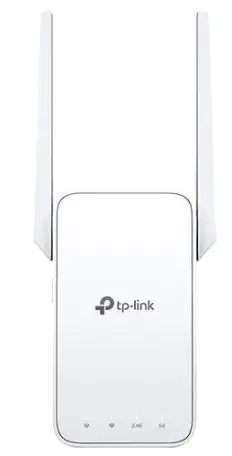
You’re happy or we make it right
Step 1
Plug the Extender into a power outlet near your Router. Wait 30 seconds for it to boot.
Step 2
Use the included PIN TOOL t activate the extender by pressing the RESET button for 10 seconds. The extender will reboot within 1 minute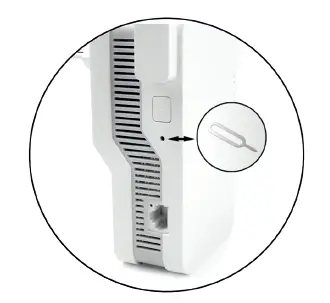
Step 3
Open and enable WiFi on your phone or PC settings.
Step 4
Search for the network name “Wi-Fi Extender” and connect.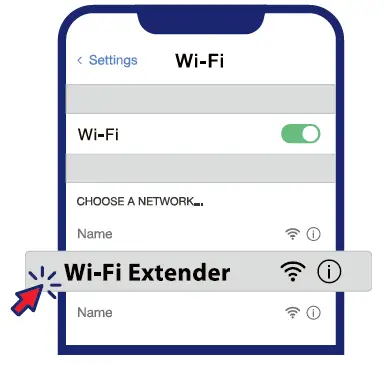
Step 5
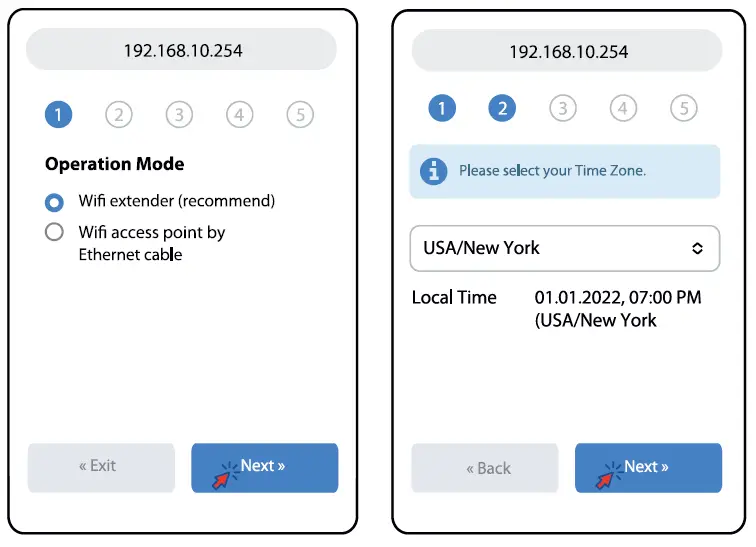
Open a new browser tab and type in the following:
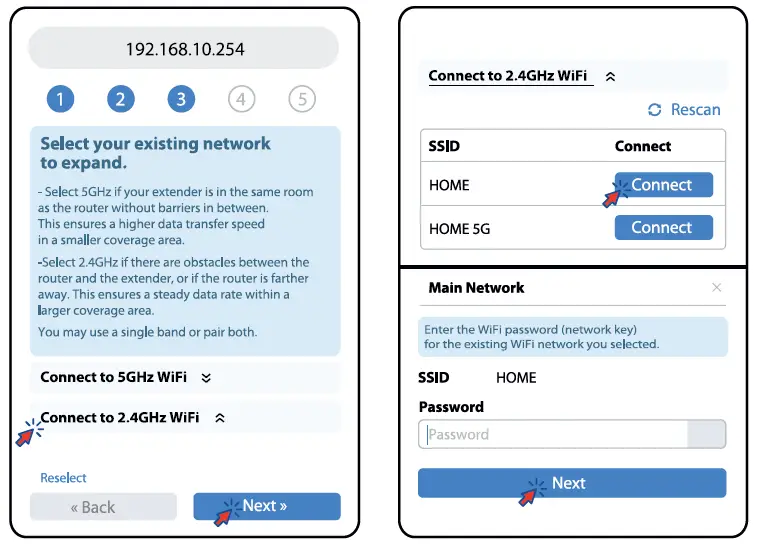
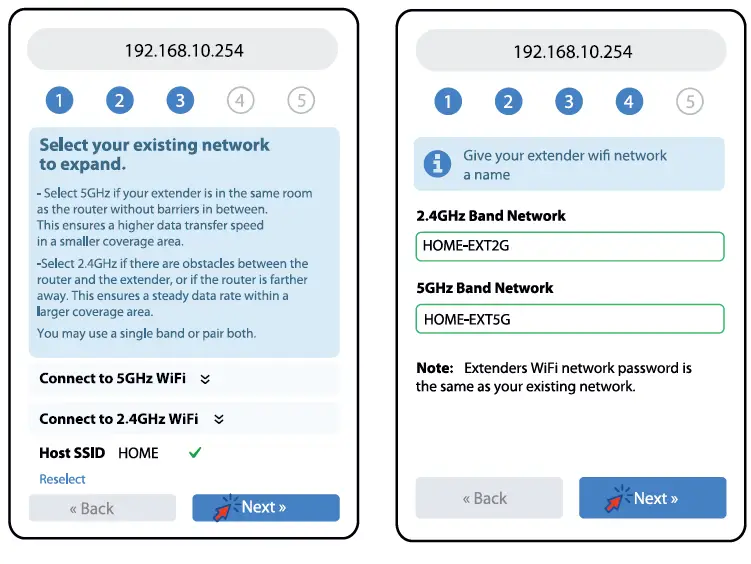
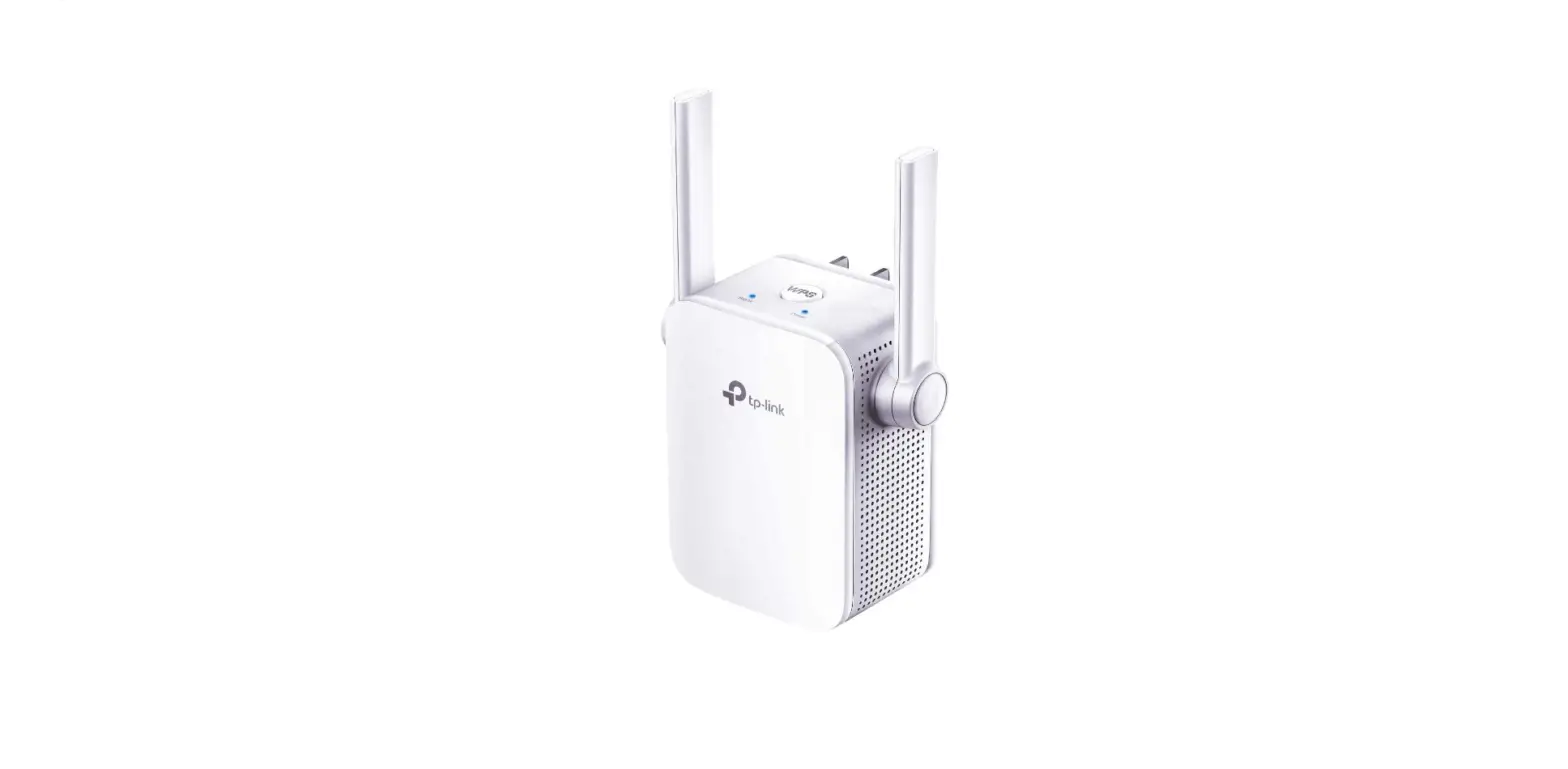
Follow the step-by-step configuration guide until connected.