 QUICK CONNECTION
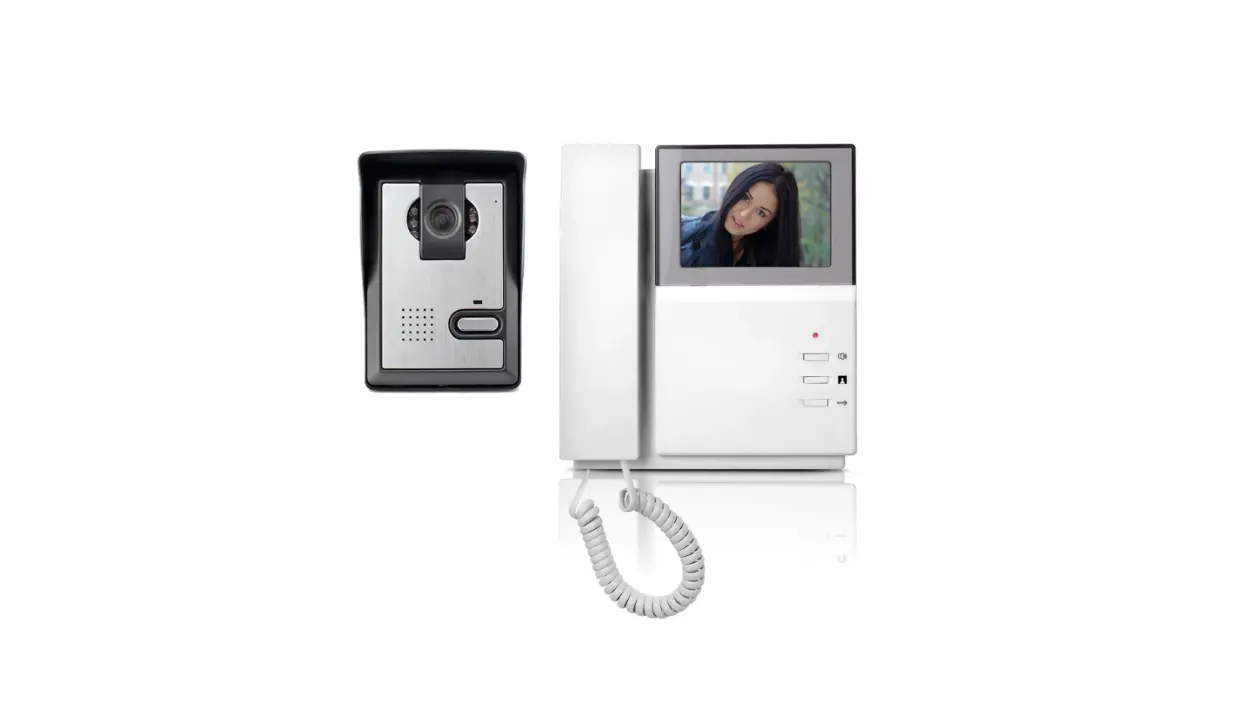
FOR4WIRESWIFIDOORPHONECONNECTION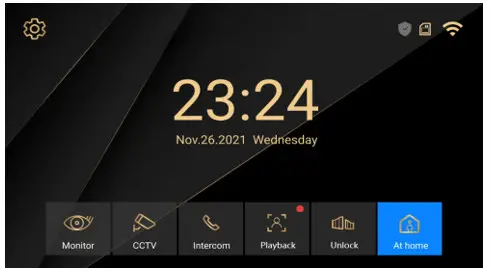
 QUICKSOLUTIONTOCONNECTTHEWIFI
MonitorWIFIconnection—same wifi connectiononMobilePhone—AddedinAPP—Intercom
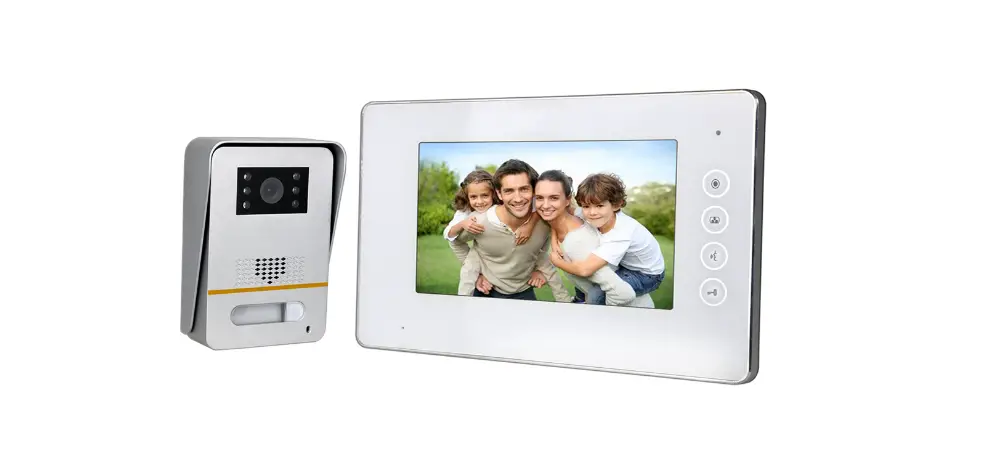
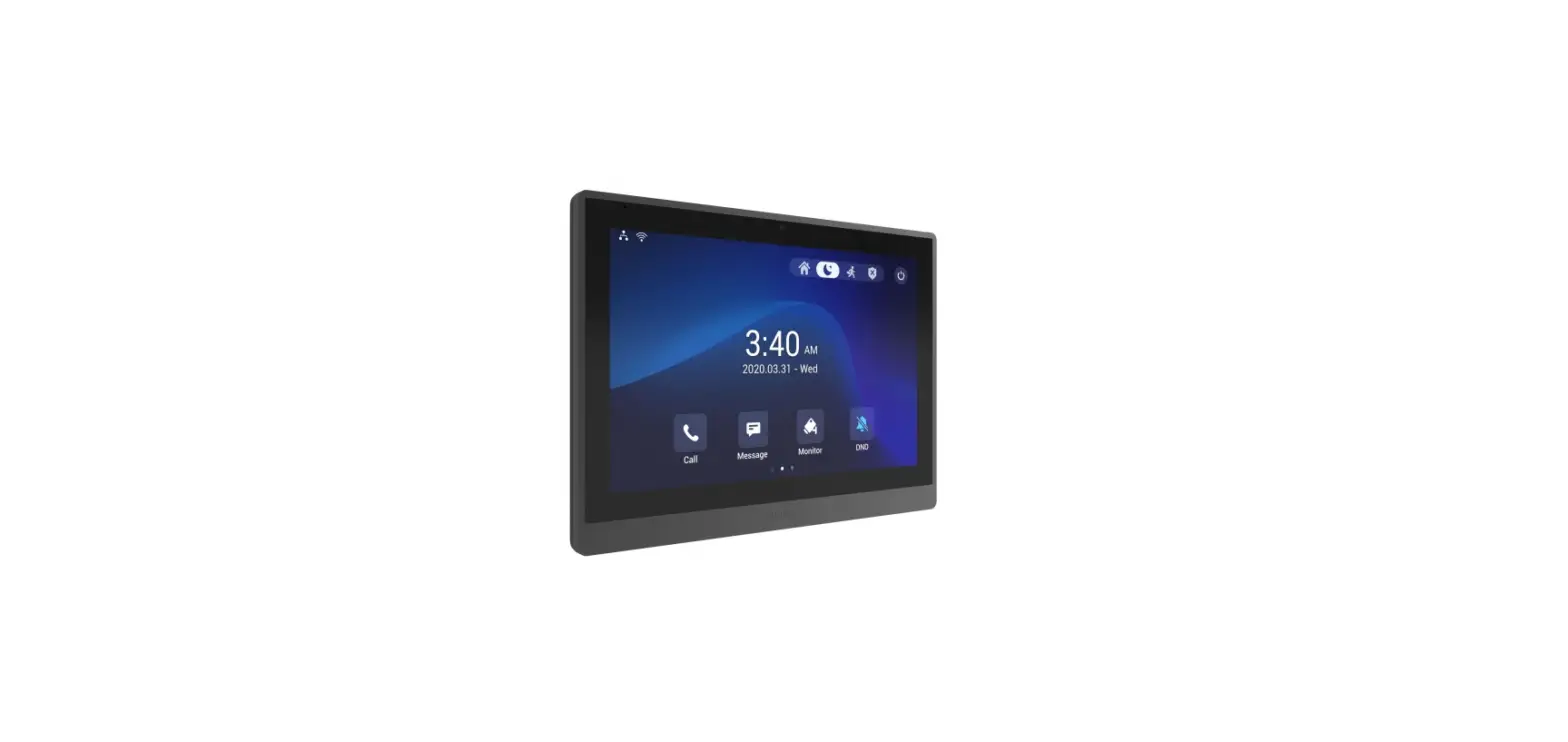
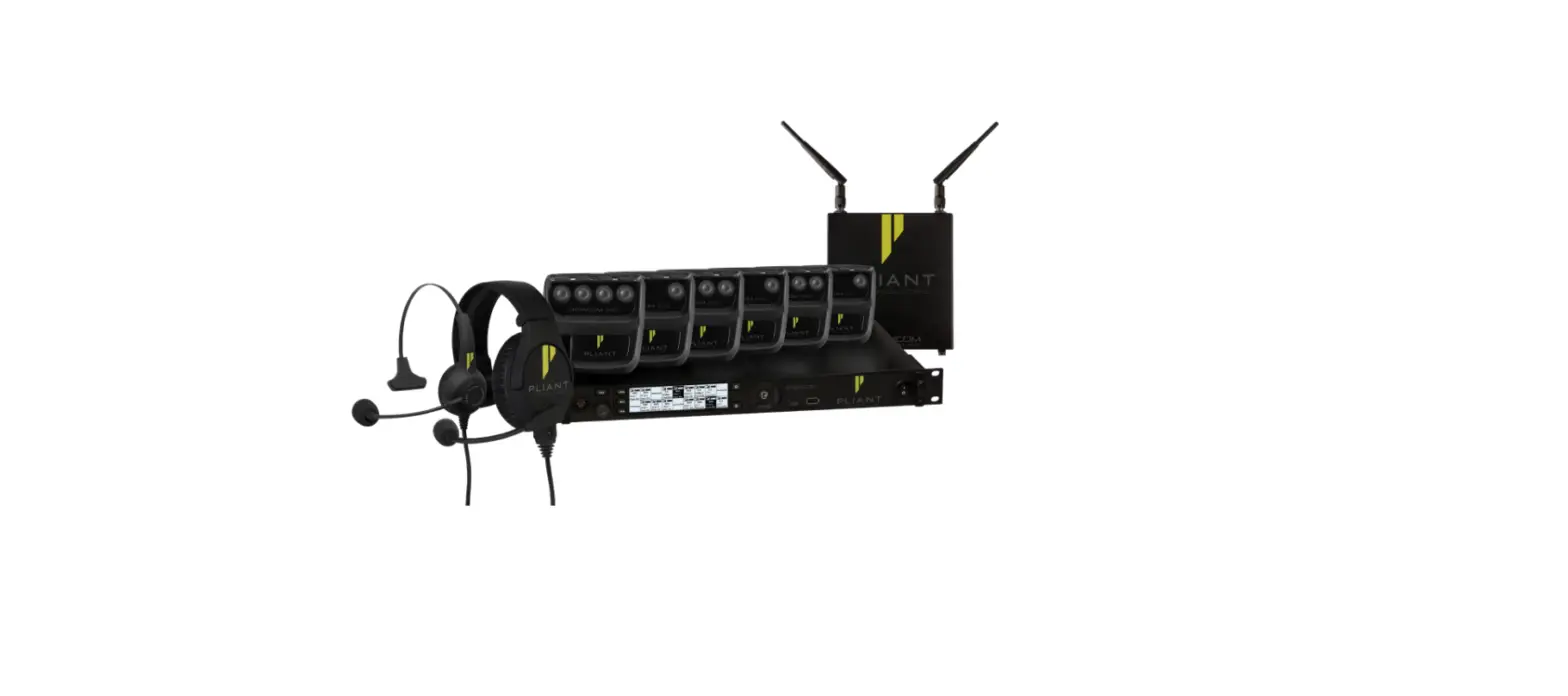
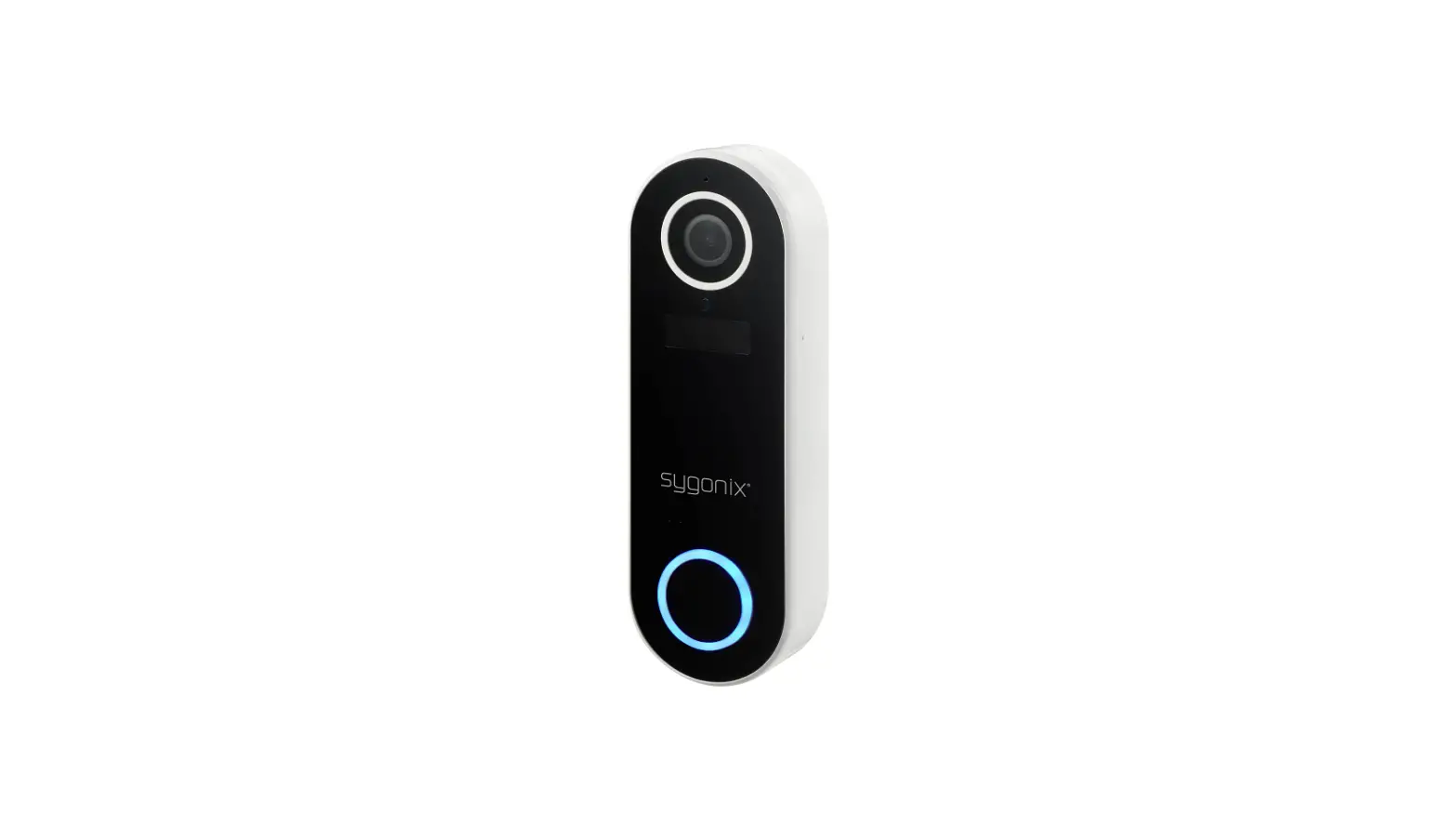
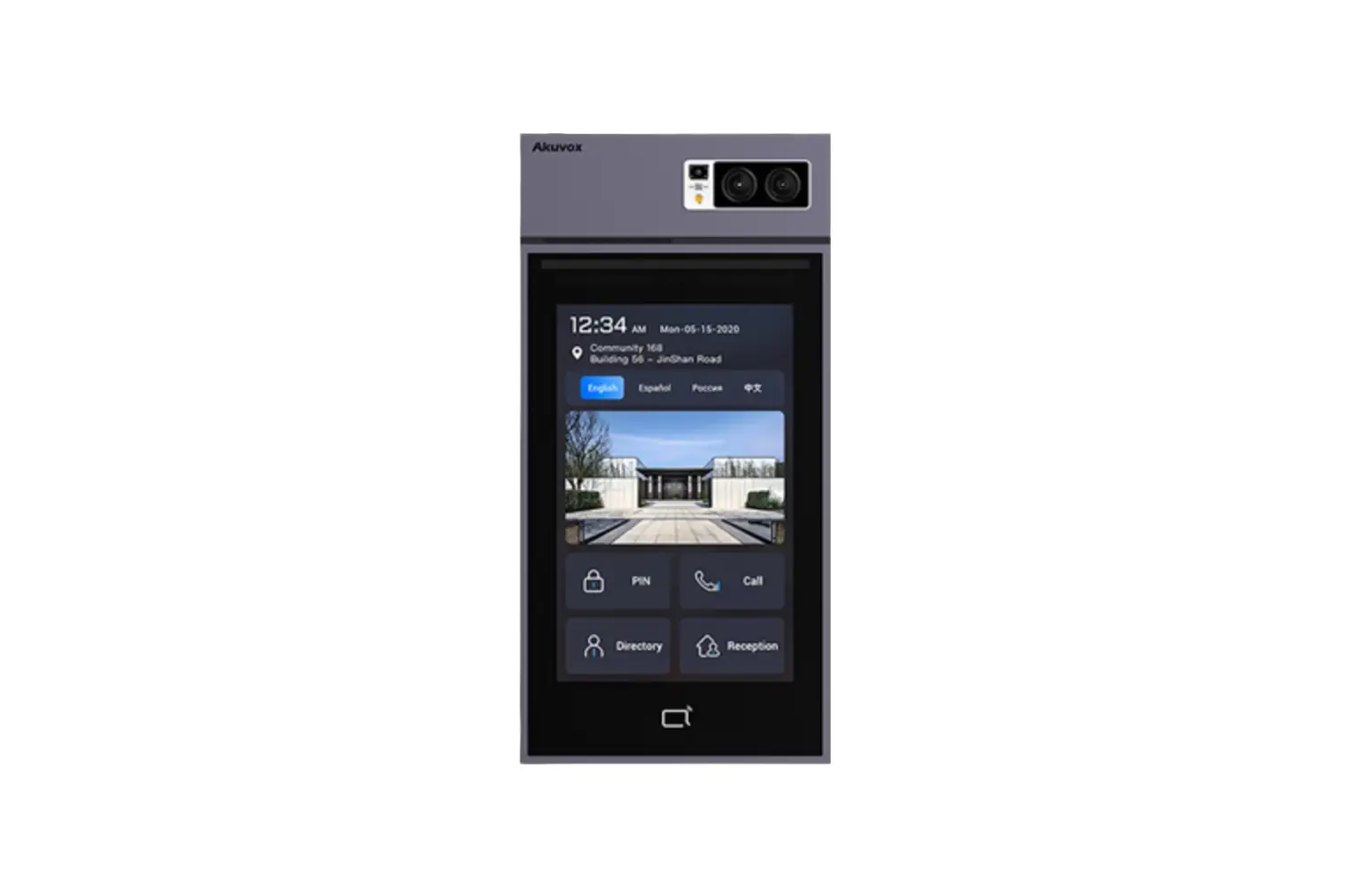
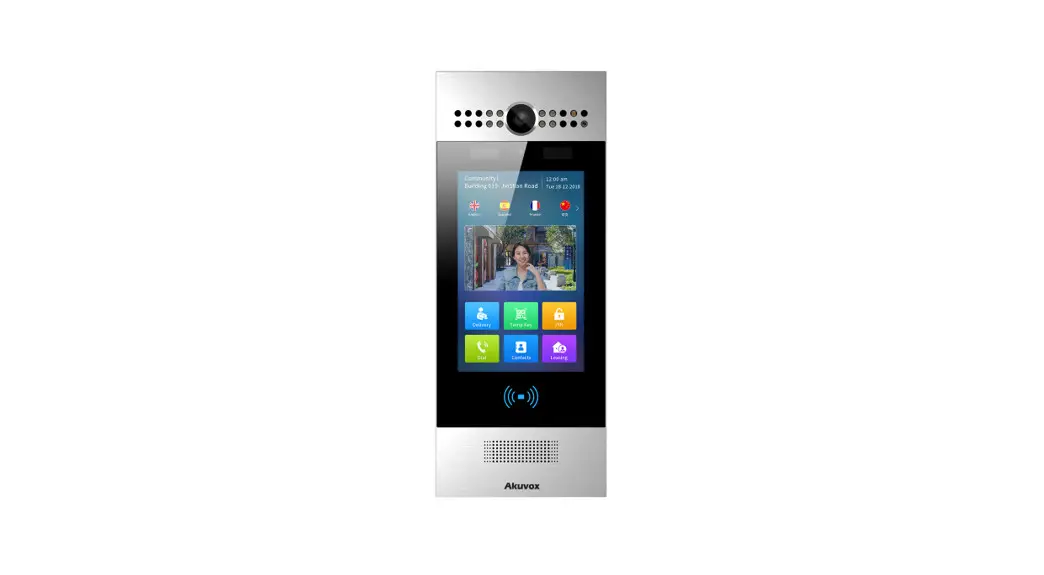
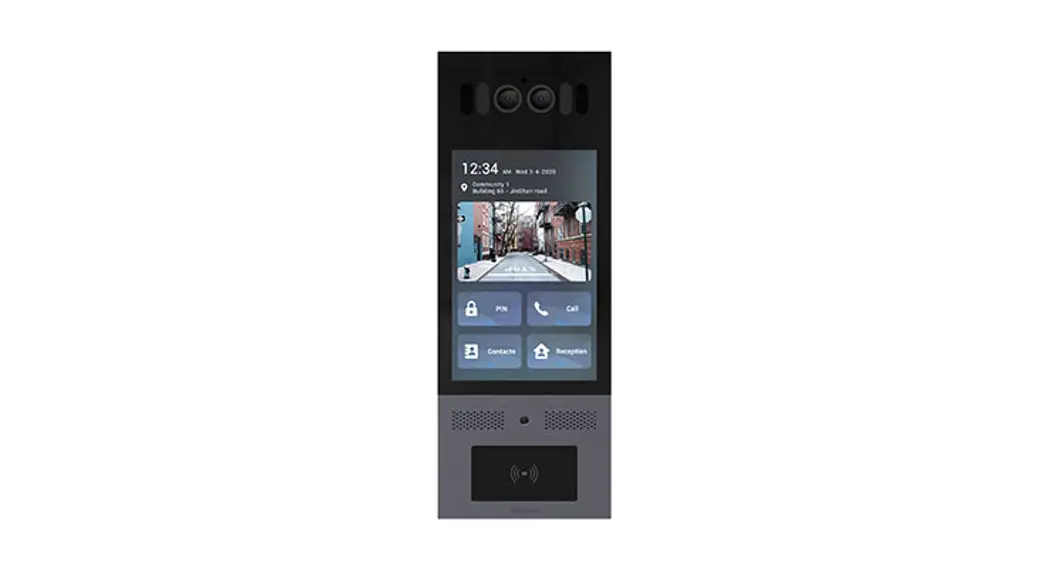
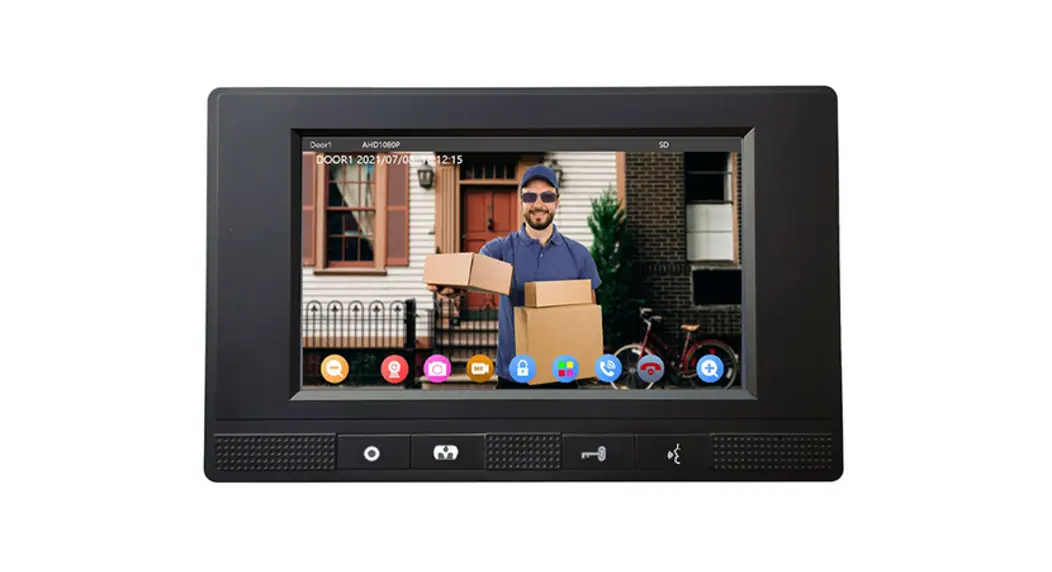
Platinum 7 Inch HD Smart Intercom Kit for 4Wires WiFi Door Phone Connection
Monitor Wifi setting, makesuretheWiFimonitorisnearbythewifirouter.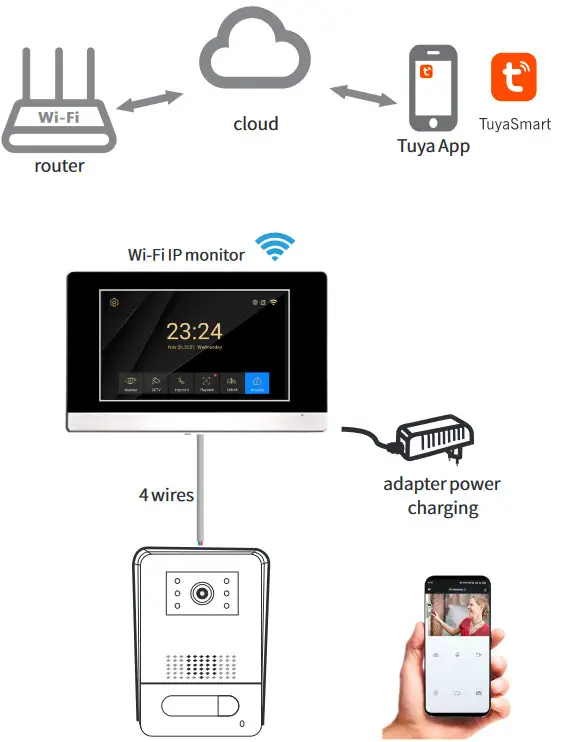 WiringDiagram
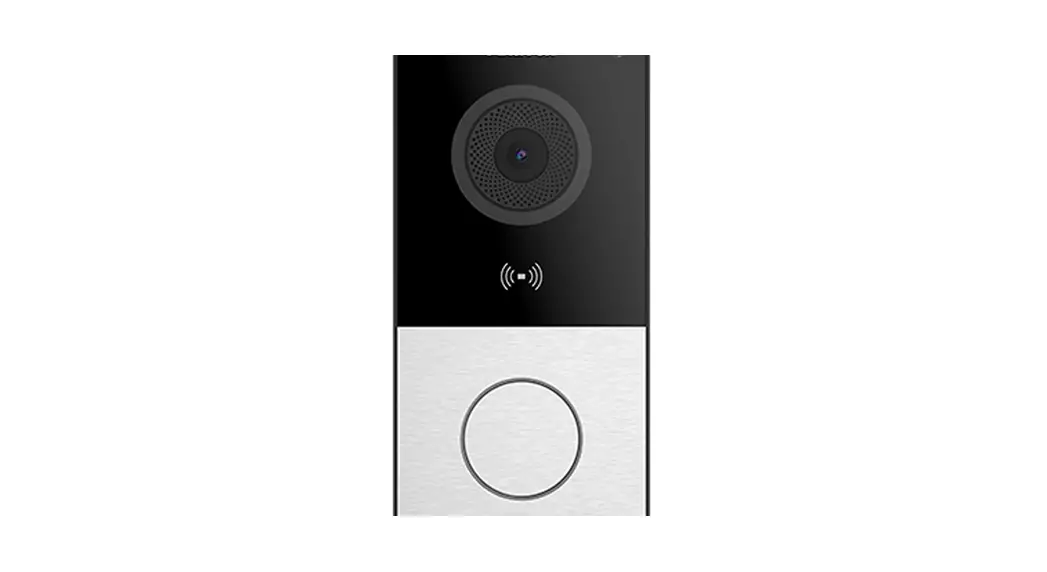
One Wifi MonitorAndOneDoorStation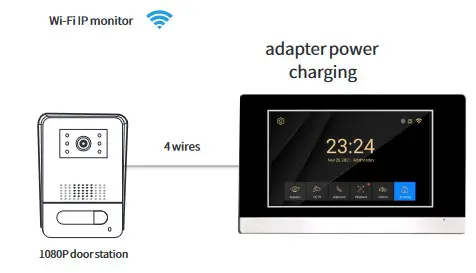
 Enlarged Wiring Diagrm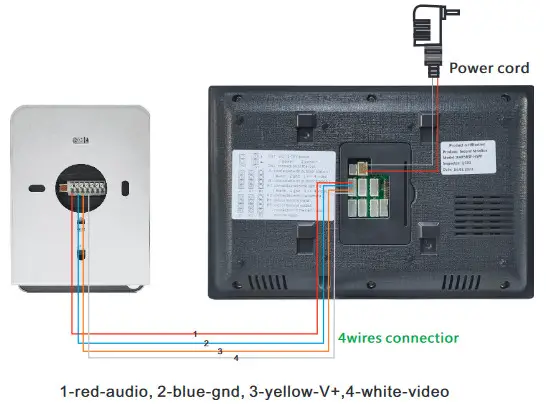
MonitorWifisetting,makesuretheWiFimonitor isnearbythewifirouter.
Step 1: clicksetting Step 2 and 3: for selecting wifi
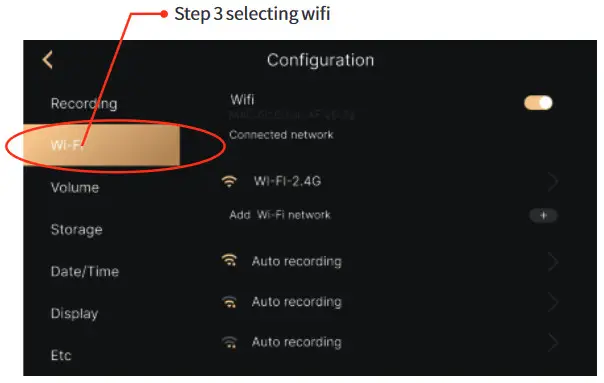 Step 4: input wifi name and wifi password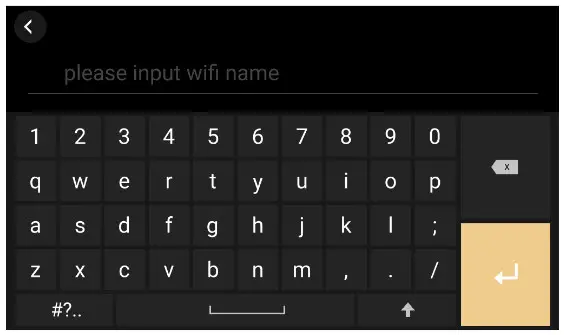
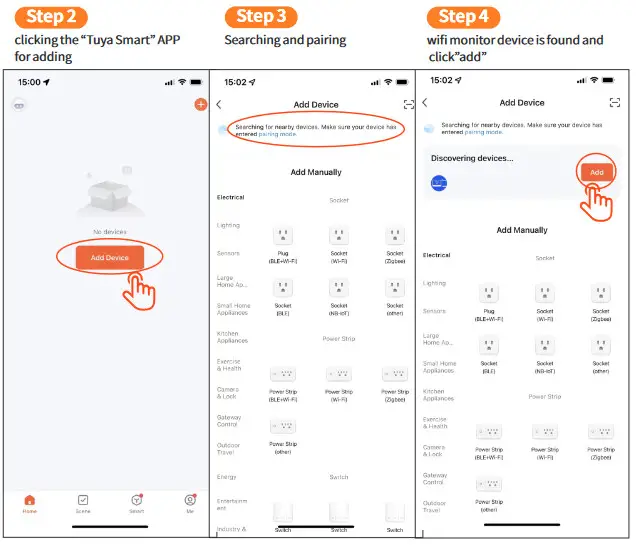
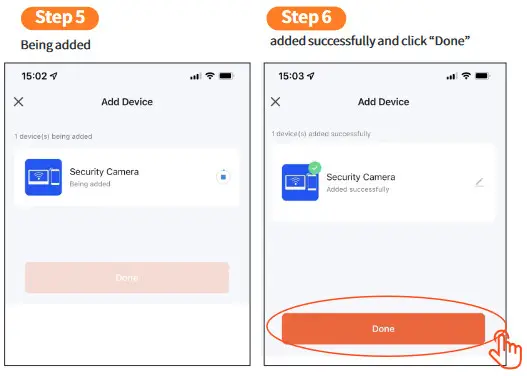
Mobile Phone TUYA APP Setting, make sure the mobilephone is nearby the wifi monitor and router.
Step 1
the mobile phone connect the same wifi
with the monitor with And down load the APP
“Tuya Smart” in google player or IOS APP store 
*new home members need to register the new account
*follow the below steps to share.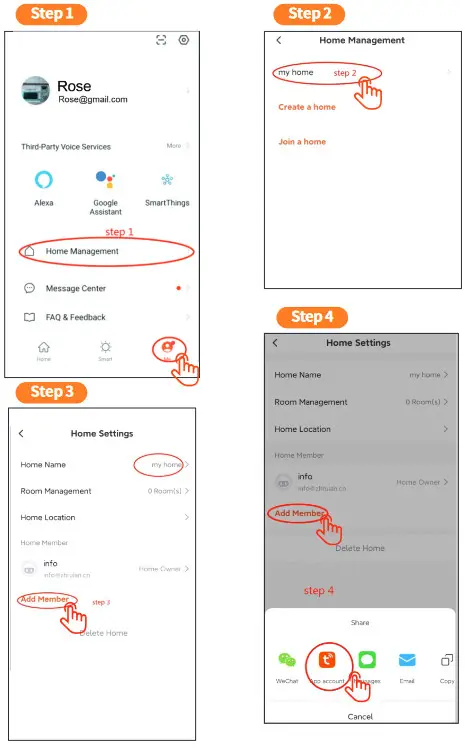
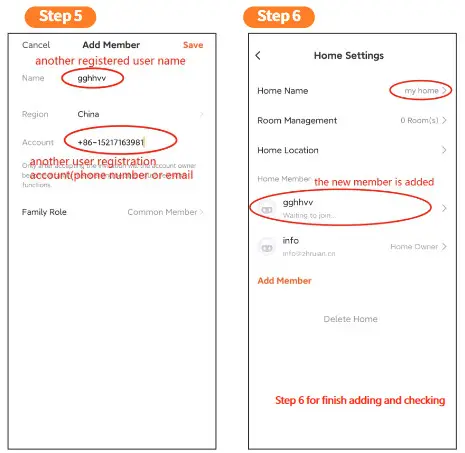 How to Share to additional users.
Preparation: new home members need to register the new account
the steps of the share to additional users as the below.
Open the “TUYA SMART” APP on the mobile phone—— click “me”—— click “home management”—— click “my home” to enter the “Home Setting”—— click “Add Member”—— click “App Account”—— input the registered user name and account(email or phone number) and Save it You will find the new additional users at the “Home Setting”