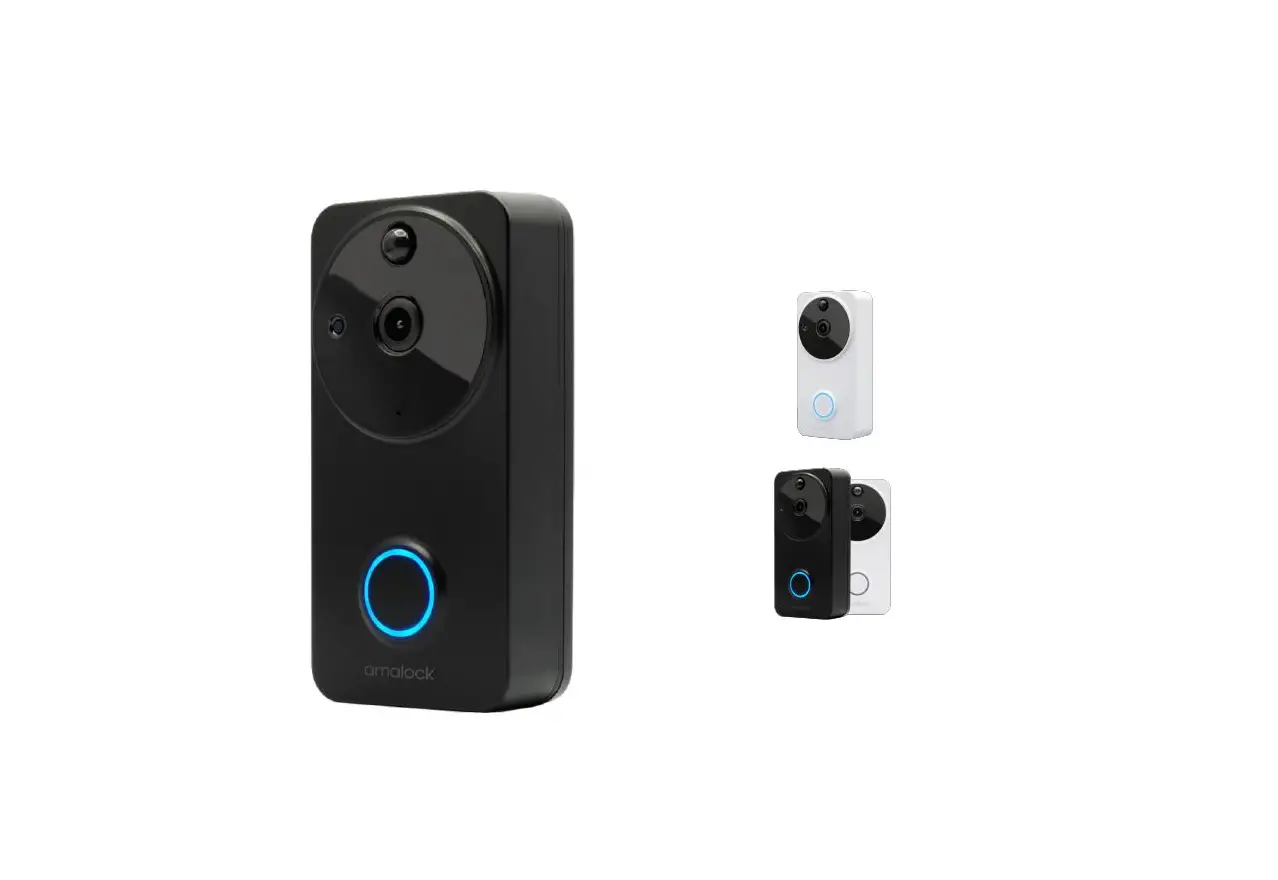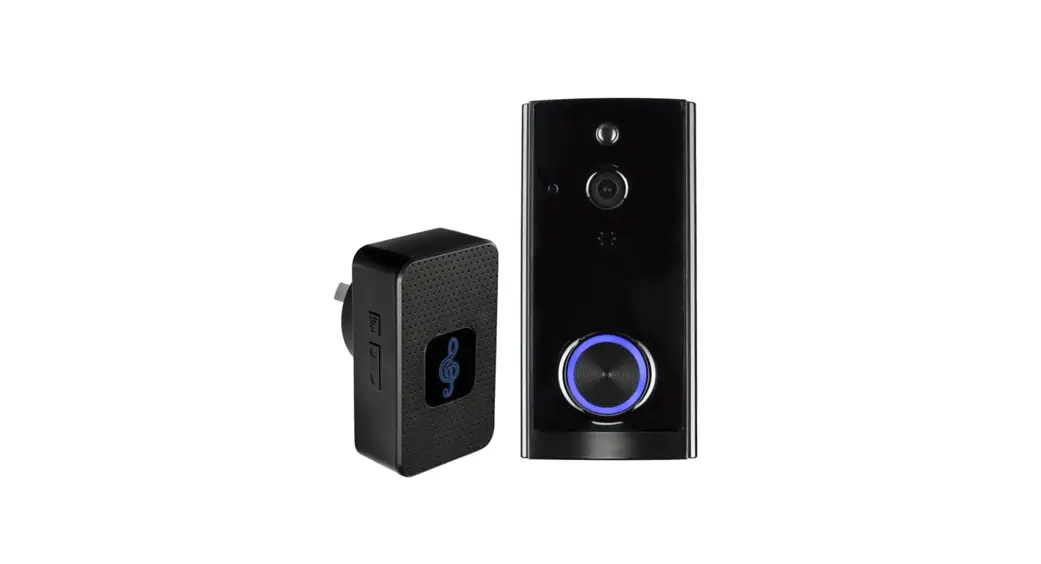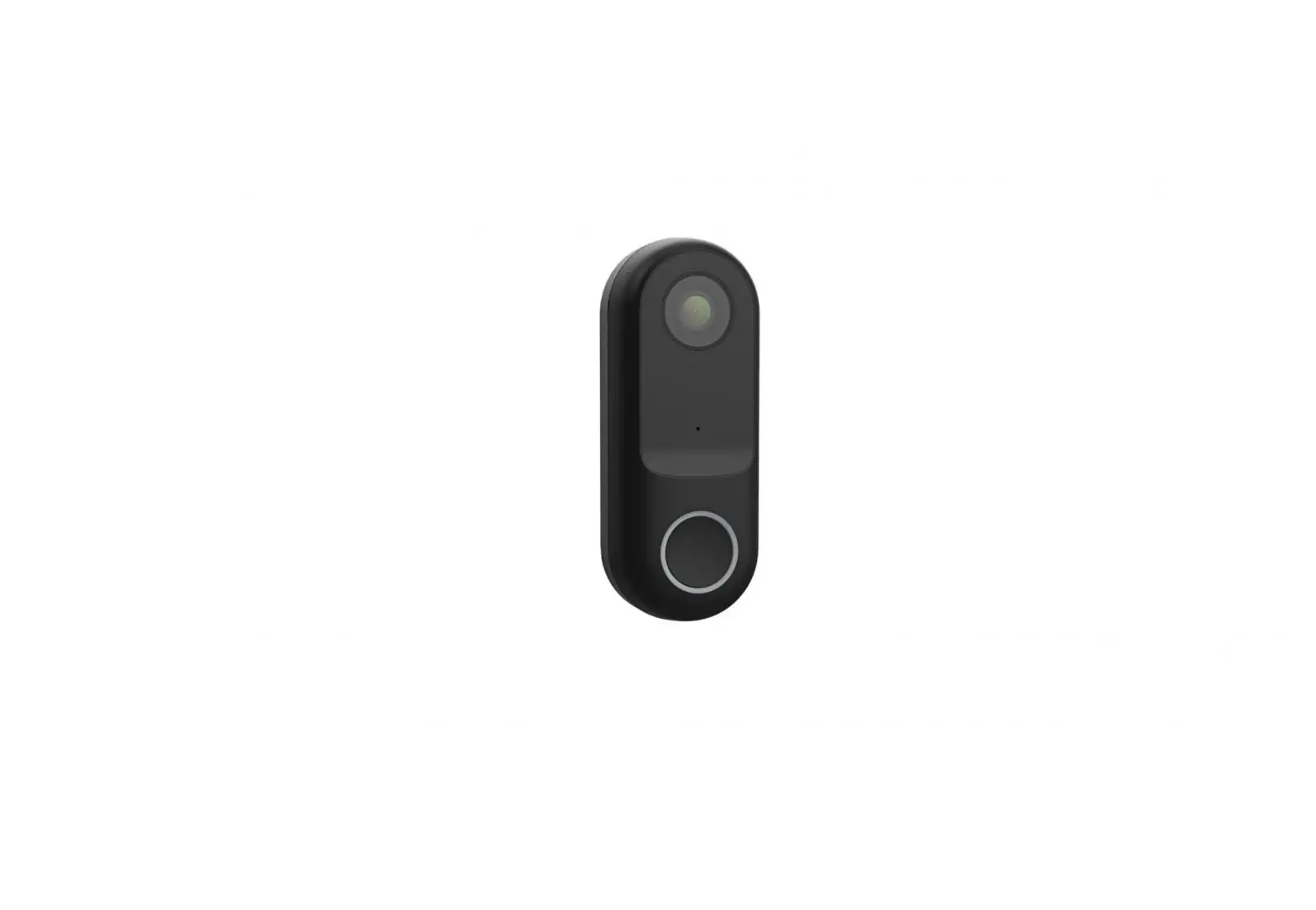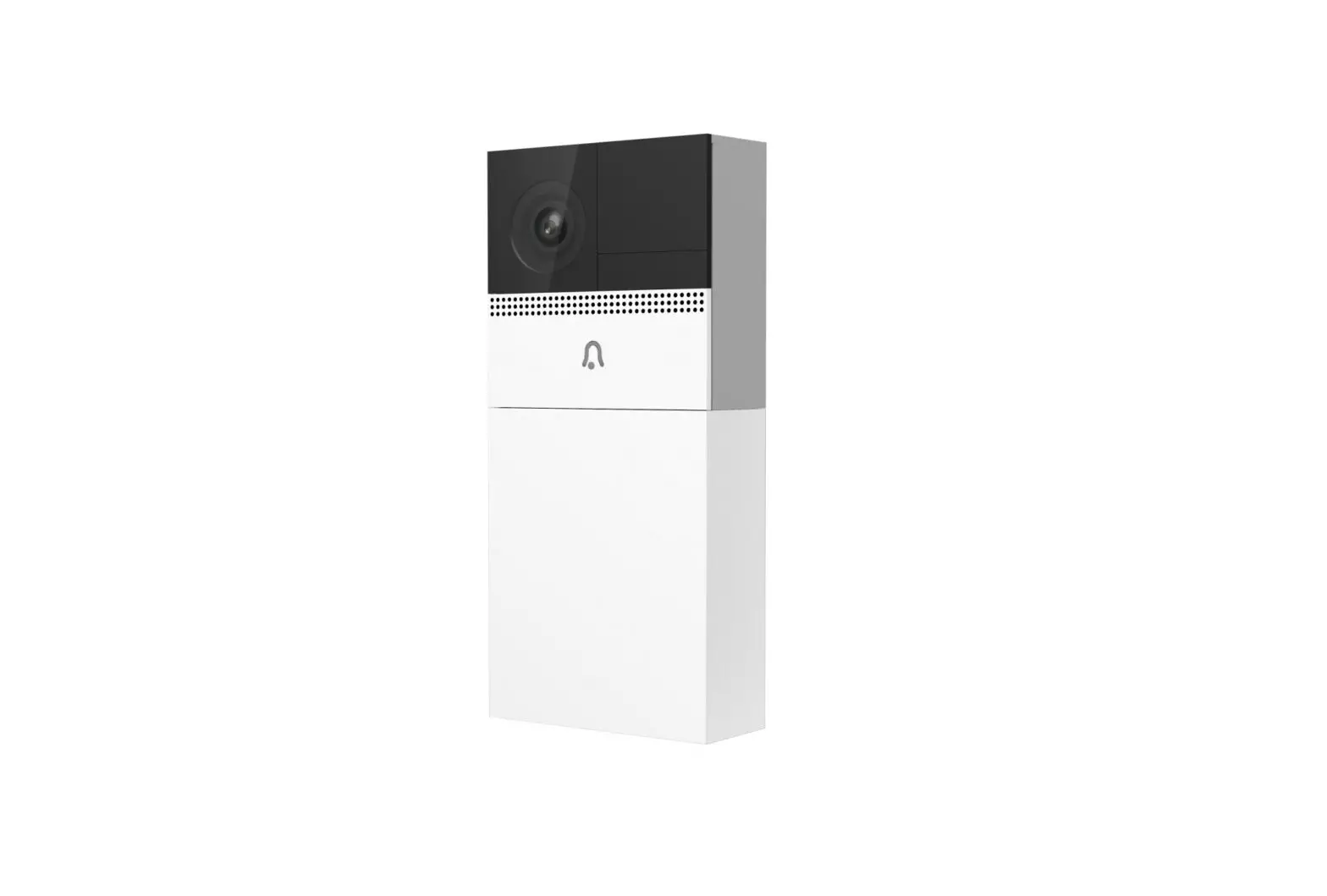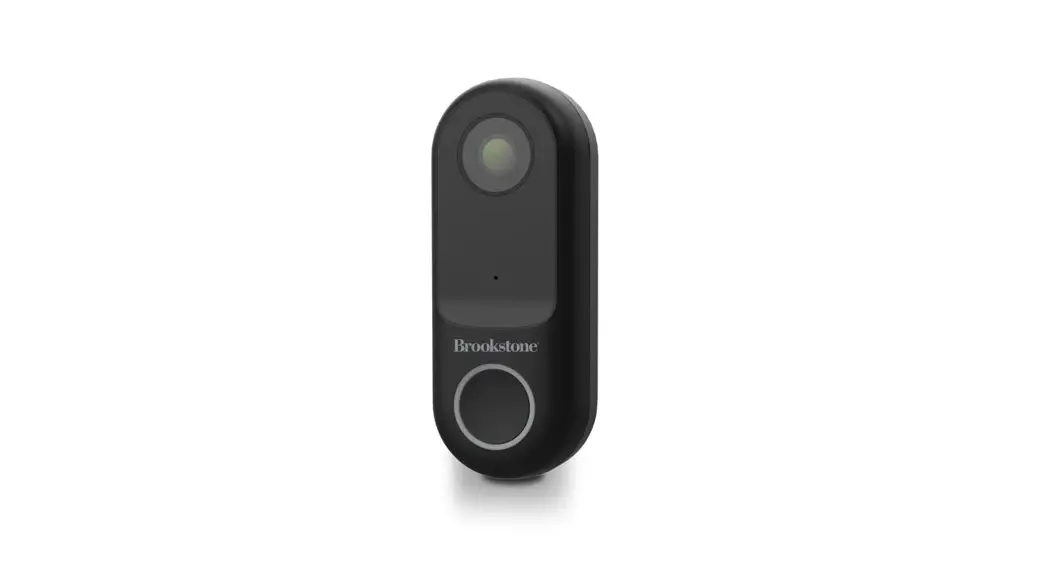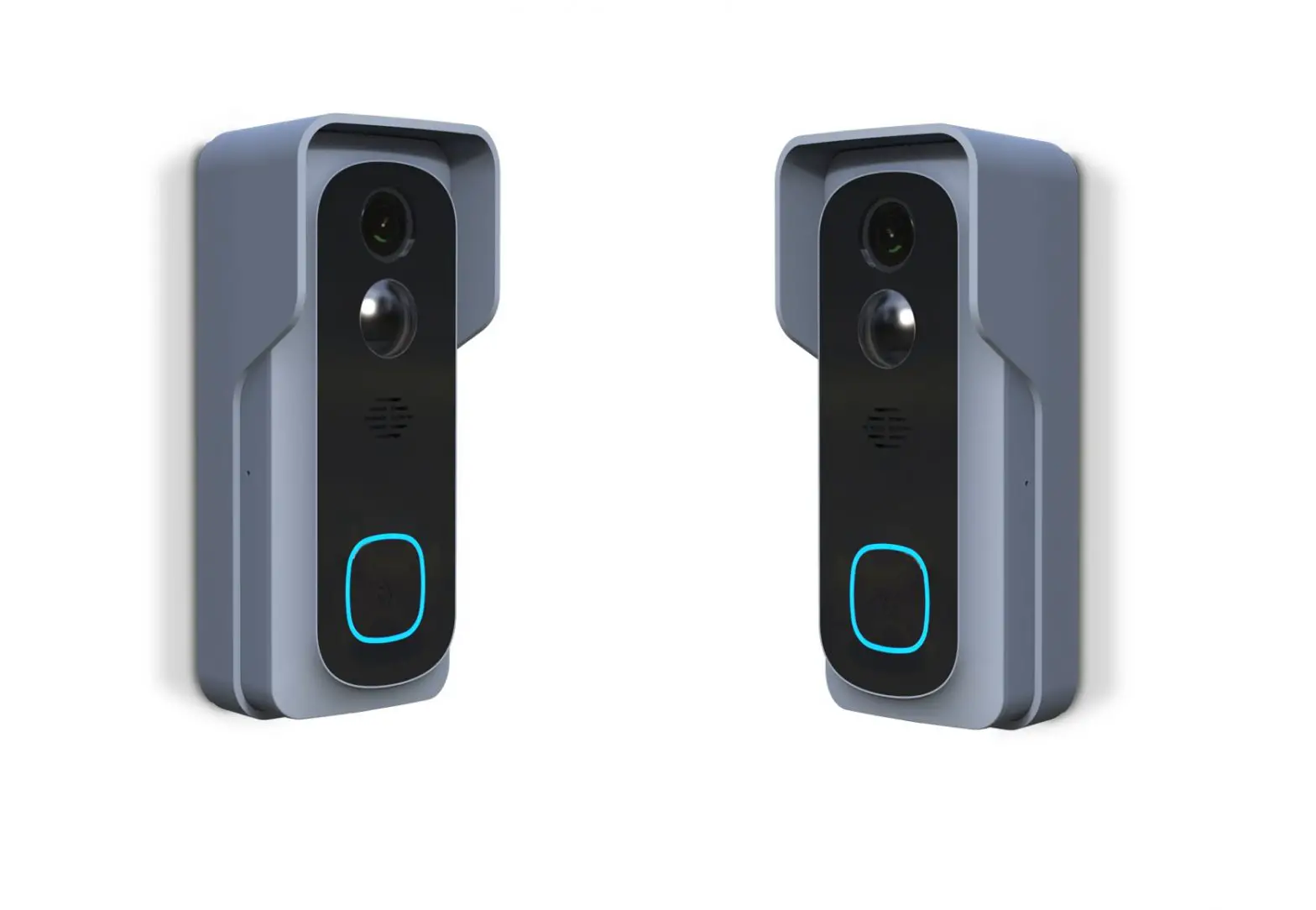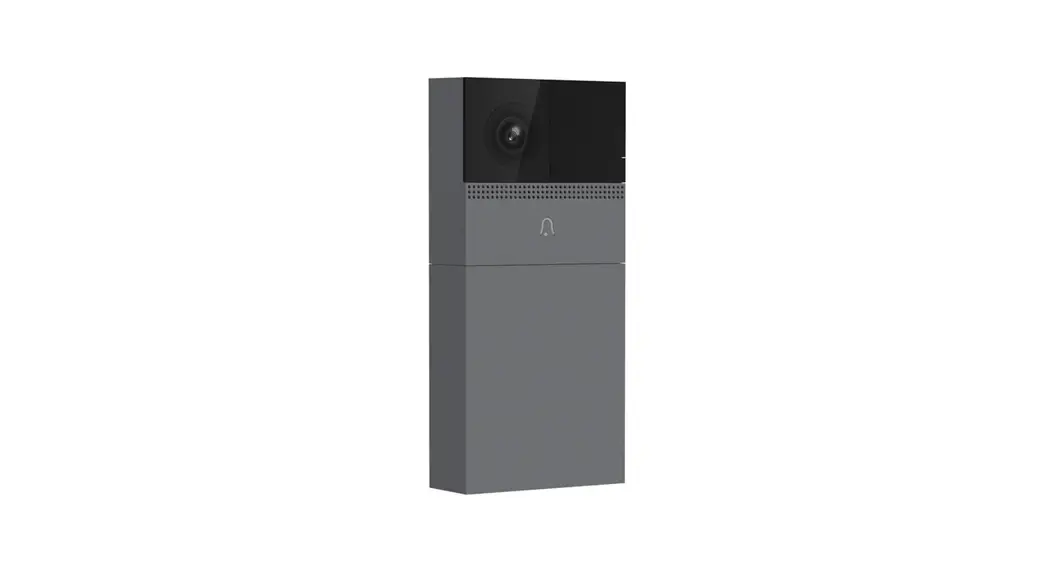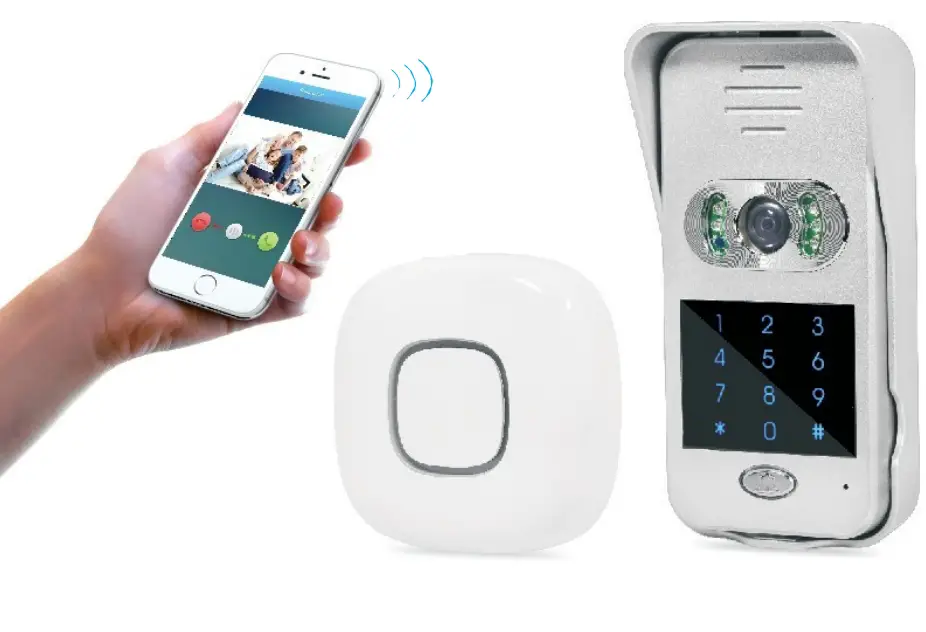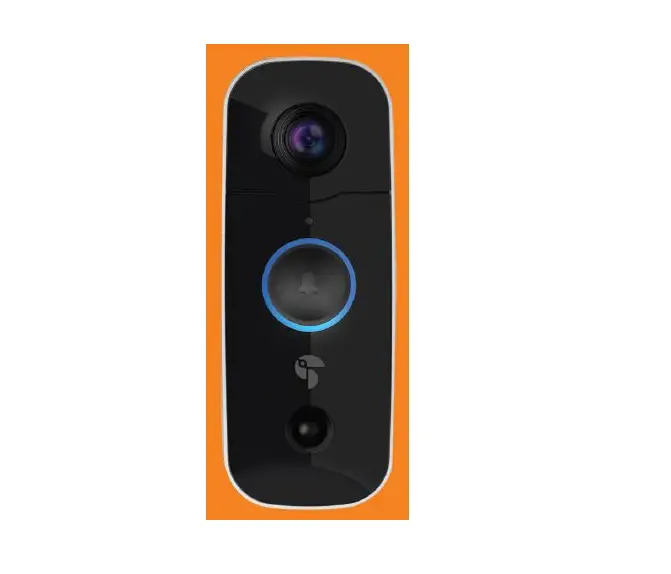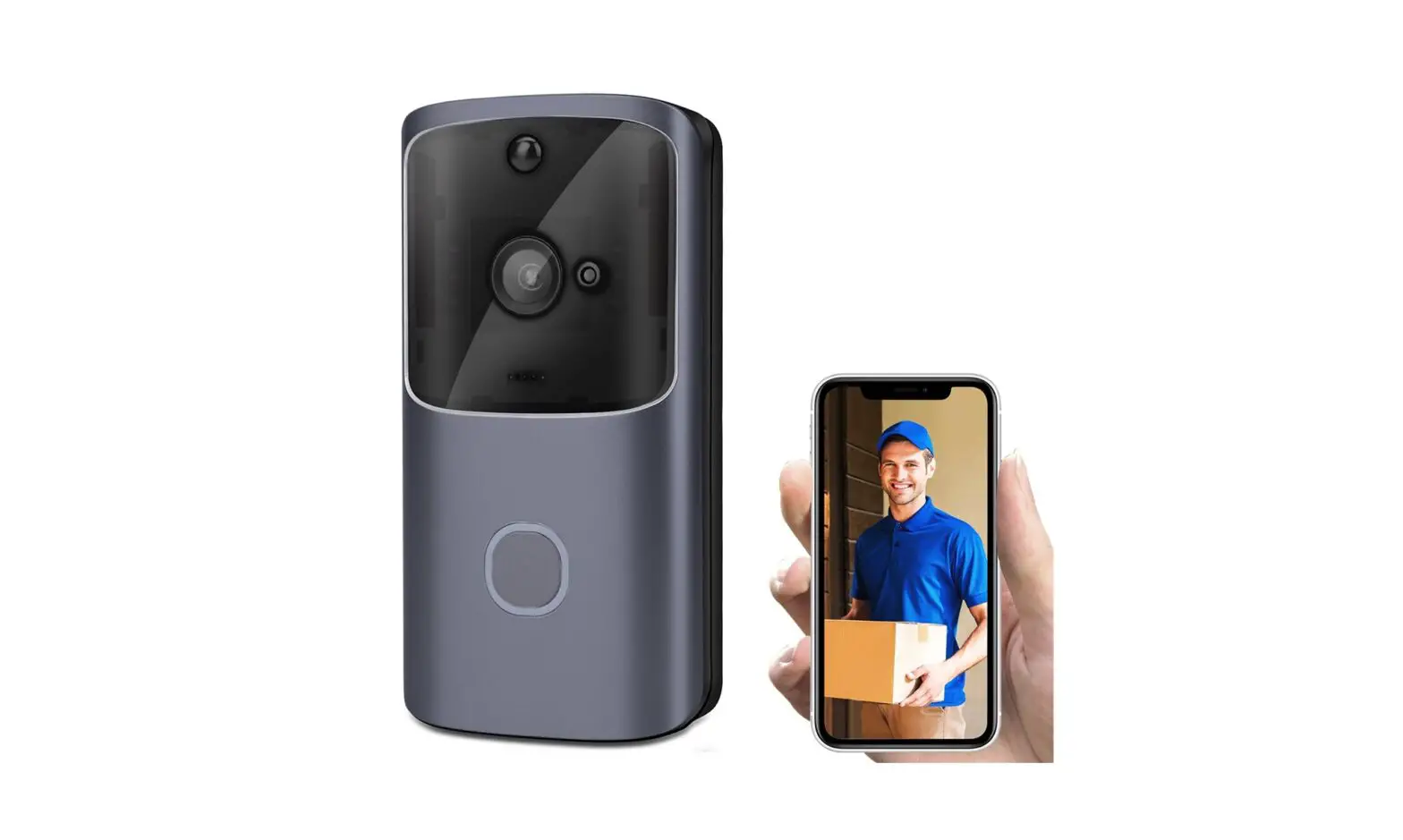
M10 2.4G Wireless WiFi Smart Doorbell Camera Video Remote Door Bell Ring
Smart Doorbell
Product Manual V1.0
Before using this product, please read this manual carefully and keep it for future reference.
Product Introduction
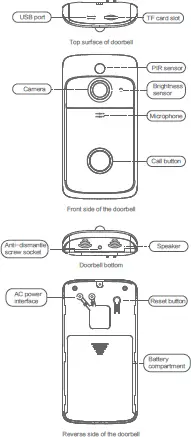
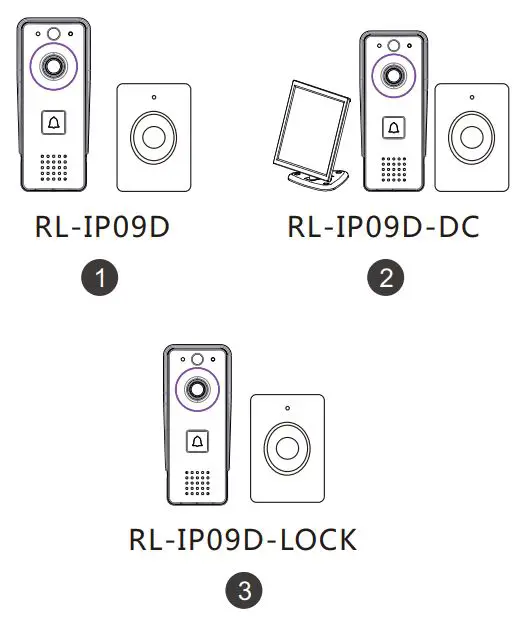
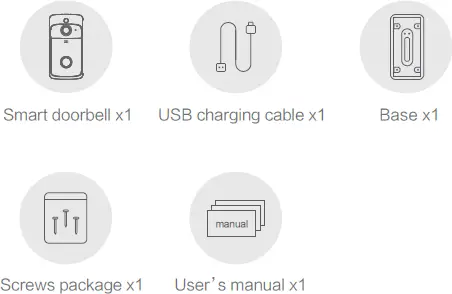
Package Contents
Please check if the device is in good condition and all accessories are included.
Quick Start Guide
1 Download the WowCam App
You can either scan the QR code or search “WowCam” in the App Store or Google Play.

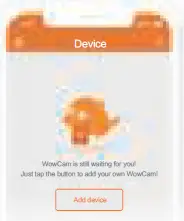
2 Add device
After logging into the App successfully, click on”add device”, follow instructions from the app then proceed. After connecting the device, you may press the call button and enjoy the video call.
Device Sharing
1 Invite your friends to download and install WowCam App, and register to log in.
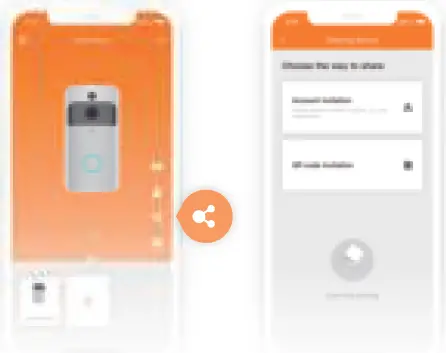
2 By clicking the sharing icon, you can choose”Account invitation” or”QRcode invitation”to share the device.
Installation Guide
Wireless installation
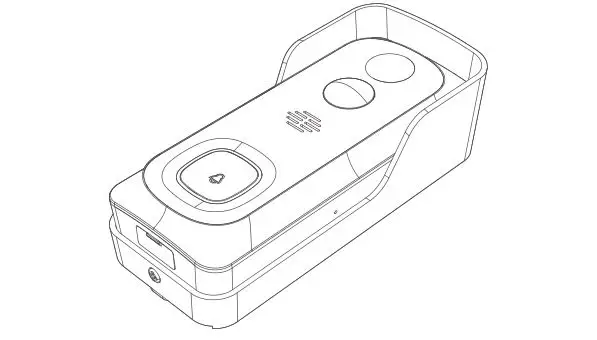
1. Use 4 screws (KA3x25mm) to mount the mounting bracket on the wall, or directly attach the mounting bracket to the wall with the adhesive tape comes together. (Please note: You may not mount it on iron gates.)
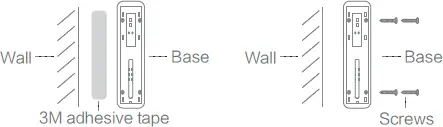
2 Buckle doorbell and base accordingly and push down slightly to fix it.
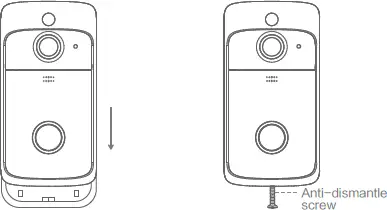
Note: If you install the doorbell wirelessly, please be remindful of the battery level of the smart doorbell. When the call button is flashing red, it means for low power. You may use any 5v charger to charge the battery, or you may use a USB cable as well.
Hardwired installation (Recommended)
1 Before Installing, please make sure to disconnect any power source that is connected with the doorbell. Slide across the electric cable through the bottom of the smart doorbell and use 4 screws to stabilize the doorbell base. ( Please note: you may not mount it on iron gates. 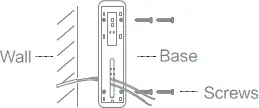
2 Please connect the two electric wires to the screws ( power requirement : 10-24VAC ) and insert through the back part of the doorbell for power.
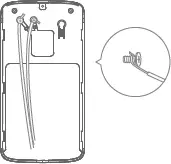
3 Buckle doorbell and base accordingly and push down slightly to fix it. After inserting the anti-dismantle screw in the bottom of the doorbell, the doorbell installation is completed.
Note: Remove the anti-dismantle screw before removing the doorbell from the base.
Warning
- Please do not install the product in a harsh environment. The product may be damaged if exposed to high temperatures, high humidity, dust, and smoke, etc.

- The WowCam App and the device firmware will be updated occasionally. Please update when the software notifies you that an update is available.



The common operations can be checked from “Help and Feedback” in WowCam App.
Note for using
- The device is powered by rechargeable lithium batteries. With fully charged, the battery life approx be six months. The mobile device APP will be prompted while the battery voltage is low. Please charge the device after received the reminder.
- Keep the camera in range of your router. Make sure to pick a place within range of your network. Thick or insulated doors can greatly reduce the strength of your Wi-Fi signal even if your router is close by, so you should try streaming video before you mount your camera.
- The device is a low power consumption intelligent products, can support remote wake up from the APP, PIR human detection, press doorbell wake up. The devic will be works for 30 seconds after wake up then be in the resting state eautomatically and until to next waking up.
Technical Specification
| Resolution | 1280* 720 |
| Field of Angle View | 166° |
| IR LED | 6*850mm |
| Wi-Fi | IEEE 802 11 b/ g/ n |
| Audio | Two-way talk with noise cancellation |
| Recording | Device SD Card recording(20 seconds) |
| Storage | Cloud storage or 8G/16G/32G TF Card |
| Battery | Two18650 specification batteries |
| Device Wakeup | Device Button, Motion Detection, Remote Live View |
| Power Consumption | Three pcs 18650 lithium battery |
| Monitoring | Within600 ms |
| Notifications | Power Consumption Standby200 uA, Working170 mA |
Three 18650 specification batteries, work regularly for 9 months.
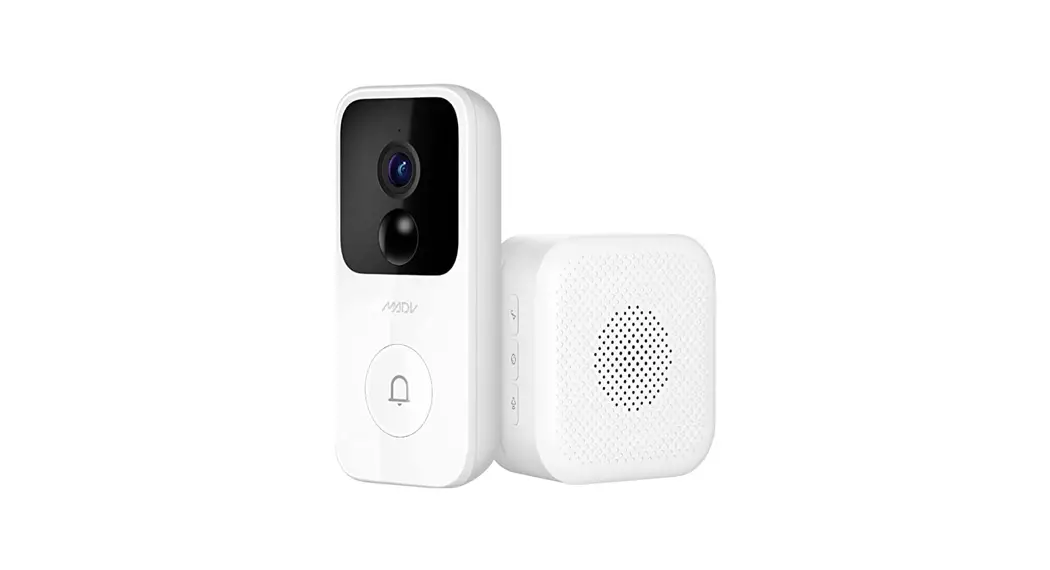
Ding-dong Pairing
(Needs to be purchased separately) Code Pairing: 1.Short press the button of Ding-dong responder,
indicator light is always on 2.Press the button of doorbell to make the code successful
Reset: 1.Press the button of Ding-dong for 5 seconds. Number of connections: 1 Ding-dong can connect with12
Doorbells; 1 Doorbell can connect with unlimited
amount of Ding-dongs.
Function Introduction
 Three 18650 specification batteries work regularly for 9 months
Million HD pixels collocated with wide-angle lens
Support mobile phone remote fast wakeup device within 1 second.
2.4G Wi-Fi connection
High quality two-way talk with noise cancellation
Support PIR motion detection, when someone hovers at the door, immediately alerts push notifications to the mobile phone.
Day and night mode automatic switching, whether day or night, the image is clearly visible, for yoursafety and family security.
*Reminder: The above product functions are subject to change without notice, please refer to the actual product, thank you!