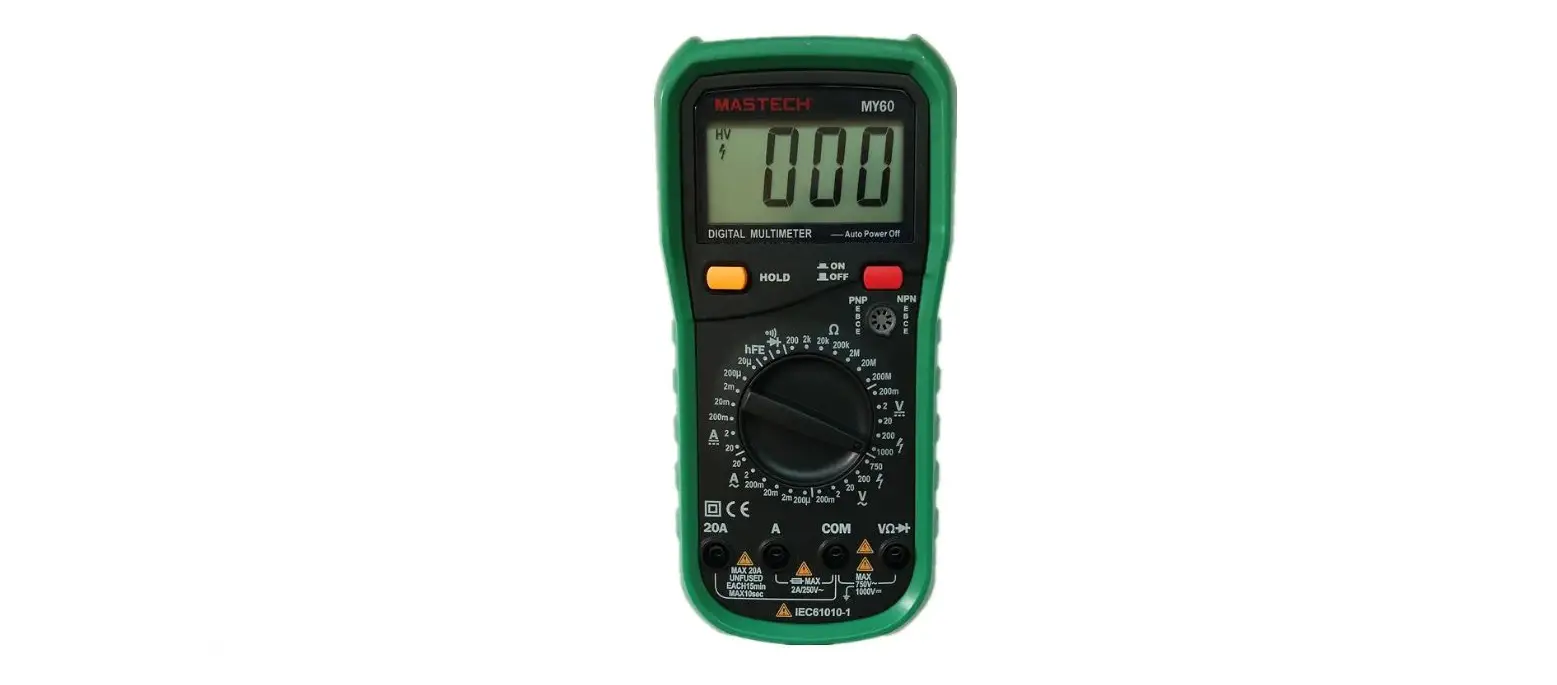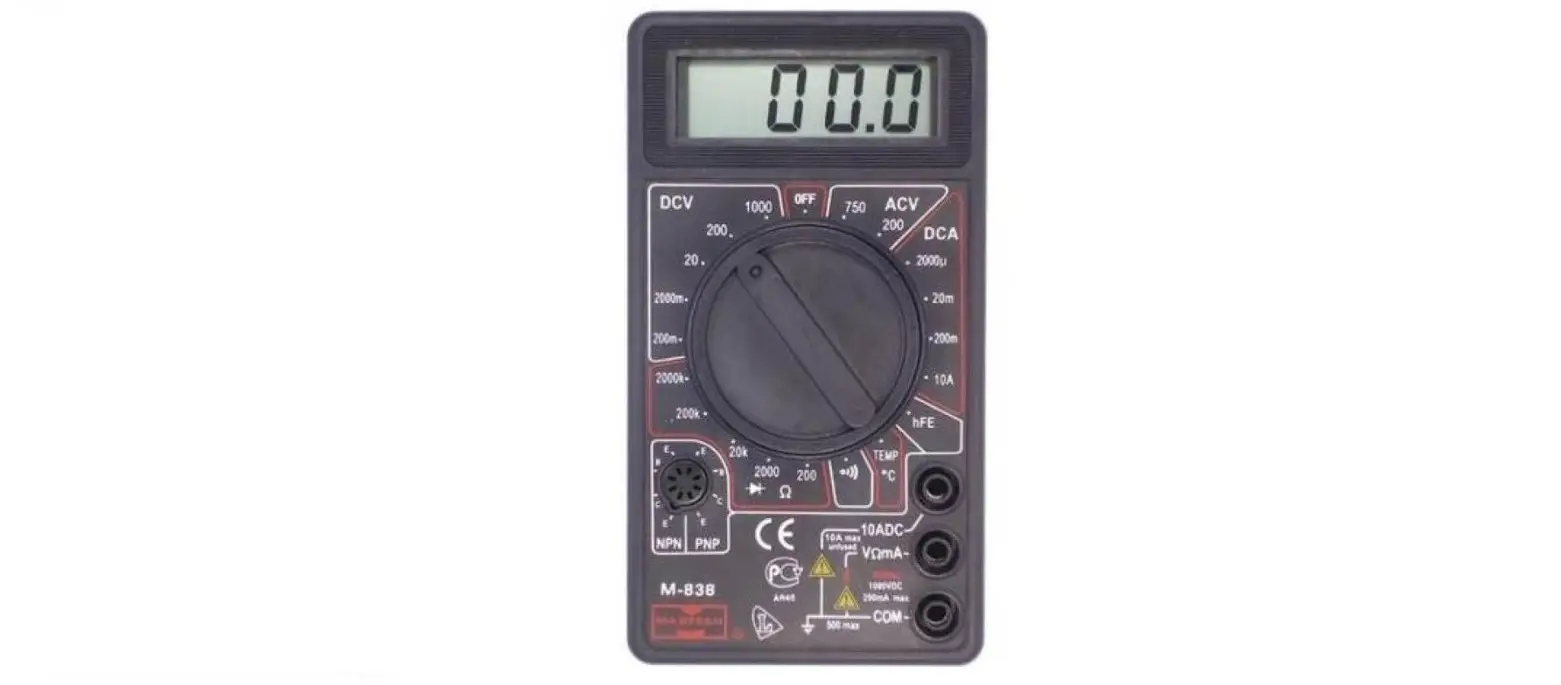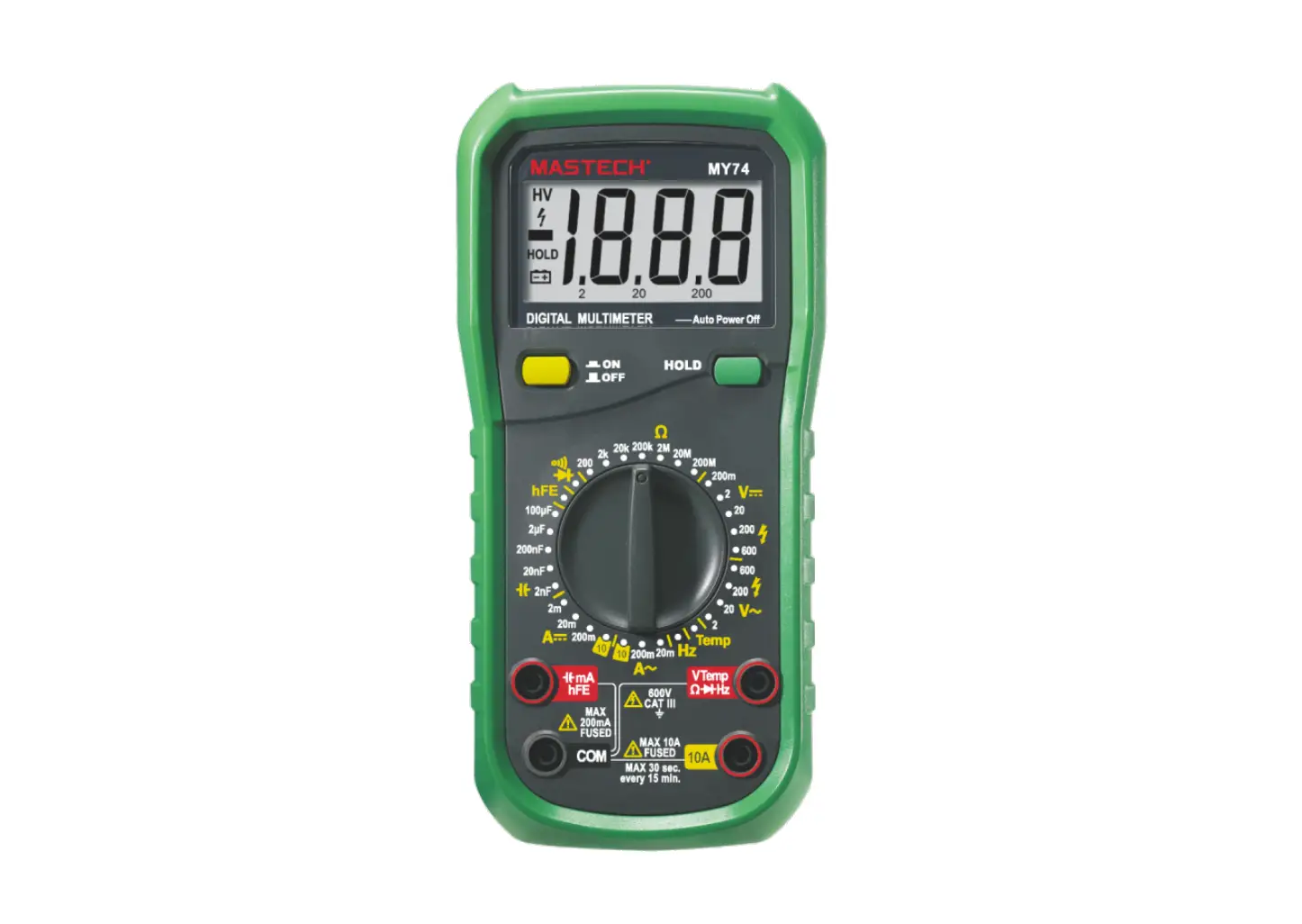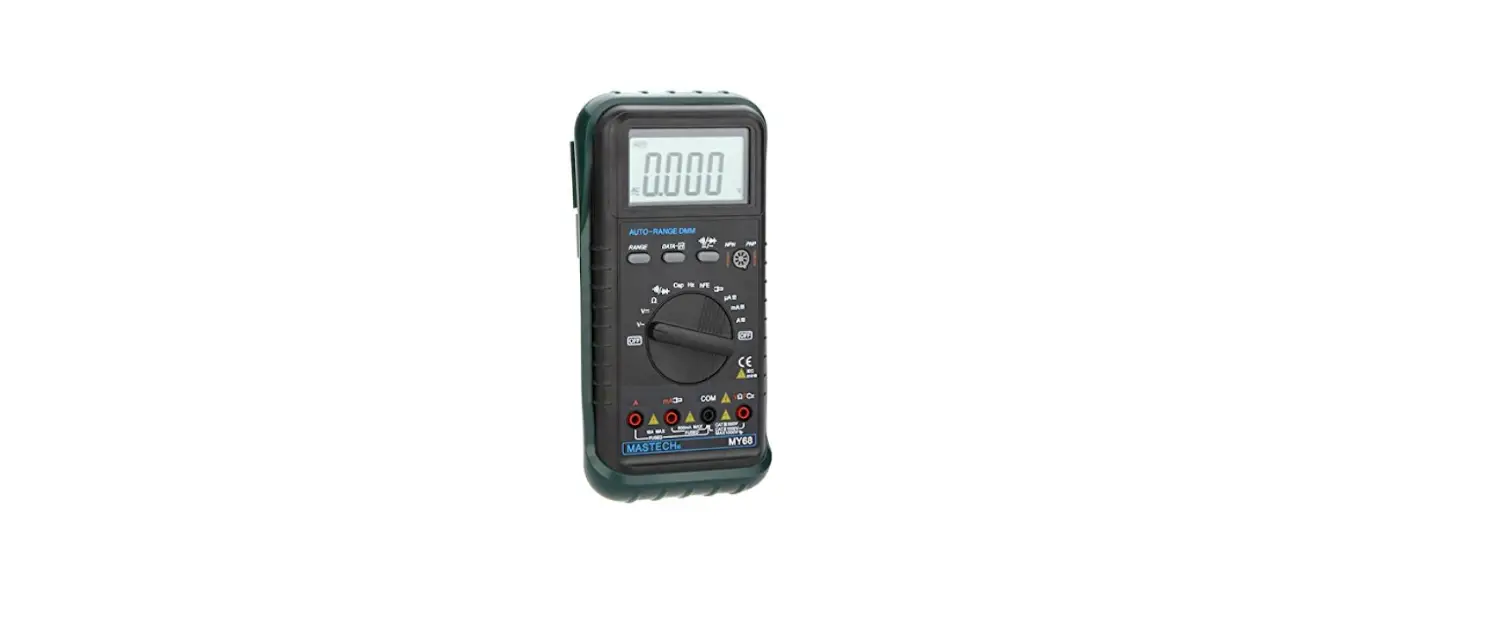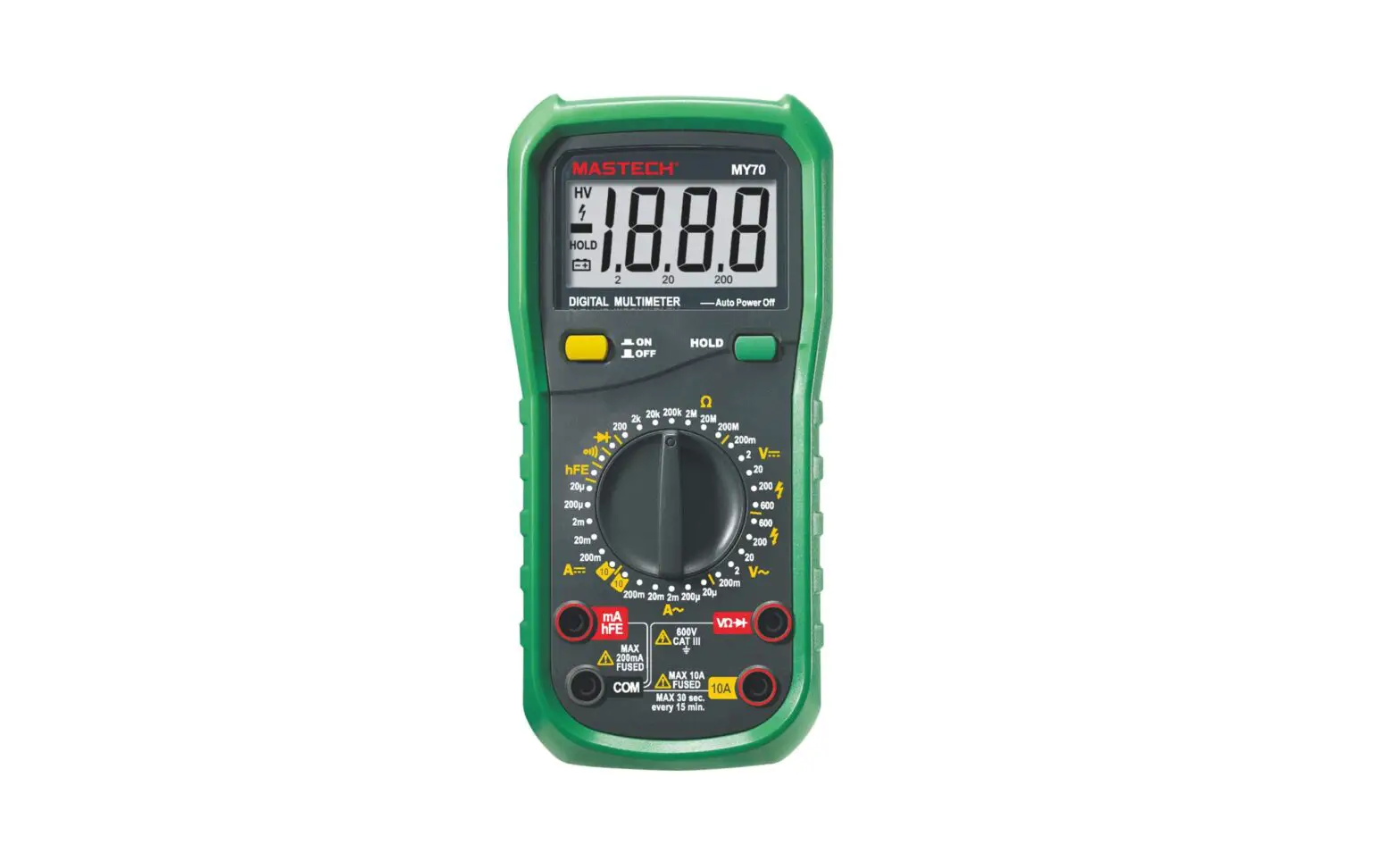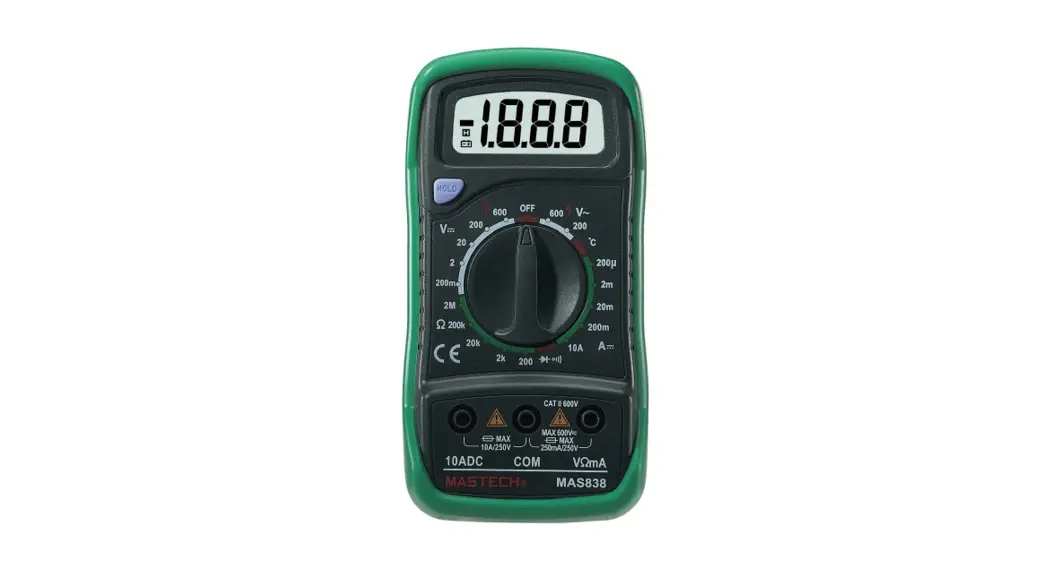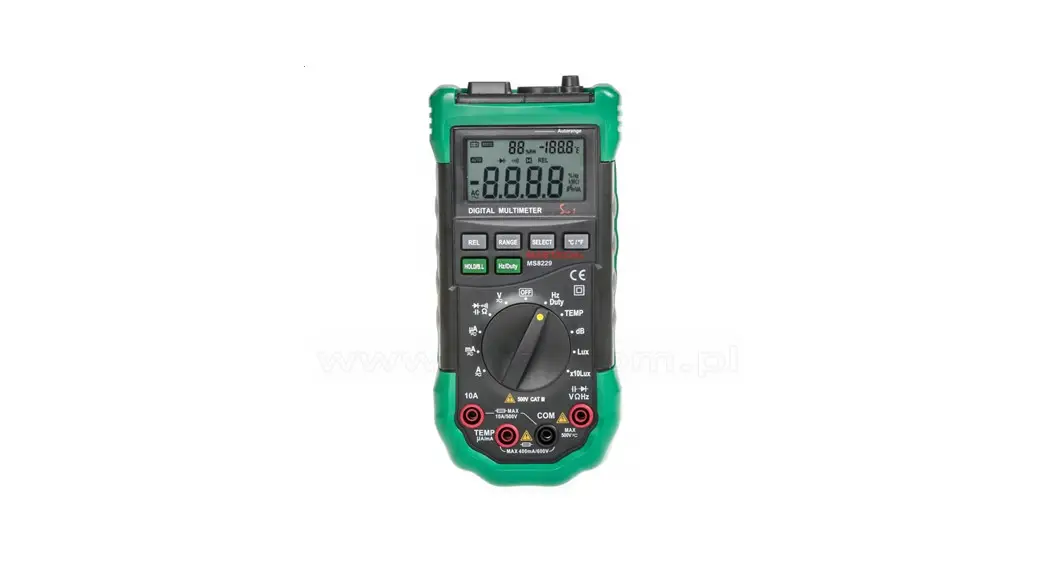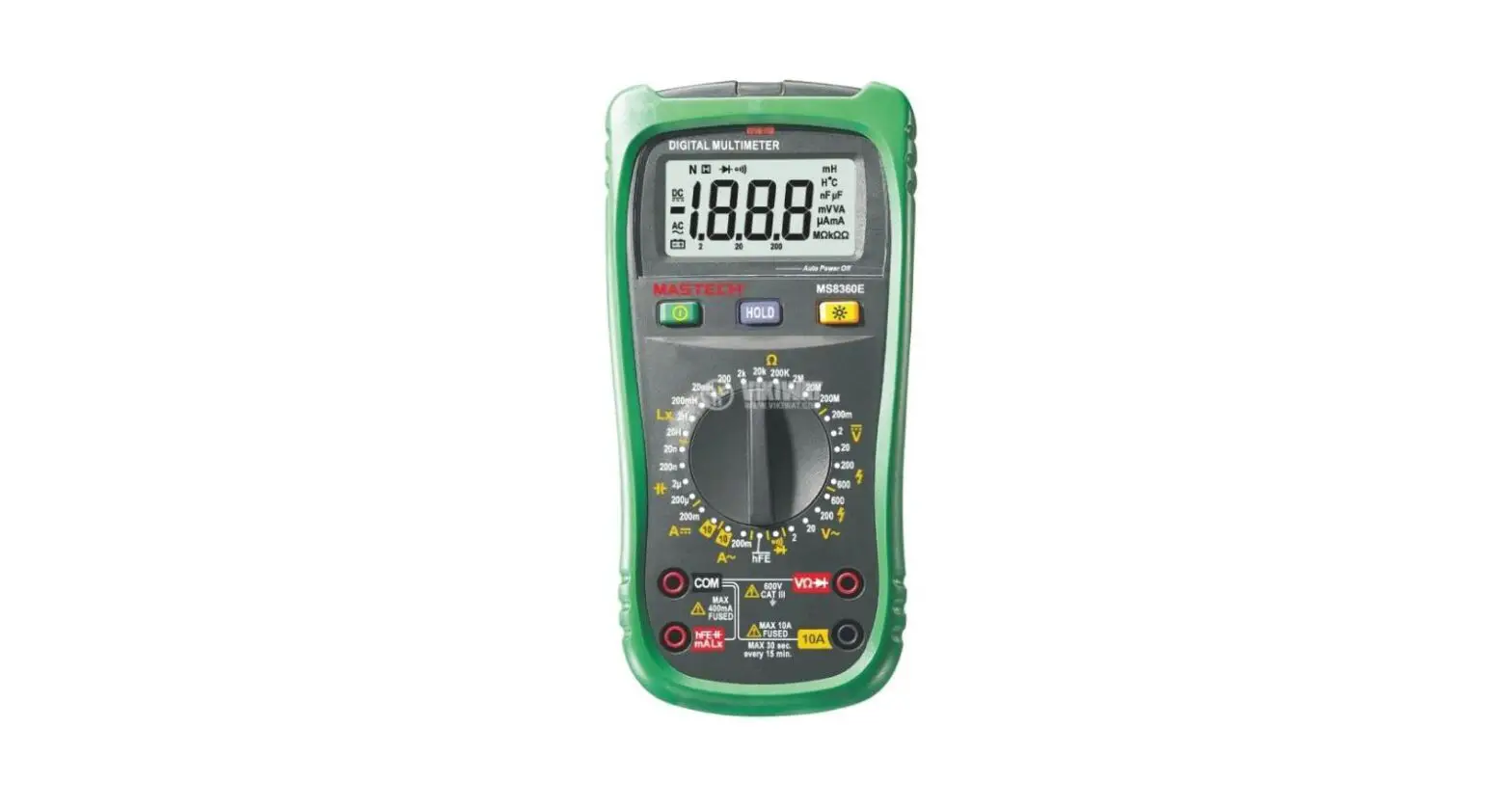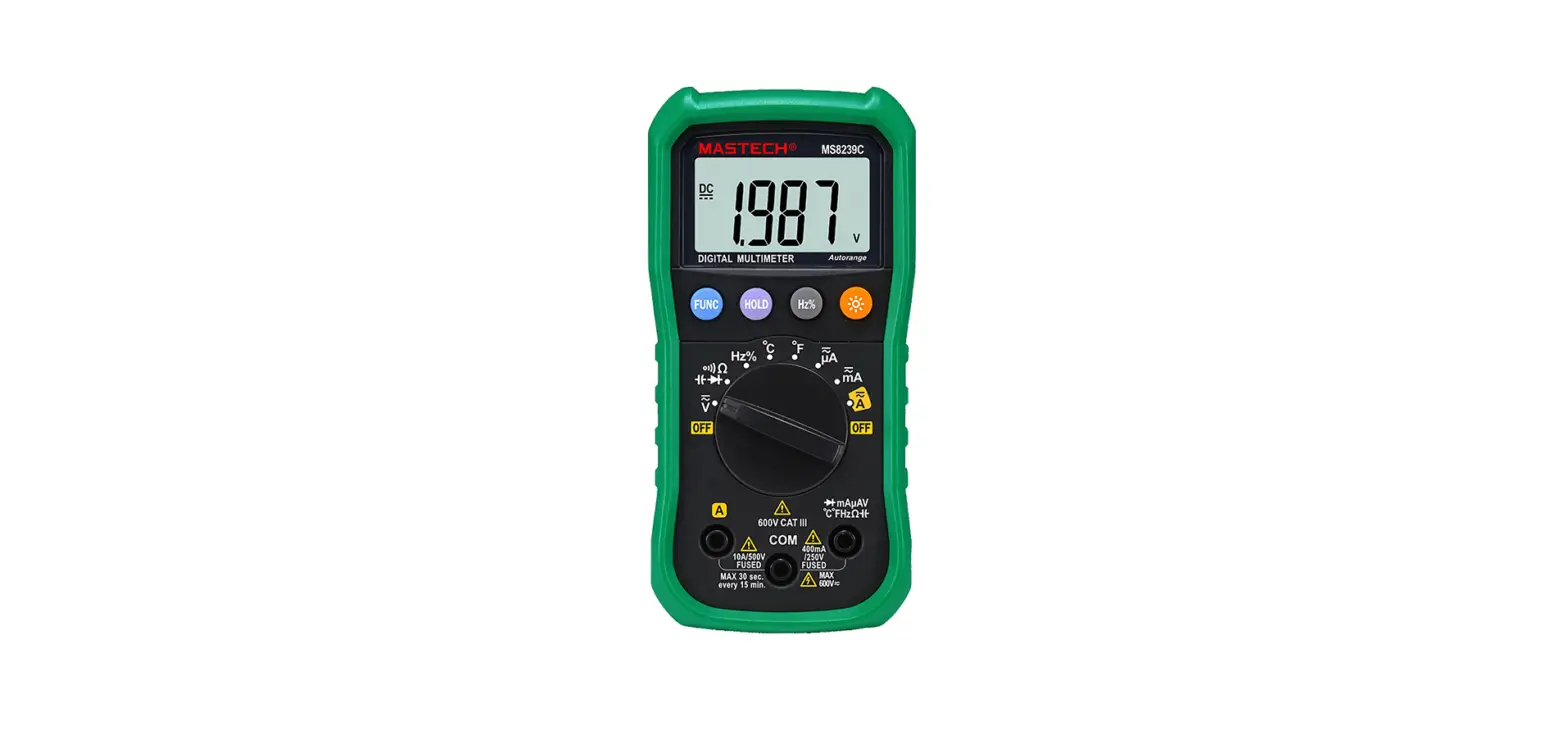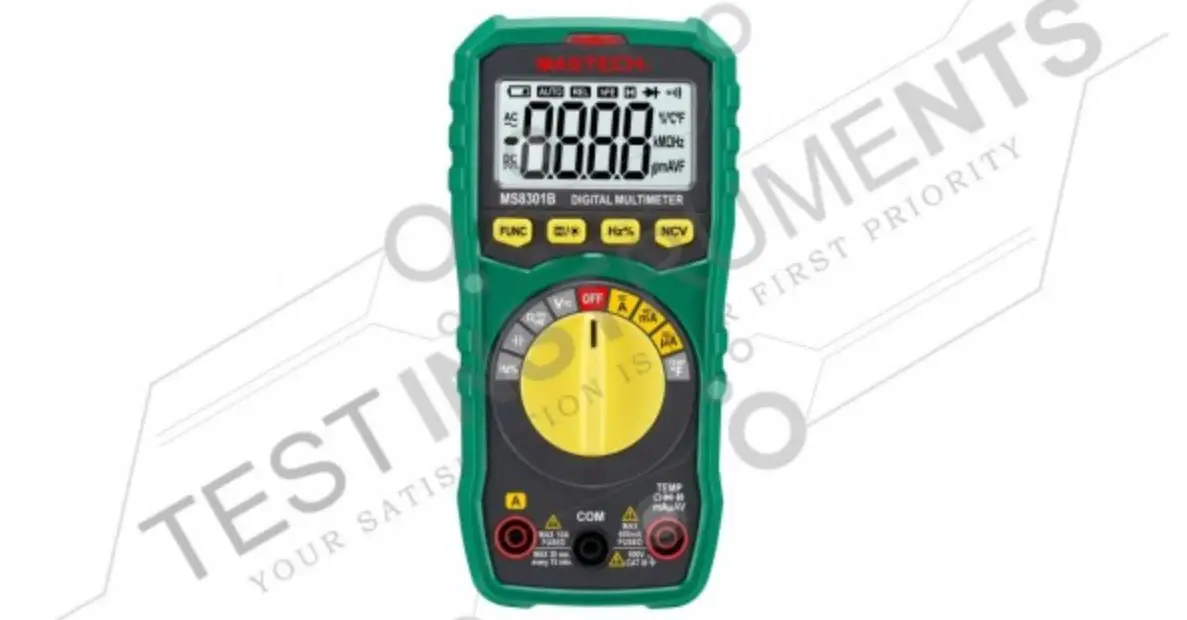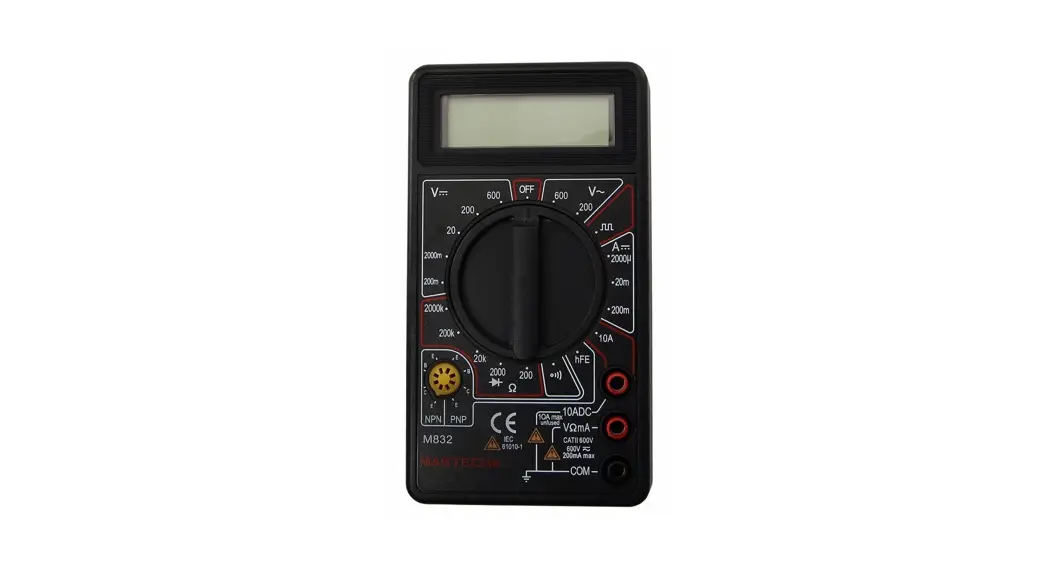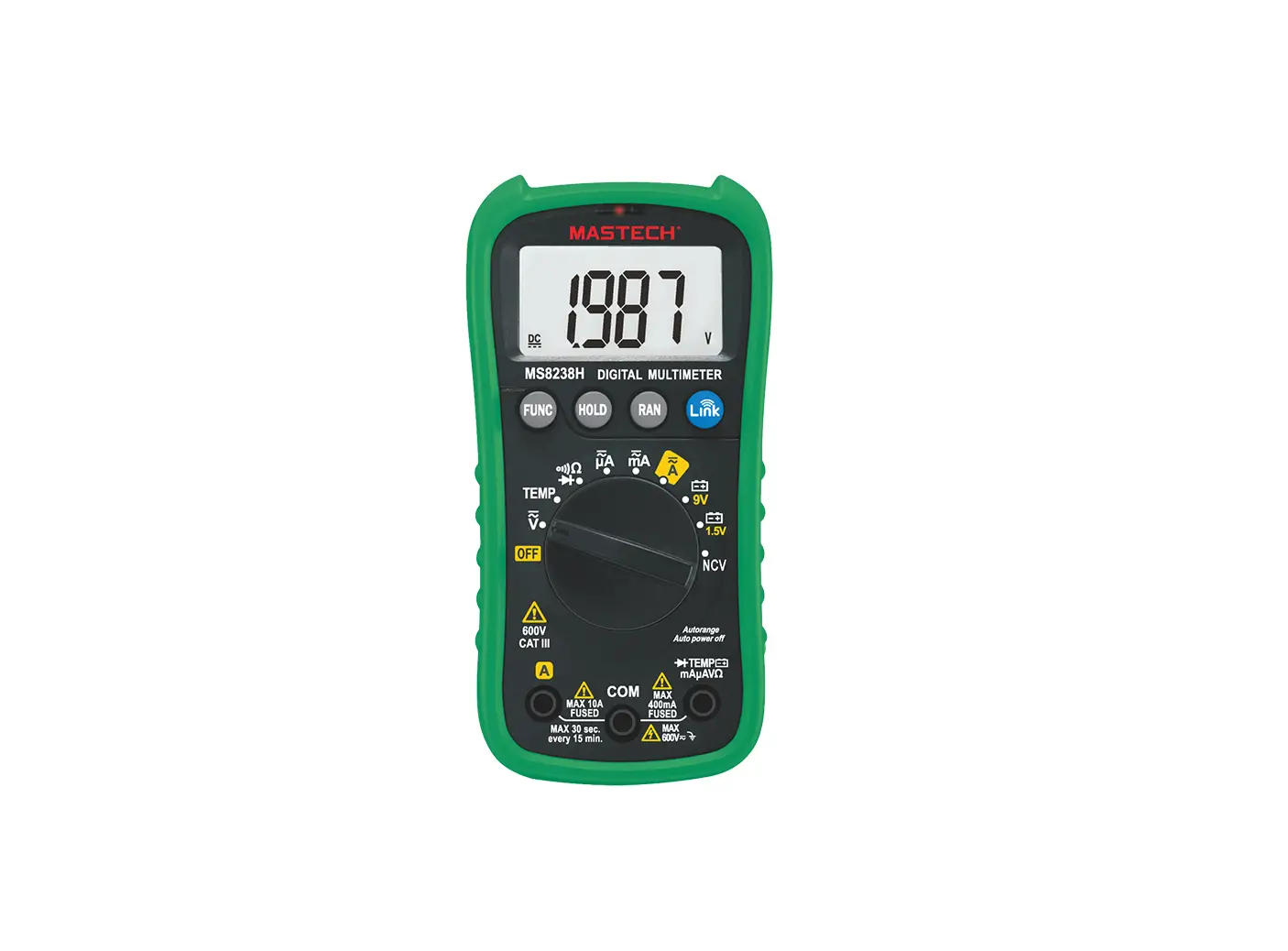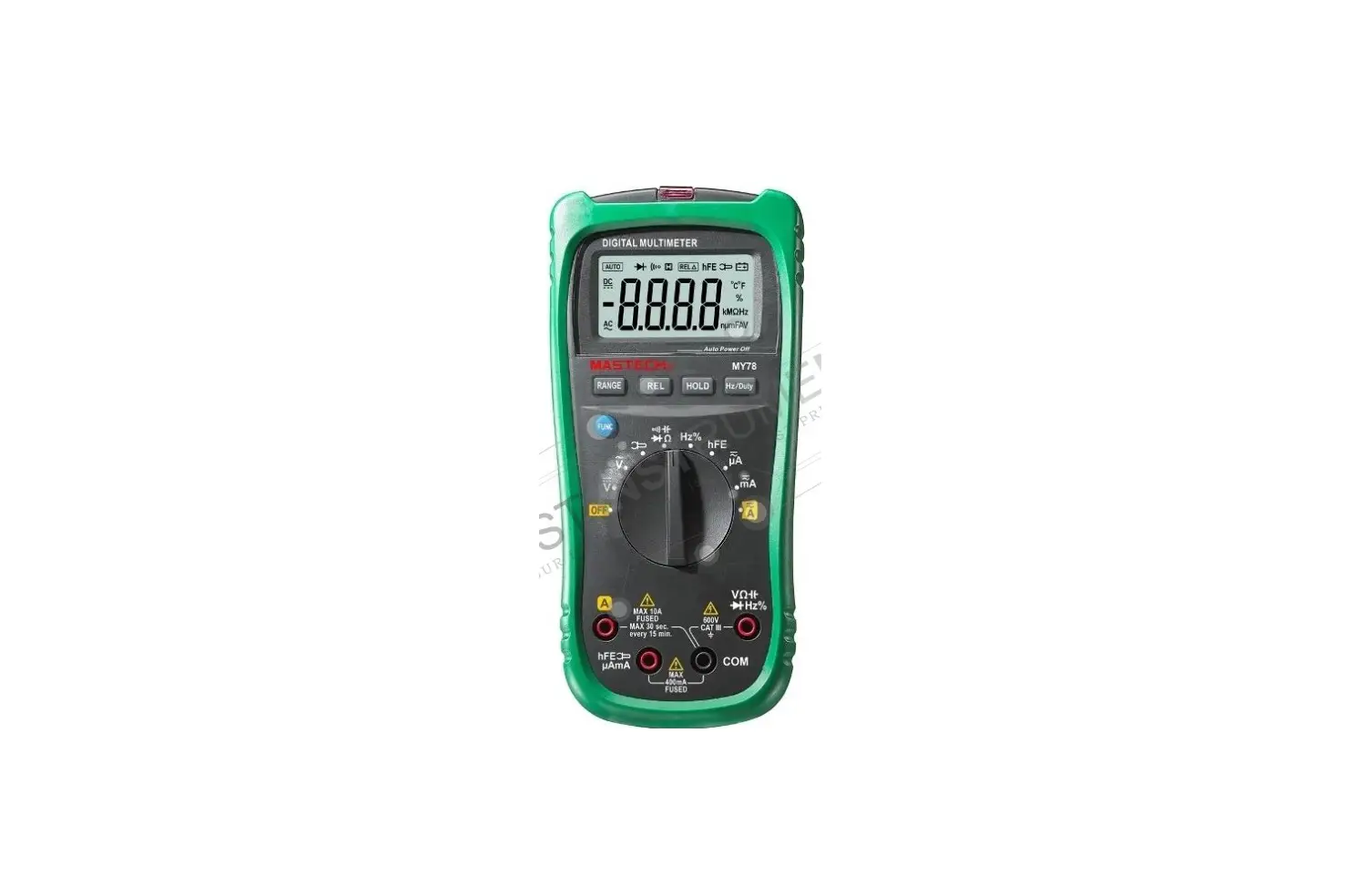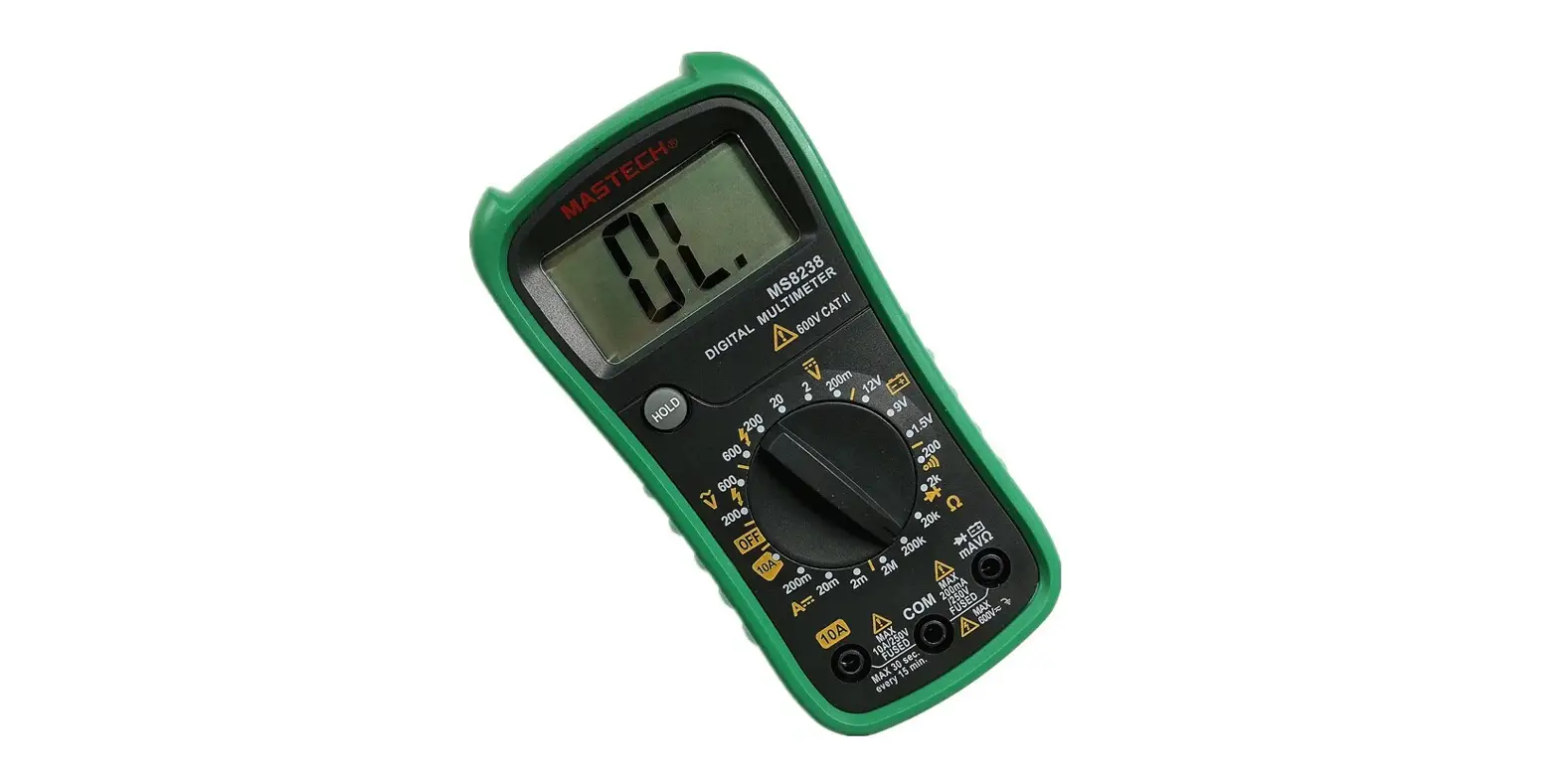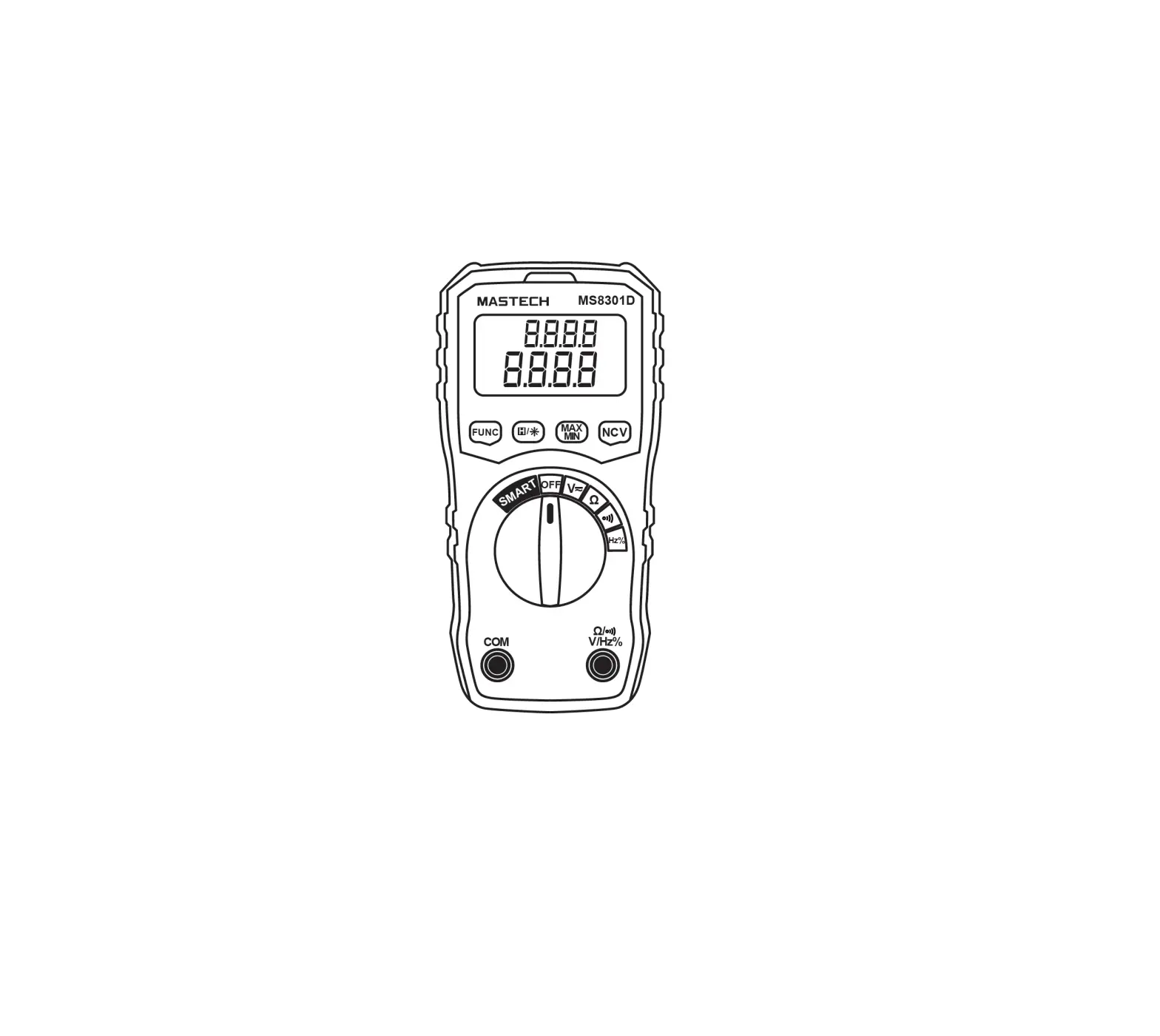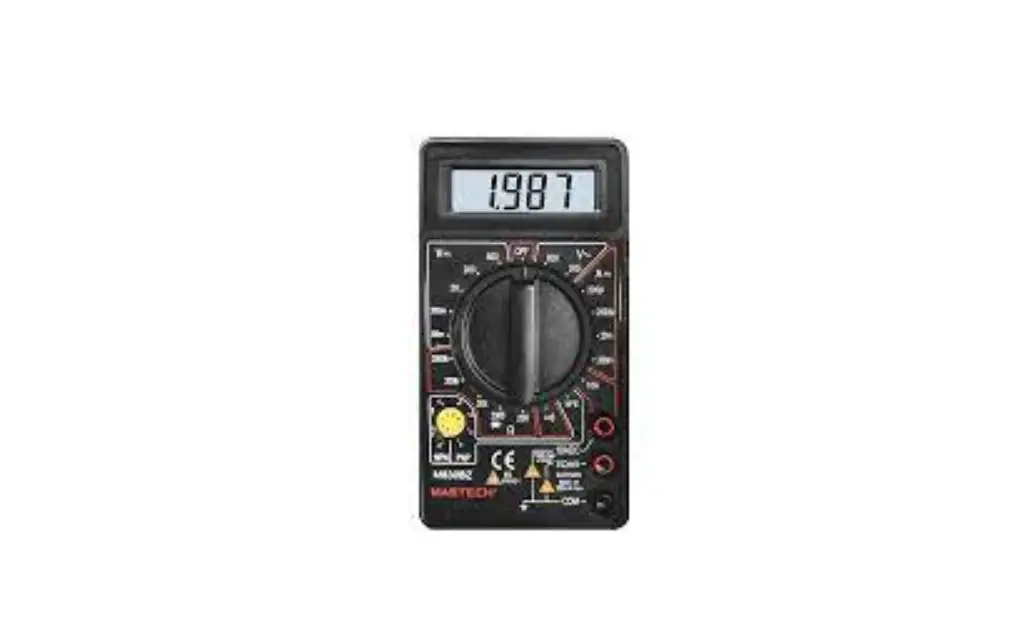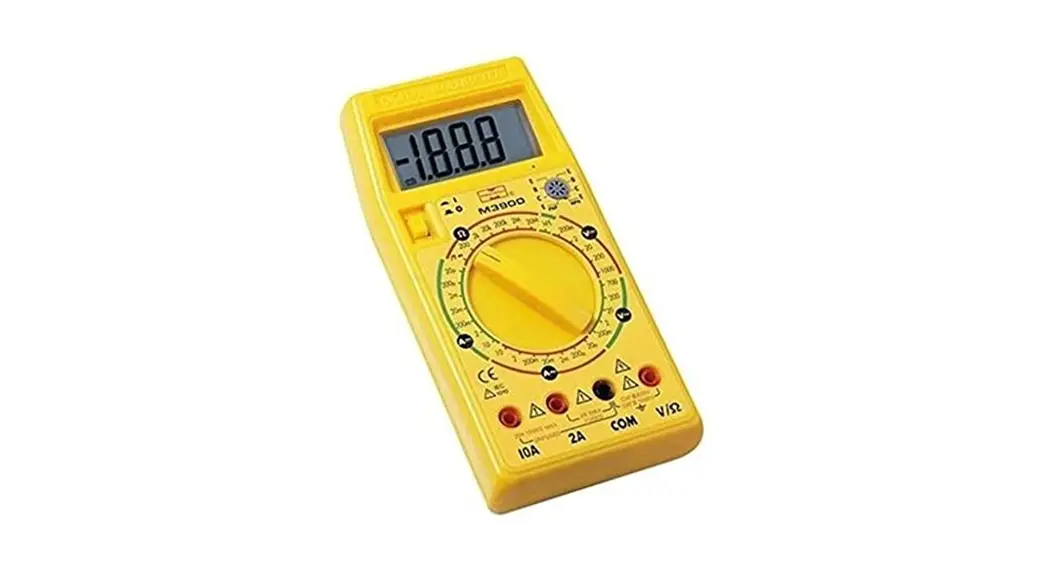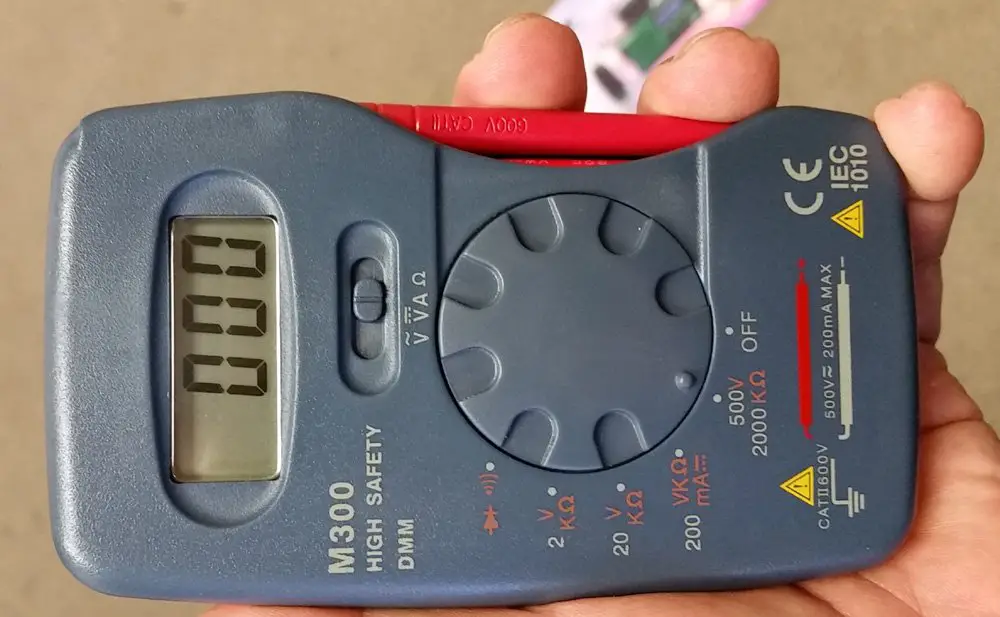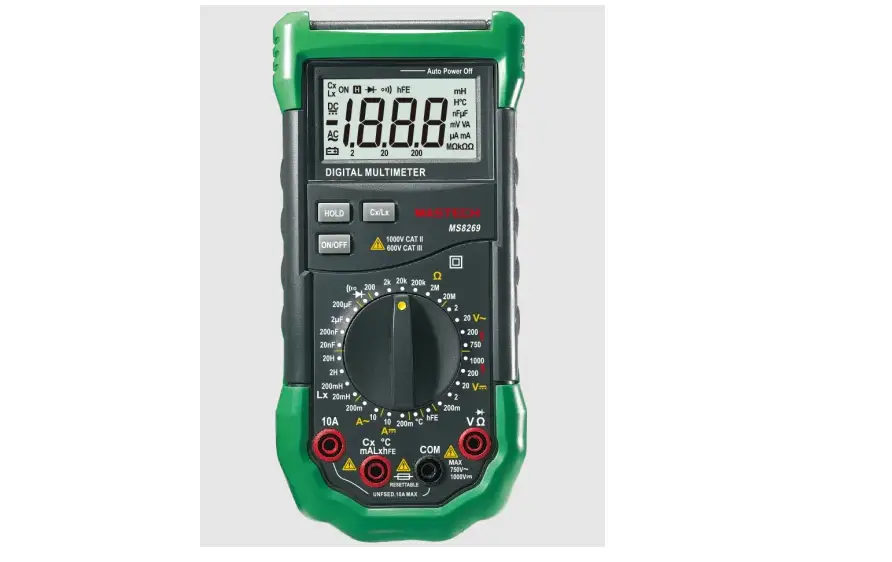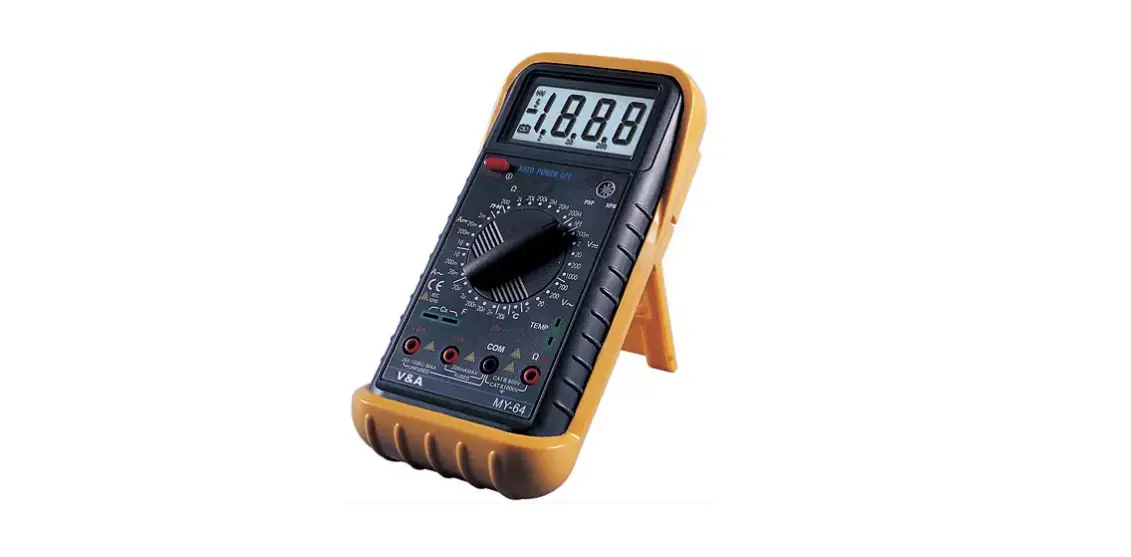
MASTECH MY64 Digital Multimeter User Guide
Warnings
The special attention should be paid when using the test and measurement instrument because the improper usage may cause electric shock and damage the equipment.
- Use proper measurement category (CAT), voltage, and amperage rated probes, test leads, and adapters for the measurement.
- Do not use or store the device around explosive gas, vapor, or under high temperature and humidity.
- When handling the test probes and crocodile clips, keep your fingers behind the physical guard.
- Examine the measuring test leads (if present) before use. Any element of which the insulation is deteriorated (even partially), replace them with proper functional test leads.
- Connect the common test lead before the live test lead and remove the live test lead before the common test lead.
- Before measuring current, make sure the instrument fuses available and disconnect the power supply to the circuit test
- Remove the batteries if the device is not used for an extended period of time, or if stored in temperatures above 45 °C. If the batteries are not removed, battery leakage can damage the device.
Contents

Specifications
Range | Resolution | Accuracy | |
 | 2V 20V/200V 750V | 1mV 10mV/100mV 1V | ±(0.8%+3) |
 | 200mV/2V/20V/200V 1000V | 0.1mV/1mV/10mV/100mV 1V | ±(0.5%+2) |
 | 20mA 200mA 10A | 10μA 0.1mA 10mA | ±(1.0%+5) |
 | 2mA/20mA 200mA 10A | 1μA/10μA 0.1mA 10mA | ±(0.8%+1) |
 | 200Ω 2kΩ/20kΩ/200kΩ/2MΩ 20MΩ 200MΩ | 0.1Ω 1Ω/10Ω/100Ω/1kΩ 10kΩ 100kΩ | ±(0.8%+3) |
 | 2nF/20nF/200nF/2μF 100μF | 1pF/10pF/0.1nF/1nF 100nF | ±(4.0%+3 |
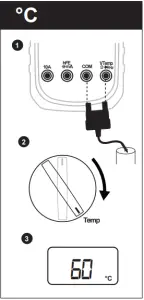
 | -20℃~0℃ 1℃~400℃ 401℃~1000℃ | 1℃ 1℃ 1℃ | ±(5.0%+4) |
 | 20kHz | 10Hz | ±(2.0%+5) |
Product Instruction
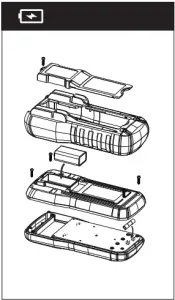
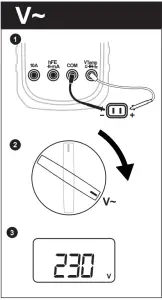
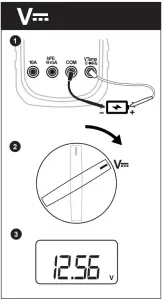
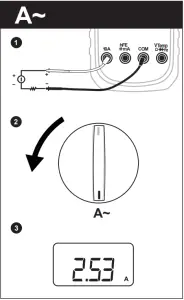
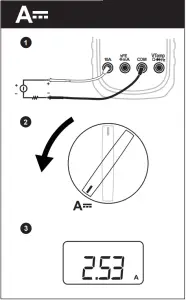
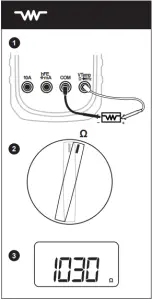
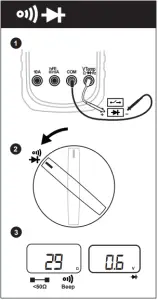
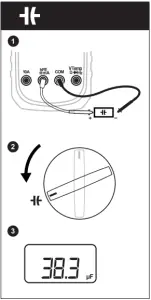
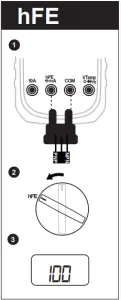
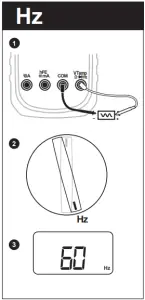
Warranty

Customer Support
EMEA
MGL EUMAN S.L. C/ Picu Castiellu, Parcelas i1-i4 33163, Argame Morcín, Asturias, Spain
Tel: +34 985-08-18-70
Email: [email protected]
USA
MGL AMERICA, INC. 2810 Coliseum Centre Drive, Ste. 100 Charlotte, North Carolina 28217 USA
Tel: +1 833-533-5899
Email: [email protected]
UNITED KINGDOM
MGL GROUP U.K. LIMITED 14 Weller St, London, SE1 1QU, UK
Tel: +34 985-08-18-70
Email: [email protected]
MEXICO & LATAM
MGL LATAM S.A DE CV Colonia Industrial Vallejo Del. Azcapotzalco 02300, Mexico D.F
Tel: +1 833-533-5899
Email: [email protected]
APAC
MGL APPA Corporation Flat 4-1, 4/F, No. 35, Section 3 Minquan East Road. Taipei, Taiwan. Tel: +886 2-2508-0877
Email: [email protected]
亞太地區
邁世國際瑞星股份有限公司 台北市中山區民權東路三段35號4樓
電話: 02-2508-0877
客服信箱: [email protected]
SKU Number: MY64CBGLO
Scan Qr Code