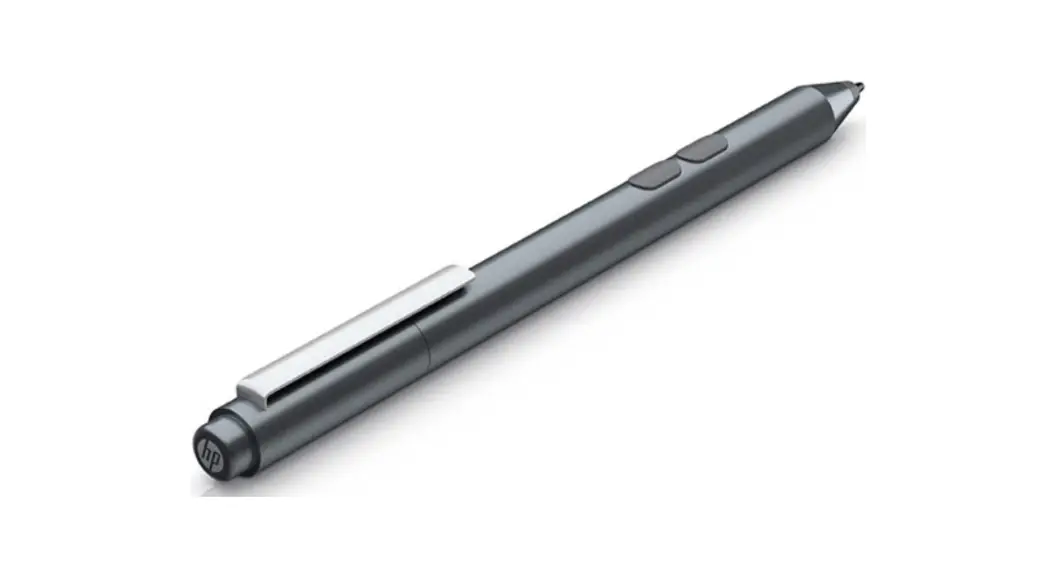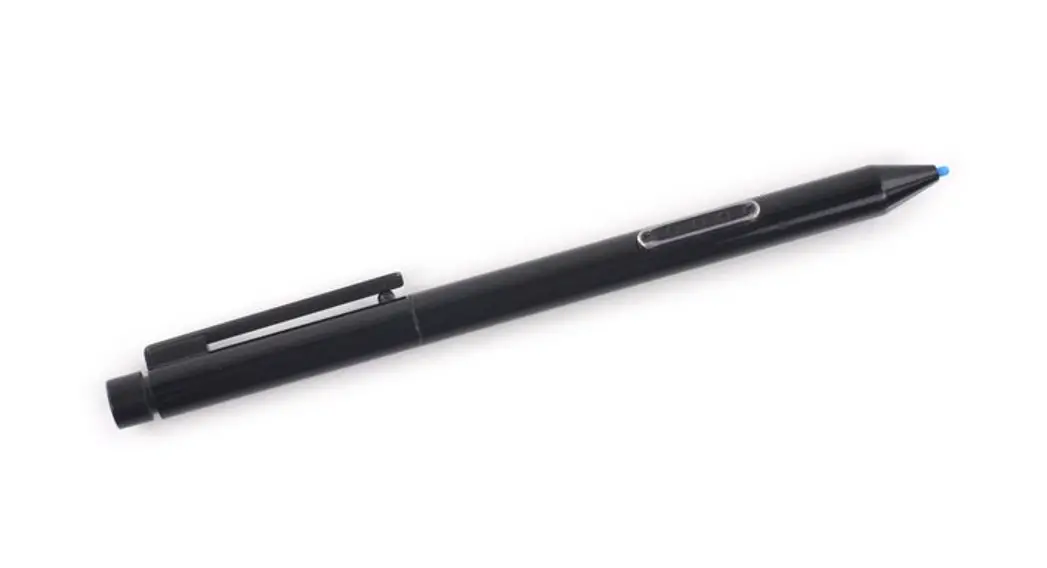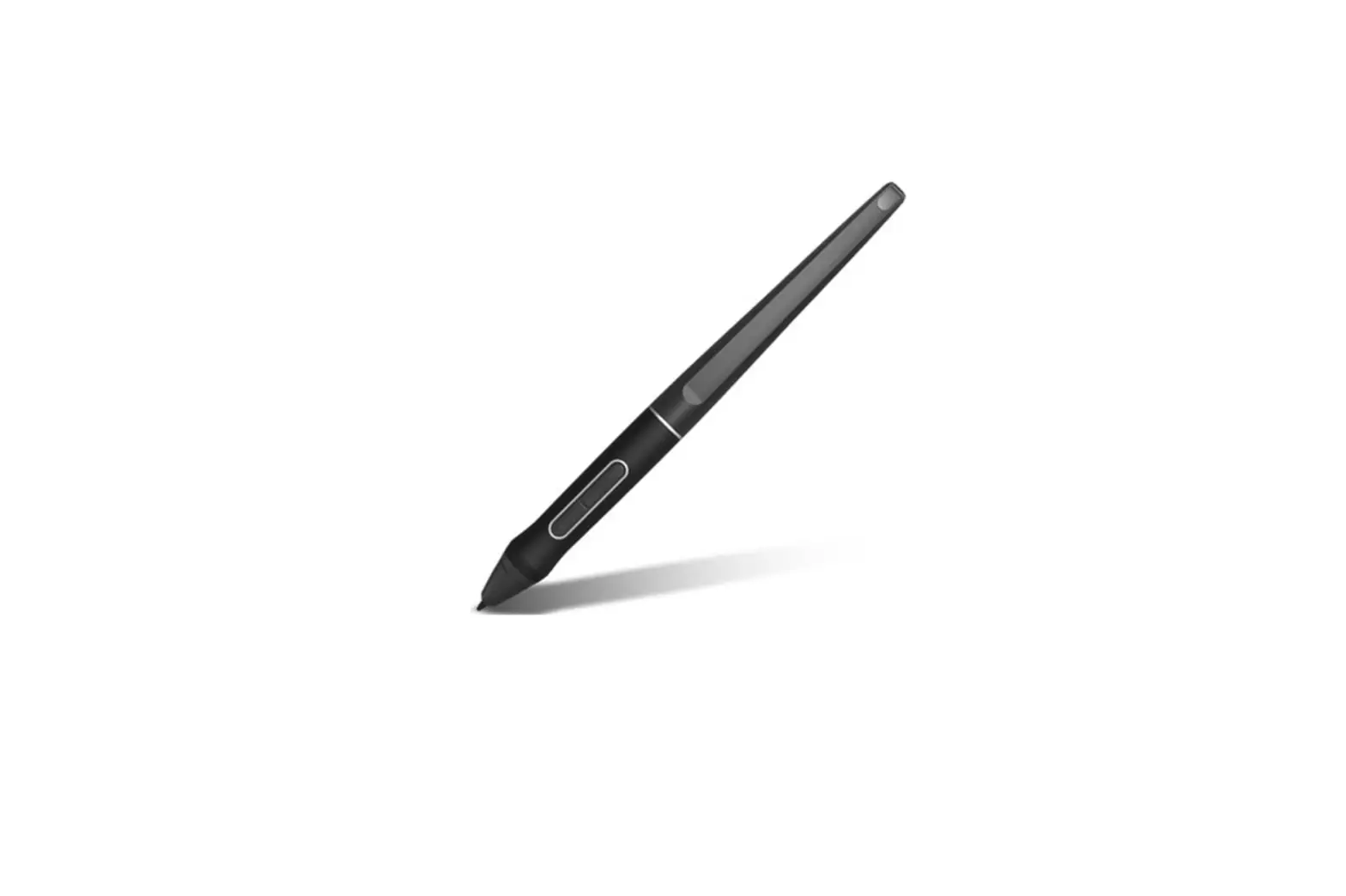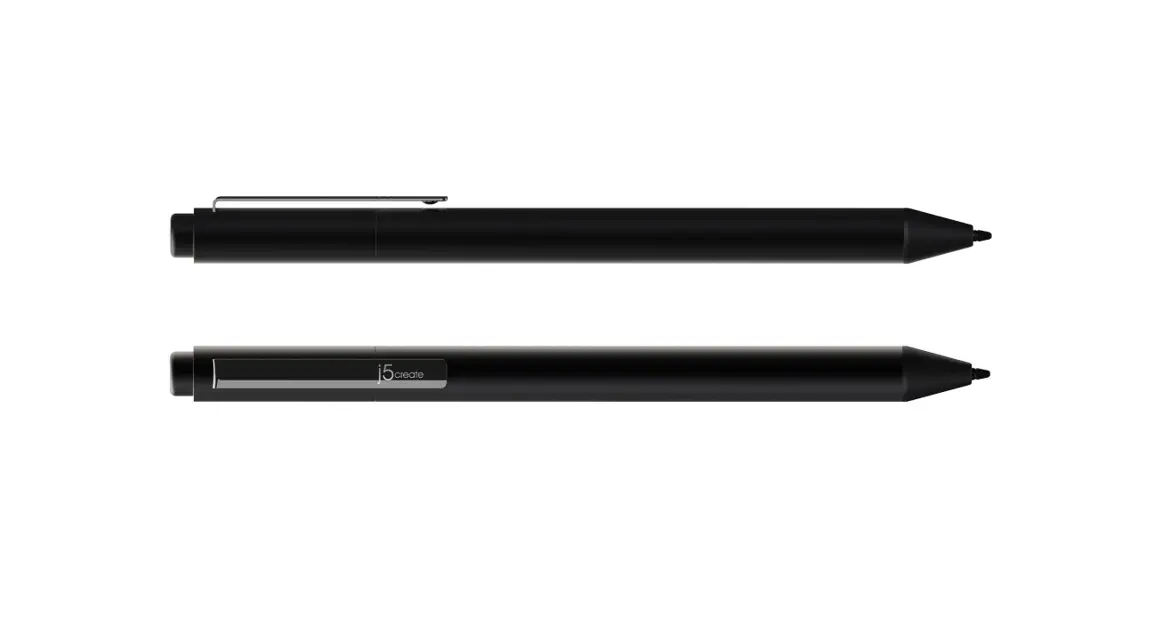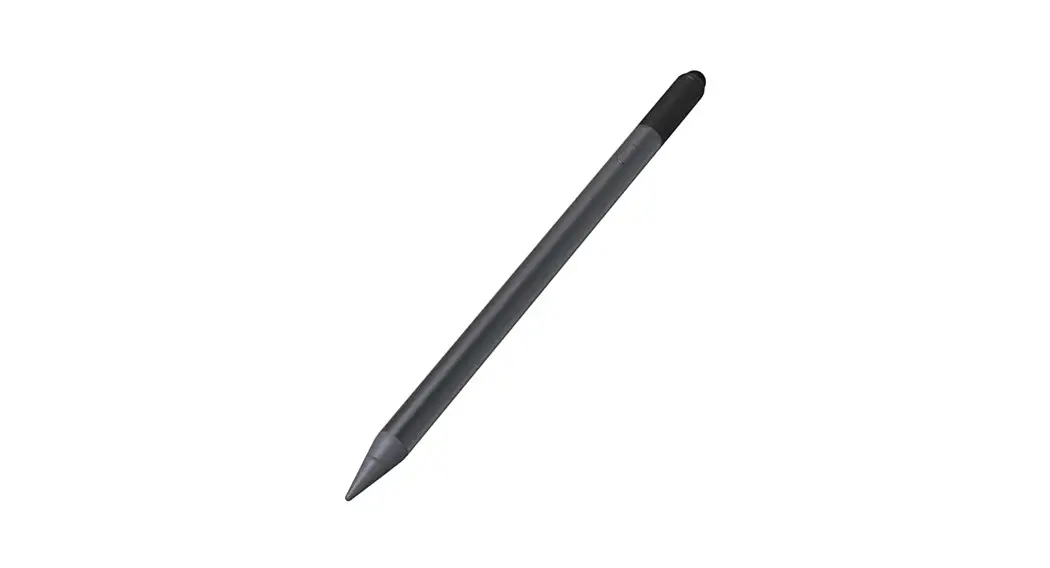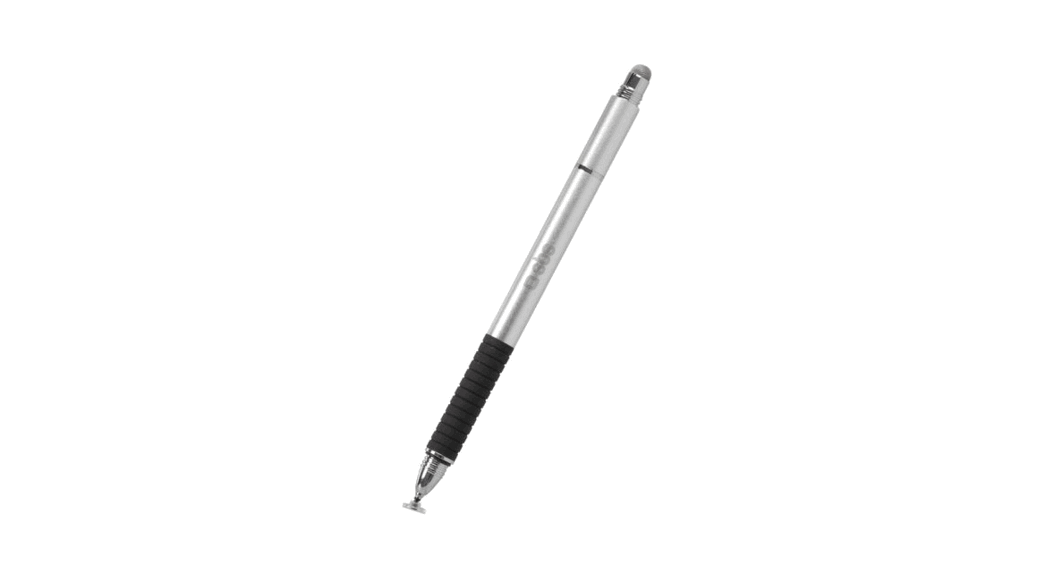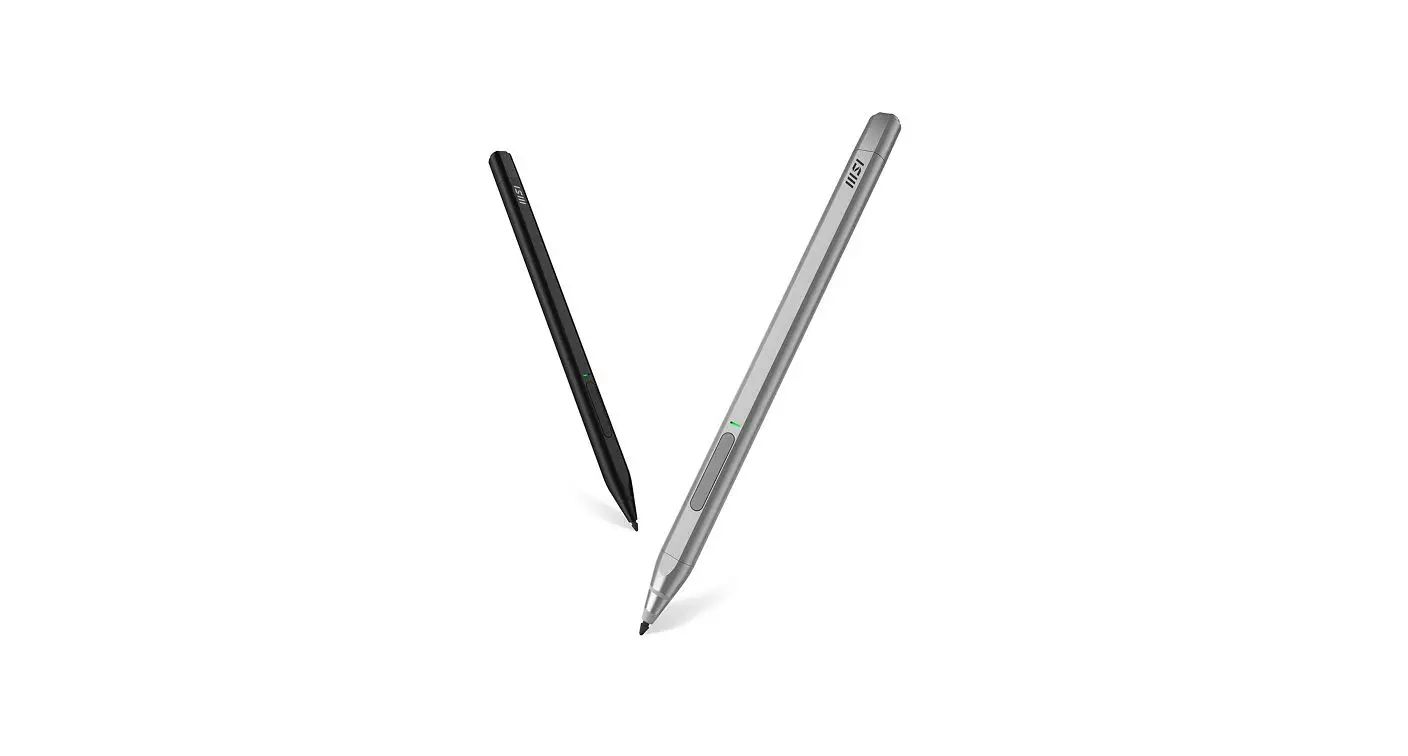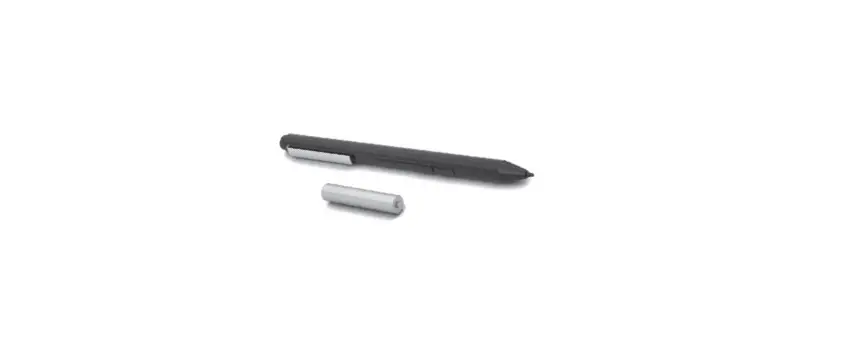

hp MPP 1.51 Stylus Pen
Our Product
- Turn on your device.
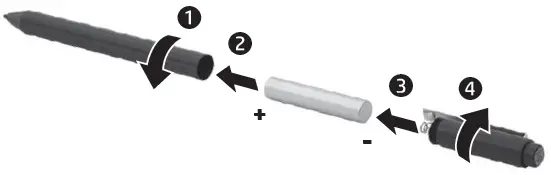
- Insert the AAAA pen battery.

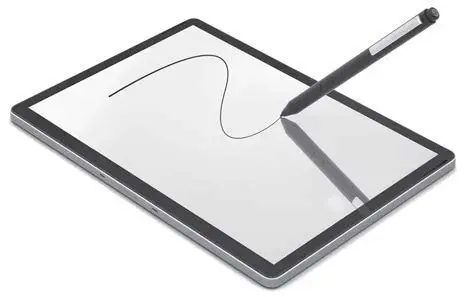
- Turn on the pen by tapping the tip to any surface.

- By default, press A to select an item or perform a right-click function, and press B to erase. Depending on the application, these button functions might vary. To view or edit the configuration of these buttons, use the pen app, such as HP Pen Control, on your device (select products only).

- By default, press A to select an item or perform a right-click function, and press B to erase. Depending on the application, these button functions might vary. To view or edit the configuration of these buttons, use the pen app, such as HP Pen Control, on your device (select products only).

For regulatory information, scan the QR code or go to www.hp.com/go/regulatory.