
QUICK START GUIDE
AO-ACPEN10
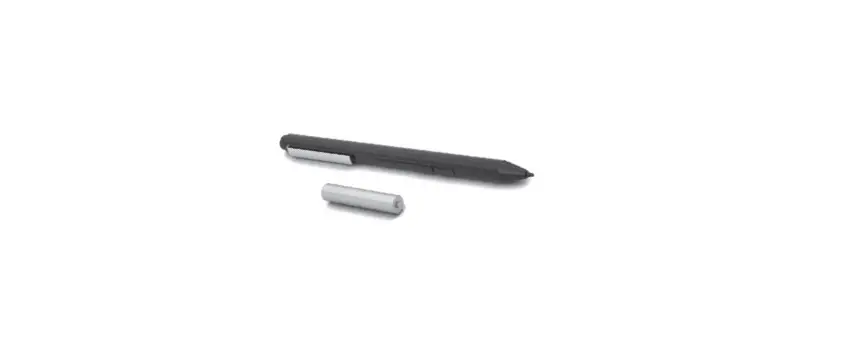
Installing / Replacing the Battery
1) Remove the Tail cap from the pen, then remove the battery.
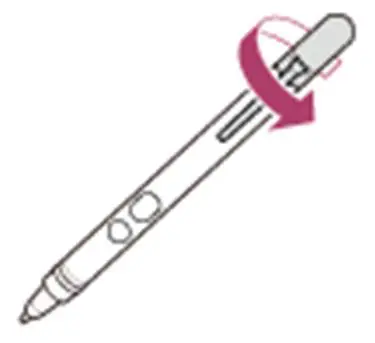
2)Insert the battery into the pen with the + side toward the nib.

3) Reattach the Tail cap.
Installing / Replacing the Nib
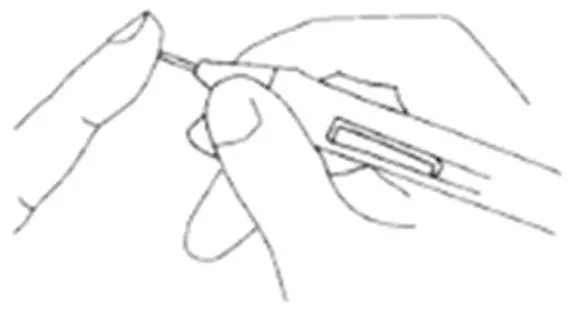
1) Using the Nib tool, take a firm hold of the Nib and pull to remove.
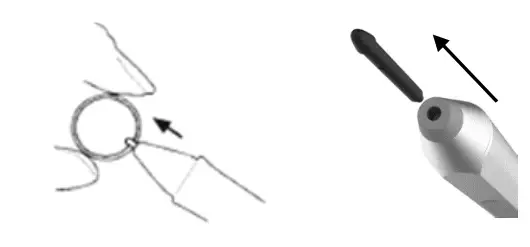
2) Gently replace insert the new Nib
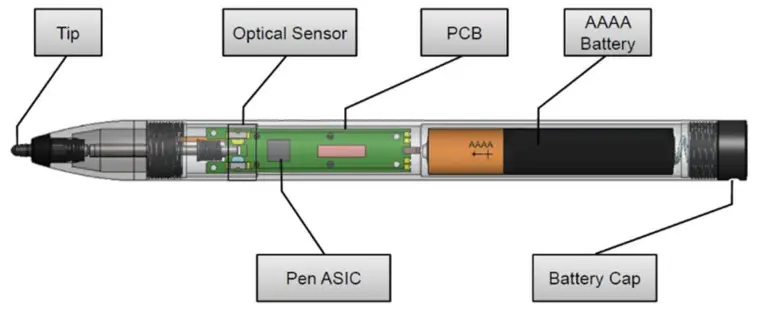
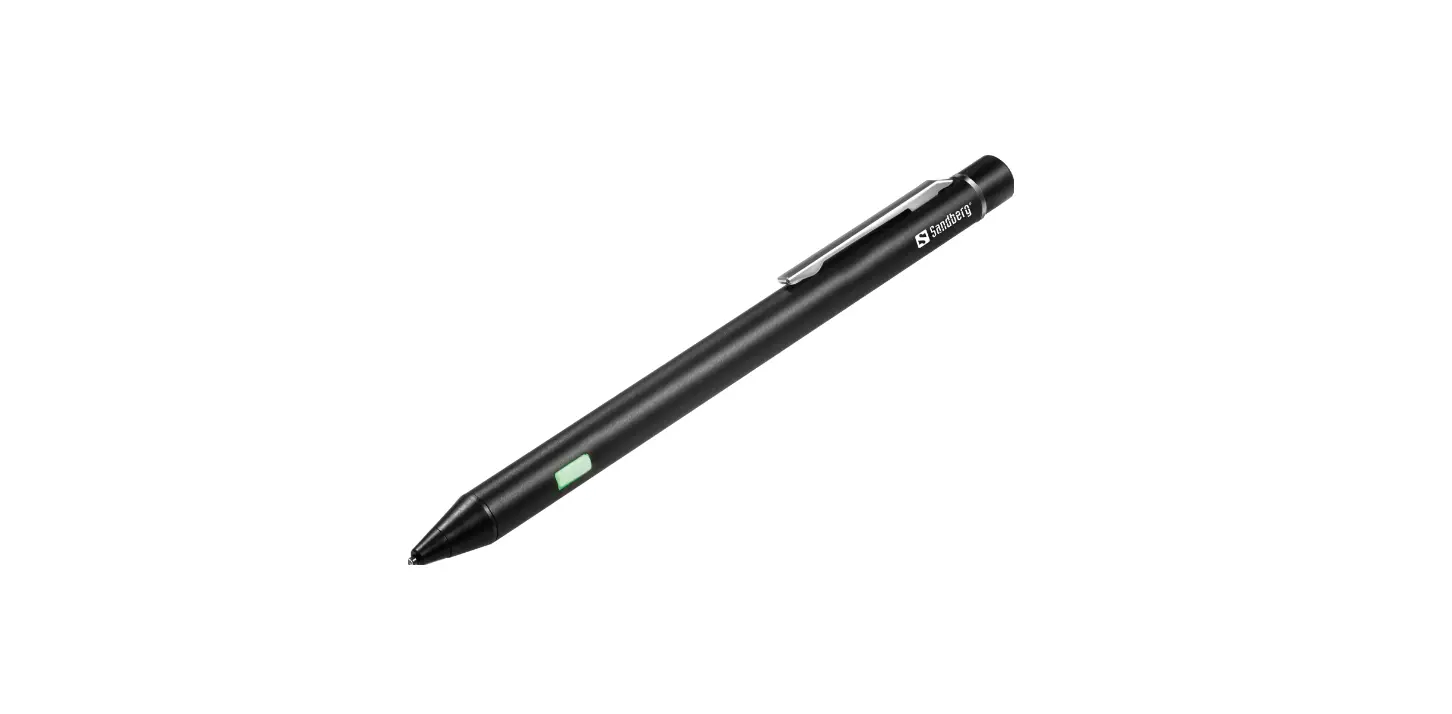
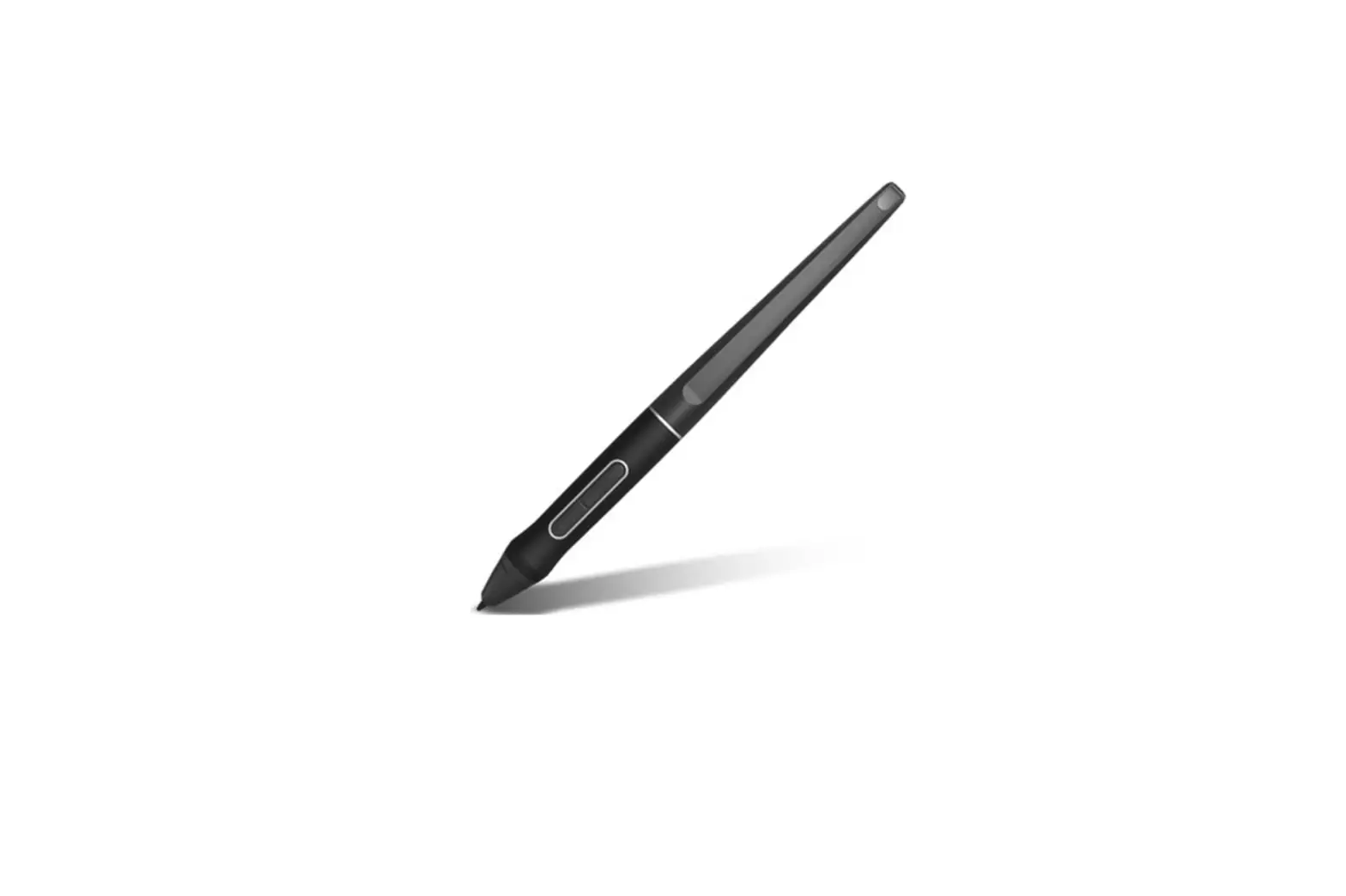
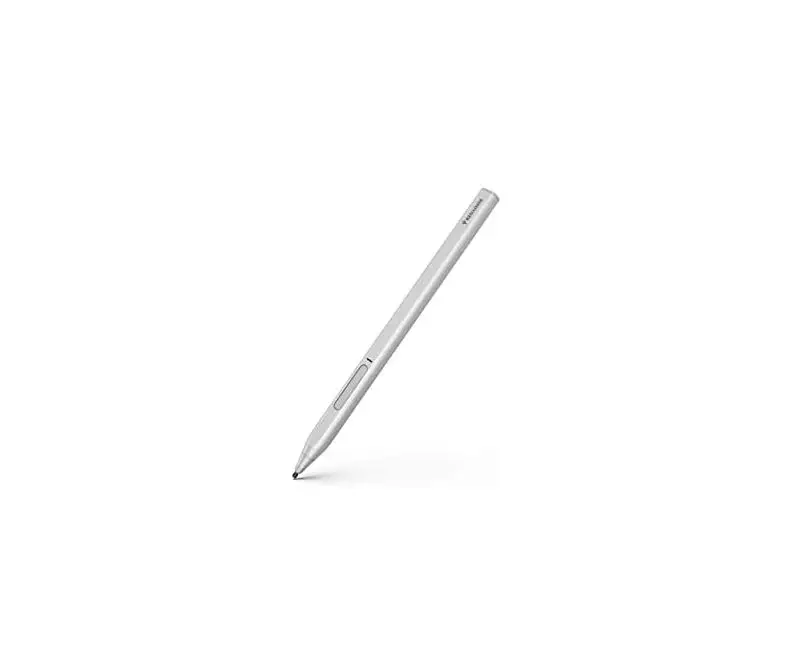
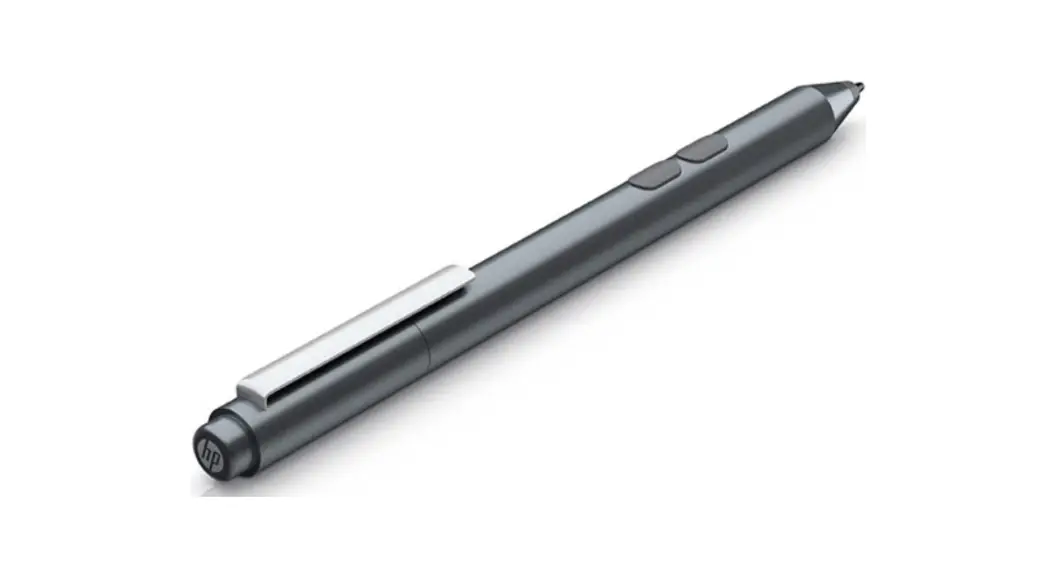
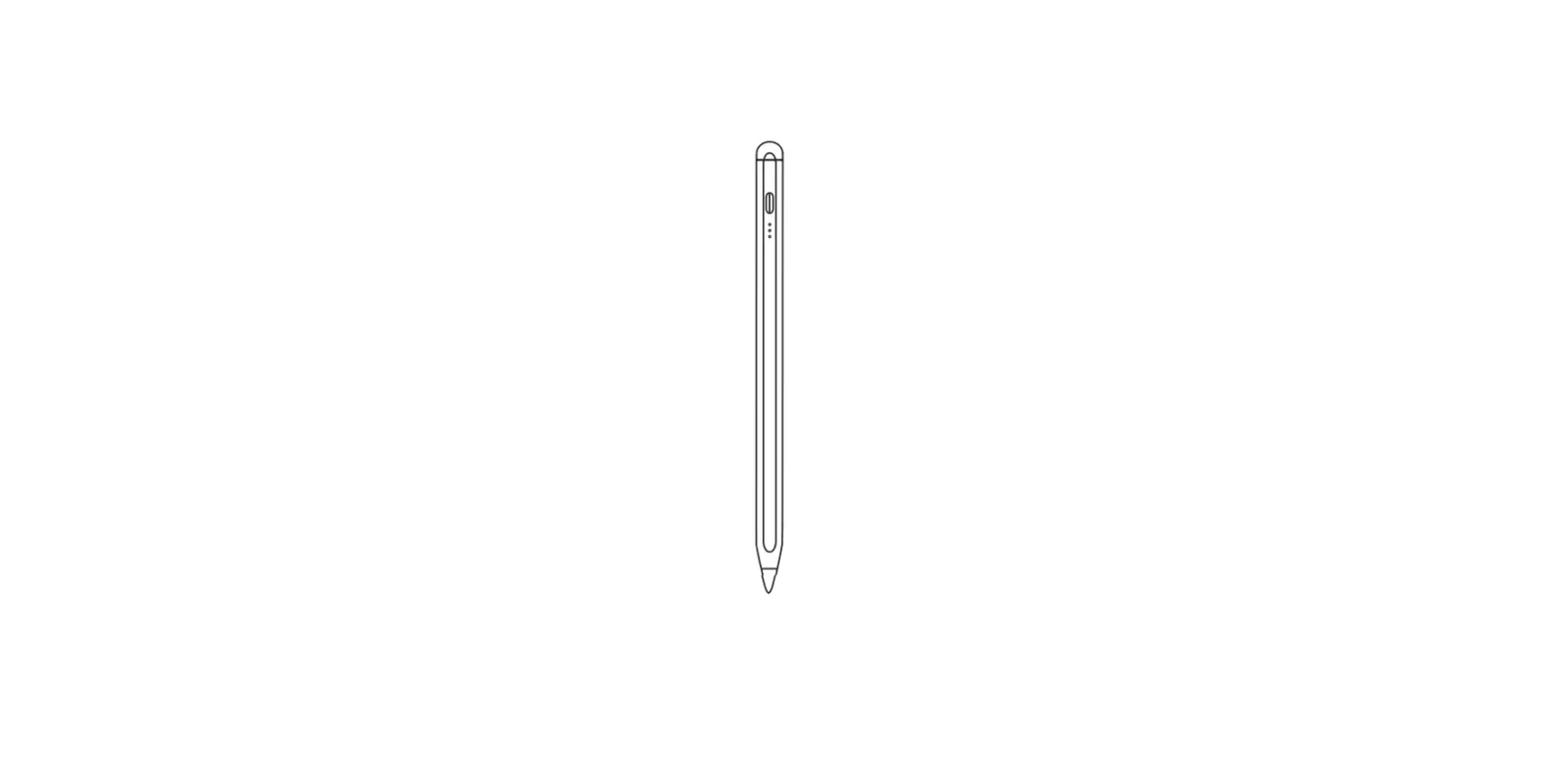
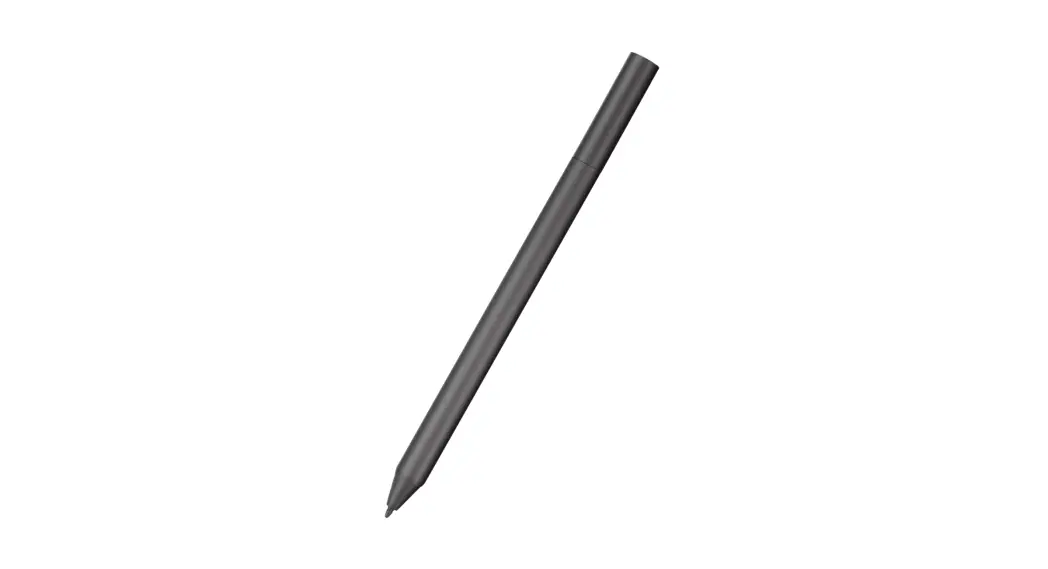
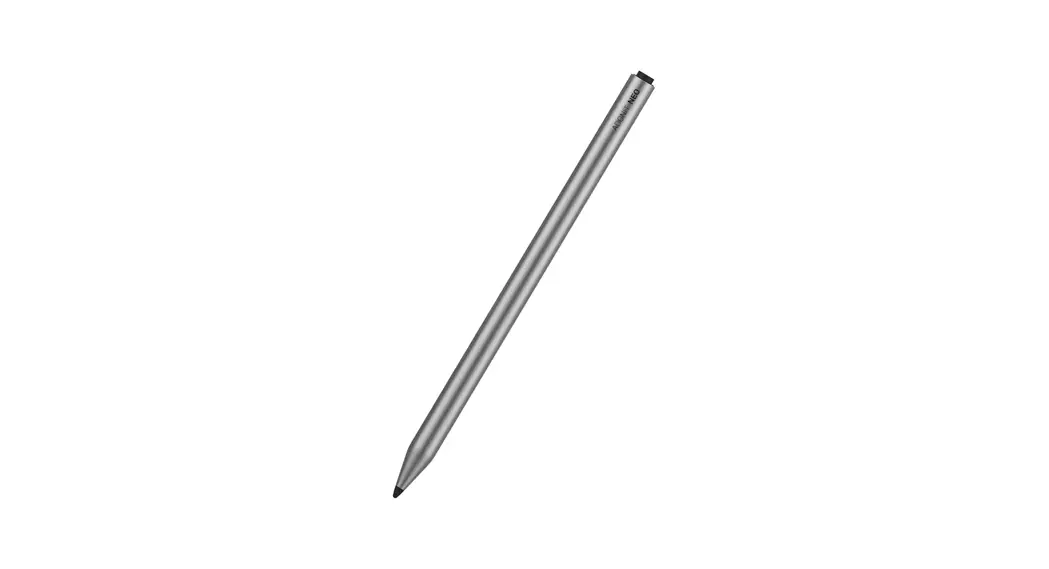
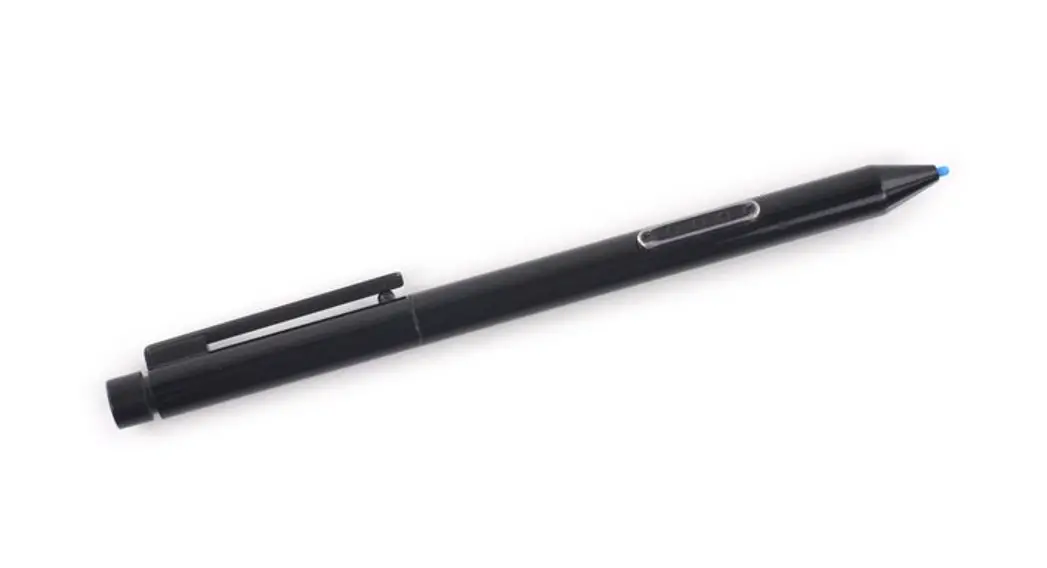
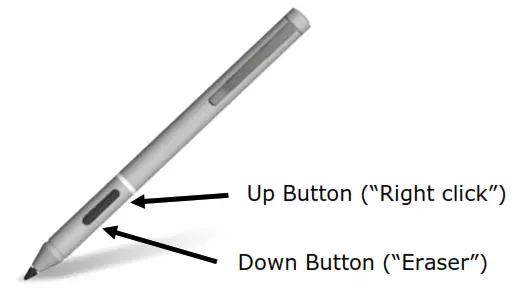
Knowing your Stylus Pen
Power Saving Mode

If the Pen Nib is not pressed for a period of 2.5 minutes, the pen will enter sleep mode in order to conserve power. To wake the Pen, simply press the Nib.
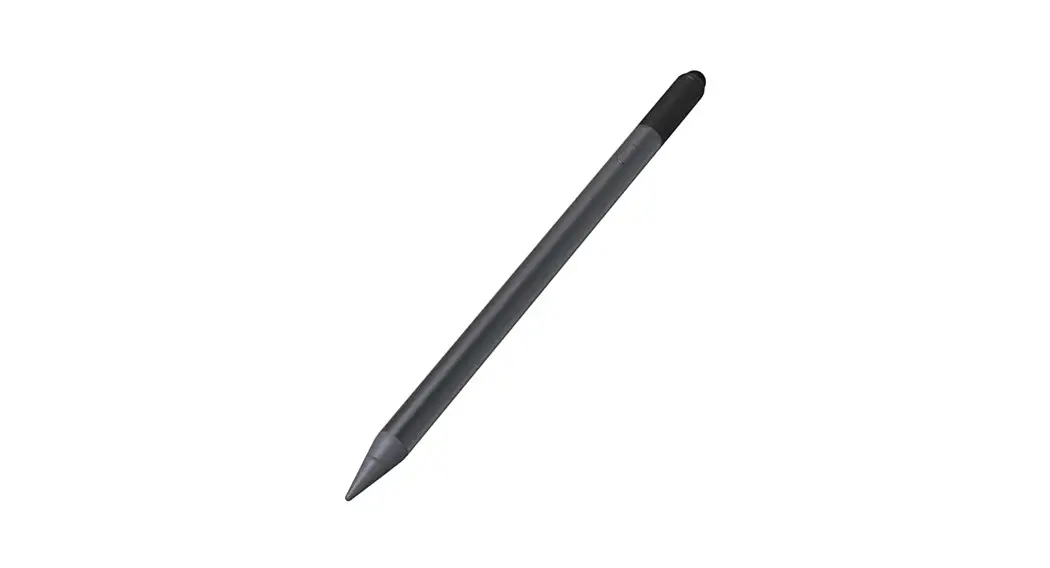
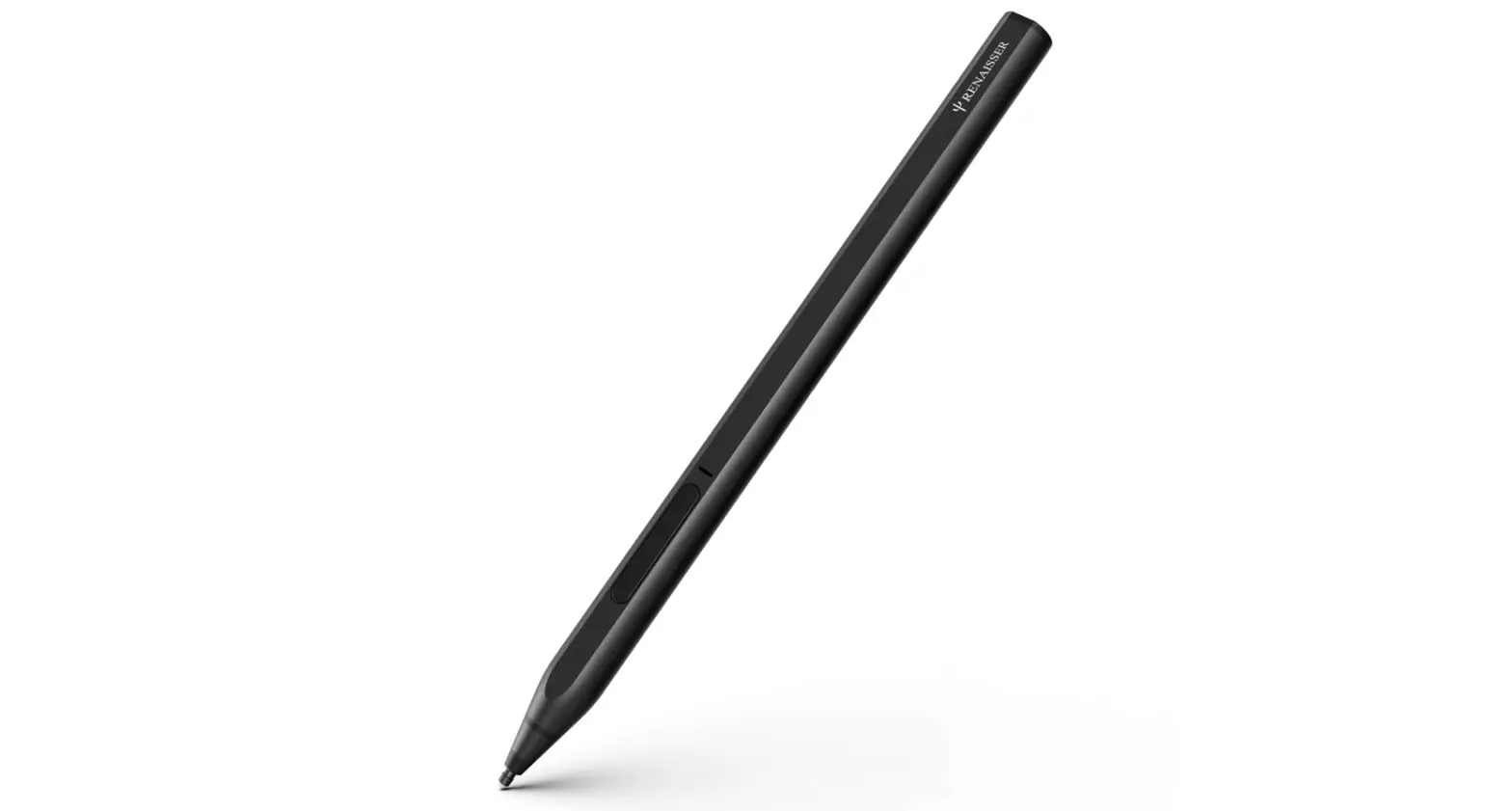
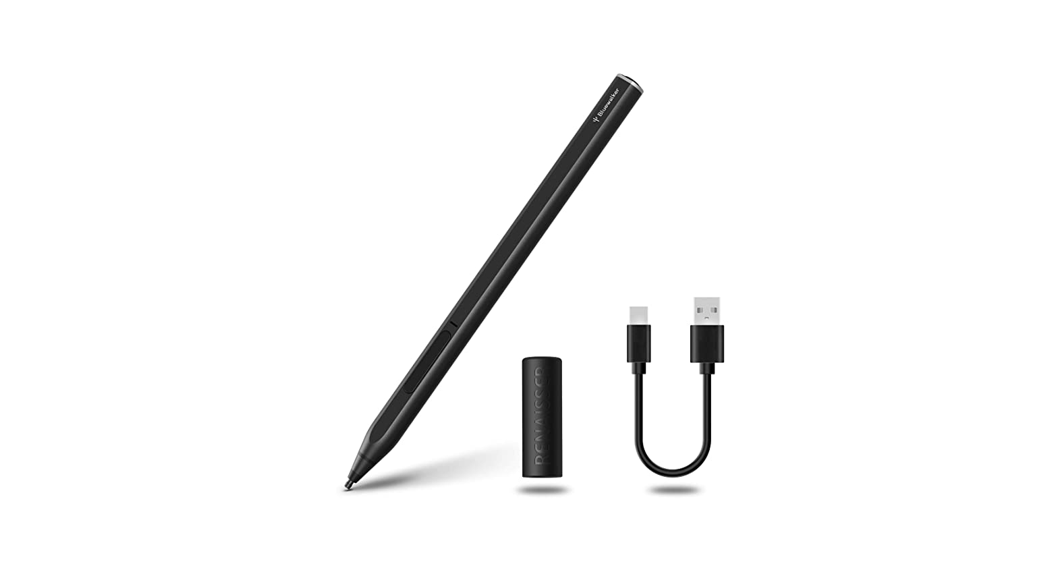
Package contains: 1 x Active Stylus Pen, 1 x AAAA Battery, 2 x Spare Nibs, 1 x Nib Remover, 1 x Quick Start Guide (this document)