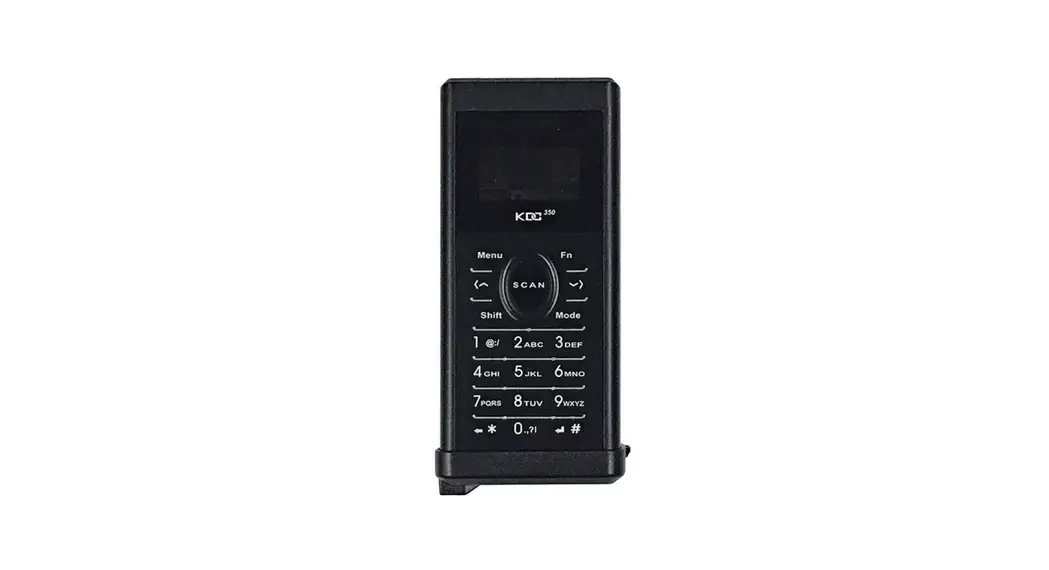

KDC350 EZ Charging
Adaptor Assembly Manual
What’s in the box?
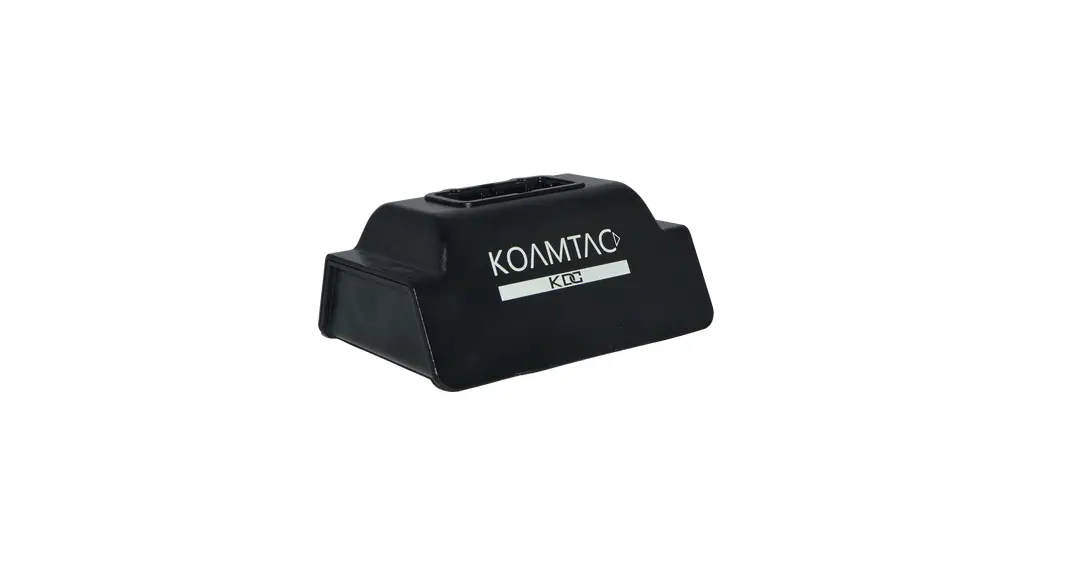
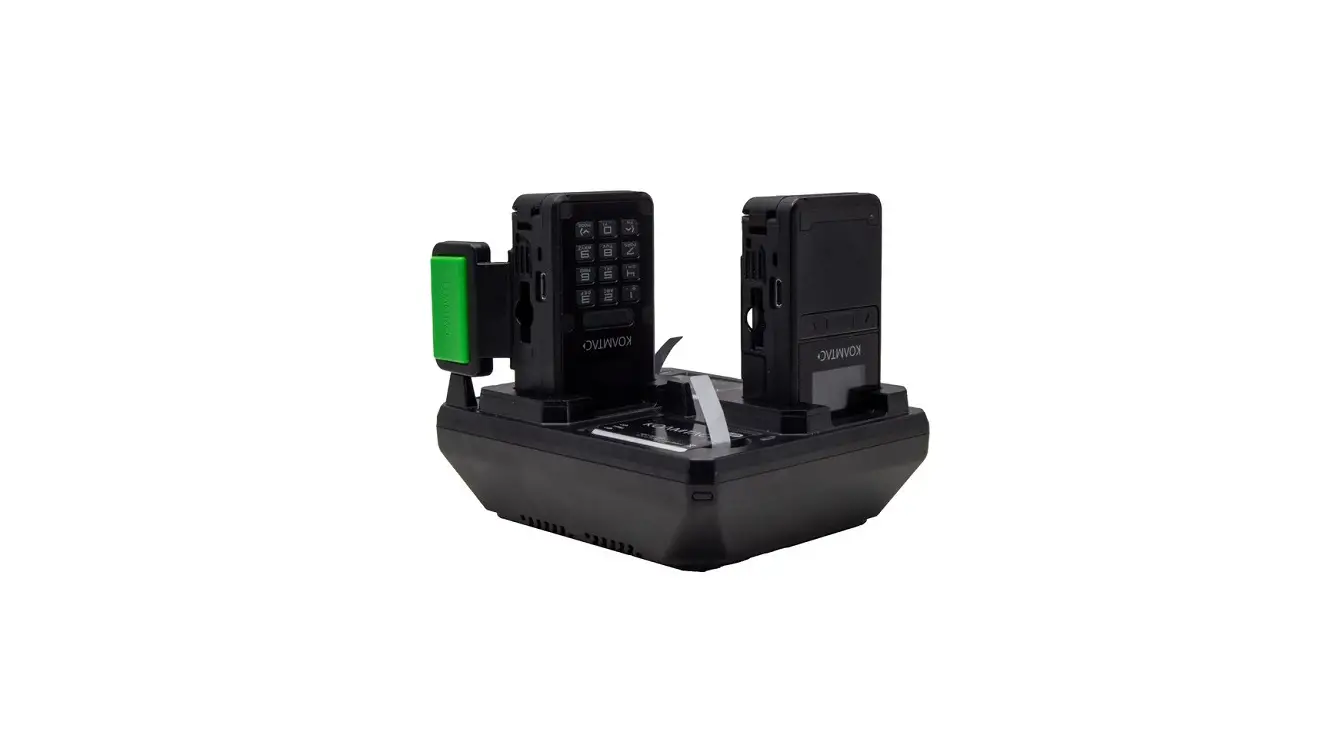
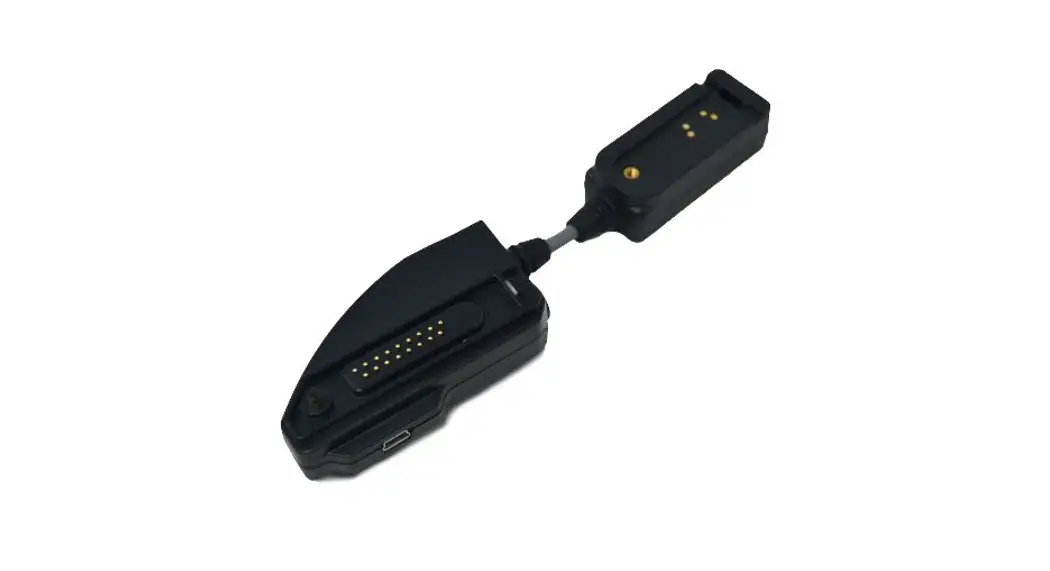
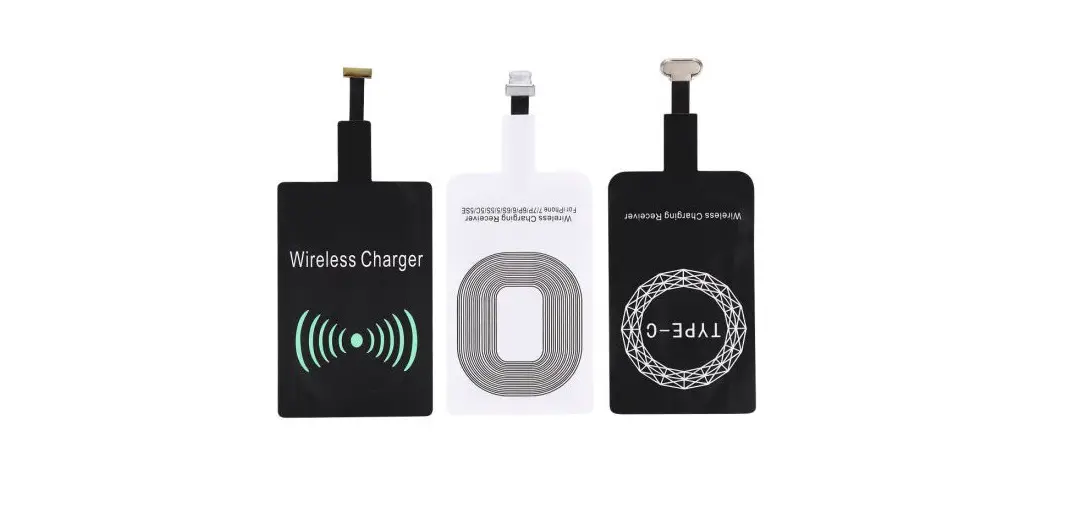
- EZ Charging Adaptor
- Steel Plate
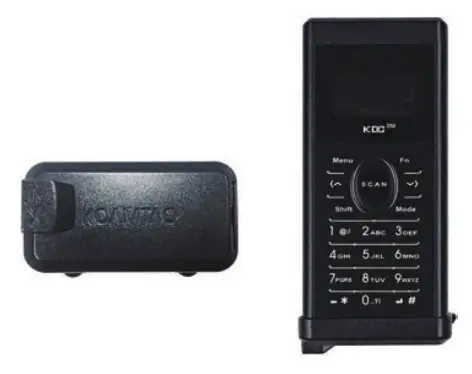
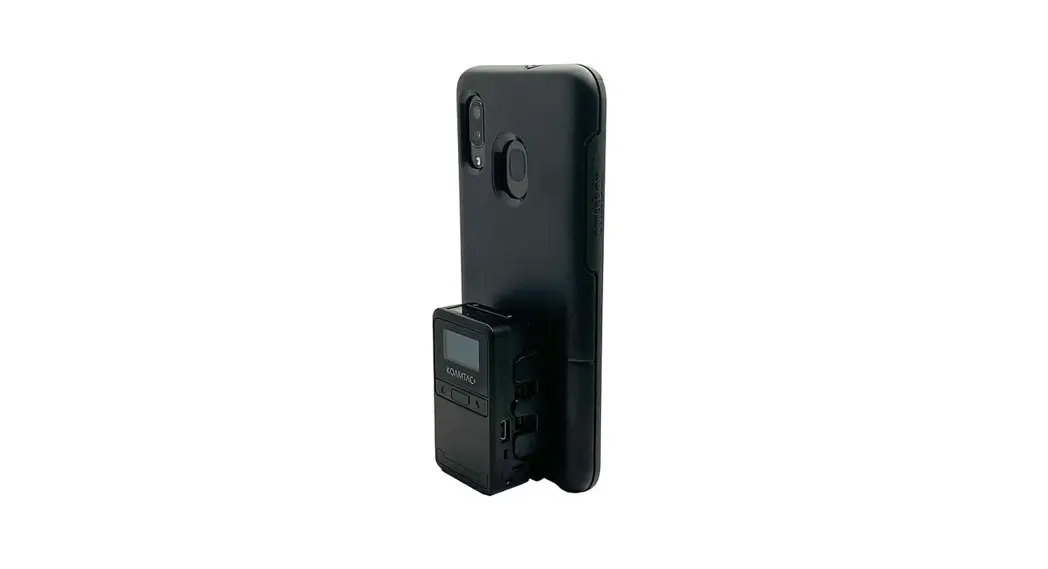
*KDC350 Bluetooth Barcode Scanner sold separately.
Additional KDC350 Accessories:
- Finger Trigger Glove
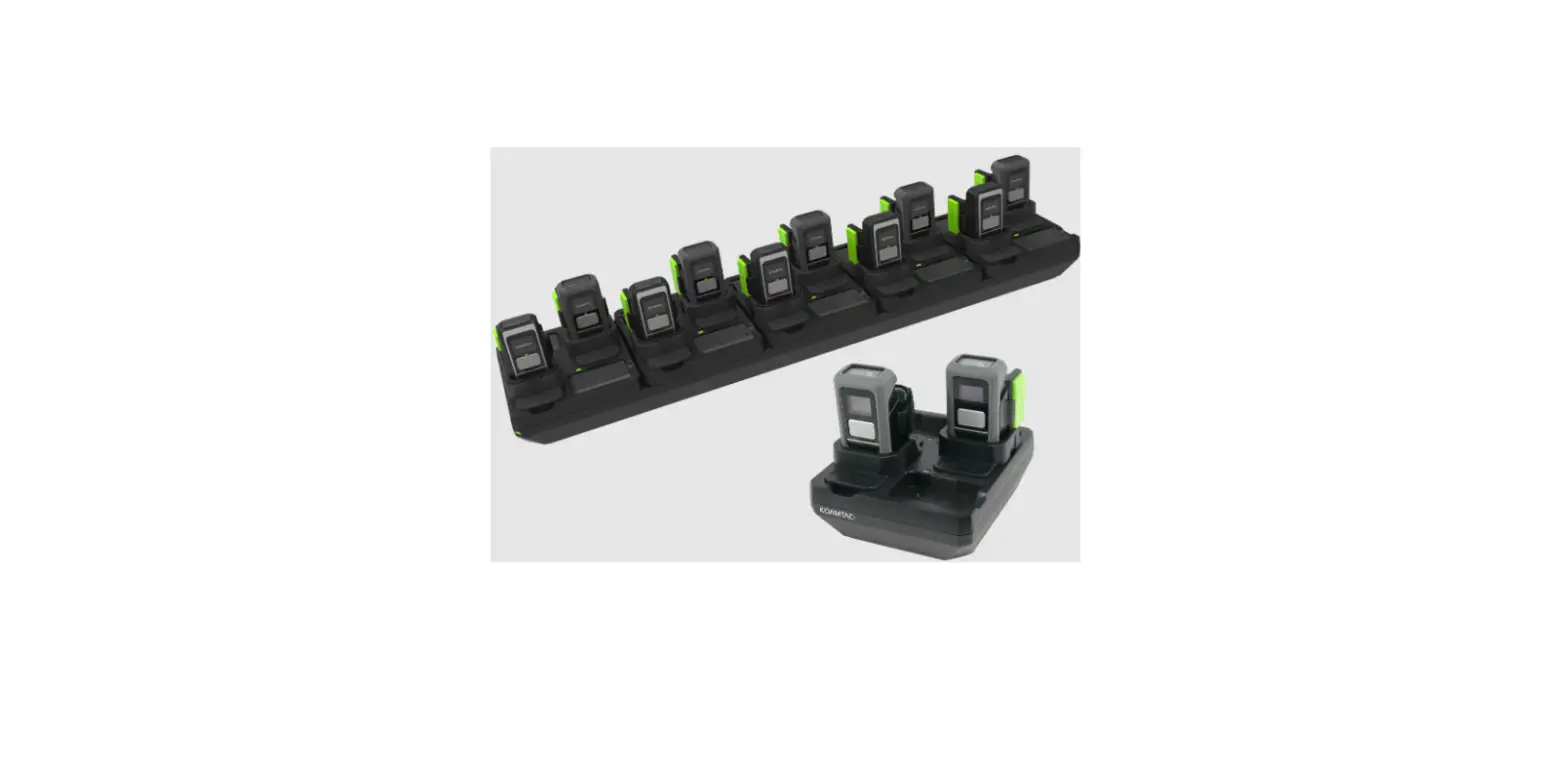
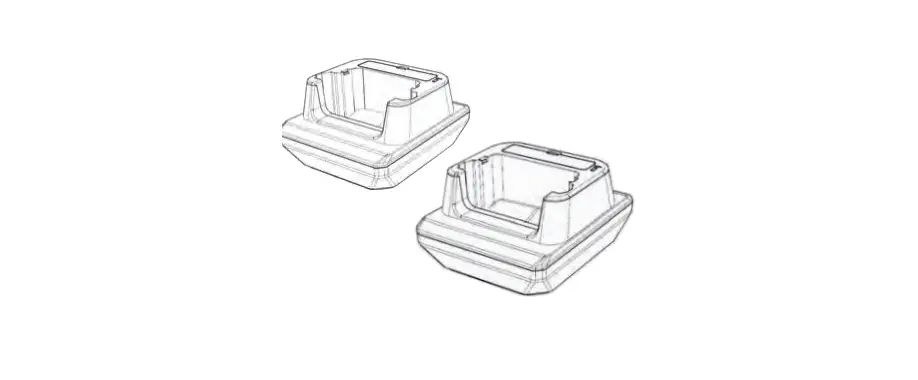
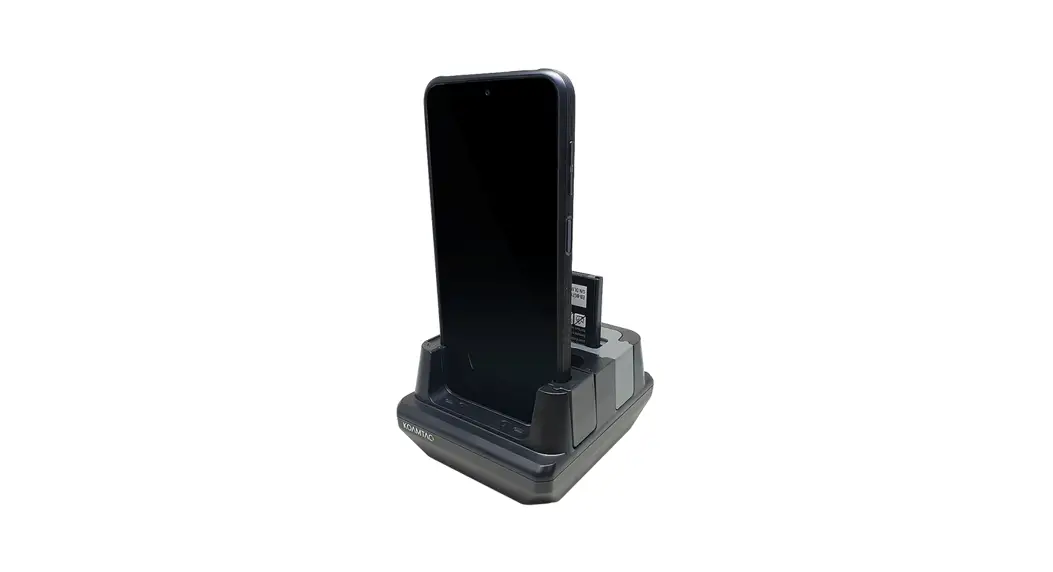
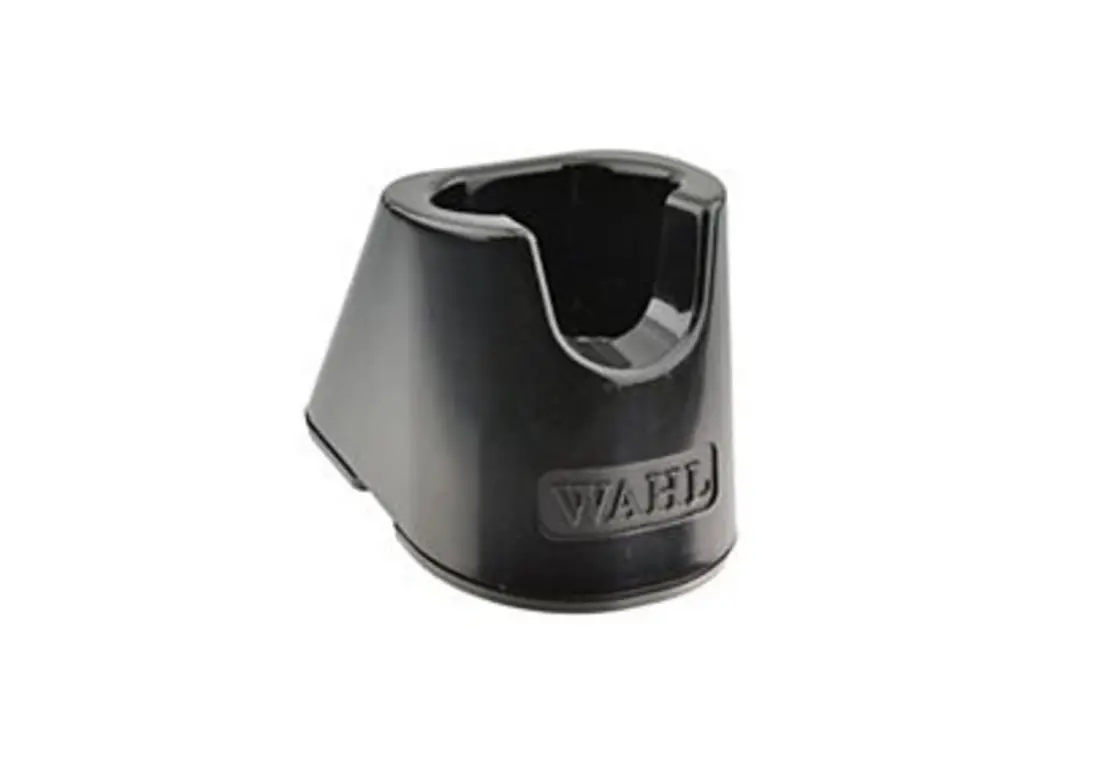
- Charging Cradle
- Protective Boot
Assembly Instructions:
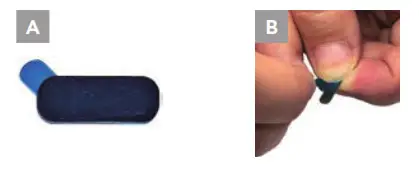
- Remove blue protection tape from steel plate. (A, B)

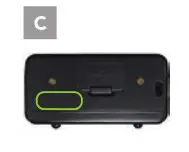
- Align steel plate as indicated below, ensuring the back battery cover and left charging pin are not covered.(C)

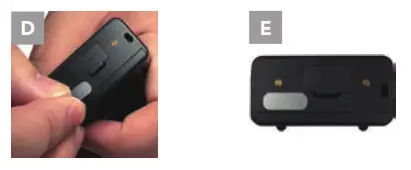
- Confirm the placement of the steel plate and attach to KDC350. (D, E)

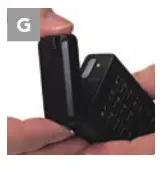
- Verify alignment of EZ Charging Adaptor matches the bottom of KDC350; Connect KDC350 and Adaptor. (G)

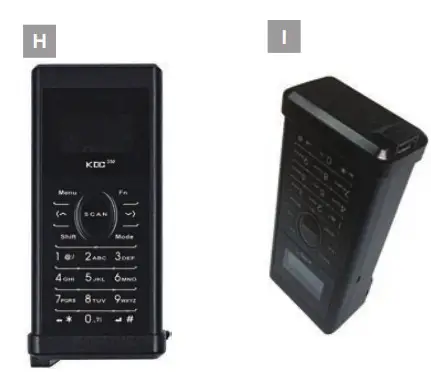
- The adaptor should be connected as indicated. (H, I)
116 Village Blvd, Ste 305, Princeton, NJ 08540
+1 609-256-4700 P +1 609-228-4373 F
[email protected] | www.koamtac.com