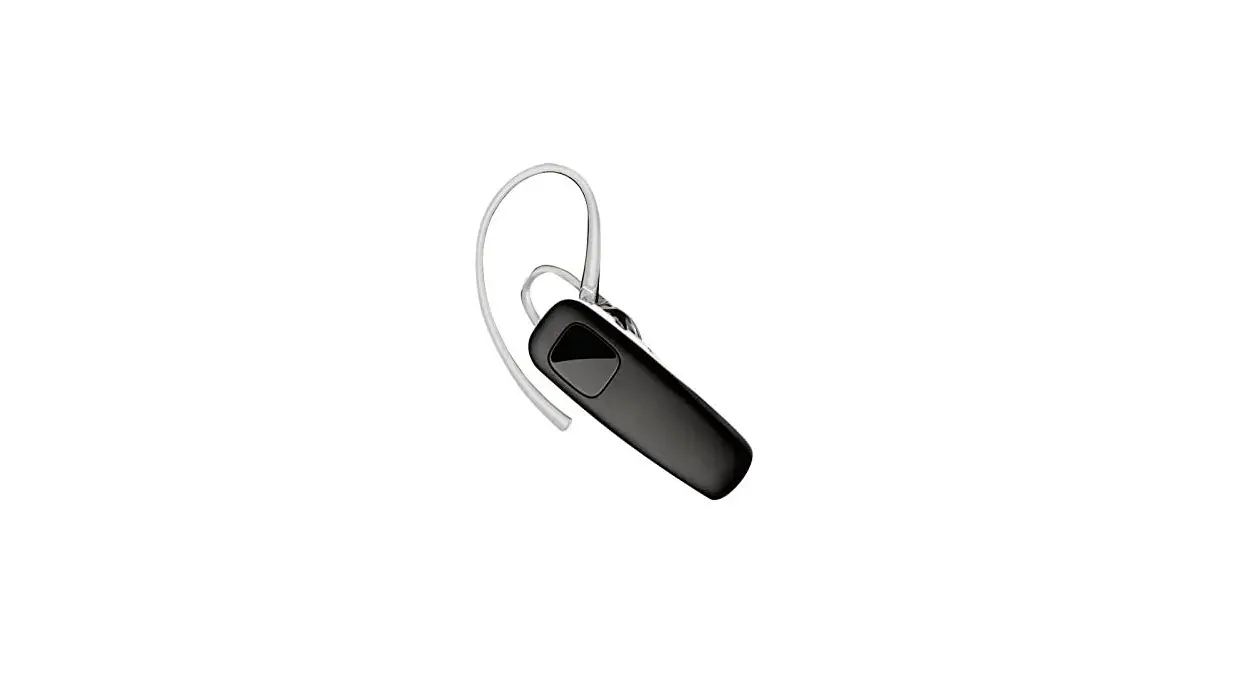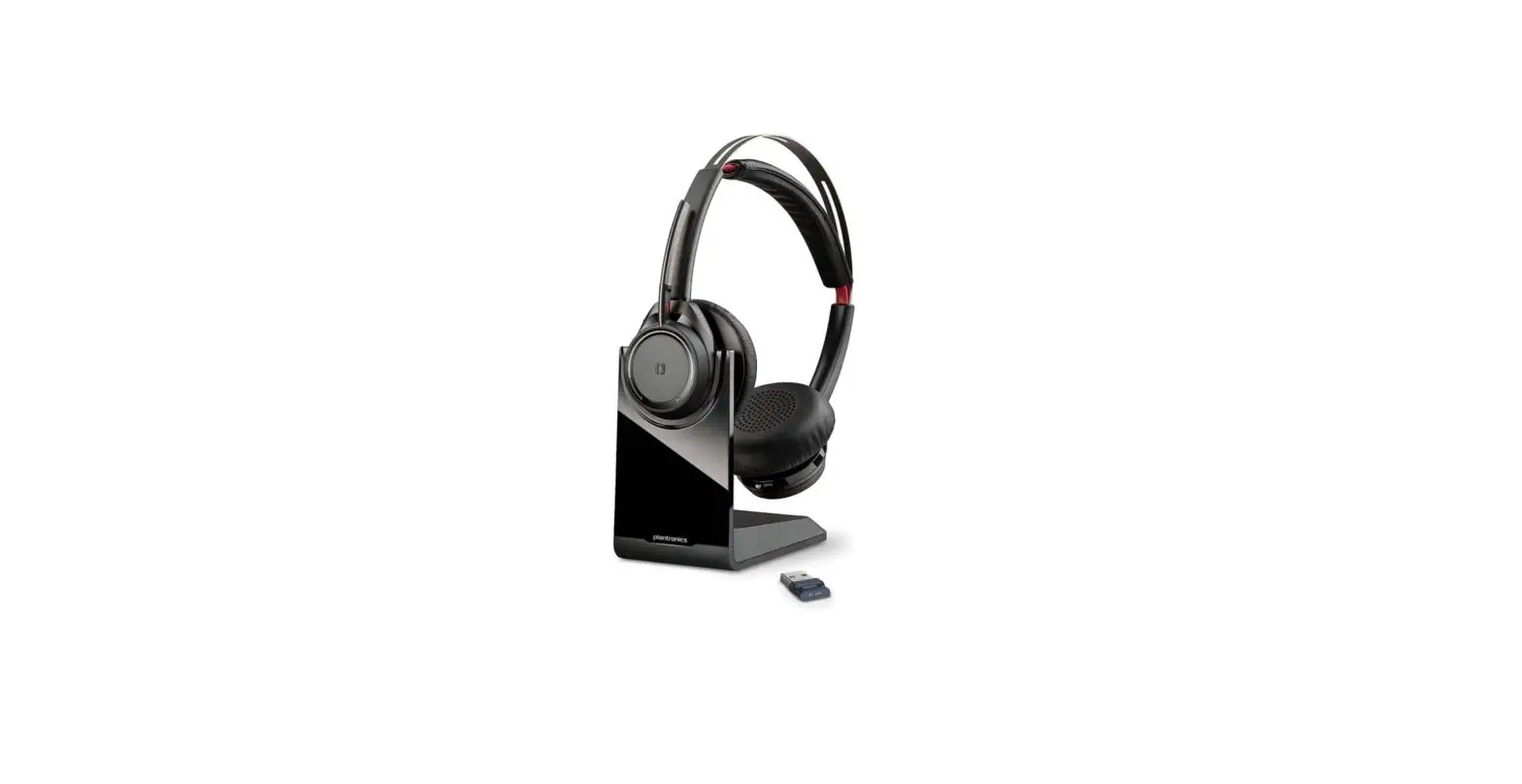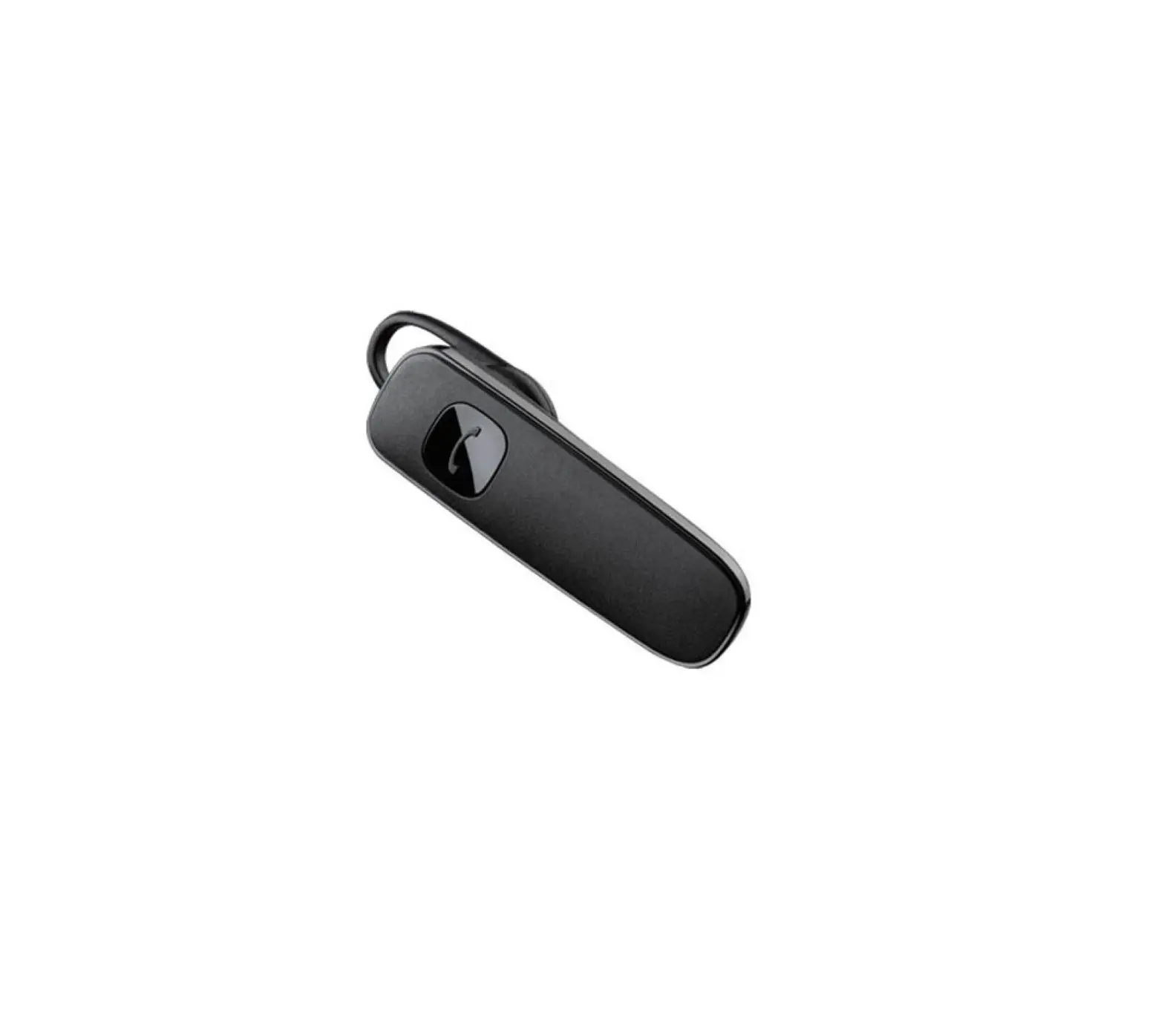
Plantronics ML15 Headset
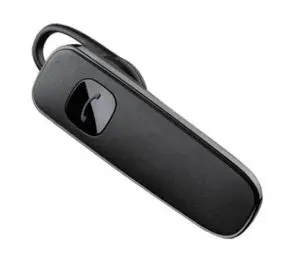
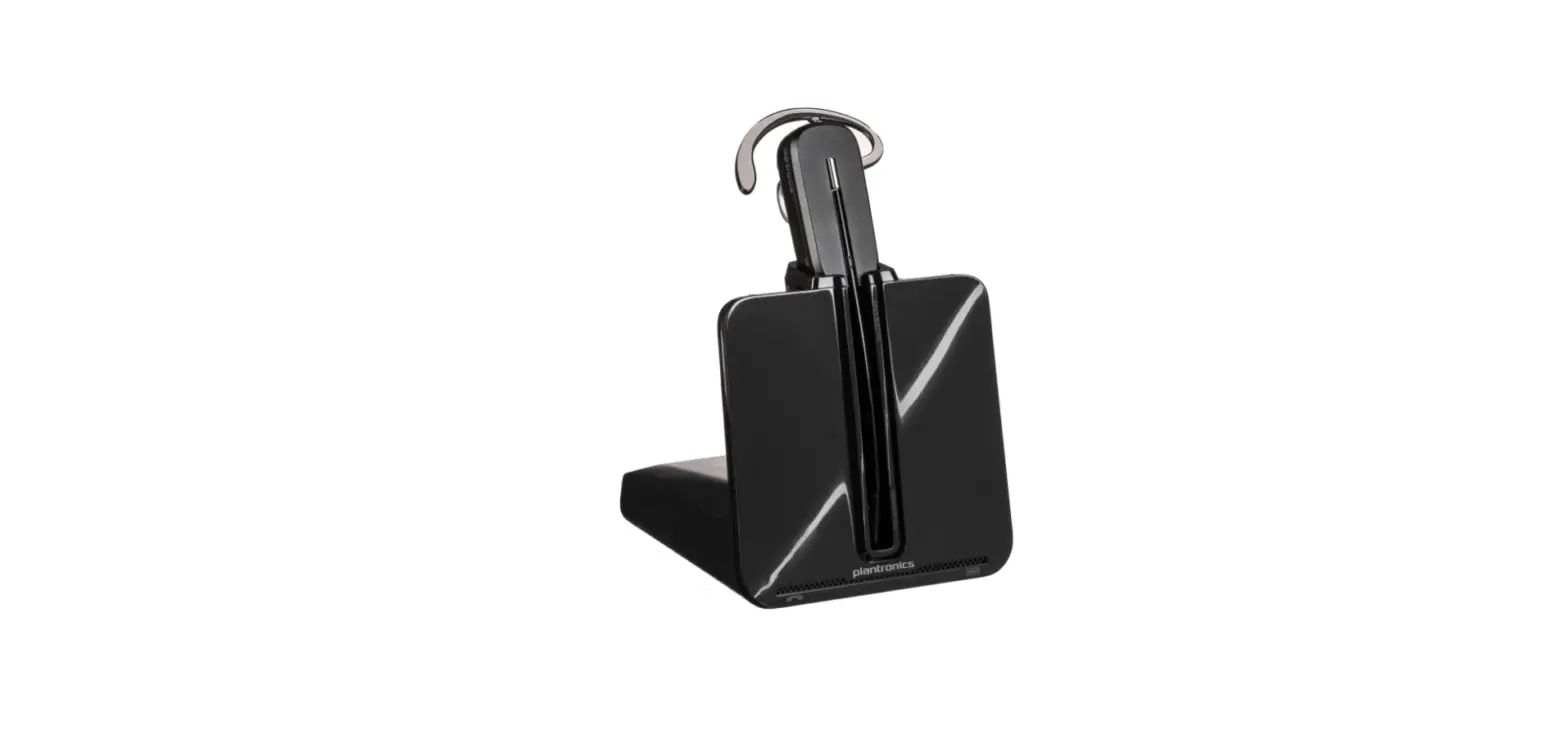
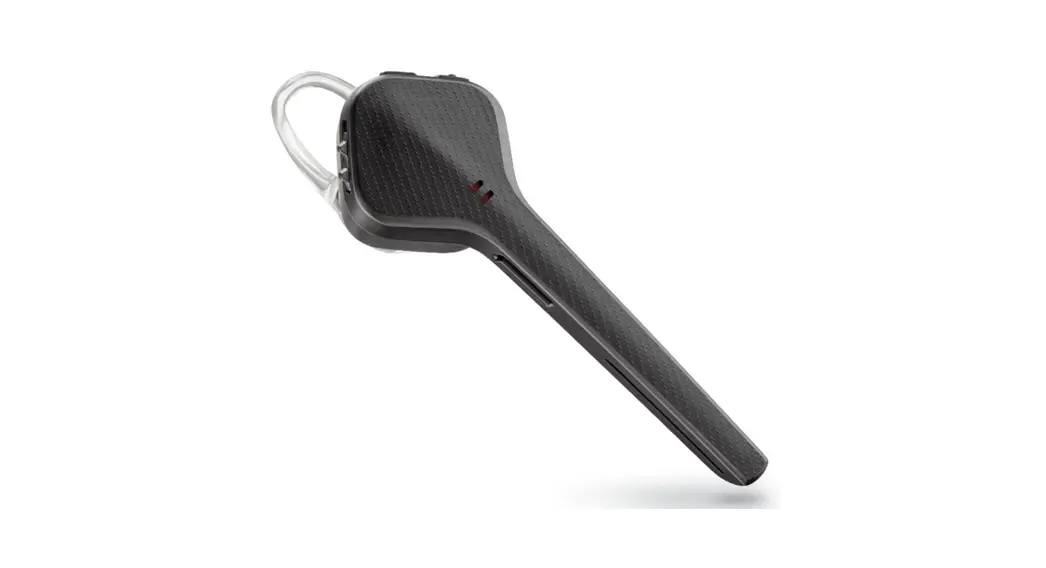
Headset overview
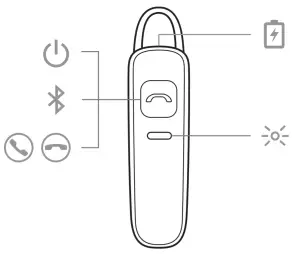
 | Power |
 | Pair |
 | Call answer/end |
 | Charge port |
 | Headset LED (indicator light) |
Be safe
Power Pair Call answer/end Charge port Headset LED (indicator light)
Please read the safety guide for important safety, charging, battery and regulatory information before using your new headset.
Pair
Get paired
The first time you power on your headset, the pairing process begins.
- Press and hold the Call button until the LEDs flash red and blue.
- Activate Bluetooth® on your phone and set it to search for new devices.
• iPhone Settings > Bluetooth > On*
• Android Settings > Bluetooth: On > Scan for devices*
NOTE *Menus may vary by device. - Select “PLT_ML15.” If necessary, enter four zeros (0000) for the passcode or accept the connection. Once successfully paired, the LEDs stop flashing.

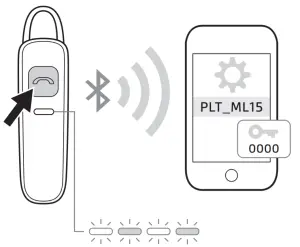
Pair Another Phone
After pairing your headset to your phone, you may want to pair another phone.
- Power on your headset.
- Press and hold the
 Call button until the indicator light
  flashes red and blue.
 - Activate Bluetooth on your phone and set it to search for new devices.
- Select “PLT_ML15.”
If necessary, enter four zeros (0000) for the passcode or accept the connection. Once successfully paired, the headset indicator lights stop flashing
Reconnect
Your Bluetooth headset has up to 10 meters effective range. If you lose connection, your headset will try to reconnect. If your headset doesn’t reconnect, tap the Call  button or manually connect through the phone’s Bluetooth device menu.
Charge and fit
Charge
Your new headset has enough power to pair and make a few calls. It takes 2 hours to fully charge the headset; the indicator light turns solid blue once charging is complete.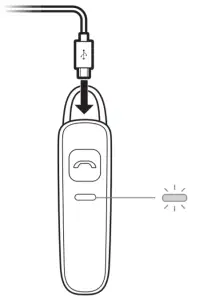
Adjust the fit
The universal-fit eartip has a thin loop that bends to gently tuck into the contours of either ear.
To adjust the fit, you can rotate the eartip on the headset or add the optional clip-on earloop.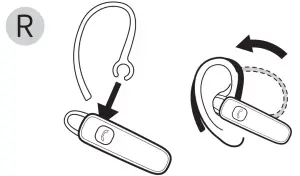
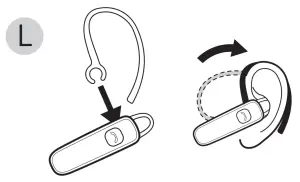
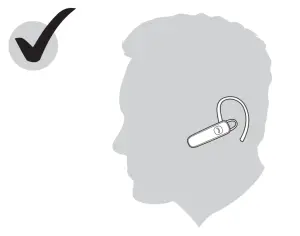
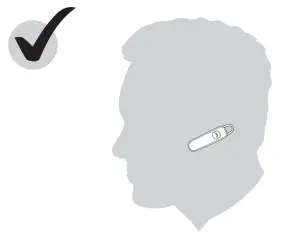
The basics
Power
To power on or off, press the Call button until the indicator light flashes blue once (on) or red once (off).
Make/Take/End Calls
Answer or end a call
Tap the Call button
Redial
To dial your last number you dialed, double-tap the Call button.
Voice dial
If your phone supports voice-activated dialing, press and hold the Call button for 2 seconds and wait for the phone prompt and then tell the phone to dial the number of a stored contact.
Volume
Adjust the volume on your phone to control your headset volume.
Decipher the lights
Your headset has an indicator light that flashes in response to a change in status or after a button press.
Some examples of what you will see are:
- Solid red until charging complete and then solid blue
- Flashing red and blue during pairing
- Double red flash when battery low
- Double blue flash at incoming call
Support
NEED MORE HELP?
plantronics.com/support
Plantronics, Inc.
345 Encinal Street
Santa Cruz, CA 95060
United States
Plantronics B.V.
Scorpius 171
2132 LR Hoofddorp
Netherlands
© 2018 Plantronics, Inc. Bluetooth is a registered trademark of Bluetooth SIG, Inc. and any use by Plantronics, Inc. is under license. All other trademarks are the property of their respective owners.
Patents: US D681,602; D699,215; CN ZL201230490196.9; EM 002109645; and TW D157594. 205483-06 (01.18)