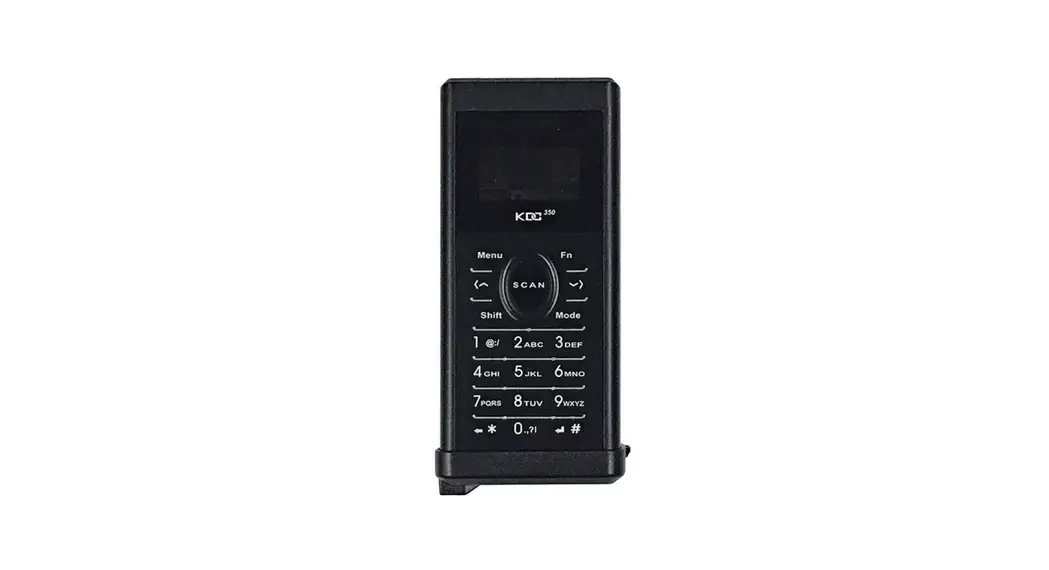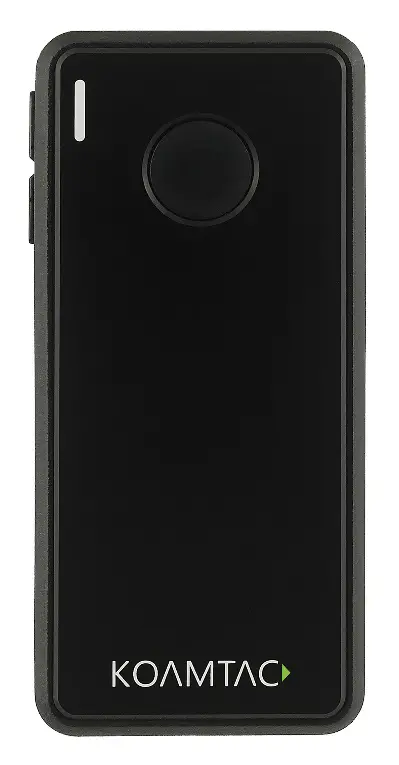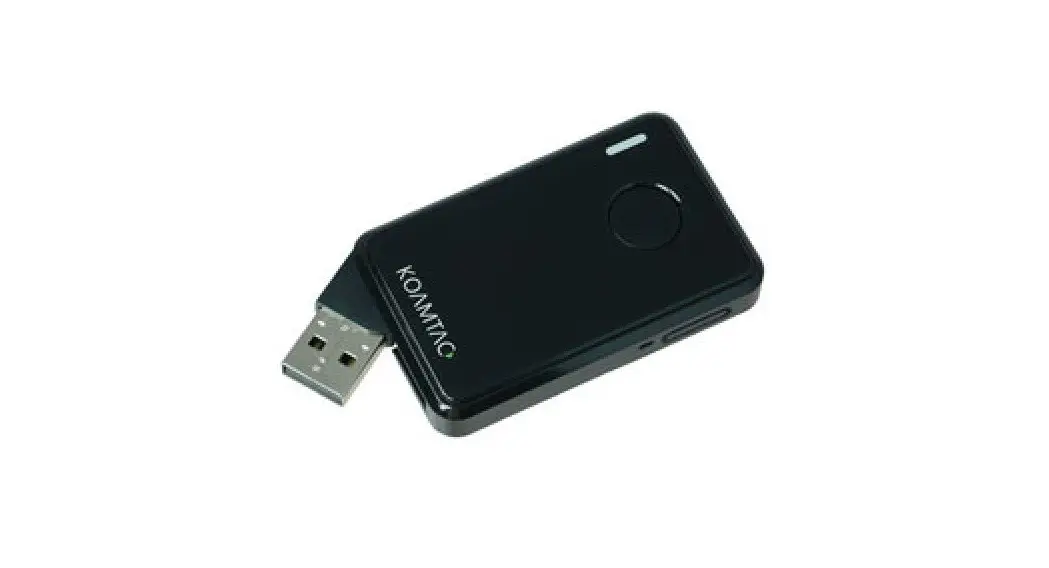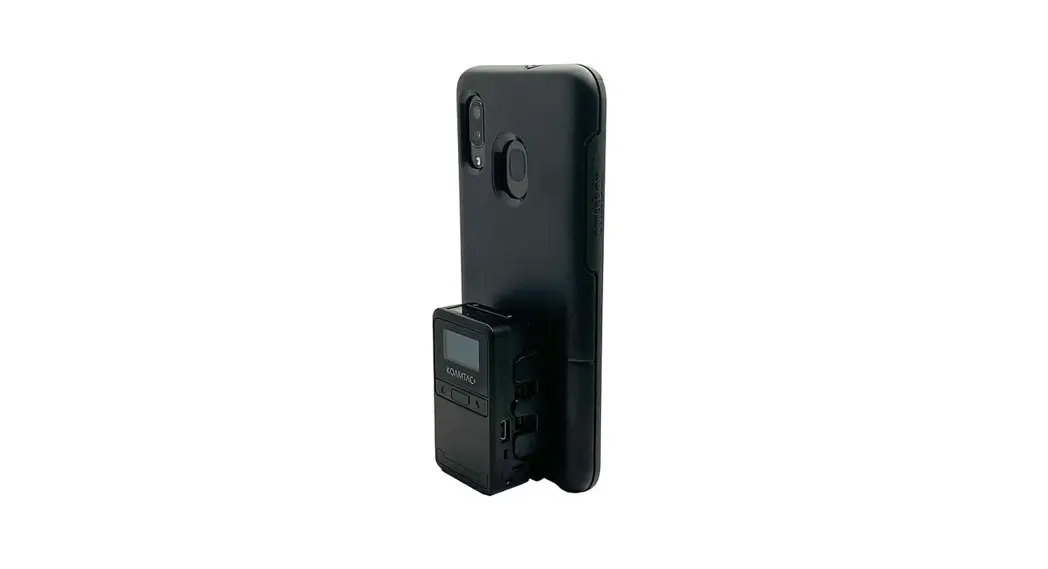
 KDC180
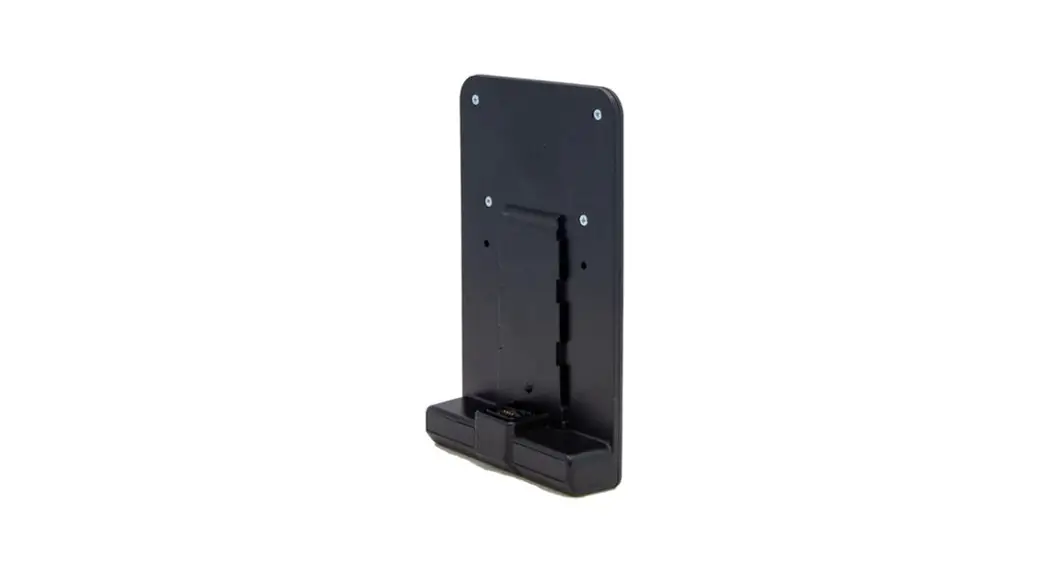
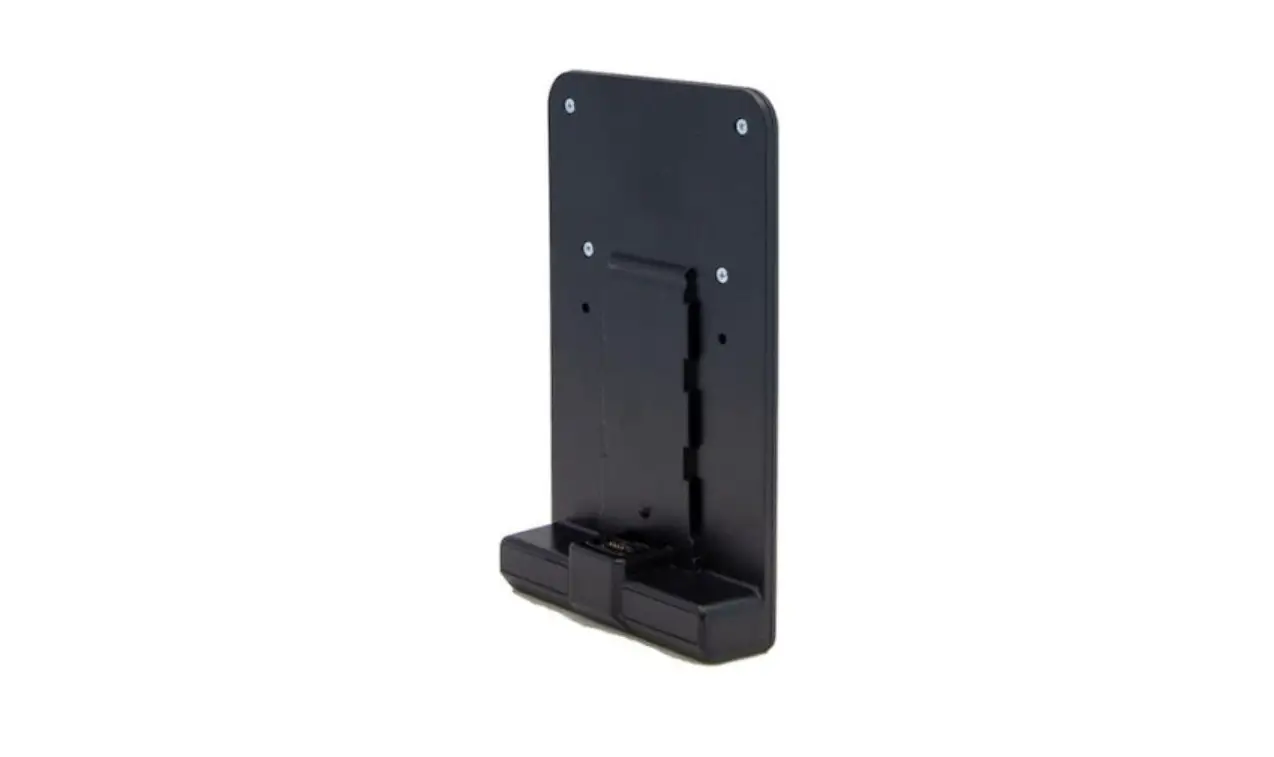
OtterBox uniVERSE Adaptor
Assembly Manual 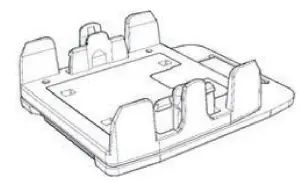
*KDC180 Inductive/ Keypad/ 0.5W UHF Models are assembled the same way.
What’s in the Box?
- 1 x OtterBox uniVERSE Adaptor
- 1 x extra screw
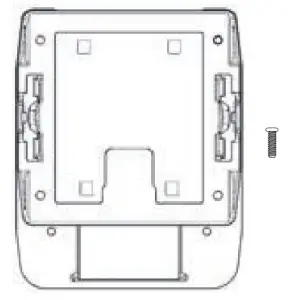
*PHO screwdriver {not included) will be necessary to complete the assembly.
Changing Adaptor Orientation (Optional)
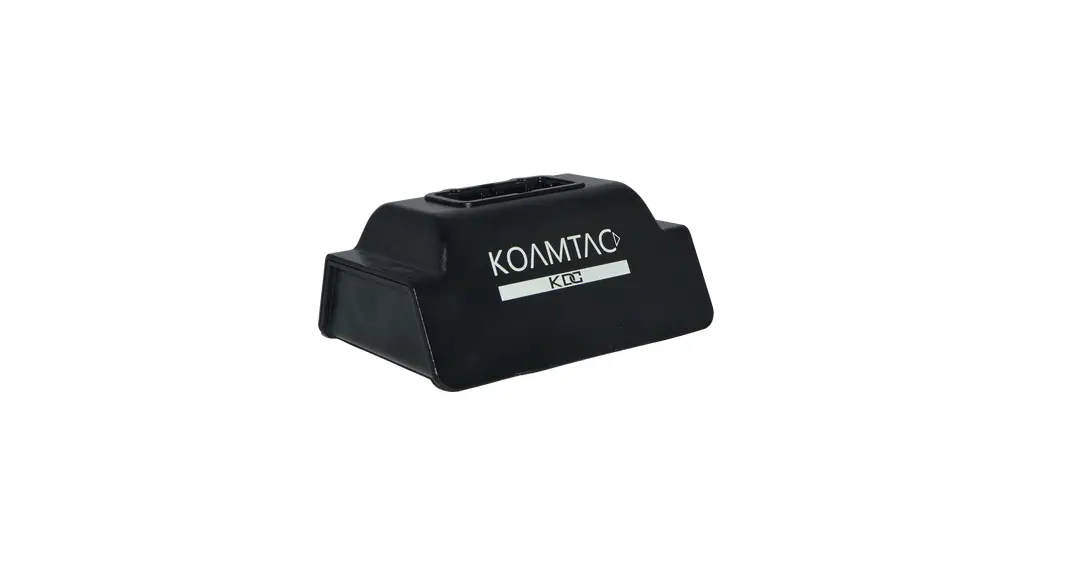
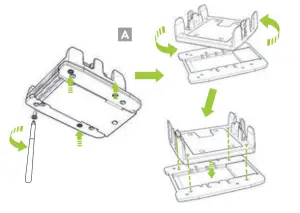
- By default, the uniVERSE Adaptor is oriented for vertical scanning. To adjust the scanner for horizontal scanning, remove all four (4) screws from the bottom of the adaptor and rotate the cap 90 degrees. Align the position of the bolt fastening hole of the adaptor cap as shown in the image. (A)

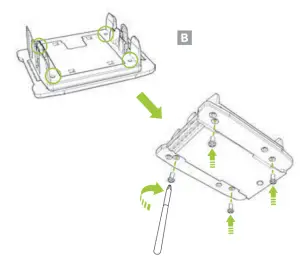
- After checking the position of the uniVERSE Adaptor cap and the attachment position, tighten all four (4) screws on the bottom of the adaptor. (B)

Assembly Instructions
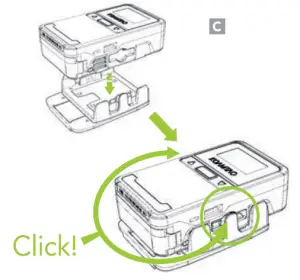
- Insert the KDC180 into the uniVERSE Adaptor cap until both sides click. (C)

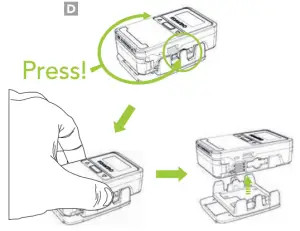
- To remove the KDC180 from the uniVERSE Adaptor, pull up while pressing the buttons on both sides of the uniVERSE Adaptor cap. (D)

Attaching to a uniVERSE Case
Remove the removable accent plate from the back of the uniVERSE Case. Align the case with the uniVERSE Adaptor and slide up until you hear a click indicating the adaptor is in place. (E)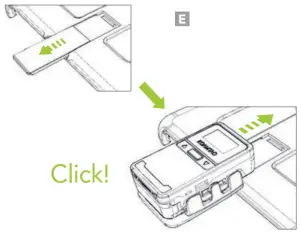 Disclaimer
Otter Products, LLC, and its related persons and entities is not responsible for the operation of this product or its compliance with safety and regulatory standards. This product has been designed for use with certain OtterBox branded products and has been certified by the manufacturer to meet OtterBox performance standards.
Warranty Statement
IN NO EVENT WILL THE MANUFACTURER, DISTRIBUTOR, OR OTTER PRODUCTS, LLC BE LIABLE FOR ANY INCIDENTAL, DIRECT, INDIRECT, SPECIAL, PUNITIVE, OR CONSEQUENTIAL DAMAGES (SUCH AS BUT NOT LIMITED TO, DAMAGES FOR LOSS OF PROFITS, BUSINESS, SAVINGS, DATA, OR RECORDS) RELATED TO THIS PRODUCT. EXCEPT AS STATED HEREIN, NO OTHER WARRANTIES WILL APPLY.
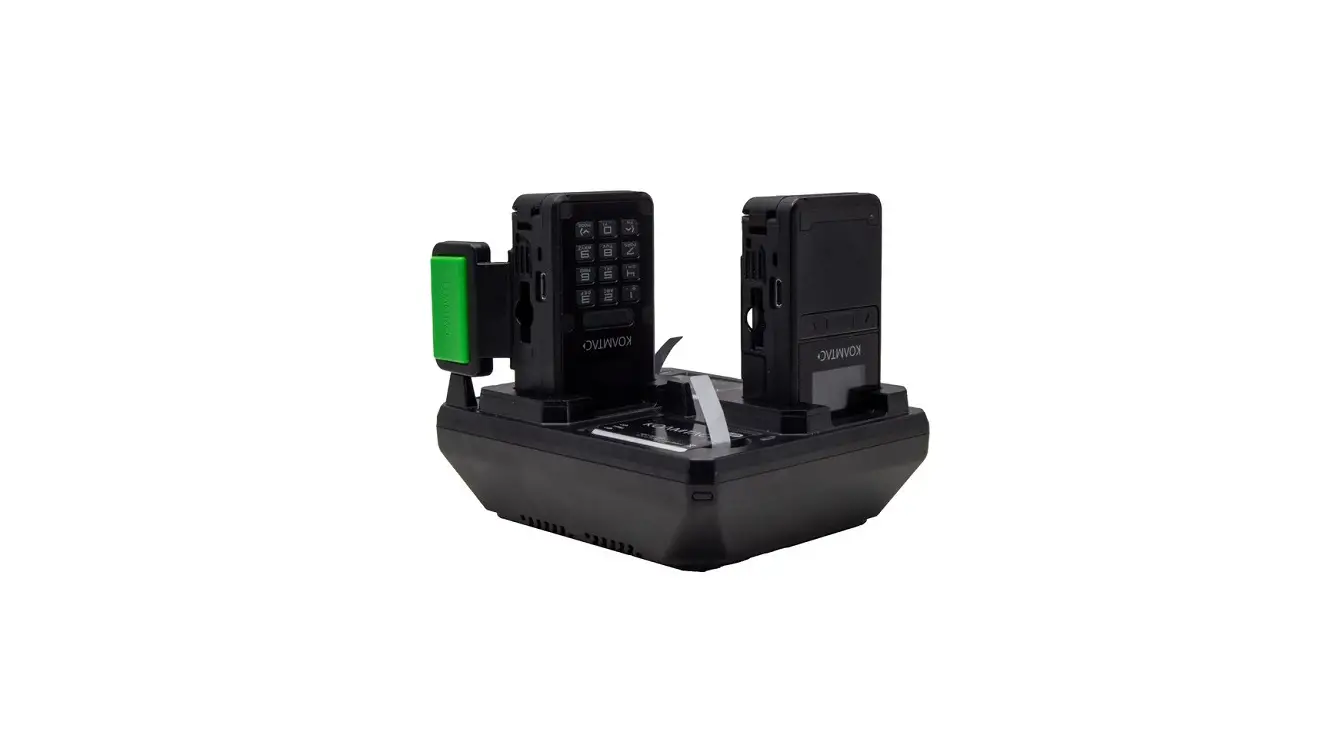
KOAMTAC KDC180 Otter Box uniVERSE Adaptor
Built for OtterBox uniVERSE
Explore at Business. OtterProducts.com
KDC180H-OUA.AM..20201217
Additional Accessories
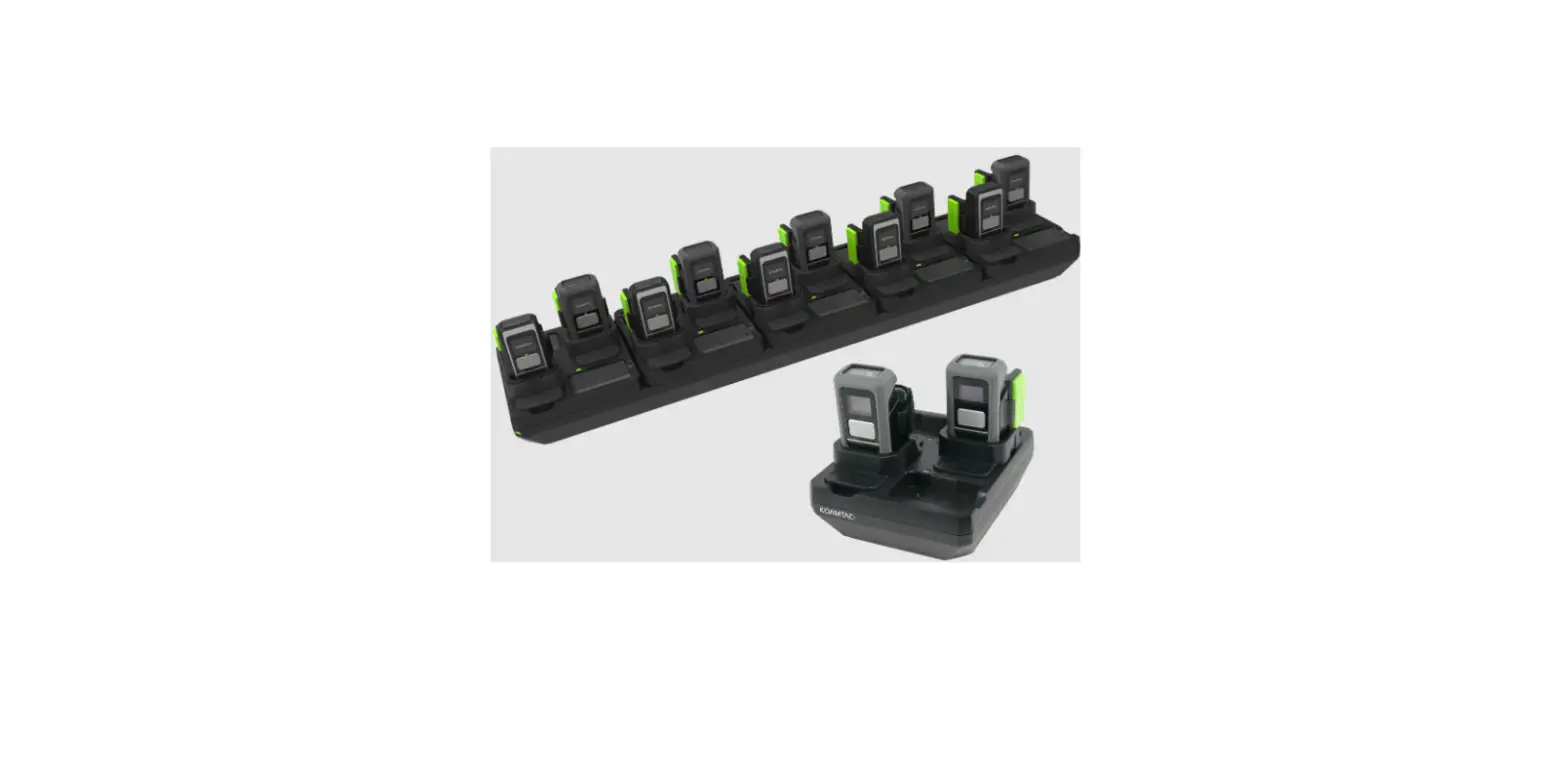
| • Ring Trigger (Left/Right/Double) • 2Slot and 10-Slot Charging Cradles • Micro USB Cable | • KBLED41 BLE Dongle • Protective Rubber Boot • Finger Trigger Glove |
KDC180 Models
- KDC180U Wearable 0.SW UHF Reader
- KDC180H 2D imager
- KDC180H 2D imager with Keypad
- KDC180H 2D imager with Inductive Charging
- KDC180H 2D lmager with 0.5W UHF Reader
116 Village Blvd, Ste 305, Princeton, NJ 08540
+1 609-256-4700 0]+1 609-228-4373f
[email protected] | www.koamtac.com