VCON3461BK HDMI Converter
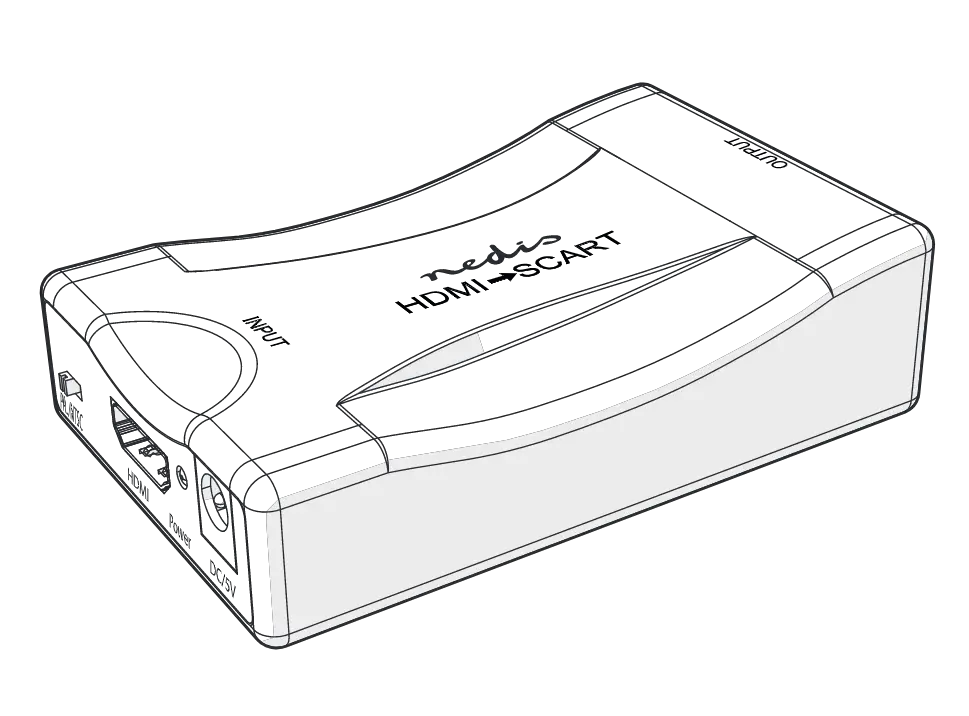
User Manual
Preface
Thank you for purchasing the Nedis VCON3461BK.
This document is the user manual and contains all the information for correct, efficient and safe use of the product.
This user manual is addressed to the end user. Read this information carefully before installing or using the product.
Always store this information with the product for use in the future.
Product description
Intended use
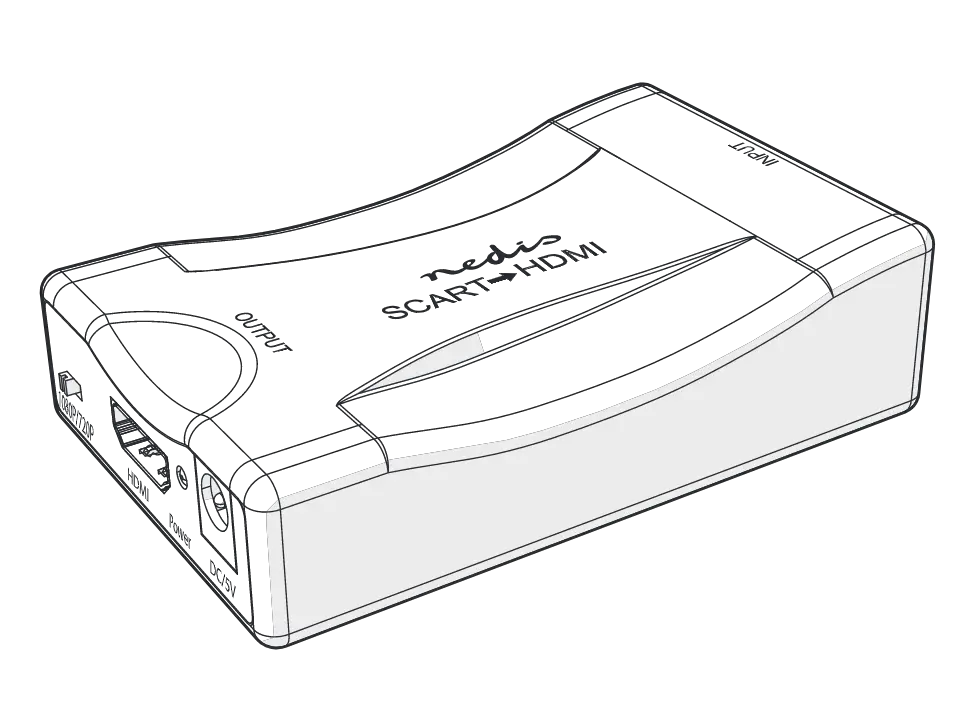
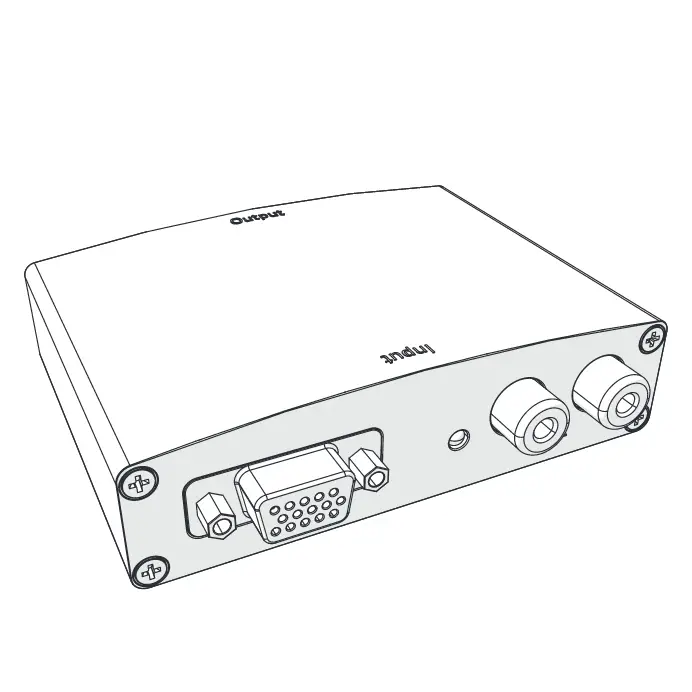
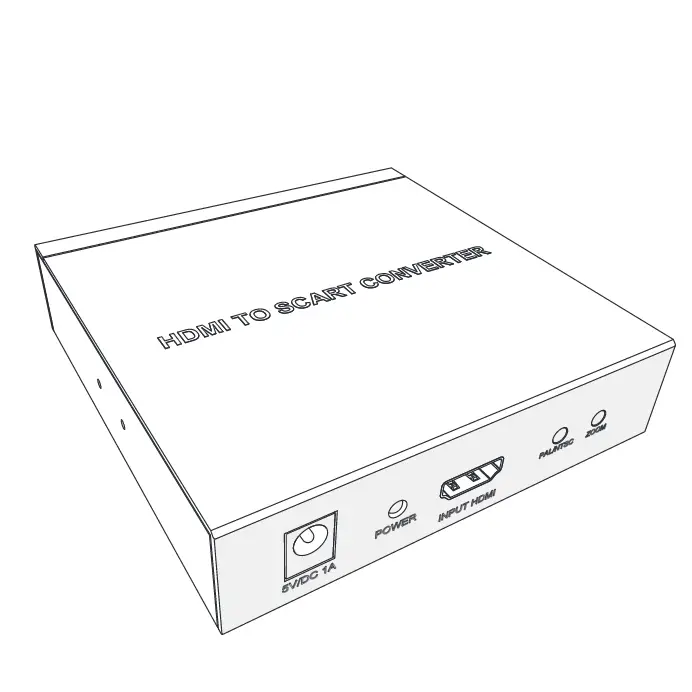
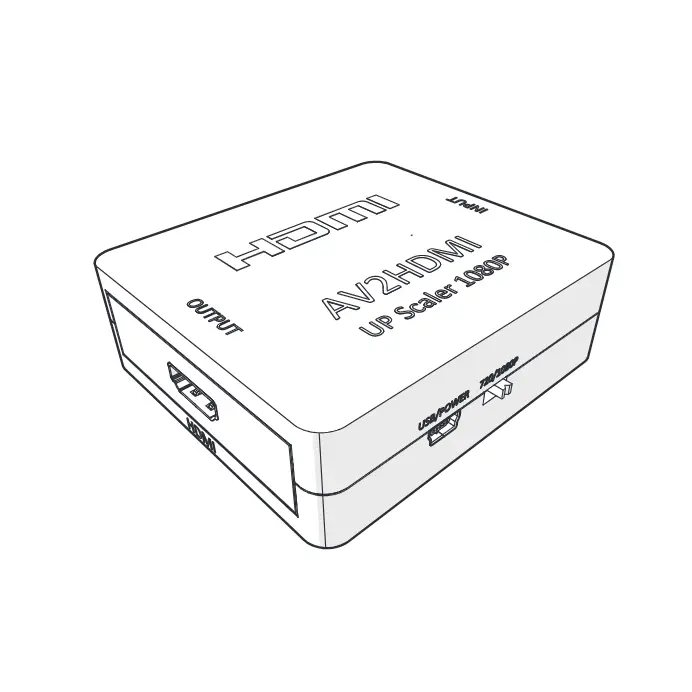
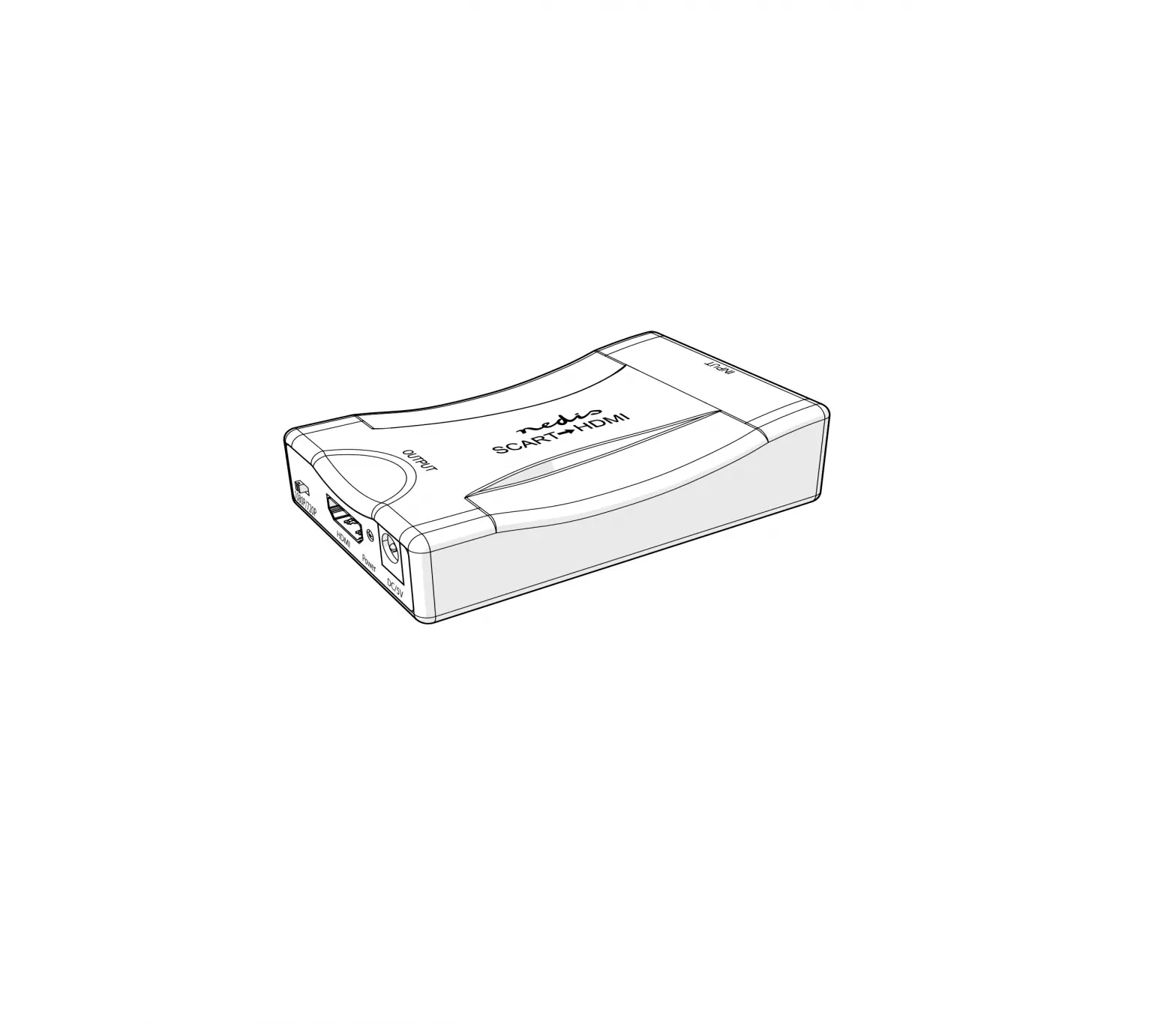
The VCON3461BK is an HDMI to SCART converter.
The product is intended for indoor use only.
The product is not intended for professional use.
Any modification of the product may have consequences for safety, warranty and proper functioning.
Specifications
Product | HDMI™ Converter |
Article number | VCON3461BK |
Dimensions (w x h x d) | 57.5 x 25 x 88.5 mm |
Weight | 60 g |
USB power cable output | 5 VAC ; 1 A |
Max working current | 600 mA |
HDMI input / output resolution | Up to 1.3 / 60 fps |
Support HDMI video color format | 24 bit / deep color 30 bit / 36 bit |
HDMI max bandwidth | 300 MHz |
HDMI max baud rate | 10.2 Gbps |
Input / Output TMDS signal | 0.5 ~ 5 V p-p (TTL) |
Input / Output DDC signal | 5 V p-p (TTL) |
RCA analog output ( KHZ @ dB ) | 1 V RMS |
Signal-to-noise-ratio @ dB (CC1R / ARM) | ≥ 90 dB |
Distortion | ≤ 0.1 % |
Frequency response | 20 Hz ~ 20000 Hz |
Max HDMI input cable length | ≤ 7 m AWG26 HDMI standard cable |
Max SCART output cable length | ≤ 8 m AWG26 SCART standard cable |
Operating temperature | –10 °C – 55 °C |
Storage temperature | –20 °C – 60 °C |
Operating humidity | 10 – 90% RH (no condensation) |
Storage humidity | 5 – 95% RH (no condensation) |
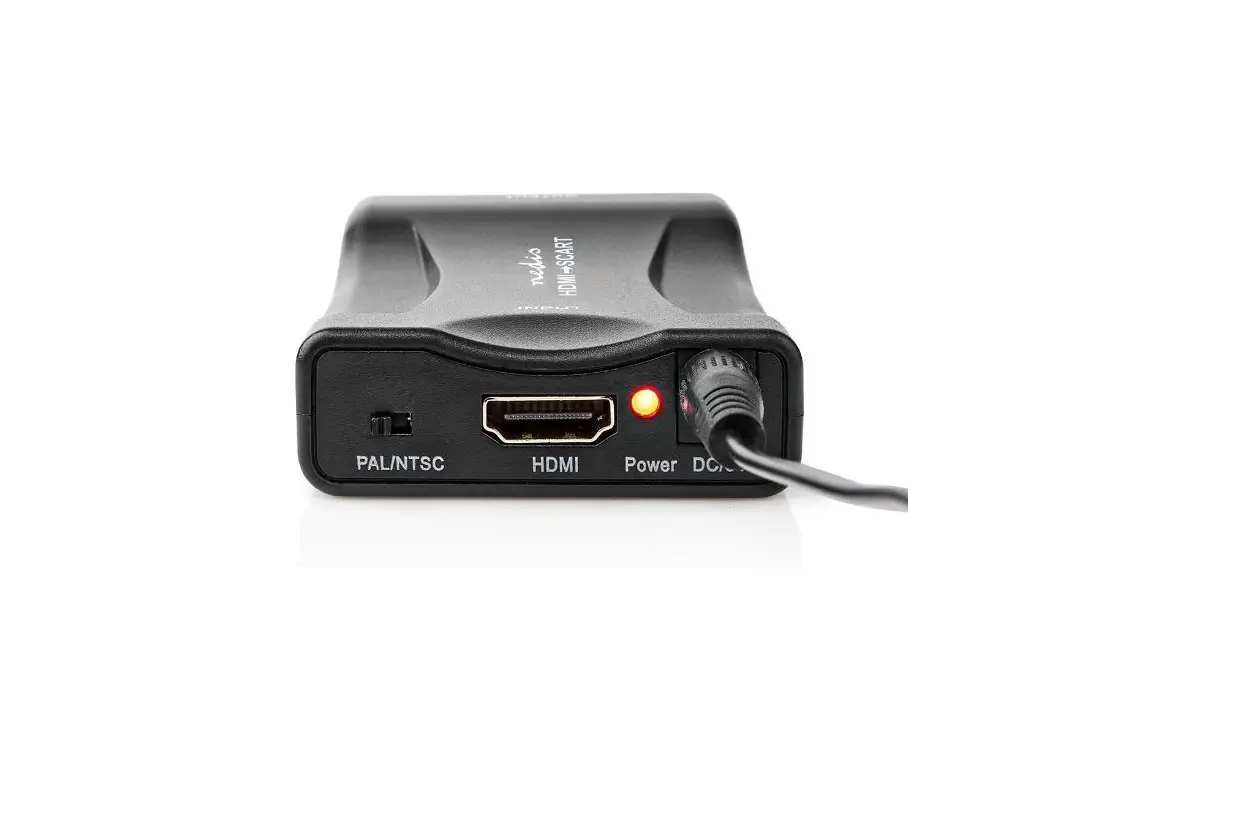
Main parts (image A)
 |
A |
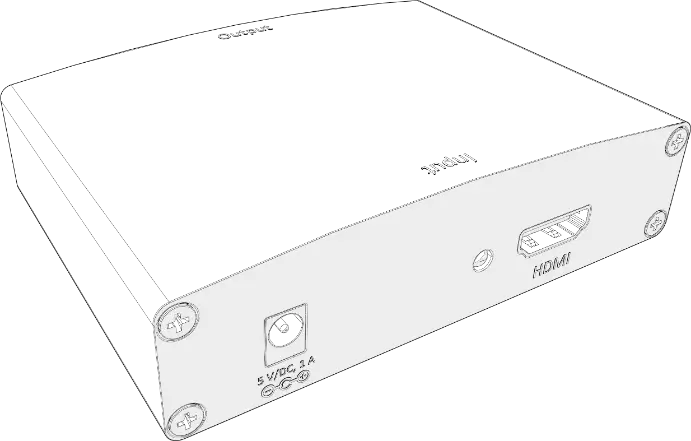
1. HDMI input |
2. PAL / NTSC switch |
3. Power indicator LED |
4. Power supply port |
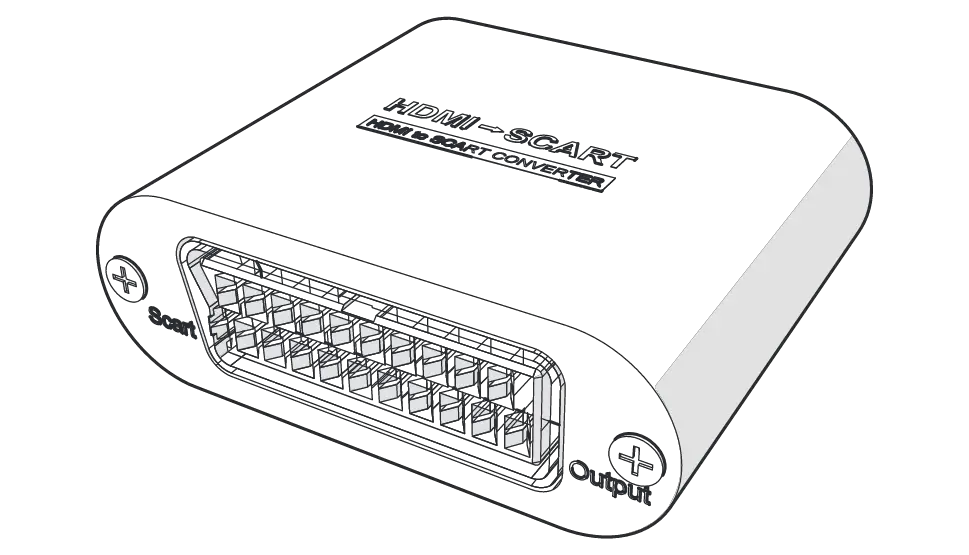
5. SCART output |
6. USB power cable |
Safety instructions
WARNING
- Only use the product as described in this manual.
- Do not use a damaged product.
- Do not expose the product to direct sunlight, naked flames or heat.
- Do not expose the product to water or moisture.
- Place the product on a stable and flat surface.
- Do not drop the product and avoid bumping.
- Do not open the product.
- Keep the product out of reach from children.
- Do not unplug the product by pulling on the cable. Always grasp the plug and pull.
- Only handle the product with dry hands. Handling with wet hands might cause an electric shock.
- Unplug the product if you do not plan on using the product for an extended period of time.
- Only use the provided power cable.
Explanation of the safety symbols on the product
Icon | Description |
 | Electronic equipment needs to bear the CE mark in order to be marketed in the EU. CE marking shows that a product is assessed before being placed on the market and that it meets EU safety, health and environmental protection requirements. CE marking is also sometimes accepted as a means of compliance with type-approval requirements; for example, electronic components that require type-approval and also CE marking for electromagnetic compatibility (EMC) or low-voltage equipment. |
 | Product in which protection against electric shock does not rely on basic insulation only, but in which additional safety precautions such as double insulation or reinforced insulation are provided, there being no provision for protective earthing or reliance upon installation conditions. NOTE A Class II products may be provided with means for maintaining the continuity of protective circuits, provided that such means are within the product and are insulated from accessible surfaces according to the requirements of Class II. |
 | Indication to explain that the product needs to be collected separately when disposed. Do not throw in the trash bin. |
Installation
- Check that all parts are present and that no damage is visible on the parts. If parts are missing or damaged, contact the Nedis B.V. service desk via the website: www.nedis.com.
Installing the product
1. Plug an HDMI cable (not included) from your source device into A1.
2. Plug a SCART cable (not included) from A5 into your display.
3. Plug the USB power cable A6 into the power supply port A4.
4. Insert A6 into the USB port of your TV or with a USB power adapter in a power outlet.
- A3 lights up.
Use
Using the product
- Use the PAL / NTSC switch A2 to switch the frequency between 50 Hz and 60 Hz.
Maintenance
- Clean the product regularly with a soft, clean, dry cloth. Avoid abrasives that can damage the surface.
- Do not use aggressive chemical cleaning agents such as ammonia, acid or acetone when cleaning the product.
- Do not clean the inside of the product.
Warranty
Any changes and/or modifications to the product will void the warranty. We accept no liability for damage caused by improper use of the product.
This product is designed for private use (normal domestic use) only. Nedis is not responsible for wear, defect and/or damages caused by commercial use of the product.
Disclaimer
Designs and specifications are subject to change without notice. All logos, brands and product names are trademarks or registered trademarks of their respective owners and are hereby recognized as such.
Disposal
 | This symbol indicates that this product should not be thrown away with other household waste throughout the EU. To prevent possible harm to the environment or human health by uncontrolled waste disposal, you are responsible for recycling it so that it can promote the sustainable reuse of raw materials. To return your used product, you can use the regular return and collection systems or contact the store where the product was purchased. They can recycle this product for the environment. |