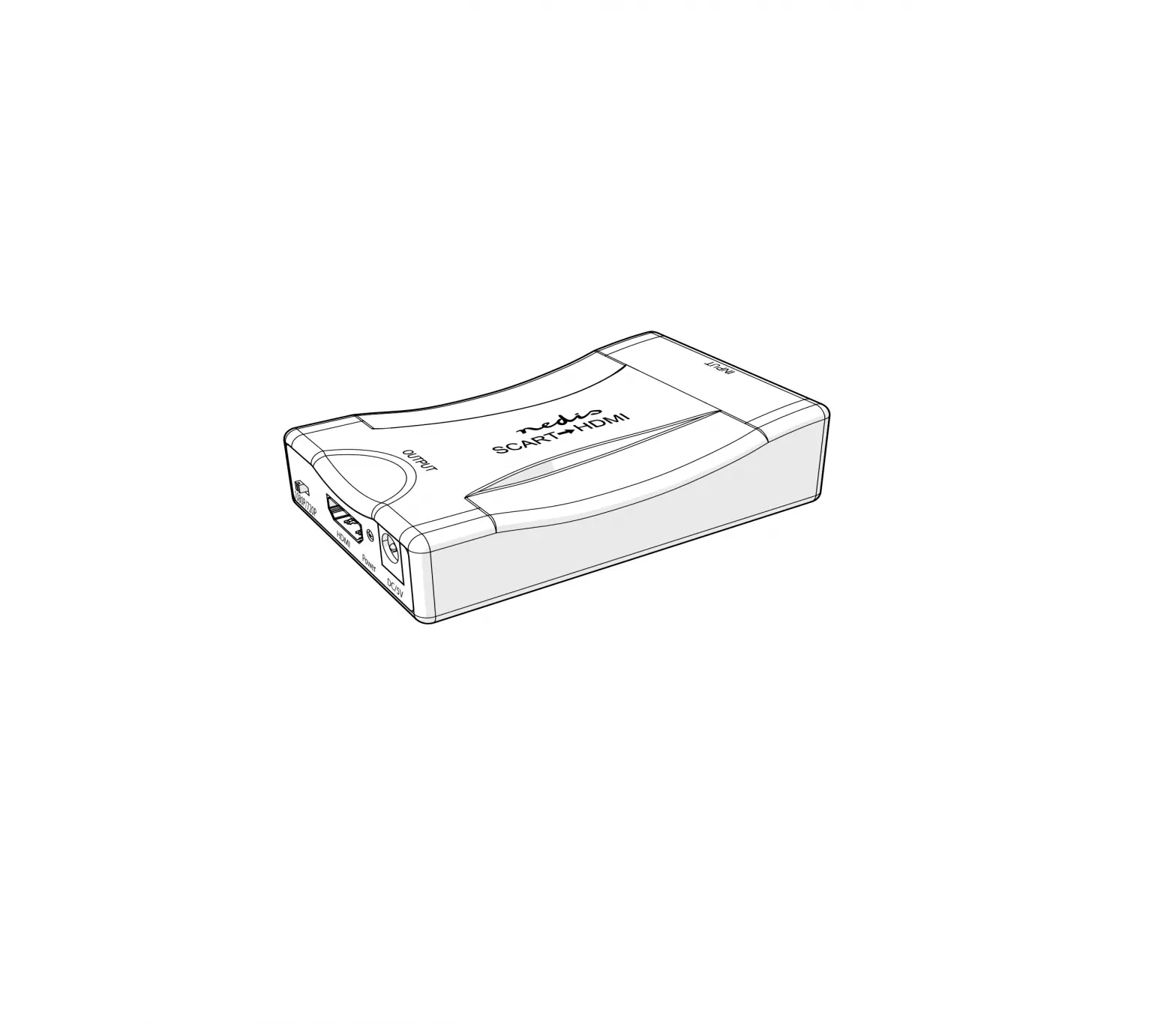
nedis HDMI Converter
Intended use
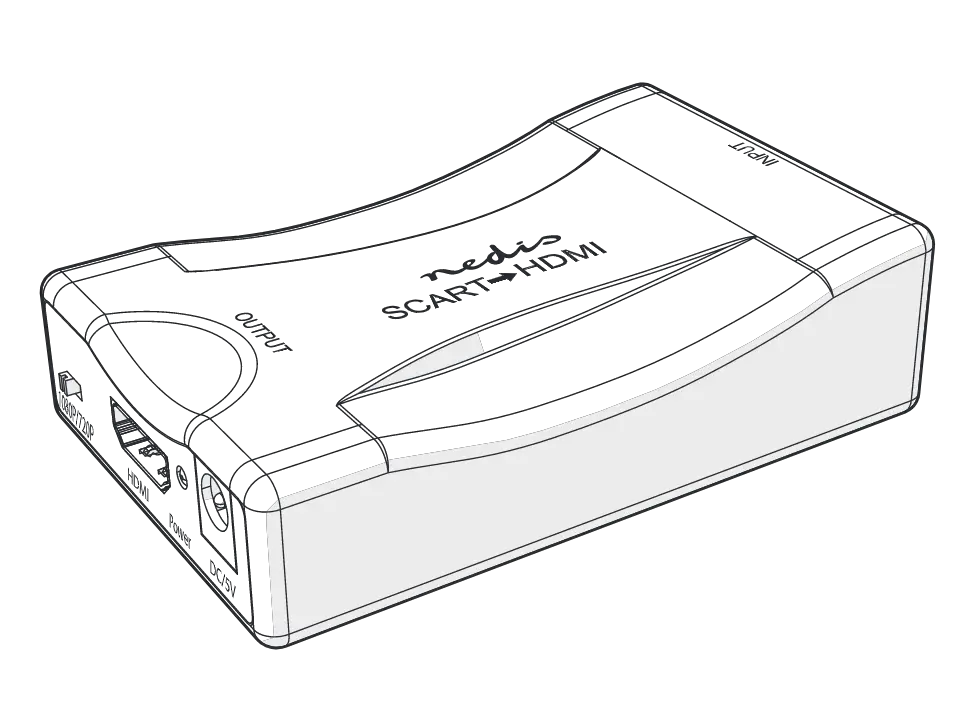
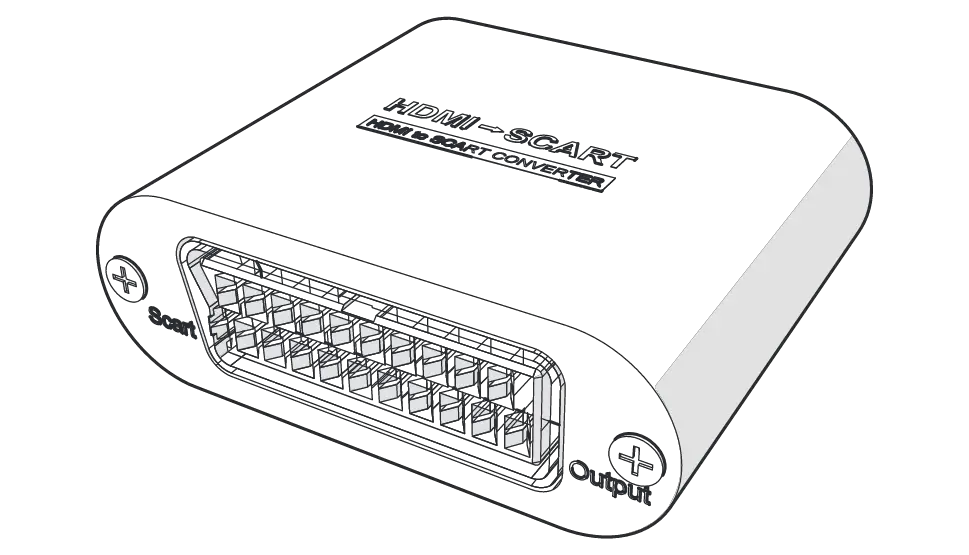
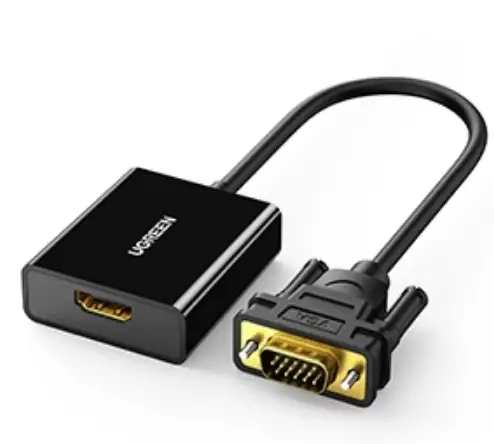
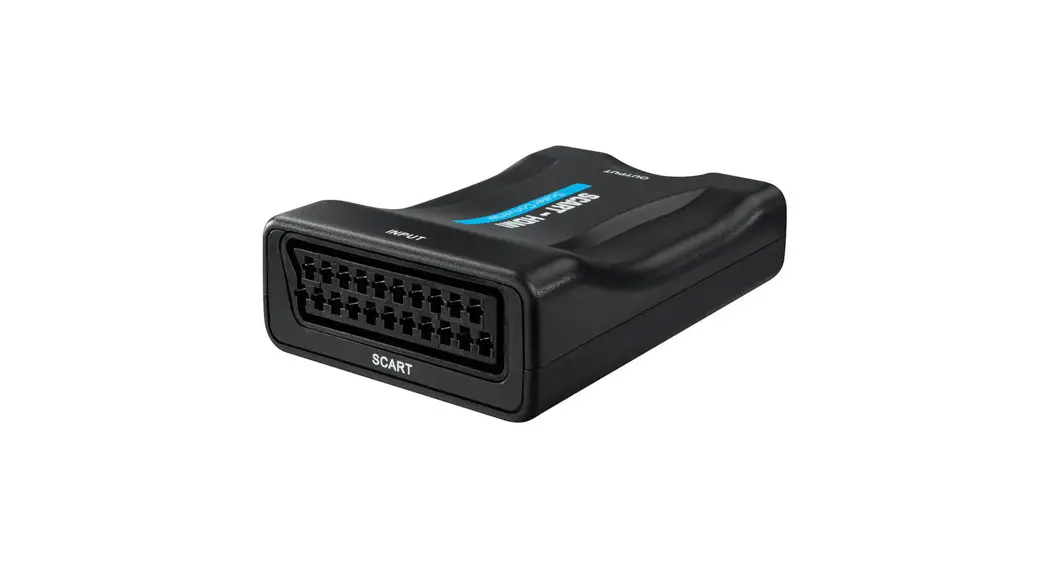
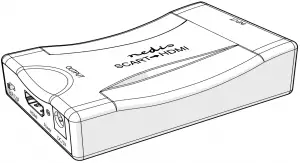
The VCON3462BK is an SCART to HDMI converter.
The product is intended for indoor use only.
The product is not intended for professional use.
Any modification of the product may have consequences for safety, warranty and proper functioning.
Specifications
| Product | HDMI™ Converter |
| Article number | VCON3462BK |
| Dimensions (w x h x d) | 57.5 x 25 x 88.5 mm |
| Weight | 60 g |
| Power Adapter Input | 100 – 240 VAC ; 50 / 60 Hz |
| Power Adapter Output | 5 VDC ; 1 A |
| Max working current | 350 mA |
| SCART input | PAL, NTSC3.58 NTSC4.43 SECAM, PAL/M, PAL/N |
| HDMI input | 1080p / 720p |
| Max HDMI output cable length | ≤ 7 m AWG26 HDMI standard cable |
| Max SCART input cable length | ≤ 8 m AWG26 SCART standard cable |
| Operating temperature | -10 °C – 55 °C |
| Storage temperature | -20 °C – 60 °C |
| Operating humidity | 10 – 90% RH (no condensation) |
| Storage humidity | 5 – 95% RH (no condensation) |
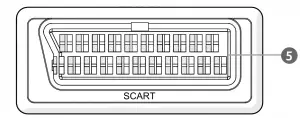
Main parts
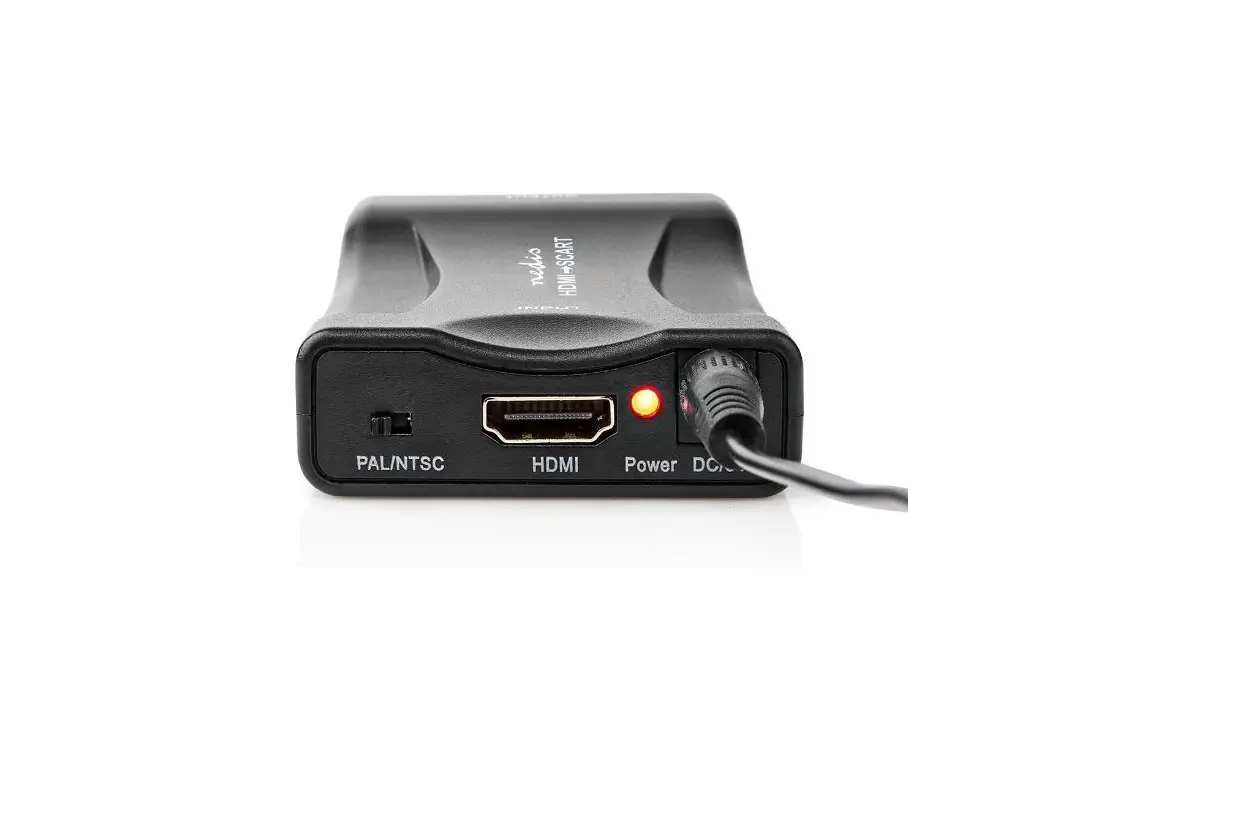
 HDMI output
 Output resolution switch
 Power indicator LED
 Power supply port
 SCART input
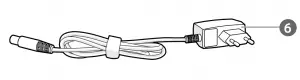
 Power cable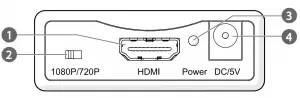
Safety instructions
 WARNING
- Only use the product as described in this manual.
- Do not use a damaged product.
- Do not expose the product to direct sunlight, naked flames or heat.
- Do not expose the product to water or moisture.
- Place the product on a stable and flat surface.
- Do not drop the product and avoid bumping.
- Do not open the product.
- Keep the product out of reach from children.
- Do not unplug the product by pulling on the cable. Always grasp the plug and pull.
- Only handle the product with dry hands. Handling with wet hands might cause an electric shock.
- Unplug the product if you do not plan on using the product for an extended period of time.
Installing the product
- Plug a SCART cable (not included) from your source device into the SCART input
 .
. - Plug an HDMI cable (not included) from the HDMI output into your display.
- Plug the power cable into .
- Insert the other end of into a power outlet.
 The power indicator LED lights up
 The power indicator LED
 Using the product
- Use the output resolution switch to switch the output between 1080p and 720p
 For more information see the extended manual online: ned.is/vcon3462bk
Nedis BV
De Tweeling 28, 5215 MC ’s-Hertogenbosch
The Netherlands

 HDMI™ Converter | SCART Female | HDMI™ Input | 1-way | 1080p | 1.2 Gbps | ABS | Black | Nedis