Tekpower
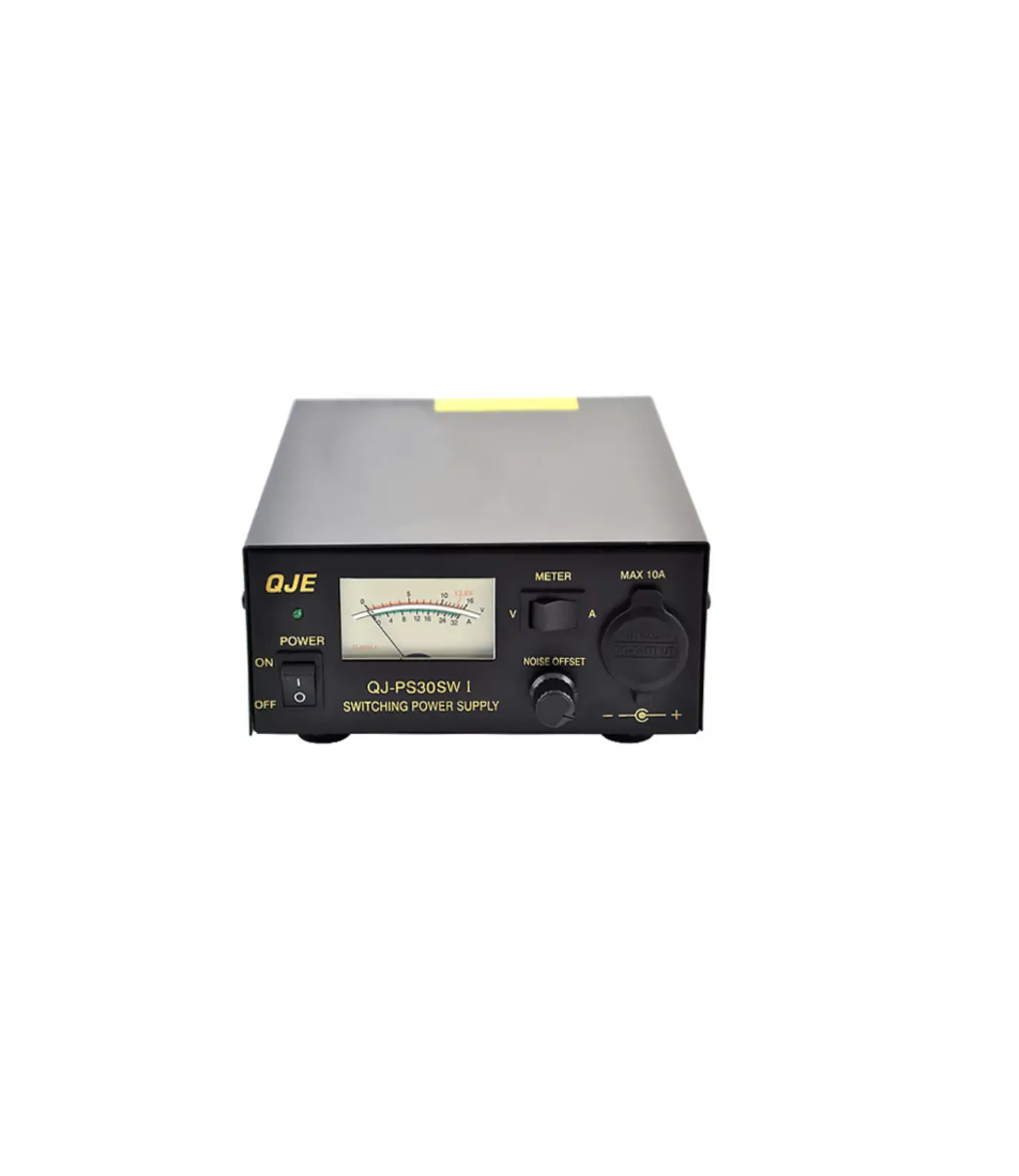
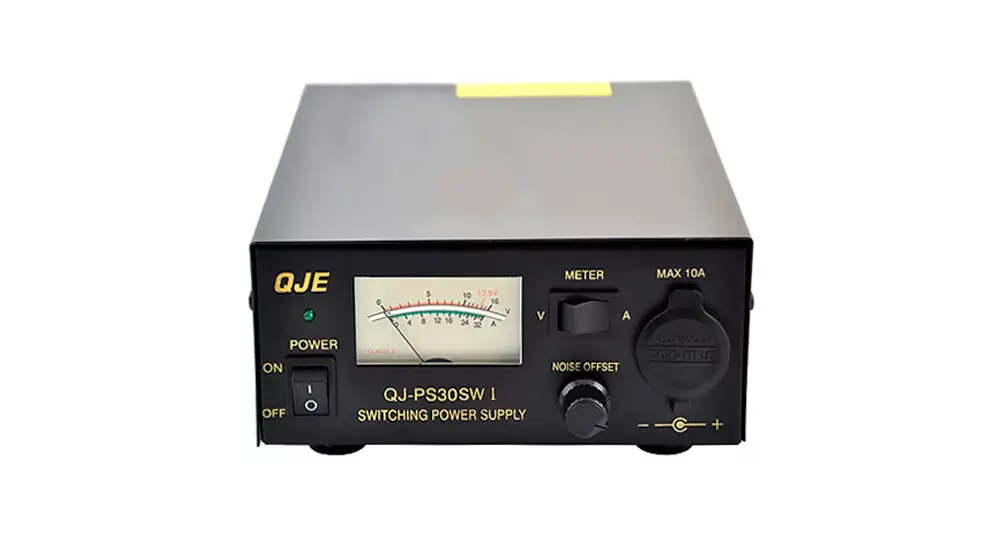
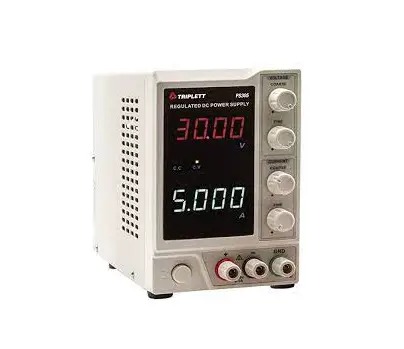
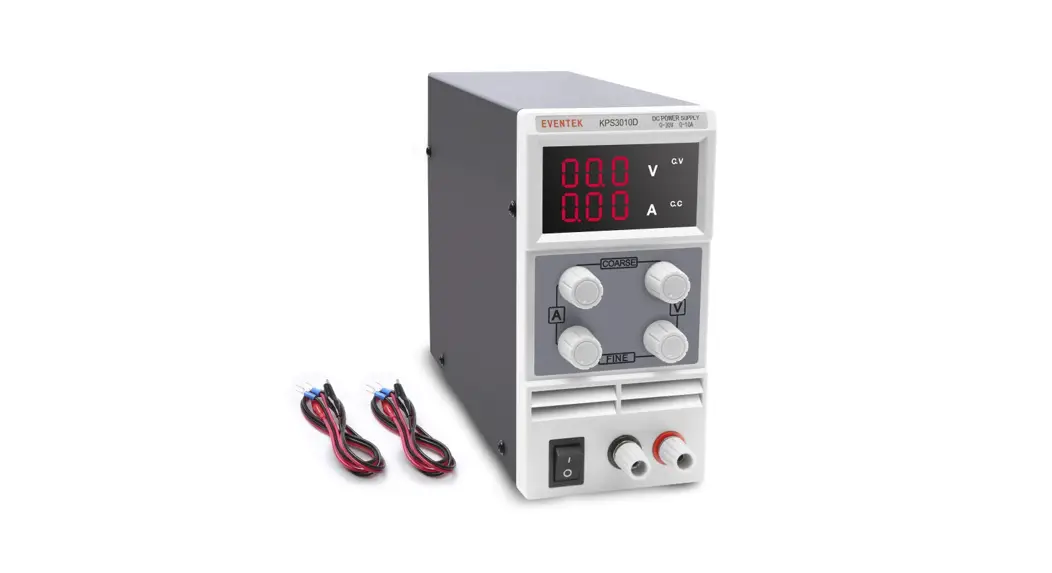
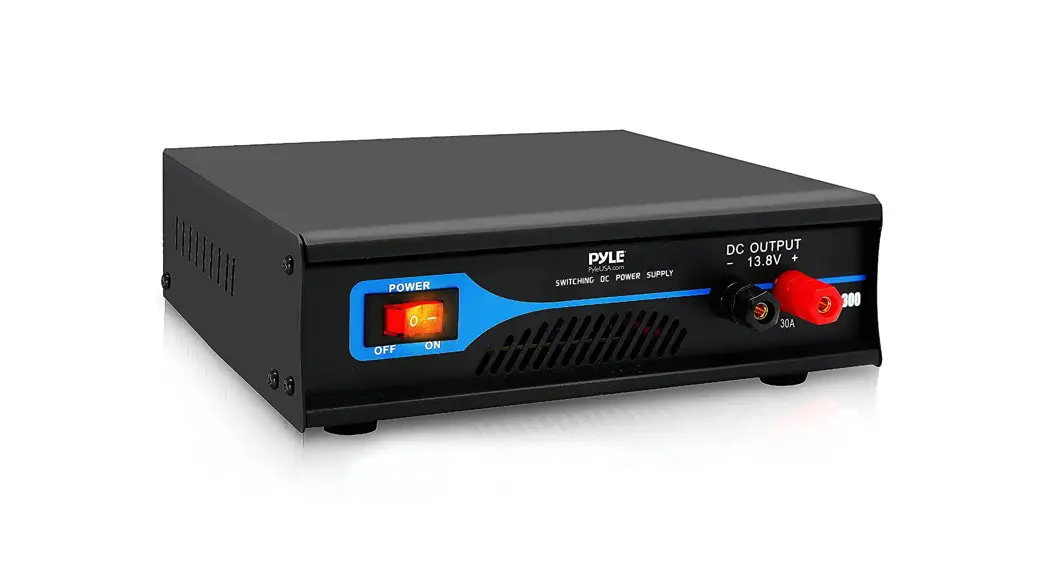
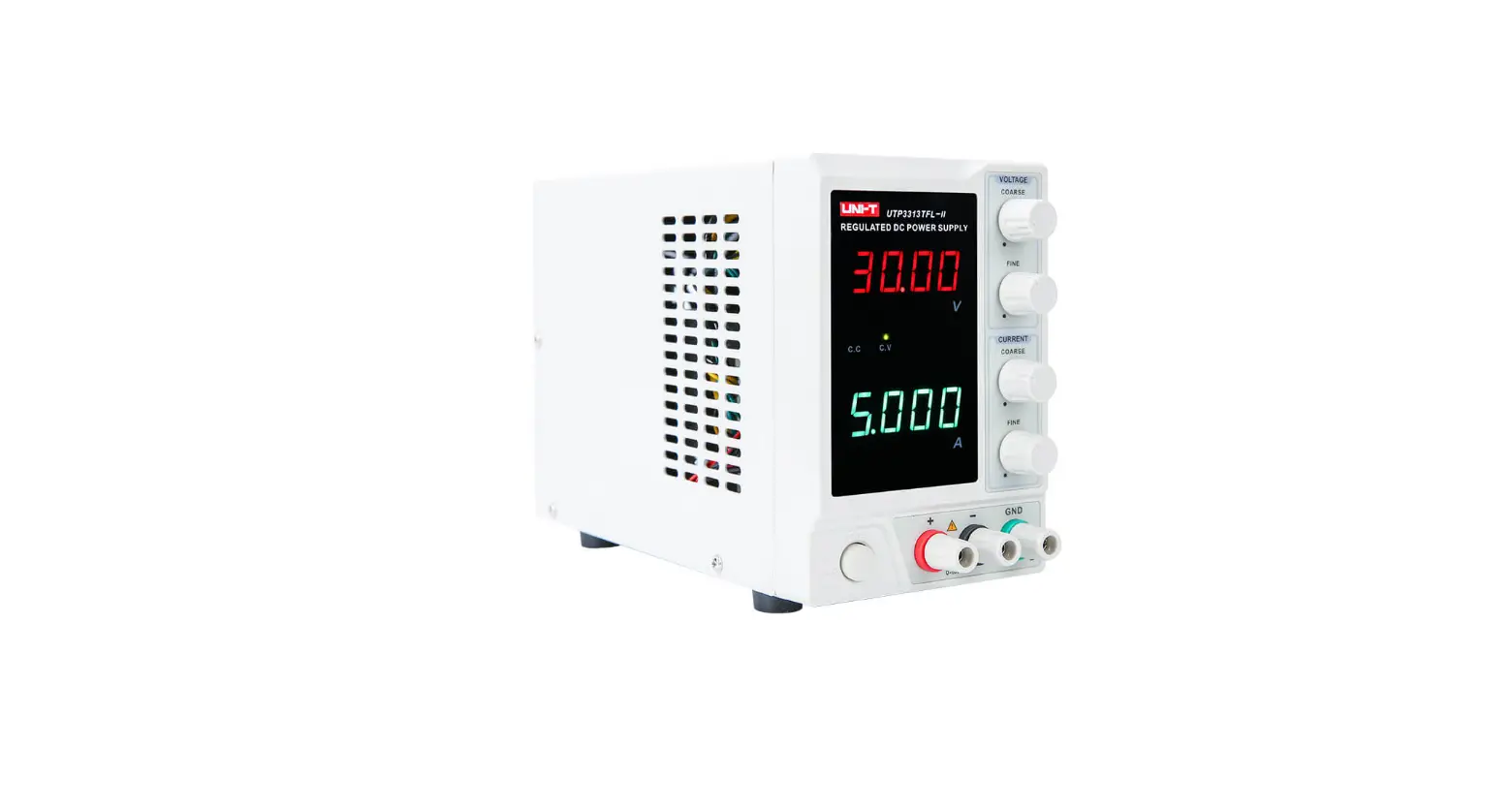
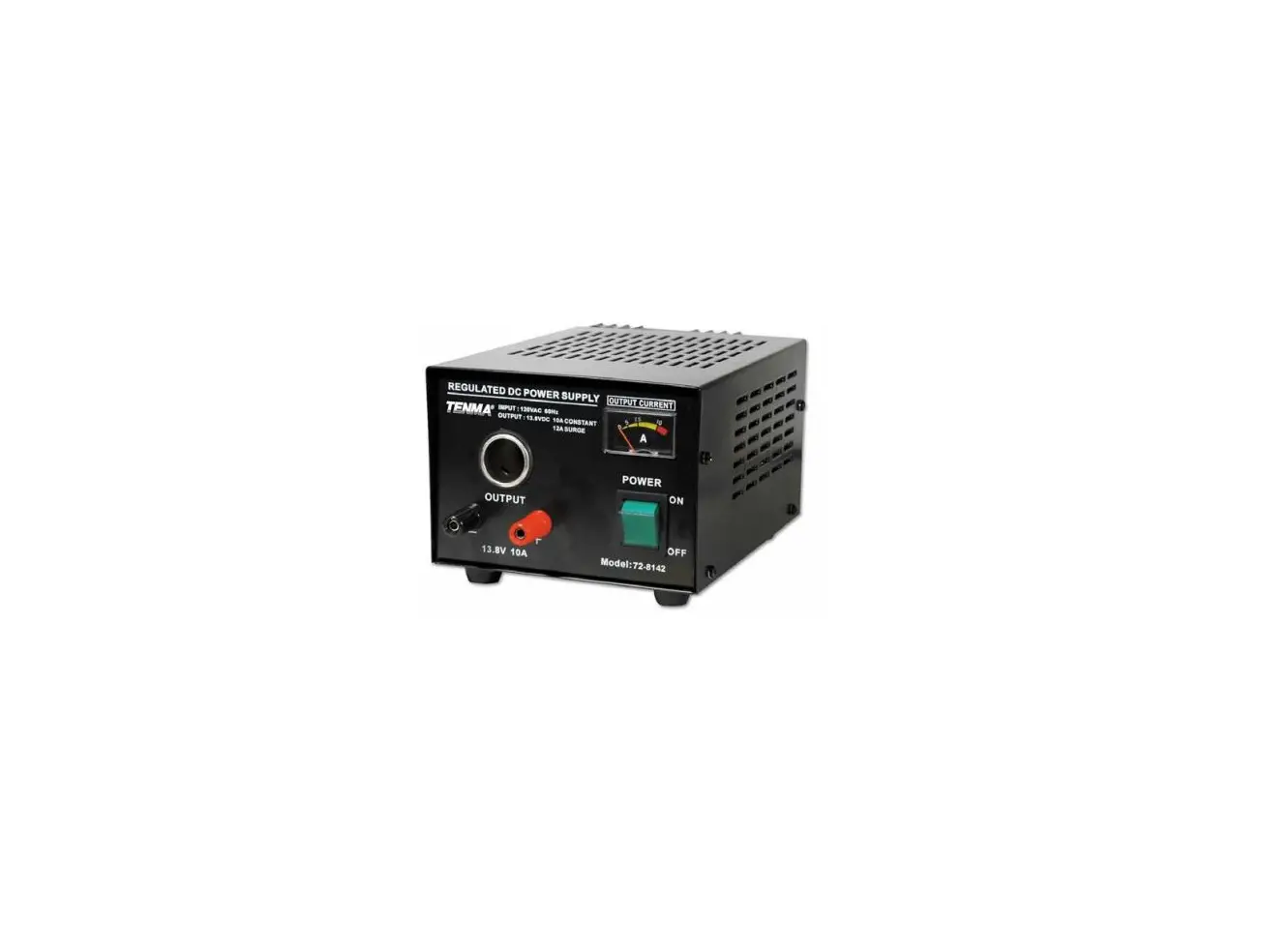
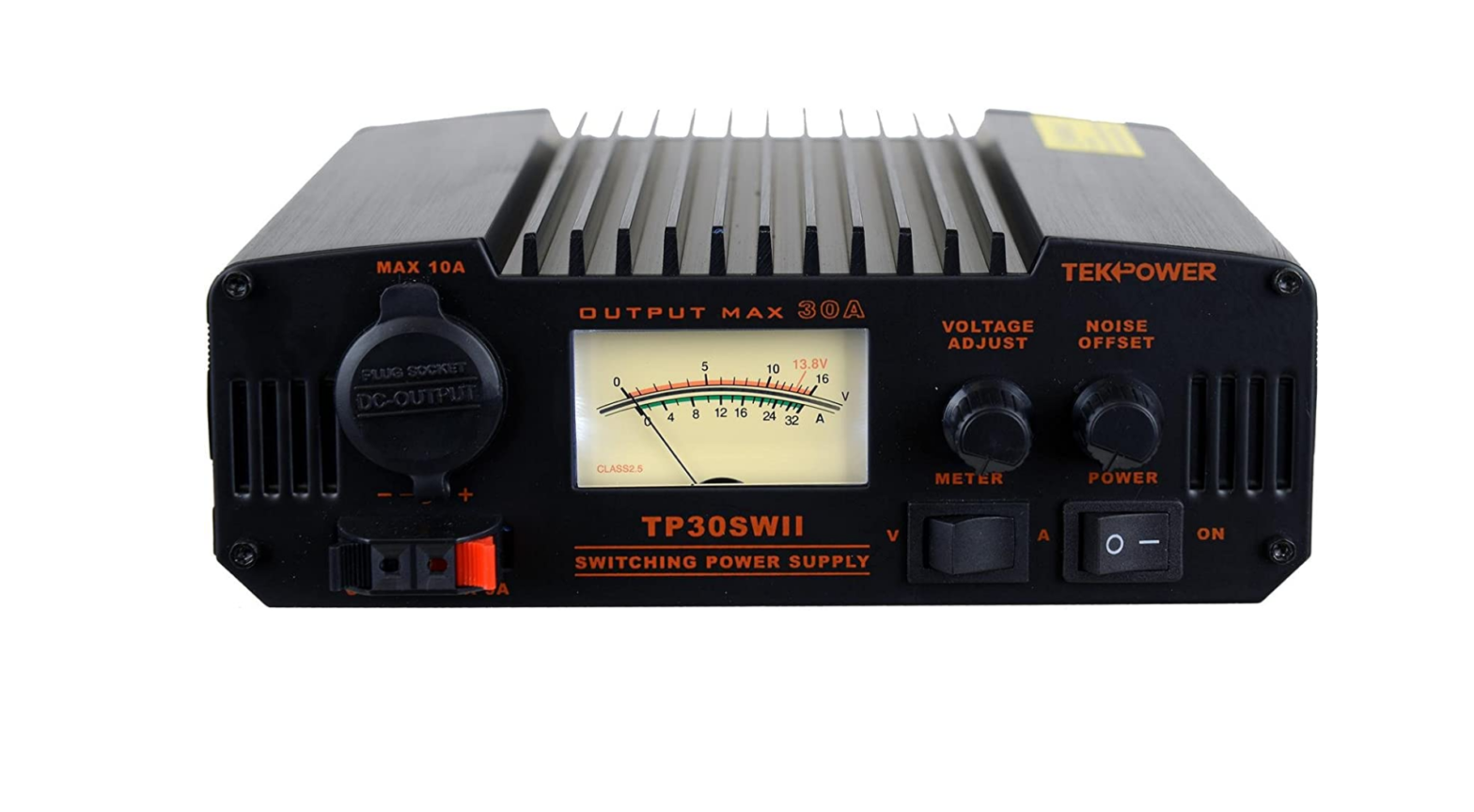
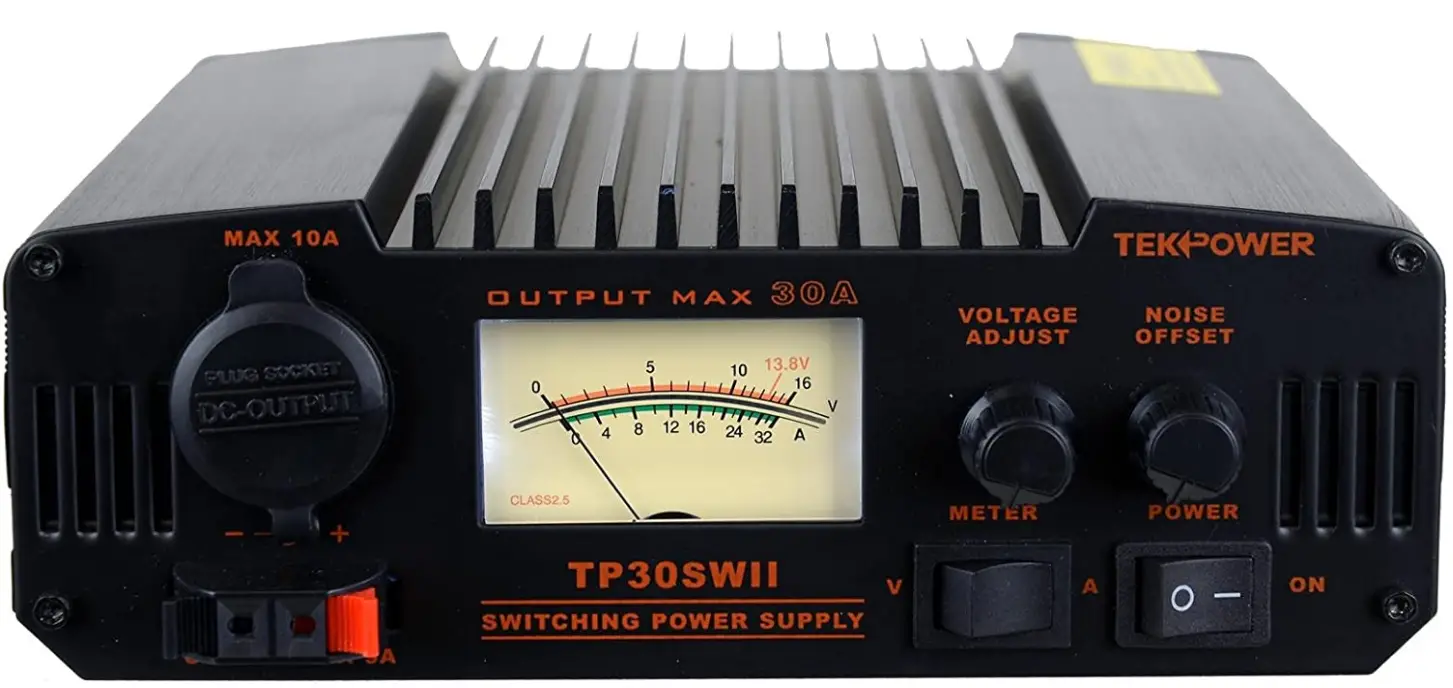
Tekpower TP30SWII Switching Mode Dc Regulated Power Supply
Specifications
- OUTPUT WAVEFORM: Pure sine wave
- INPUT: 12V DC
- OUTPUT: 115V AC
- TRUERATED POWER™: 2,000W (24-hour continuous)
- PEAK SURGE: 4,000 watts
- EFFICIENCY: 90%
- FREQUENCY: 60Hz
- TOTAL HARMONIC DISTORTION (THD): < 3%
- NO LOAD CURRENT DRAW: < 2.0A
INTRODUCTION
TP30SWII is a high efficiency, compact, lightweight, high performance switching mode power supply. It is also engineered to minimize the switching noise spec ifically for communication use. Even when noise occurs, it may be eliminated with the Noise-Offset function. Also convenient functions like pre-set voltage, and a highly visible back lit meter are standard in this power supply.
CAUTION
- Even though the chassis of the unit is negatively grounded, use the correct terminals to connect cable.
- When plugging the unit into a wall outlet, it must be turned off.
- Place the unit in a dry and well-ventilated area.
- Never touch the unit while in use. Even though it is designed for high efficiency, the unit will still get hot. If the unit reaches a certain temperature the extreme temperature protection function will protect the unit.
- A current limiting system will protect the unit from overloading.
- If a short circuit occurs at the output the unit is protected by a short circuit protection function. Immediately turn off the unit and repair the cause of the short circuit, and then turn it back on.
- Do not use the unit for devices that require high current input at the start, such as motorized equipment. Do not use the unit to charge a car battery.
- Do not use a car cigarette lighter in the cigarette plug socket on the unit.
- Before replacing a fuse make sure the unit is turned off. Be sure to use the specified type of fuse.
- Make sure the product is always suitably grounded to prevent electric shock and to reduce noise.
- Never disassemble, modify, or touch the inside of the unit unnecessarily. This could cause damage to the product and will void the warranty.
Caution
- Use this unit in room temperatures. (10 to 35 degrees centigrade or 50 to95 degrees Fahrenheit) Keep the unit in a dry and well-ventilated place. Do not use the unit in direct sun-light, or where it may come in contact with water or in a poorly ventilated area. It may cause heat, fire and damage to the unit.
- Never leave the unit within a child’s reach. This may injure them or burn their-skin.
- Make sure that the devices that are to be connected meet the specifications of this unit, otherwise it may cause damage to the product.
- Never insert any metal or flammable objects inside the unit. It may cause damage, shock and fire. If any foreign objects get into the unit, turn it off and unplug it and contact an authorized service center.
- Place the unit on a secure and horizontal surface. If it is placed on an unstable surface, the unit may drop and cause damage and injury. This will also be helpful in getting accurate meter readings.
- Do not cover the air vent on the chassis or the fan. This may cause extreme heat, fire and damage.
- Do not use the unit for devices that require high current input at the start, such as motorized equipment. Do not use the unit to charge a car battery. This may cause damage to the unit.
- Never try to use a car cigarette lighter in the cigarette lighter socket of this product. Otherwise, the product may become damaged.
- Insert the cigarette-plug securely and completely into the socket. Insufficient connection may cause
Danger
- Do not disassemble, modify or repair the unit unless otherwise specified in the manual. Only an authorized technician may do this. Never modify the cable to extend or shorten it. This may cause fire and or electric shock, and will void the warranty.
- Always hold the plug when plugging and unplugging the unit. Never unplug the unit by pulling the cable. It may cause fire, shock and damage to the unit.
- Do not plug/unplug the unit with wet hands. It may easily cause electric shock.
- Do not use the unit where there may be flammable gas. This may cause fire and explosion.
- Unplug the cable when replacing the fuse. Use the specified fuse only. Using the wrong fuse could cause heat and fire.
- Never use the unit outside, in a bathroom, or any other place where the unit could become wet. Do not rest anything that contains liquid on the product. If liquid gets inside the unit it could cause fire, shock and damage to the unit. If this happens, unplug prohibited the unit immediately. Do not use the unit in a humid environment. If dew condenses on the unit, dry it completely before use.
- Unplug the unit during maintenance. Otherwise it may cause shock and damage to the product.
- Unplug immediately if anything noticeably unusual happens, such as smoke and or
PART NAMES AND FUNCTIONS
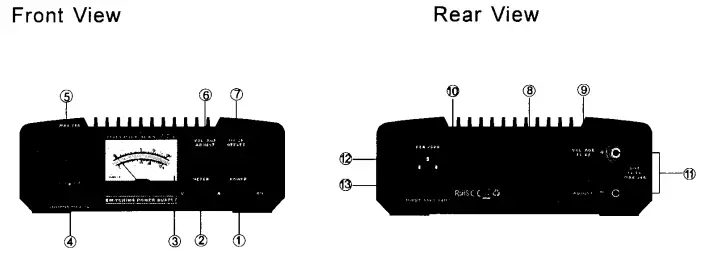
- Power switch: Turns the unit on and off.
- Meter switch: Select the position to indicate voltage (V) or current (A).
- Meter: Displays the voltage or current.
- Snap in output terminal: 3A max. Red positive, black negative.
- Cigarette plug terminal: 1 QA max.
- Voltage adjustment: Adjusts voltage between 9.0 and 15.0 volts. Turn clockwise to increase and counter clockwise to decrease the voltage. When it is set at the center position it will supply 13. 8 volts.
- Noise off-set volume control: Adjust to eliminate the pulse noise of the switching circuit. This patent pending function is specially designed for communication use. (It’s effectiveness may vary depending on the frequency and mode. )
- Cooling fan: The fan turns on and off automatically.
- Output control switch: Turn this switch to the adjust position and adjust ® to the desired output level. /Fixed output 13. 8V.
- Heat sink: Do not touch the surface when the unit is in use. Let the cool down completely before touching it.
- Output terminal: 30A max. Red positive, black negative.
- Grounding Power cable: 11 0VAC
- Fuse: 8A
SAFETY PRECAUTIONS
The following pages explain how to avoid possible accidents and damage to the user and his property. They will explain the proper manner in which to use this product.
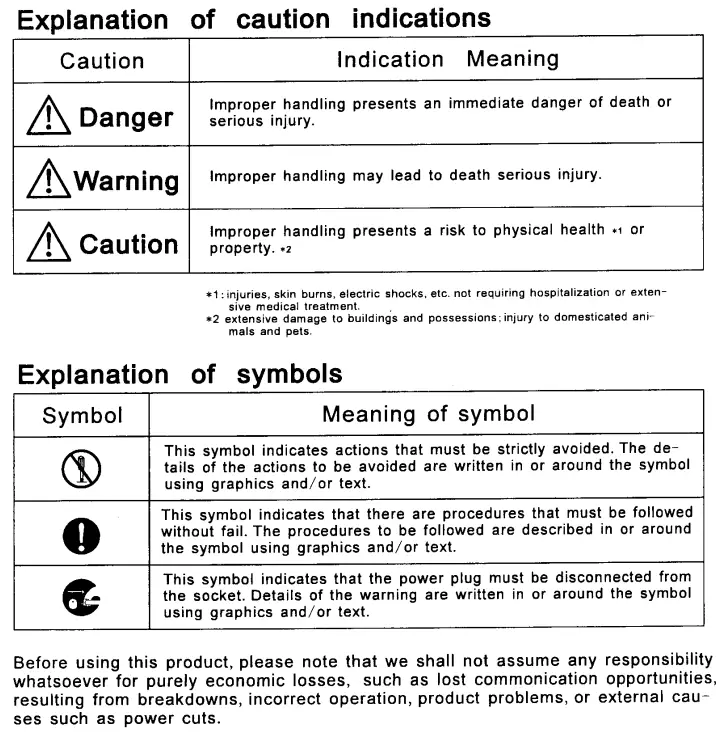
Warning
- This unit should only be used with a standard wall outlet 110VAC. f it is used in any other manner electric compulsory shock and fire could occur.
- Wash immediately with water if any liquid leaks from inside the unit and comes in contact with skin and or clothes.
- It may irritate the skin and could stain clothing. If any gets liquid wash immediately and contact a doctor. It may cause injury to the eye.
- Never touch the chassis of the unit during use. The surface of the product may become very hot, especially the heats sink. A burn to the skin may occur.
- Do not short-circuit the cables. Make sure the cables are connected to the correct terminal (Positive to positive and negative to negative)
FAQs
No, it isn’t a regulated power source.
As you are aware, the continuous amperage is at least 25, but the surge amperage is 30.
Although voltage cannot be adjusted, there are three outlets. 1 – 30amp 10 and 3 amps, respectively.
No. It is not a battery charger, but a power supply. A battery charger comes with built-in charging and protection circuits.
Amps are initially low. Very low-key don’t even think about it. Power supply is significantly quieter than the fan on HF ham equipment.
I just took a measurement, and it is 58 inches, or almost 4′ 10″. Simply buy a larger or shorter plug and plug it in because it is a standard appliance plug.
It only uses 110 volts to run.
The power source occasionally produces on-frequency noise. To remove noise from a frequency, use the noise offset. I use my TP30 to power both my HF and 2 meter transceivers, and I only become aware of the noise while I’m on the 40 meter band.
Fan noise is hardly audible.
Yes, the meter is equipped with a great, brilliant white LED lamp. It also runs incredibly cool and is very well made.
Pulse width modulation controls the output voltage of a switch mode power supply (PWM). Although this technique produces high-frequency noise, it offers tremendous efficiency in a compact design.
Pulse width modulation is a technique used by a switching DC power supply, sometimes referred to as a switch mode power supply, to control the output voltage (PWM). Despite the high frequency noise that the PWM method produces, switching power supplies can be constructed with very high power efficiency and a tiny form factor.
By converting uncontrolled AC (alternating current) to a constant DC, a regulated power supply (often referred to as a linear power supply) assures that the output current remains constant even if the input fluctuates (direct current).
A switching power supply accepts an AC input but first rectifies and filters into DC, then converts back to AC at a high switching frequency, steps down the voltage with a transformer, and finally rectifies and filters into a DC output.